


Music HUD Plugin (26.2, 1.21.1) – Turn Your Server Into a Shared Radio Station

 0
0 

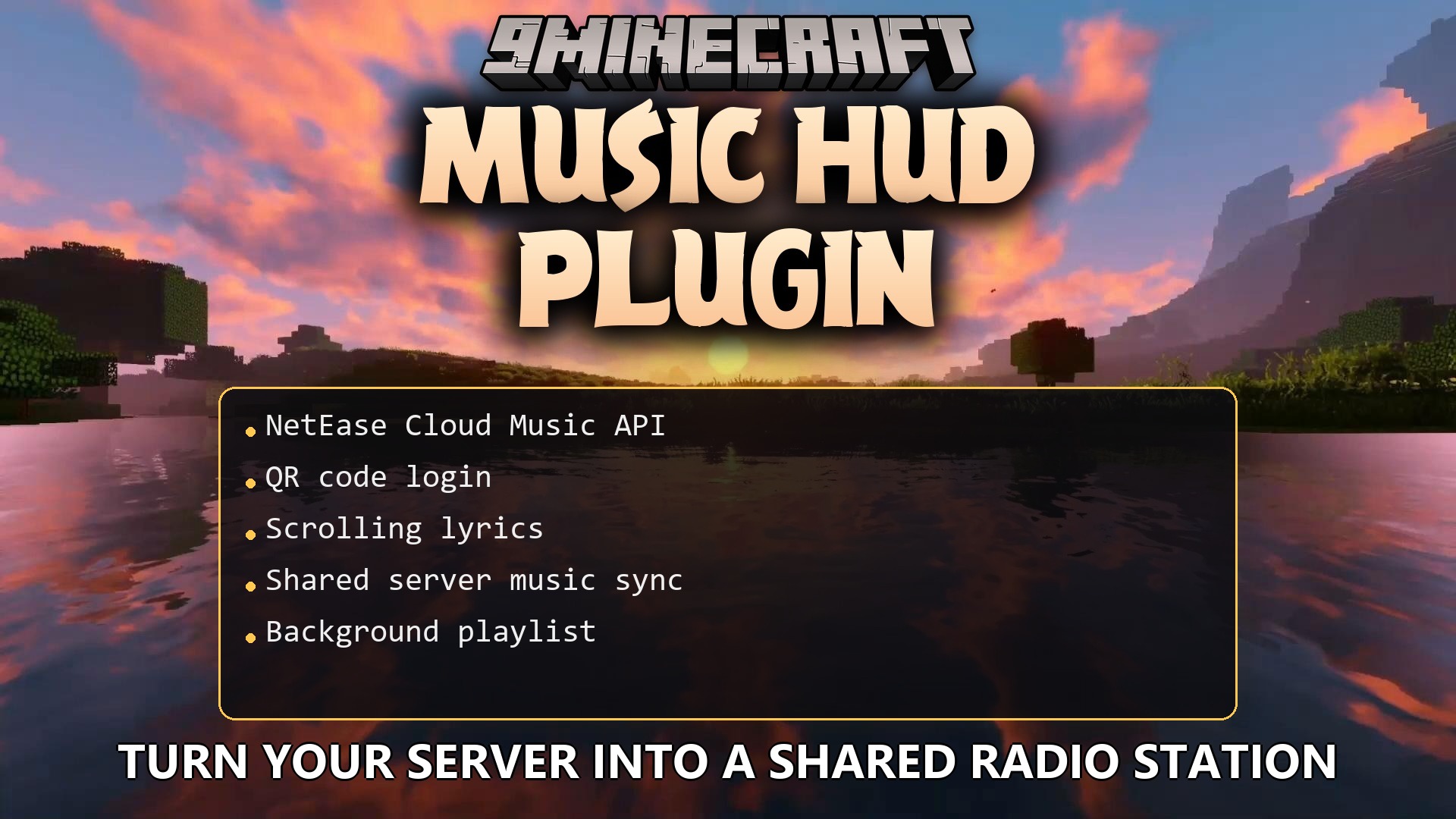
Music HUD Plugin lets you play songs for everyone on your server. This plugin connects to NetEase Cloud Music so players can search for tracks and request them in the game. It adds a music player on your screen that shows the song name, the person who picked it, and scrolling lyrics. The music plays at the same time for all players, making the game feel like a shared radio station. You do not need to change any basic game rules to use it.
Features:
- Shared Server Music: The plugin syncs the music queue so every player hears the same song at the exact same time.
- On-Screen Player: It adds a clean display to your screen showing the current song, artist, and a background that moves.
- Players can search for specific songs, full albums, or artists right inside the game using a simple menu.
- You can log in to your NetEase Cloud Music account using a QR code to find your saved playlists.
- The screen shows scrolling lyrics that match the song, just like a real music app.
- It shows the face and name of the player who requested the current track.
- The system streams the audio directly without saving large files on your computer.
- Servers can set up a background playlist that plays automatically when no one requests a song.
How to Use:
- Put the plugin file and its required dependency files into your game folder.
- Open the settings menu in the game.
- Click the download button to automatically get the required API server files.
- If you run a dedicated server, download the NetEase Cloud Music API Enhanced file separately and run it.
- Search for a song in the game menu to add it to the server queue.
How to Install:
New to Minecraft? Follow our step-by-step guide to install Plugins on your PC.View Guide
Requirements:
ModernUI Required
Music HUD Plugin Download Links
For Minecraft 26.2
For Minecraft 26.1.2, 26.1.1, 26.1
For Minecraft 1.21.11
For Minecraft 1.21.10, 1.21.9
For Minecraft 1.21.8, 1.21.7, 1.21.6
For Minecraft 1.21.1, 1.21
Click to rate this post!
[Total: 0 Average: 0]
You May Also Like










This post has no comments yet. Be the first — your comment will appear here.