
MyLoot Mod (1.20.1, 1.19.3) – Never Miss Loot in Multiplayer Chests

 0


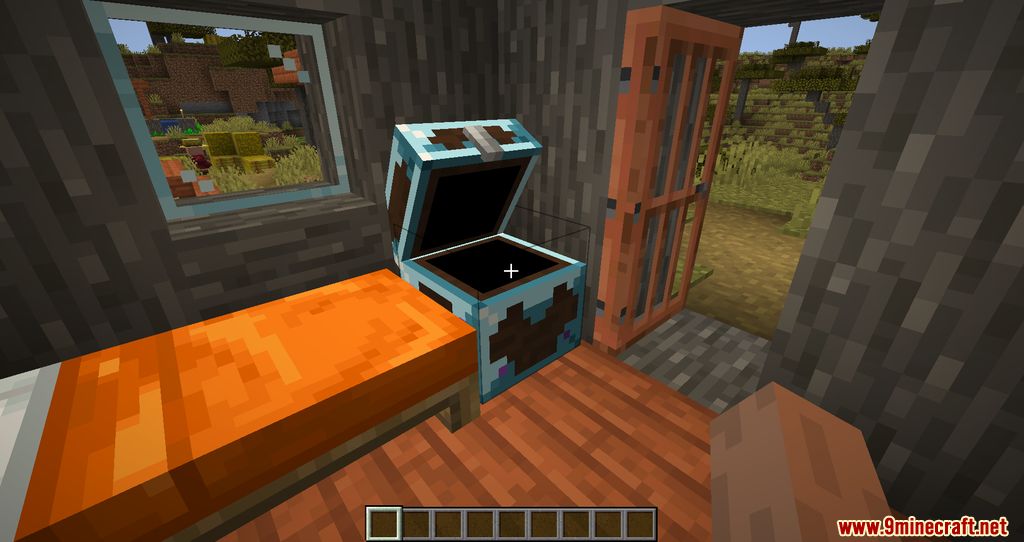
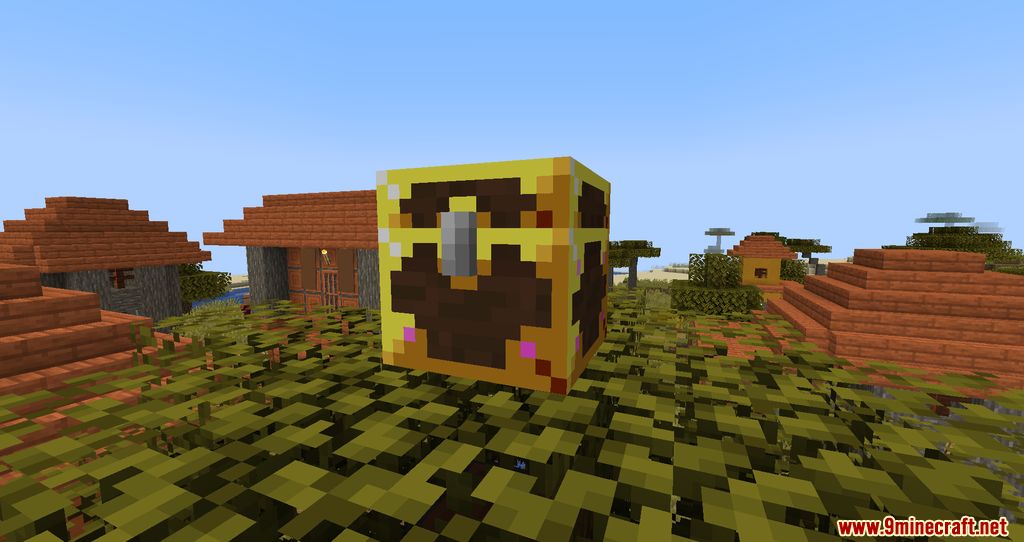
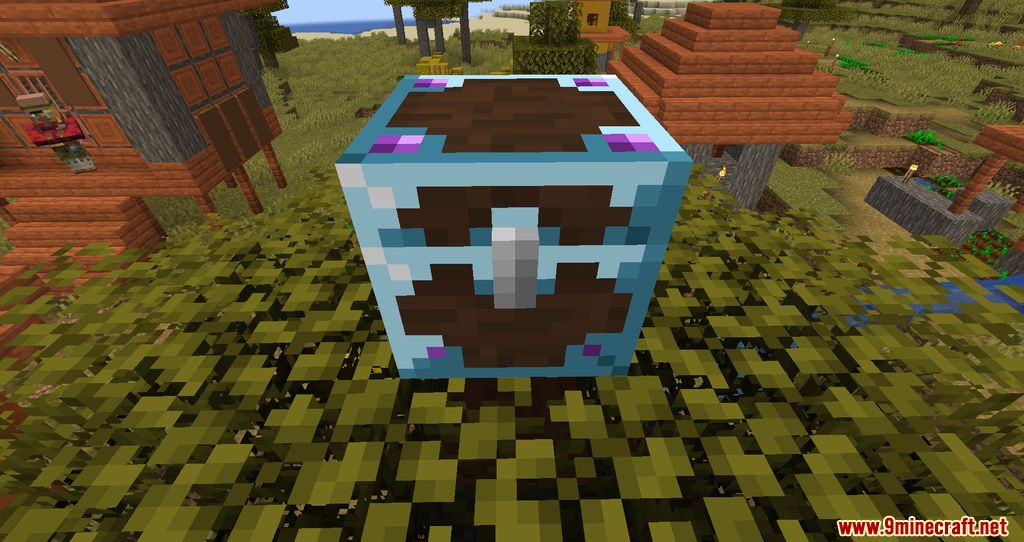
MyLoot Mod changes how players find treasure in the wild by giving every player their own personal loot inside chests. On multiplayer servers, chests stay full for everyone so new players never find empty boxes left behind by others. The mod updates regular containers like chests and barrels in both vanilla and modded structures. It also adds a custom texture change so you can see which chests you already opened.
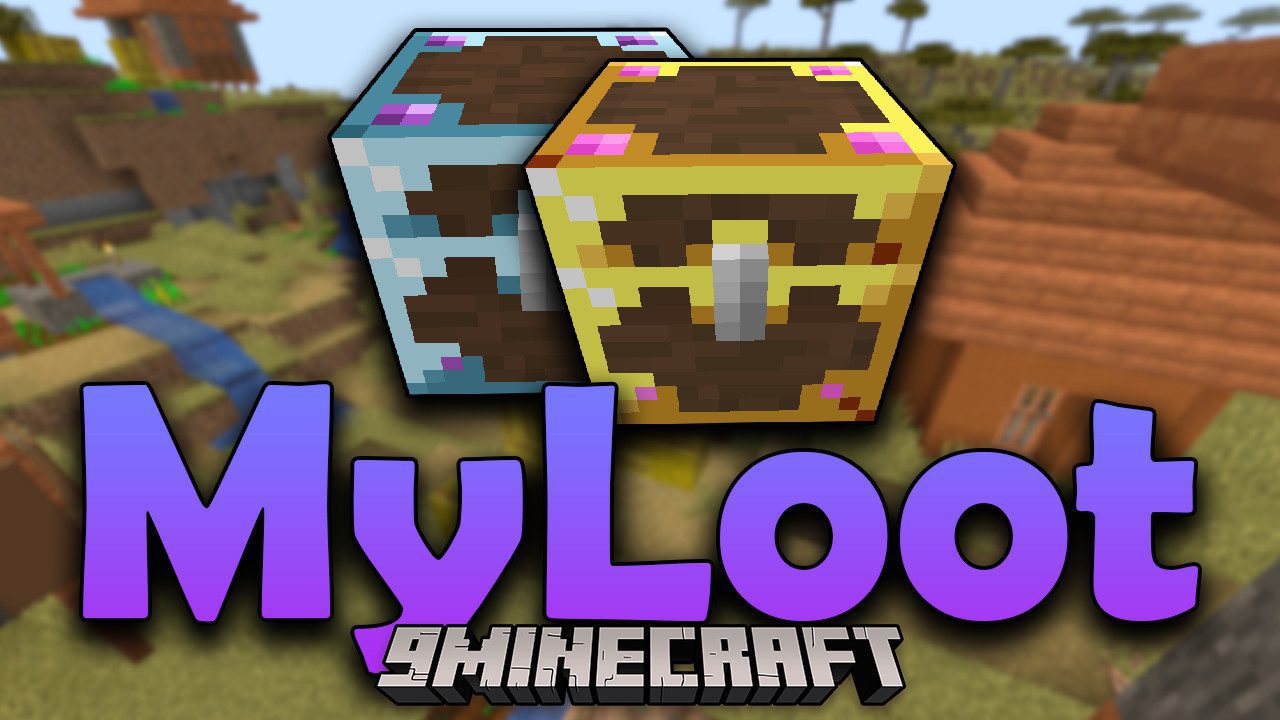
Features:
- Replaces standard loot chests with personal containers that hold unique loot for every individual player.
- Works on regular chests, double chests, barrels, chest minecarts, and shulker boxes.
- Functions properly in both vanilla biomes and modded structures, dungeons, villages, strongholds, and dimensions.
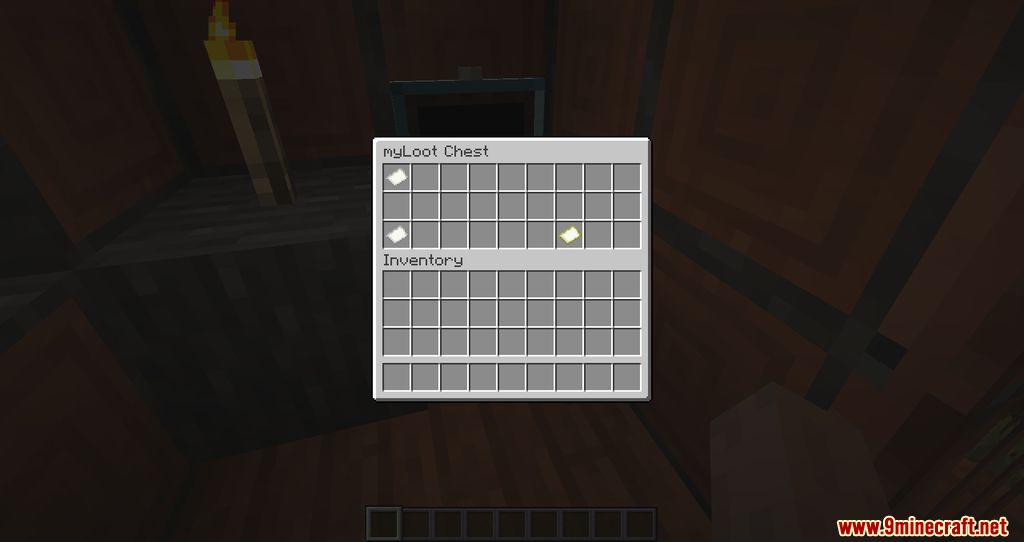
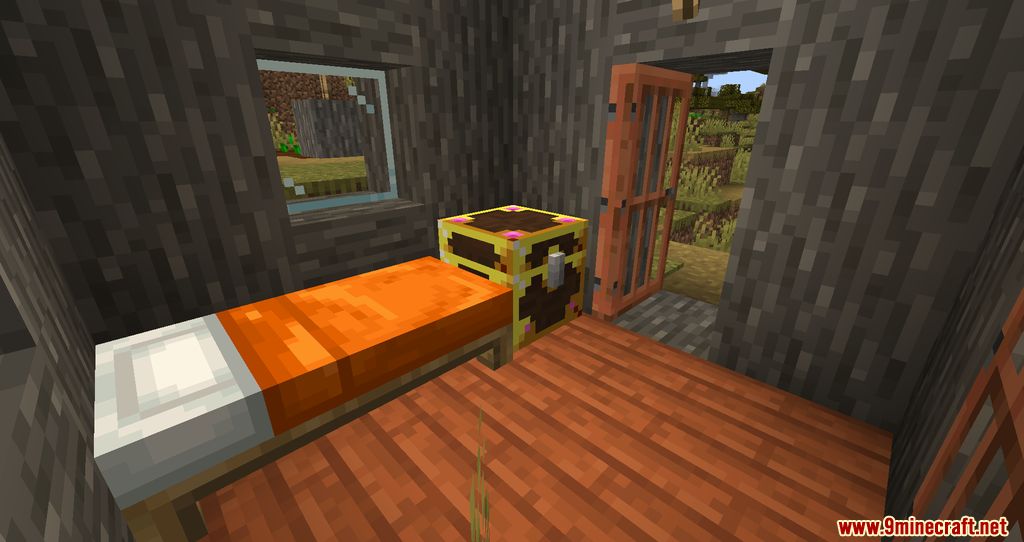
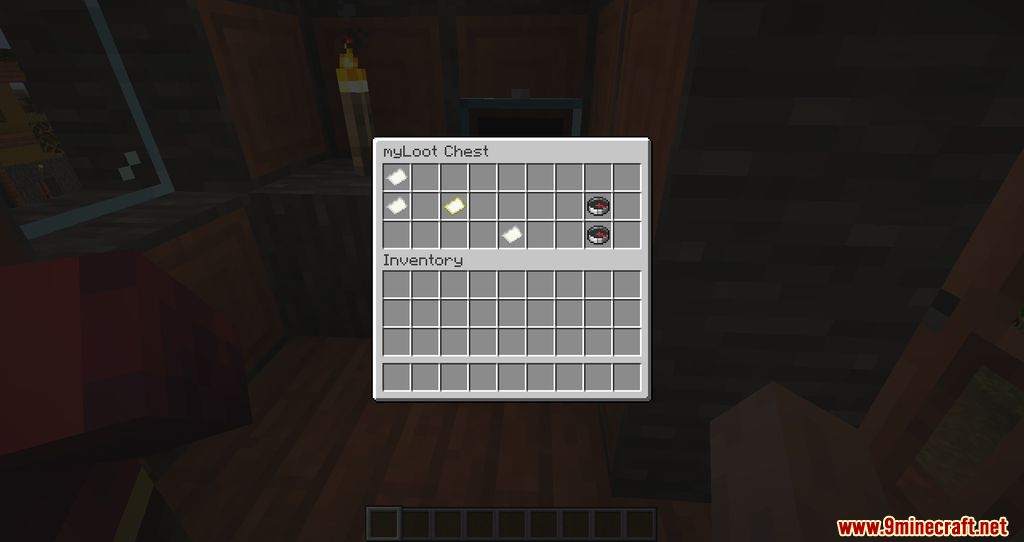
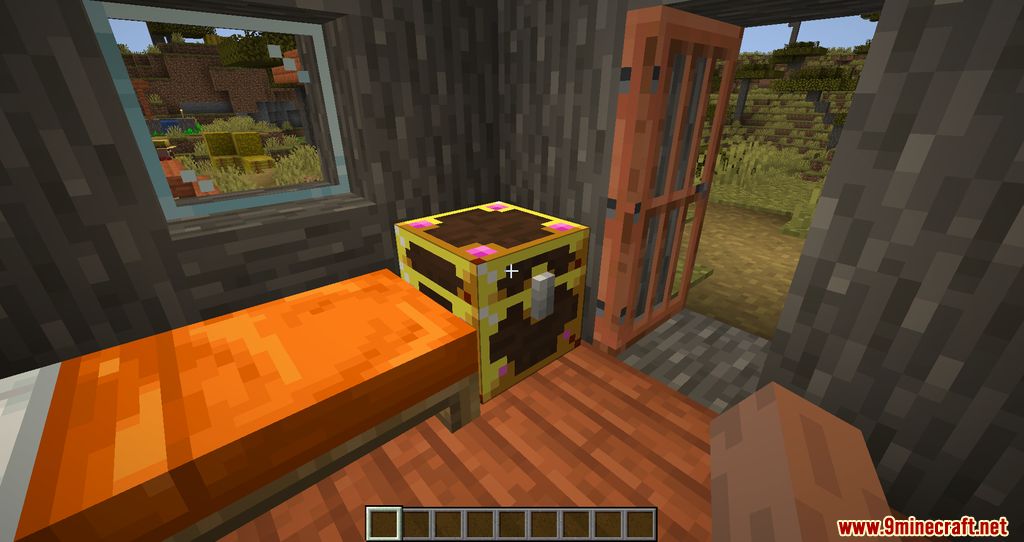
- Changes container textures on the client side after you open them so you can easily track explored areas.
- Warns you when breaking a container so you do not accidentally hurt other players’ stored items.
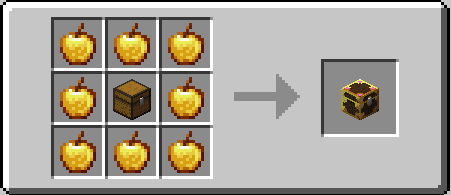
- Allows you to craft a special myLoot chest by surrounding a normal chest with enchanted apples.
- Lets you craft a myLoot chest minecart using a myLoot chest and a minecart together.
- Provides a portable shulker box experience that keeps your personal instanced inventory safe when picked up and placed back down.
How to Use:
- Find any natural loot chest, barrel, or chest minecart out in the world.
- Open the container to receive your own personal set of items without affecting what other players see.
- Hold the sneak key while breaking a container if you need to mine it up.
- Place your crafted myLoot shulker box down anywhere to access your saved personal items on the go.
Crafting Recipes:
Screenshots:
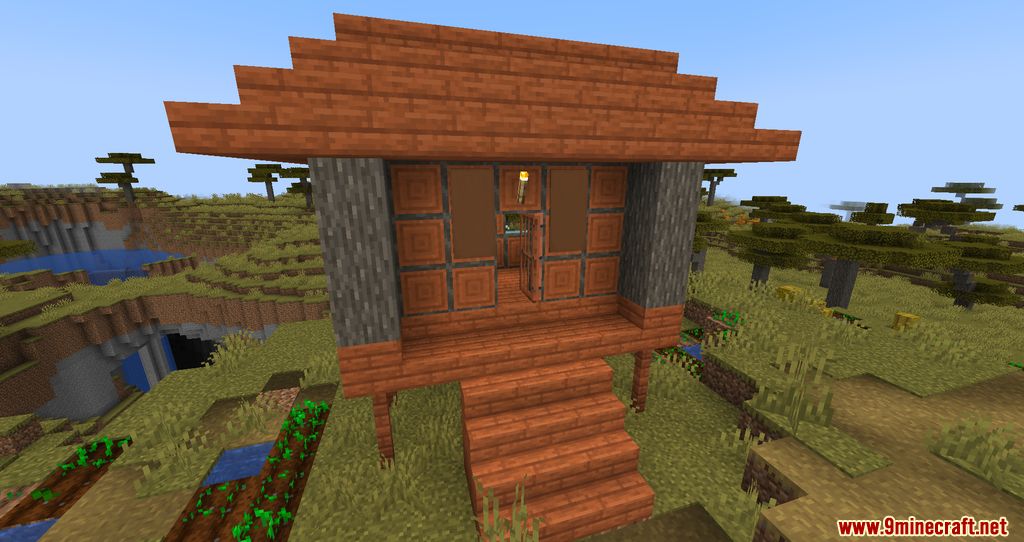
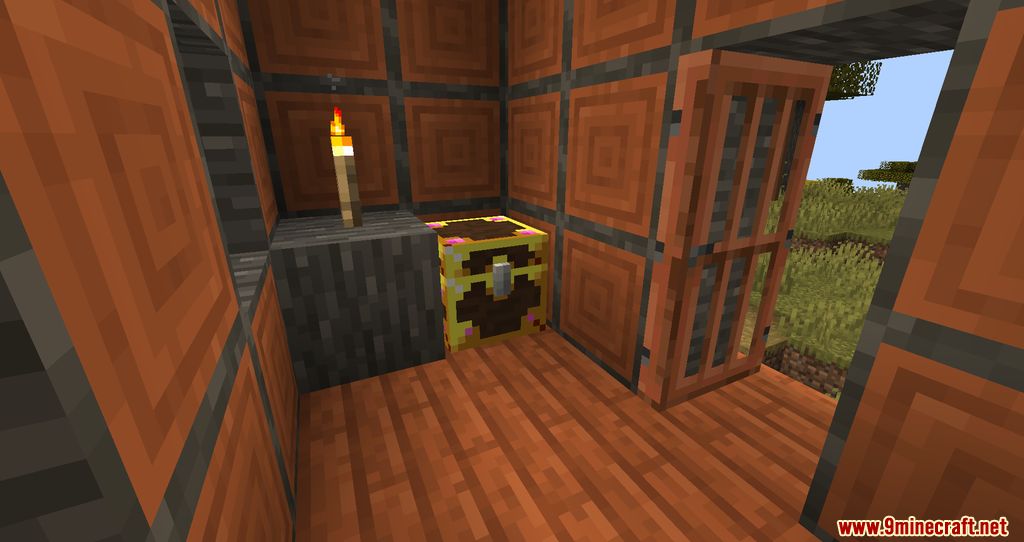
How to Install:
New to Minecraft? Follow our step-by-step guide to install Mods on your PC.View Guide
MyLoot Mod Download Links
For Minecraft 1.20.1
Fabric/Quilt version: Download from Server 1 – Download from Server 2
For Minecraft 1.19.3
Fabric/Quilt version: Download from Server 1 – Download from Server 2
For Minecraft 1.19.2
Fabric/Quilt version: Download from Server 1
For Minecraft 1.19.1
Fabric version: Download from Server 1
For Minecraft 1.19
Fabric version: Download from Server 1
For Minecraft 1.18.2
Fabric version: Download from Server 1
What is your biggest frustration when playing with mods?
0 responses · See the full results →
You May Also Like
Picked for this page
 Controlify Mod (26.3, 1.20.1) – Leave Your Keyboard Behind
 Cobblemizer Mod (1.21.1, 1.20.1) – Customize Your Pokémon
 OriginsTweaks Mod (1.21.1, 1.20.1) – Unleash New Active Skills for Each Origin
 No Report Button Mod (26.3, 1.20.1) – Remove Chat Report
 Console Filter Mod (26.2, 1.20.1) – Hide Annoying Messages from Your Console Logs
 Advancements Search Mod (26.3, 1.20.1) – Easily Find Advancements by Searching
 Big Lost City Mod (26.1.2, 1.20.1) – Apocalyptic Structures
 Dark Fantasy Nordic Tombs Mod (1.21.1, 1.20.1) – Raid Unbreakable Tombs
 KubeJS TFC Mod (1.21.1, 1.20.1) – Rewrite TerraFirmaCraft
 No Chat Restrictions Mod (26.3, 1.20.1) – Unblocks Game Chat and Multiplayer
 SCP-6096 The Blanket Ghost Mod (1.20.1, 1.19.2) – Don’t Let It Catch You
 Cobblemon Catch Rate Display Mod (1.21.1, 1.21) – Catch Probability Calculator
Most viewed in Mods over the last 7 days
 Ala Industrial Mod (26.3) – Run Electric Power Grids and Automated Factories
 PleasureCraft Mod (26.3, 1.21.1) – Jenny Mod Remake for Fabric
 Jennycraft Mod (26.3, 1.20.1) – Virtual Girlfriend in Minecraft
 Fapcraft Mod (26.3, 1.12.2) – Comprehensive and Detailed Content
 Jenny Mod (Fapcraft) Official Complete Guide – How to use, Tutorial
 BangCraft Mod (1.20.1) – Jenny, Ellie and Elliot
 Fabric Loader (26.3, 1.20.1) – Fabric Installer for All Minecraft Versions
 Meteor Client Mod (26.3, 1.20.1) – Xray, HUD, Fly
 OptiFine HD (26.3, 1.20.1) – Run Faster, FPS Boost, Shaders Support
 The Shooting Star Demo Mod (26.3, 1.20.1) – Vaporize Terrain From Orbit
 Aristois Client Mod (1.21.4, 1.20.1) – World Class Minecraft Utility
 SchnurriTV Mod (1.12.2) – Characters and Features
More from Mods
 Cinematic Interactions Mod (26.3, 1.20.1) – Watch Your Hands Work
 Macro Keybinds Mod (26.3, 1.20.1) – Macro Creation, Keybind Execution
 Better Enchantment Bookshelf Placement Mod (26.3, 1.20.1)
 RFTools Builder Mod (26.3, 1.20.1) – The Builder, Powerful Machine
 Block & Board Mod (26.3, 1.20.1) – Play Classic Tabletop Games with Friends
 Huge Structure Blocks Mod (26.3, 1.20.1) – Pushing Limits With Huge Structure Blocks Mod
 Rctapi Fix Mod (1.21.1) – Fight Cobblemon Trainers Without Any Server Crashes
 Better Title Screen Mod (26.3, 1.20.1) – Adding Custom Text Messages
 Log Cleaner Mod (26.3, 1.20.1) – Cleans Old and Unused Log Files
 Brick Variety Mod (26.3, 1.20.1) – More Brick Variants
 Fast Xp Mod (26.3, 1.21.1) – Faster XP Bottle Usage
 Cherry Villages Mot’s Structures Mod (26.3, 1.21.11) – Find Fresh Settlements

This post has no comments yet. Be the first — your comment will appear here.