


OpenBoatUtils Mod (1.21.11, 1.20.1) – Turn Minecraft Into a Kart Racer

 0
0 

🌐 Read this article in your language! Choose your preferred language below.
Or pick the one you like:
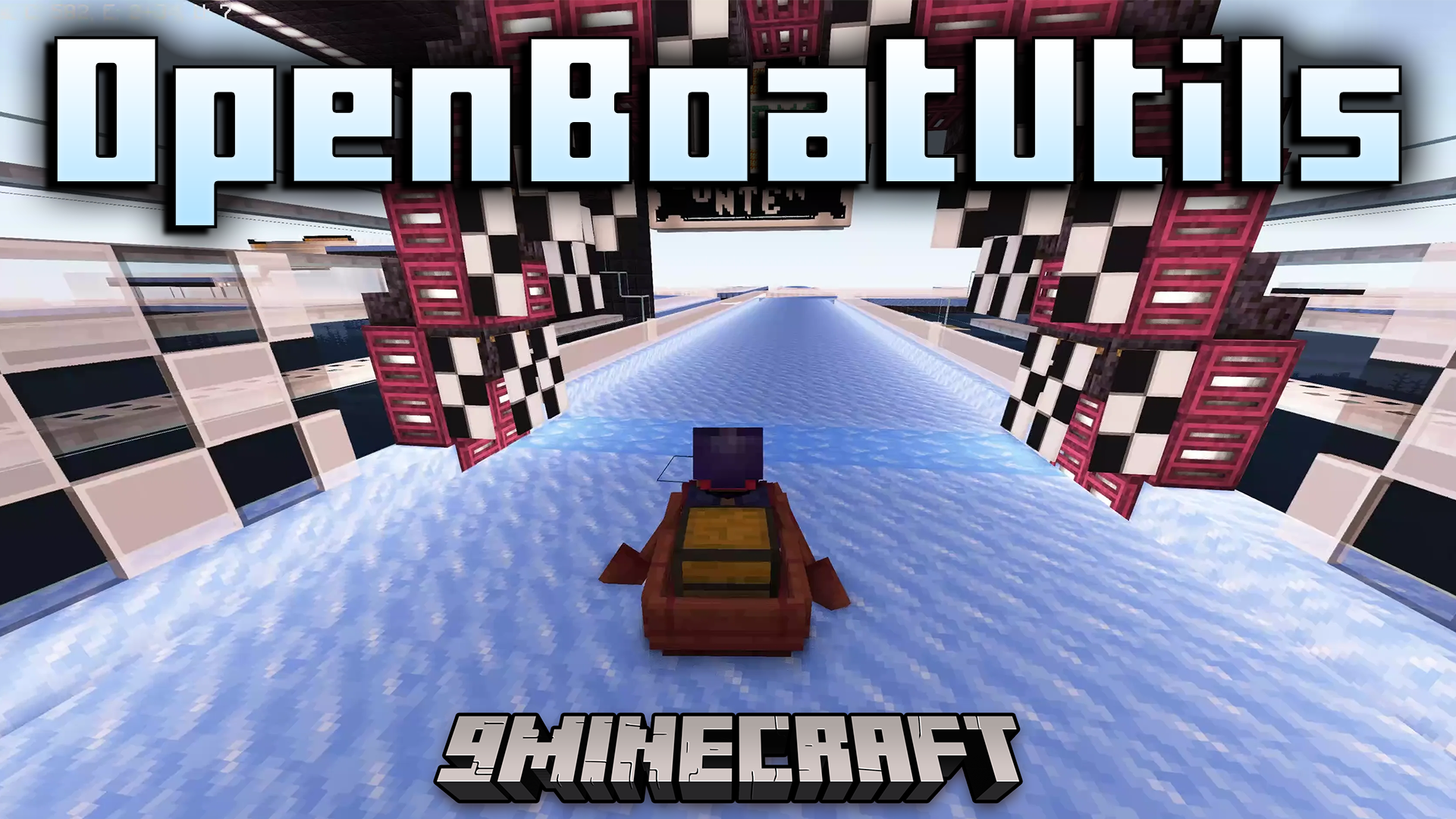
OpenBoatUtils Mod gives other mods and server plugins the tools to change how boats move and feel. This allows for custom boat physics, making things like boat racing on special ice tracks possible. You can also use commands in singleplayer to try out different boat settings for yourself.
Features:
- Change almost everything about how boats move and feel.
- This mod is a tool that lets other mods add new kinds of boats.
- Boats can have custom shapes and models, even looking like cars.
- Build custom race tracks on ice or other blocks with unique physics.
- Adds a speedometer to see your boat’s speed on screen.
- Gives you full control over boat physics with in-game commands.
Commands:
/reset– Puts all boat settings back to default./defaultslipperiness [number]– Sets how slippery all blocks are for boats./blockslipperiness [number] [blocks]– Makes only certain blocks slippery./aircontrol [true/false]– Lets you steer the boat while it is in the air./waterelevation [true/false]– Turns the boat’s bobbing motion in water on or off./falldamage [true/false]– Decides if your boat takes damage from long falls./jumpforce [number]– Changes how high a boat can jump./boatmode [mode]– Switches how the boat moves between different styles./boatgravity [number]– Adjusts how strongly gravity pulls the boat down./setyawaccel [number]– Changes how quickly the boat can turn left or right./setforwardaccel [number]– Sets how fast the boat speeds up when going forward./setbackwardaccel [number]– Sets how fast the boat speeds up when going backward./setturnforwardaccel [number]– Changes the boat’s speed while turning./allowaccelstacking [true/false]– Turns on or off if speed boosts can add up.
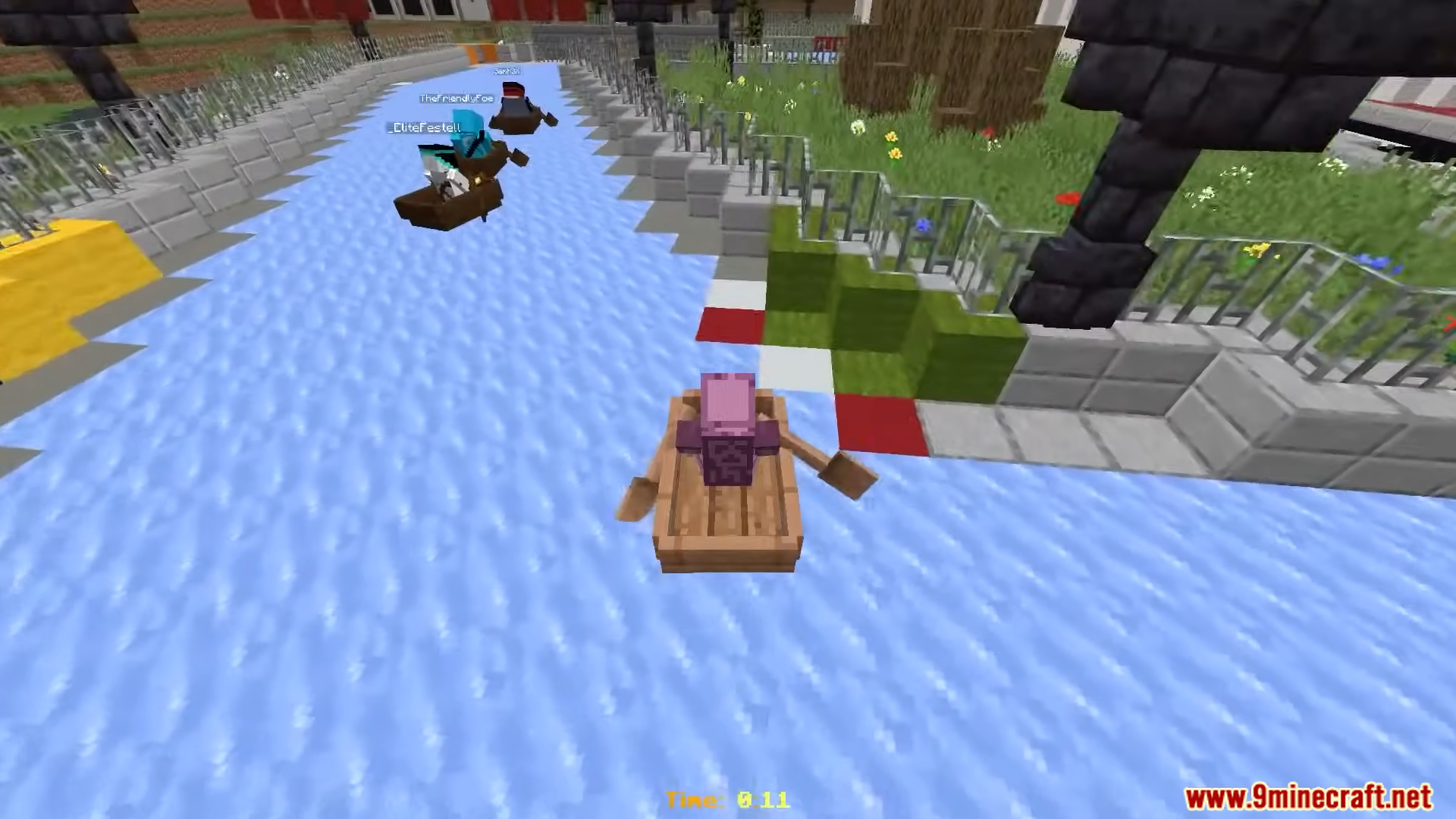
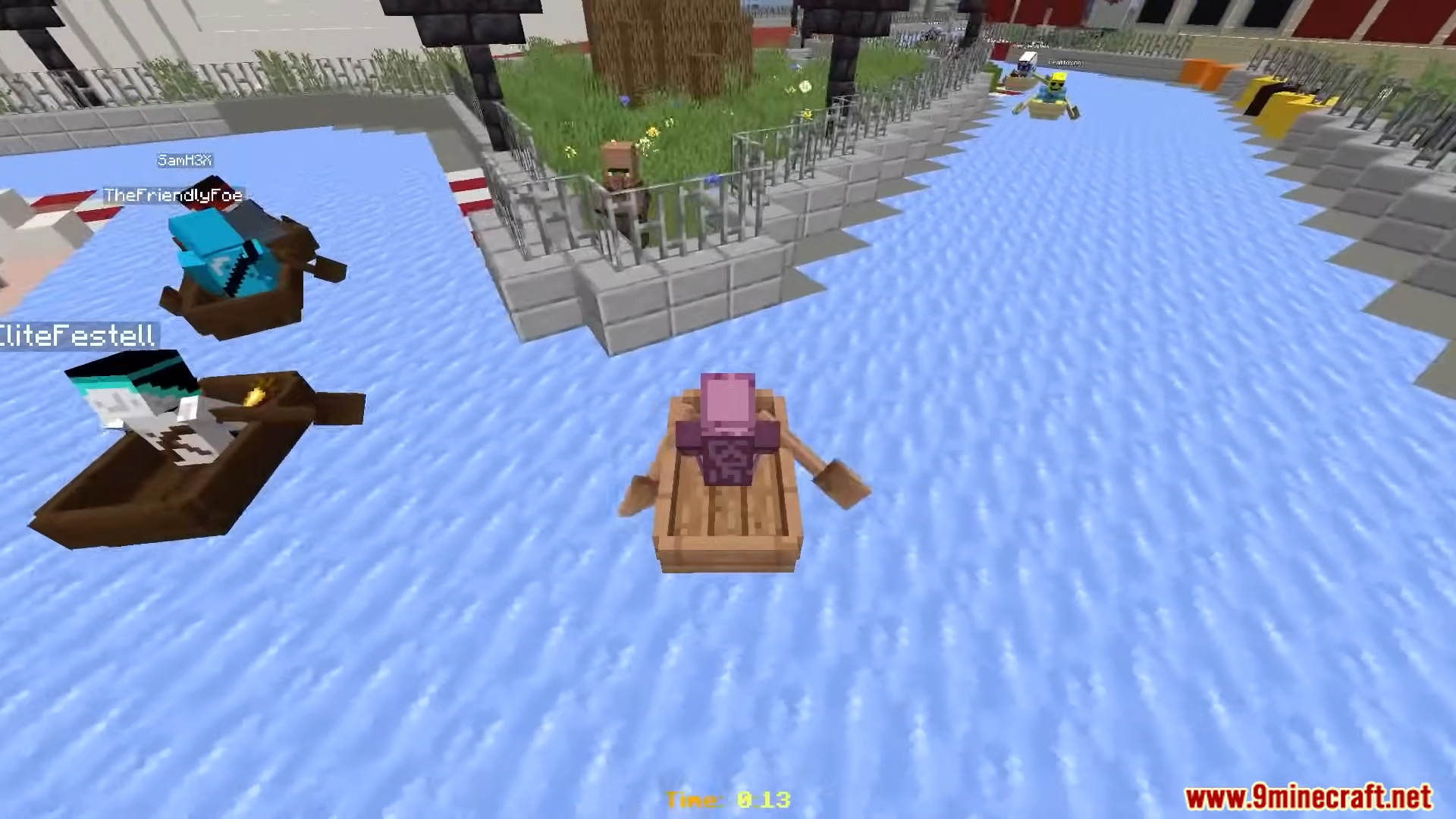
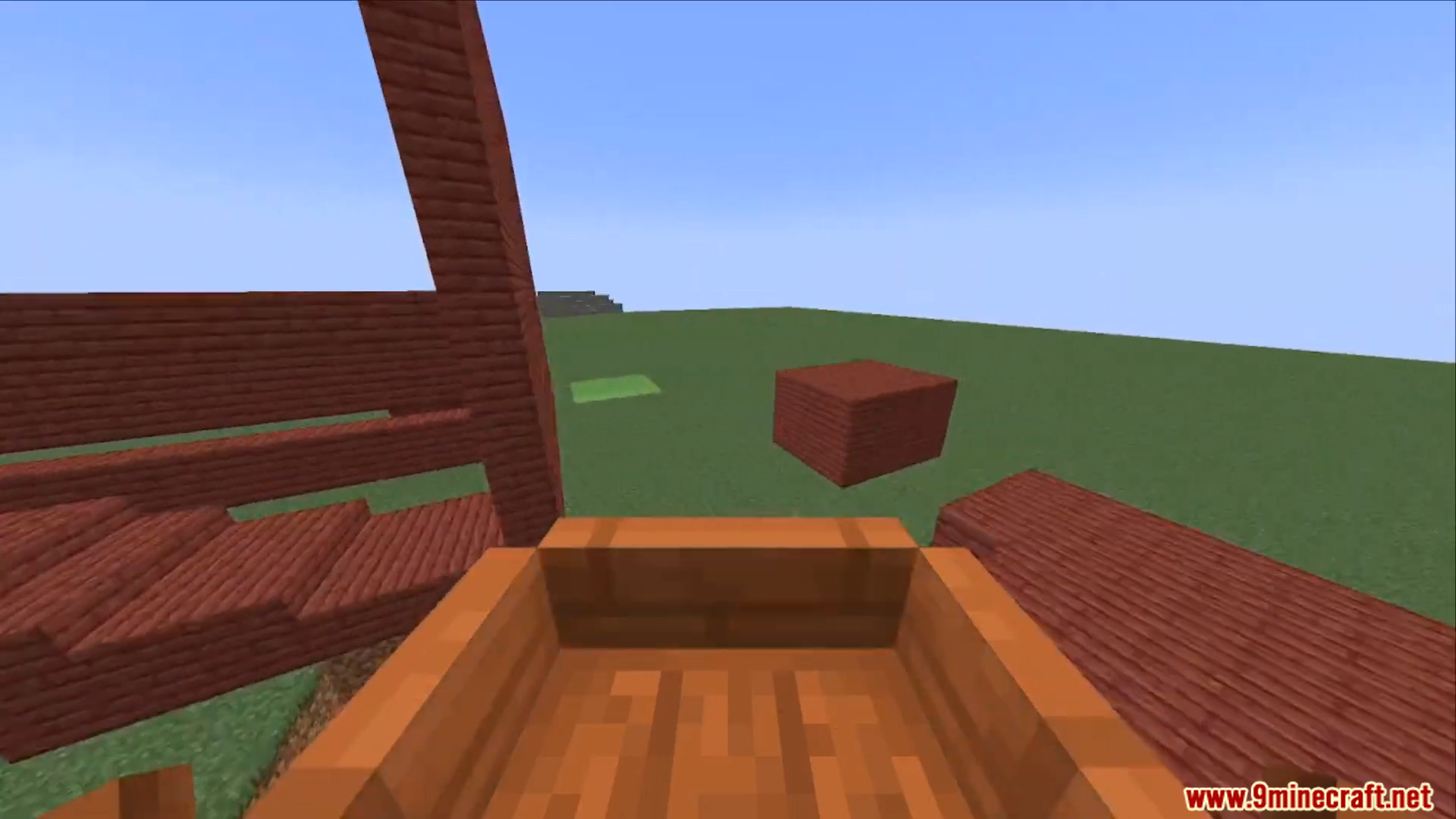
Screenshots:
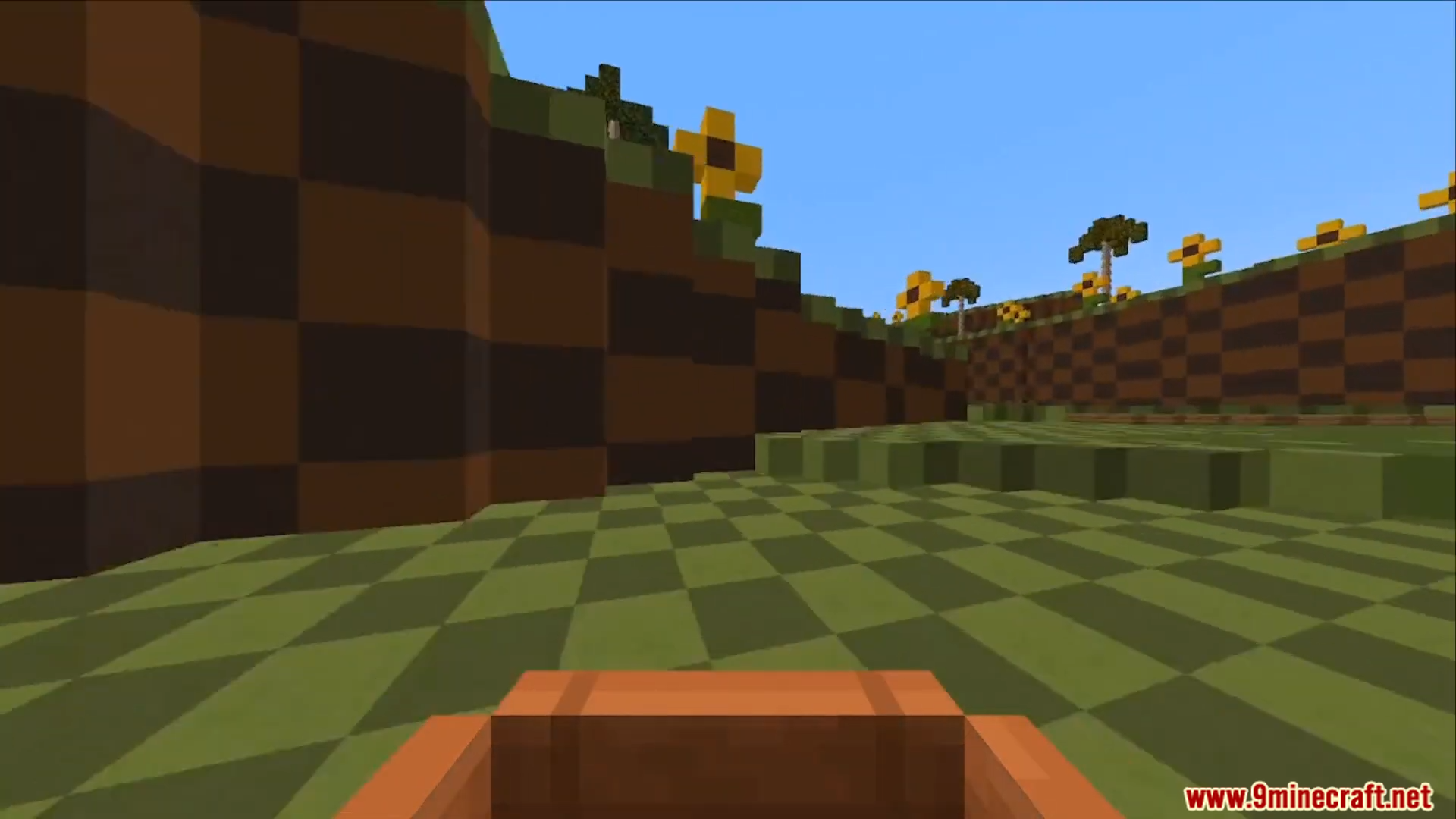
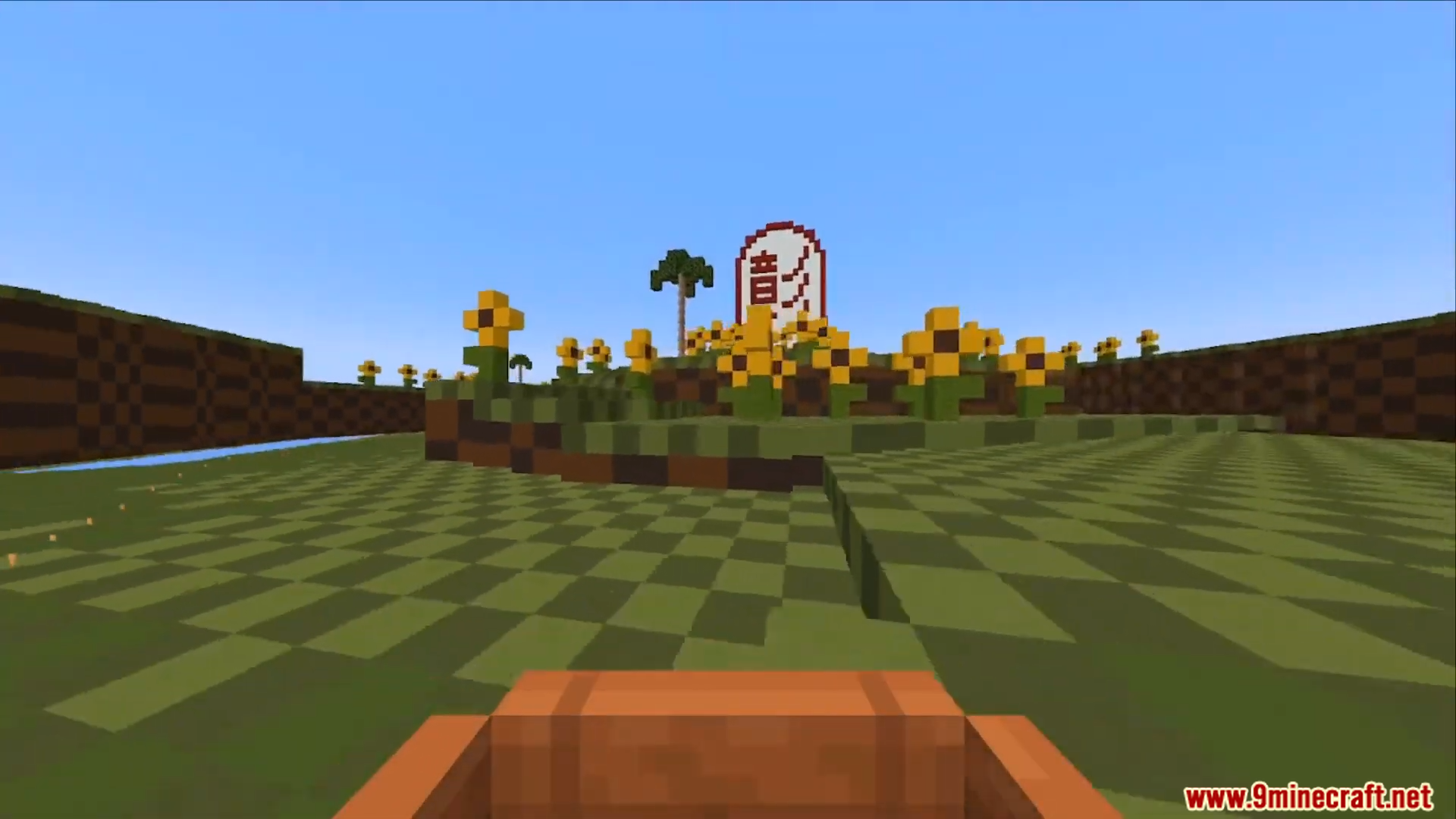
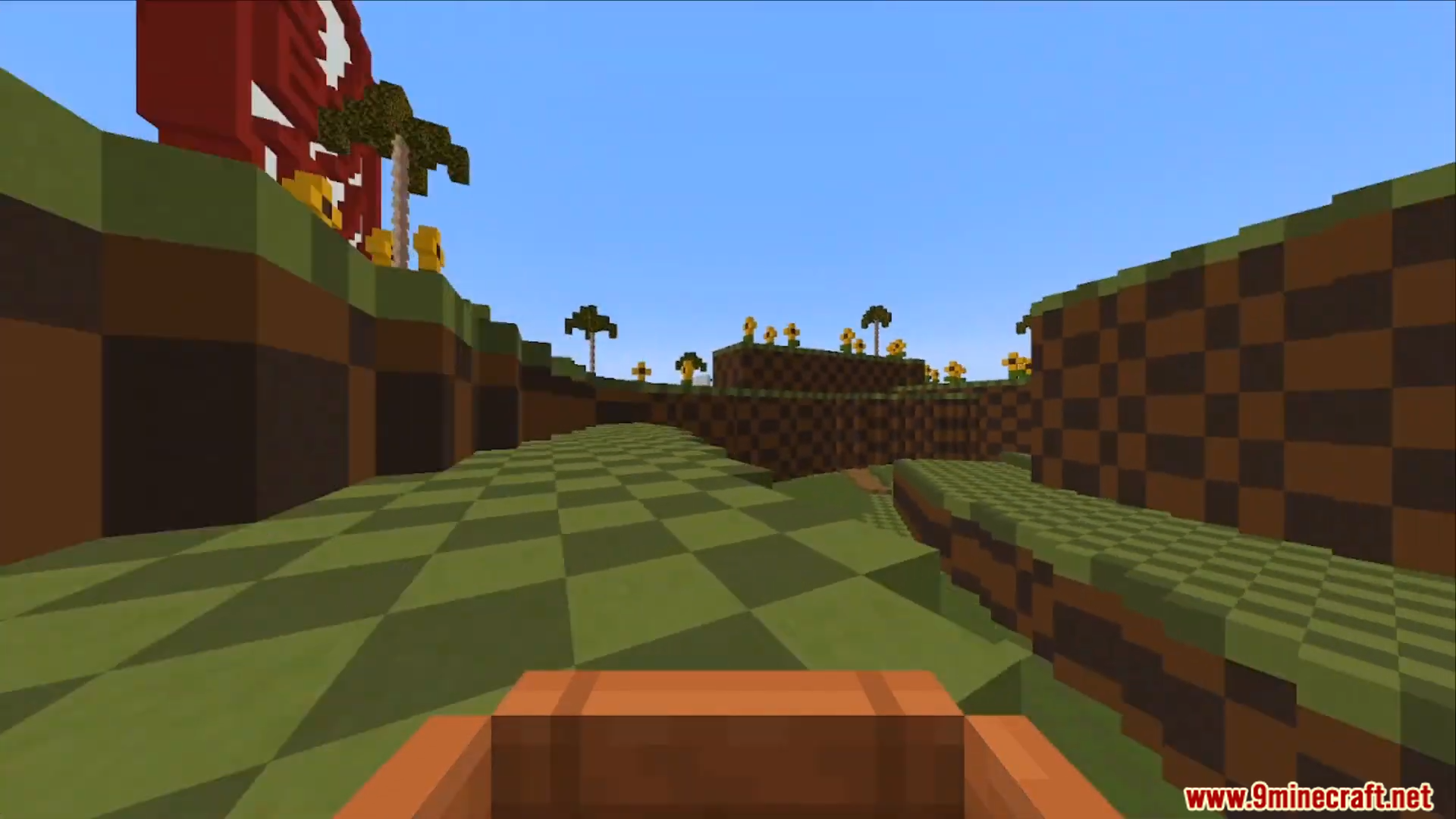
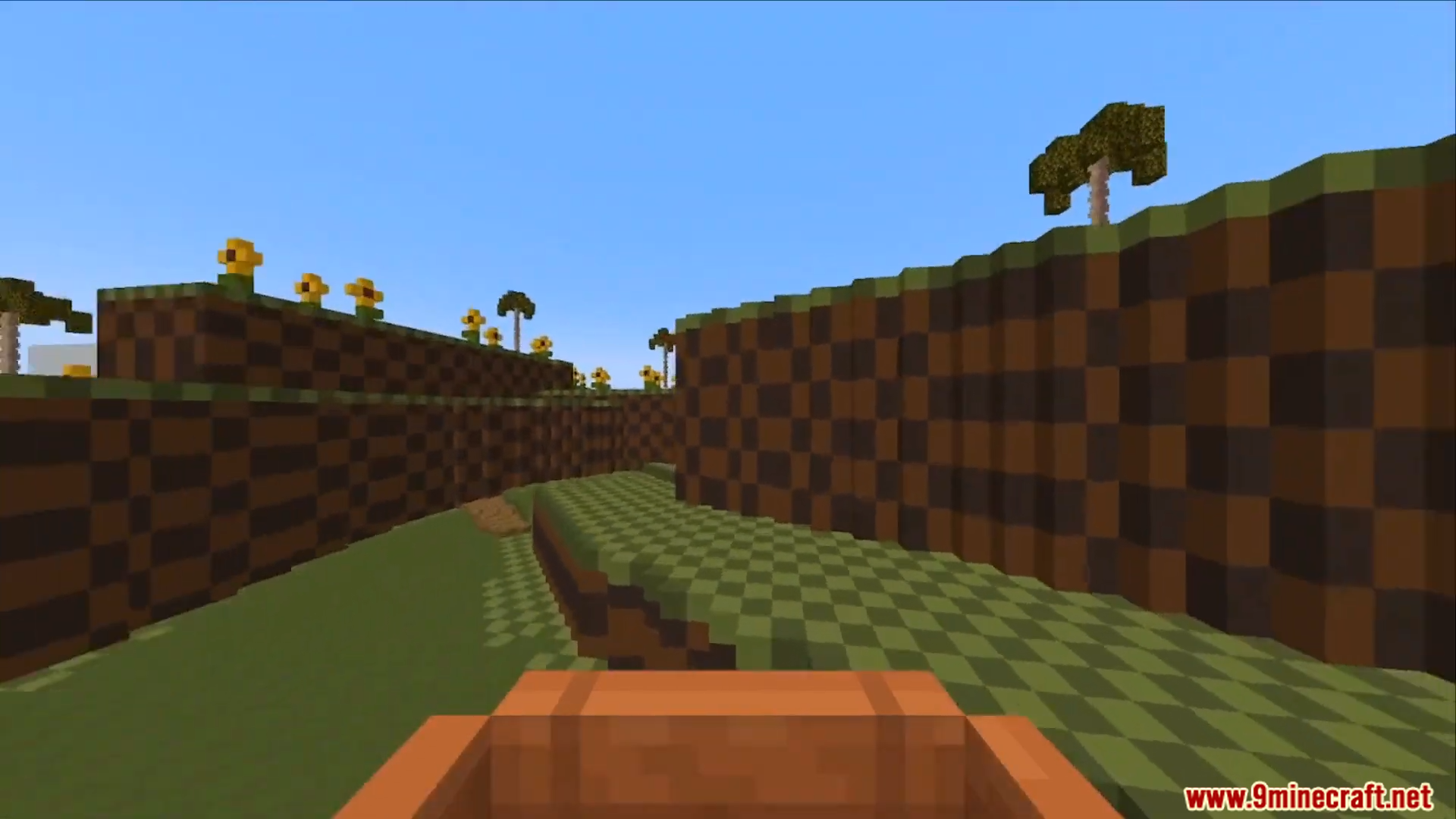
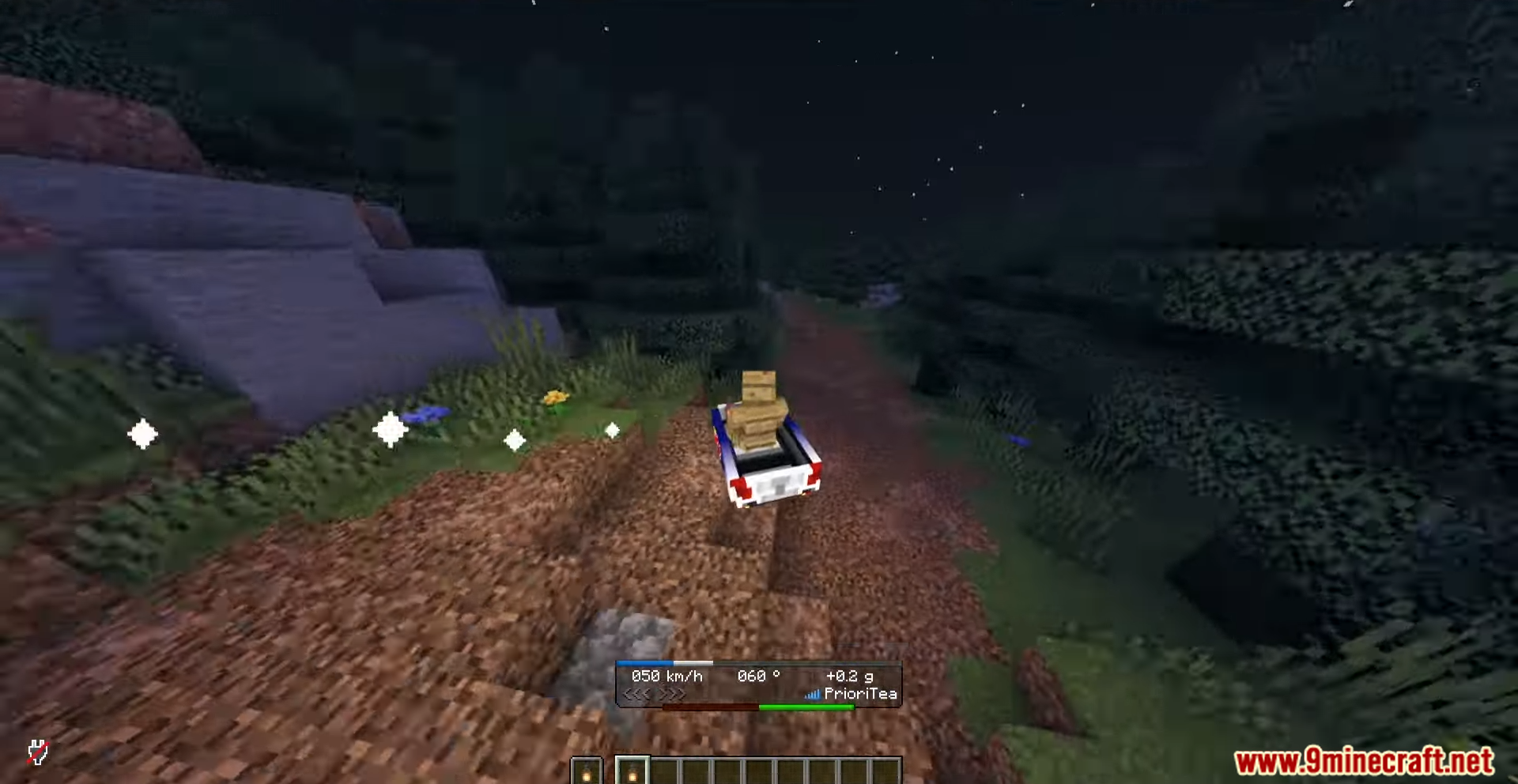
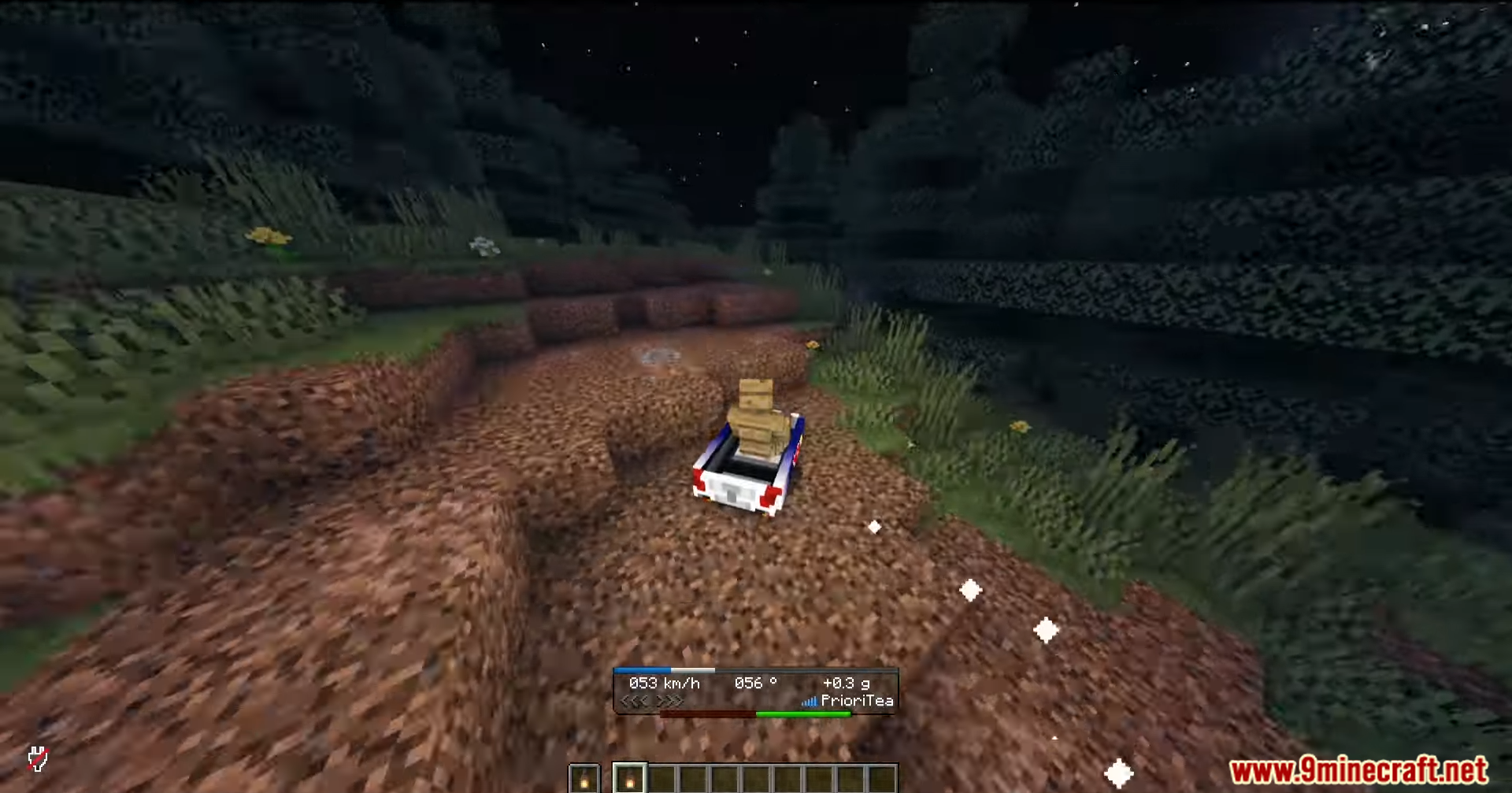
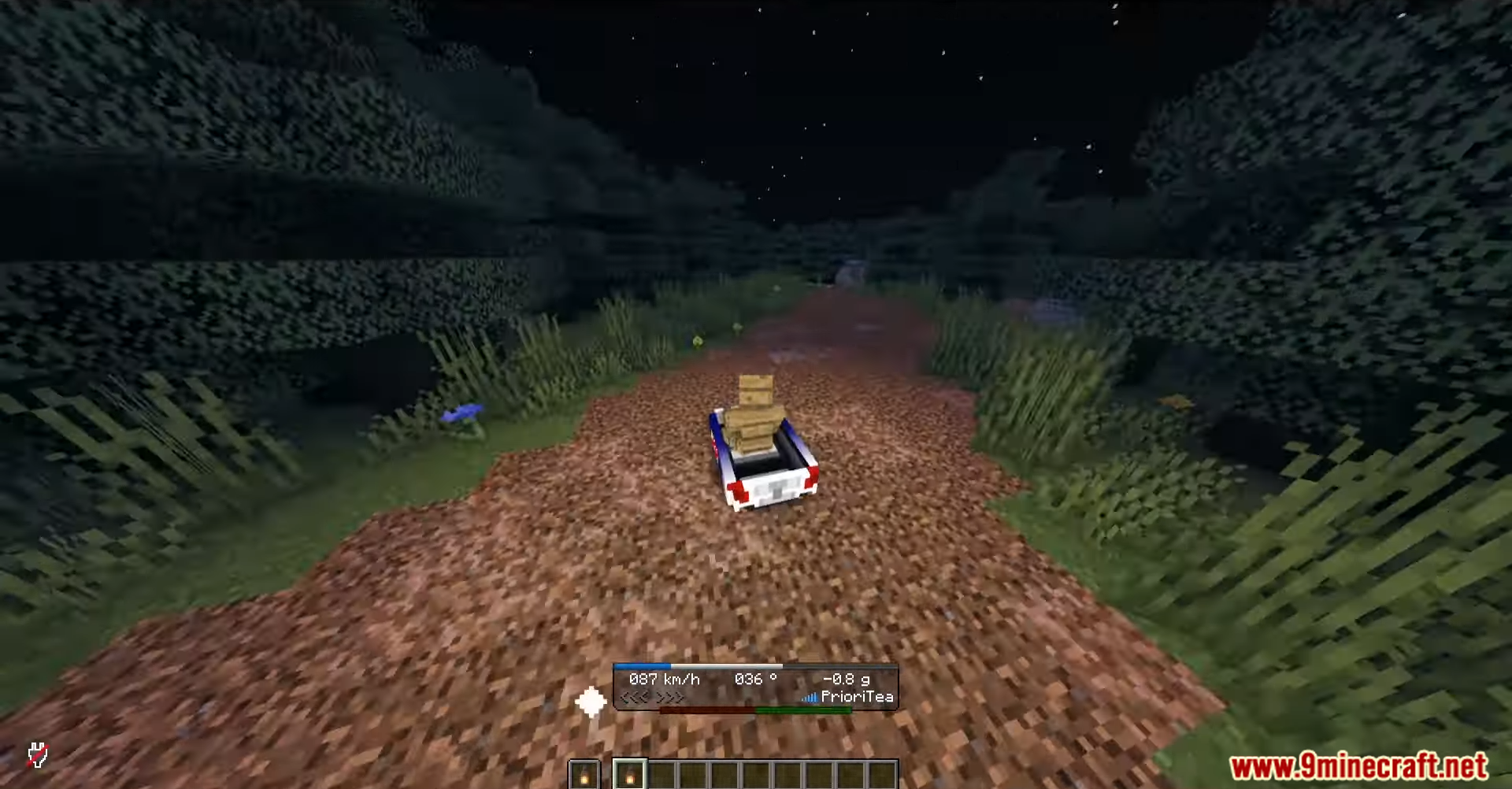
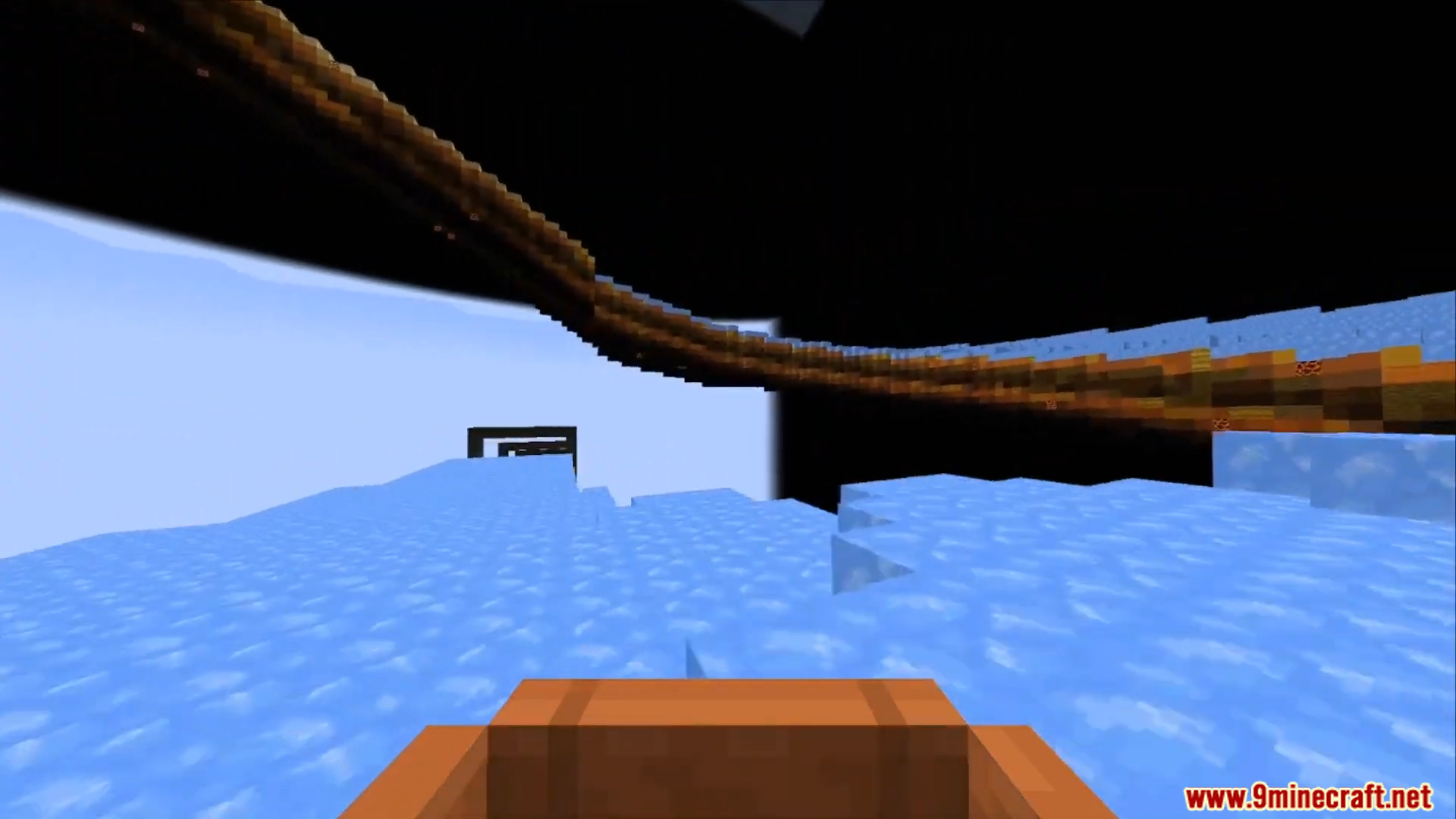
How to Install:
New to Minecraft? Follow our step-by-step guide to install Mods on your PC.View Guide
Requirements:


OpenBoatUtils Mod Download Links
For Minecraft 1.21.11, 1.21.10, 1.21.9
For Minecraft 1.21.8, 1.21.7, 1.21.6
For Minecraft 1.21.5
For Minecraft 1.21.4, 1.21.3, 1.21.2
For Minecraft 1.21.1, 1.21
For Minecraft
1.20.4,
1.20.3,
1.20.2
All Versions Covered
1.20.4
1.20.3
1.20.2
1.20.1
1.20
All Versions Covered
1.20.4
1.20.3
1.20.2
1.20.1
1.20
Click to rate this post!
[Total: 2 Average: 5]
You May Also Like


This post has no comments yet. Be the first — your comment will appear here.