


OSzoukaua’s: Real Height Mod (1.21.5, 1.21.1) – Configurable Player Height

 0
0 

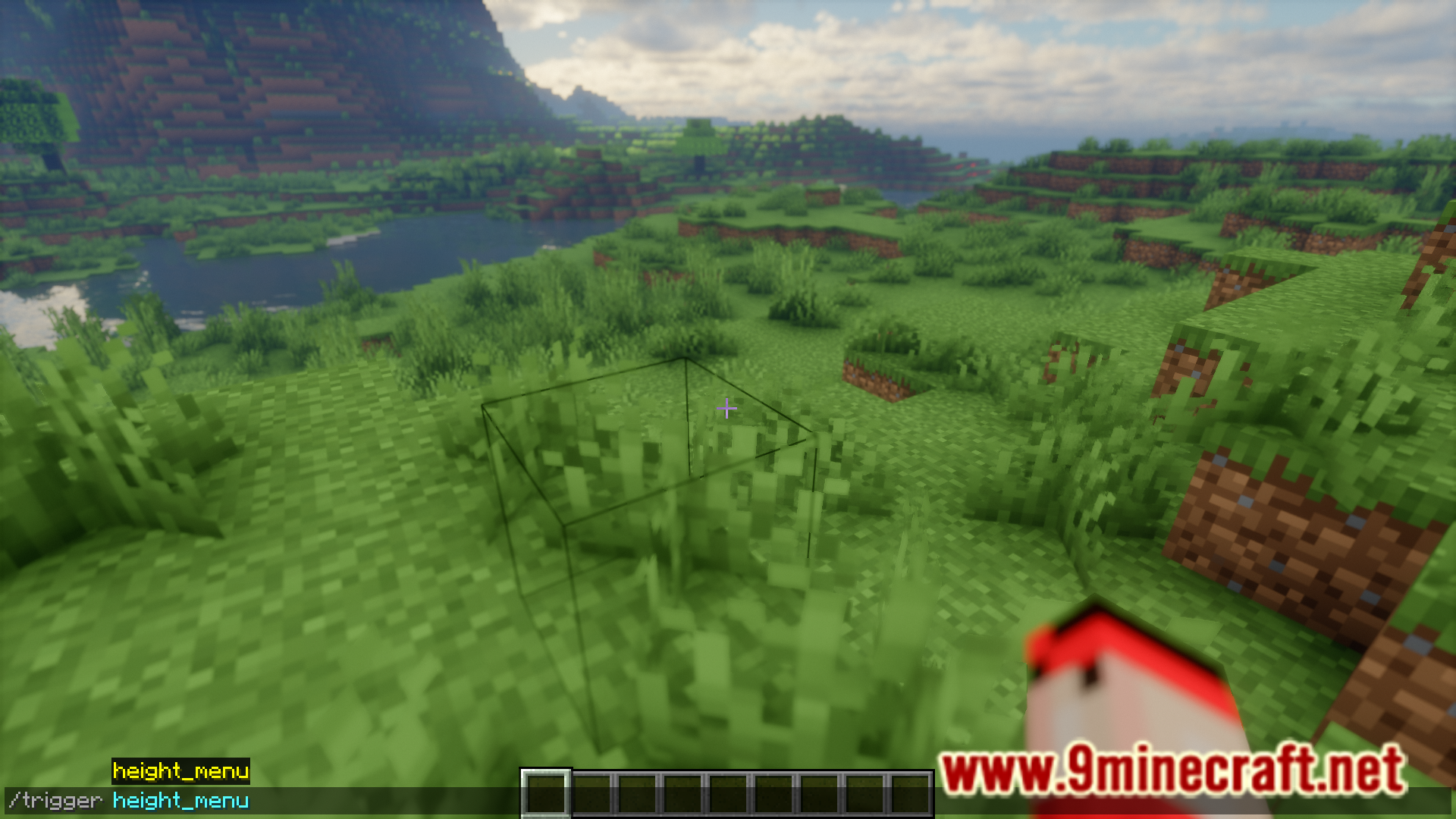
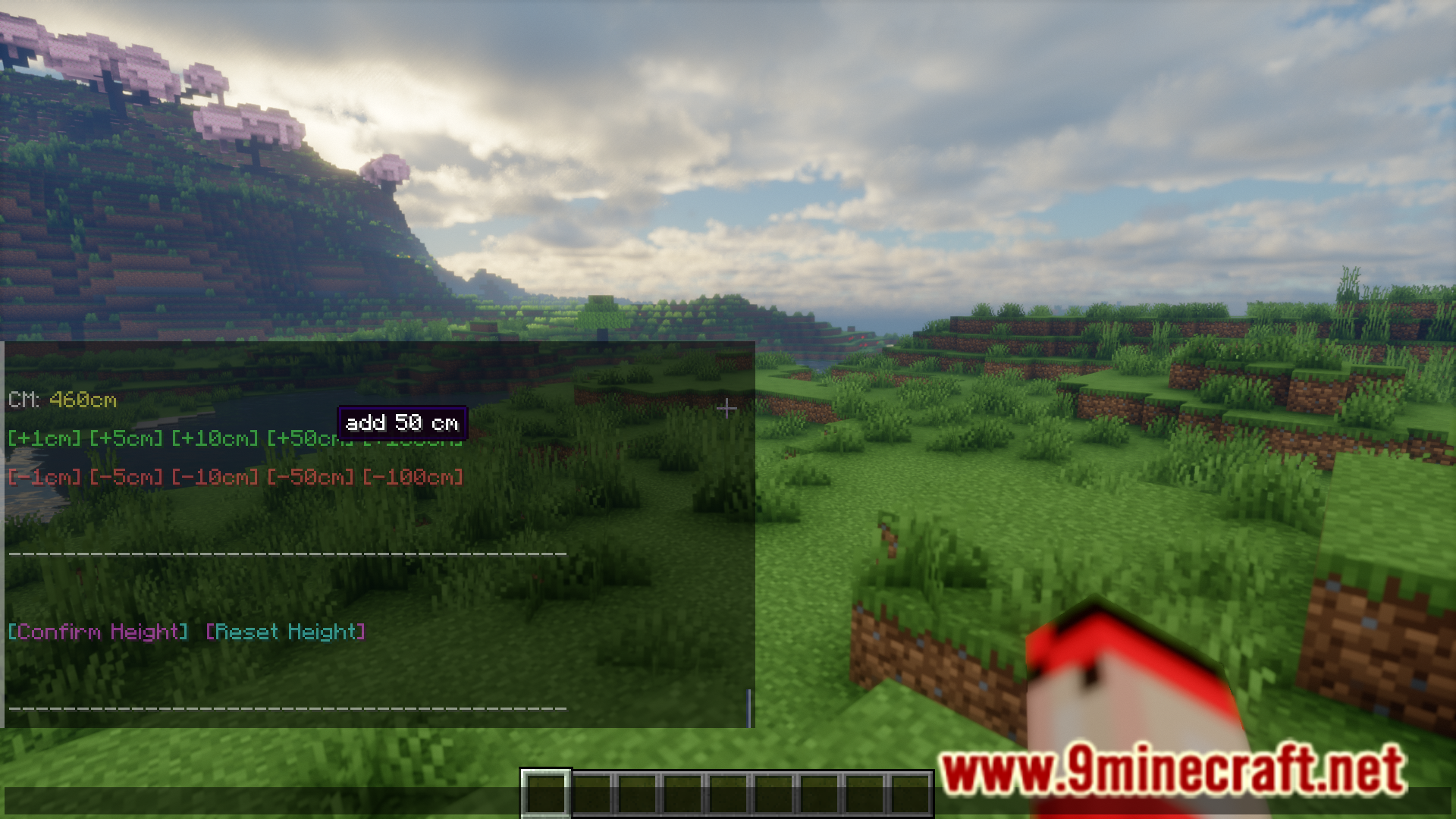
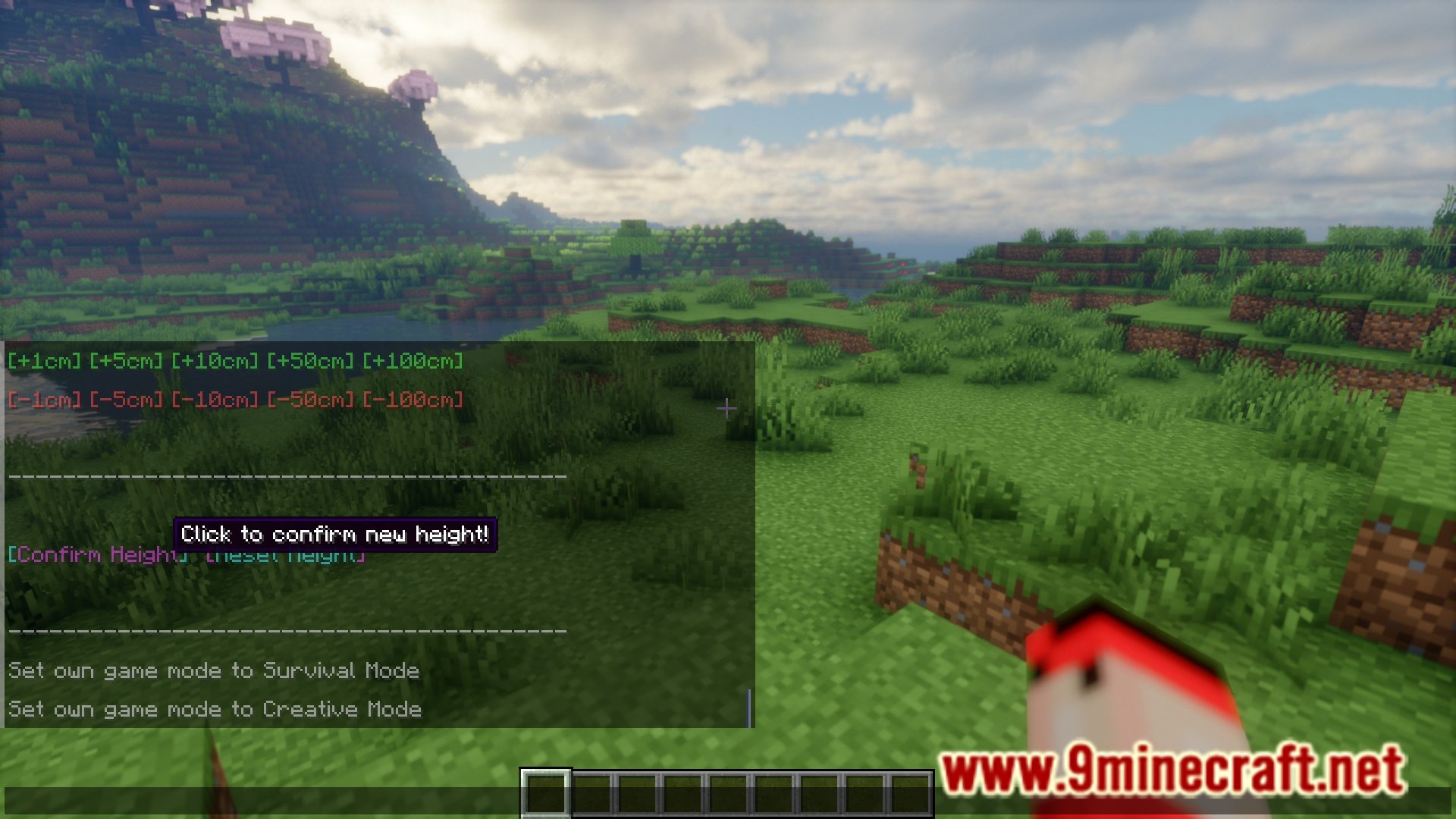
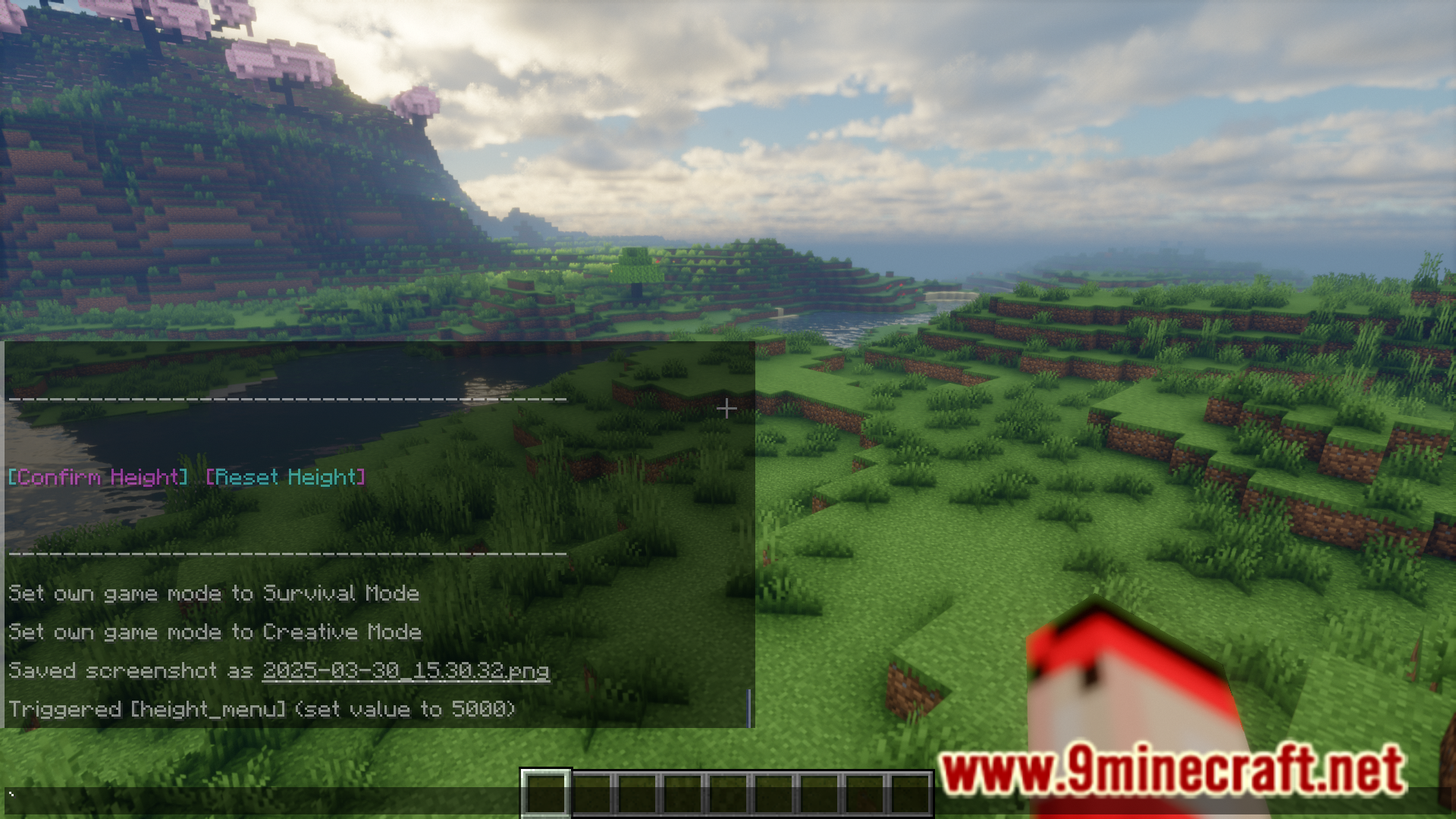
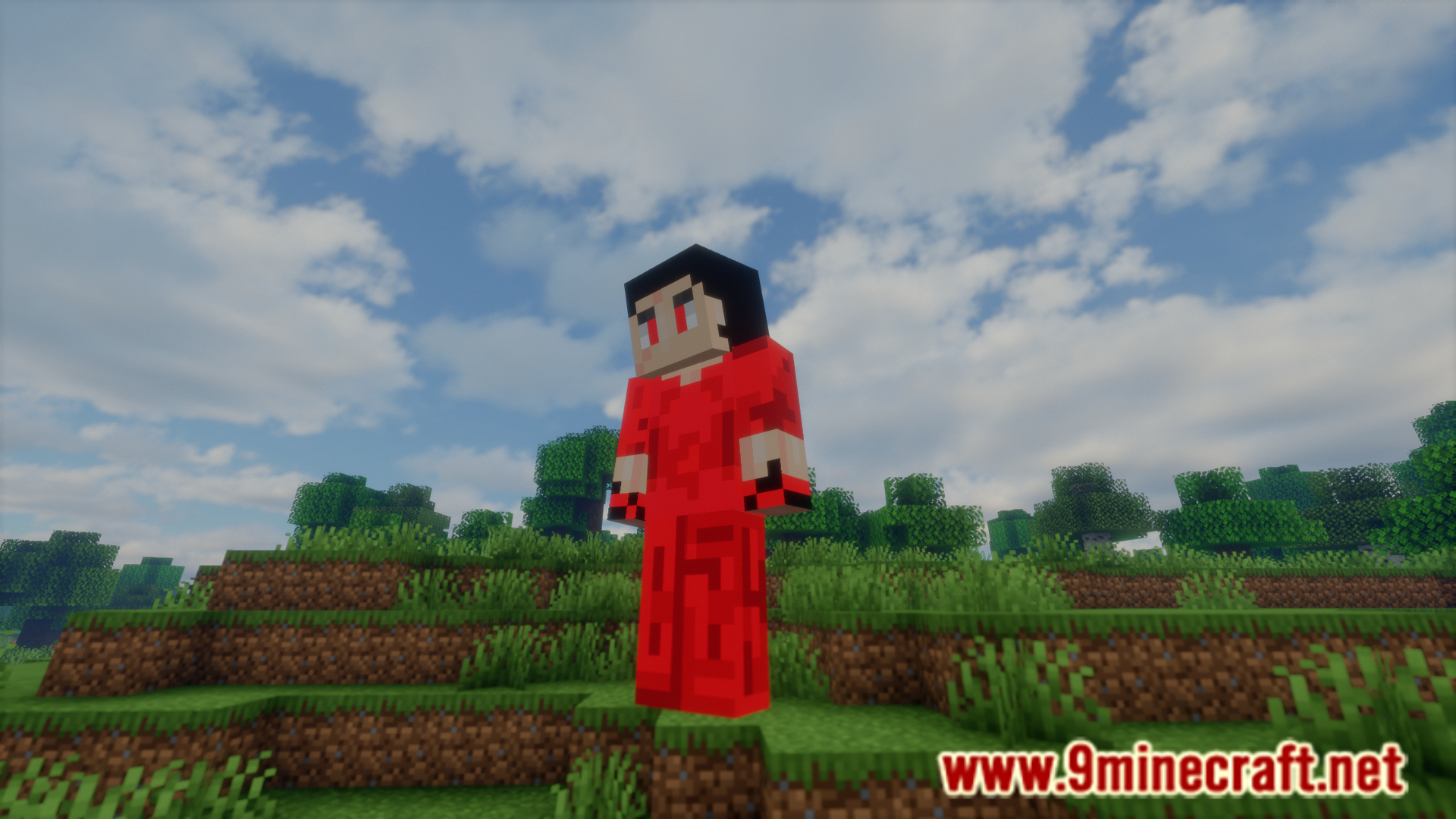
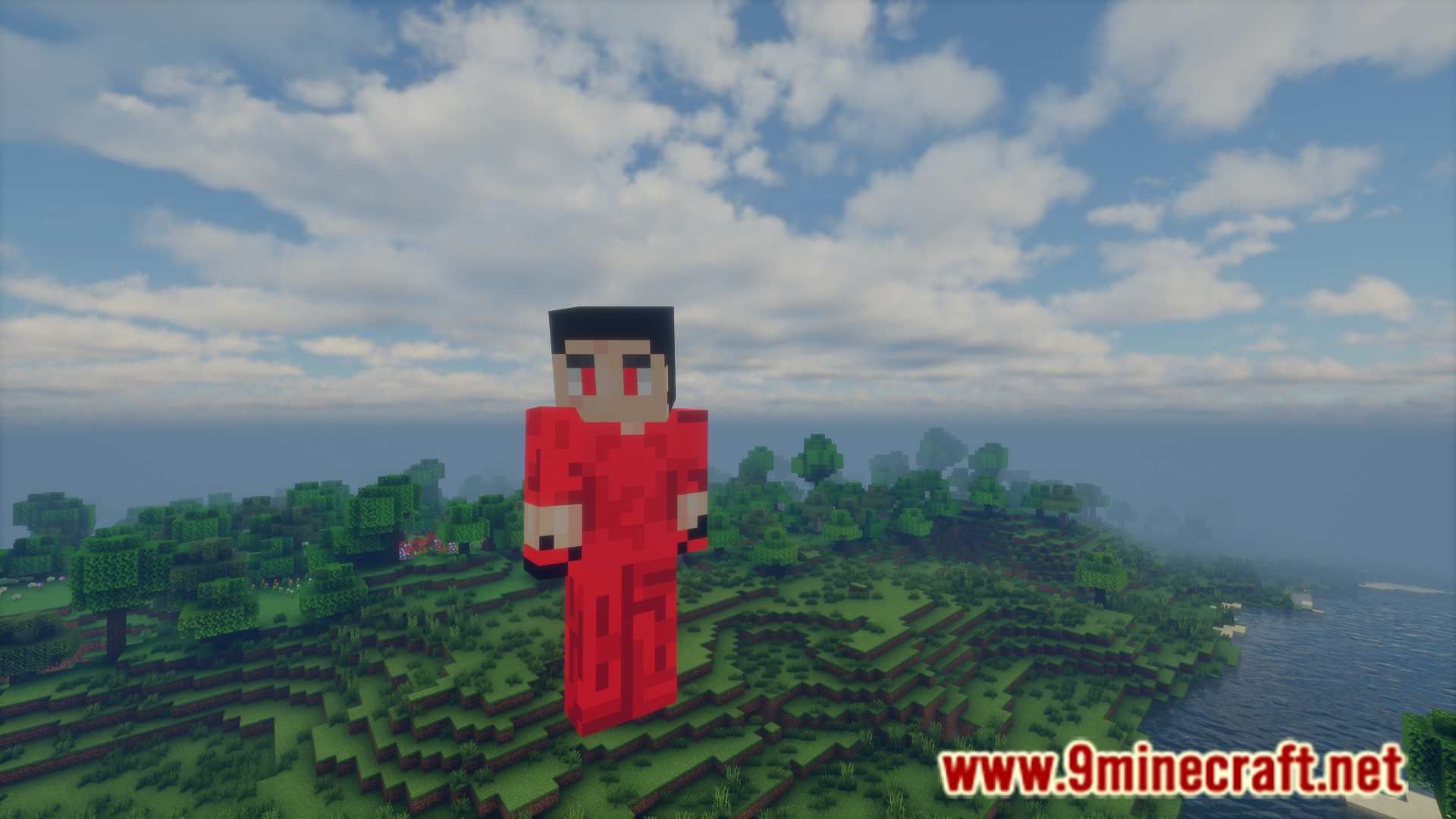
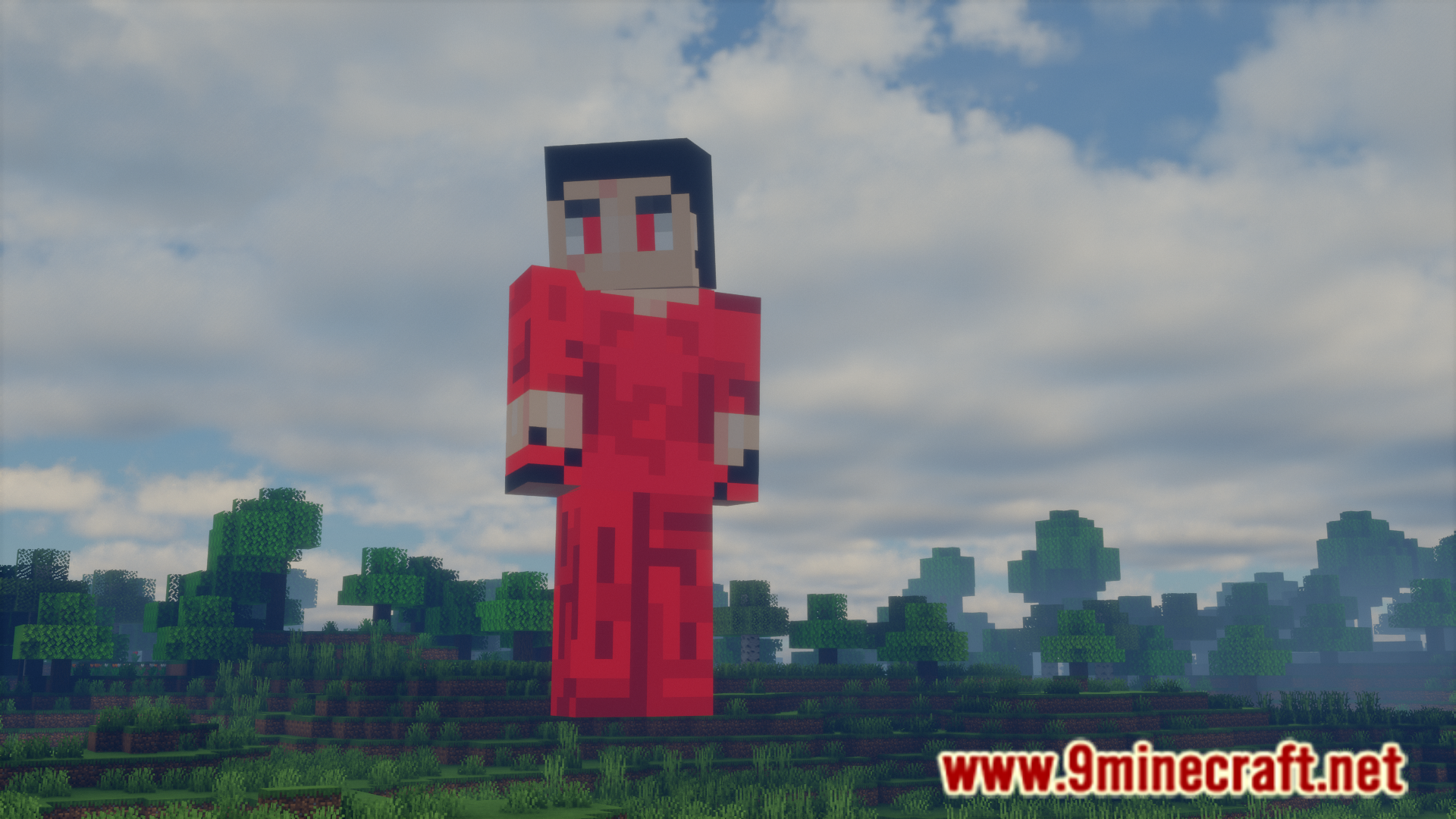
In Minecraft, all players are given the same height. But what if you wanted to change that? If you want to change your in-game height, OSzoukaua’s: Real Height Mod is for you. This mod allows you to configure the height of your character using a chat based UI. Execute the /trigger height_menu command to open an in-chat menu. From here, you will be able to configure your height.
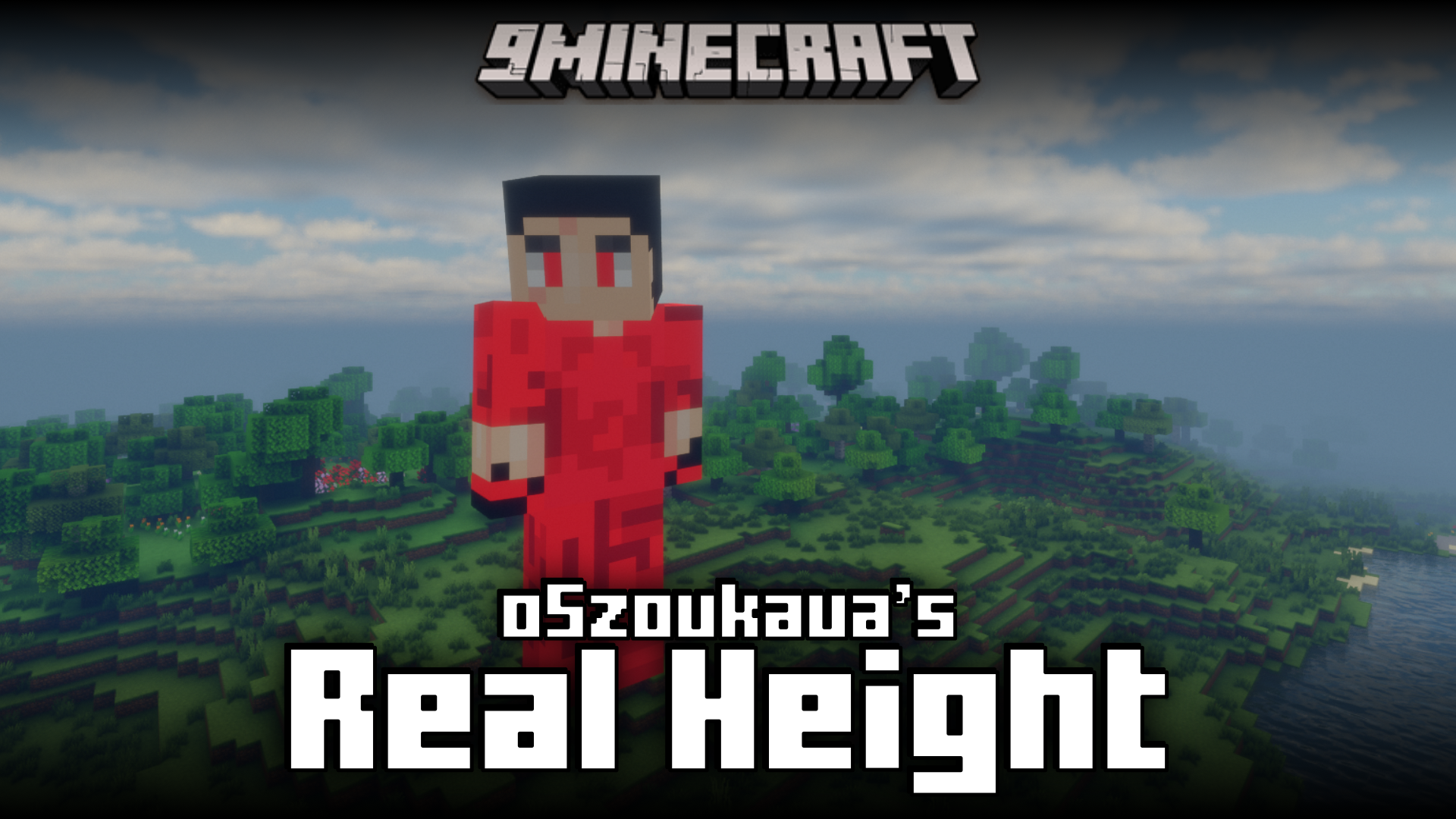
Features:
- Change the height of your in-game character.
- Use the /trigger height_menu command to open the menu.
- The menu appears within the in-game chat.
Screenshots:
How to Install:
New to Minecraft? Follow our step-by-step guide to install Mods on your PC.View Guide
OSzoukaua’s: Real Height Mod Download Links
For Minecraft 1.21.5
Forge/NeoForge/Fabric/Quilt version: Download from Server 1 – Download from Server 2
For Minecraft 1.21.4
Forge/NeoForge/Fabric/Quilt version: Download from Server 1 – Download from Server 2
For Minecraft 1.21.1, 1.21
Forge/Fabric/Quilt version: Download from Server 1 – Download from Server 2
Click to rate this post!
[Total: 1 Average: 1]
You May Also Like

This post has no comments yet. Be the first — your comment will appear here.