


Plasmo Voice Server Plugin (1.21.10, 1.20.1) – Talk to Each Other Directly
 1,680
1,680
 0
0

Plasmo Voice Server Plugin is an innovative and cutting-edge plugin designed to integrate real-time voice chat functionality directly into Minecraft servers. This plugin aims to enhance the multiplayer experience by allowing players to communicate more naturally and efficiently through voice, eliminating the need for external voice chat applications.

Features:
- RNNoise noise reduction.
- OpenAL sound engine, great audio positioning.
- Sound Physics Remastered compatability with pv-addon-soundphysics.
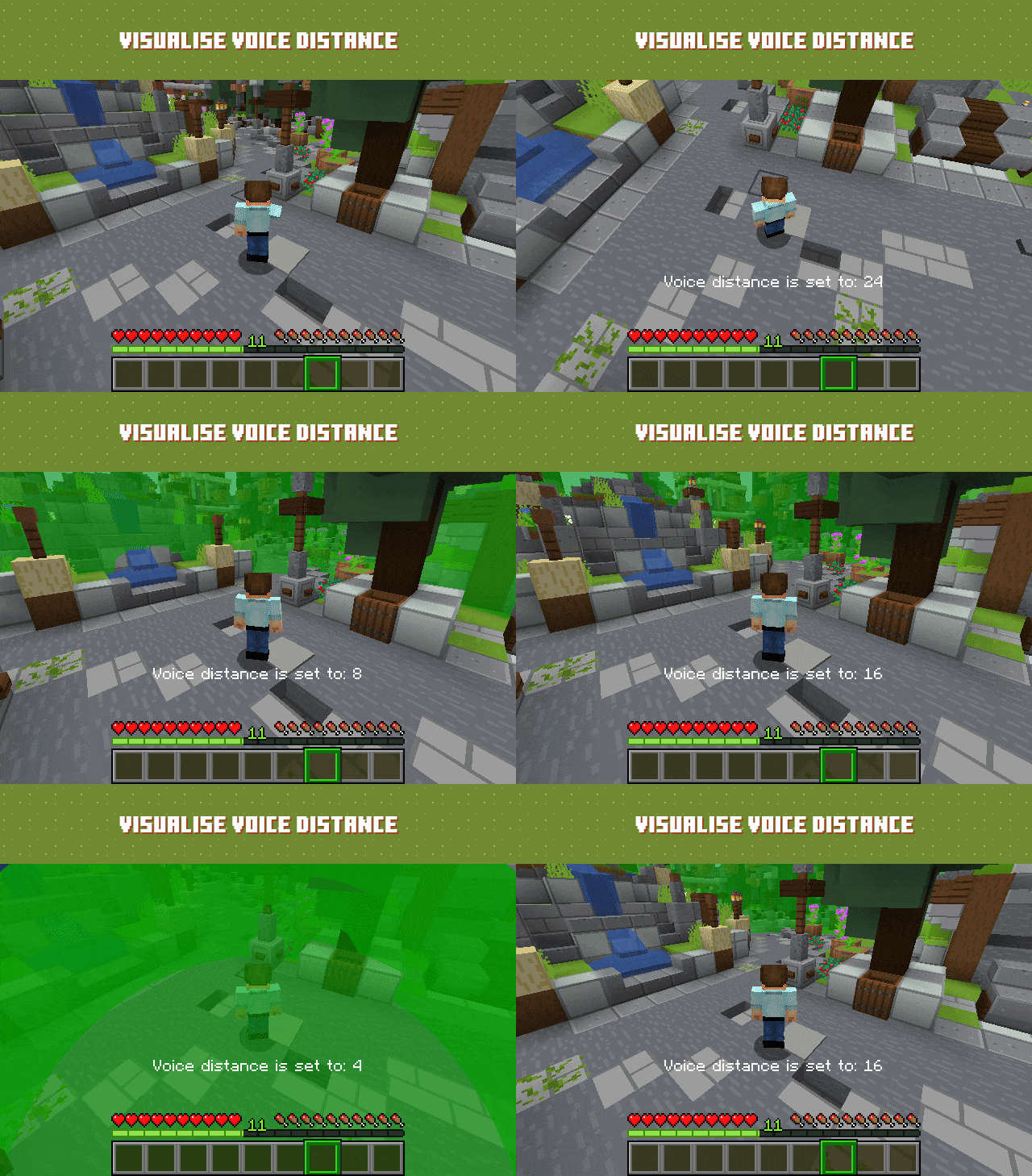
- Change voice chat distance.
- Optional sound-occlusion. Muffles the sound if blocks are in the way.
- Select output and input devices.
- Choose between Push to Talk or Voice Activation.
- Optional Directional Sources. Makes the sound source quieter if it’s not looking directly at you.
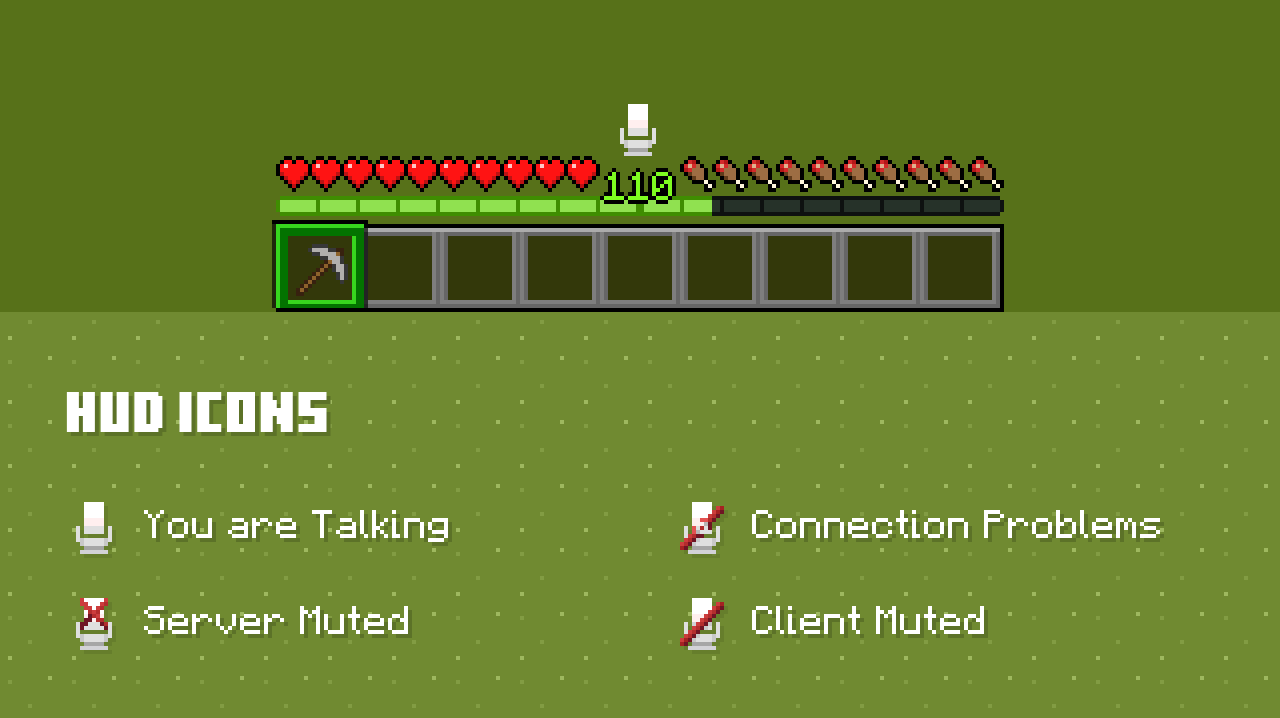
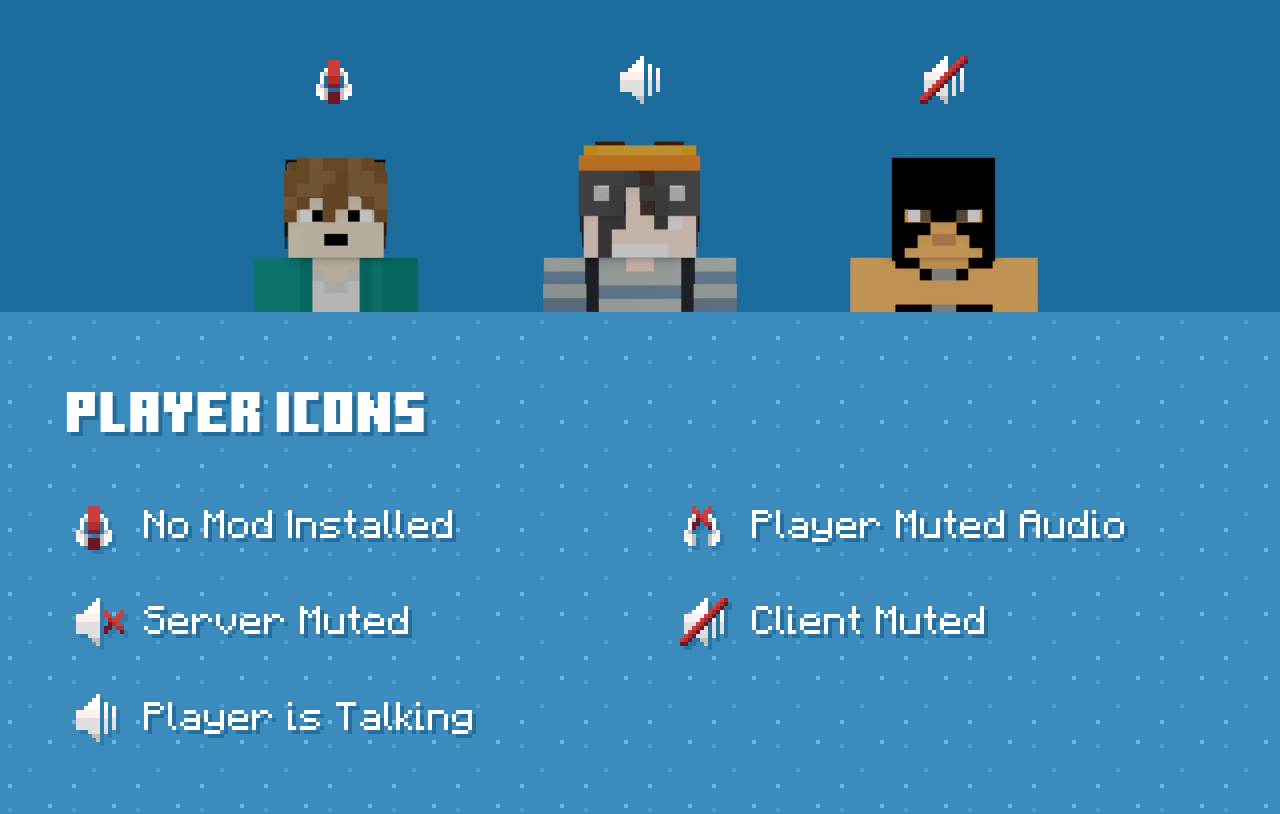
- Choose the position of the GUI icons and toggle the visibility of the player icons.
- Mute and change the volume of the players in the Minecraft social menu.
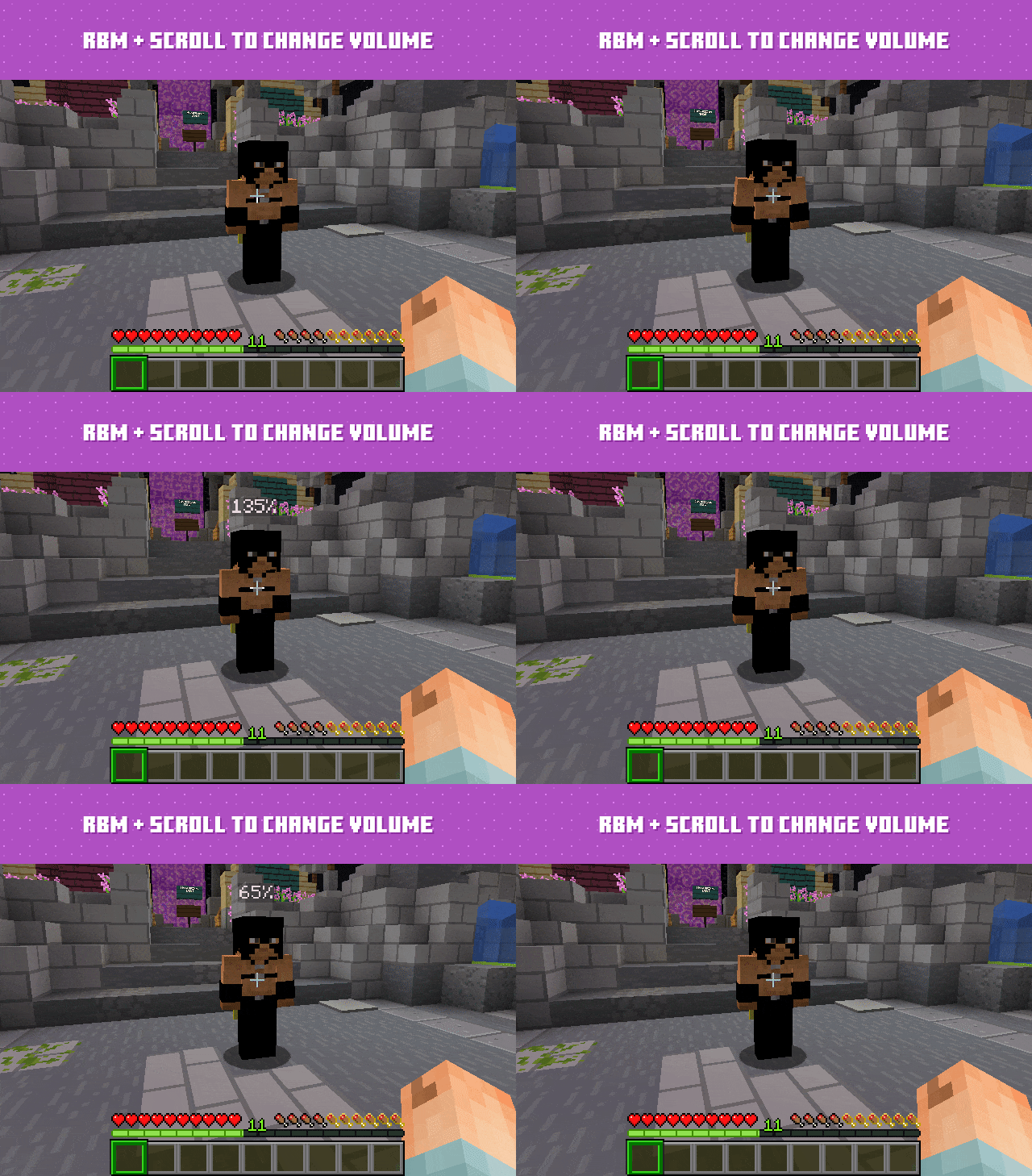
- Hold RBM while looking at the player, and then use the scroll wheel to adjust the volume.
- Stereo Sources.
- Discord-like overlay.
- Smooth volume controls.
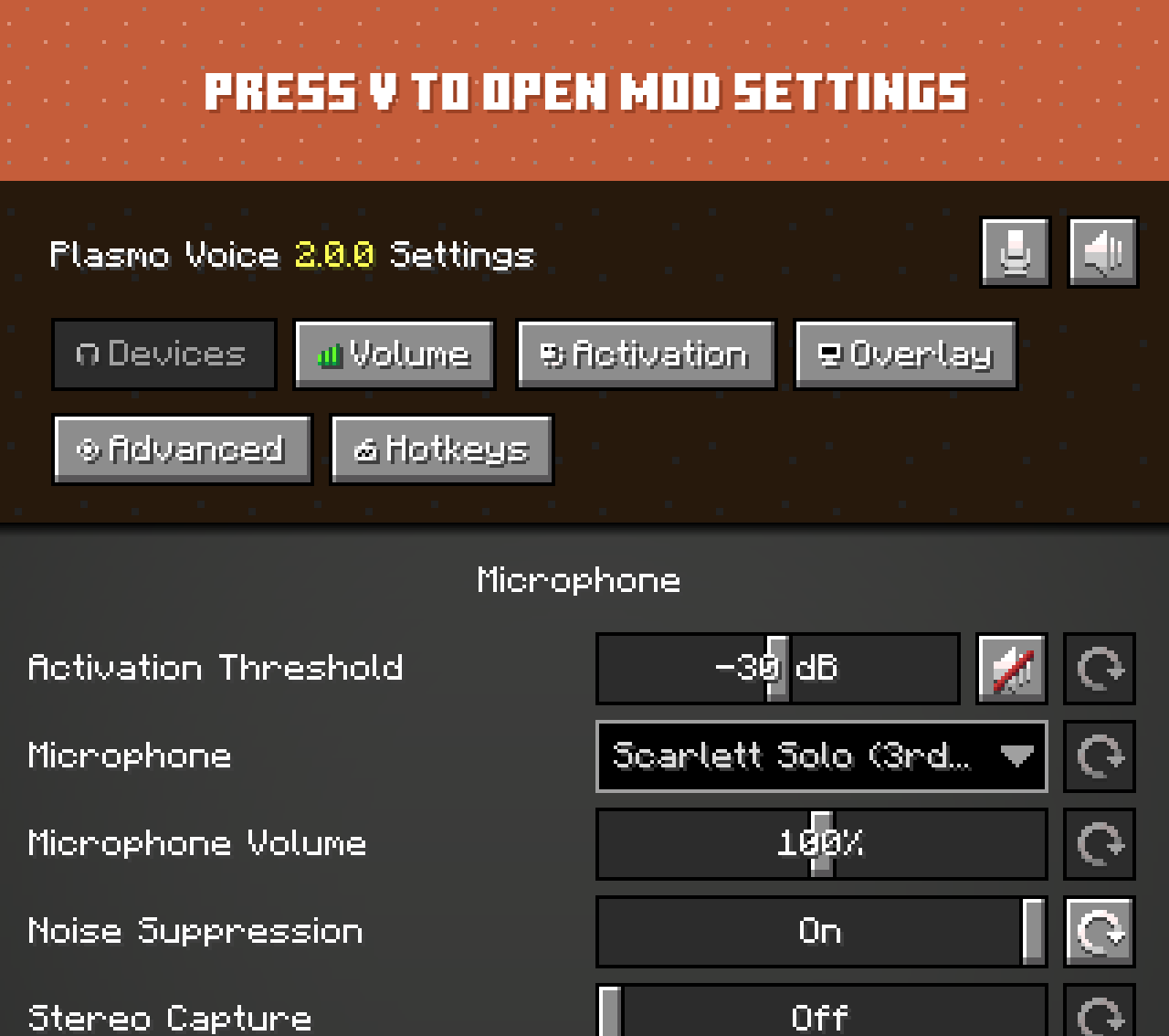
Screenshost:
Commands:
| Command and aliases | Description | Permission | Default |
|---|---|---|---|
/vmute <player> [duration] [reason] |
Mute player on the server | pv.mute |
op |
/vunmute <player> |
Unmute player on the server | pv.unmute |
op |
/vreload |
Reload the plugin | pv.reload |
op |
/vreconnect |
Reconnect the client | pv.reconnect |
true |
/vlist |
Show the list of players with the mod installed | pv.list |
true |
none |
Allows user to use the default proximity voice chat | pv.activation.proximity |
true |
How to Install:
New to Minecraft? Follow our step-by-step guide to install Plugins on your PC.View Guide
Plasmo Voice Server Plugin Download Links
For All Versions from Minecraft 1.16.5 to Minecraft 1.21.10
For All Versions from Minecraft 1.16.5 to Minecraft 1.19.4
Click to rate this post!
[Total: 2 Average: 5]
You May Also Like








This post has no comments yet. Be the first — your comment will appear here.