


QuickQuark Mod (1.20.1, 1.19.2) – Spend Less Time on the Loading Screen
 104
104
 0
0


🌐 Read this article in your language! Choose your preferred language below.
Or pick the one you like:
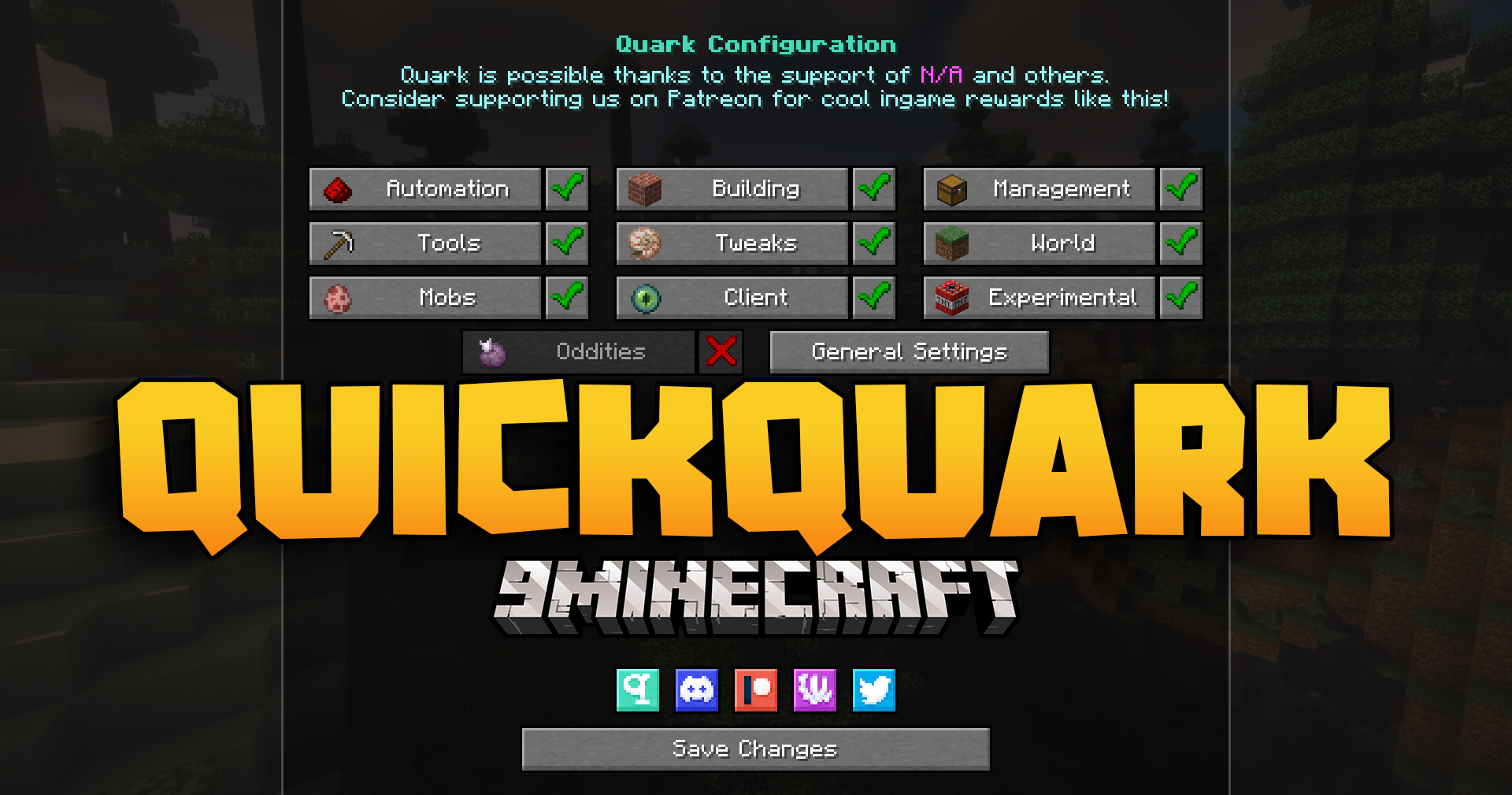
QuickQuark Mod makes the Quark mod load faster when you launch Minecraft. It works by giving you control over Quark’s network settings. You can change connection timeouts, use a proxy, or completely turn off its internet access. This helps stop long delays during startup, getting you into the game much quicker.
Features:
- Makes the Quark mod load much faster when you start Minecraft.
- Gives you different ways to control Quark’s network behavior.
- Lets you change the maximum time Quark waits to connect or get data from the internet.
- You can make Quark use a proxy for its internet connections.
- Includes an option to completely block Quark from accessing the internet, which is on by default for the fastest startup.
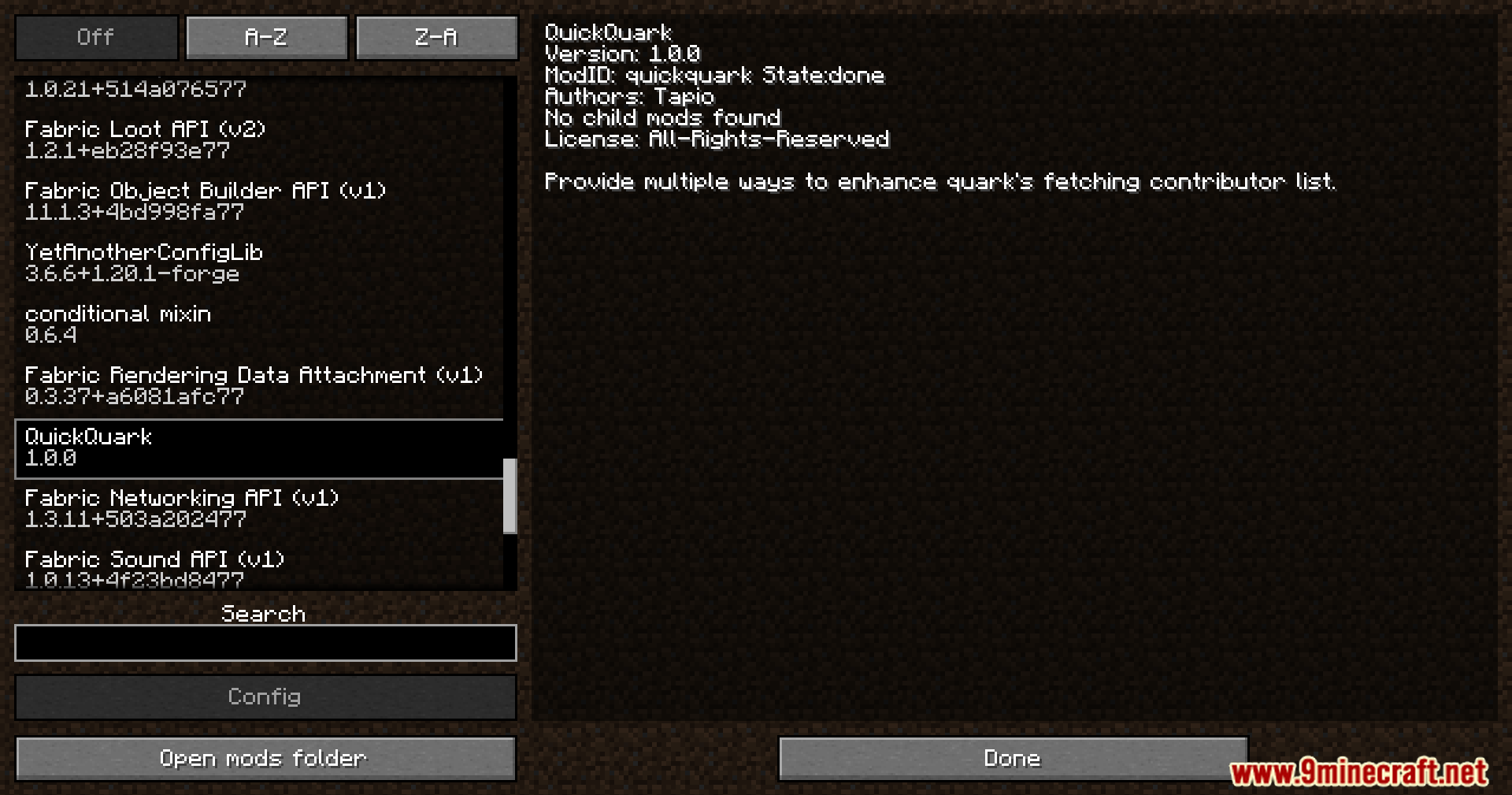
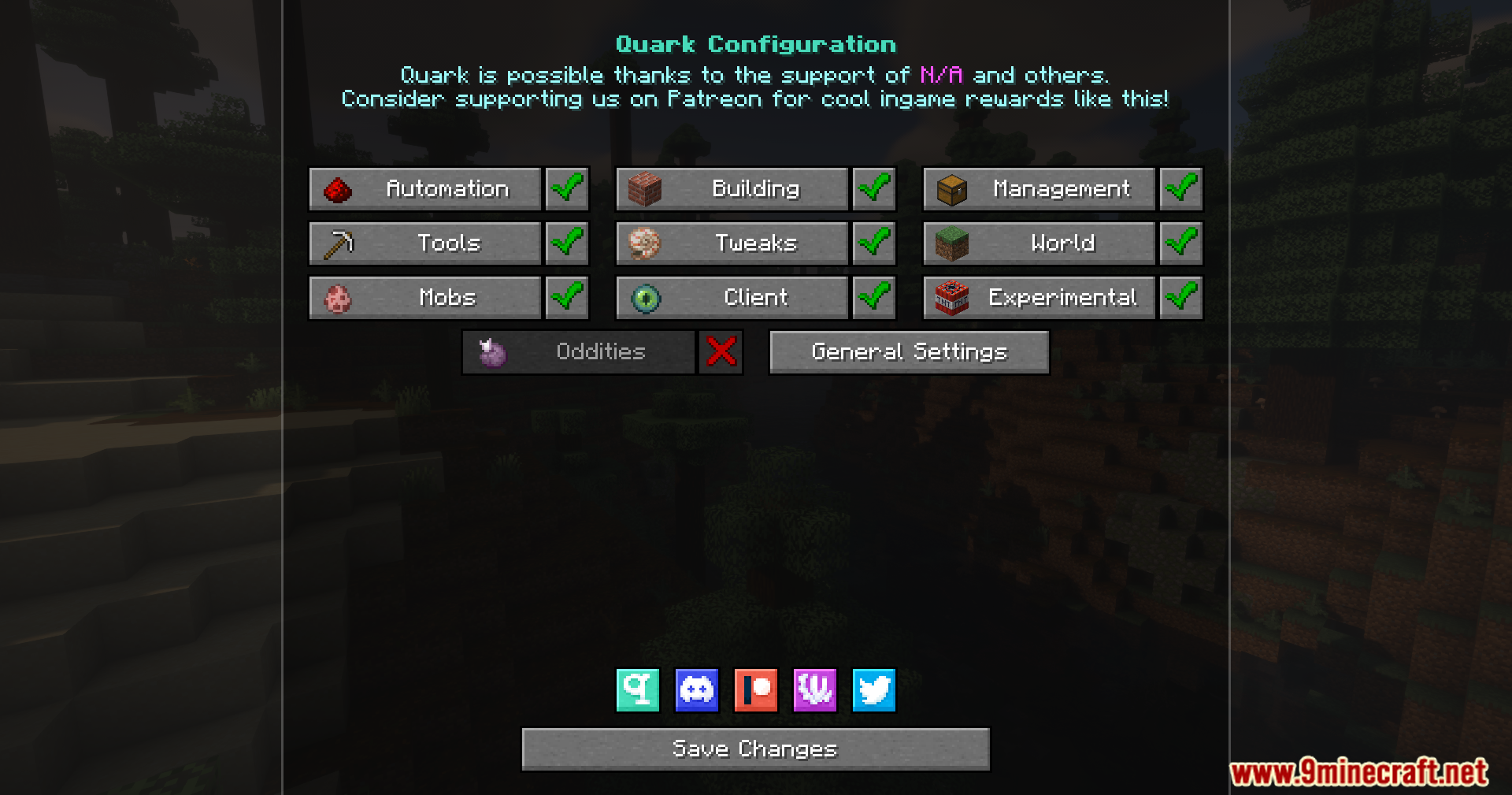
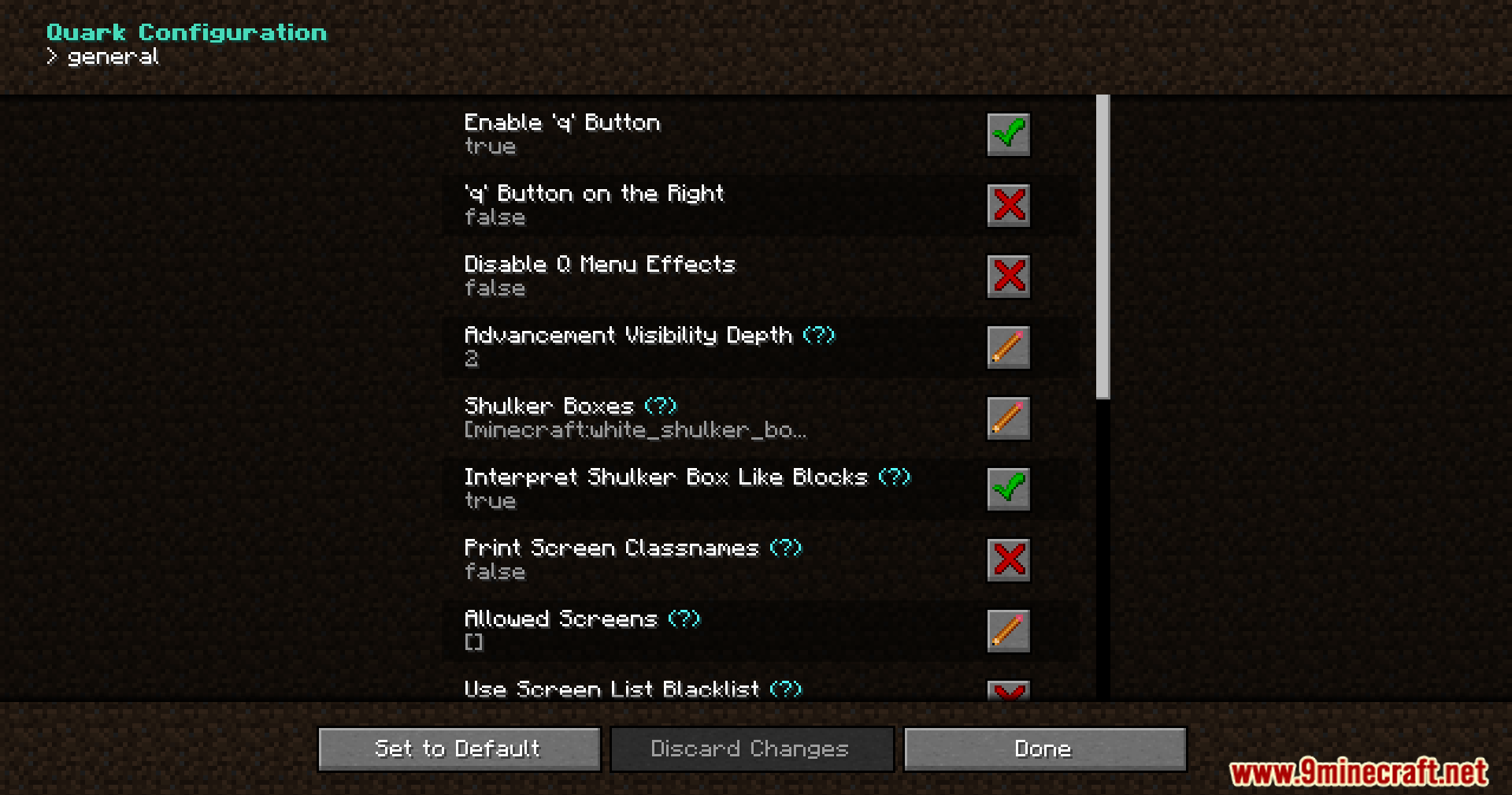
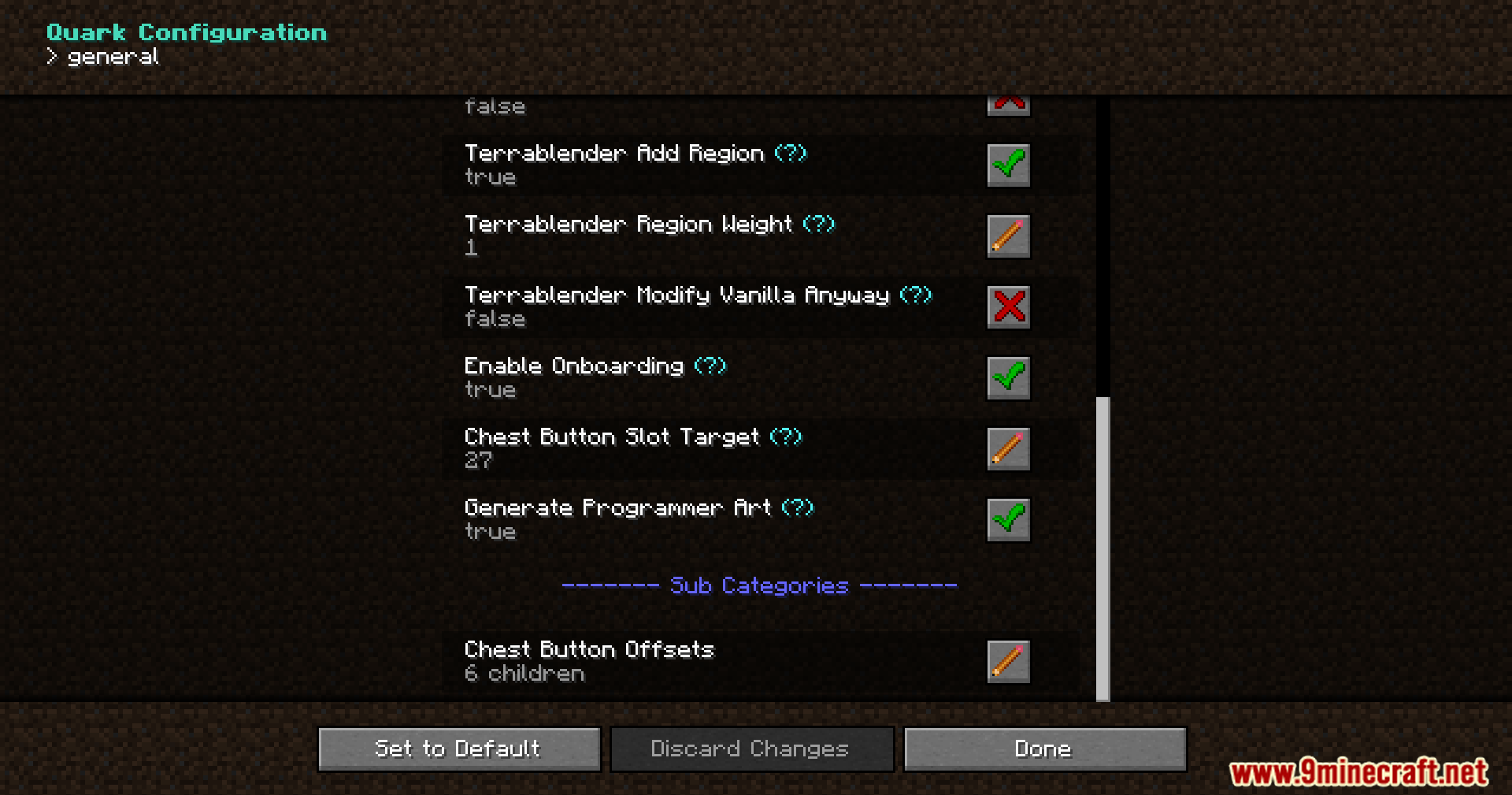
Screenshots:



How to Install:
New to Minecraft? Follow our step-by-step guide to install Mods on your PC.View Guide
Requirements:

QuickQuark Mod Download Links
For Minecraft 1.20.1, 1.20
Forge Version: Download from Server 1 – Download from Server 2
For Minecraft 1.19.2
Forge Version: Download from Server 1 – Download from Server 2
Click to rate this post!
[Total: 2 Average: 5]
You May Also Like












This post has no comments yet. Be the first — your comment will appear here.