


Radial Mod (26.2, 1.21.11) – Stop Memorizing Dozens of Keybinds

 0
0 

🌐 Good news — we've translated this article into other languages!
Or pick the one you like:
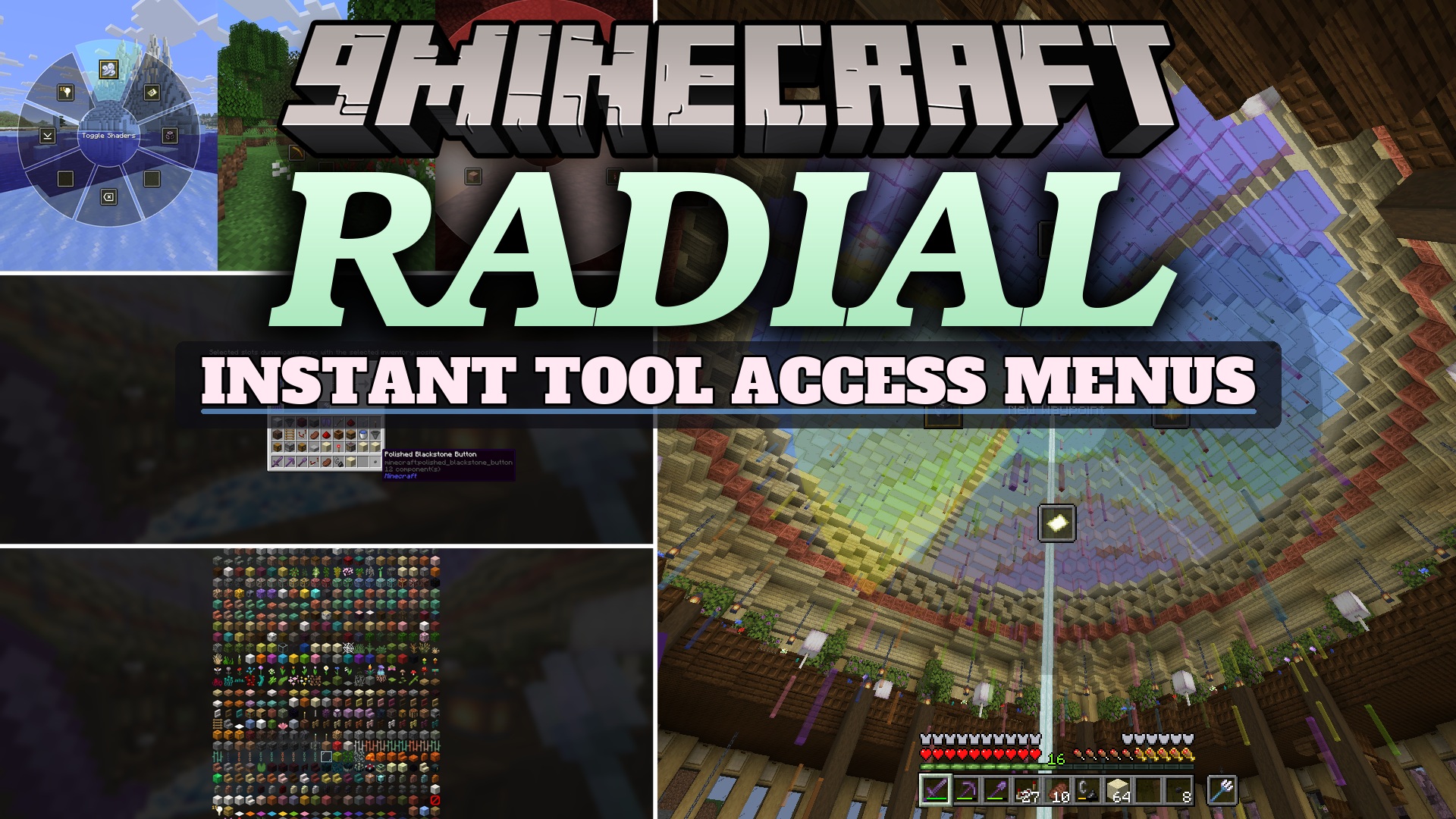
Radial Mod gathers all your commands and keybinds into one easy-to-use wheel on your screen. This mod saves you from remembering dozens of different keyboard buttons for your daily tasks. It puts your most used actions right in front of you so you can play faster and keep your hands relaxed.
Features:
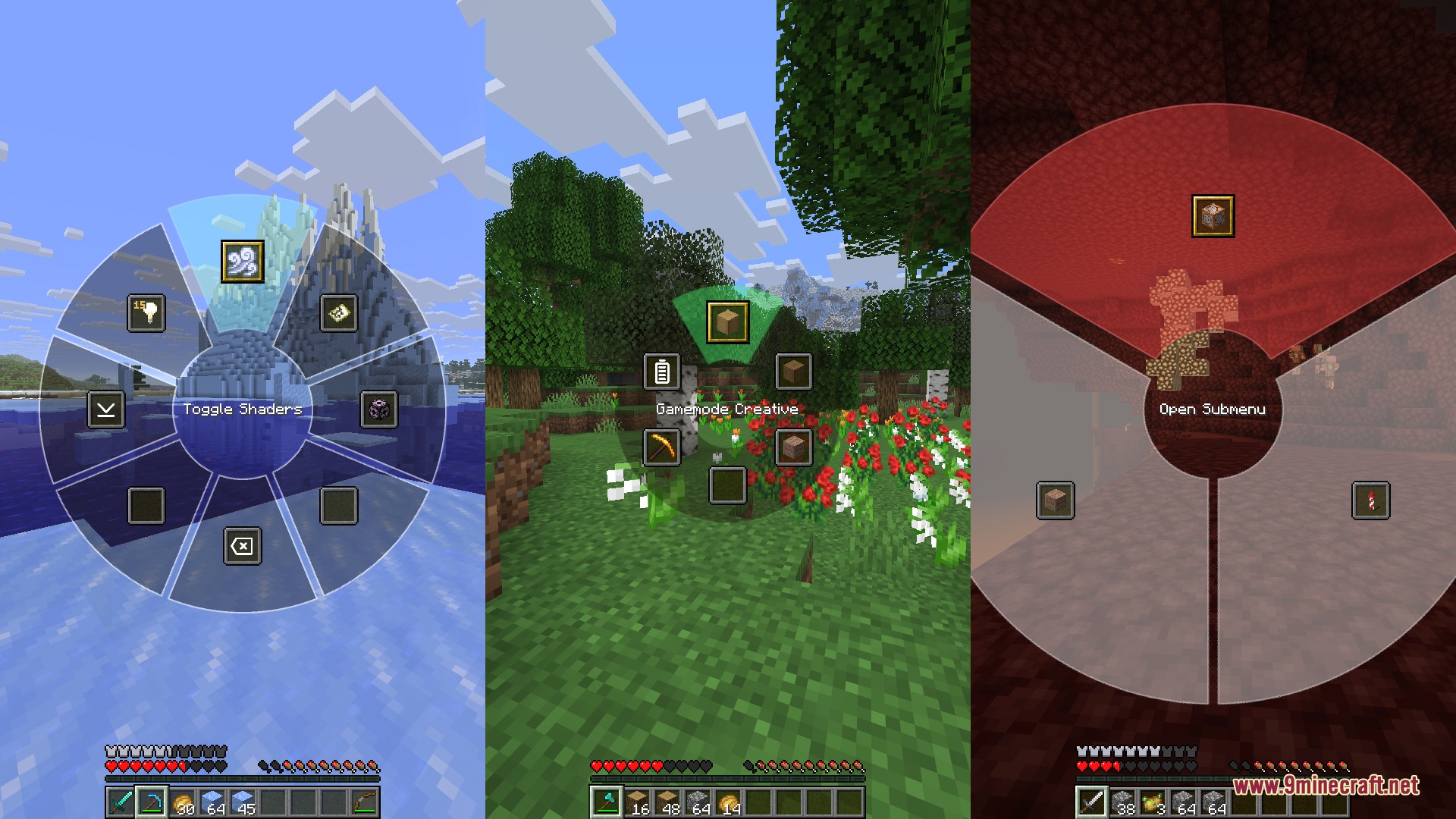
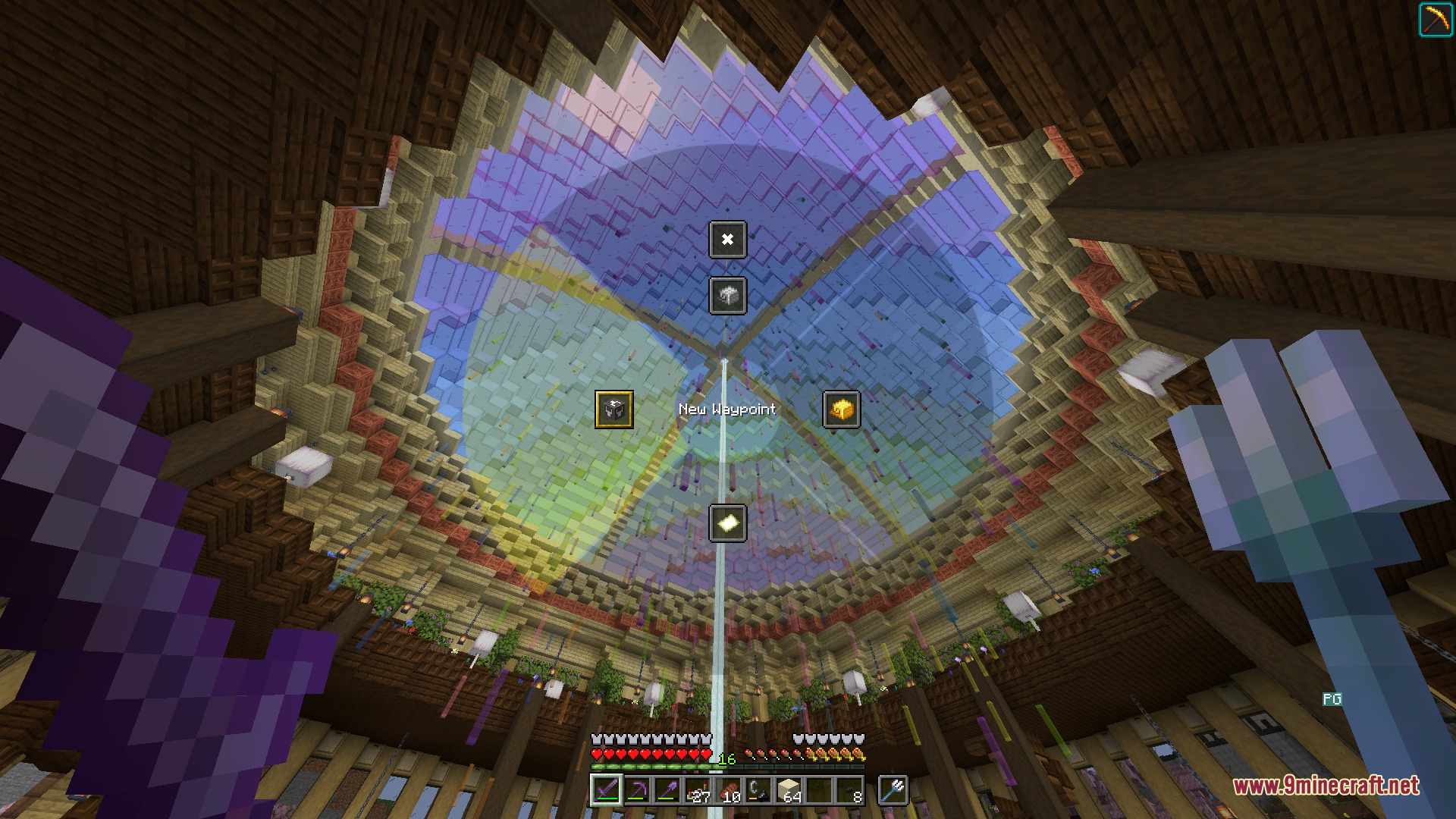
- Fast Menu Wheel: Opens a quick circle on your screen to trigger actions by clicking or releasing your mouse button.
- Live Customization: Lets you change the colors, size, and gaps of the wheel while seeing the changes happen instantly on your screen.
- Custom Icons: Displays normal game items, mob effect pictures, or special text symbols to represent your actions clearly.
- Allows you to bind chat commands, standard game controls, or even open specific screens like the Options menu.
- Lets you create extra submenus inside the main wheel for even more organized controls.
- Syncs the pictures on your menu slots with actual items sitting inside your live inventory.
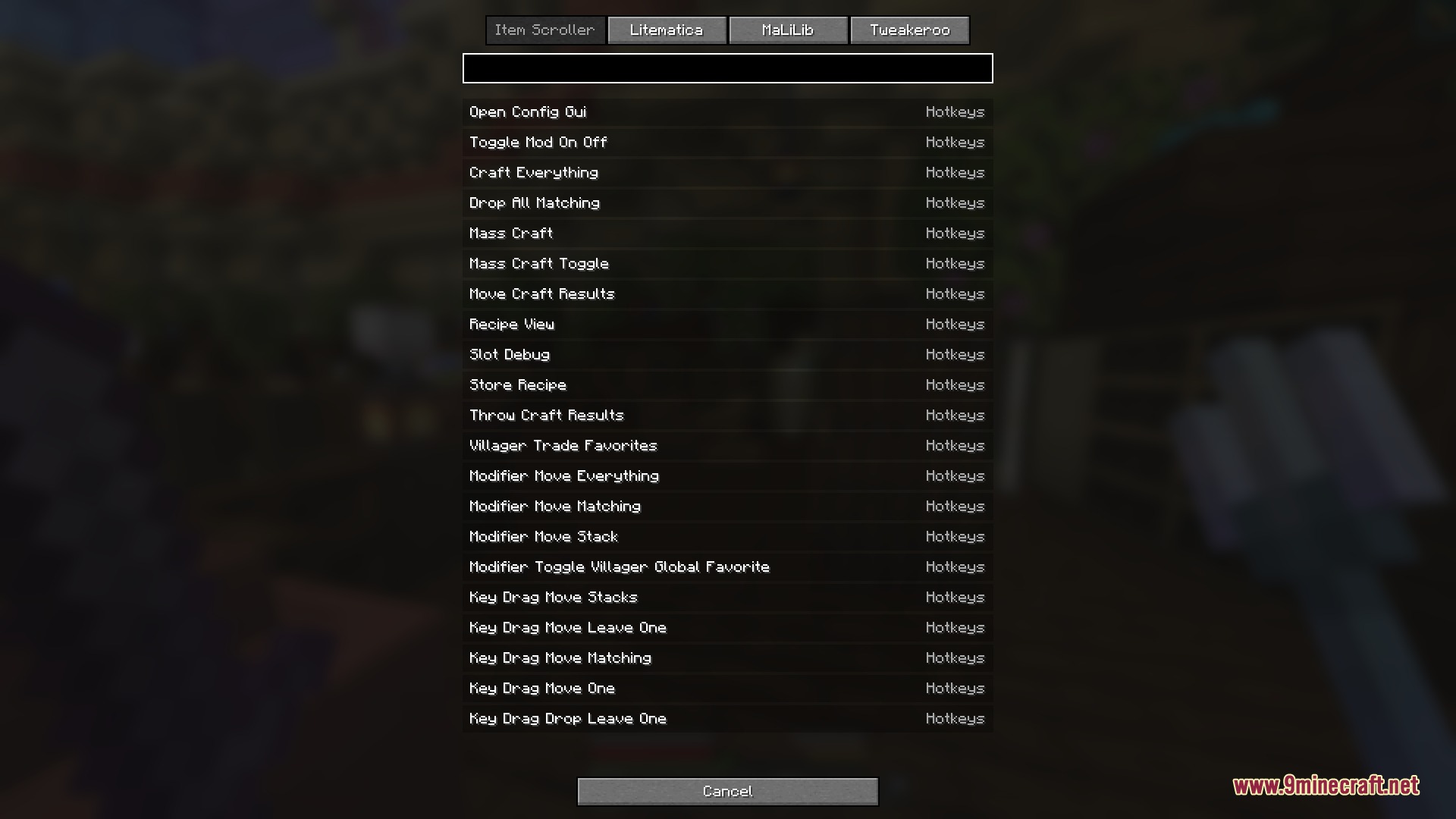
- Works with technical keybinds from other tools like MaLiLib if you need advanced controls.
- Gives you the option to right-click any slot while playing to change its settings right away.
- Hides the background donut shape entirely if you prefer a cleaner look on your screen.
How to Use:
- Open the menu wheel using its assigned keyboard button in the game controls.
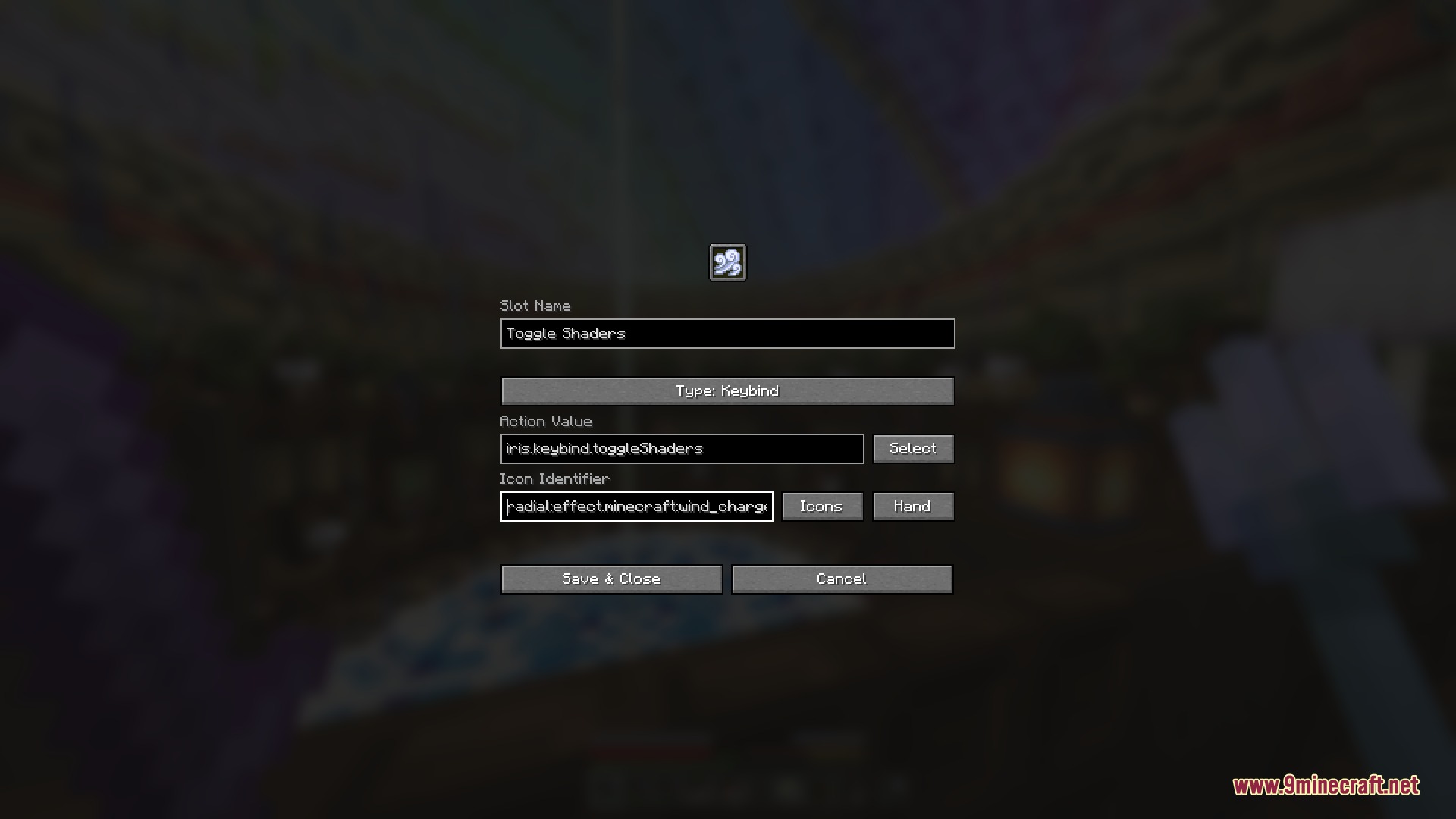
- Right-click on any empty slot on the wheel to open the settings screen.
- Choose what action happens when you click the slot, like typing a chat command or pressing a specific key.
- Pick a picture for the slot, like a diamond sword or a potion effect, so you know what the button does.
- Save your changes, then open the wheel again and click that slot to trigger your action.
Screenshots:
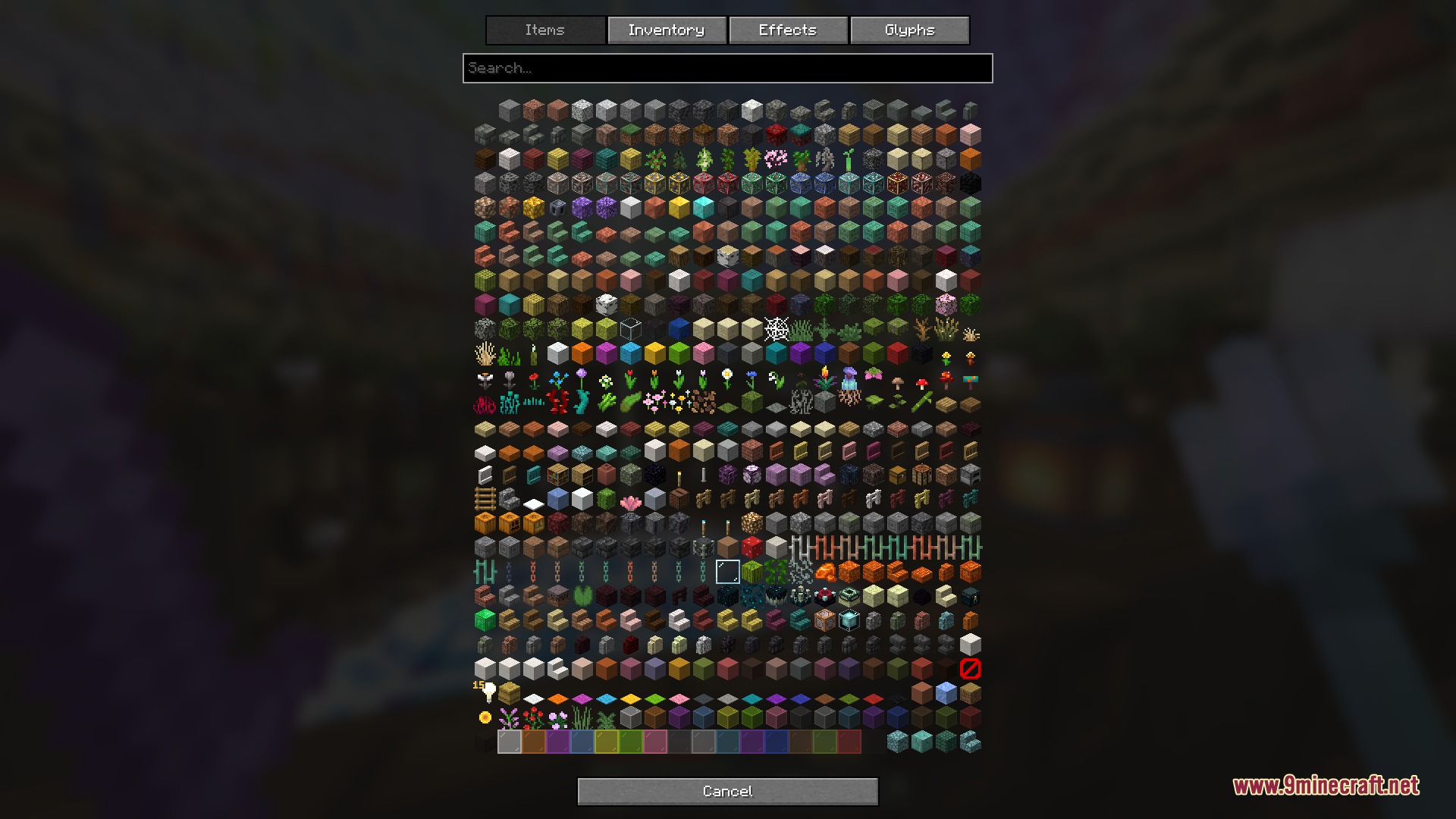
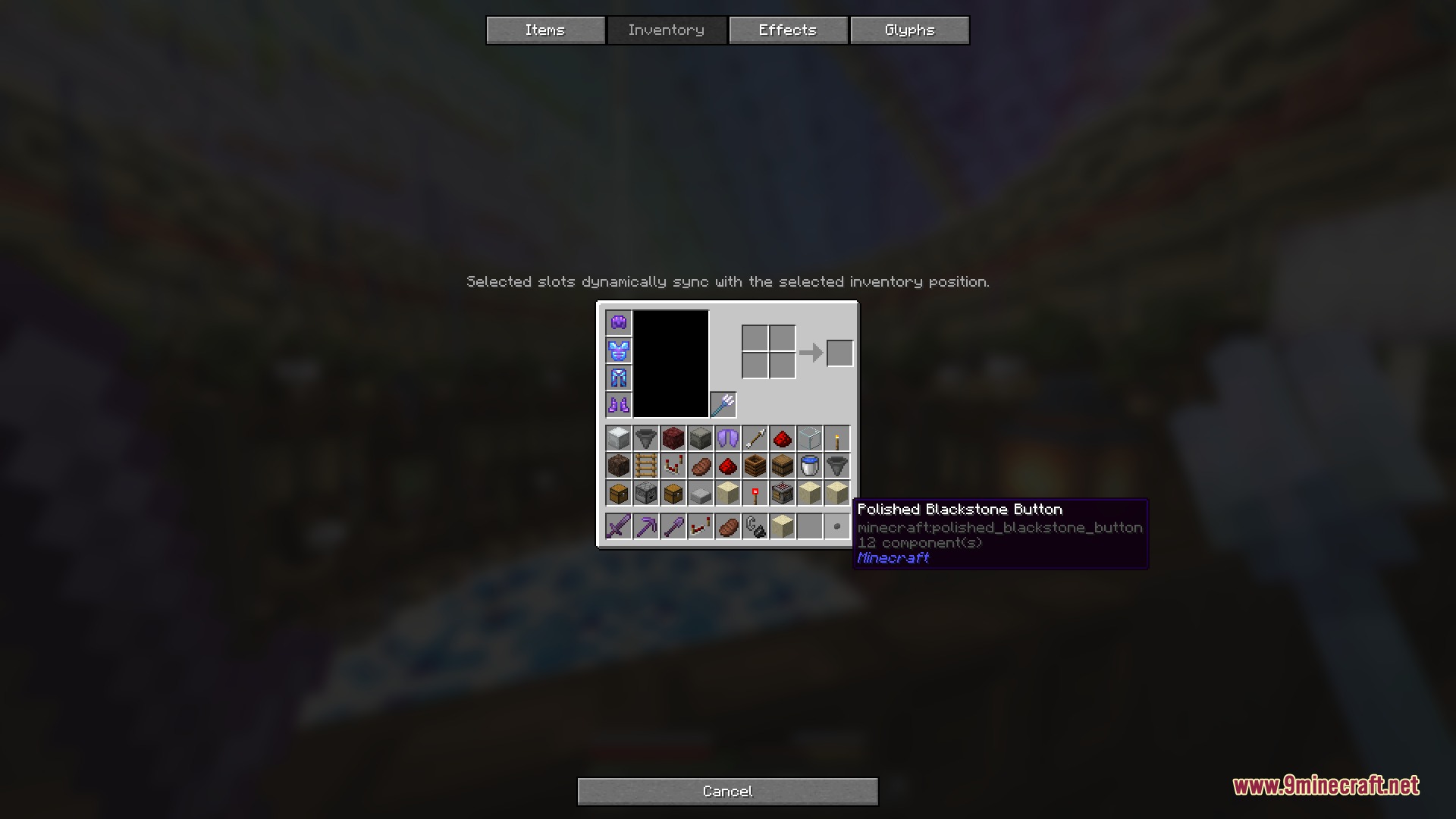
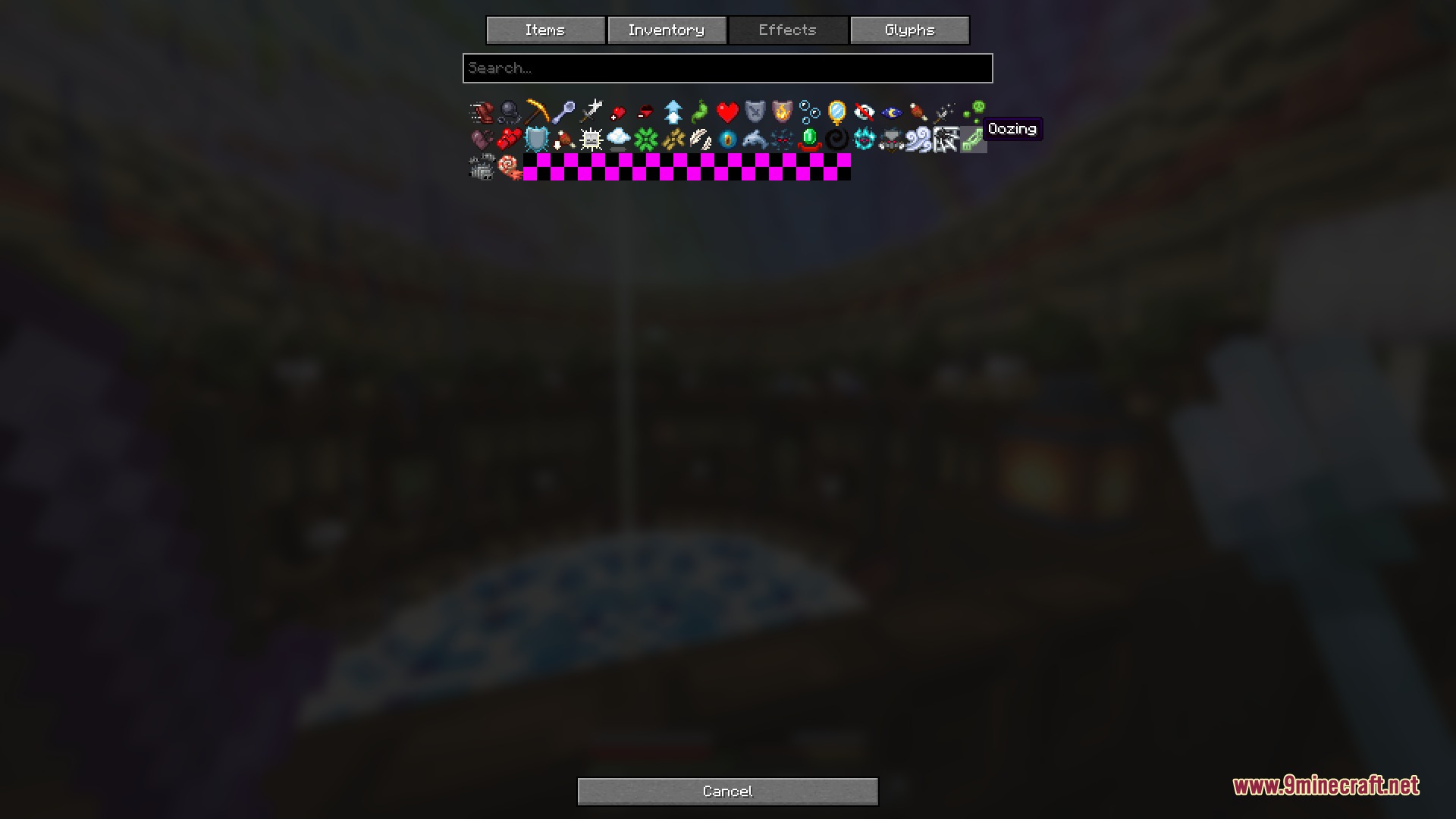
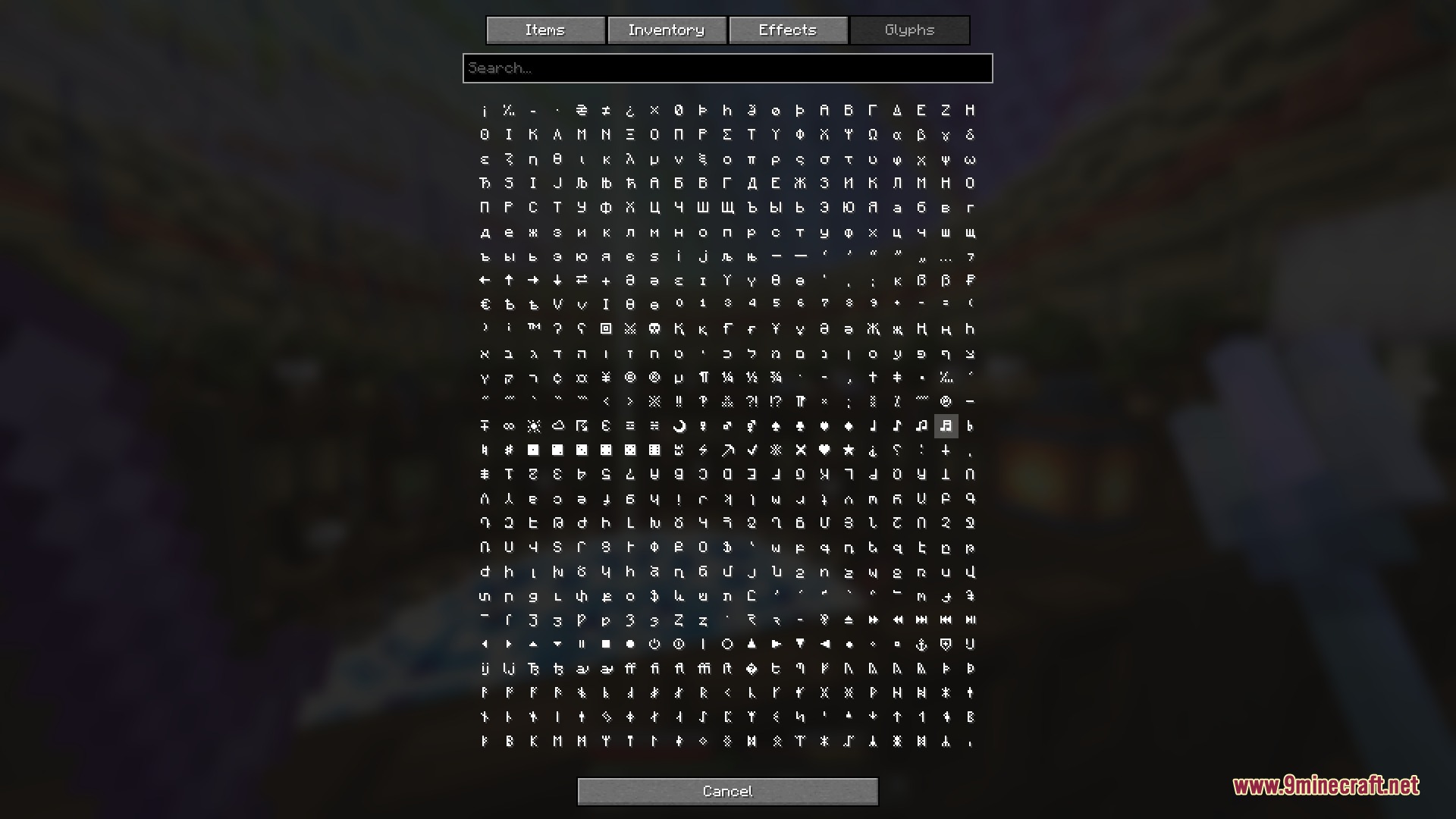
How to Install:
New to Minecraft? Follow our step-by-step guide to install Mods on your PC.View Guide
Requirements:



Radial Mod Download Links
For Minecraft 26.2
For Minecraft 26.1.2, 26.1.1, 26.1
For Minecraft 1.21.11, 1.21.10, 1.21.9
Click to rate this post!
[Total: 0 Average: 0]
You May Also Like



This post has no comments yet. Be the first — your comment will appear here.