


Realistic Terrain Generation Mod (1.12.2, 1.10.2) – Discover Lifelike Scenery
 5,916
5,916
 0
0

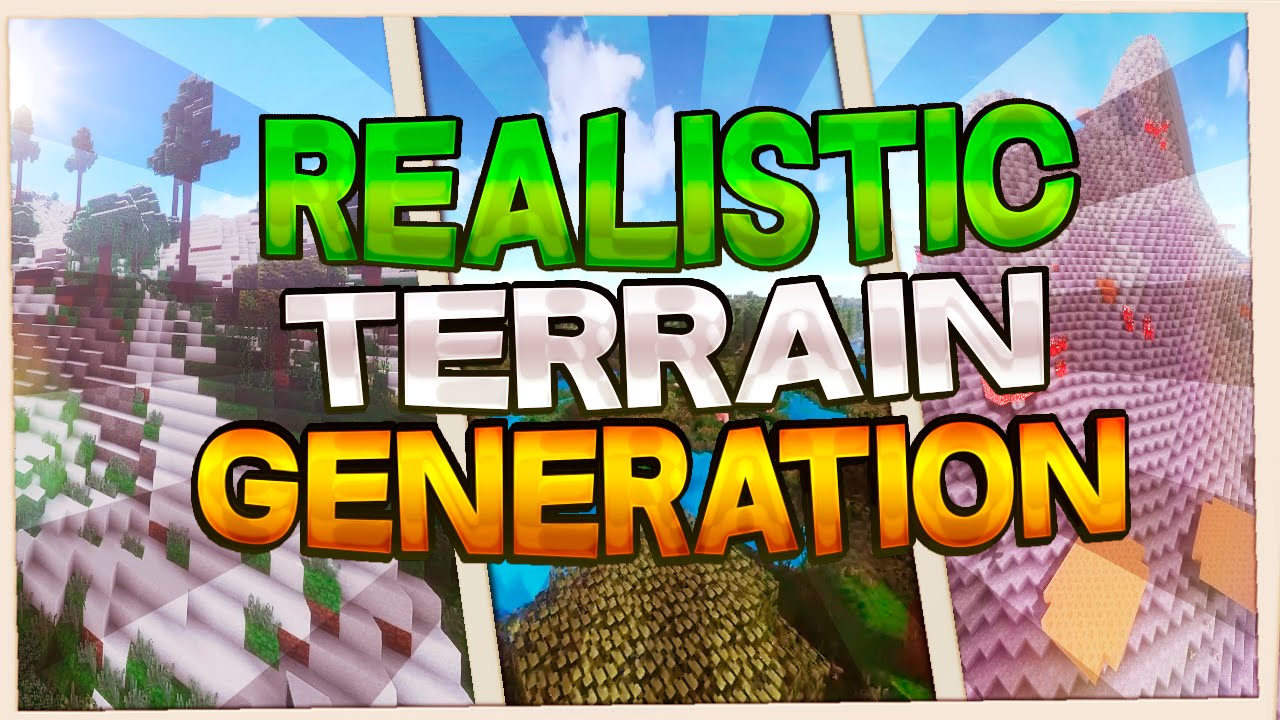
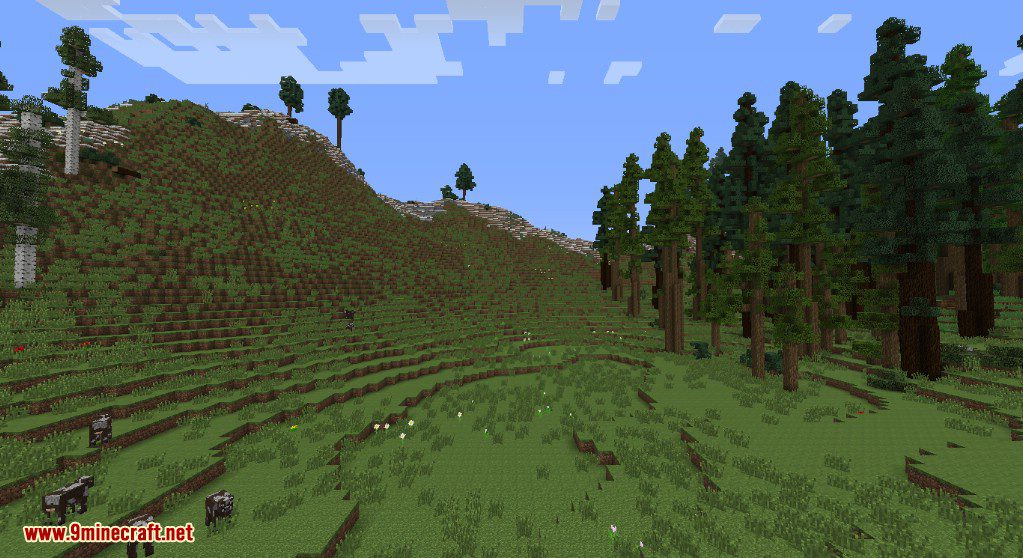
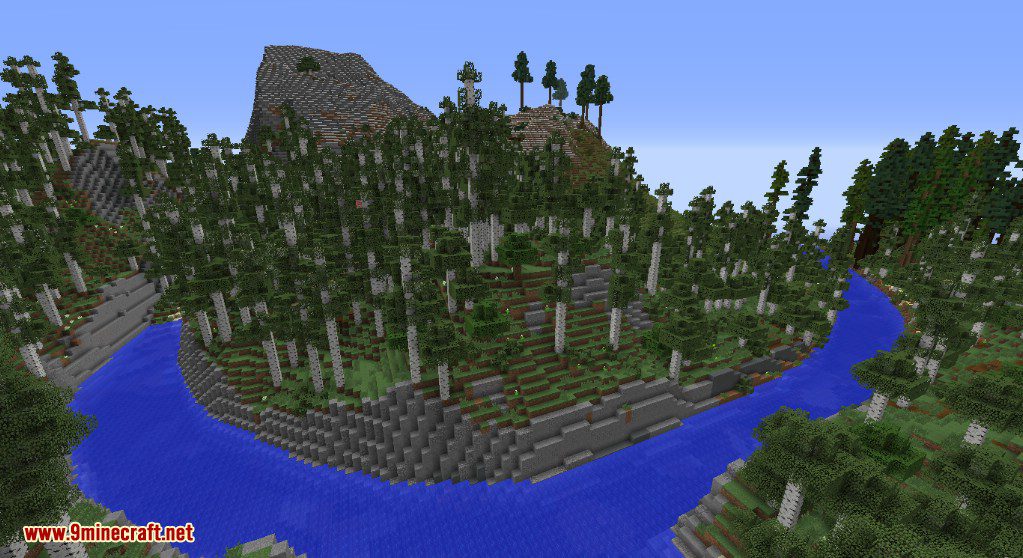
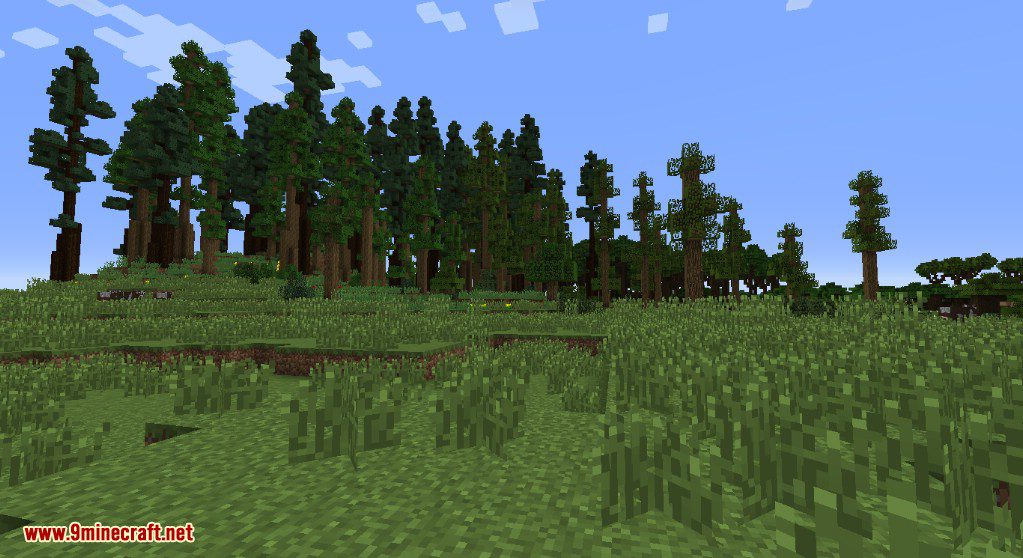
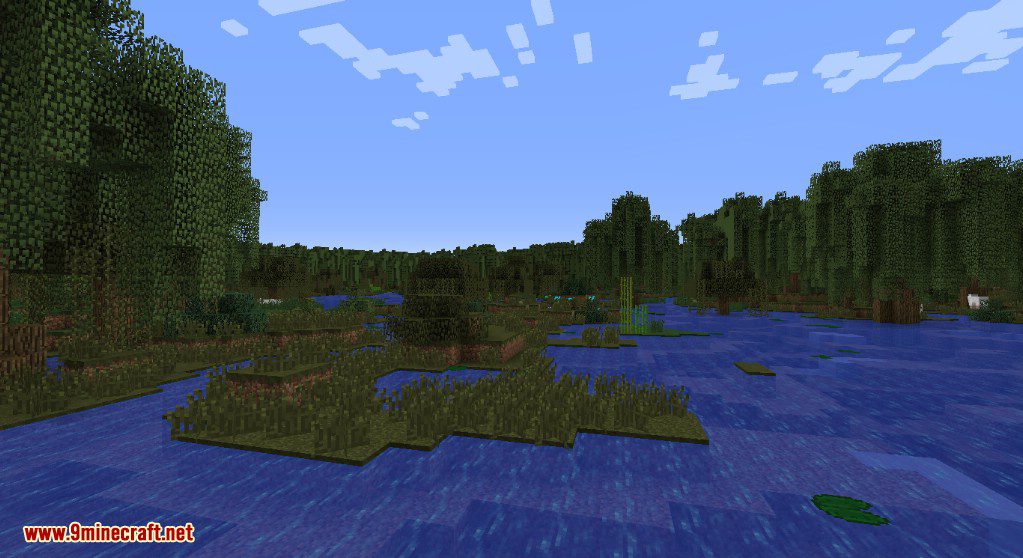
Realistic Terrain Generation Mod adds a new world type that generates more natural and lifelike landscapes. This mod does not add any new blocks, mobs, or biomes. It simply changes the shape of the terrain in existing Overworld biomes, including those from other mods, to make them look more realistic.
Features:
- Adds a new “Realistic” world type to the world creation menu.
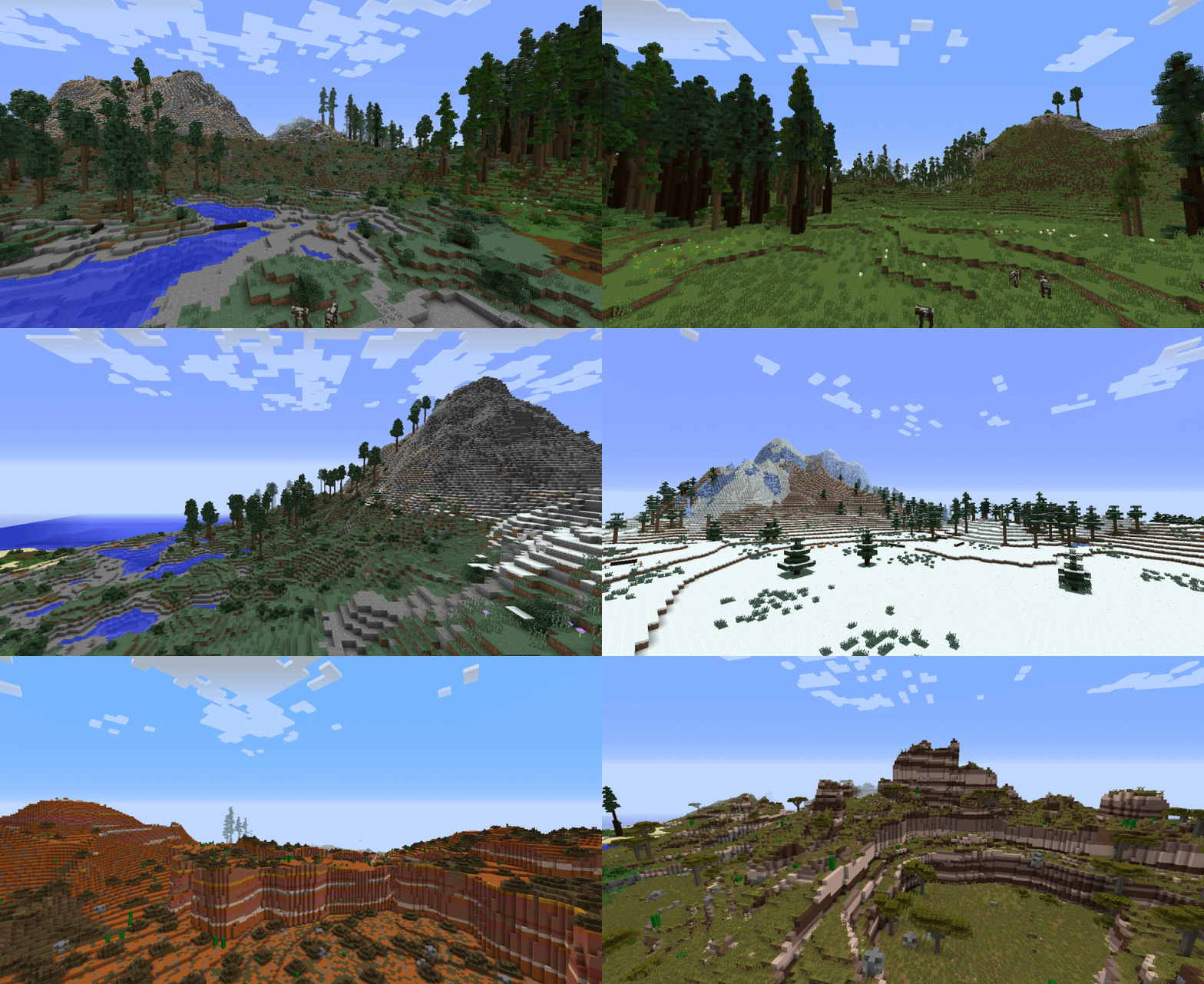
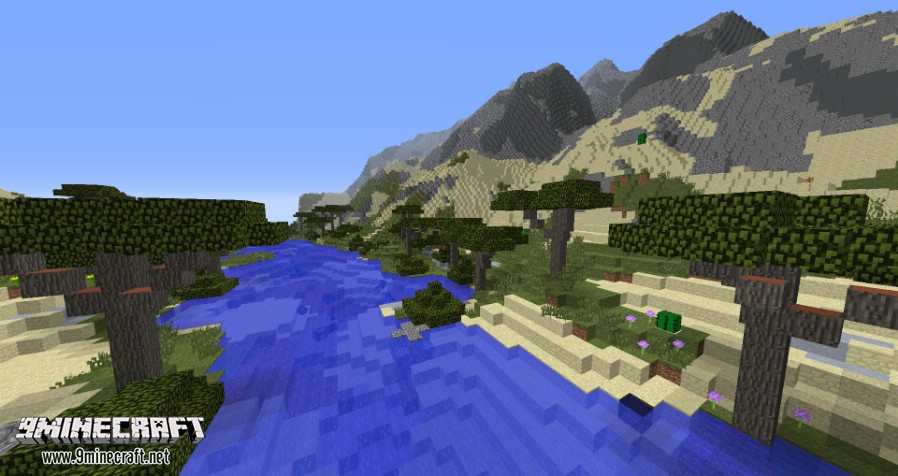
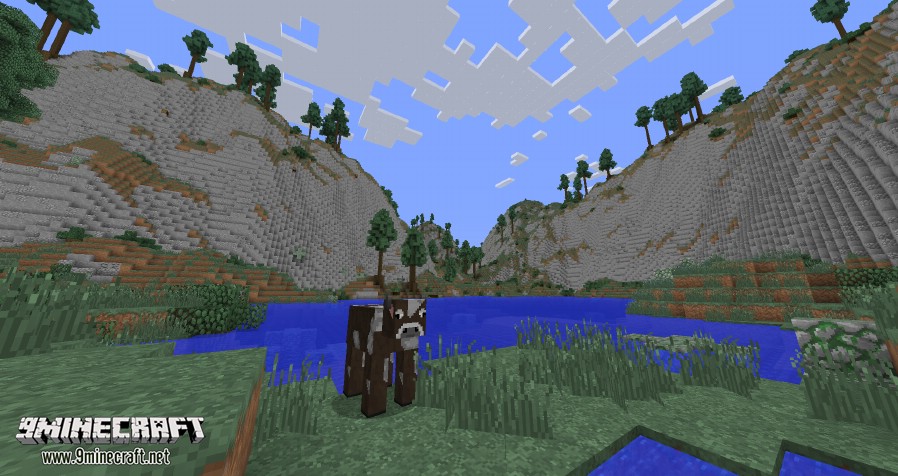
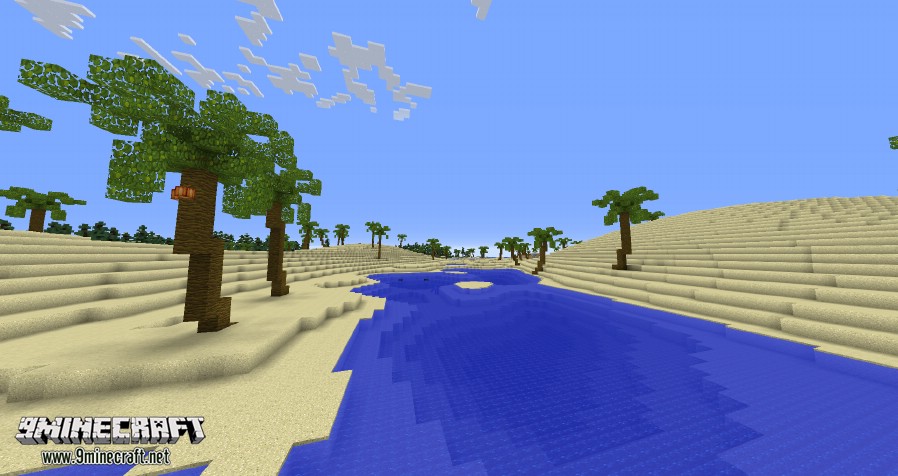
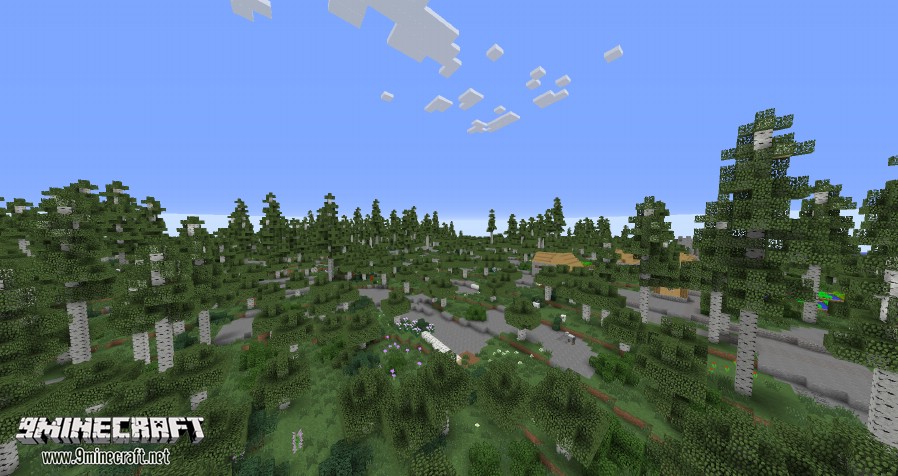
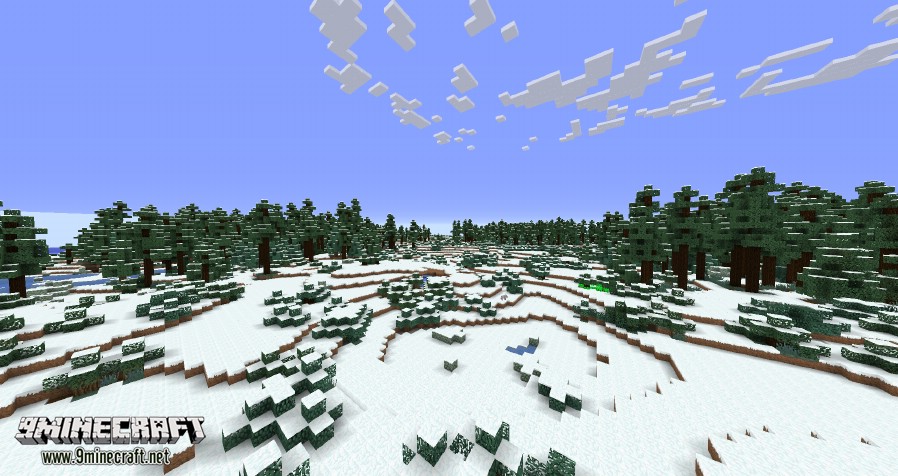
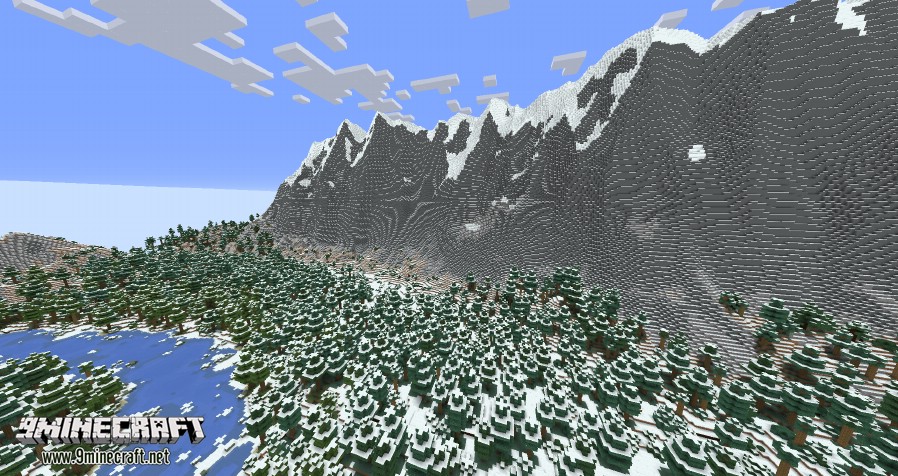
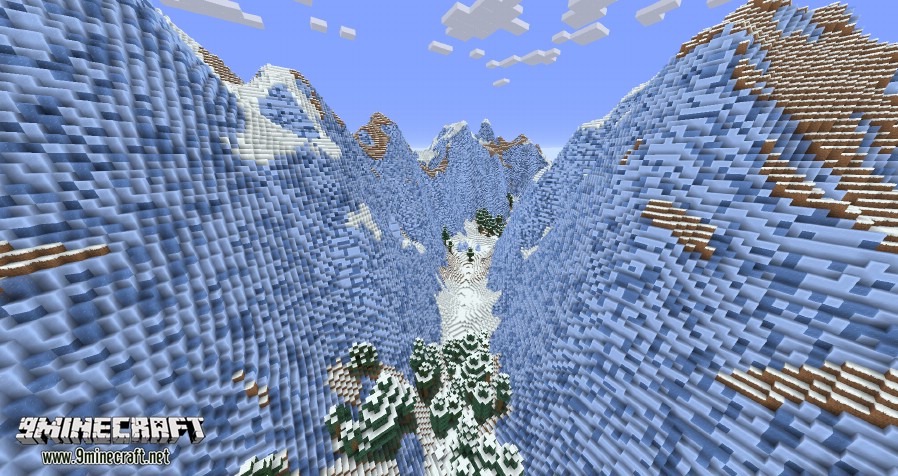
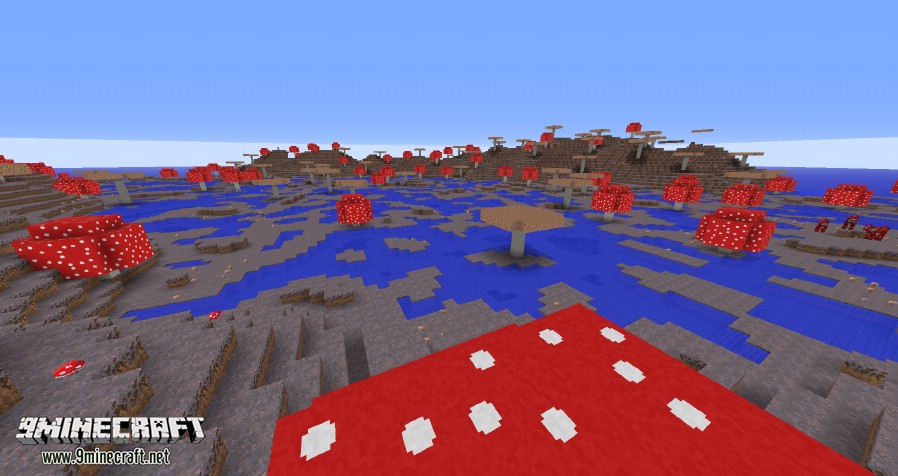
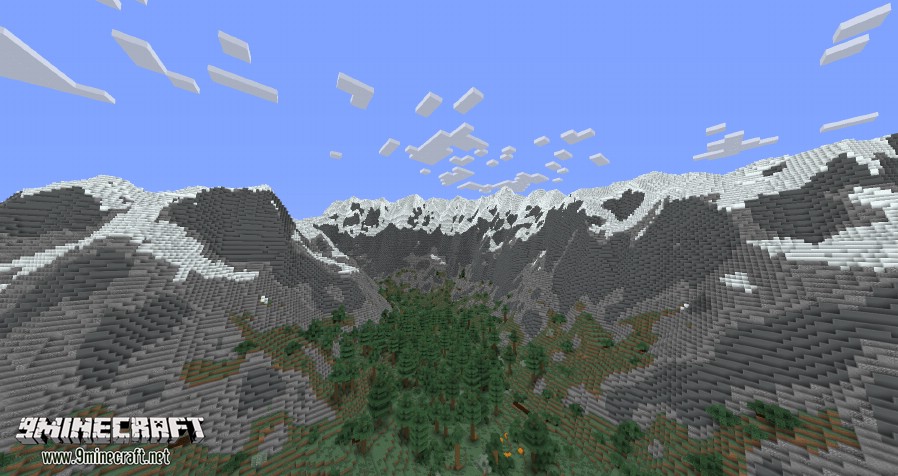
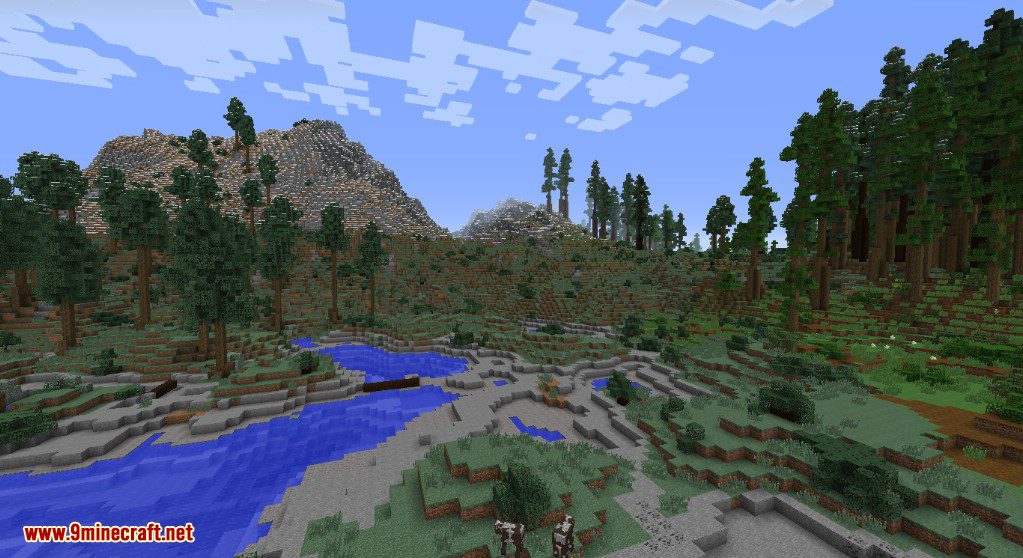
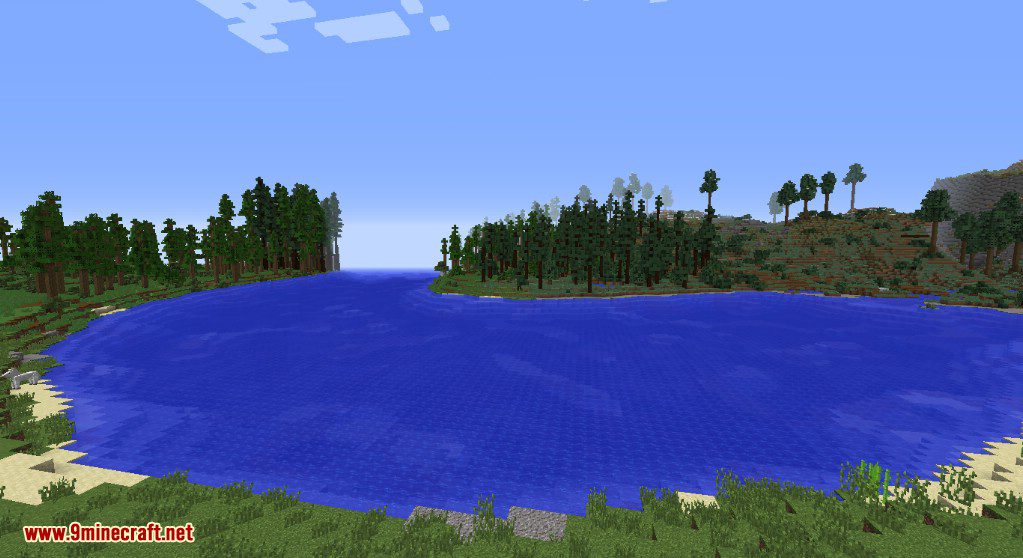
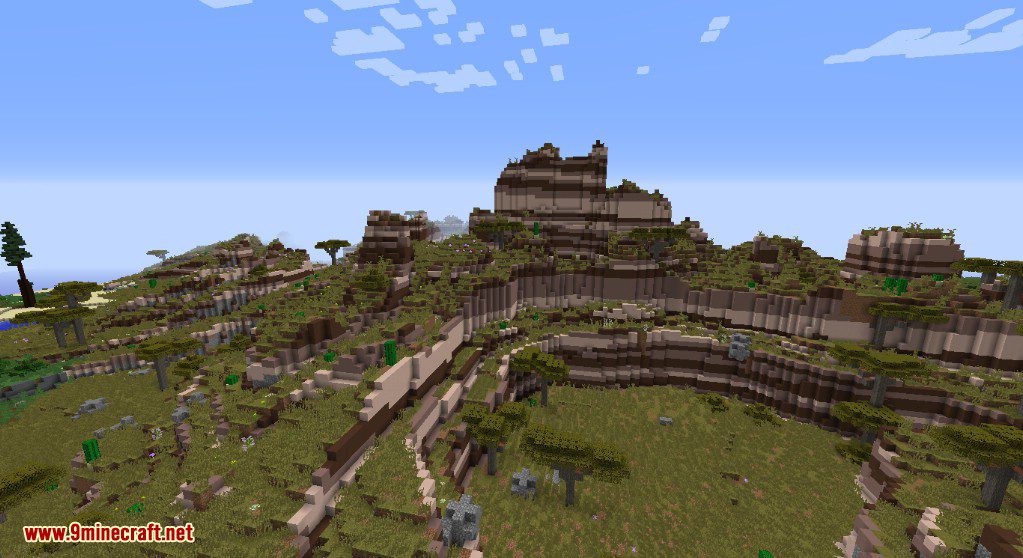
- Generates natural-looking terrain with features like winding rivers, tall mountains, and rolling hills.
- Overhauls the look of vanilla biomes without adding new blocks, creatures, or biomes.
- Works with biomes from the base game and those added by other mods.
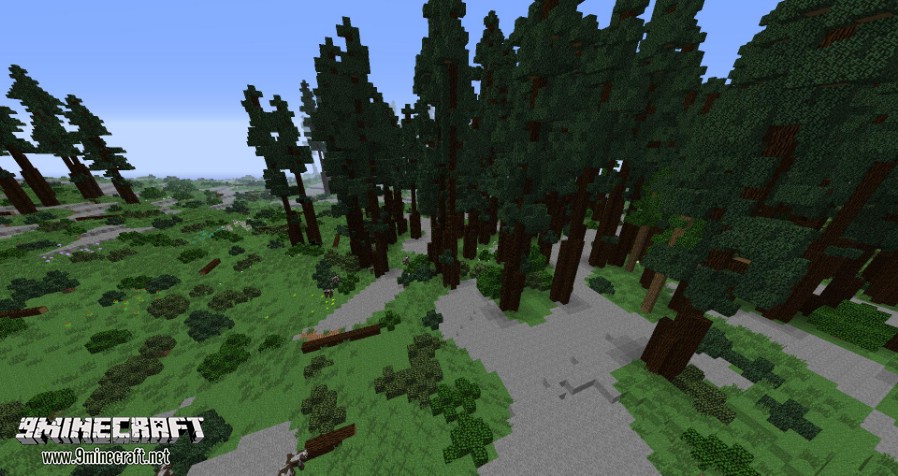
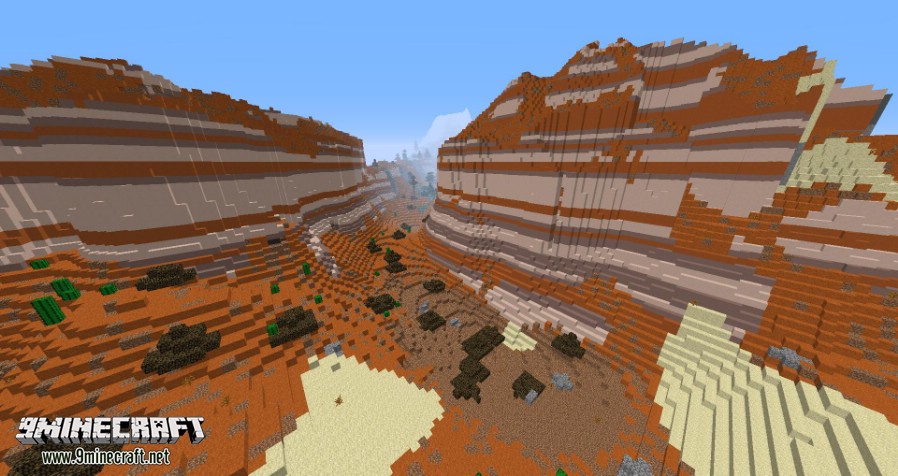
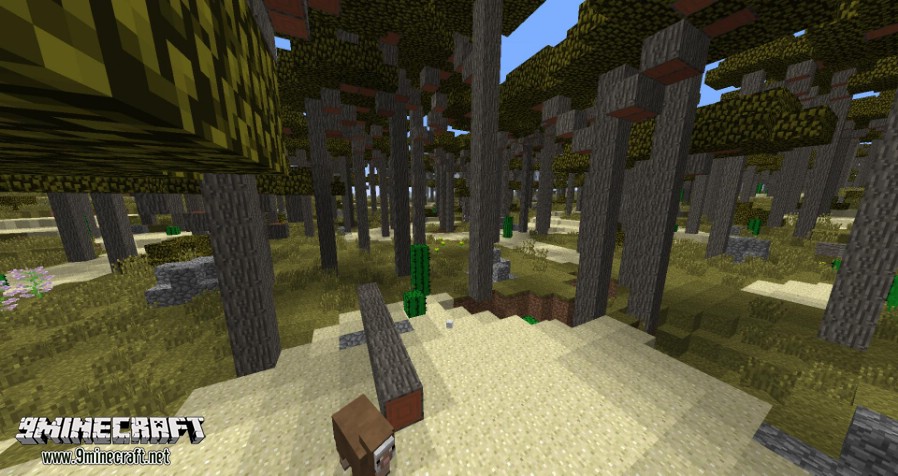
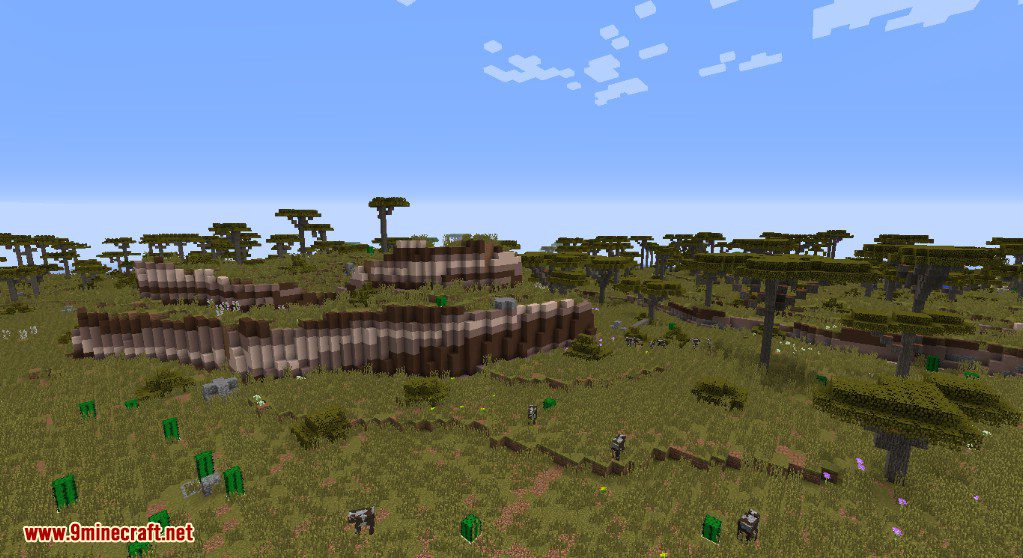
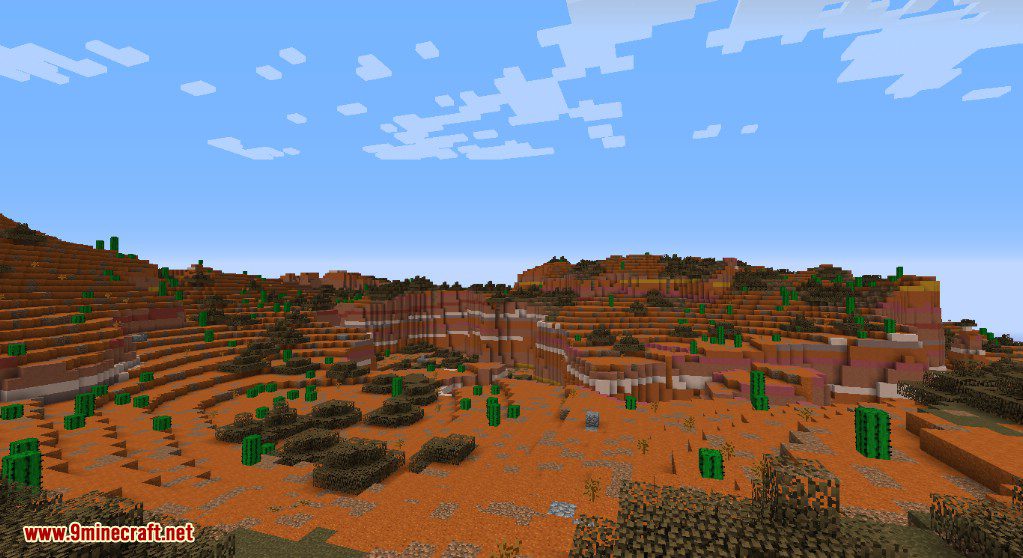
- Creates diverse landscapes, from dense forests and vast snowy plains to layered mesa cliffs and lush savannas.
How to Use:
- Start creating a new world in Minecraft.
- Go to the “More World Options…” menu.
- Click on the “World Type” button until it says “Realistic”.
- Create the world to start playing with the new terrain generation.
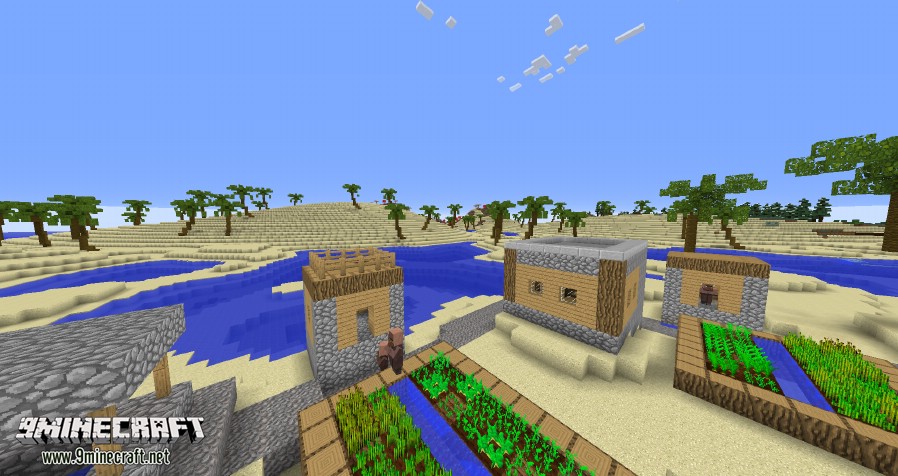
Screenshots:
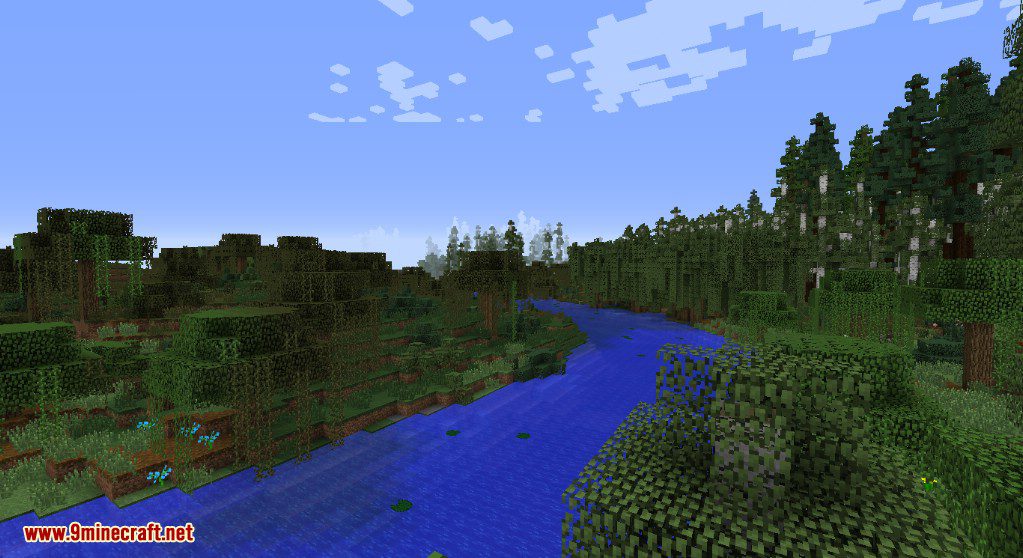
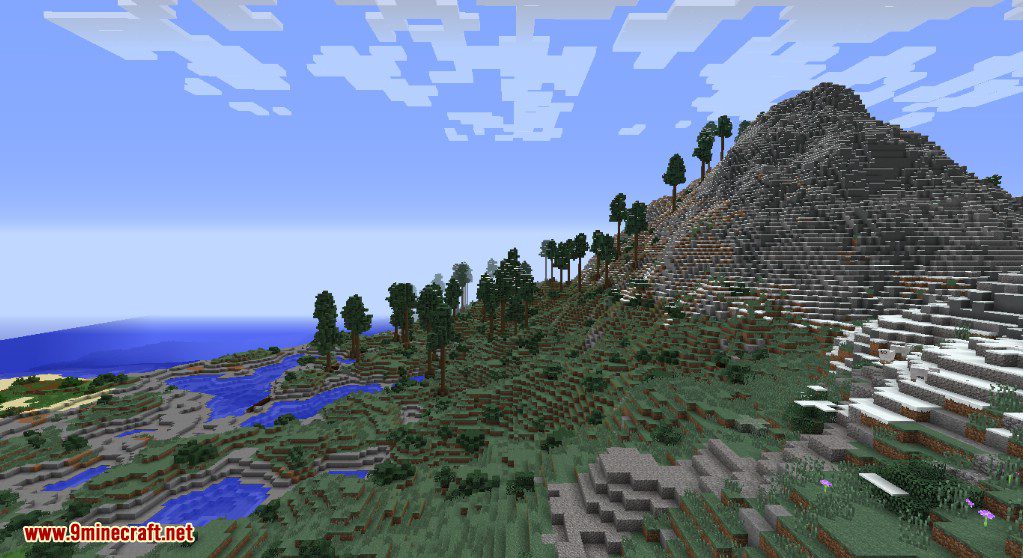
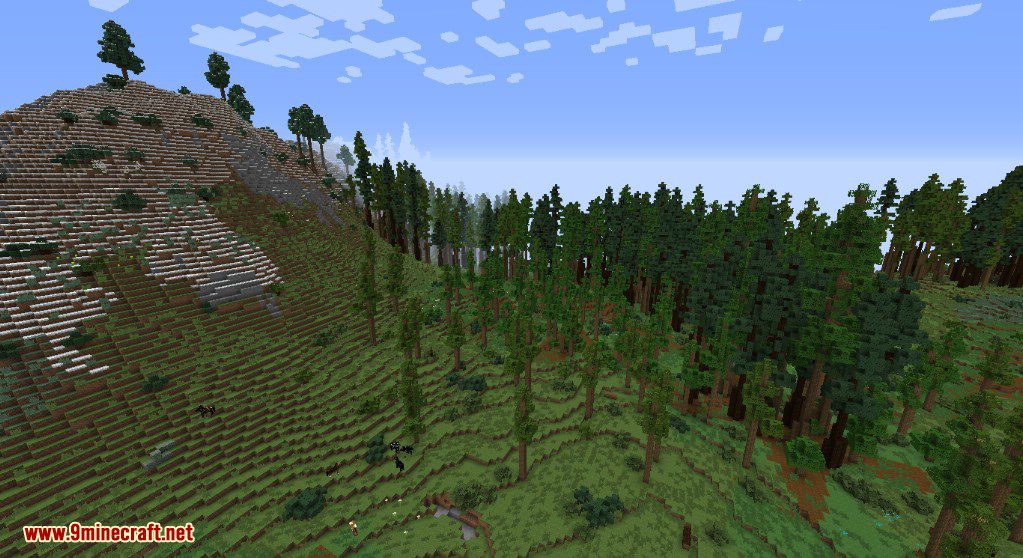
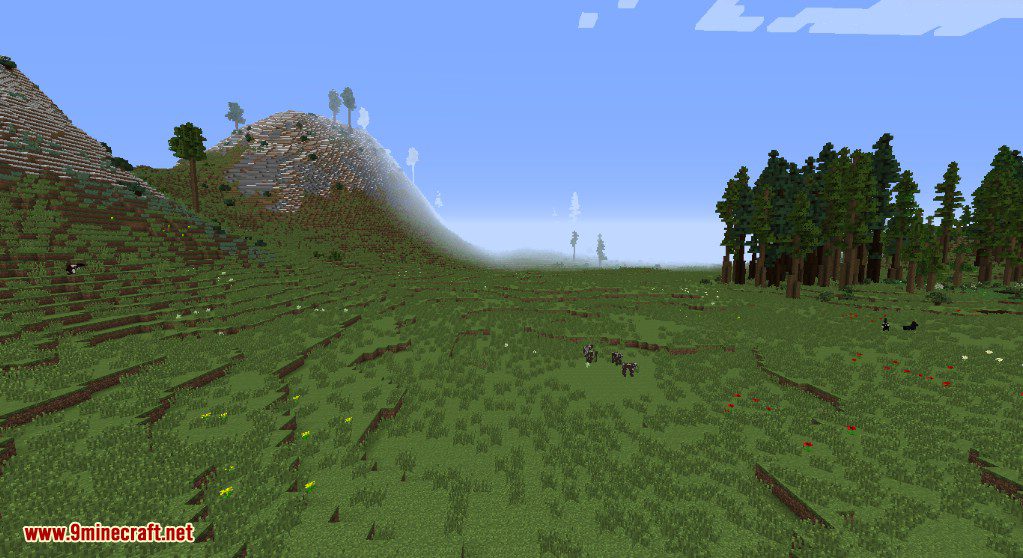
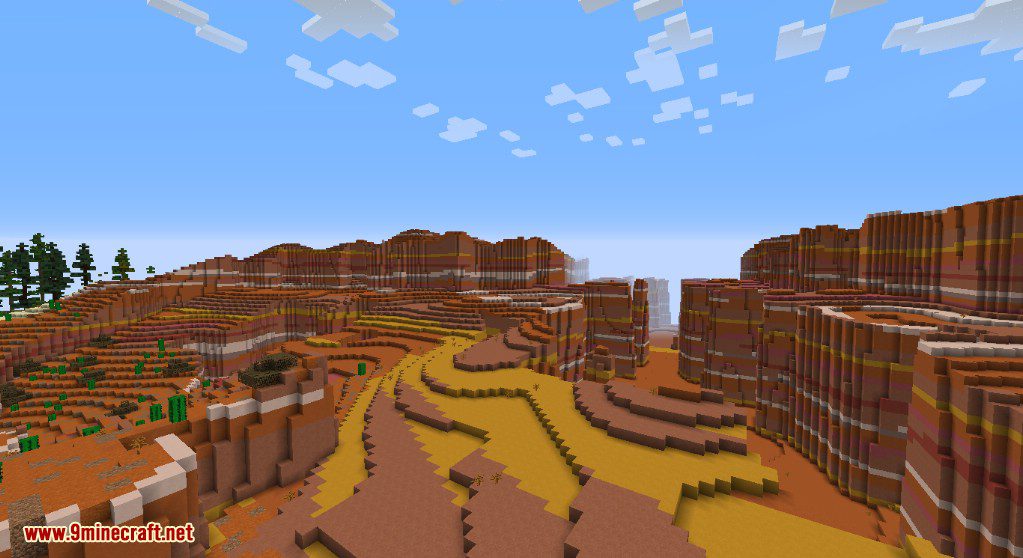
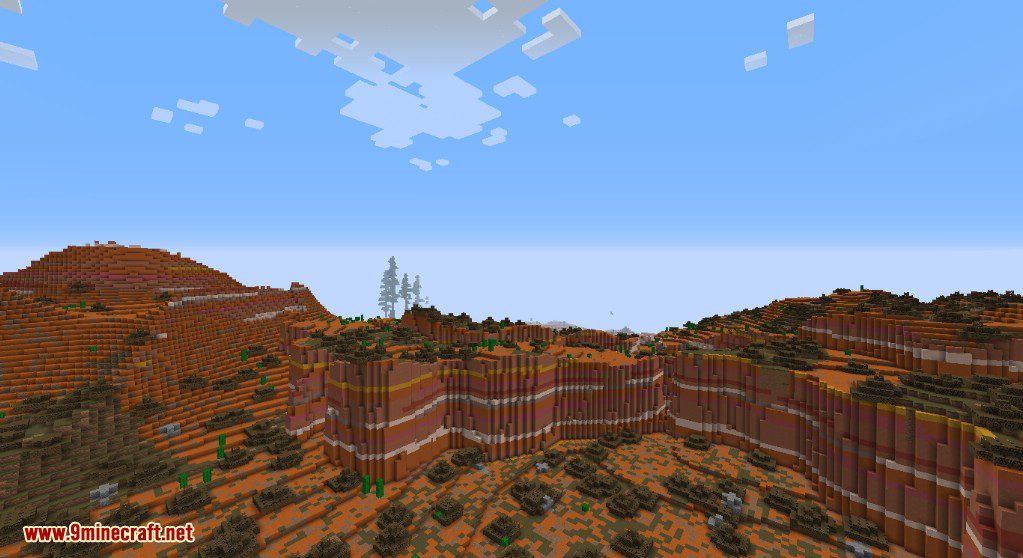
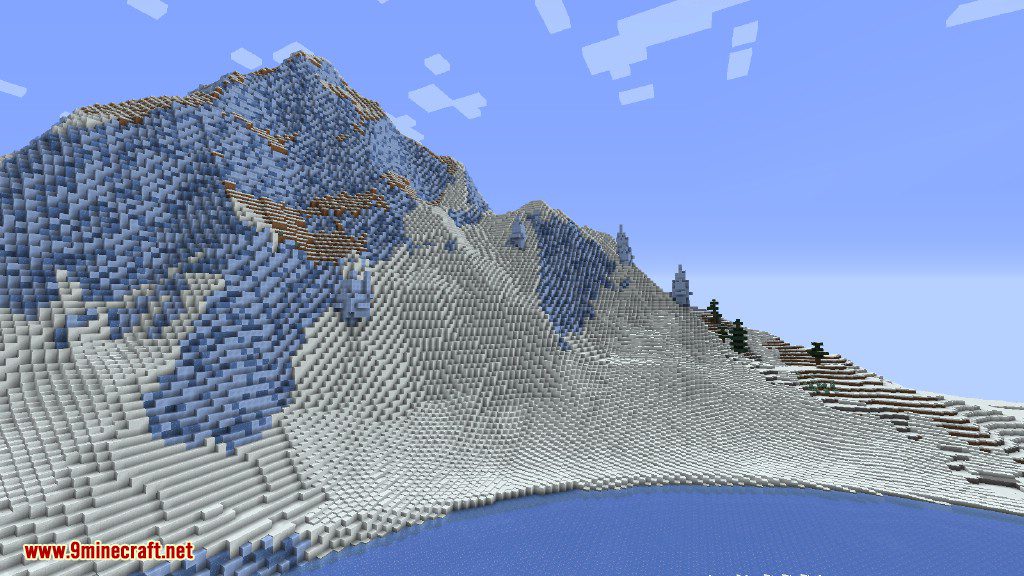
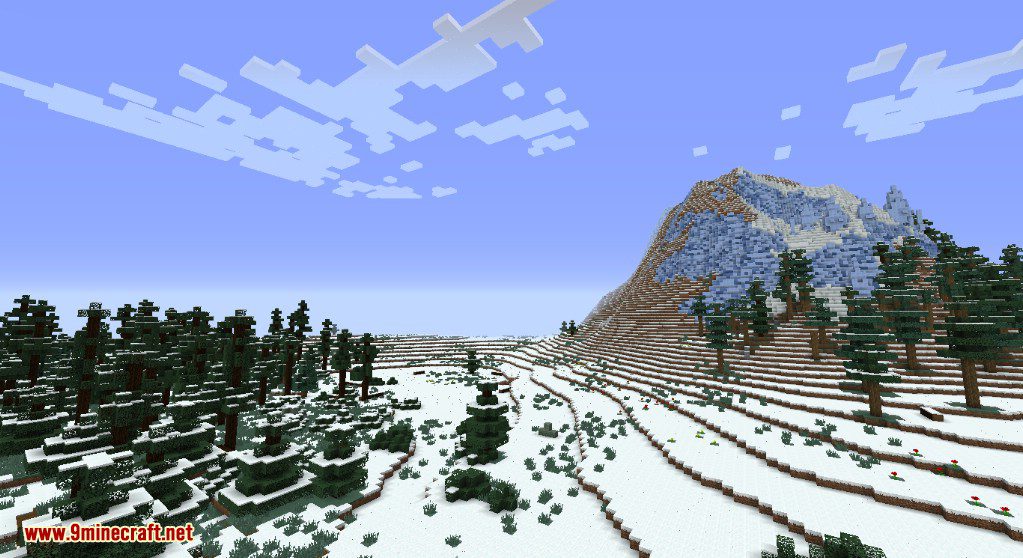
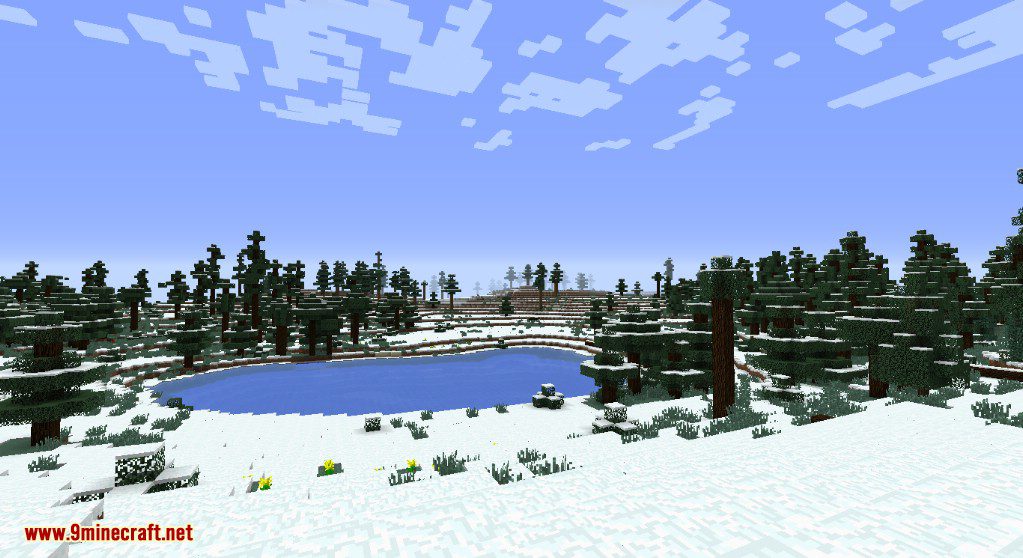
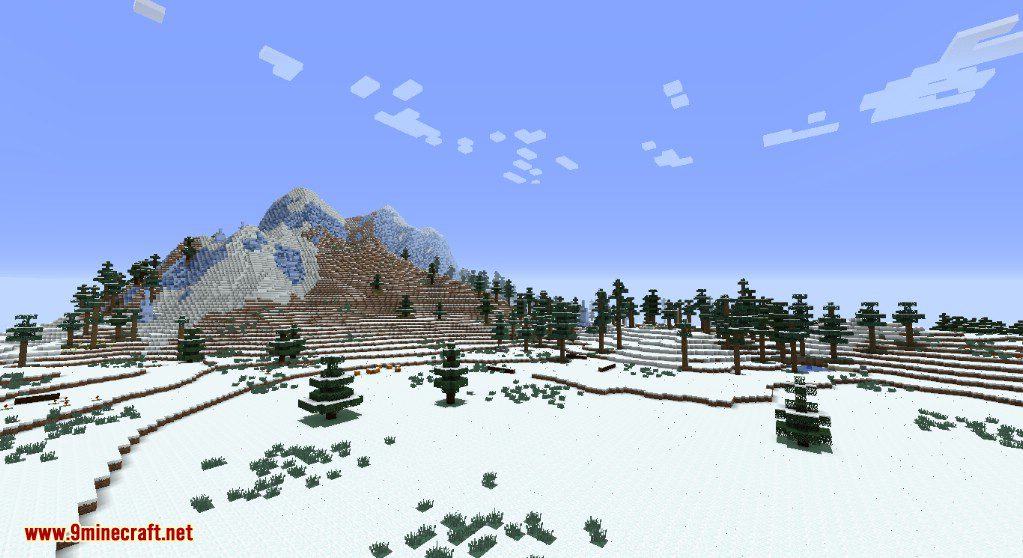
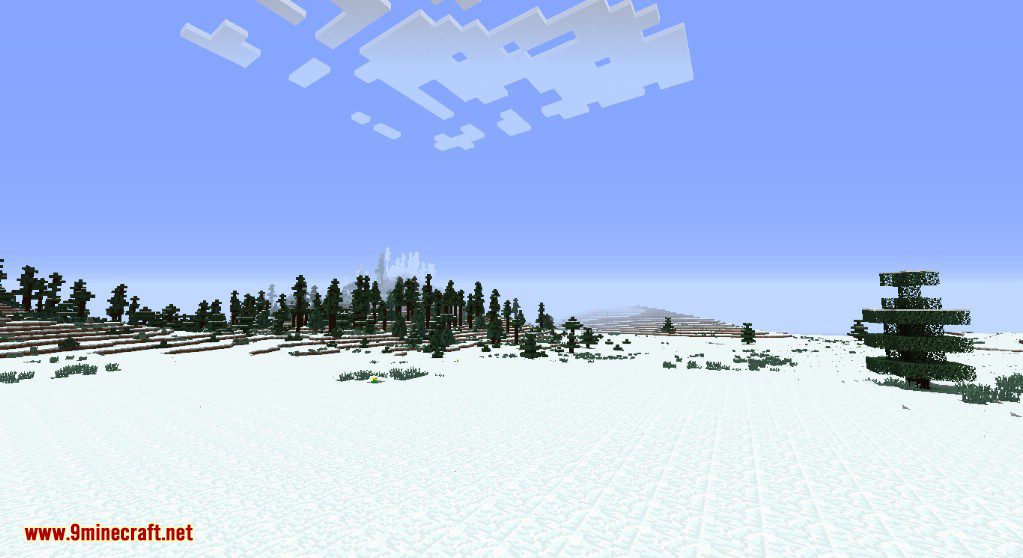
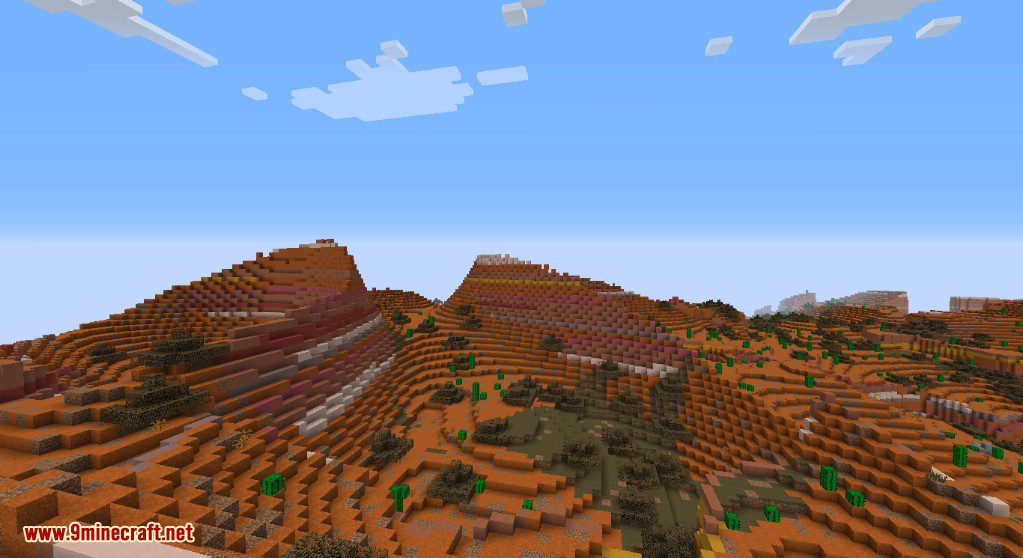
How to Install:
New to Minecraft? Follow our step-by-step guide to install Mods on your PC.View Guide
Realistic Terrain Generation Mod Download Links
For Minecraft 1.7.10
For Minecraft 1.8.9
For Minecraft 1.9.0
For Minecraft 1.9.4
For Minecraft 1.10.2
For Minecraft 1.12.2
Click to rate this post!
[Total: 1 Average: 4]
You May Also Like
Picked for this page
 Create Mod (1.21.1, 1.20.1) – Building Tools and Aesthetic Technology
 Tinkers’ Construct Mod (1.20.1, 1.19.2) – Design Your Perfect Toolkit
 Only Hammers Mod (26.2, 1.20.1) – Faster Mining, Larger Mining Area
 Joy of Painting Mod (26.2, 1.20.1) – Mix Colors, Draw Paintings
 Name Tag Tweaks Mod (26.3, 1.20.1) – Craftable & Retrievable NameTag
 Pig Pen Cipher Mod (26.3, 1.20.1) – New Minecraft Font
 Cobblemon: Legends Untold Mod (1.21.1, 1.20.1) – Legendary and Mythical Pokémon
 LootBag Patches Mod (1.21.1, 1.20.1) – A Patched Version of Lootbags Mod
 Super Simple Home Mod (1.21.11, 1.20.6) – Simple Home Teleportation Commands
 Super Simple Voice Radio Mod (1.21.11, 1.20.1) – Simple Handheld Radio
 Mythic Lib Mod (1.21.11, 1.20.1) – Support Mythic Mods With This Handy Library
 Untamed Delight Mod (1.20.1, 1.19.2) – New Feasts, Foods, And Effects
Most viewed in Mods over the last 7 days
 Ala Industrial Mod (26.3) – Run Electric Power Grids and Automated Factories
 PleasureCraft Mod (26.3, 1.21.1) – Jenny Mod Remake for Fabric
 Jennycraft Mod (26.3, 1.20.1) – Virtual Girlfriend in Minecraft
 Fapcraft Mod (26.3, 1.12.2) – Comprehensive and Detailed Content
 Jenny Mod (Fapcraft) Official Complete Guide – How to use, Tutorial
 BangCraft Mod (1.20.1) – Jenny, Ellie and Elliot
 Mielon’s the Sift Mod (26.3, 1.20.1) – Awaken Ancient City Portals to New Worlds
 Baritone 9minecraft Client Mod (26.3, 26.1.2) – Mine and Build Bases Hands-Free
 750 Models Addon for Yes Steve Model Mod
 Meteor Client Mod (26.2, 1.20.1) – Xray, HUD, Fly
 OptiFine HD (26.3, 1.20.1) – Run Faster, FPS Boost, Shaders Support
 Pretty Flesh Mod (1.16.5) – Create and Interact with Living Entities
More from Mods
 Twin Stack Reach Mod (26.3, 1.20.1) – Swap Any Item Without Opening
 ManyIdeas Christmas Mod (26.3, 1.20.1) – Elevate Your Minecraft Holidays With Cozy Decorations!
 Immersive Weapons Compatibility Bridge Mod (26.3, 1.20.1) – Integration For Immersive Weapons
 Belgie’s Mo’ Villagers Mod (26.3, 1.20.1) – New Villager Professions
 Simple Pocket Machines Mod (26.3, 1.20.1) – Take Your Tools Anywhere
 Exploitation Timer Mod (26.3, 1.21.1) – TNT Explosion Countdown
 Simple Discord Link Bot Mod (26.3, 1.20.1) – Chat Relay, Whitelisting
 Allomancy Mod (26.3, 1.20.1) – New and Improved Mistborn
 Maintenance Mode Mod (26.3, 1.20.1) – Restricts Server Access to Selected Players
 Immersive Weapons Mod (26.3, 1.20.1) – New Weapons and Tools
 Record Days Survived Mod (26.3, 1.20.1) – Automatically Tracks Days Survived
 Solar Cooker Mod (26.3, 1.20.1) – Cooking Without Fuel

This post has no comments yet. Be the first — your comment will appear here.