
Roughly Enough Config Screens Mod (1.21.1, 1.20.1) – Modify Mod Options

 0


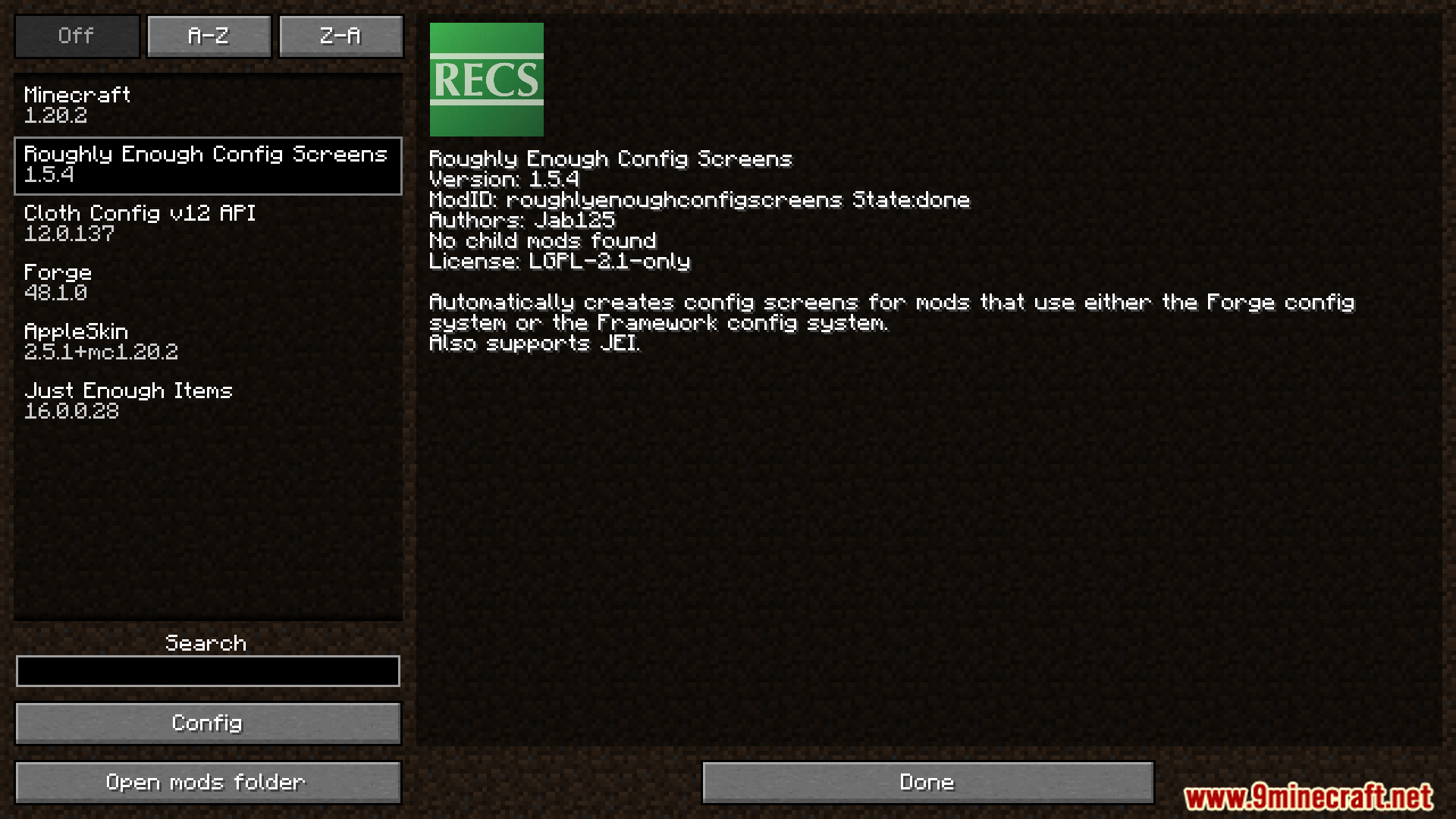
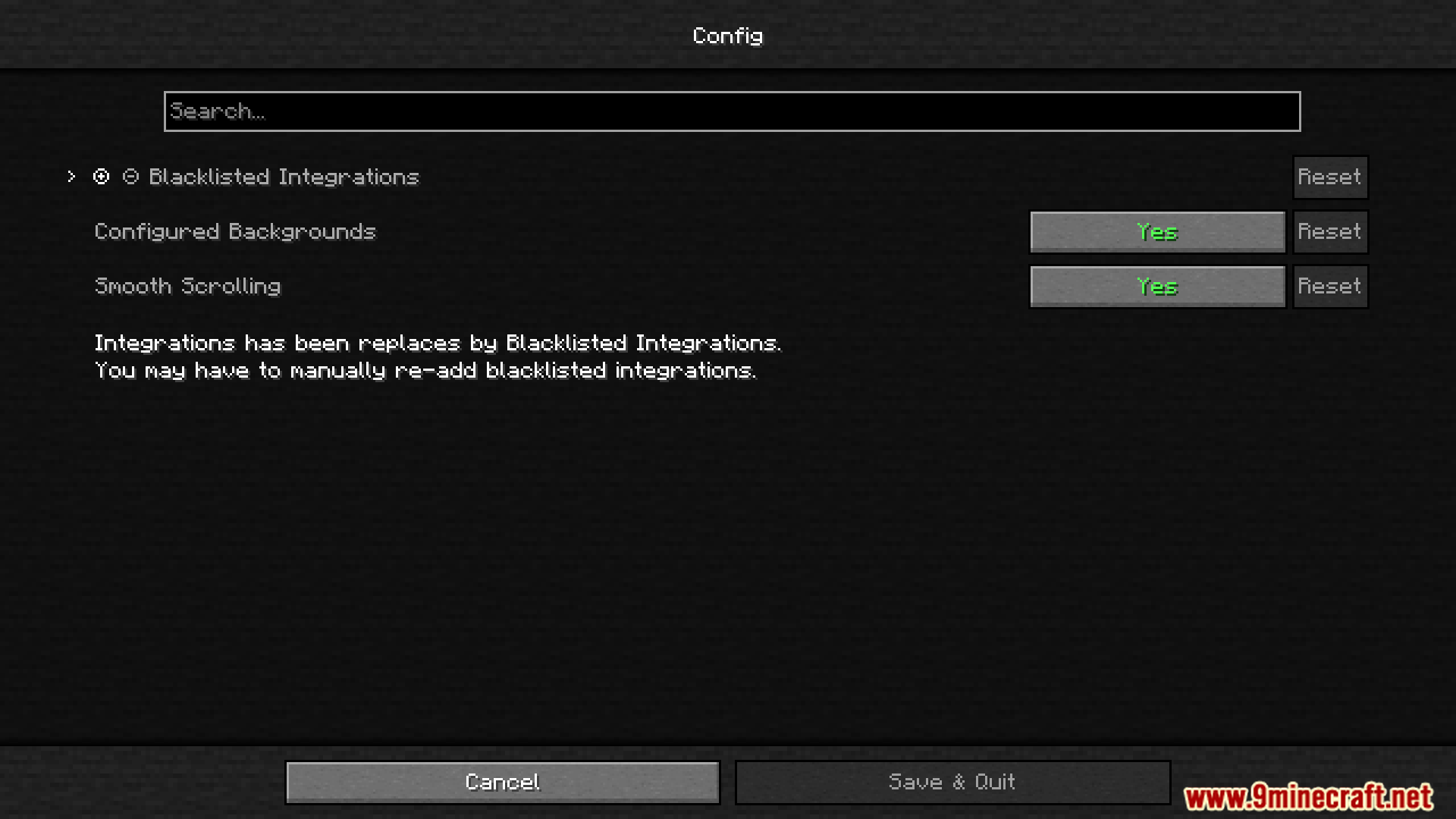
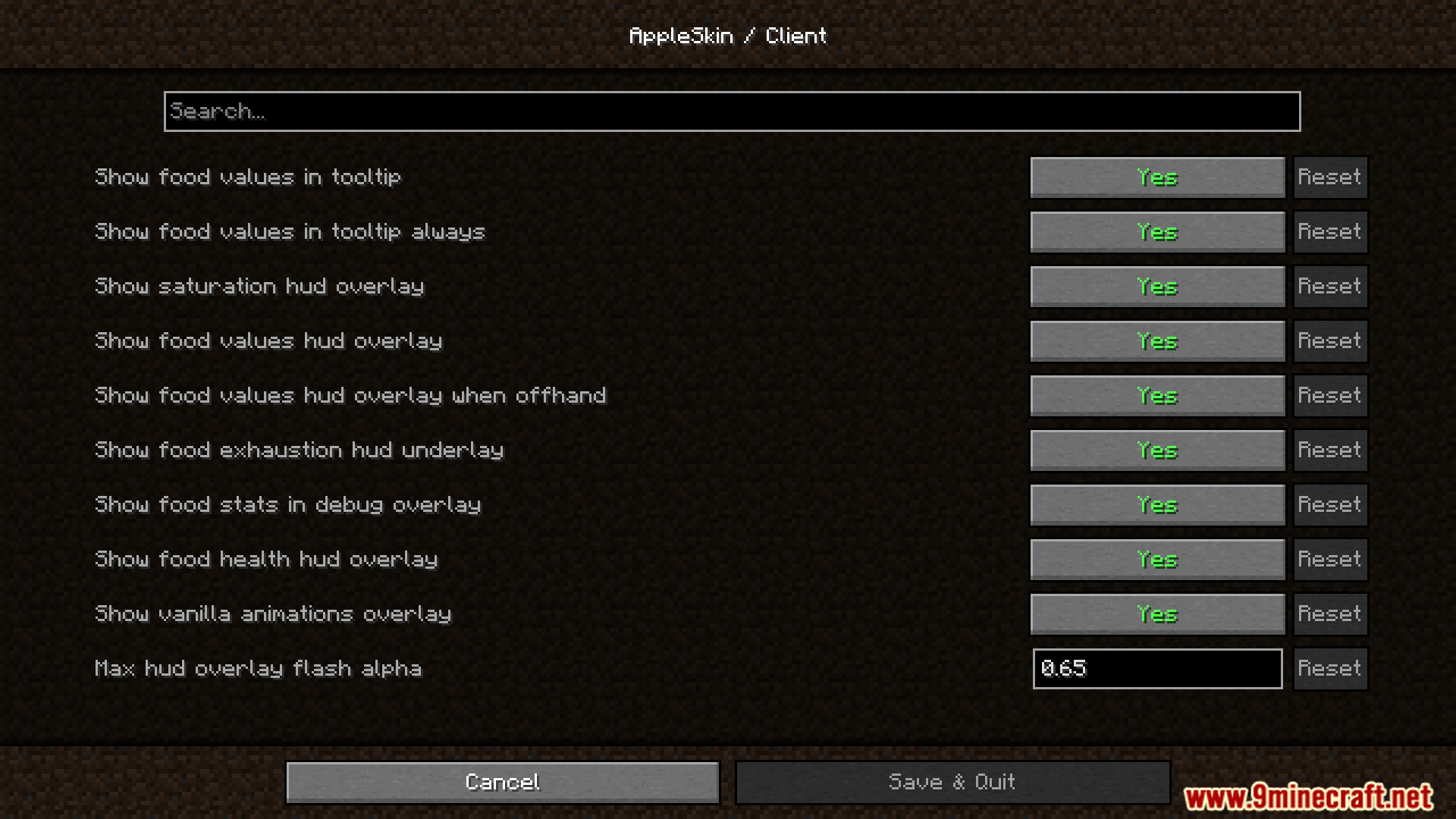
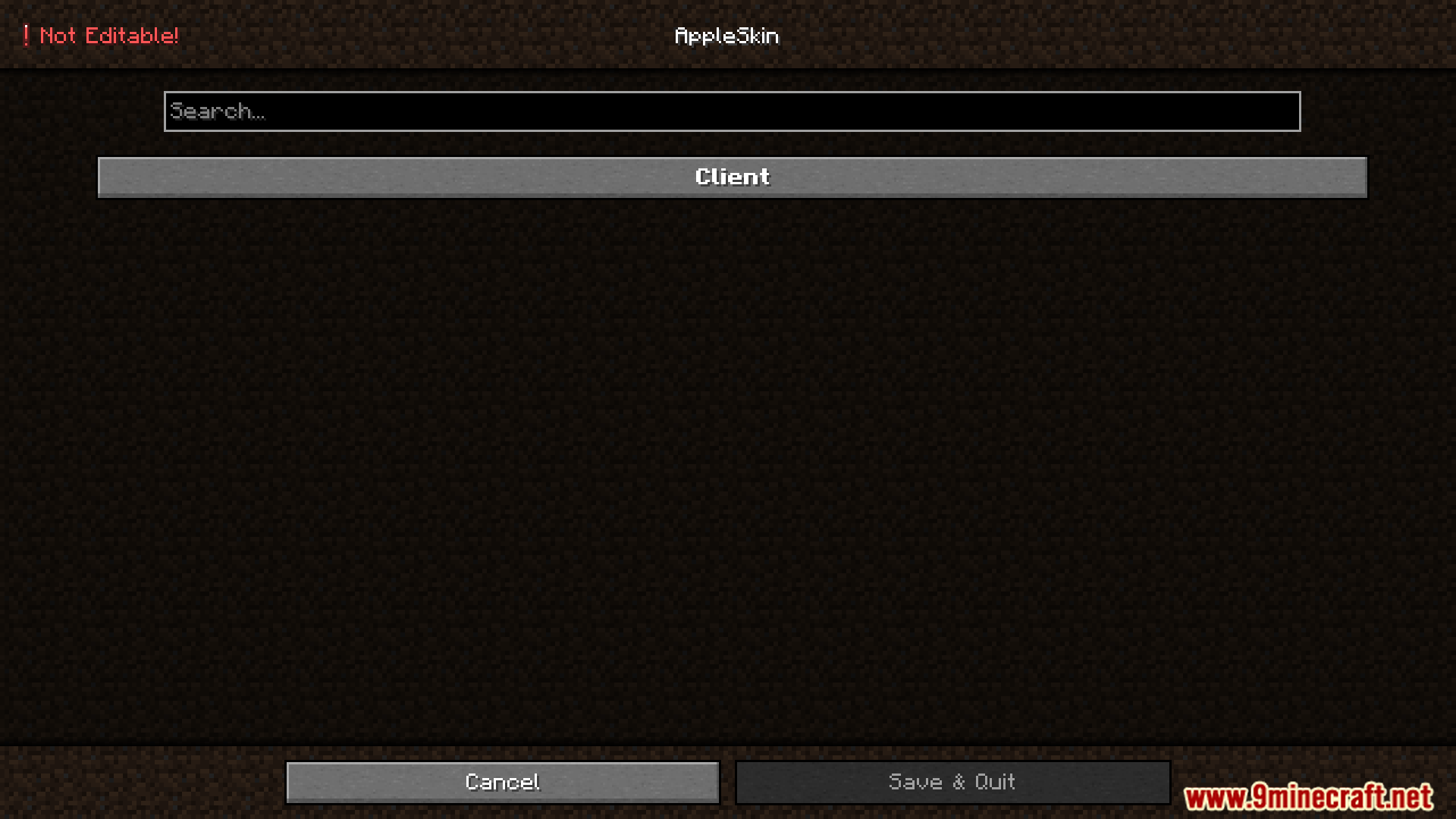
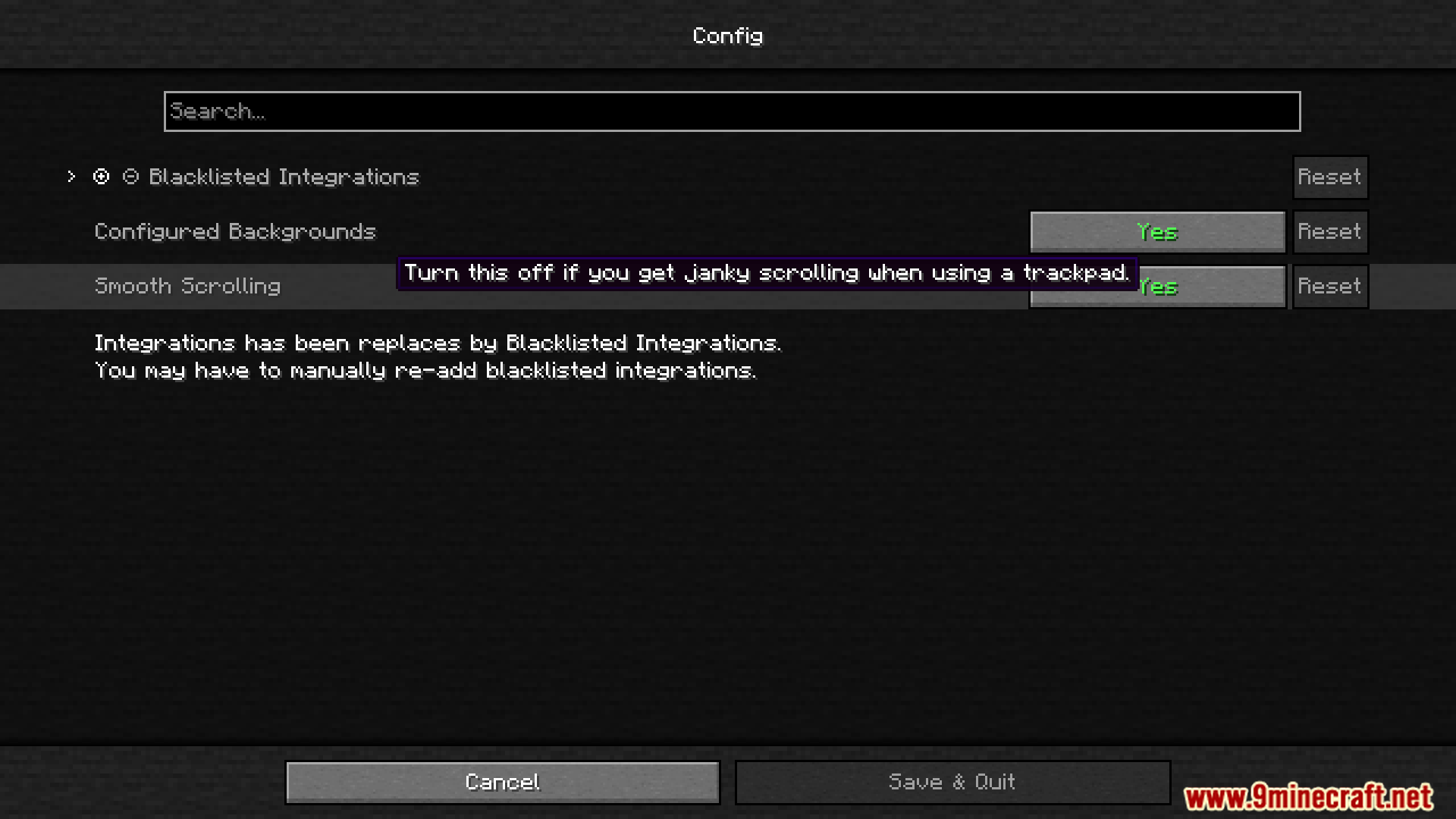
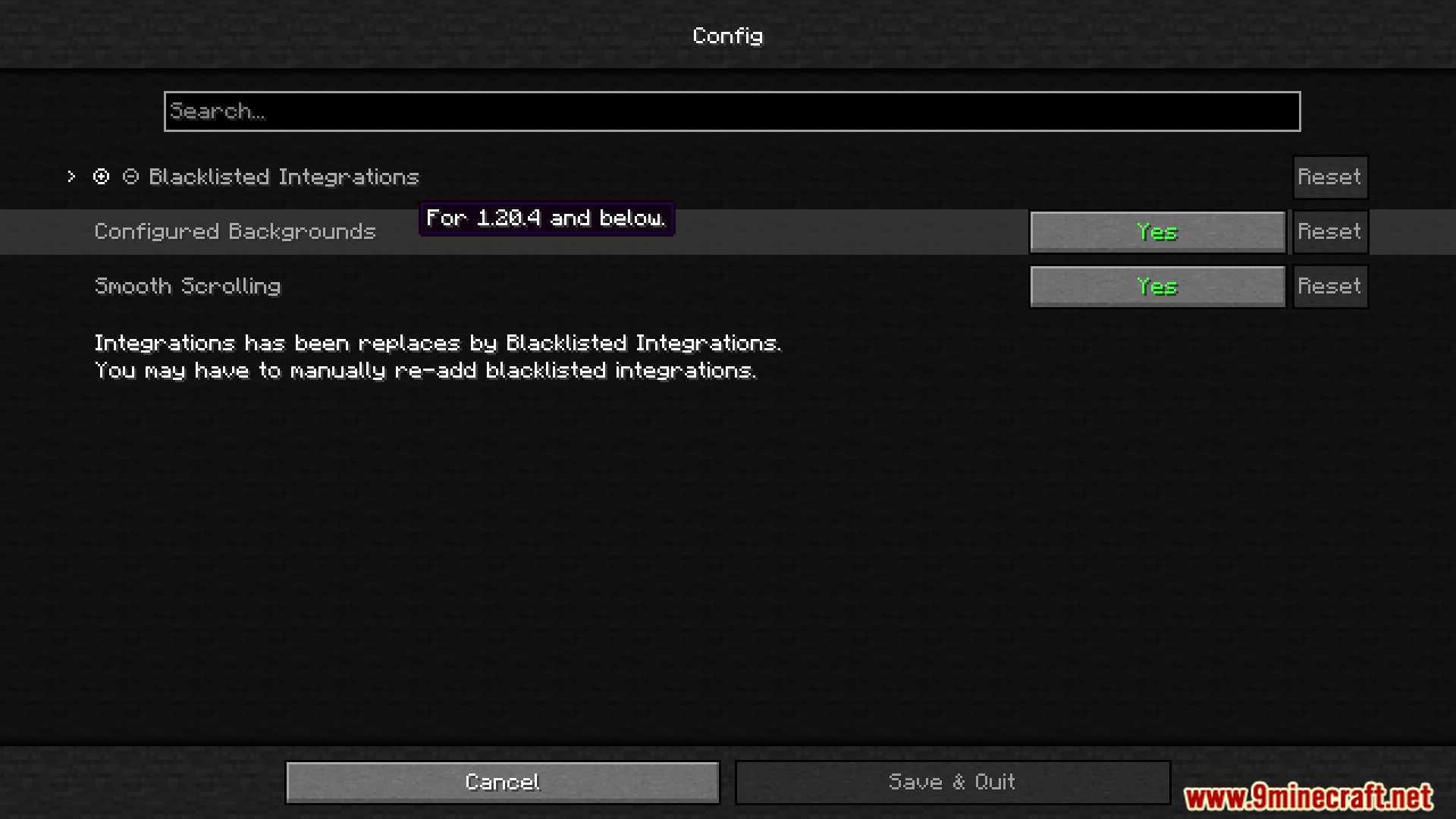
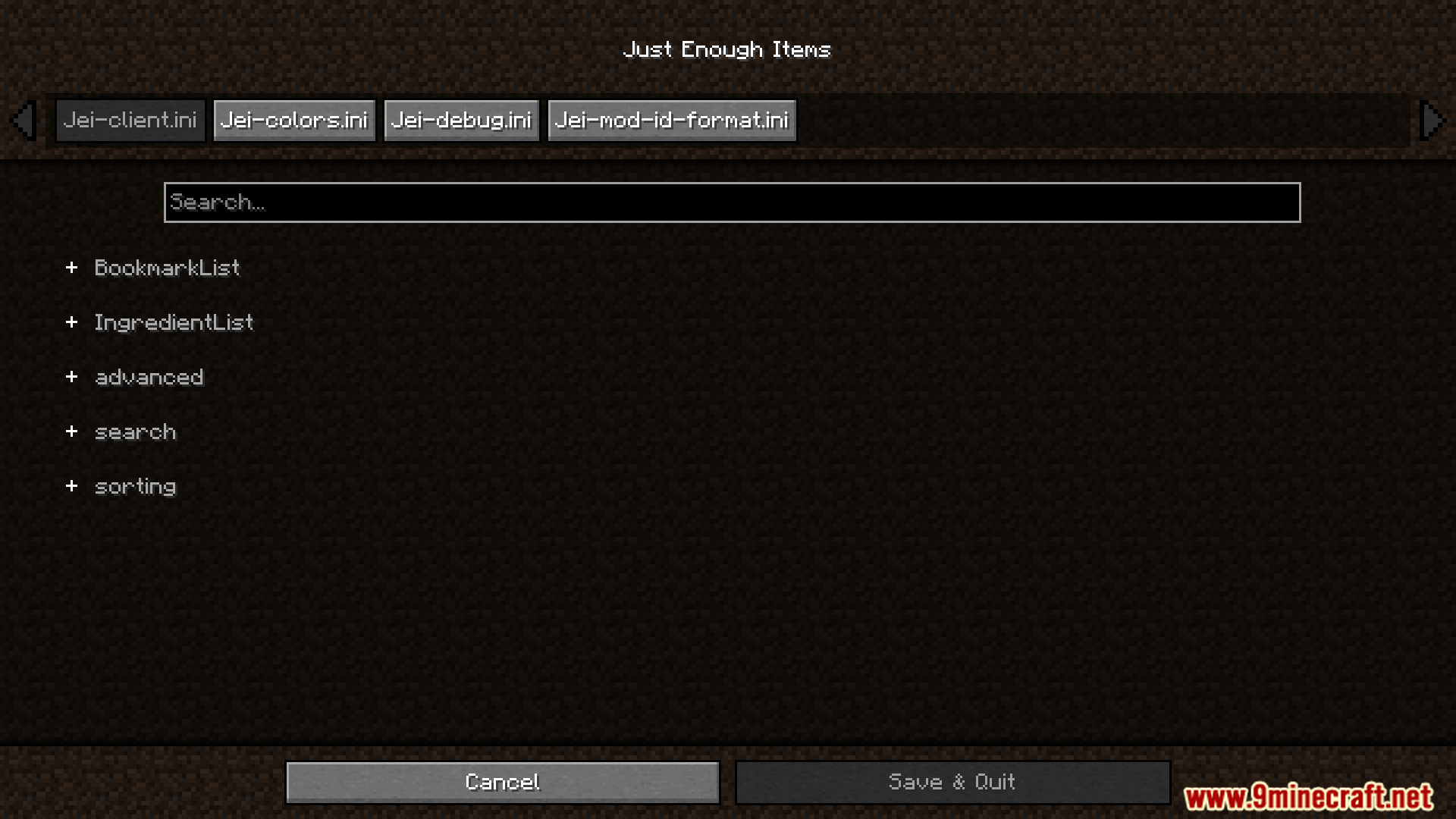
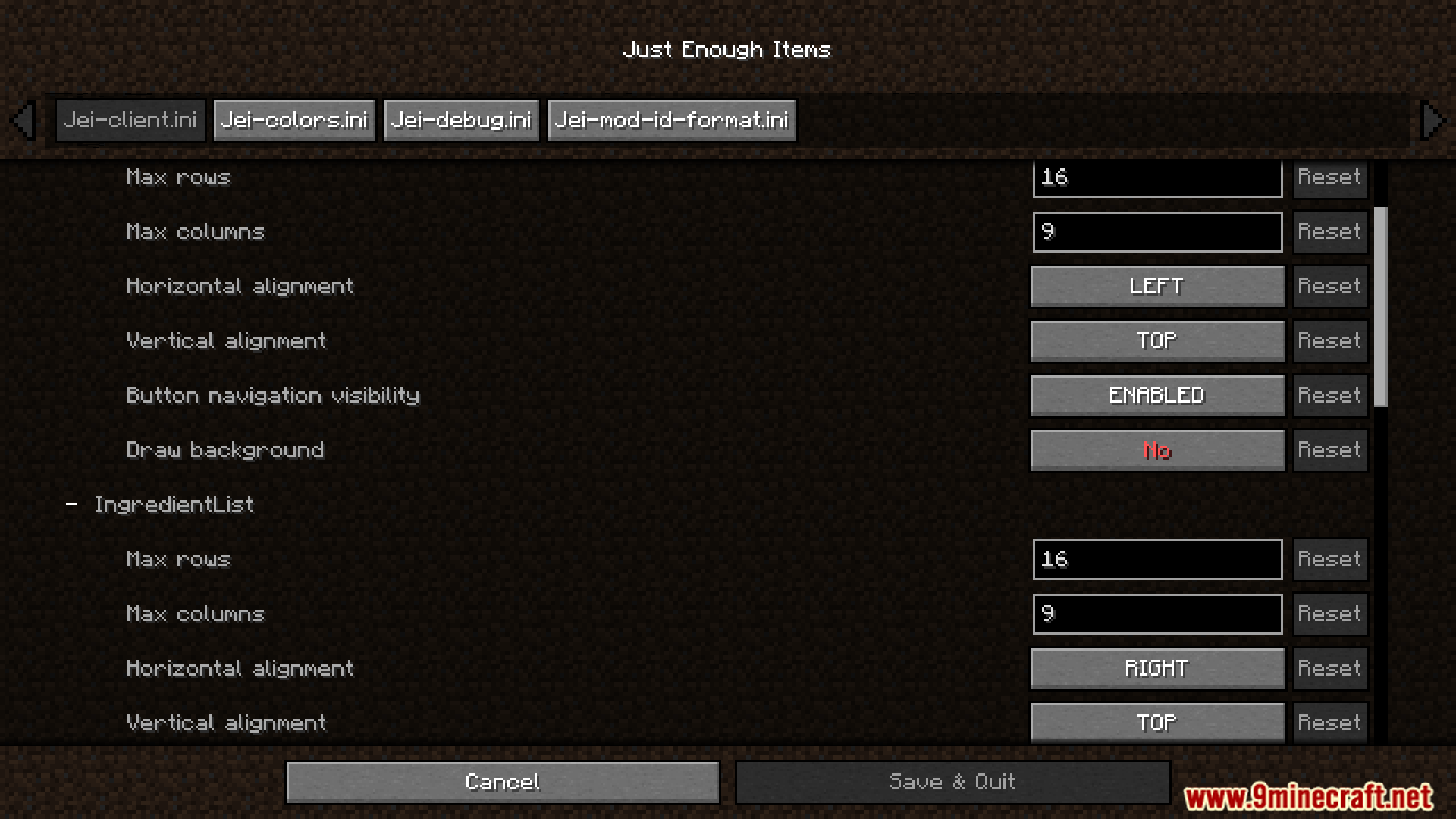
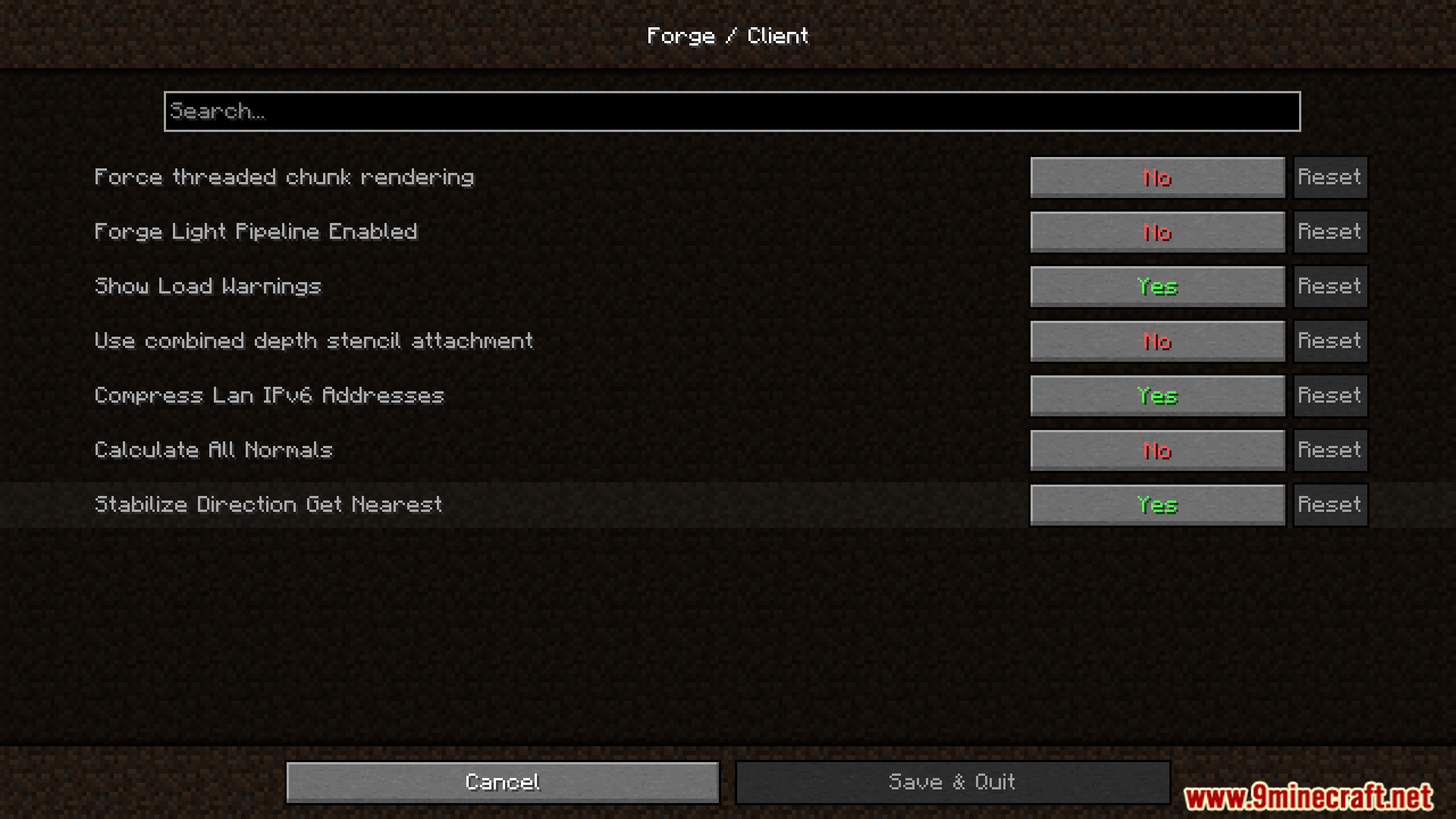
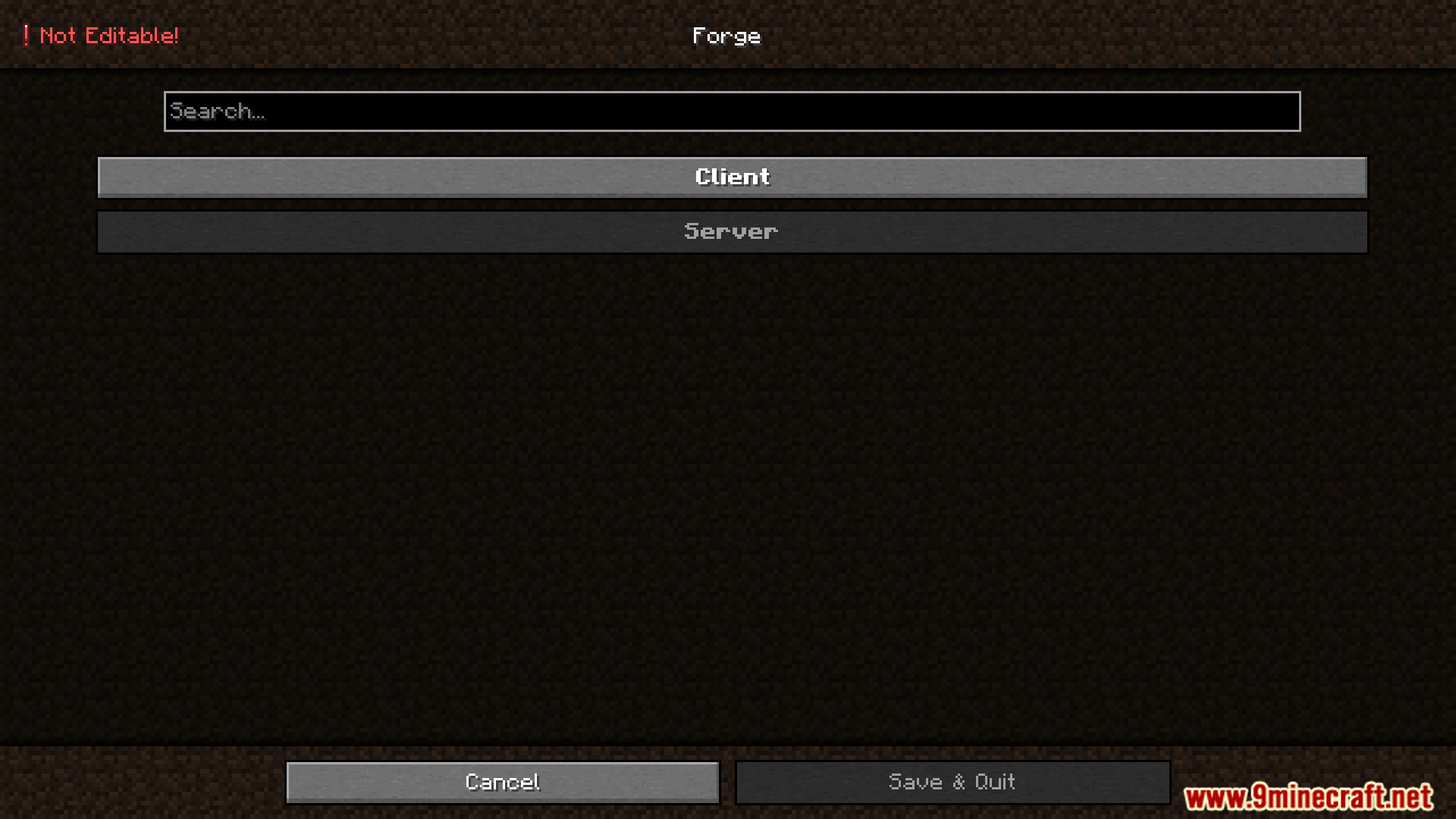
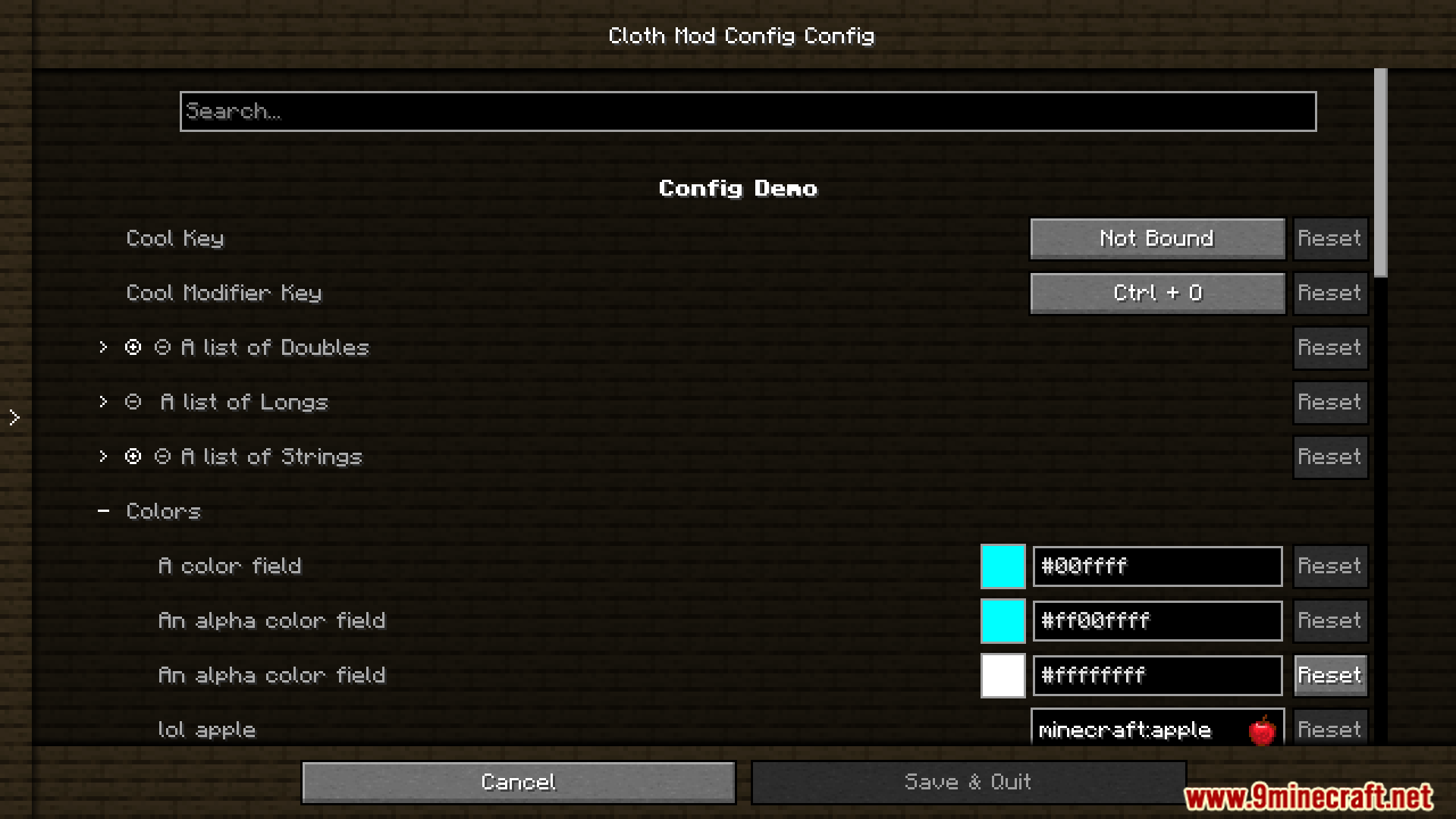
Roughly Enough Config Screens Mod brings easy-to-use configuration screens to mods that rely on specific library systems. It lets you change mod options directly inside the game instead of opening extra configuration files. The mod supports popular libraries and tools like Framework, Forge, and Just Enough Items. It is a helpful tool for players who want to adjust their game settings quickly.
Features:
- Adds clean config screens for mods that use specific configuration libraries.
- Supports popular libraries and utility tools including Framework, Forge, and Just Enough Items.
- Includes an optional setting on Forge to register the vanilla options screen as a mod config screen.
- Provides quick access to game settings so you can tweak options without editing local files.
Screenshots:
How to Install:
New to Minecraft? Follow our step-by-step guide to install Mods on your PC.View Guide
Requirements:

Roughly Enough Config Screens Mod Download Links
For Minecraft 1.21.1, 1.21
Fabric version: Download from Server 1 – Download from Server 2
NeoForge version: Download from Server 1 – Download from Server 2
For Minecraft 1.20.6
Fabric version: Download from Server 1 – Download from Server 2
NeoForge version: Download from Server 1 – Download from Server 2
For Minecraft 1.20.5
Fabric version: Download from Server 1 – Download from Server 2
NeoForge version: Download from Server 1 – Download from Server 2
For Minecraft 1.20.4
Fabric version: Download from Server 1 – Download from Server 2
NeoForge version: Download from Server 1 – Download from Server 2
For Minecraft 1.20.2
Forge version: Download from Server 1 – Download from Server 2
Fabric version: Download from Server 1 – Download from Server 2
NeoForge version: Download from Server 1 – Download from Server 2
For Minecraft 1.20.1, 1.20
Forge version: Download from Server 1 – Download from Server 2
Fabric version: Download from Server 1 – Download from Server 2
For Minecraft 1.19.4
Forge version: Download from Server 1 – Download from Server 2
Fabric version: Download from Server 1 – Download from Server 2
You May Also Like
Picked for this page
 Forge Config API Port Mod (26.3, 1.20.1) – Bring Forge Mods to Fabric
 OptiGUI Mod (26.3, 1.20.1) – Style Every Menu In-Game
 Better Babies Mod (1.21.11, 1.20.1) – Cuteness Overload
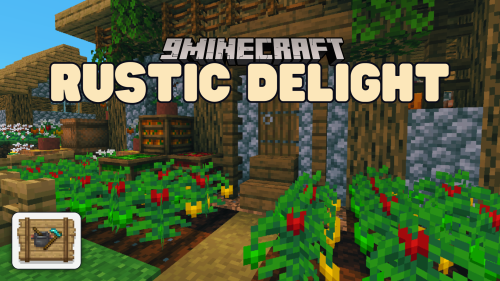 Rustic Delight Mod (26.3, 1.20.1) – Brings New Crops, Foods, and Cooking
 The Afterdark Mod (1.21.5, 1.20.1) – Gather Exclusive Resources And Face Challenges
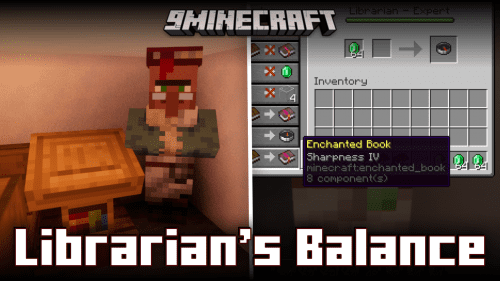 Librarian’s Balance Mod (26.3, 1.20.1) – Rebalances Librarian Trades
 RFTools Control Mod (1.21.1, 1.20.1) – Code Your Own Automation
 Panorandom Mod (26.3, 1.21.11) – Picks Panorama From All Resource Packs
 Modern Networking Mod (26.3, 1.20.1) – Run Multiplayer Mods Without Errors
 Immersive Convergence Mod (1.20.1) – Run Your Factory Addons Side By Side
 Pv Addon Lavaplayer Lib Mod (26.3, 1.20.1) – Audio Backend Utility
 Cynosure Mod (1.20.1) – Run Kotlin Mods on Any Loader
Most viewed in Mods over the last 7 days
 Ala Industrial Mod (26.3) – Run Electric Power Grids and Automated Factories
 PleasureCraft Mod (26.3, 1.21.1) – Jenny Mod Remake for Fabric
 Jennycraft Mod (26.3, 1.20.1) – Virtual Girlfriend in Minecraft
 Fapcraft Mod (26.3, 1.12.2) – Comprehensive and Detailed Content
 Jenny Mod (Fapcraft) Official Complete Guide – How to use, Tutorial
 BangCraft Mod (1.20.1) – Jenny, Ellie and Elliot
 Fabric Loader (26.3, 1.20.1) – Fabric Installer for All Minecraft Versions
 Meteor Client Mod (26.3, 1.20.1) – Xray, HUD, Fly
 The Shooting Star Demo Mod (26.3, 1.20.1) – Vaporize Terrain From Orbit
 OptiFine HD (26.3, 1.20.1) – Run Faster, FPS Boost, Shaders Support
 Aristois Client Mod (1.21.4, 1.20.1) – World Class Minecraft Utility
 Prestige Client Mod (1.21.11, 1.21.4) – Powerful Ghost Features for Crystal & Sword PvP
More from Mods
 Kambrik 9minecraft Mod (26.3) – Run Kotlin Mods Without Game Lag
 Fast Paintings 9minecraft Mod (26.3, 26.2) – Place Wall Art Exactly Where You Want It
 Bonsai Trees 9minecraft Mod (26.3, 26.2) – Automate Wood Farming in Tiny Pots
 Enhanced Block Entities 9minecraft Mod (26.3) – Build Lag-Free Storage Rooms
 Better Nether 9minecraft Mod (26.3, 26.2) – Survive Forever in the Nether
 BCLib 9minecraft Mod (26.3, 26.2) – Power Custom Nether and End Overhauls
 ForgedLoaderAPI Mod (1.19.2, 1.18.2) – Bring Ported Fabric Creations
 Shield System Mod (1.21.1) – Tank Heavy Monster Hits Without Losing Hearts
 Shin’s Tensura Race Models Mod (1.19.2) – Play As Unique 3D Anime Race
 Offgrid Mod (26.3, 1.20.1) – Furnish Compact Interiors Without Strict Grid
 Tempest Almanac Iron’s Spells ‘n Spellbooks Mod (1.21.1, 1.20.1)
 Chat Guides Mod (26.3, 1.21.11) – Never Memorize Complex Server Commands Again

This post has no comments yet. Be the first — your comment will appear here.