


Server Side Horror Mod (26.2, 1.20.1) – Terrify Your Server Without Client
 56
56
 0
0


🌐 Good news — we've translated this article into other languages!
Or pick the one you like:
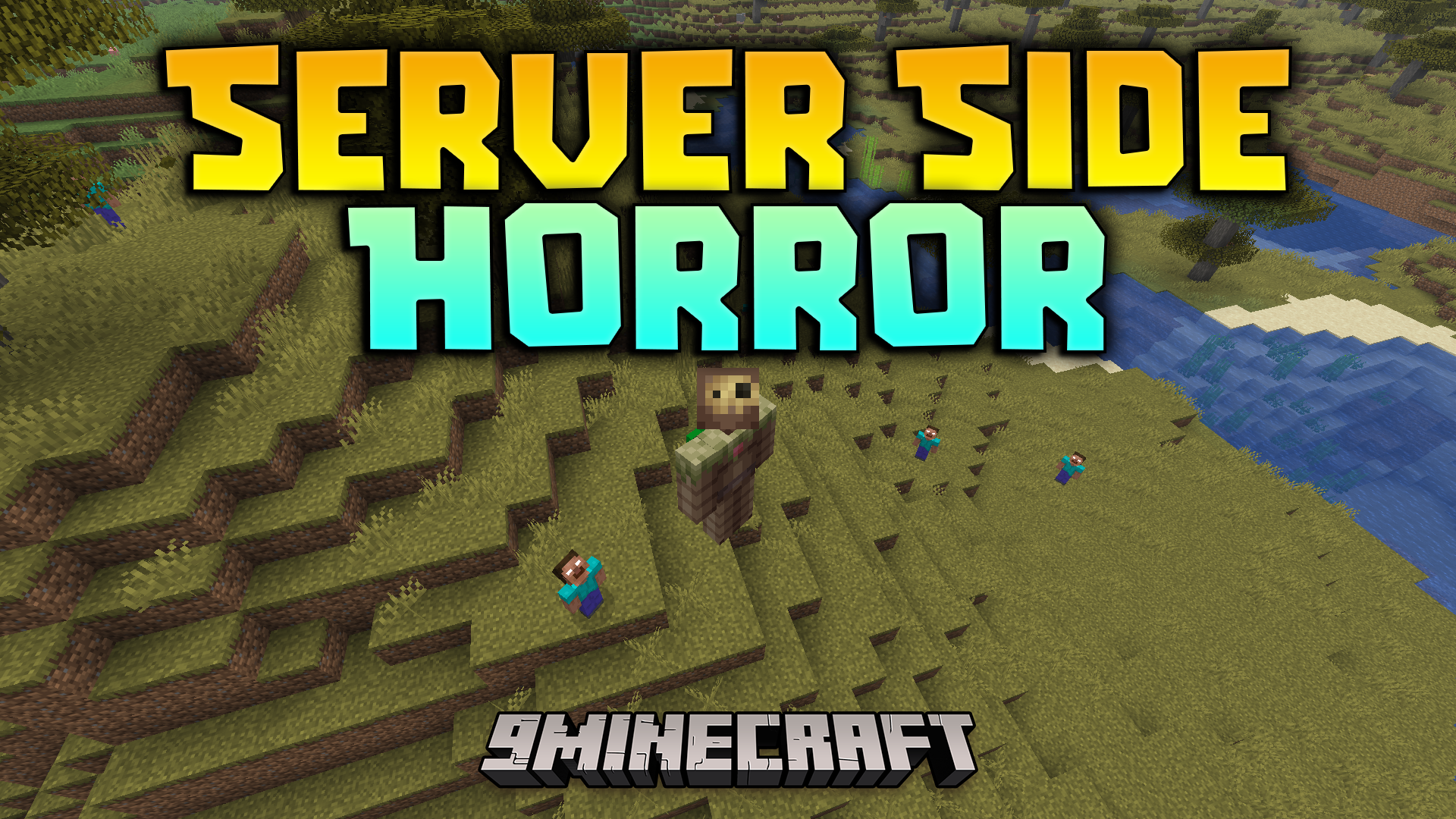
Server Side Horror Mod transforms your multiplayer world into a spooky and cursed place. This mod runs completely on the server, which means your friends do not need to download anything to play. It adds creepy background events, strange structures, and a single jump scare to keep everyone on edge. You get full control over the scares, making it easy to prank other players without them knowing the mod is even there.
Features:
- Server-Side Only: Players join and play normally without needing to install any extra files on their computers.
- Adds unsettling background noises and strange events that make the world feel haunted.
- Generates creepy new structures across the map for players to find.
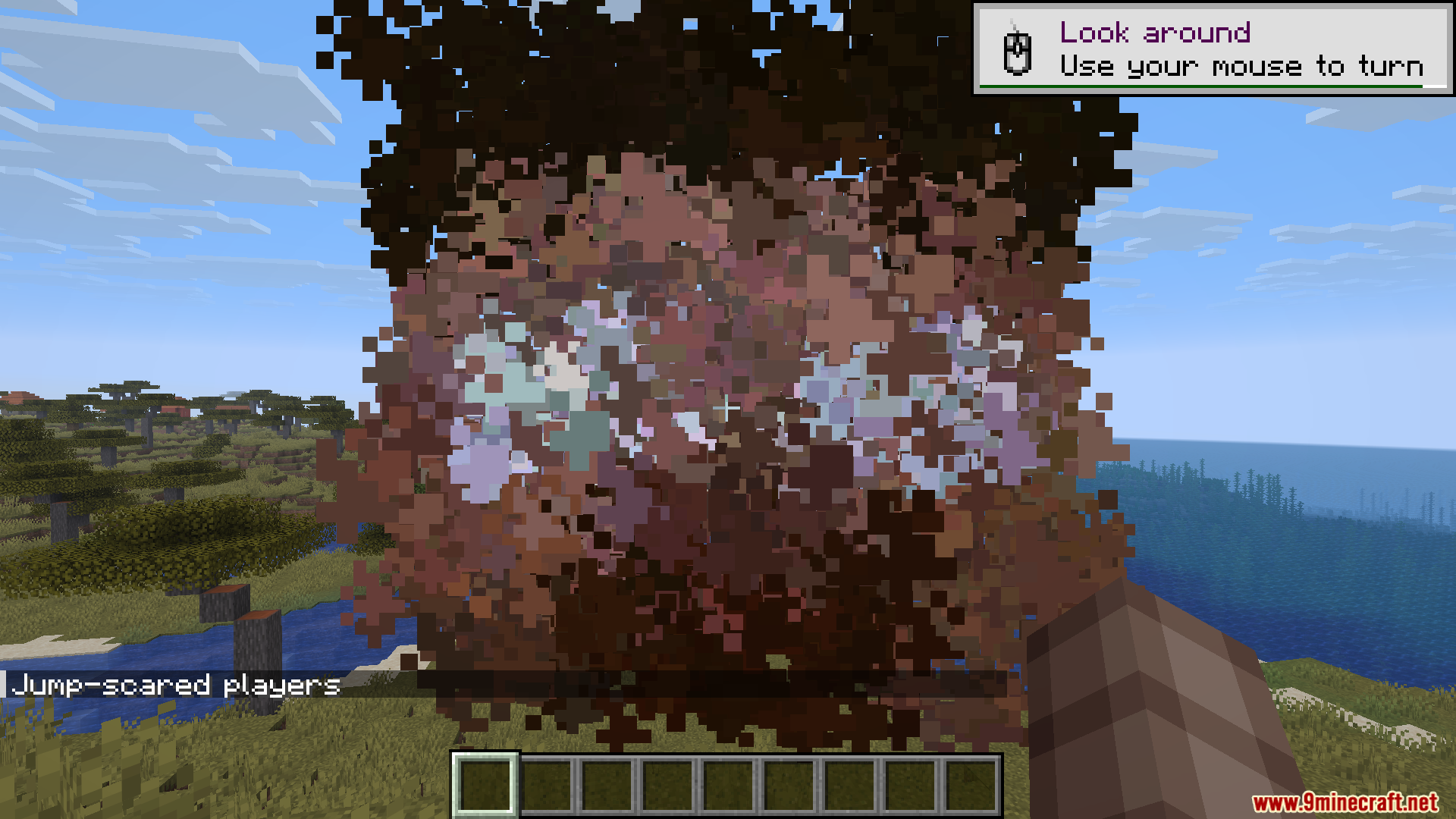
- Includes exactly one jump scare to catch players off guard.
- Lets you change how often scary events happen through a simple configuration file.
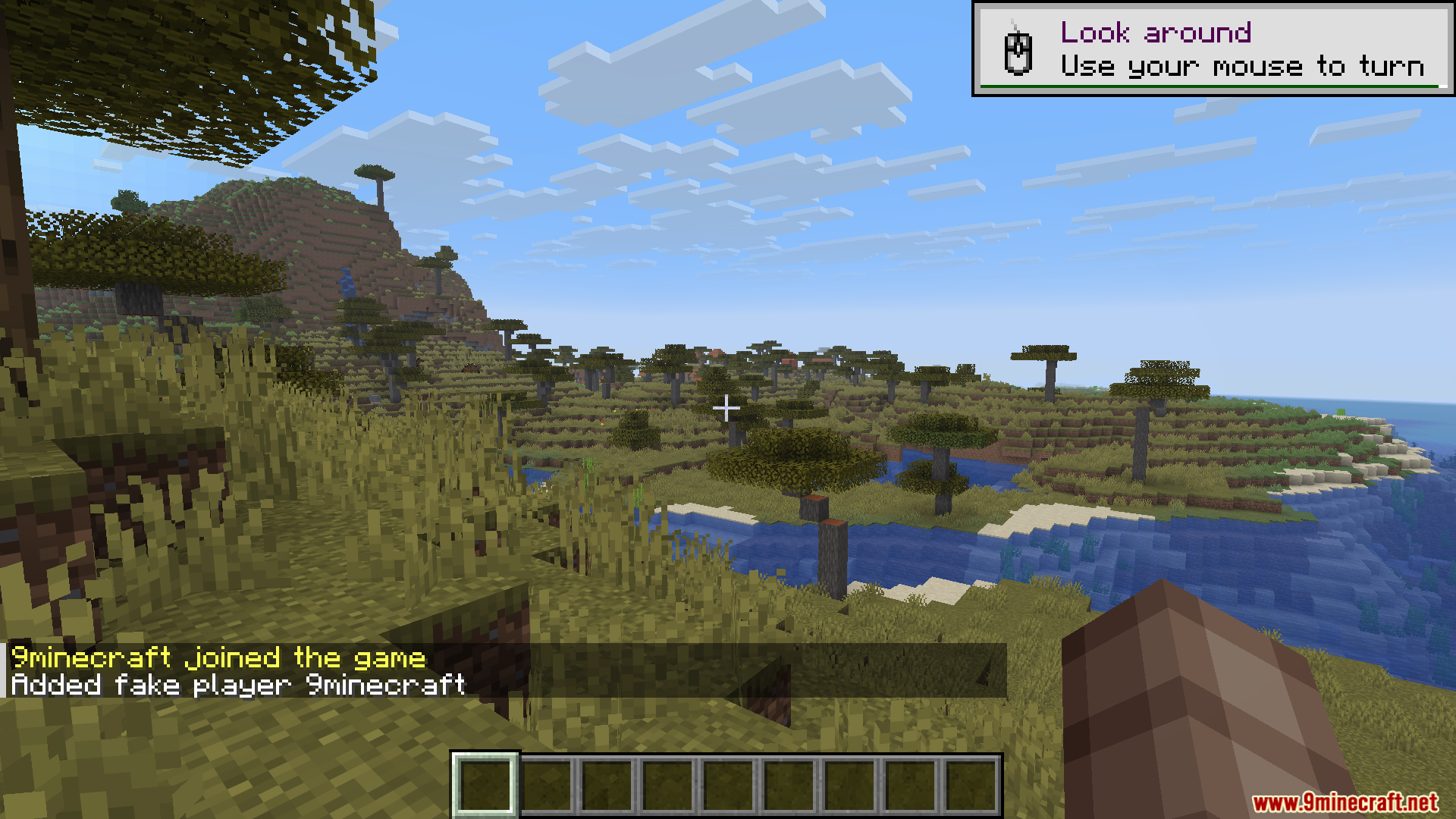
- Saves real chat messages from players to use later in fake joiner events.
- Gives you the power to turn off specific scares if they are too much for your server.
Commands:
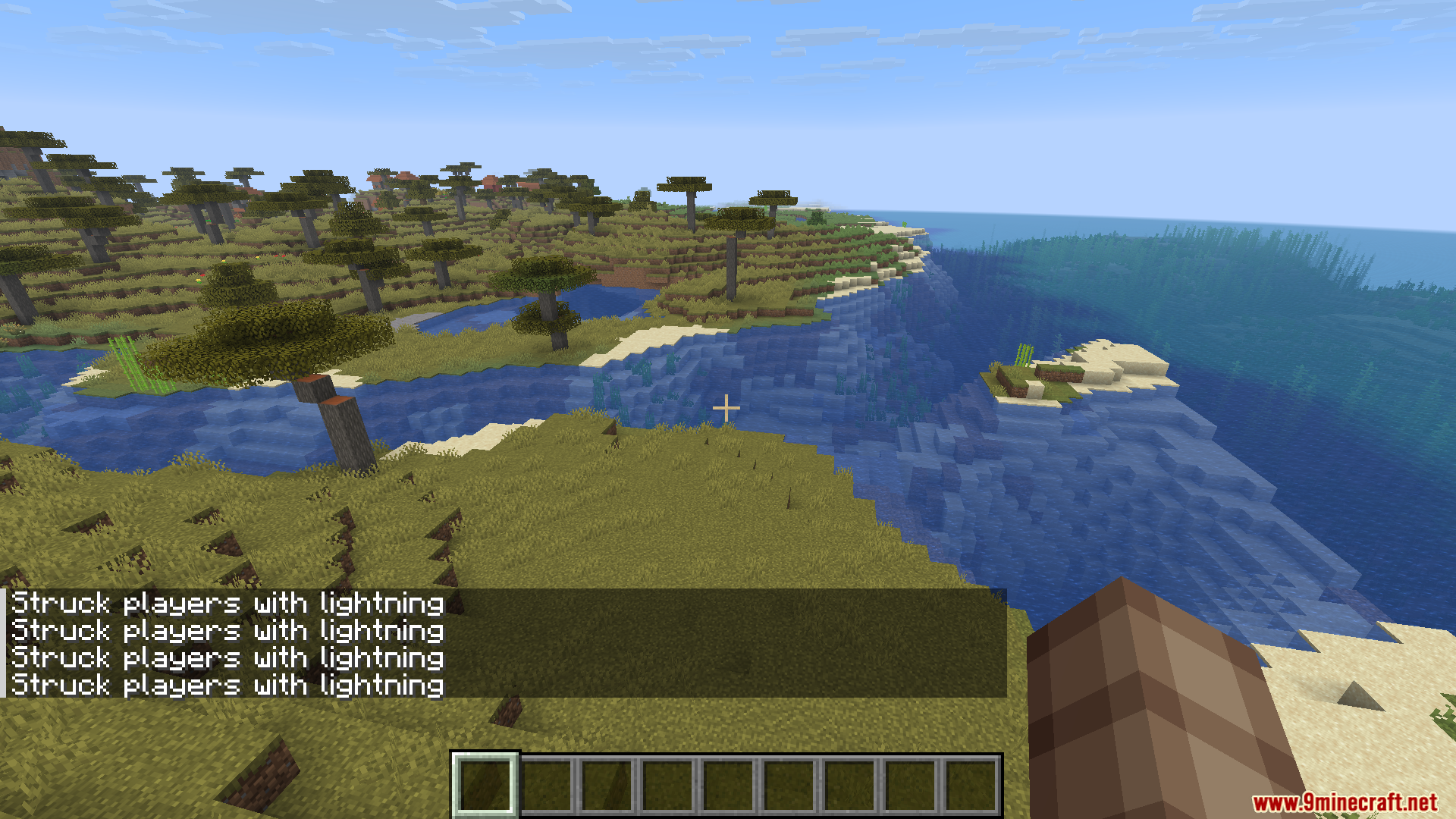
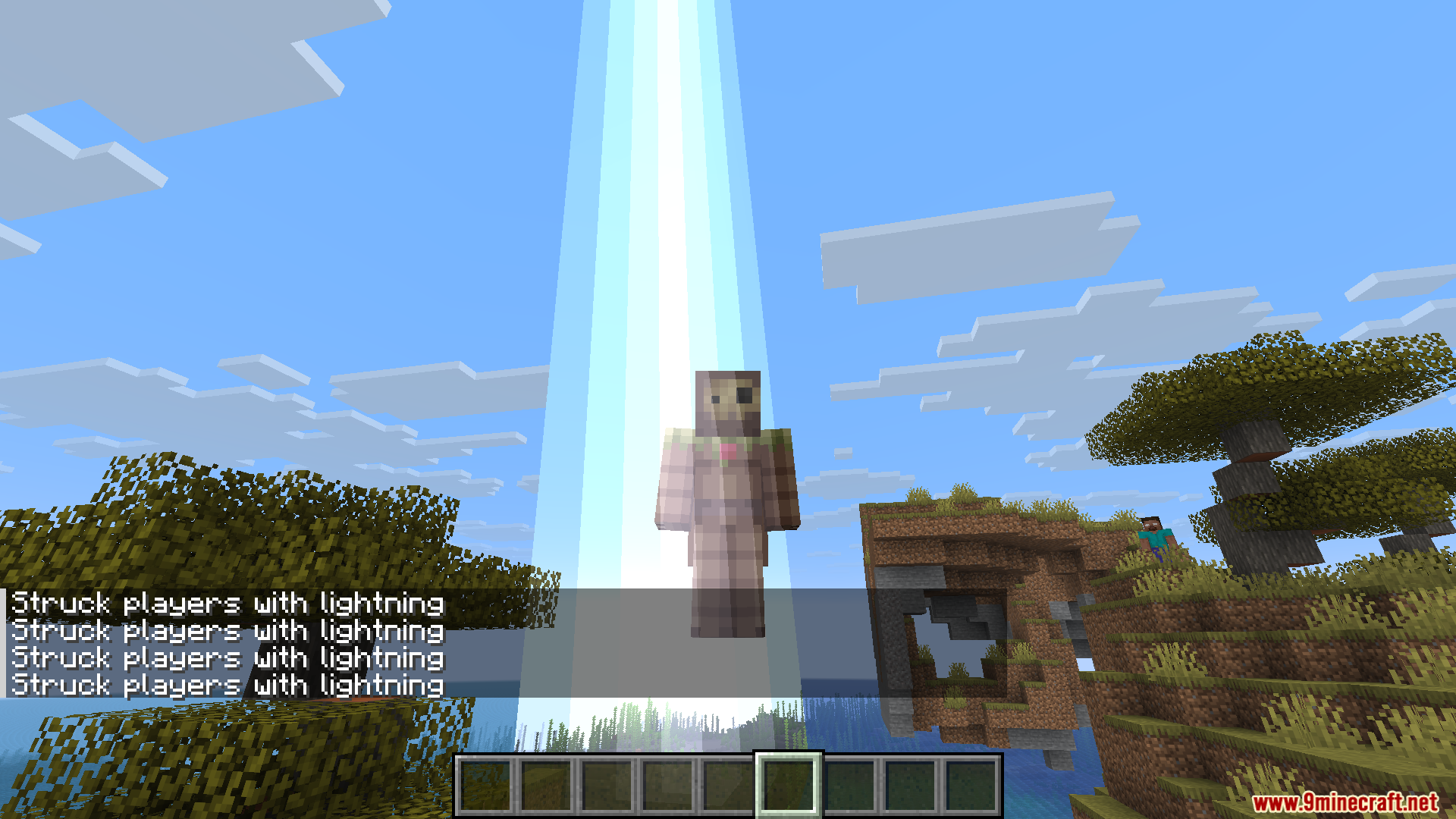
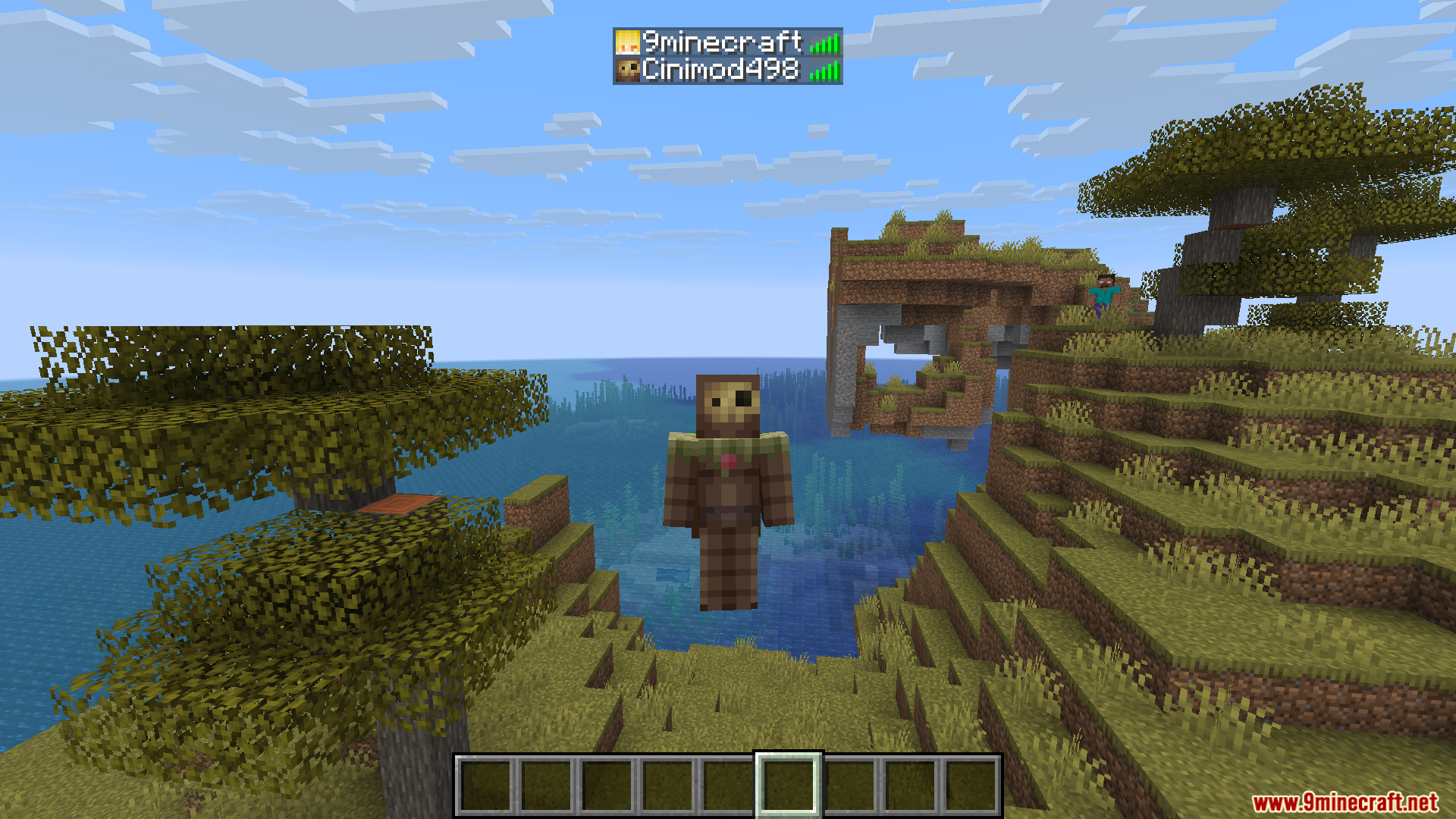
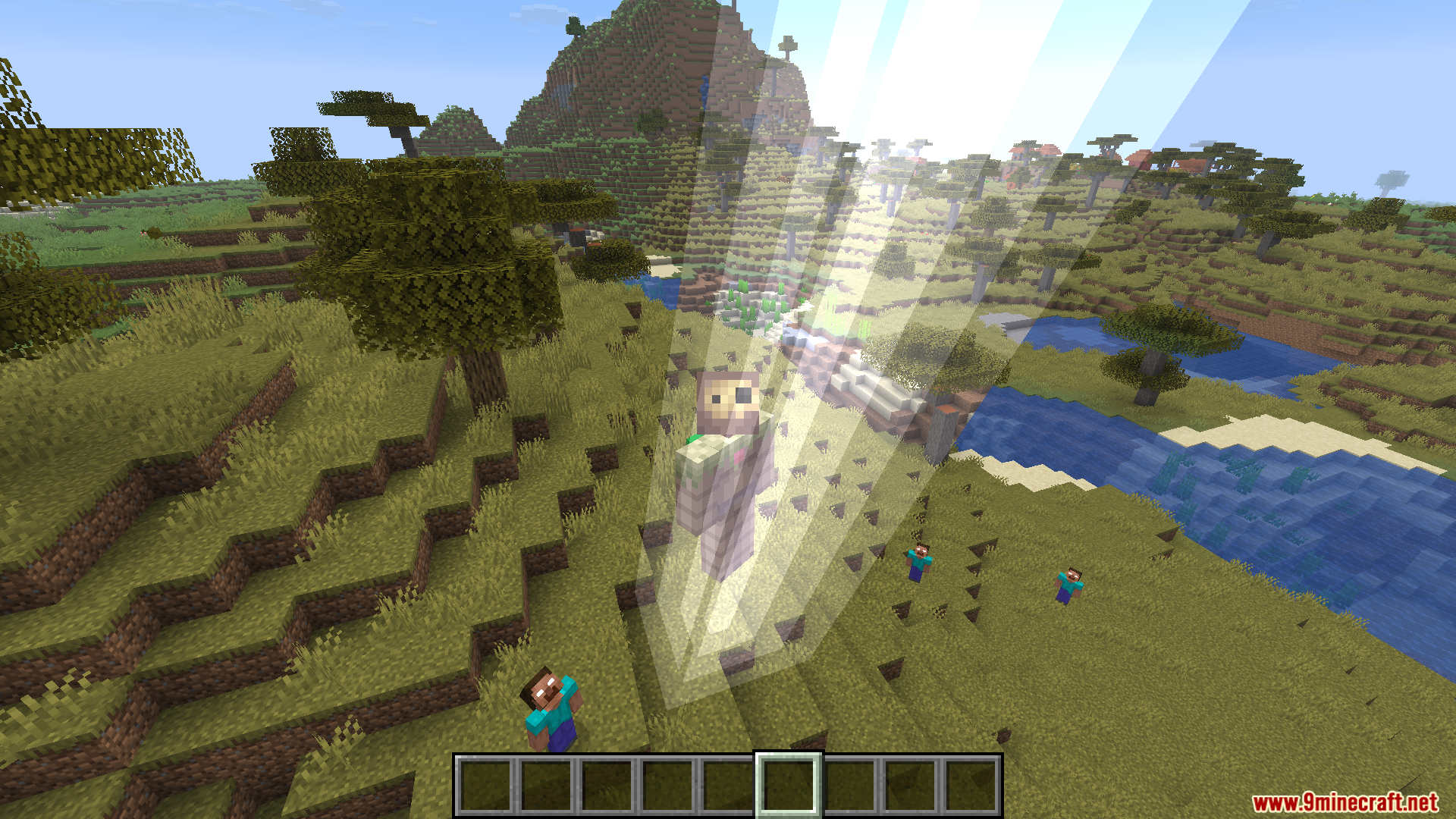
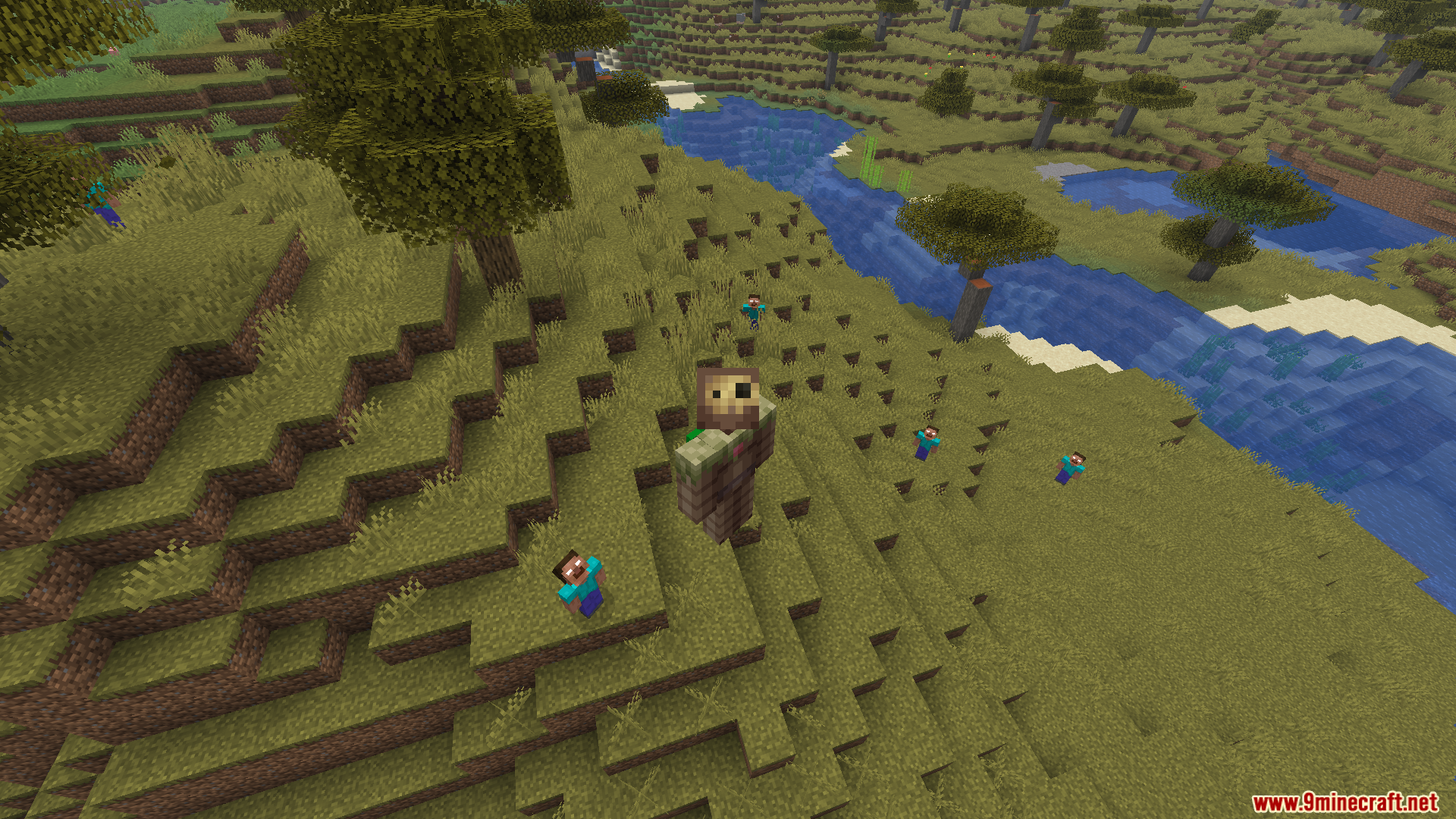
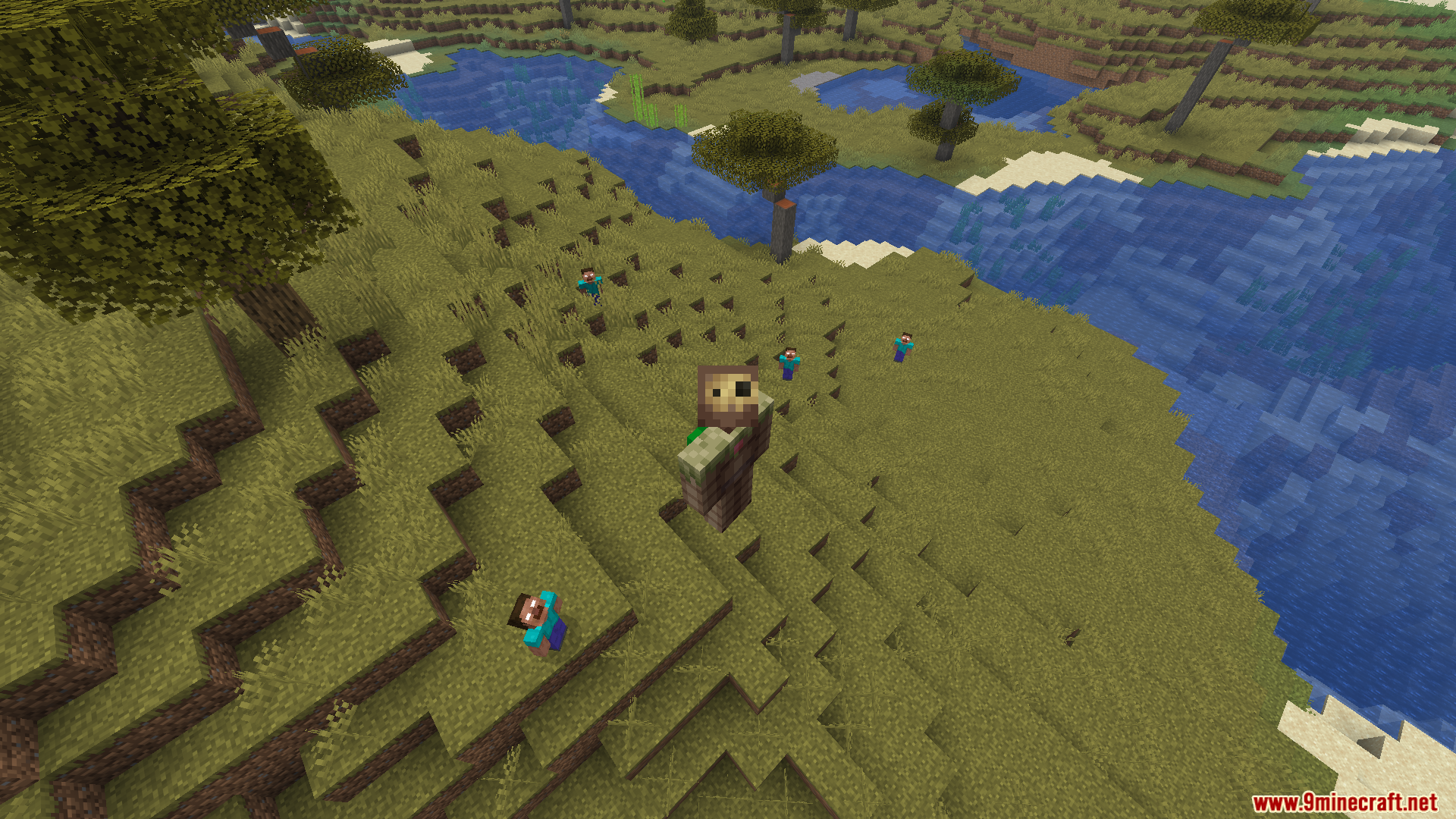
/addFakeJoiner <fakesName>– Adds a fake player name to the join list./spawnFakePlayer <targets> <fakesName> <radius> <hideNametag>– Spawns a fake player near a target./hitPlayerLightning <targets>– Strikes a specific player with lightning./particleJumpScare <targets>– Triggers a sudden jump scare for a player./setLongNight– Makes the night last much longer than usual./breakTorches <targets> <minRadius> <maxRadius>– Breaks nearby torches to leave players in the dark./replaceTorches <targets> <minRadius> <maxRadius>– Changes nearby torches to mess with players./fakeMining <targets>– Plays fake mining sounds near a player./fakeSteps <targets>– Plays fake walking sounds to make players feel followed./setupNewTrap <targets>– Sets up a hidden trap near a player./startRandomFire <targets> <maxRadius> <minRadius>– Starts a random fire near the target./placeSign <targets> <maxRadius> <minRadius>– Places a creepy sign near a player./placeHead <targets> <name> <maxRadius> <minRadius>– Places a player head nearby./resetMessages– Clears all saved chat messages used for fake events.
How to Use:
- Start your server with the mod placed in the server’s mods folder.
- Invite your friends to play (they do not need to download the mod).
- Type commands like
/fakeStepsor/breakTorchesin the chat to scare specific players manually. - Open the
config/serversidehorror.jsonfile in your profile folder to change how often random scares happen automatically.
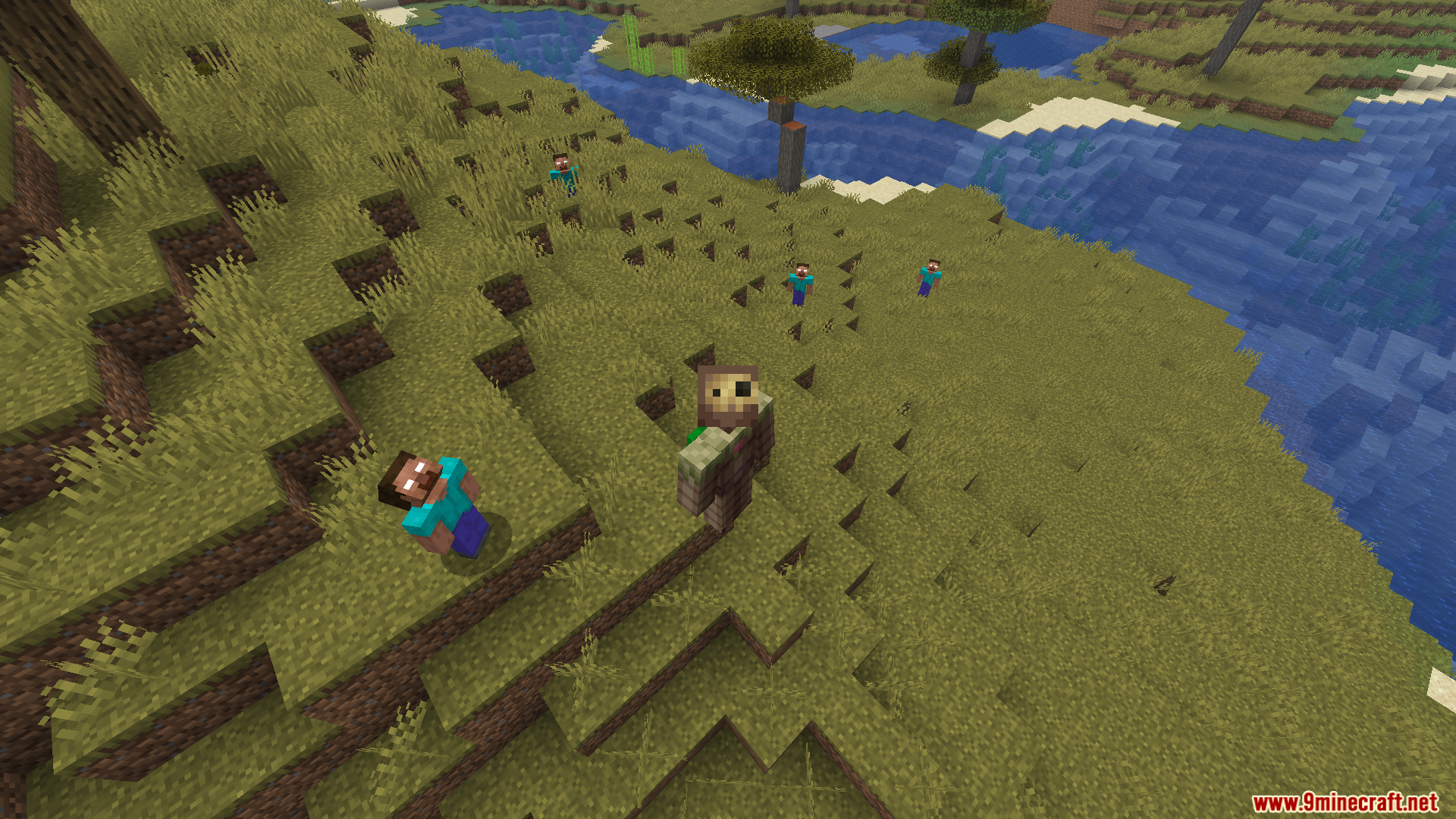
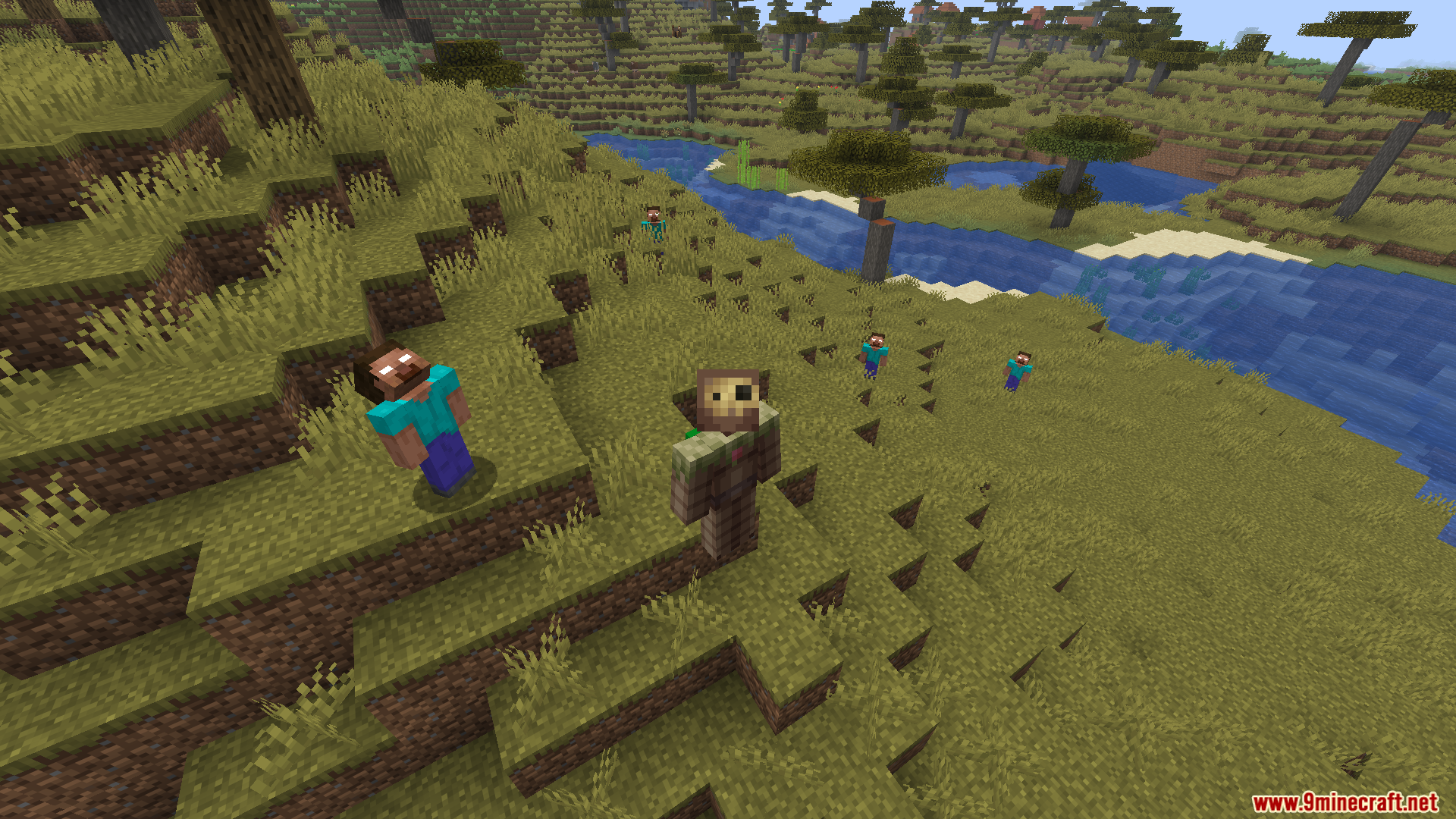
Screenshots:
How to Install:
New to Minecraft? Follow our step-by-step guide to install Mods on your PC.View Guide
Requirements:





Server Side Horror Mod Download Links
For Minecraft 26.2
For Minecraft 26.1.2, 26.1.1, 26.1
For Minecraft 1.21.11
For Minecraft 1.21.8, 1.21.7, 1.21.6
For Minecraft 1.21.5
For Minecraft 1.21.4
For Minecraft 1.21.1, 1.21
For Minecraft 1.20.1, 1.20
Click to rate this post!
[Total: 0 Average: 0]
You May Also Like









This post has no comments yet. Be the first — your comment will appear here.