


SimuPack Mod (1.20.1) – Turn Custom Buildings Into Shareable City Packs

 0
0 

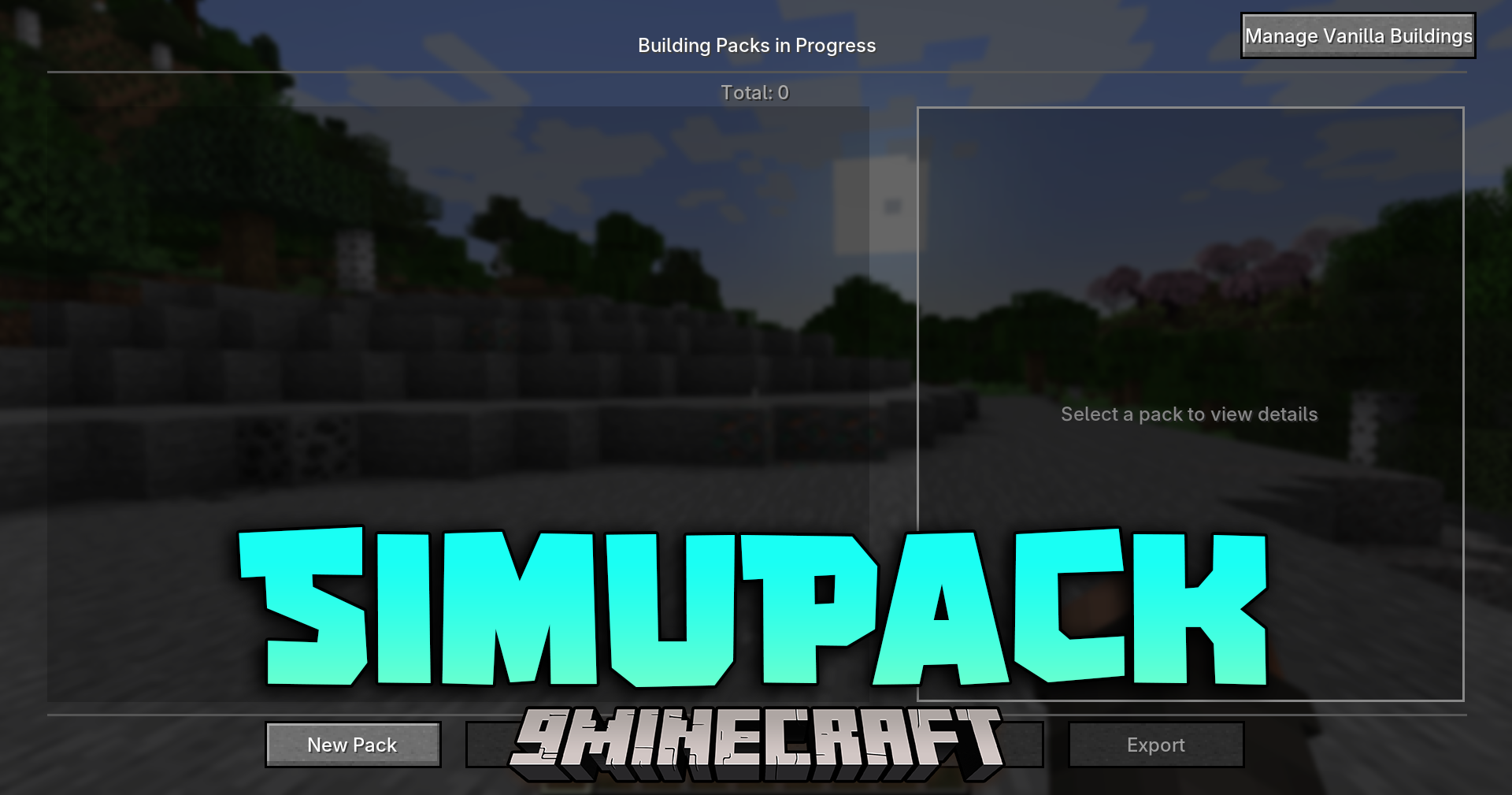
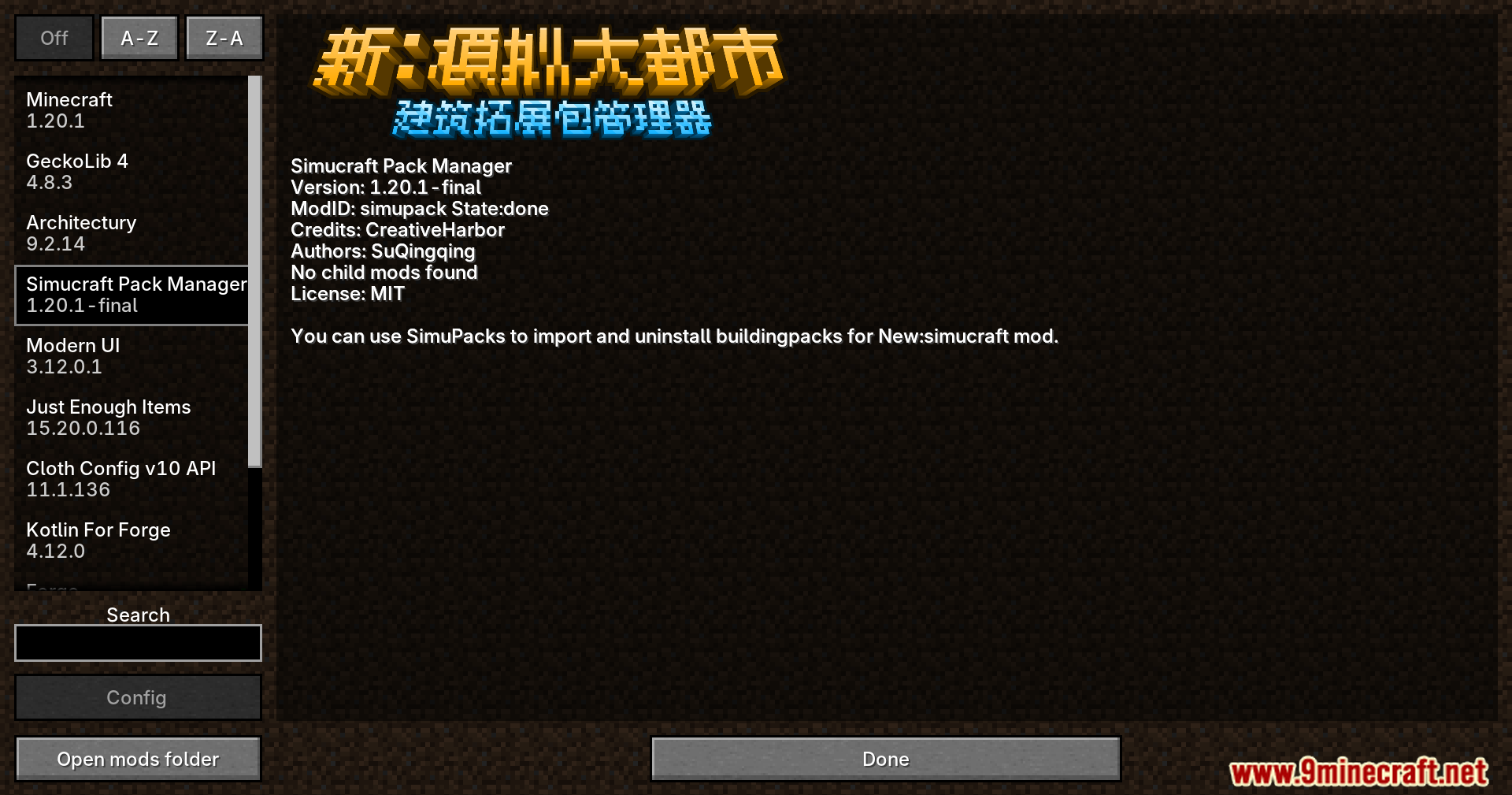
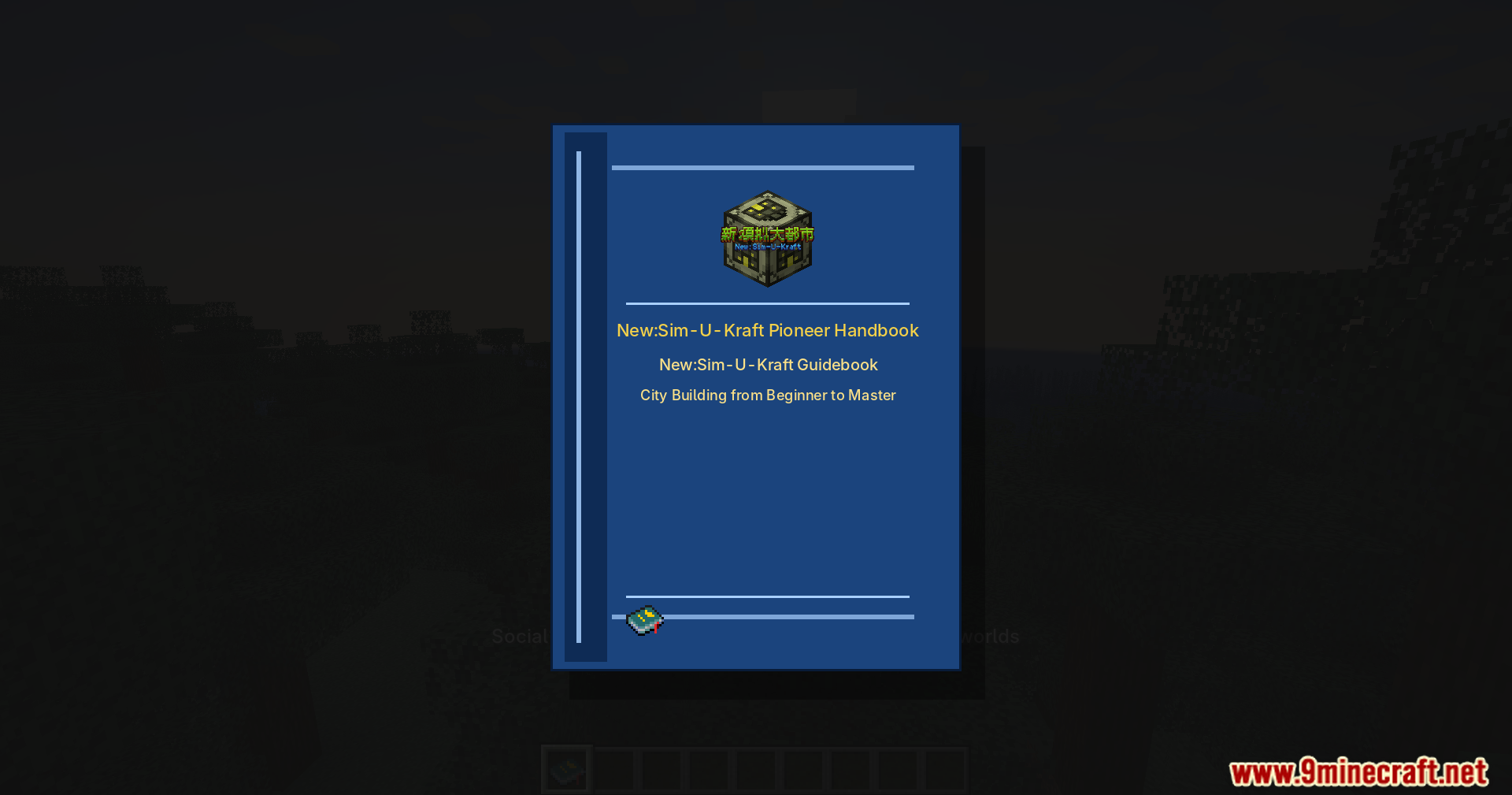
SimuPack Mod adds an easy way to manage custom building packs for New:Sim-U-Kraft. It gives you the tools to create, install, and remove your own city structures directly from inside your Minecraft world.
Features:
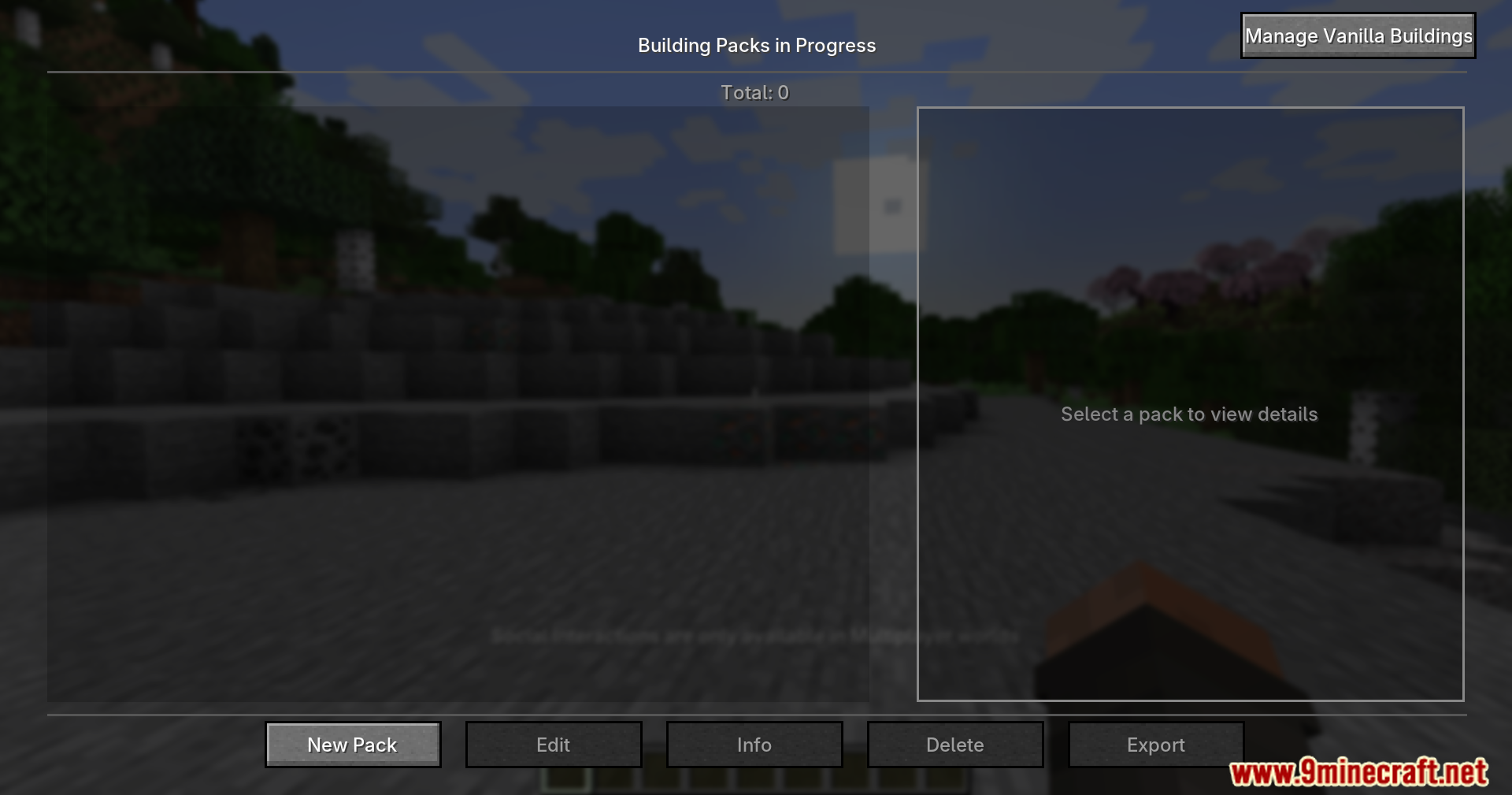
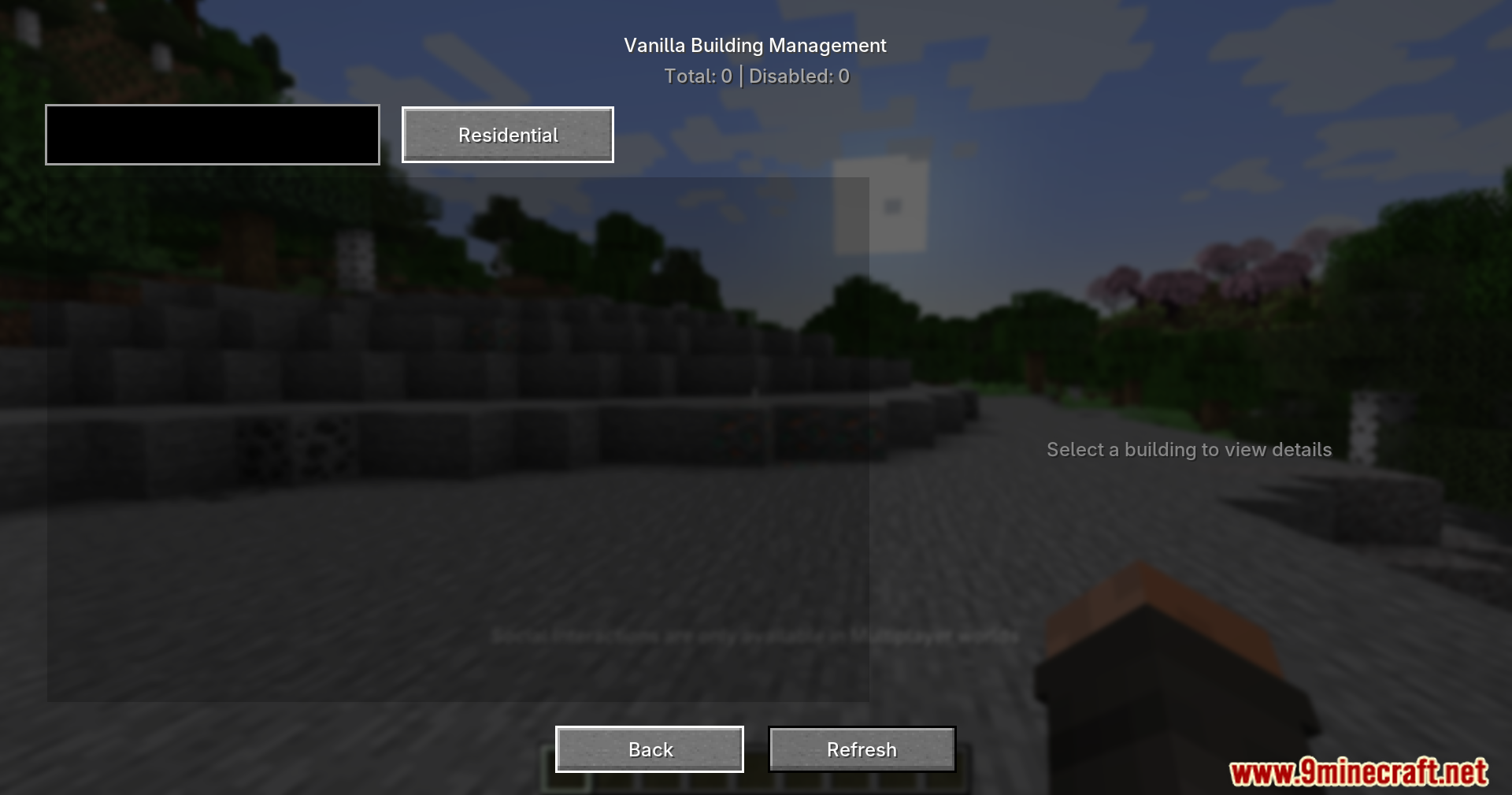
- You can install or remove building packs using a simple menu screen or chat commands.
- Lets you drag and drop pack files right into the game window to load them.
- Players can select buildings in the world by clicking left and right, then pressing enter to save the shape.
- Automatically finds out which other mods your new building needs to work properly.
- Gives you text boxes to type in a name, price, and description for your custom pack.
- Turns your finished building into a ready-to-share file with just one click.
- Runs completely on your side of the game, so it works perfectly on multiplayer servers.
How to Use:
- Press P on your keyboard to open your personal workspace menu.
- Click the left and right mouse buttons on blocks to select the corners of your building.
- Press Enter to save the selected building shape.
- Type in the details like the price and name, then click the export button to save your file.
- Drag a finished pack file from your computer directly into the game menu to import it.
Screenshots:
How to Install:
New to Minecraft? Follow our step-by-step guide to install Mods on your PC.View Guide
Requirements:
 Minecraft Forge Required
New:Sim-U-Kraft Required
SimuPack Mod Download Links
For Minecraft 1.20.1, 1.20
Click to rate this post!
[Total: 1 Average: 5]
You May Also Like


This post has no comments yet. Be the first — your comment will appear here.