SkyChanger Plugin (1.16.5, 1.15.2) – Bukkit, Spigot, Paper
 461
461
 0
0
 September 17, 2022
 DominusAventius
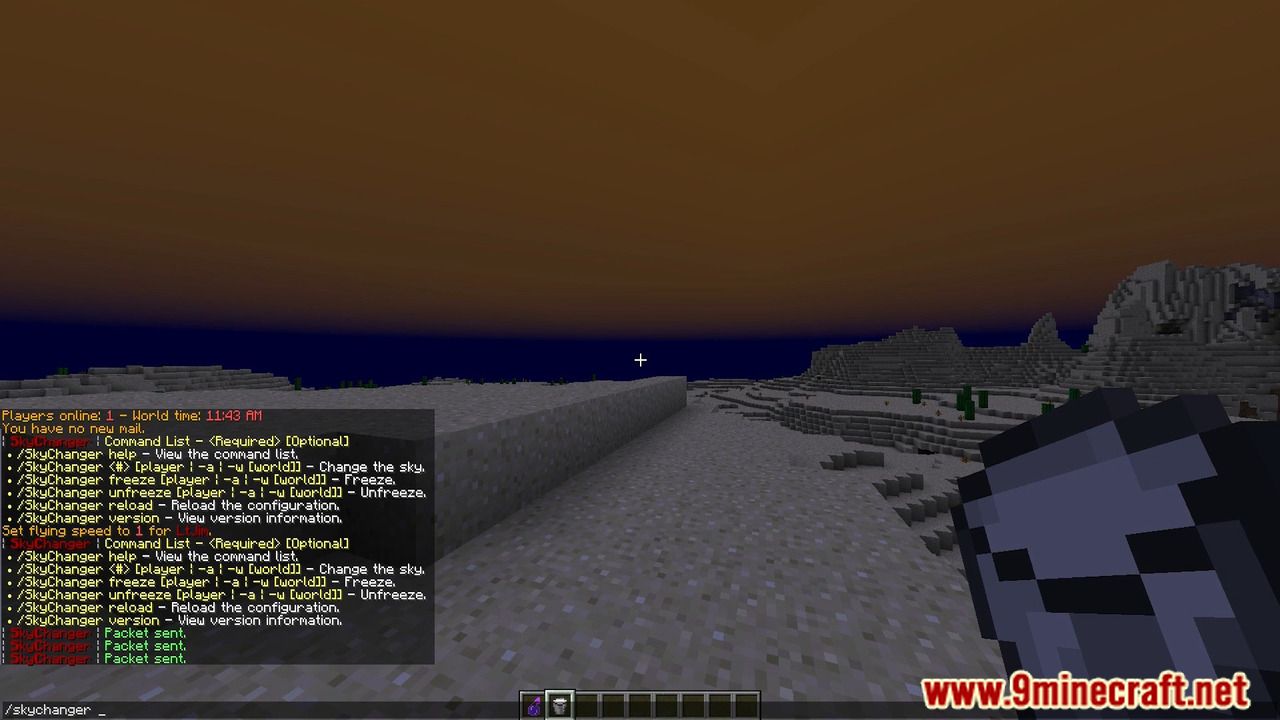
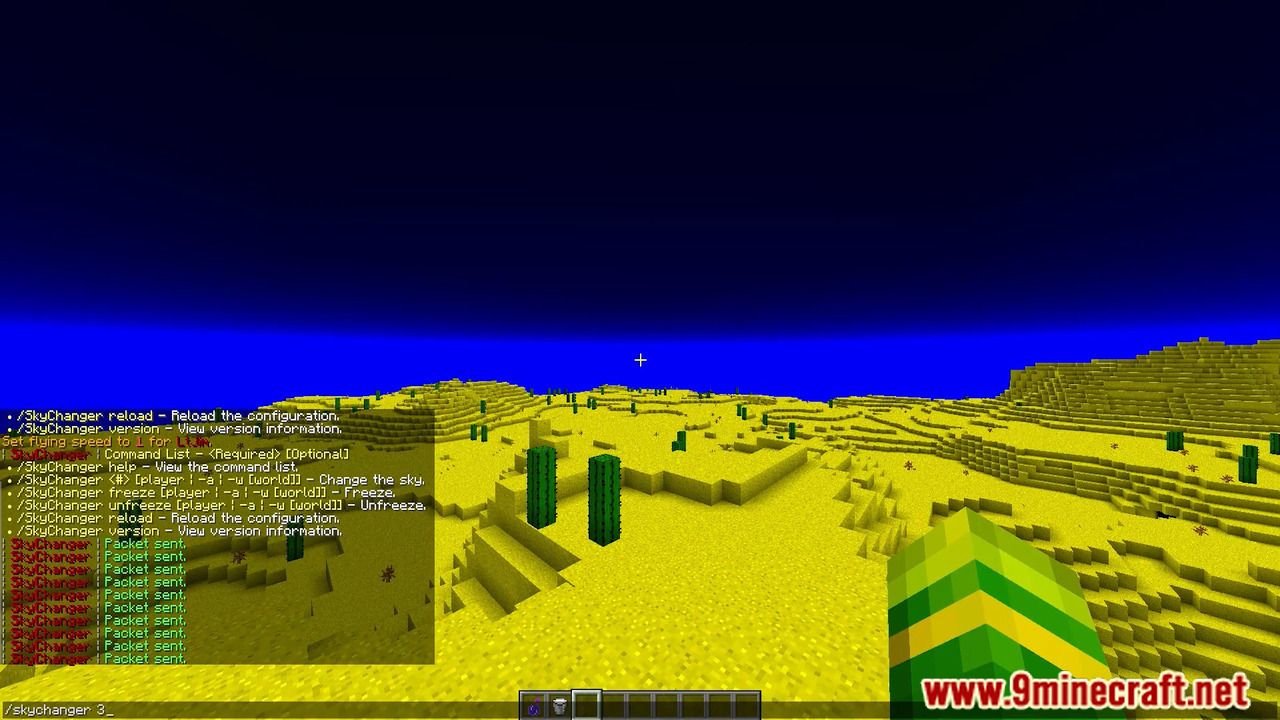
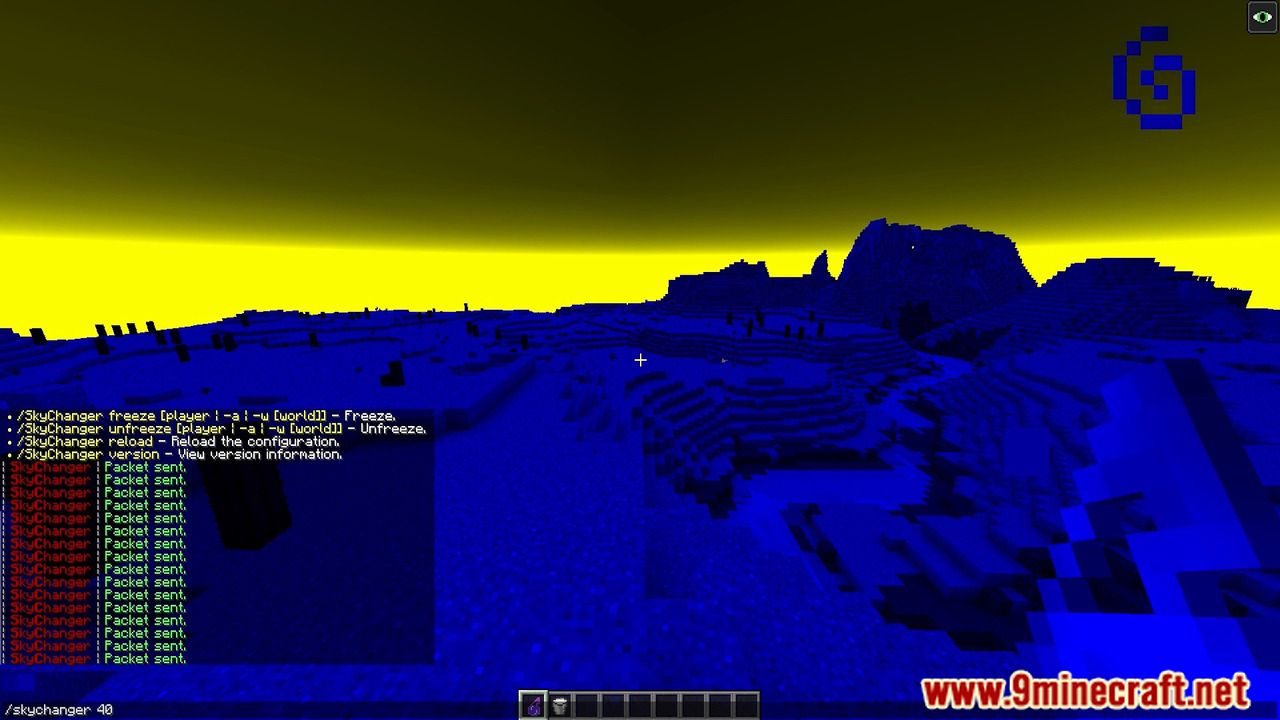
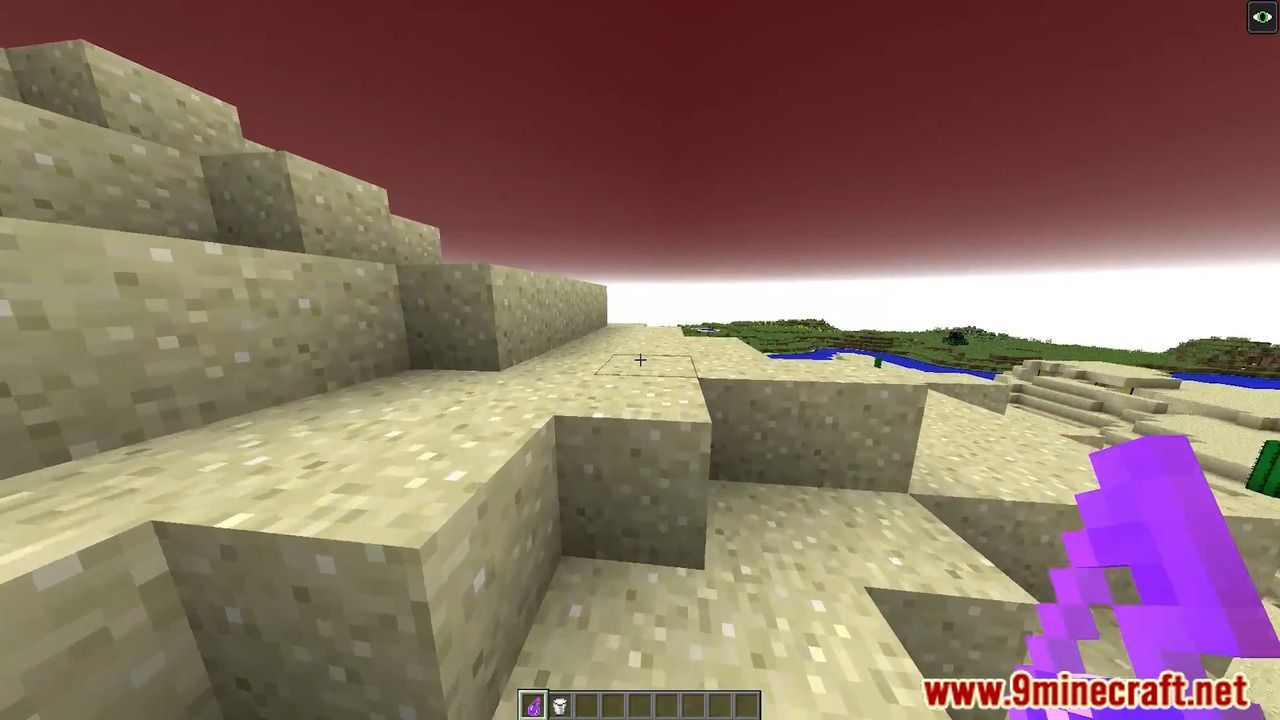
SkyChanger Plugin is a lightweight plugin built for Spigot and Sponge. The main function of this plugin is to change the color of the sky for yourself, a specific player, or everyone. This plugin functions by sending a packet with a specified ID to the target player(s).

Features
- Allow players to change the color of their personal sky.
- Change the sky color for specific players.
- Change the sky color for everyone online.
- Freeze/Unfreeze yourself, others, or everyone online.
- Configurable limits to the range of packets that can be sent.
- Usage messages tailored to specific users based on permission level.
- Multilanguage support.
- Metrics tracking by bStats.
- Developed API with Maven and Gradle support.
Commands
| Command | Description | Required Permission |
|---|---|---|
| /SkyChanger <#> [#] | Change the color of your personal sky using a packet number. The second number is optional. It can be used for more color combinations. | skychanger.changesky.self |
| /SkyChanger <#> [#] [player] | Change the sky color for a specific player. The player argument may either be a name or UUID. | skychanger.changesky.others |
| /SkyChanger <#> [#] [-a] | Change the sky color for everyone online. | skychanger.changesky.all |
| /SkyChanger <#> [#] [-r <#>] | Change the sky color for everyone within a given radius. | skychanger.changesky.radius.[* OR limit] |
| /SkyChanger <#> [-w [world]] | Change the sky color for everyone in [world]. If the world paramter is left blank, your current world will be the target. | skychanger.changesky.world.[* OR world] |
| /SkyChanger freeze/unfreeze | Freeze/unfreeze yourself. | skychanger.freeze.self |
| /SkyChanger freeze/unfreeze [player] | Freeze/unfreeze a specific player. | skychanger.freeze.others |
| /SkyChanger freeze/unfreeze [-a] | Freeze/unfreeze everyone online. | skychanger.freeze.all |
| /SkyChanger freeze/unfreeze [-r <#>] | Freeze/unfreeze everyone within a given radius. | skychanger.freeze.radius.[* OR limit] |
| /SkyChanger freeze/unfreeze [-w [world]] | Freeze/unfreeze everyone in [world]. If the world paramter is left blank, your current world will be the target. | skychanger.freeze.world.[* OR world] |
| /SkyChanger reload | Reload the configuration file. | skychanger.reload |
| /SkyChanger version | Display plugin version information. | – |
Permissions
| Permission | Descrption | Default |
|---|---|---|
skychanger.* |
Access to all SkyChanger commands. | OP |
skychanger.changesky.* |
Access to every part of the main SkyChanger command. | OP |
skychanger.changesky.self |
Access to change your personal sky color. | OP |
skychanger.changesky.others |
Access to changing a specific person’s sky color. | OP |
skychanger.changesky.radius.* |
Access to change the sky color for all players within a radius. | OP |
skychanger.changesky.radius.[limit] |
Access to change the sky color for all players within a limited radius. | OP |
skychanger.changesky.world.* |
Access to changing a specific world’s sky color. | OP |
skychanger.changesky.world.[world] |
Access to changing the sky color of ONLY [world]. | OP |
skychanger.changesky.all |
Access to changing the sky color of all online players. | OP |
skychanger.freeze.* |
Access to every part of the SkyChanger freeze and unfreeze commands. | OP |
skychanger.freeze.self |
Access to freeze/unfreeze yourself. | OP |
skychanger.freeze.others |
Access to freeze/unfreeze a specific person. | OP |
skychanger.freeze.radius.* |
Access to freeze/unfreeze all players within a radius. | OP |
skychanger.freeze.radius.[limit] |
Access to freeze/unfreeze all players within a limited radius. | OP |
skychanger.freeze.world.* |
Access to freeze/unfreeze a specific world. | OP |
skychanger.freeze.world.[world] |
Access to freeze/unfreeze ONLY [world]. | OP |
skychanger.freeze.all |
Access to freeze/unfreeze all online players. | OP |
skychanger.bypasslimit |
Bypass the packet range limits set in the config.yml. | OP |
skychanger.reload |
Access to reload the configuration. | OP |
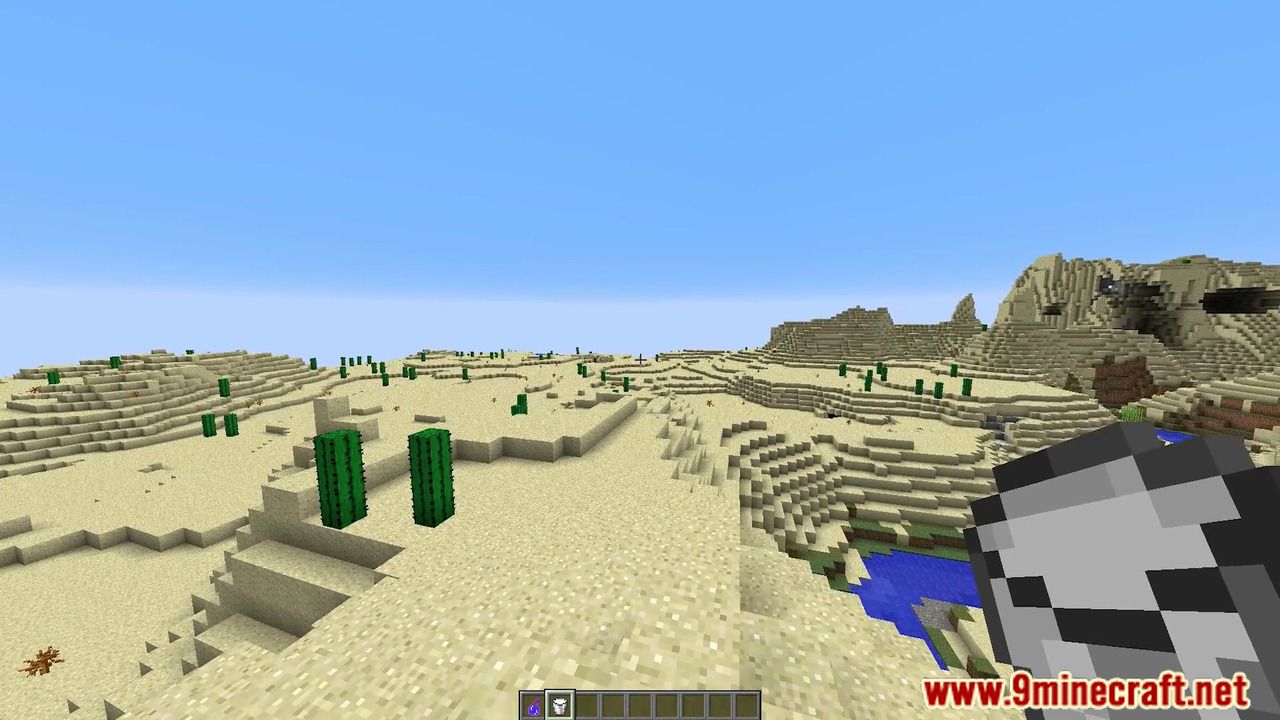
Screenshots:
How to install:
- Download a plugin of your choice.
- Place the .jar and any other files in your plugins directory.
- Run the server and wait for it to fully load.
- Type stop in your Minecraft server console to bring the server to a clean stop.
- Run the server.
- All done! Your plugin should be installed and ready to be used.
SkyChanger Plugin Download Links
For All Versions from Minecraft Bukkit 1.8.3 to Minecraft Bukkit 1.16
Click to rate this post!
[Total: 0 Average: 0]
You May Also Like