Sound Controller Mod (1.21.11, 1.20.1) – Advanced Sound Customization

 0
0  December 30, 2025
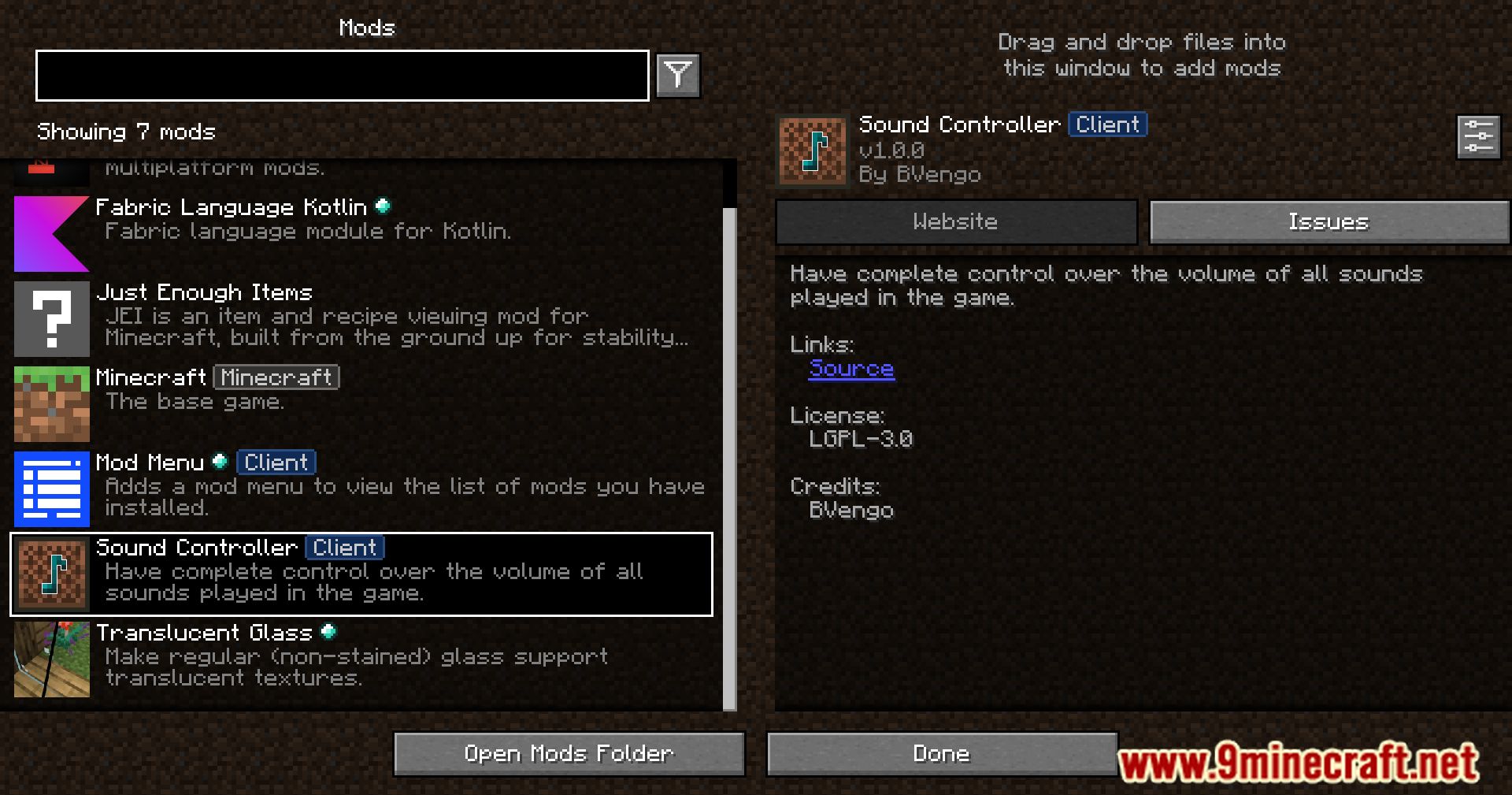
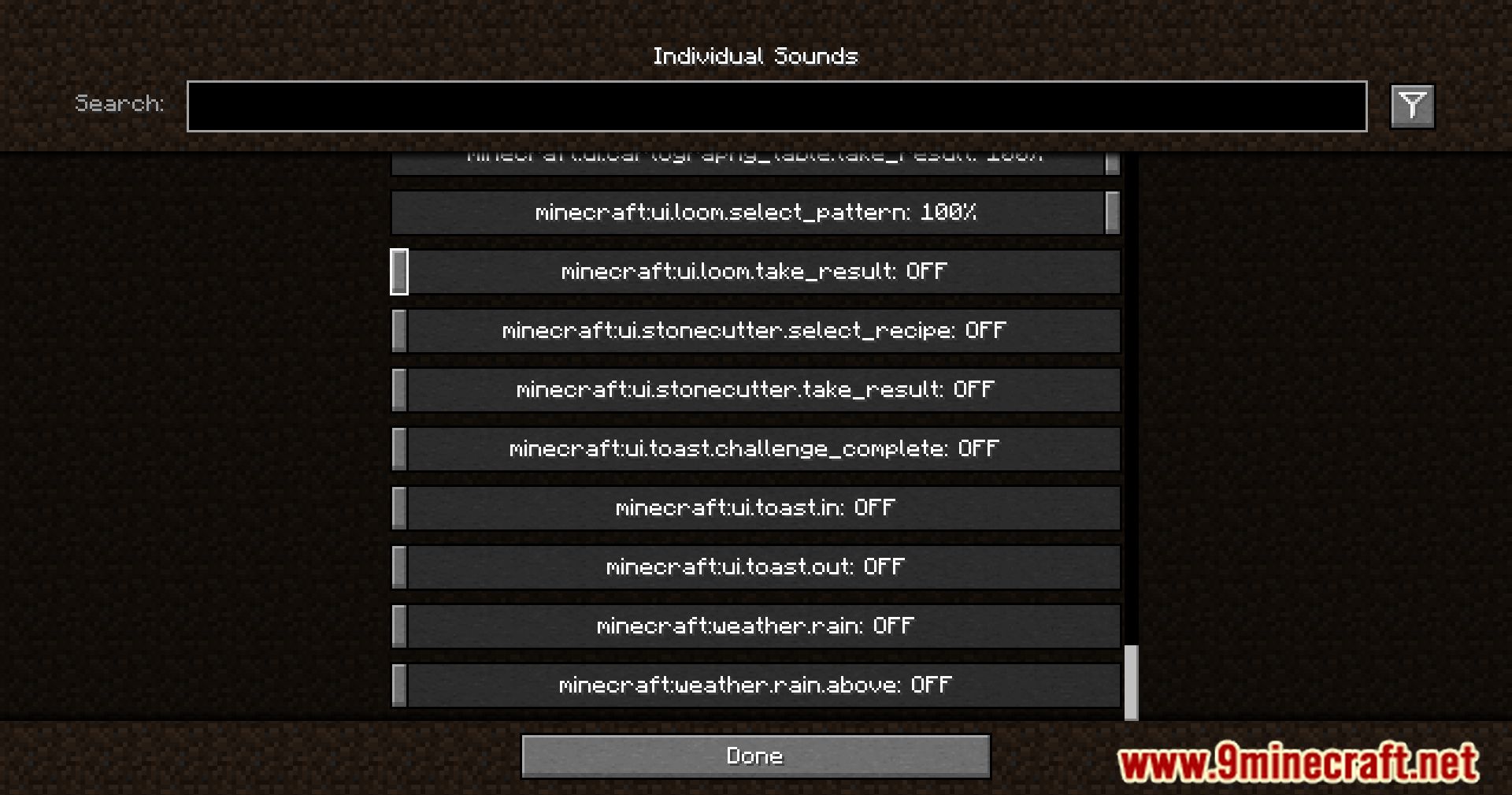
Sound Controller Mod is a small but very useful mod created by BVengo. It allows you to adjust the volume of every individual sound available in the game. For example, you can mute the annoying Nether portal sound or lower the overly loud scream of an Enderman upon death. The mod also works with sounds from other mods, making it an overall very practical addition.
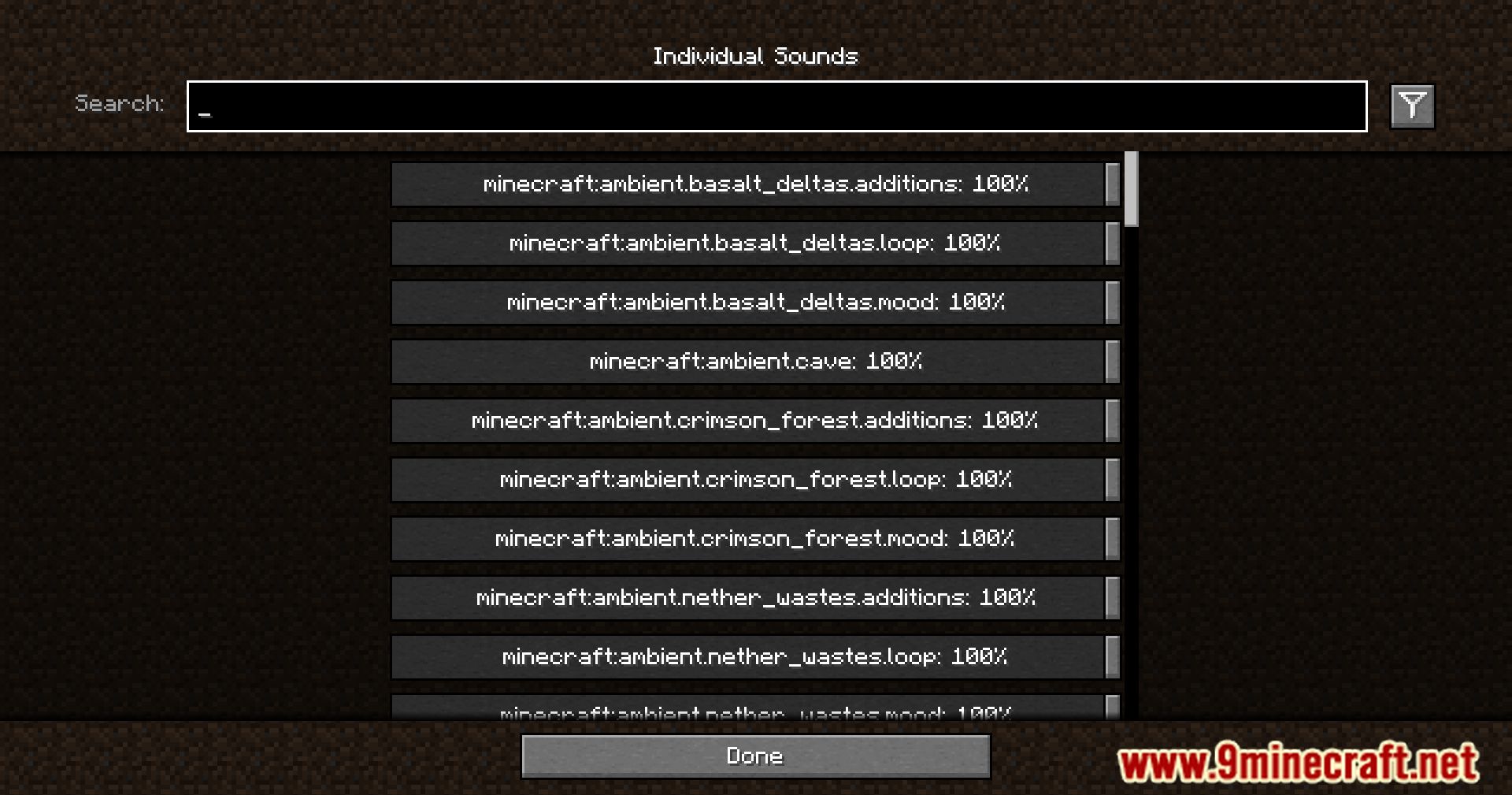
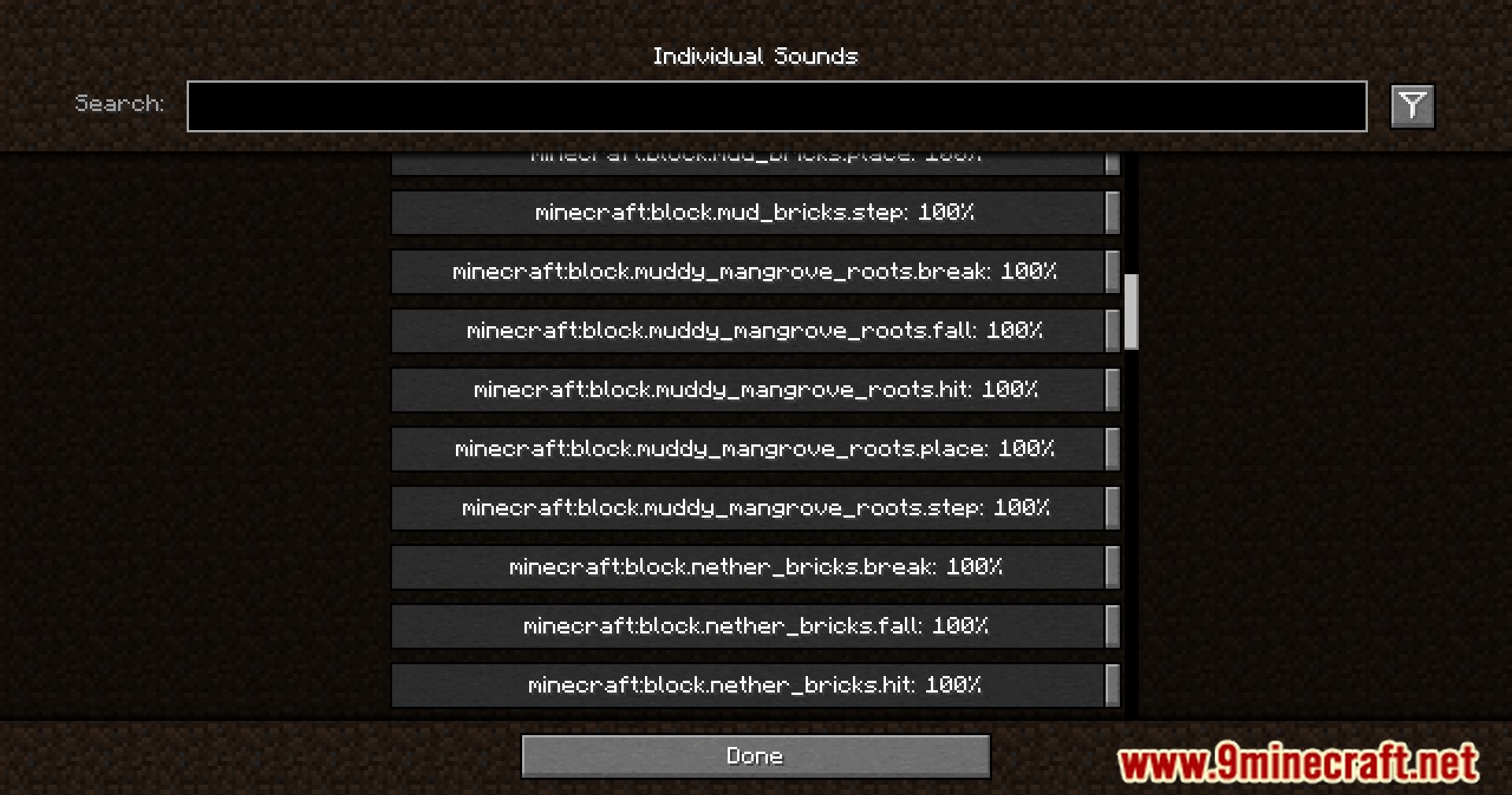
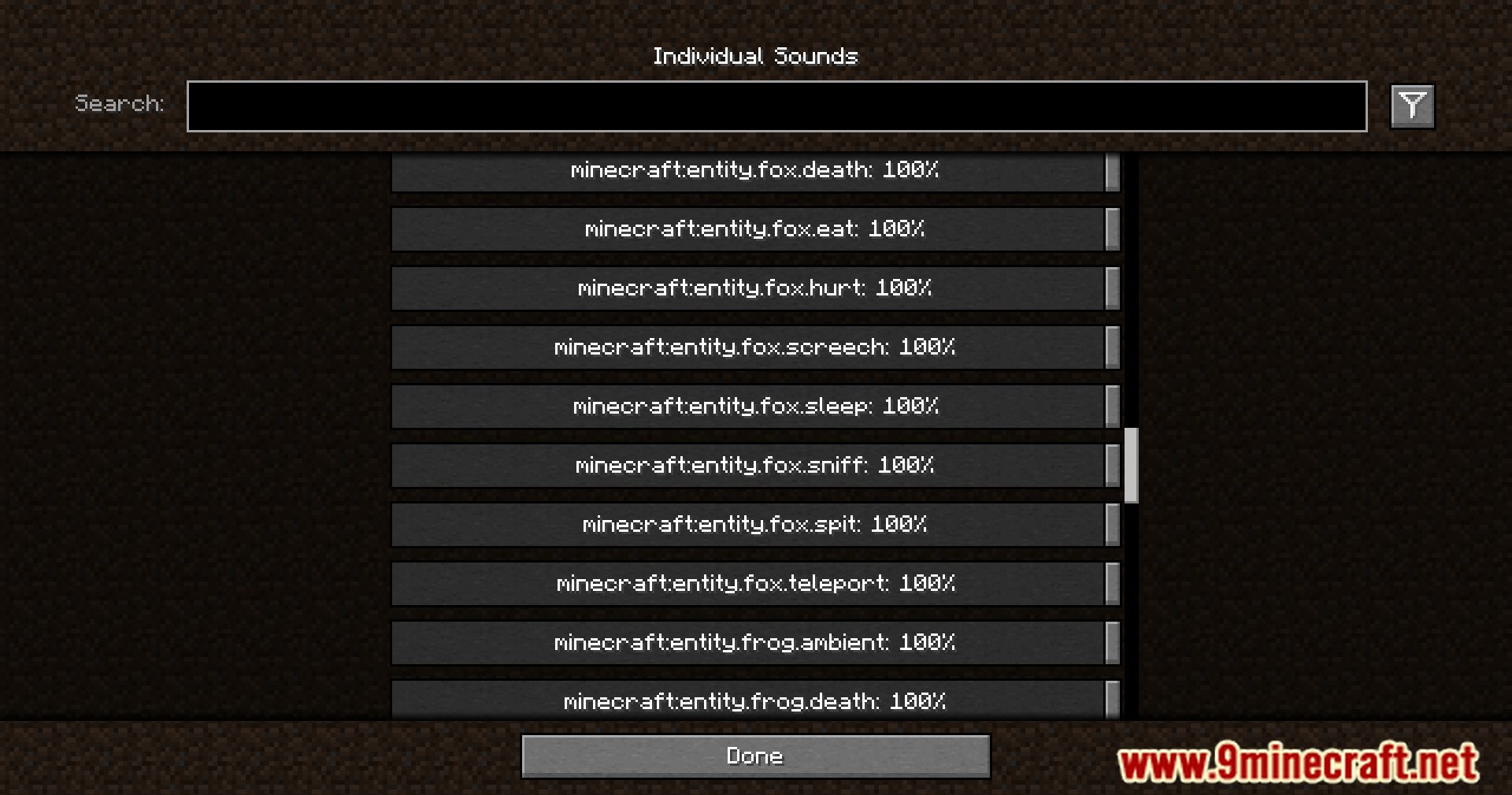
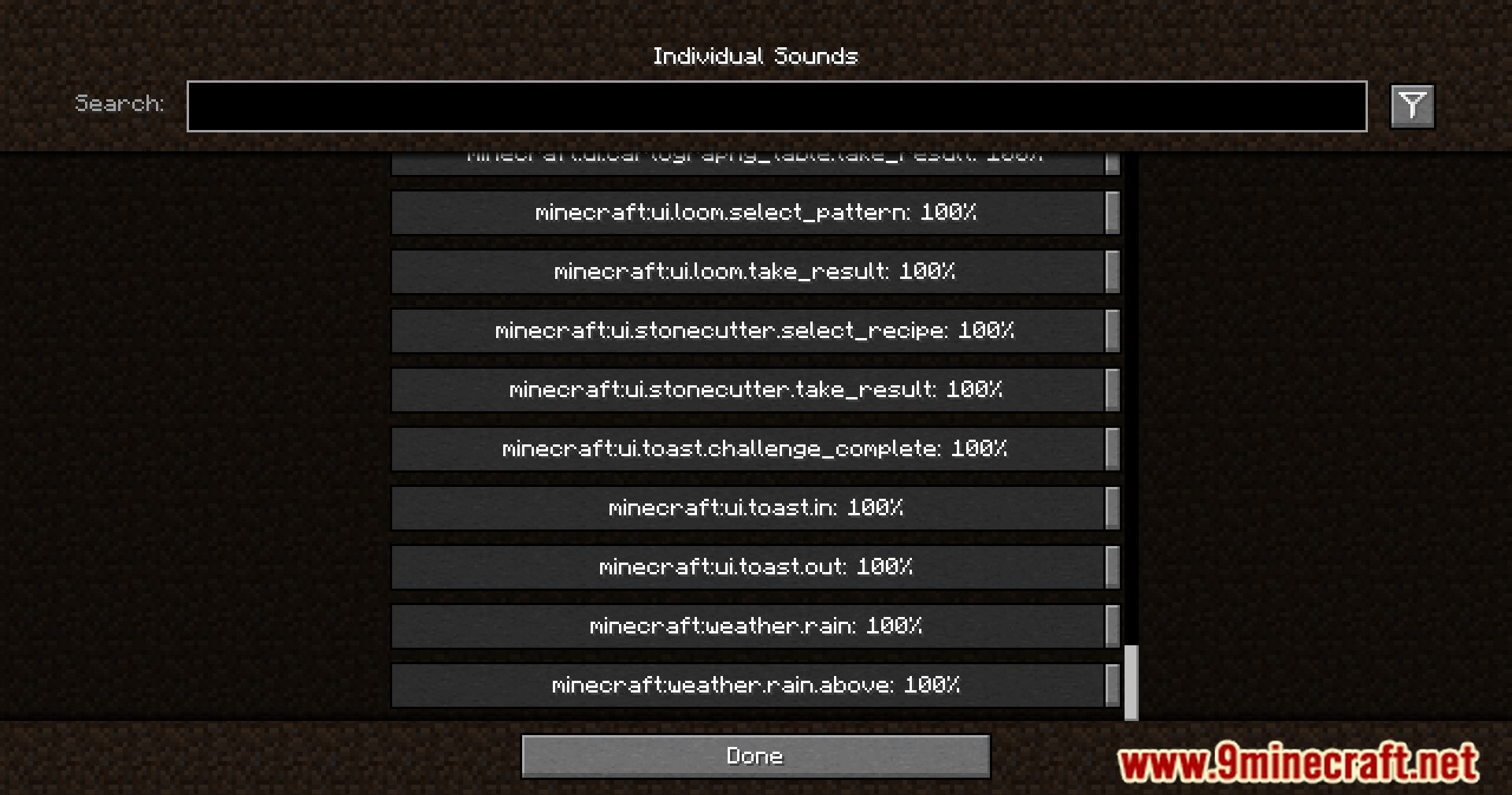
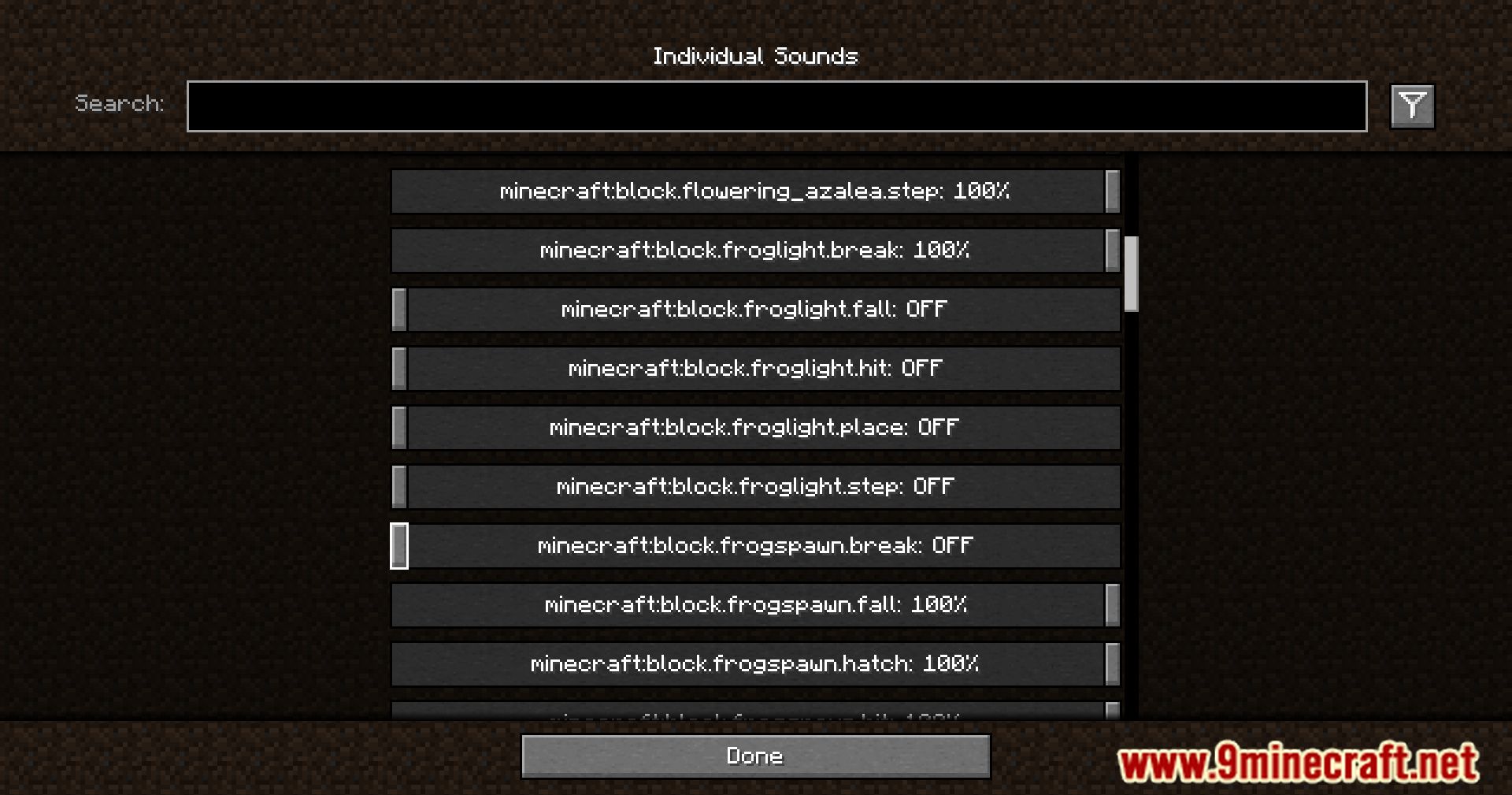
A new button called “Individual Sounds” will appear in the sound settings menu. Clicking it will open a configuration screen, as shown in the screenshot.
As you can see in the images, the mod uses technical sound names, so to use it effectively, you’ll need a basic understanding of English, at least enough to recognize Minecraft item and sound names.
Features:
- A search bar to quickly find the sound you’re looking for.
- A toggle that filters to your modified volumes, so you can easily find the sounds you’ve changed.
- A toggle that replaces vanilla subtitles with sound ids, so you can identify the name of that pesky noise nearby.
- Sliders for every sound in the game, including those added by mods. Allows setting volumes between 0% to 200%.
- A button for every slider that will play the sound at the volume you’ve set.
- A button to reset sounds to their default values.
When using the final feature, it may be hard to hear your sound around all the other game sounds. The easiest place to use it is directly from the menu, however you may want to temporarily disable the minecraft:music.menu too!
Screenshots:
Crafting Recipes:
Recommend that you should install Just Enough Items (for mods using Forge) or Roughly Enough Items (for mods using Fabric) to view the full recipes included in this mod.
Requires:
How to install:
Click the following link to view details: How to Install Mods for Minecraft Java Edition on PC: A Beginner Guide
Sound Controller Mod Download Links
For Minecraft 1.20.1, 1.20
Fabric version: Download from Server 1 – Download from Server 2
For Minecraft 1.20.2
Fabric version: Download from Server 1 – Download from Server 2
For Minecraft 1.20.4, 1.20.3
Fabric version: Download from Server 1 – Download from Server 2
For Minecraft 1.20.5
Fabric version: Download from Server 1 – Download from Server 2
For Minecraft 1.20.6
Fabric version: Download from Server 1 – Download from Server 2
For Minecraft 1.21.1, 1.21
Fabric version: Download from Server 1 – Download from Server 2
For Minecraft 1.21.4
Fabric version: Download from Server 1 – Download from Server 2
For Minecraft 1.21.5
Fabric version: Download from Server 1 – Download from Server 2
For Minecraft 1.21.8, 1.21.7, 1.21.6
Fabric version: Download from Server 1 – Download from Server 2
For Minecraft 1.21.10, 1.21.9
Fabric version: Download from Server 1 – Download from Server 2
For Minecraft 1.21.11
Fabric version: Download from Server 1 – Download from Server 2
You May Also Like