


Sovereign Survival Tools Mod (26.2, 1.20.1) – Control Item Bans and Custom
 0
0
 0
0

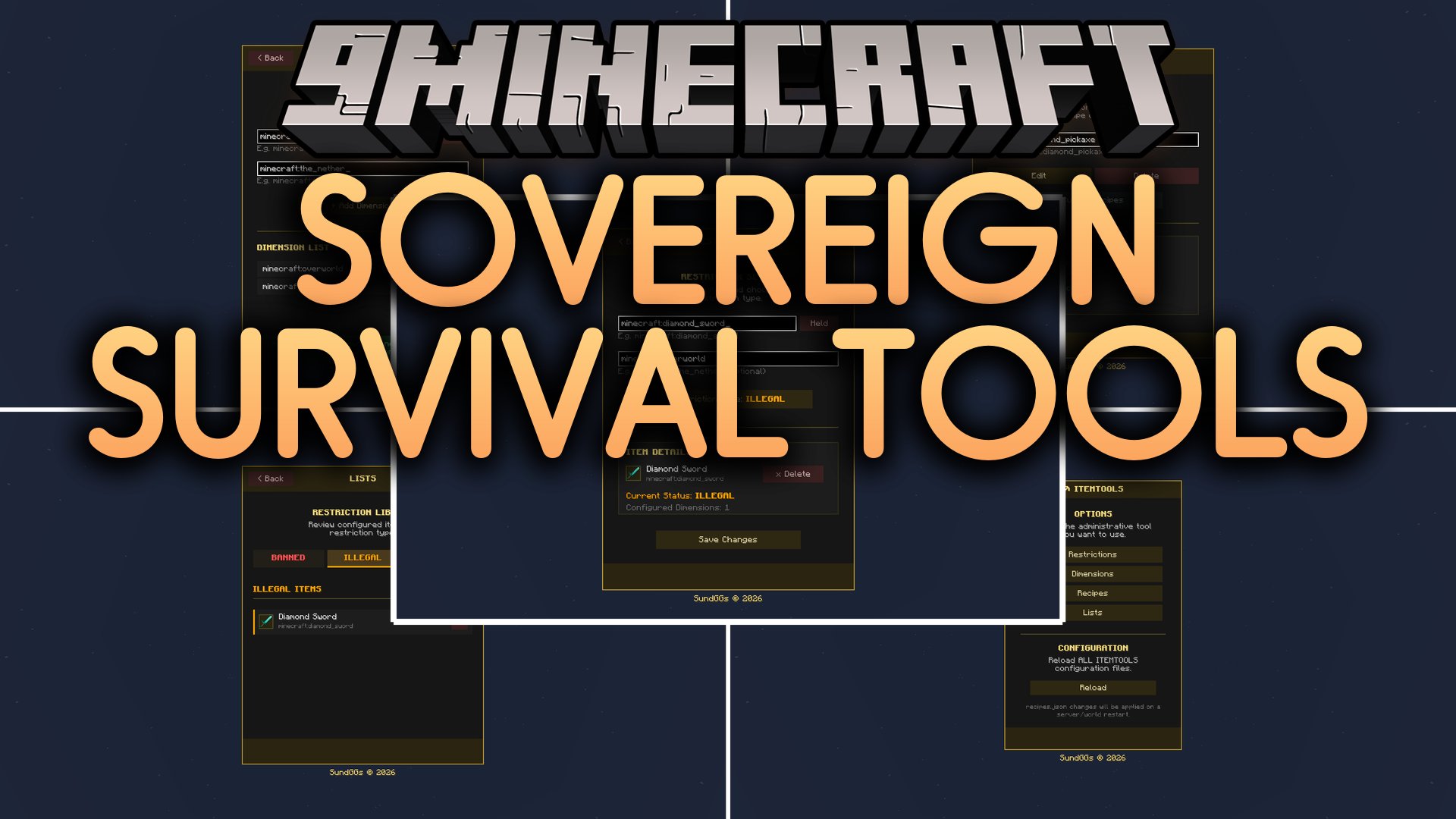
Sovereign Survival Tools Mod gives server hosts direct control over banned items and crafting recipes through an in-game menu. It lets administrators set item rules across specific dimensions and replace standard crafting table recipes on the fly. The mod checks connected players and removes or locks forbidden gear automatically without needing server restarts.
Features:
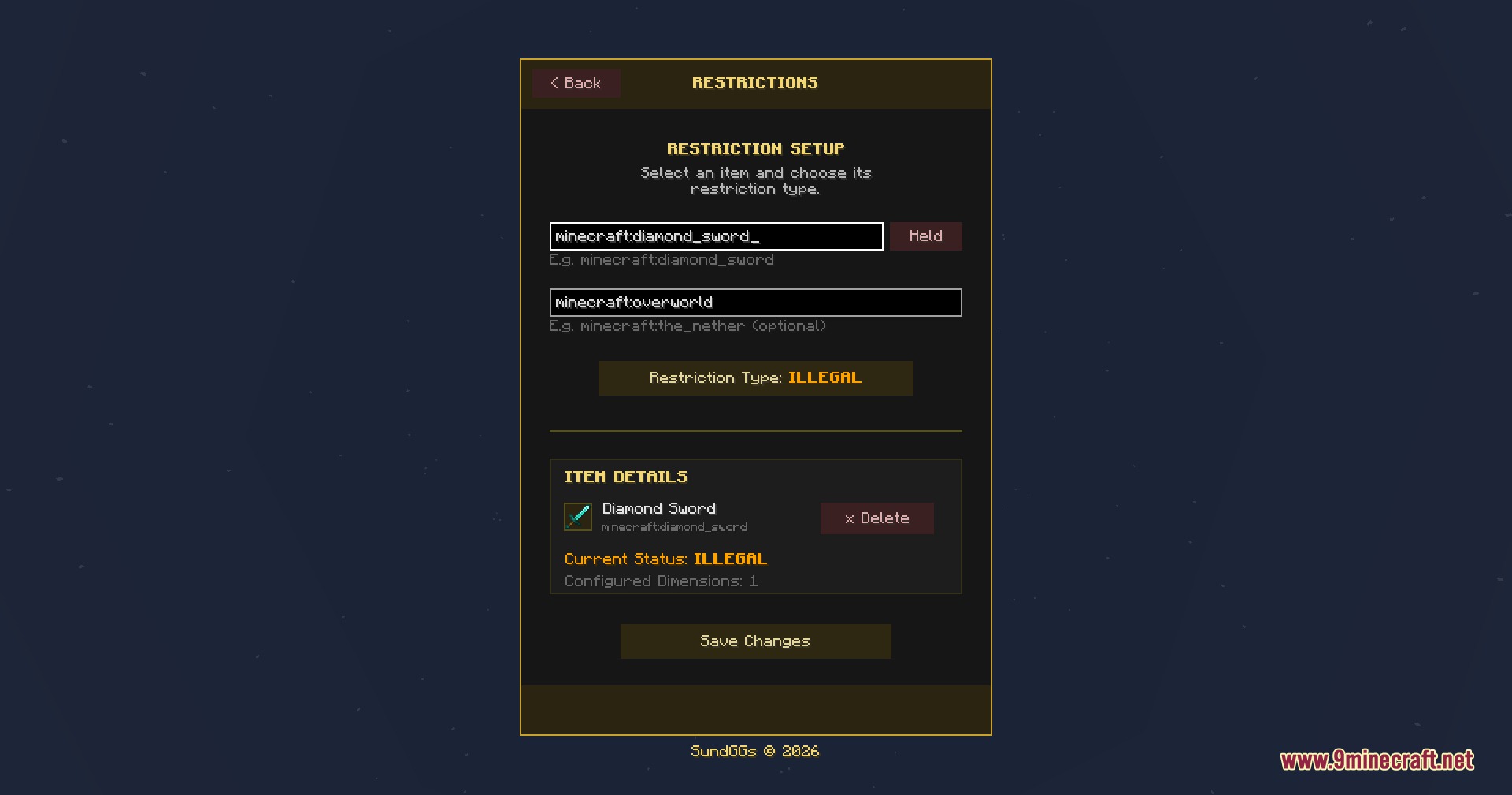
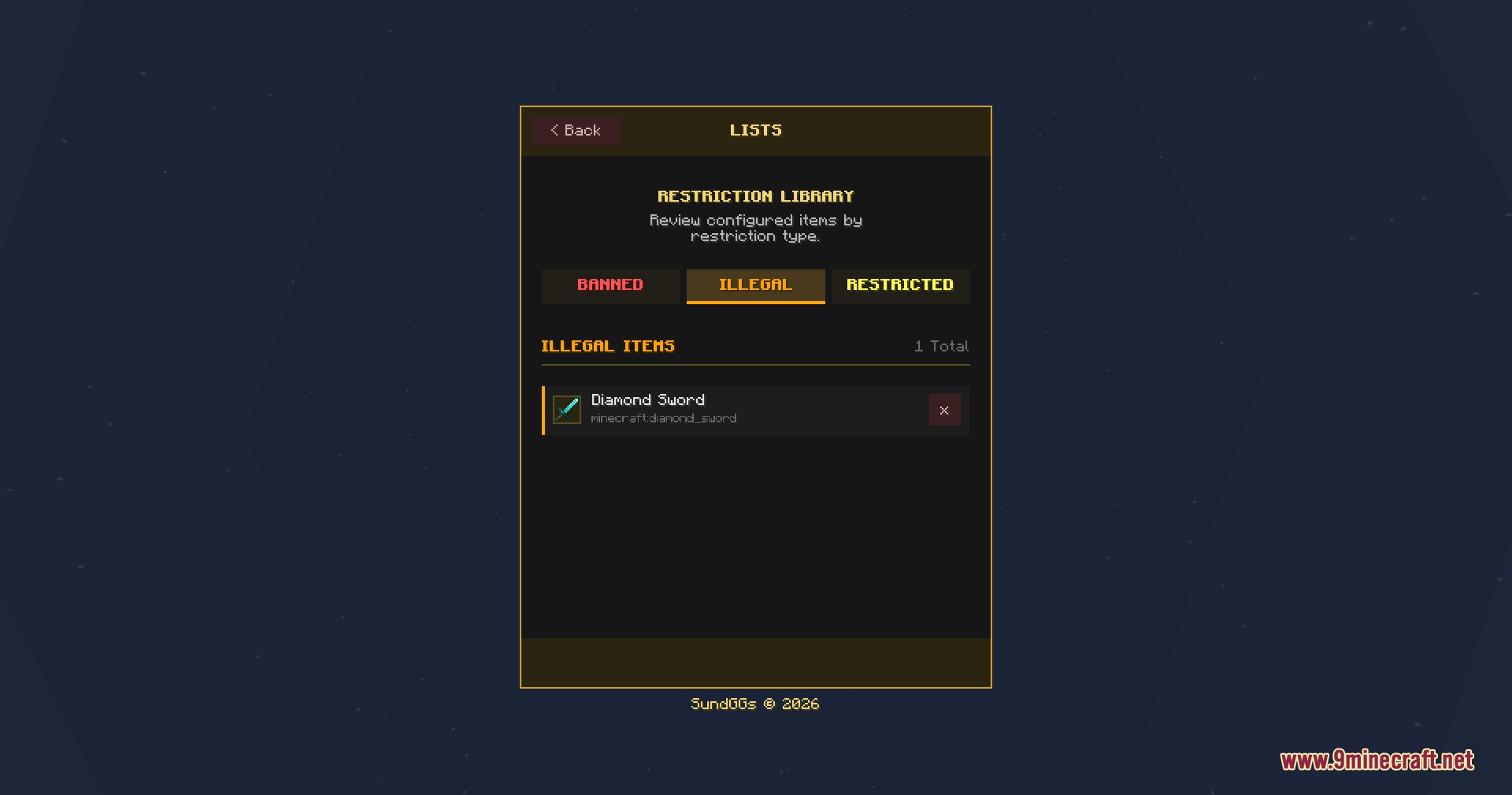
- Item Restriction Modes: Apply three distinct rule levels to items, including Banned, Illegal, and Restricted statuses.
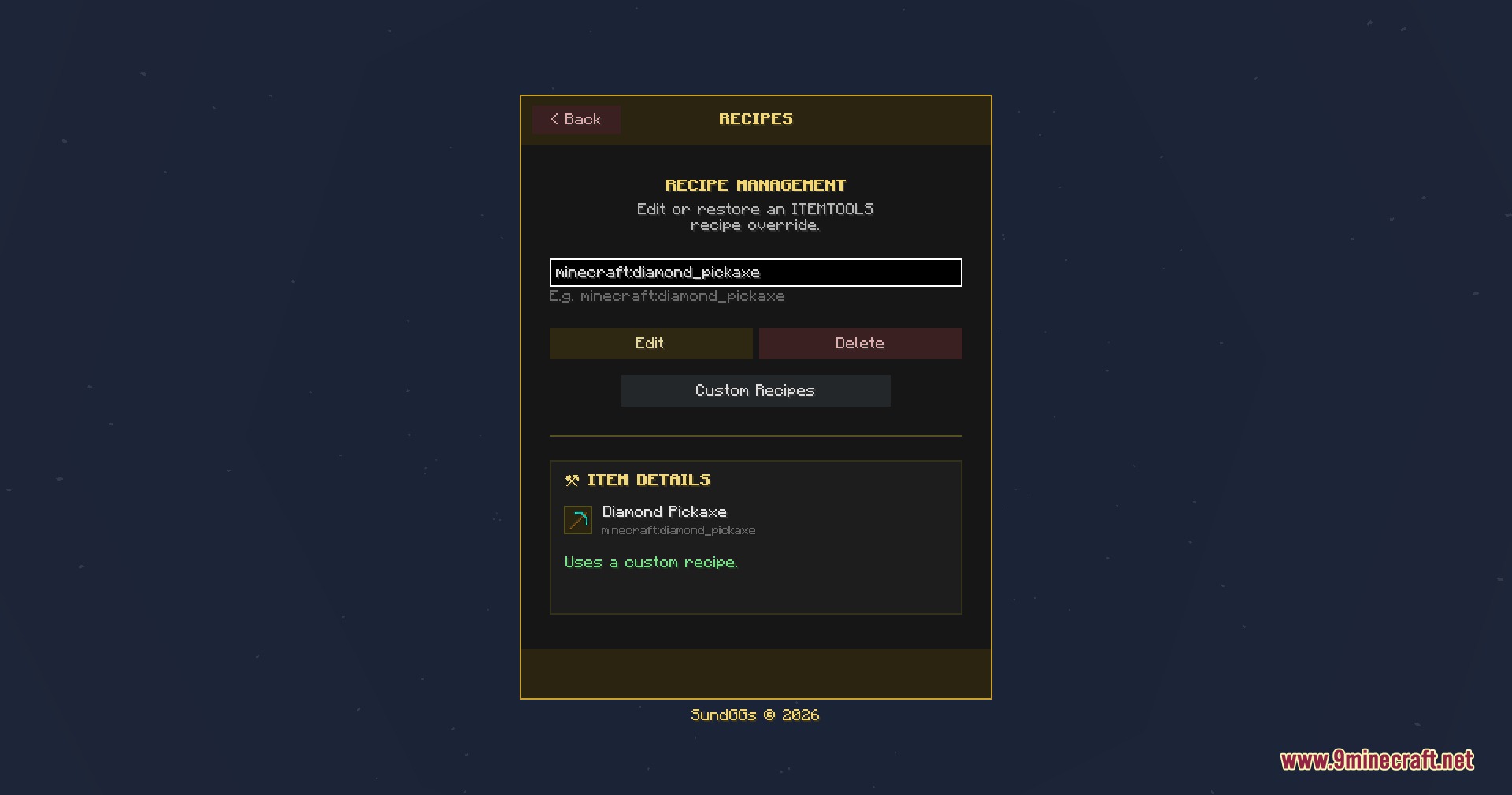
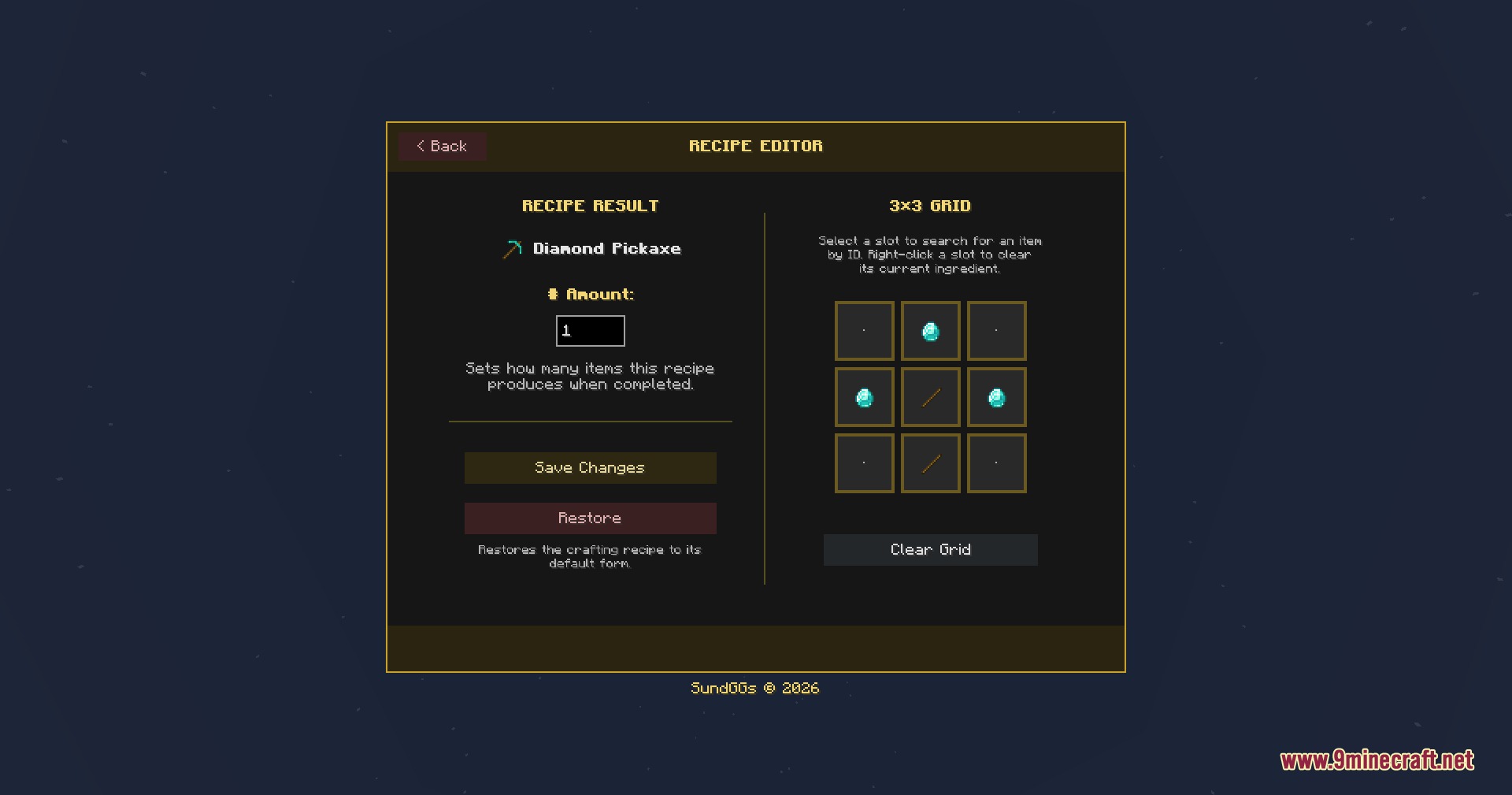
- Custom Recipe Builder: Create, replace, or disable crafting table recipes directly inside a 3×3 visual editor.
- Banned items get deleted from player inventories and storage containers automatically.
- Illegal items move out of the hotbar or off-hand into the main inventory to stop players from using them.
- Restricted items keep their normal behavior but lose their default crafting table recipe.
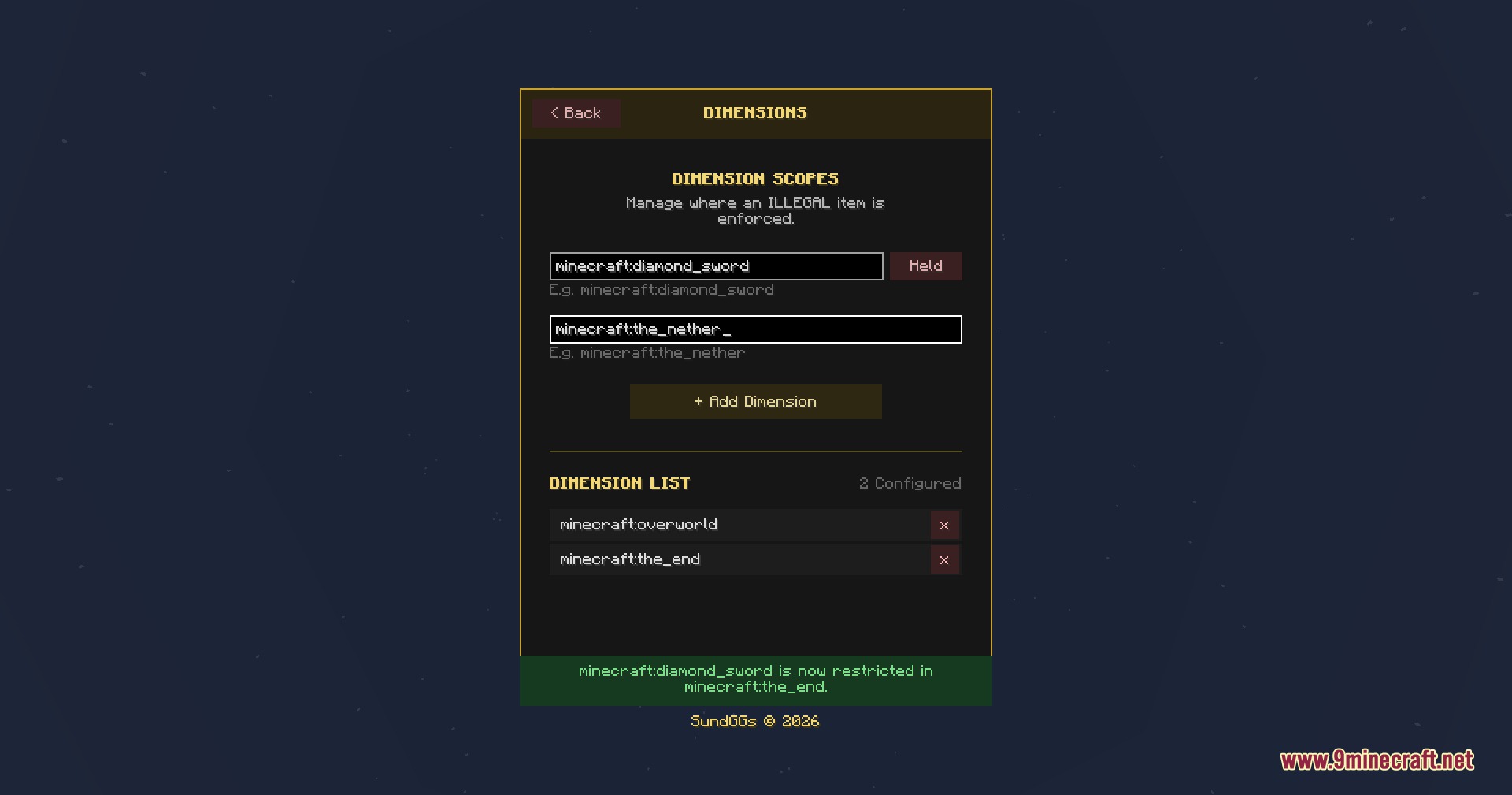
- Dimension rules let you restrict specific items in single dimensions while keeping them usable elsewhere.
- The restriction list interface shows all restricted items along with their active penalty settings.
- Commands provide chat-based control for admins who prefer text commands over the graphical interface.
- Works with optional equipment slot mods to apply item rules to extra accessory and cosmetic armor slots.
Commands:
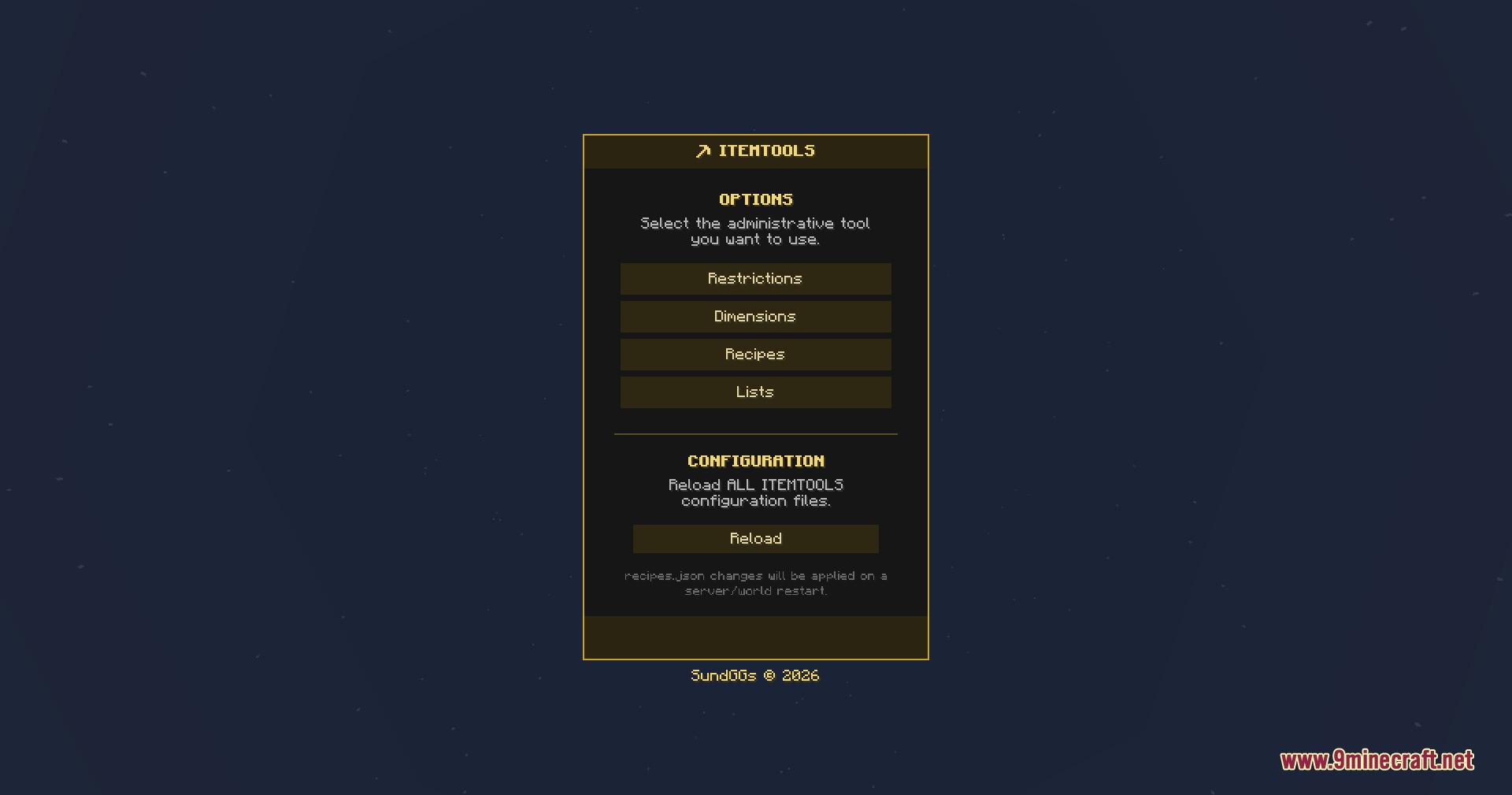
/it gui: opens the main administration panel.
How to Use:
- Open the chat window in your world or server.
- Type
/it guiand press Enter to open the central hub. - Click on the restriction tab to choose items and assign Banned, Illegal, or Restricted rules.
- Open the recipe editor tab to place ingredients in a 3×3 grid and save custom crafting recipes.
- Select specific dimensions if you want the rules to apply only in certain worlds.
Screenshots:
How to Install:
New to Minecraft? Follow our step-by-step guide to install Mods on your PC.View Guide




Sovereign Survival Tools Mod Download Links
For Minecraft 26.2
For Minecraft 26.1.2, 26.1.1, 26.1
For Minecraft 1.21.11
For Minecraft 1.21.1, 1.21
For Minecraft 1.20.1, 1.20
Click to rate this post!
[Total: 0 Average: 0]
You May Also Like



This post has no comments yet. Be the first — your comment will appear here.