
Tap Tab Mod (1.20.4, 1.20.1) – Swap Inventory Rows Instantly

 0


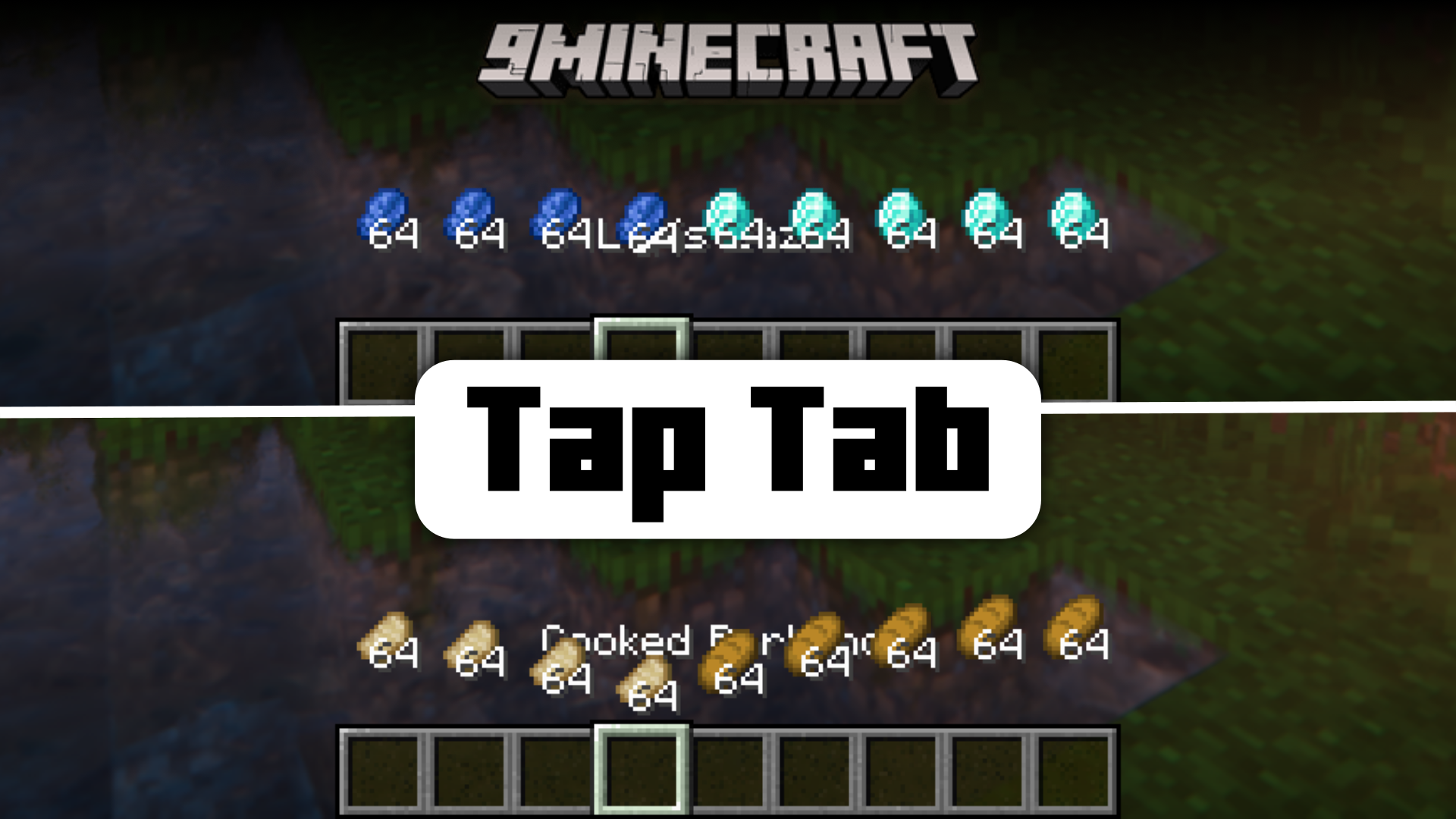
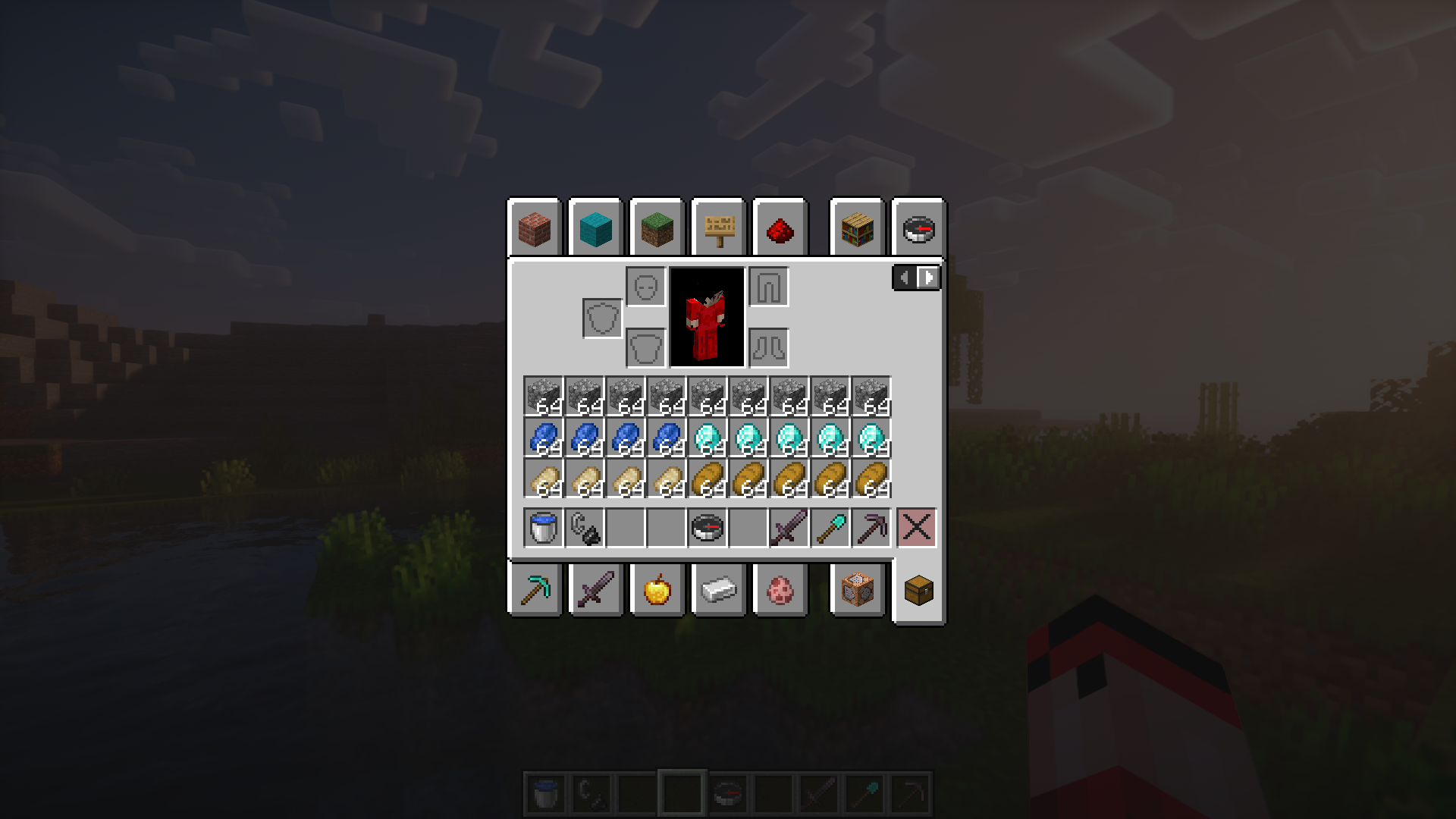
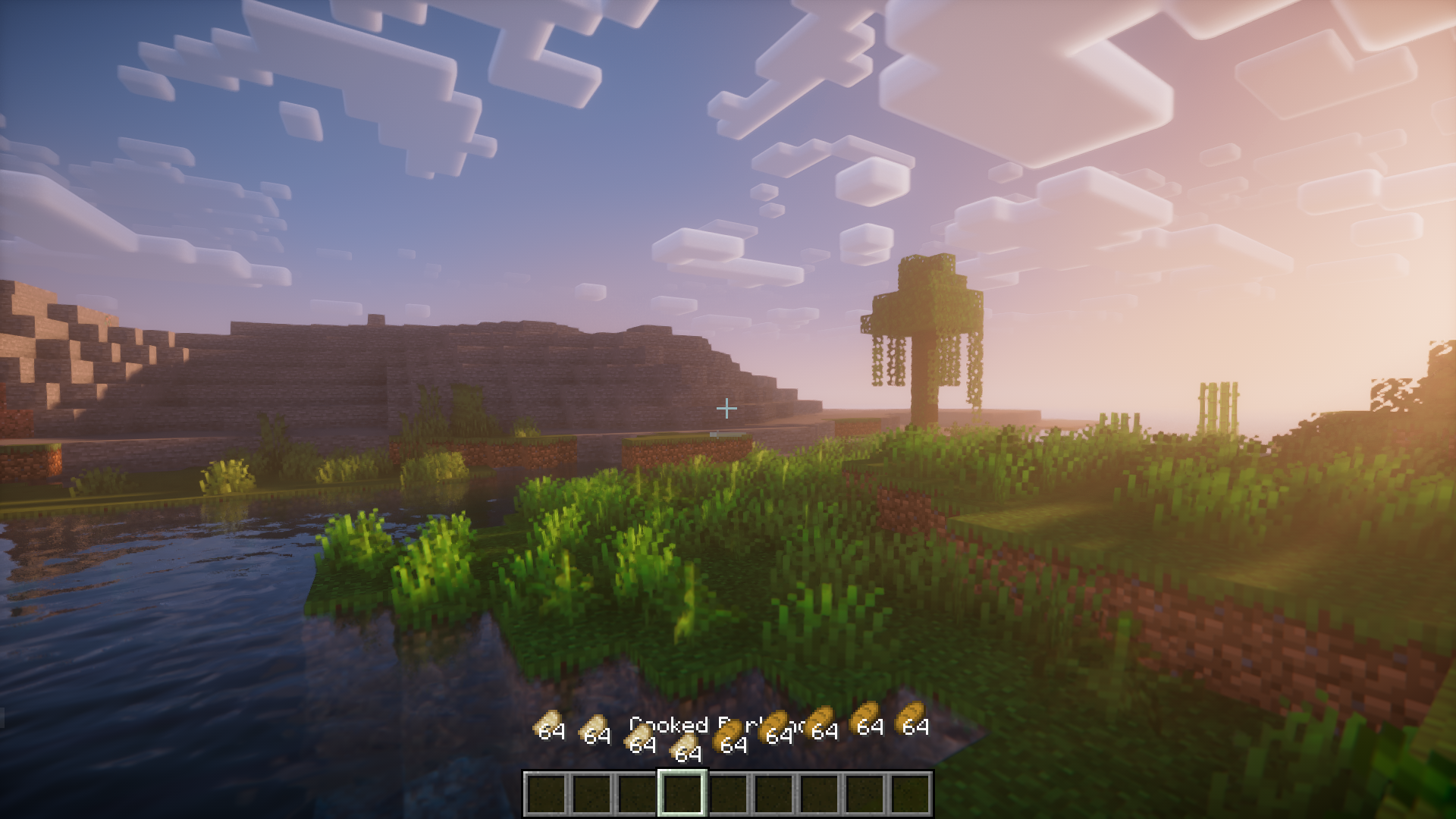
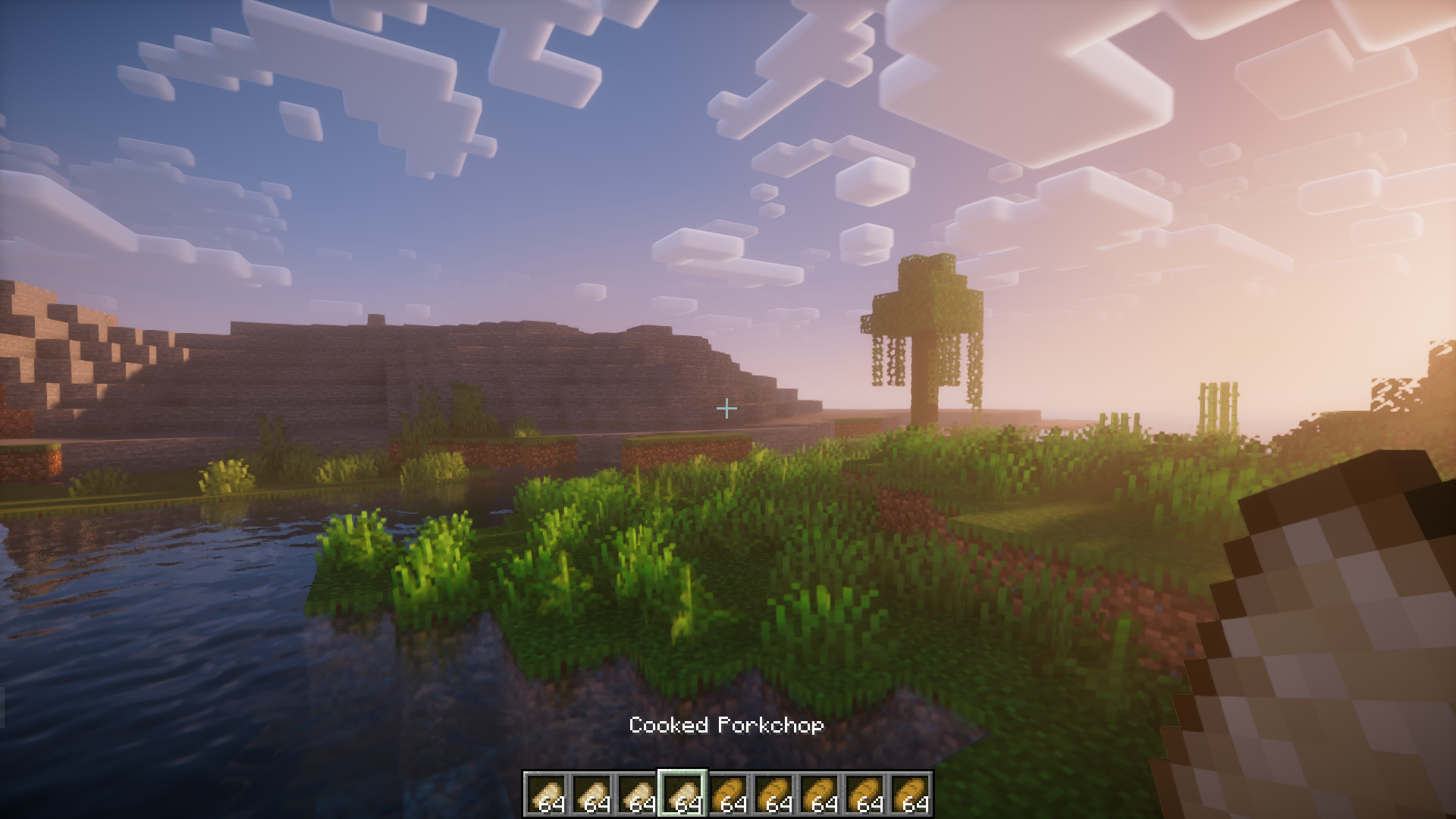
Tap Tab Mod lets you quickly access every inventory row by swapping items directly into the hotbar. It overcomes the standard nine-slot limit of the vanilla game with simple keybinds. Each swap features a smooth drop-in animation as inventory lines move down.
Features:
- Swaps the hotbar with inventory rows using simple keybinds.
- Accesses any inventory row quickly without opening the main inventory screen.
- Cycles inventory rows with a smooth drop-in animation.
- Double-press the Tab key to swap inventory rows with the hotbar.
- Continues pressing Tab in a short period to cycle multiple times.
- Hold Left Shift plus Tab to cycle in the opposite direction.
- Hold Left Alt plus Tab to cycle only the single column where the main hand slot is located.
- All keybinds are fully adjustable in the game settings.
How to Use:
- Open your game world and ensure items are placed in your inventory rows above the hotbar.
- Double-press the Tab key to swap the hotbar with the first inventory row above it.
- Continue tapping Tab quickly to cycle through the remaining inventory lines.
- Hold Left Shift and press Tab to cycle in reverse.
- Hold Left Alt and press Tab to cycle only the specific column of your main hand.
Screenshots:
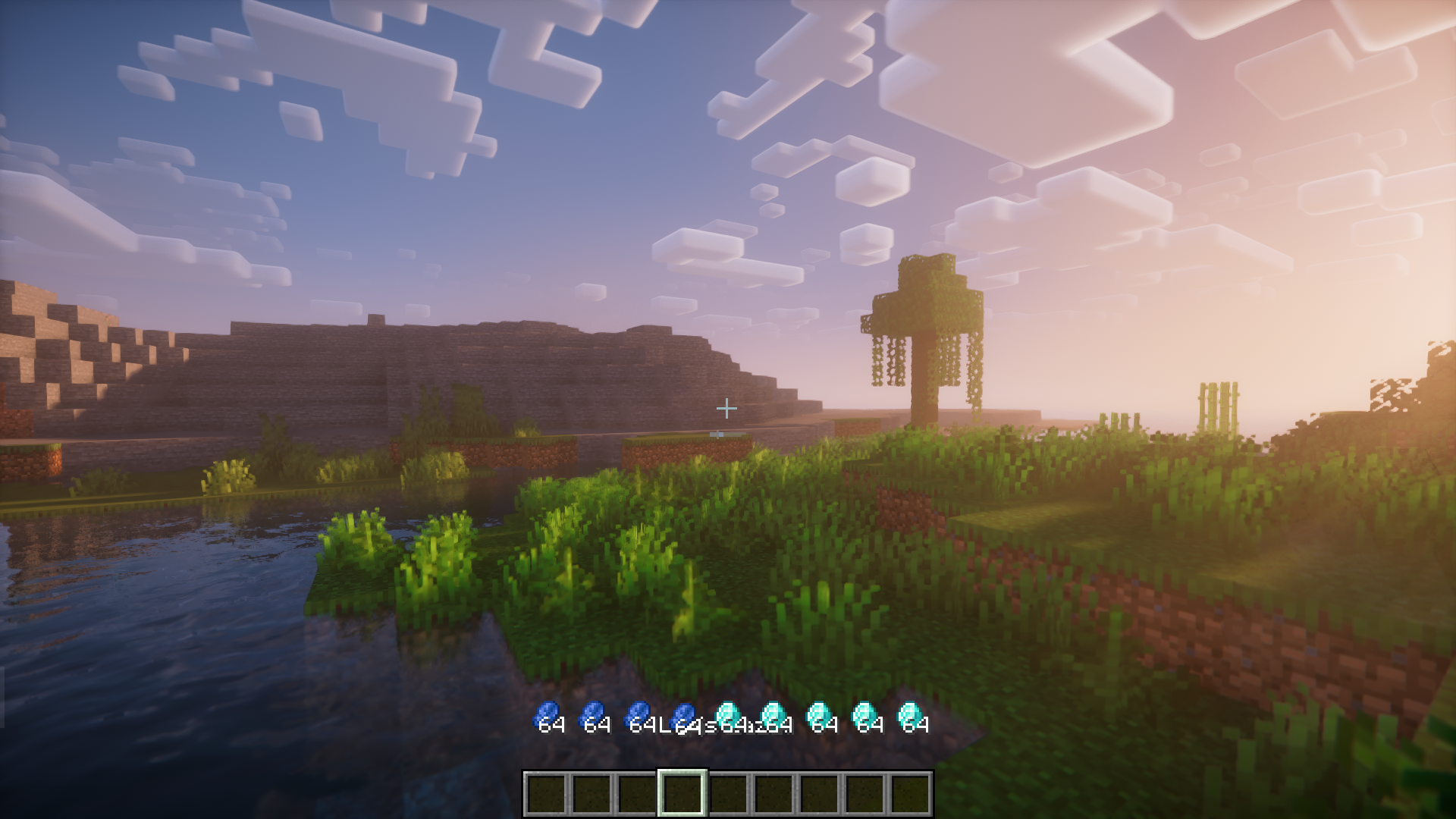
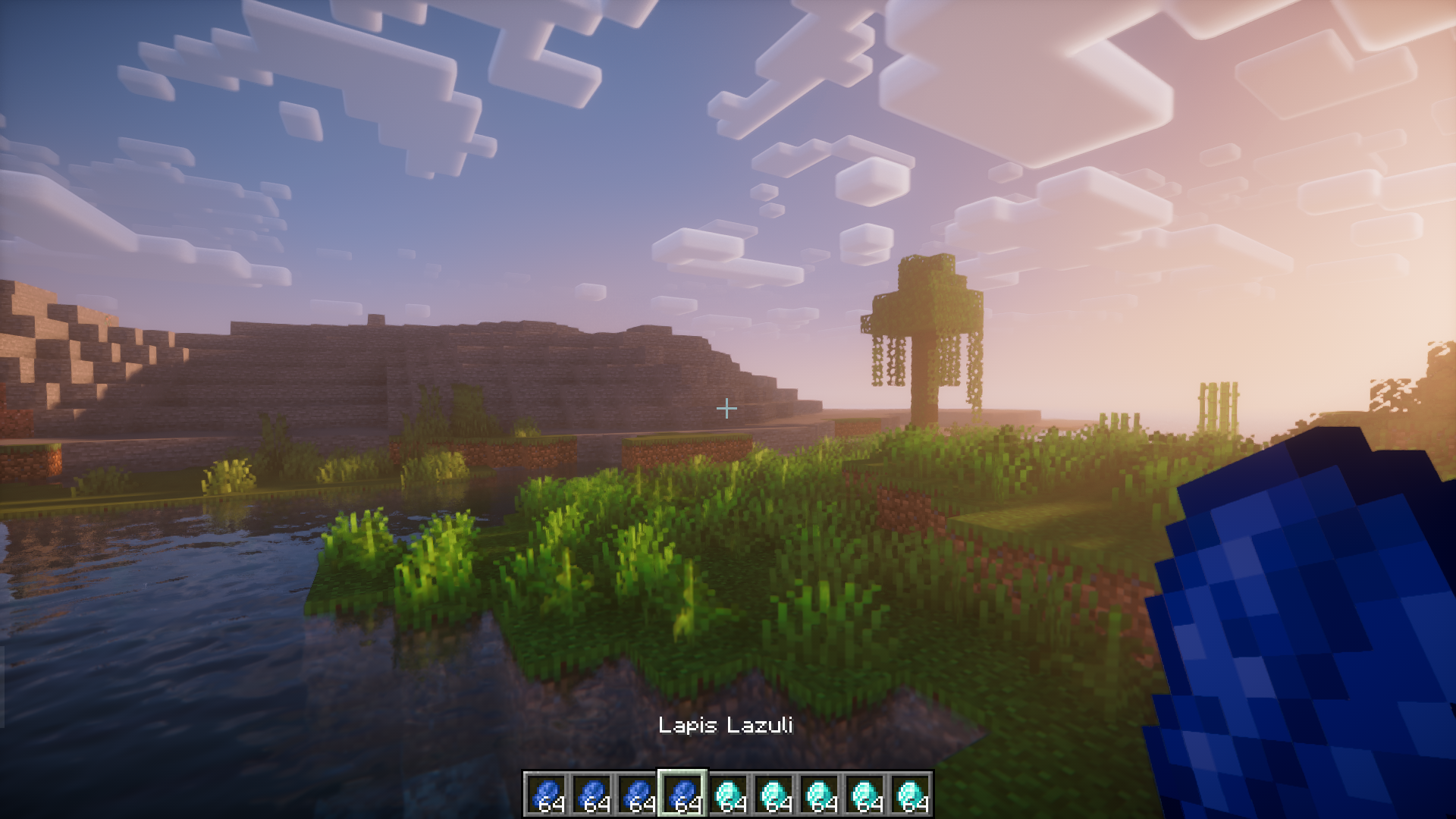
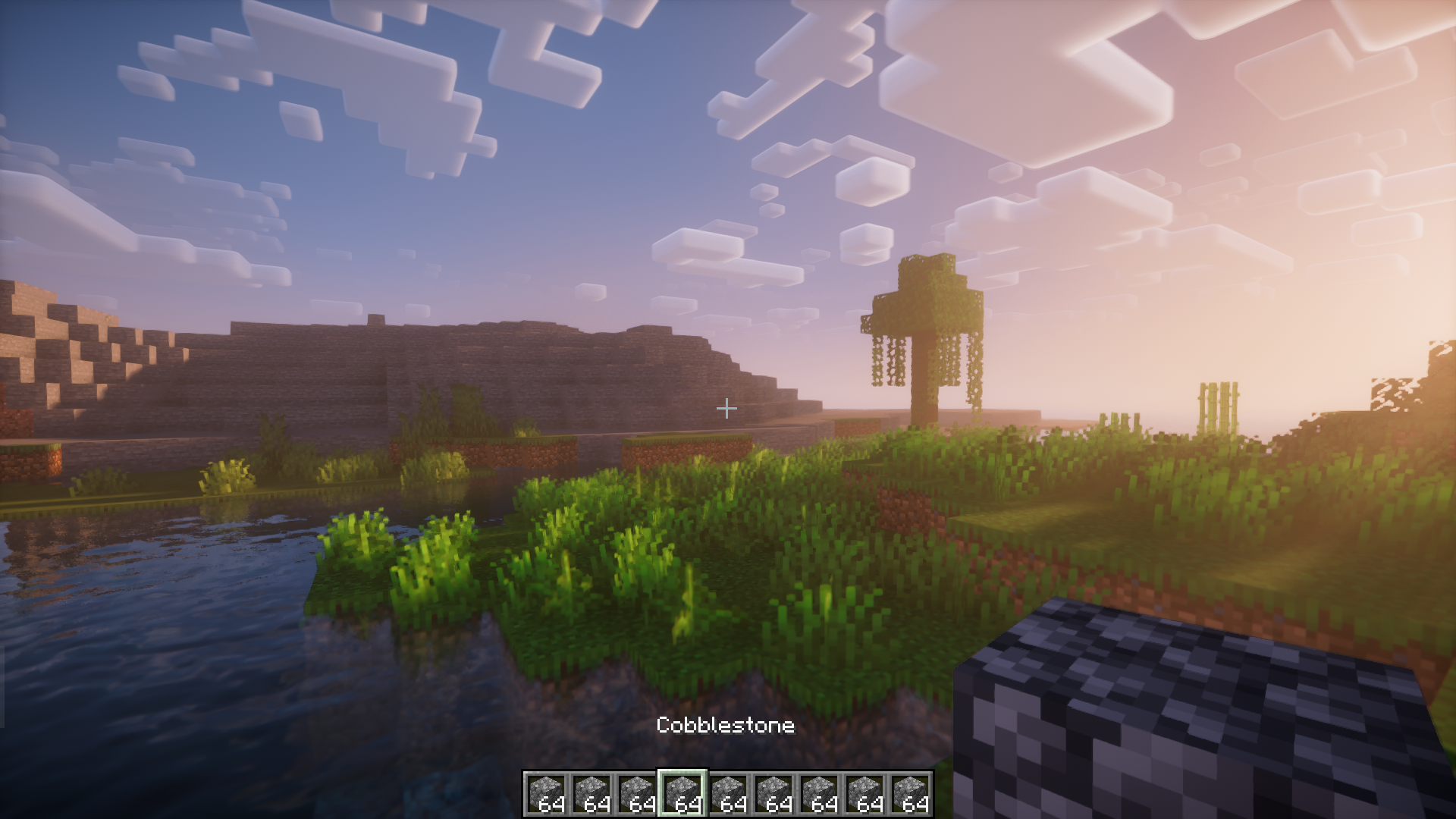
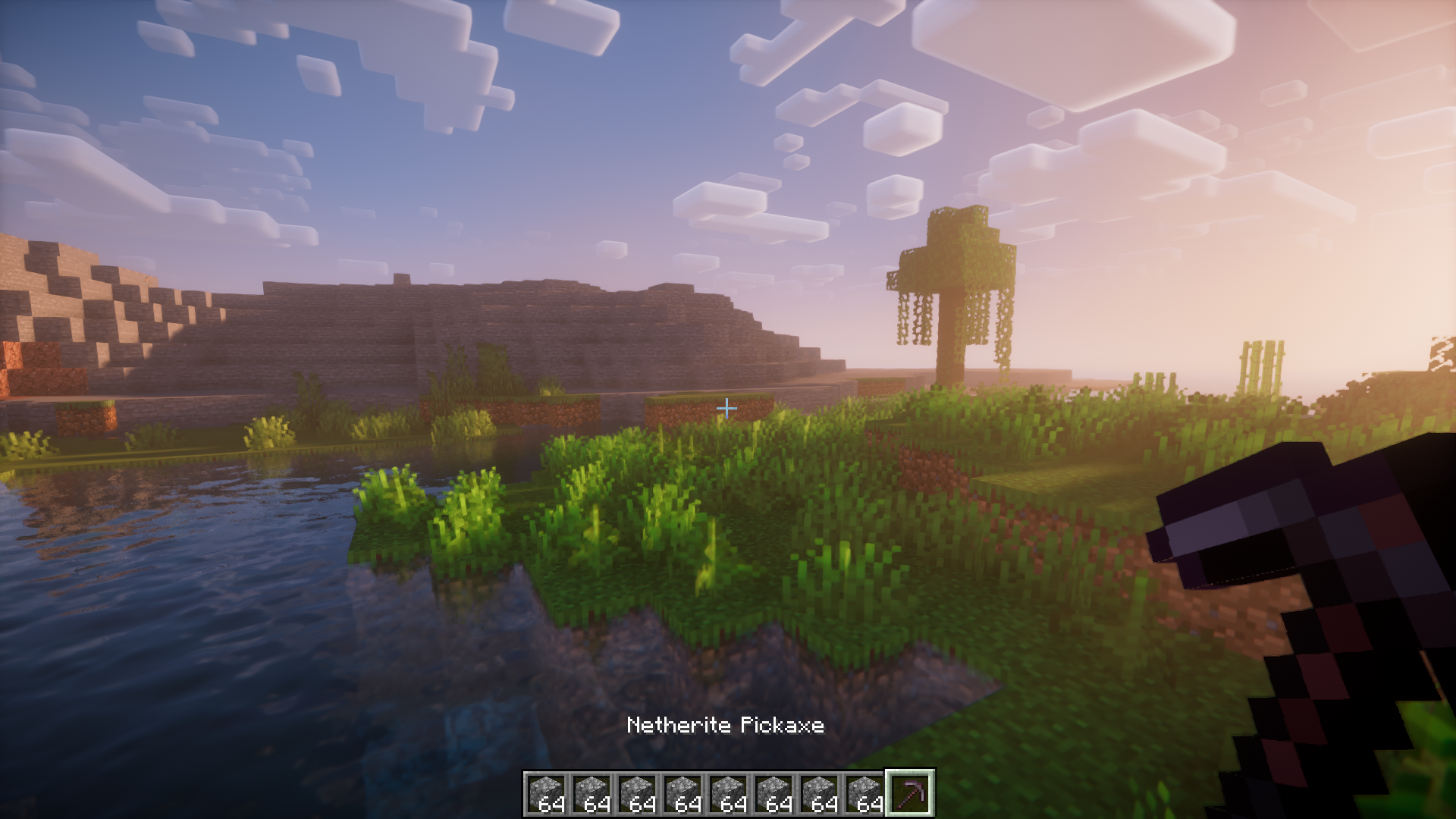
How to Install:
New to Minecraft? Follow our step-by-step guide to install Mods on your PC.View Guide
Requirements:
Tap Tab Mod Download Links
For Minecraft 1.20.4, 1.20.1
Fabric/Quilt version: – Download from Server 2
For Minecraft 1.19.4
Fabric/Quilt version: – Download from Server 2
For Minecraft 1.19.2
Fabric/Quilt version: – Download from Server 2
For Minecraft 1.18.2
Fabric/Quilt version: – Download from Server 2
Click to rate this post!
[Total: 0 Average: 0]
QUICK MINECRAFT SURVEY · ONE TAP
Mods & Modpacks
What do you prefer for world generation in a modded playthrough?
20 responses · See the full results →
You May Also Like
Picked for this page
 Reterraforged Mod (26.3, 26.2) – The Best Terrain Generation
 Minecraft Comes Alive Reborn Mod (26.2, 1.20.1) – Start Your Own Little Family
 The Magic Mirror Mod (26.3, 1.20.1) – A Mirror that is Magic
 Stone Chest Mod (26.2, 1.20.1) – Stone Variations Vanilla Chests
 Cherry Grove Villages Mod (1.21.8, 1.20.1) – Vanilla Structure Designed Village
 FlightAssistant Mod (1.21.11, 1.20.1) – Flight HUD with Autopilot Systems
 Entity View Distance Mod (26.3, 1.20.1) – Control How Far Away You Can See Entities
 Limitless Structure Blocks Mod (1.20.1) – Remove Structure Block Size Limits
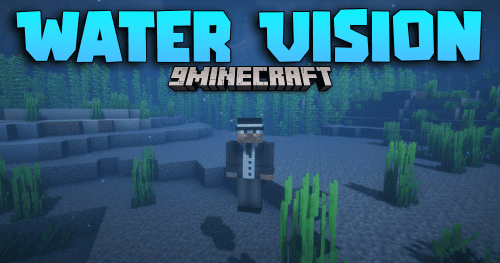 Water Vision Mod (26.1.2, 1.20.1) – No More Murky Minecraft Waters
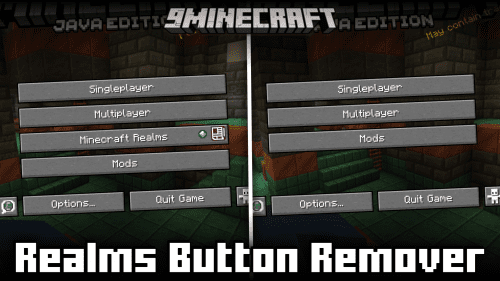 Realms Button Remover Mod (26.3, 1.20.1) – Removes The Realm Button From Main Menu
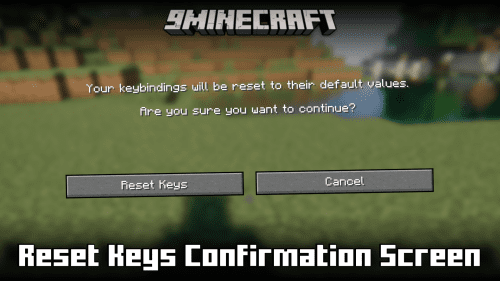 Reset Keys Confirmation Screen Mod (26.3, 1.20.1) – Reconsider Your Choice
Most viewed in Mods over the last 7 days
 Ala Industrial Mod (26.3) – Run Electric Power Grids and Automated Factories
 PleasureCraft Mod (26.3, 1.21.1) – Jenny Mod Remake for Fabric
 Jennycraft Mod (26.3, 1.20.1) – Virtual Girlfriend in Minecraft
 Fapcraft Mod (26.3, 1.12.2) – Comprehensive and Detailed Content
 Jenny Mod (Fapcraft) Official Complete Guide – How to use, Tutorial
 BangCraft Mod (1.20.1) – Jenny, Ellie and Elliot
 Fabric Loader (26.3, 1.20.1) – Fabric Installer for All Minecraft Versions
 The Shooting Star Demo Mod (26.3, 1.20.1) – Vaporize Terrain From Orbit
 Meteor Client Mod (26.3, 1.20.1) – Xray, HUD, Fly
 OptiFine HD (26.3, 1.20.1) – Run Faster, FPS Boost, Shaders Support
 Aristois Client Mod (1.21.4, 1.20.1) – World Class Minecraft Utility
 Prestige Client Mod (1.21.11, 1.21.4) – Powerful Ghost Features for Crystal & Sword PvP
More from Mods
 Animal Info Mod (26.3, 1.21.11) – Quick Stats For Your Animals
 Timber Tales Dynamic Tree System Mod (26.3, 1.20.1) – Watch Entire Trees Topple
 Gabou’s Libs Mod (26.3, 1.20.1) – Keep Custom Weather and Survival Mods Stable
 /Sit Mod (26.3, 1.21.1) – Make The Player Sit Down
 Arcane Redstone Dial Mod (26.3, 1.20.1) – Trigger Commands and Shortcuts
 The Graveyard Mod (26.3, 1.20.1) – Cemeteries in Minecraft
 Enhanced Overlay Mod (26.3, 1.21.11) – Remove Screen Clutter
 Flint Mod (1.21.11) – Run DiamondFire Community Addons Without Crashing
 Not Just Sandwich Mod (26.3, 1.20.1) – Edibles, Sandwiches
 Waddles Mod (26.3, 1.20.1) – Make Icy Biomes Feel Alive
 Artemis’ Thin Logs Mod (26.3, 1.20.1) – Build Custom Trees and Detailed Wood
 Asterion Mod (26.3, 1.20.1) – Survive Ancient Mazes and Slay the Legendary Minotaur

This post has no comments yet. Be the first — your comment will appear here.