
Team ProjectE Mod (1.20.1, 1.19.2) – Share Resources and EMC Values Together

 0


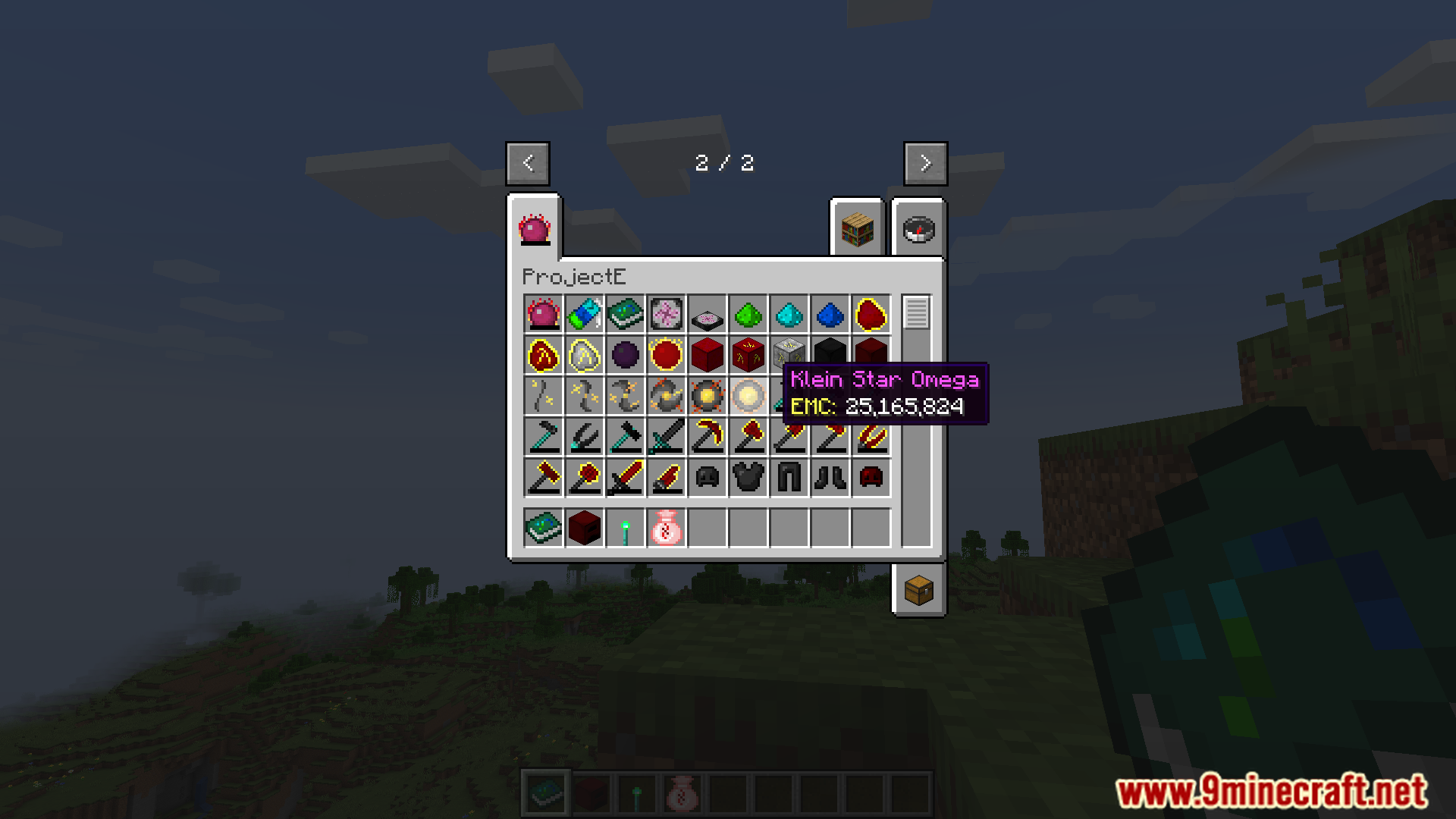
Team ProjectE Mod adds team-based multiplayer support to ProjectE. It lets you sync your EMC and knowledge values with your team members for cooperative play. The mod works smoothly with most ProjectE add-ons and lets you share resources easily in multiplayer worlds.
Features:
- Syncs EMC and knowledge values with your projecte team members so everyone shares resources.
- Adds team management tools to create groups and play together easily.
- Works smoothly with most ProjectE add-ons.
- Allows players to share or keep EMC and knowledge separate using simple settings.
Commands:
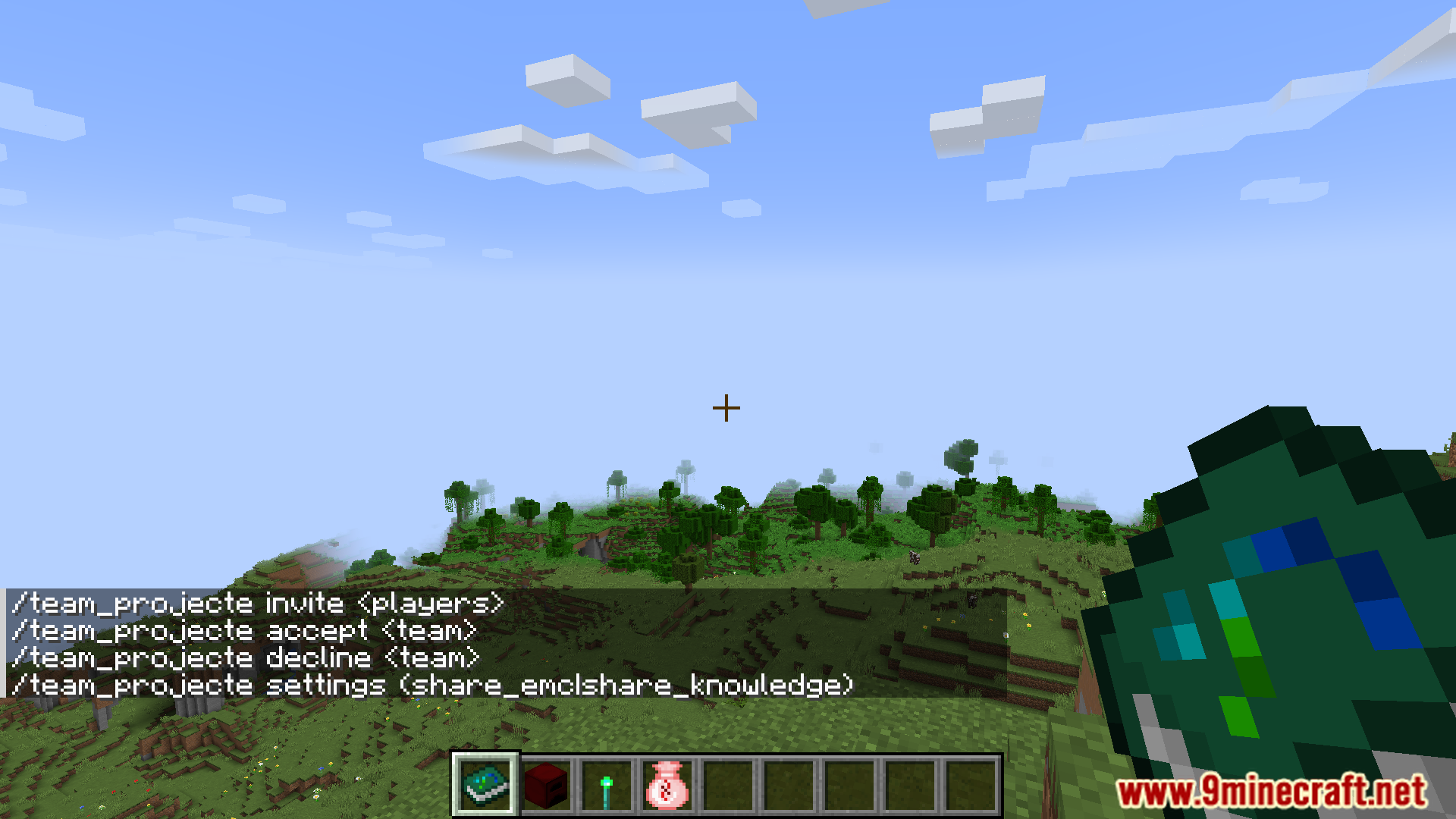
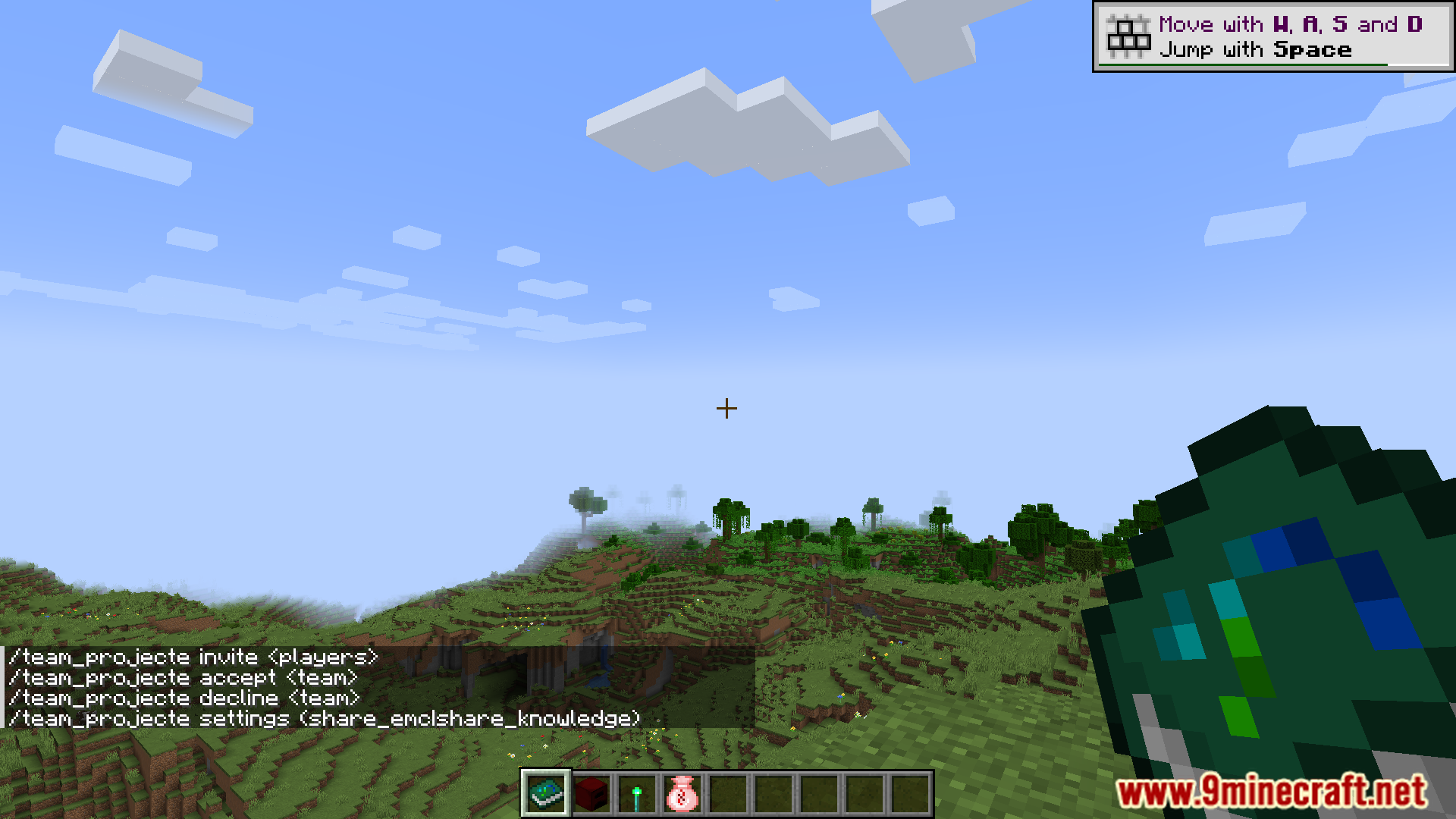
/team_projecte: Main command for team management./team_projecte invite: Invite other players to join your team./team_projecte members: List all current team members./team_projecte kick: Remove a player from your team./team_projecte leave: Leave your current team./team_projecte transfer_ownership: Transfer team leadership to another member./team_projecte settings share_emc false/true: Enable or disable shared EMC (default is true)./team_projecte settings share_knowledge false/true: Enable or disable shared knowledge (default is true).
Screenshots:
How to Install:
New to Minecraft? Follow our step-by-step guide to install Mods on your PC.View Guide
Requirements:
Team ProjectE Mod Download Links
For Minecraft 1.20.1
Forge version: Download from Server 1 – Download from Server 2
For Minecraft 1.19.2
Forge version: Download from Server 1 – Download from Server 2
For Minecraft 1.18.2
Forge version: Download from Server 1 – Download from Server 2
For Minecraft 1.16.5
Forge version: Download from Server 1 – Download from Server 2
Click to rate this post!
[Total: 0 Average: 0]
You May Also Like
Picked for this page
 Patchouli Mod (1.21.11, 1.20.1) – Documentation for Everyone
 Flopper Mod (26.3, 1.20.1) – A Hopper for Transferring Fluids
 Village Artifacts Mod (1.21.1, 1.20.1) – Upgrade, Transform, Manipulate Villagers
 TrashSlot Mod (26.3, 1.20.1) – Get Rid of Unwanted Items
 Colossal Chests Mod (26.3, 1.20.1) – Giant Chests
 TCT Core Mod (26.3, 1.20.1) – Centralized Menu for Managing and Configuring Mods
 CreateTweaker Mod (1.21.1, 1.20.1) – CraftTweaker + Create
 PictureSign Mod (1.21.11, 1.20.1) – How To Display GIFs And Videos On Signs
 Crafting Dead Cure Mod (1.5.2) – The Most Popular Zombie Survival
 Vanity: Ornate Weaponry Mod (1.21.1, 1.20.1) – Ornate Designs
 Mclogs Mod (26.3, 1.20.1) – Share Logs With A Single Command
 Cyanide Mod (1.21.1, 1.20.1) – Informative Error Messages
Most viewed in Mods over the last 7 days
 Ala Industrial Mod (26.3) – Run Electric Power Grids and Automated Factories
 PleasureCraft Mod (26.3, 1.21.1) – Jenny Mod Remake for Fabric
 Jennycraft Mod (26.3, 1.20.1) – Virtual Girlfriend in Minecraft
 Fapcraft Mod (26.3, 1.12.2) – Comprehensive and Detailed Content
 Jenny Mod (Fapcraft) Official Complete Guide – How to use, Tutorial
 BangCraft Mod (1.20.1) – Jenny, Ellie and Elliot
 Fabric Loader (26.3, 1.20.1) – Fabric Installer for All Minecraft Versions
 Meteor Client Mod (26.3, 1.20.1) – Xray, HUD, Fly
 The Shooting Star Demo Mod (26.3, 1.20.1) – Vaporize Terrain From Orbit
 OptiFine HD (26.3, 1.20.1) – Run Faster, FPS Boost, Shaders Support
 Aristois Client Mod (1.21.4, 1.20.1) – World Class Minecraft Utility
 SchnurriTV Mod (1.12.2) – Characters and Features
More from Mods
 Infinity Bound Mod (1.21.1) – Snap Away Enemies with Legendary Superhero Gear
 Legacy Gecko Lib Fabric Mod (1.16.5) – Power Animated Creatures in Modpacks
 The Man from the Shadow Horror Mod (1.20.1) – Fight Hallucinations to Survive
 Shade & Saturation Slider Mod (26.2, 1.21.11) – Make Every Biome Vibrant
 Cataclysm X Yung’s Better Nether Fortresses Compat Mod (1.21.1, 1.20.1)
 Patchouli 9minecraft Mod (26.3) – Read Mod Guides Without Leaving Minecraft
 Paintings ++ 9minecraft Mod (26.3) – Pick the Exact Painting You Want
 owo-lib 9minecraft Mod (26.3) – Run Your Favorite Mods Without Errors
 Moonlight 9minecraft Lib (26.3, 26.2) – Run Complex Mods Without Errors
 Load My Tags 9minecraft Mod (26.3) – Mix Mods Without Breaking Recipes
 Kambrik 9minecraft Mod (26.3) – Run Kotlin Mods Without Game Lag
 Fast Paintings 9minecraft Mod (26.3, 26.2) – Place Wall Art Exactly Where You Want It

This post has no comments yet. Be the first — your comment will appear here.