


Tellus Mod (26.2, 1.20.1) – Travel Across Real Earth Terrain with Live Weather

 0
0 

🌐 Read this article in your language! Choose your preferred language below.
Or pick the one you like:
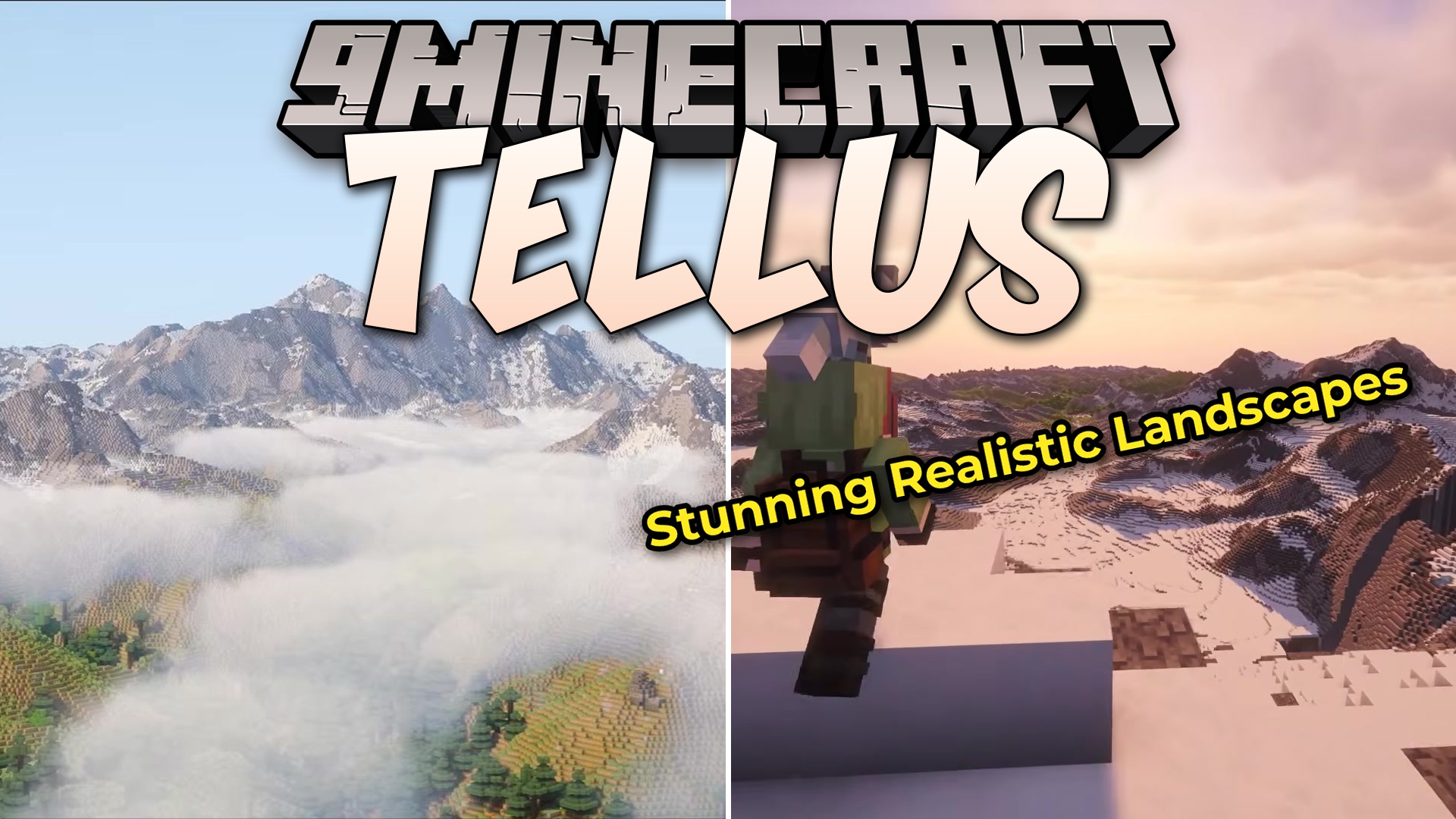
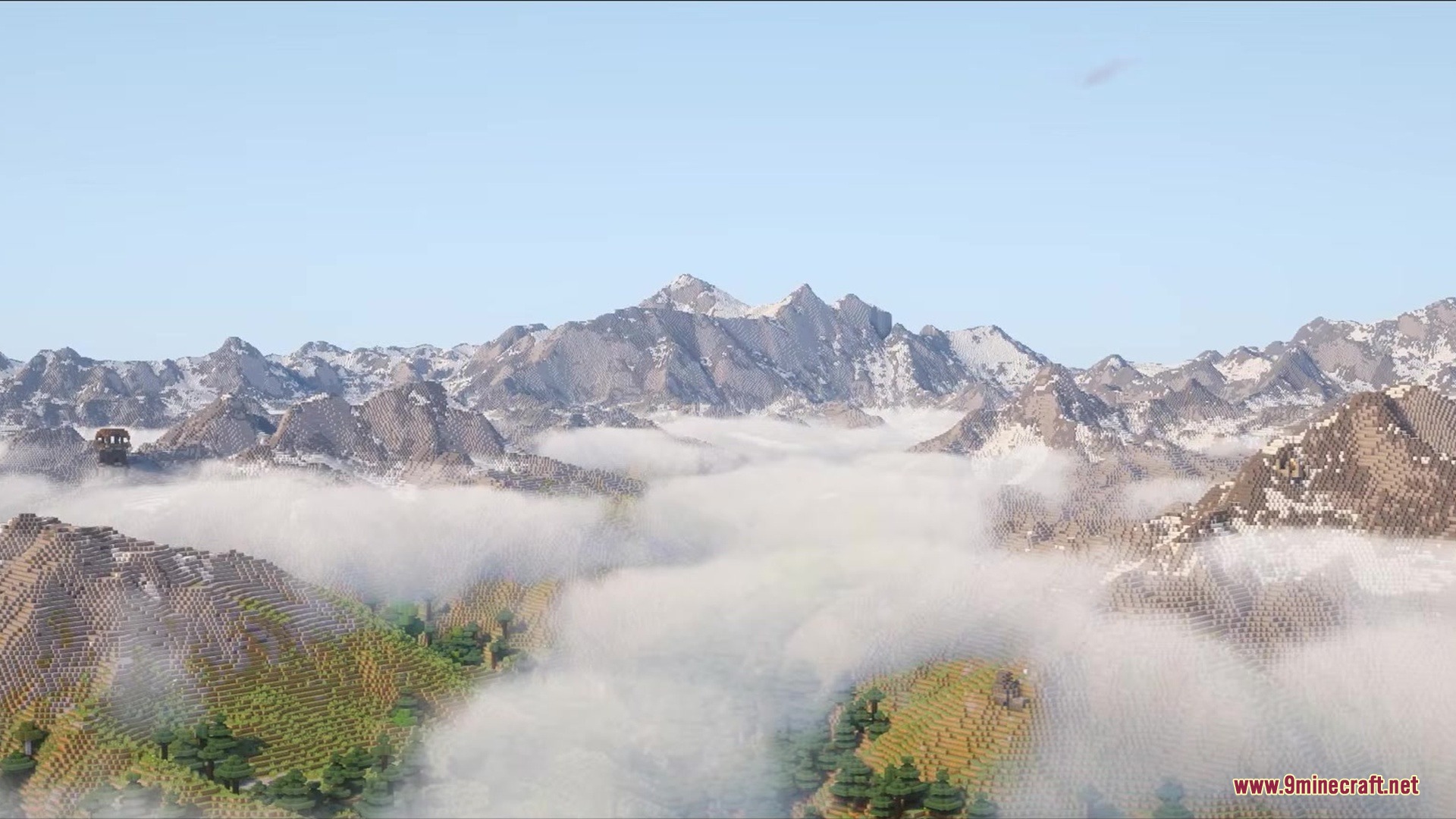
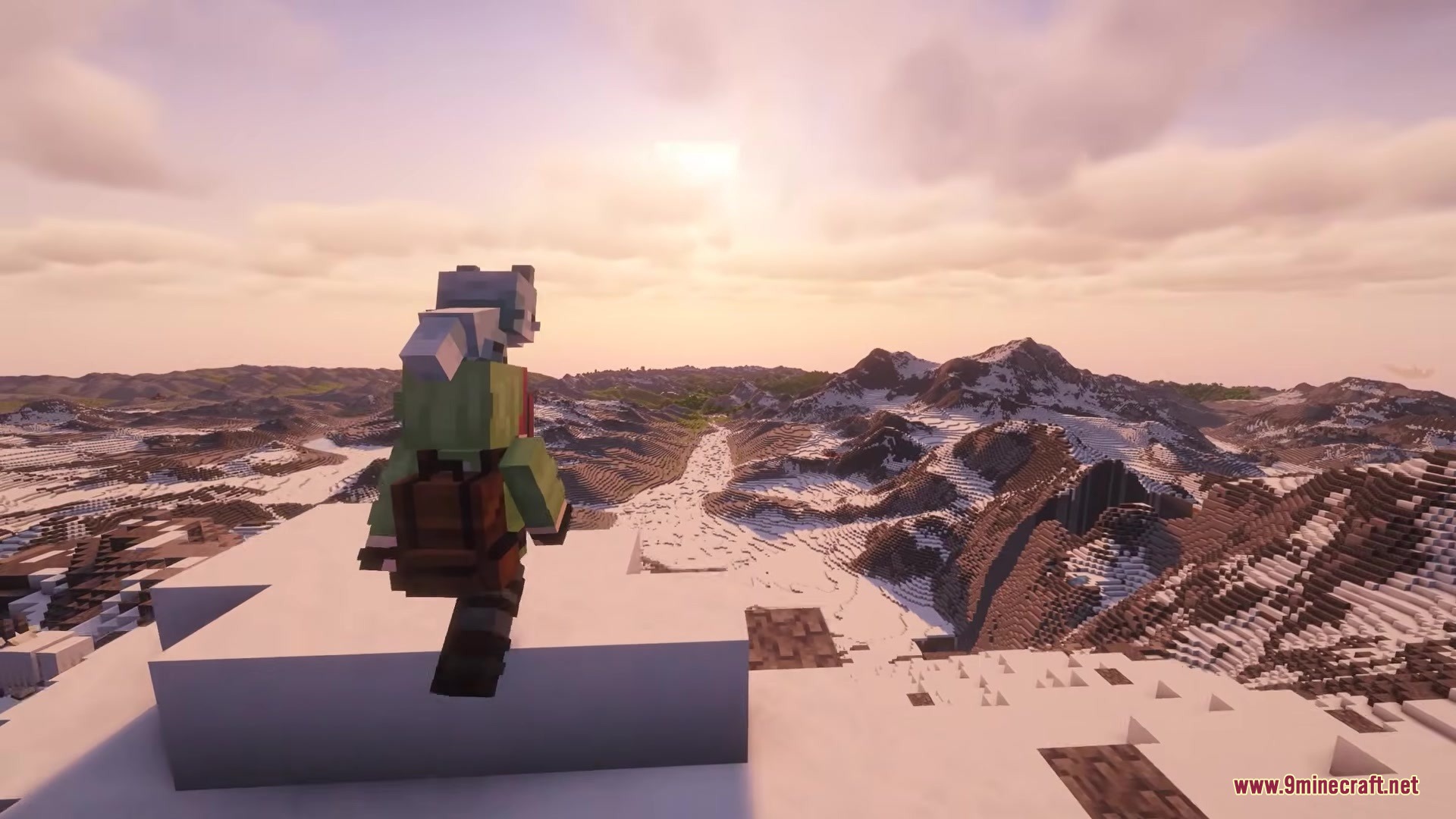
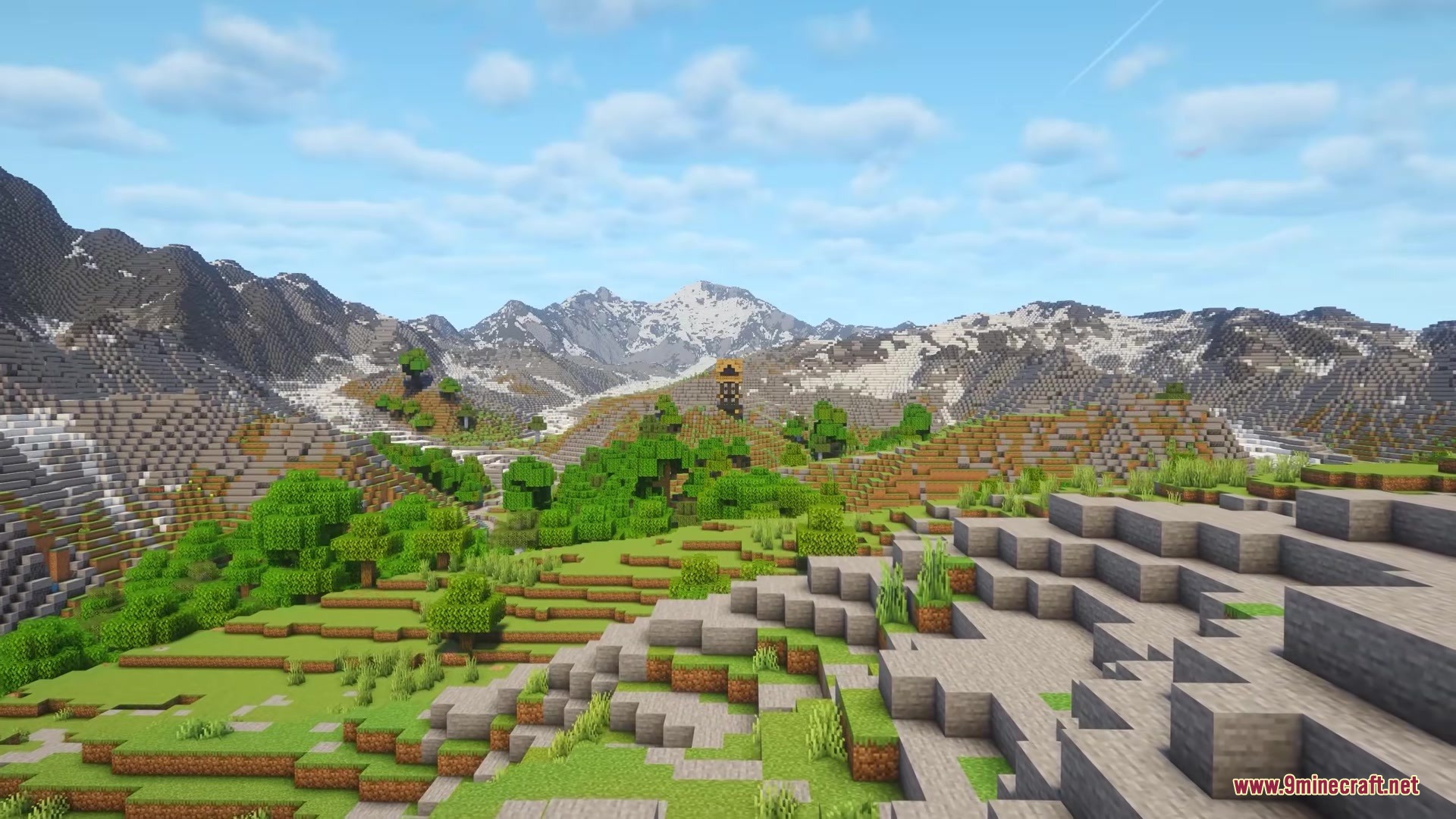
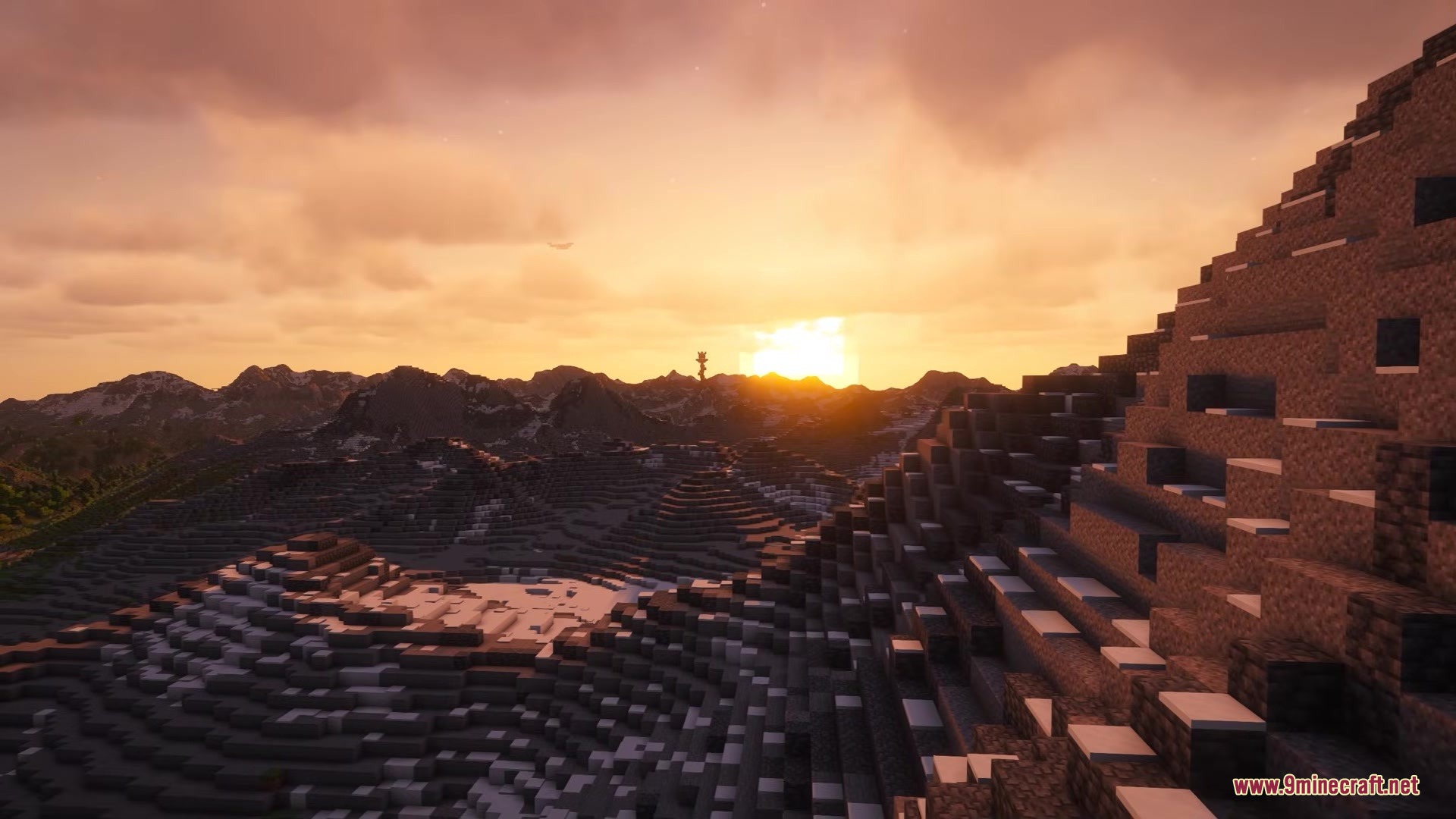
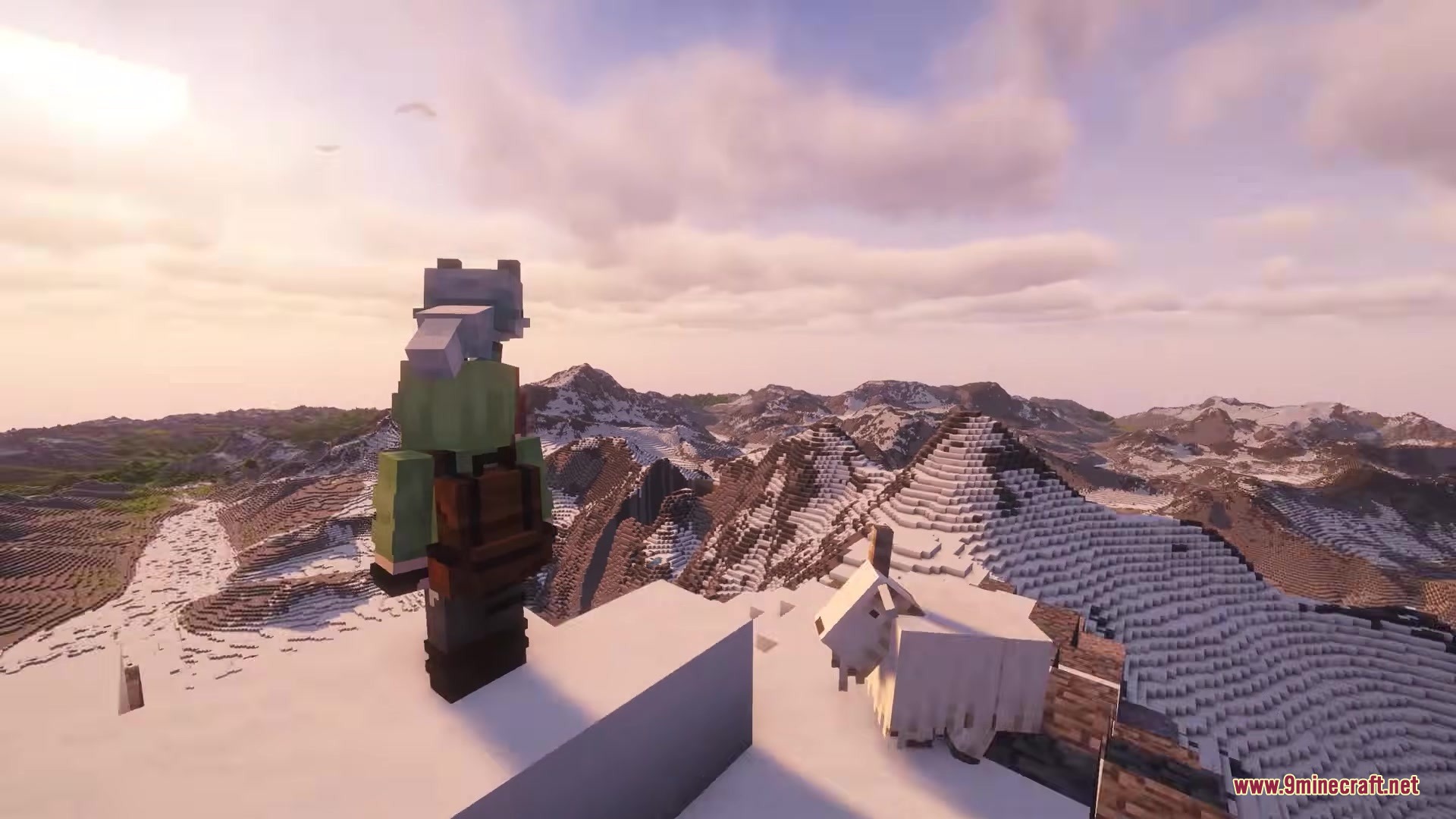
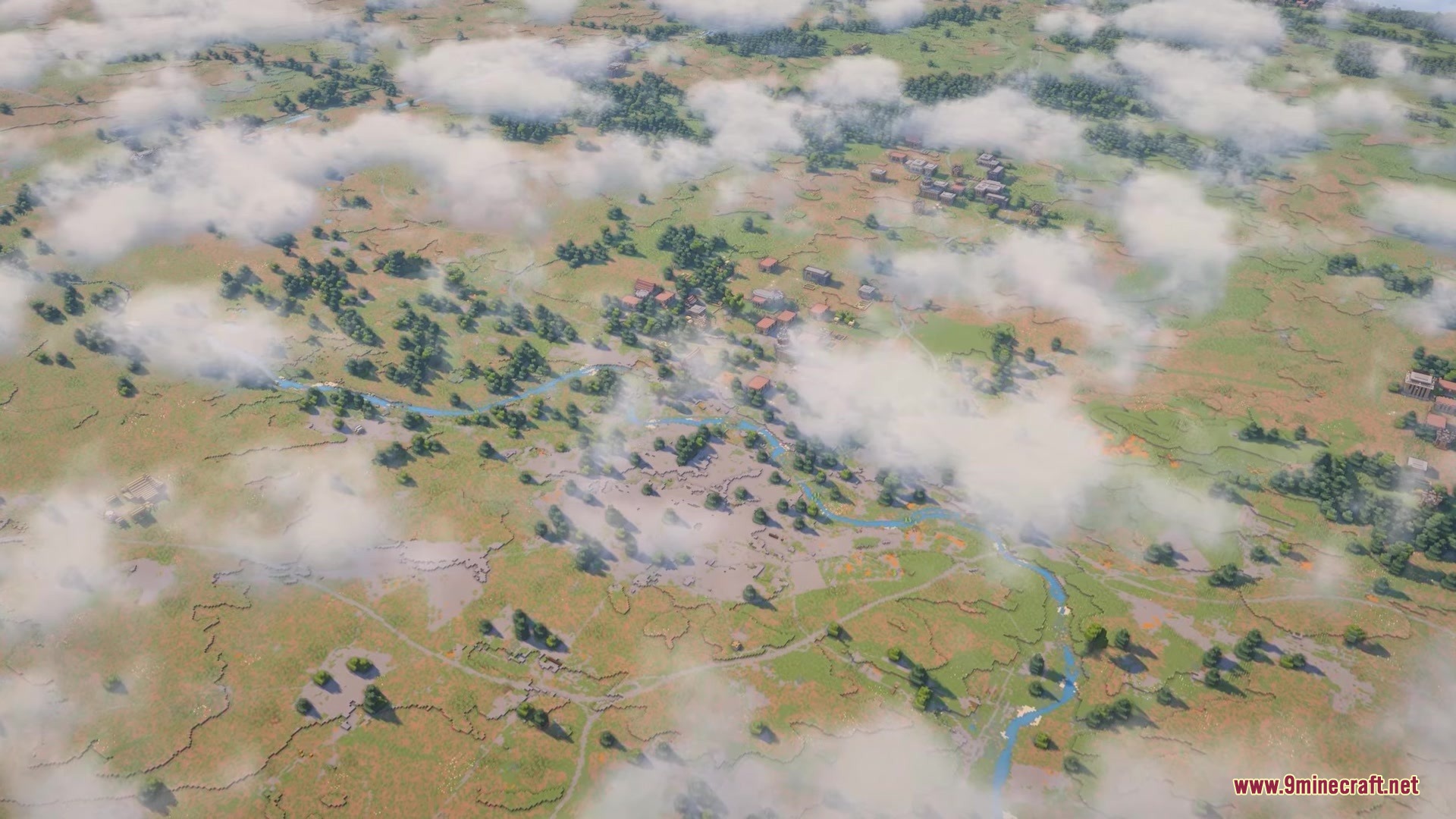
Tellus Mod turns your game into a blocky version of the real Earth. It generates actual mountains, cities, and roads using real-world map data. The mod streams this information while you play, so you need an active internet connection to explore the planet. It places biomes in the correct spots and even matches the weather outside.
Features:
- Real-World Terrain: Generates Earth-scale landscapes based on actual geographic data.
- Live Weather: Syncs the in-game rain and snow with the actual weather happening in that real-world location.
- Places biomes in the correct spots to match real-world climates.
- Includes a built-in preview screen so you can see how the terrain looks before you start playing.
- Supports Distant Horizons to show mountains and oceans far away without slowing down your computer.
- Lets you teleport to different real-world places using a special in-game map menu.
- Works best for exploring rather than normal survival play, as some regular game features are missing.
World Settings:
- Controls how many real-world meters fit into one block to change the size of the world.
- Changes the height of mountains and the depth of oceans with simple sliders.
- Shifts the entire terrain up or down to set the perfect sea level.
- Smooths out the edges of rivers and oceans so they blend nicely into the land.
Geological and Structure Settings:
- Toggles underground cave generation on or off.
- Adds normal ores and lava pools under the ground.
- Lets you turn off regular game structures like villages, temples, and ruins.
Real-Time Settings:
- Matches the in-game day and night cycle to the local clock of the real-world place you are visiting.
- Pulls live weather conditions to make it rain or snow in the game when it happens in real life.
Commands:
/tellus map: Opens the map menu to teleport to new places./tellus weather: Shows the local weather and time for your current spot./tellus config weather enable_realtime_time true: Turns on real-world time syncing./tellus config weather enable_realtime_weather true: Turns on real-world weather syncing.
How to Use:
- Create a new singleplayer world and open the Customize World Generation screen.
- Adjust the world scale and height settings to fit how big you want the mountains and distances to be.
- Keep your computer connected to the internet so the mod can download the map data as you walk around.
- Type the map command in the chat to pick a real-world location to visit.
Screenshots:
How to Install:
New to Minecraft? Follow our step-by-step guide to install Mods on your PC.View Guide



Tellus Mod Download Links
For Minecraft 26.2
For Minecraft 26.1.2, 26.1.1, 26.1
For Minecraft 1.21.11
For Minecraft 1.21.1, 1.21
For Minecraft 1.20.1, 1.20
Click to rate this post!
[Total: 0 Average: 0]
You May Also Like







This post has no comments yet. Be the first — your comment will appear here.