Tesseract Mod (1.21.11, 1.20.1) – Transporting Items Easily
 9,809
9,809
 0
0
 December 29, 2025
 SuperMartijn642
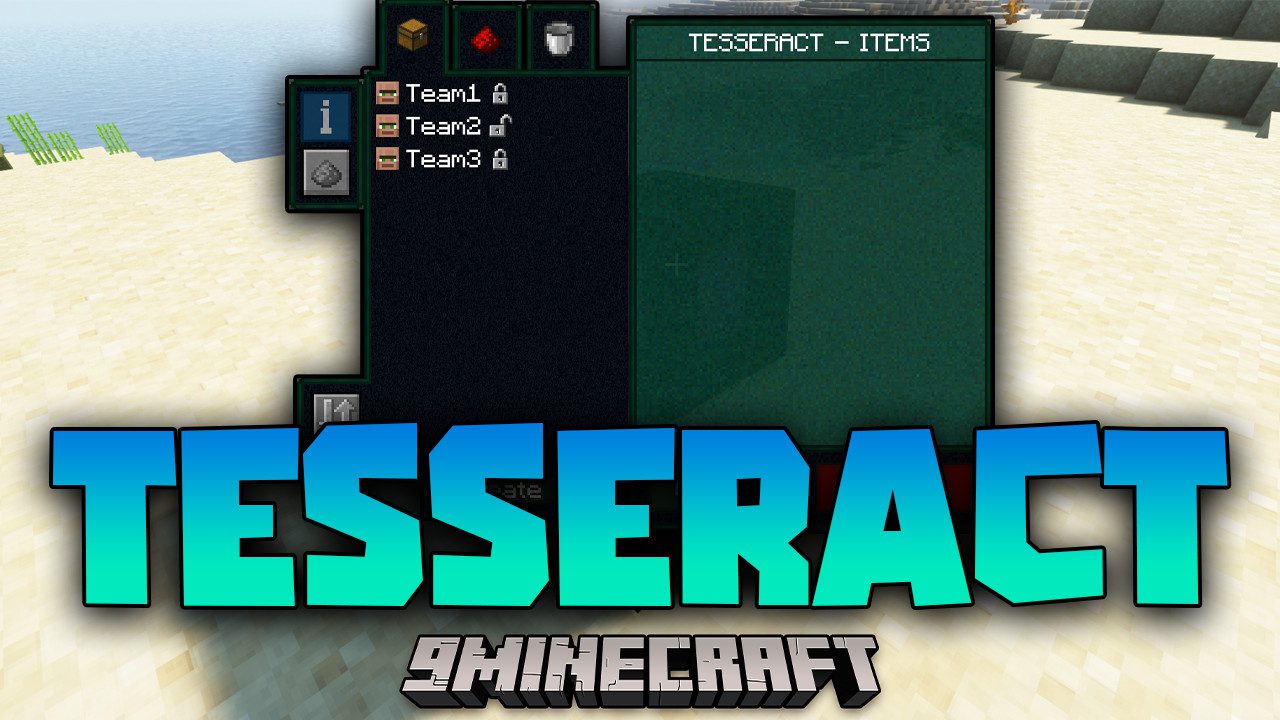
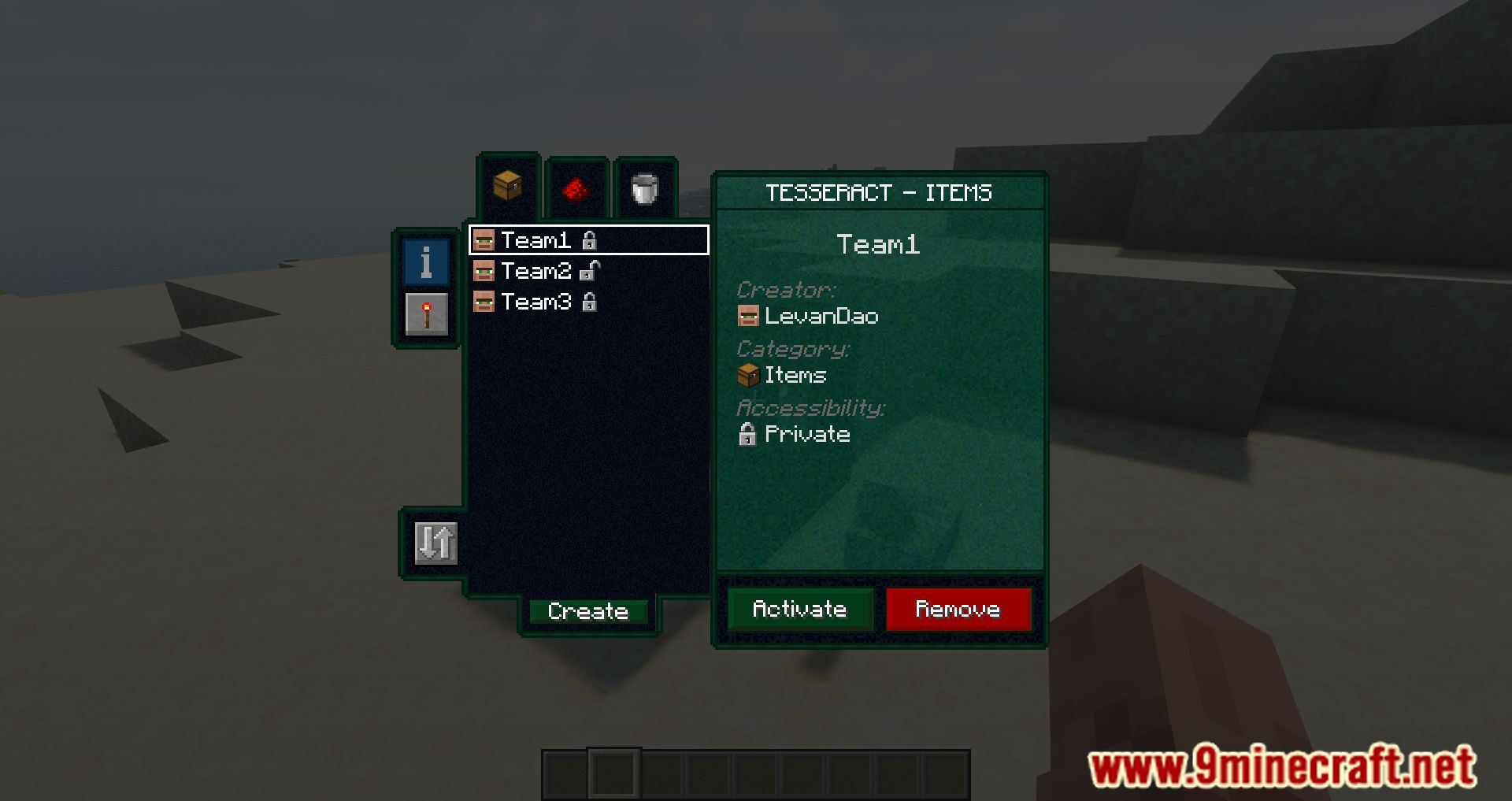
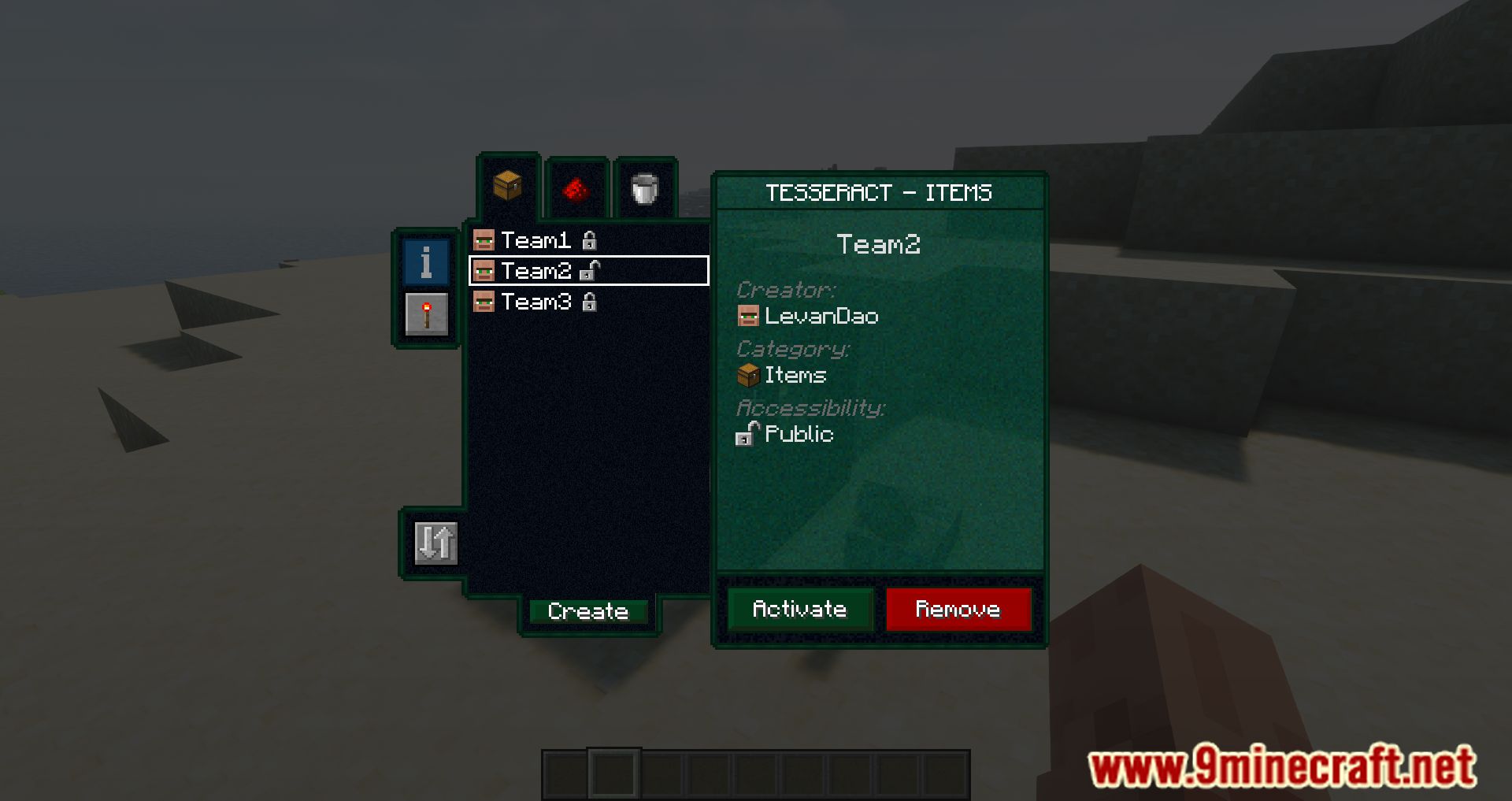
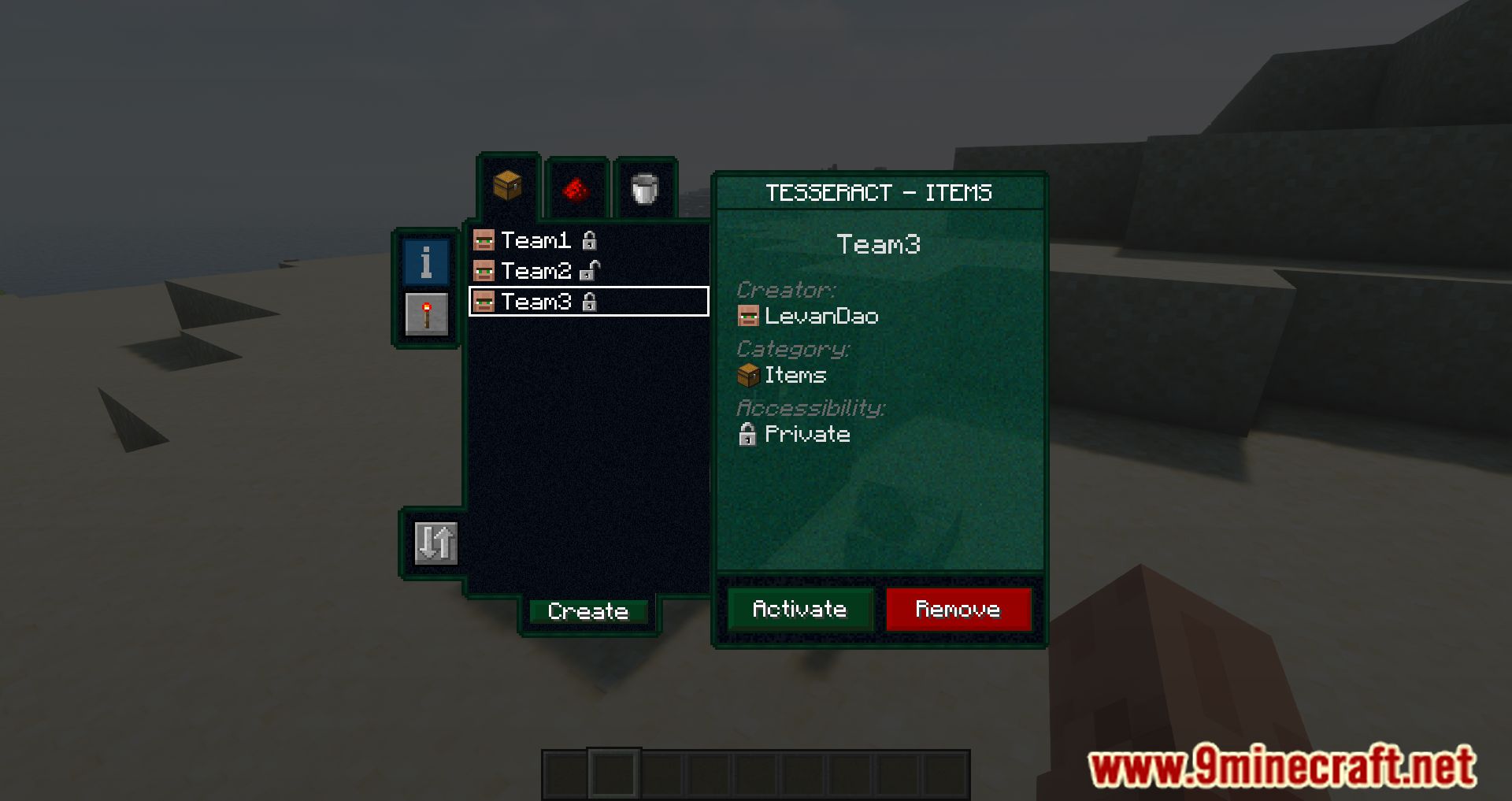
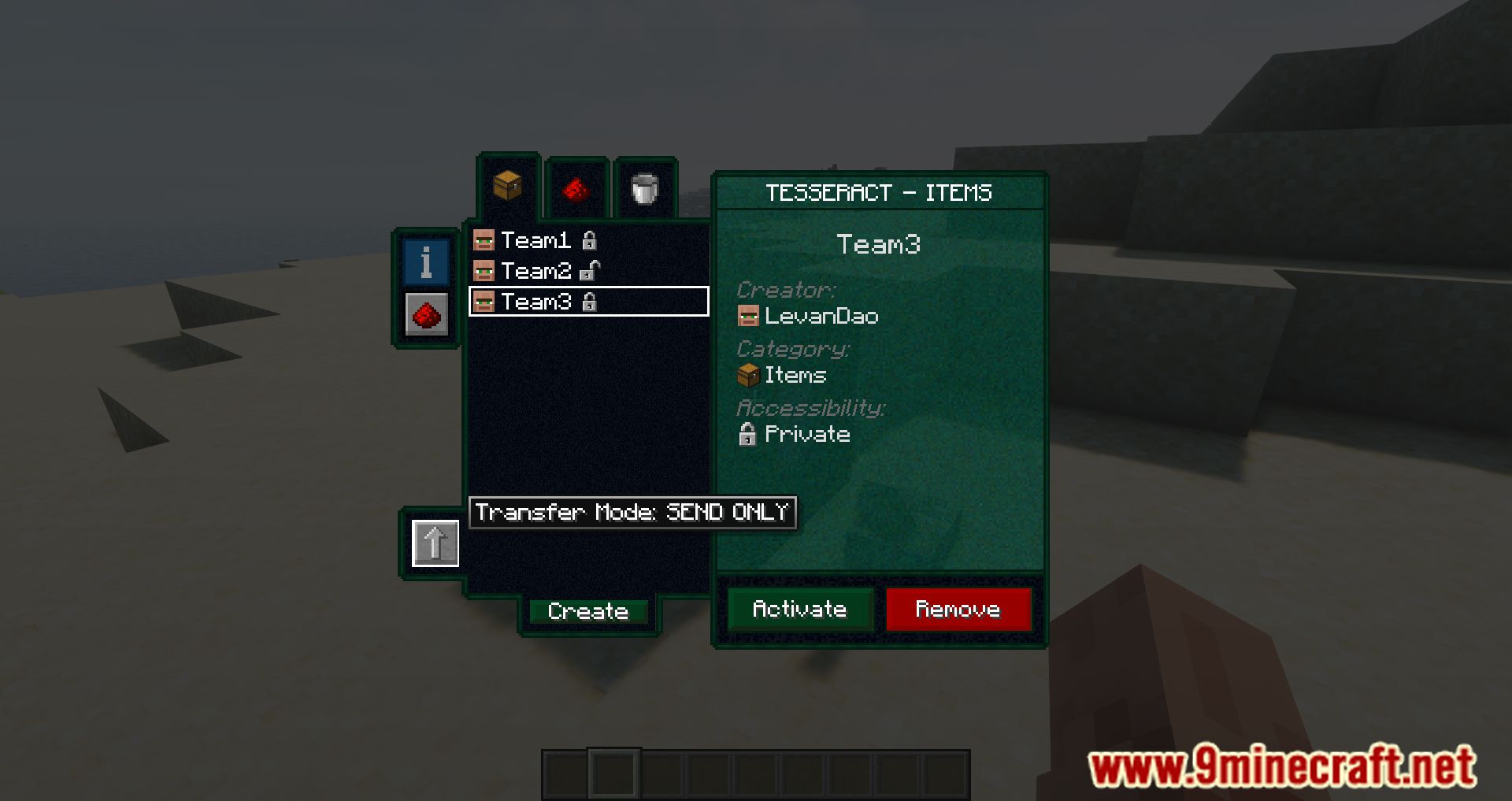
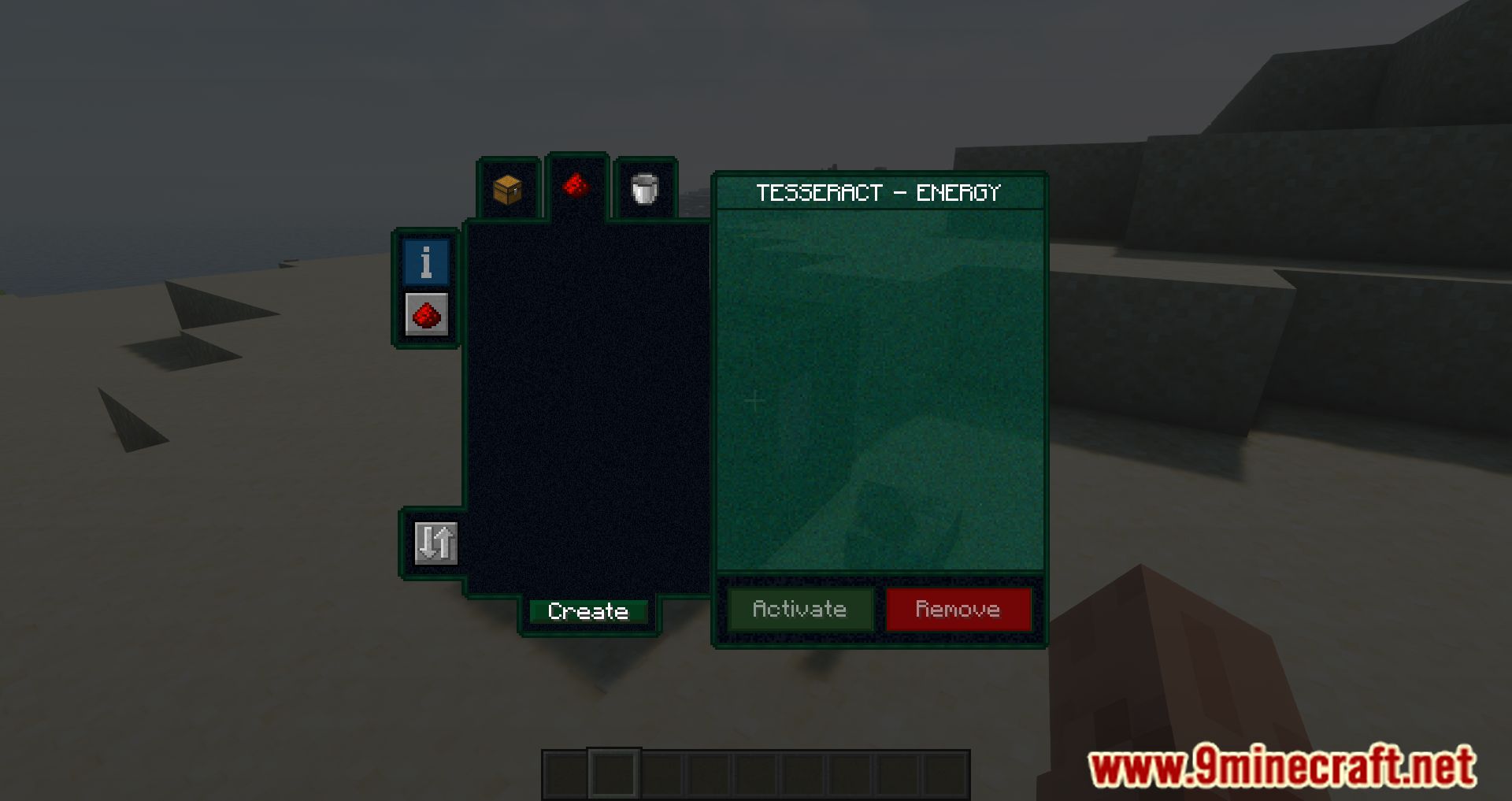
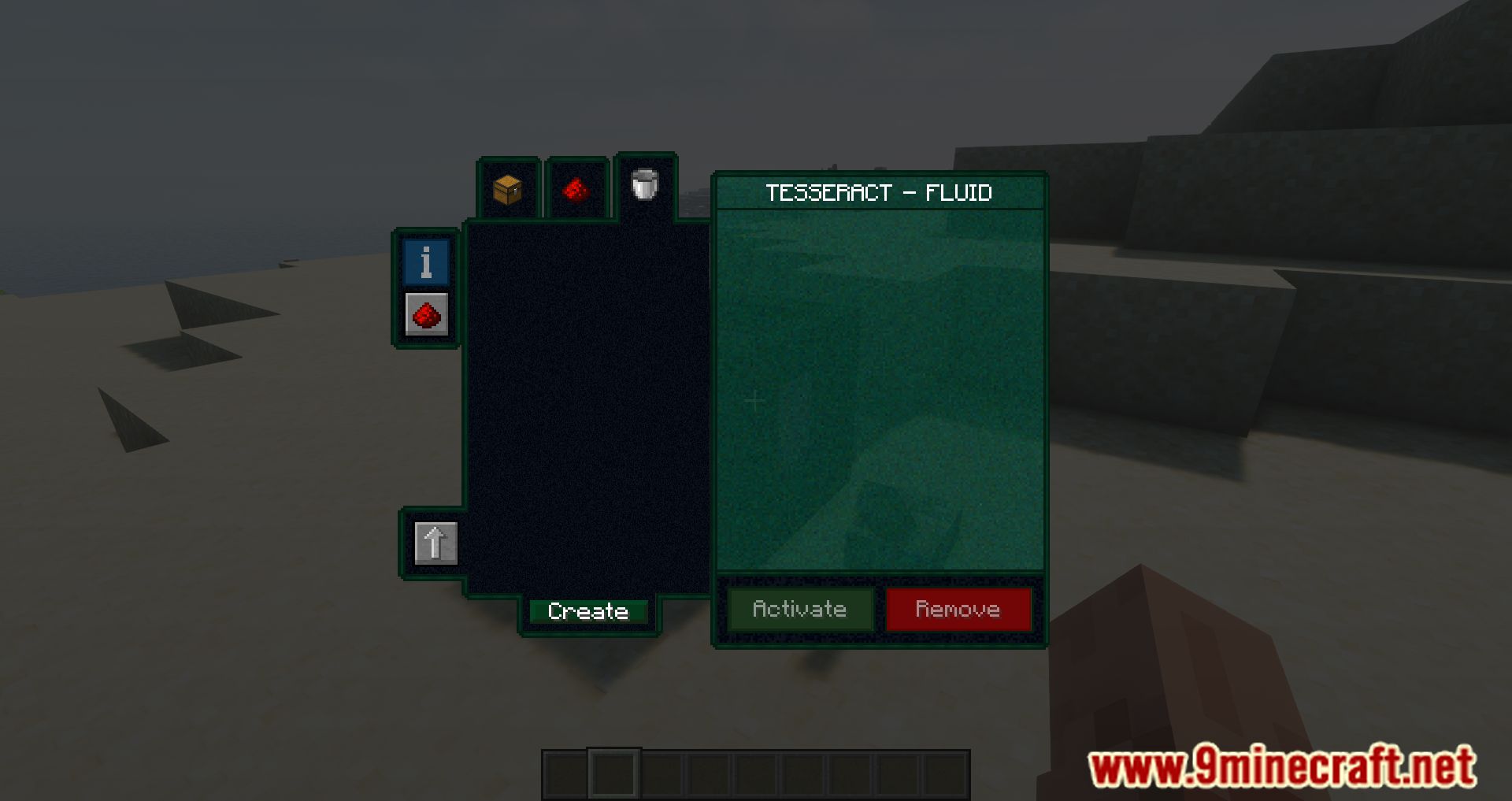
Tesseract Mod is a mod that allows players to craft a single block called the Tesseract, which facilitates the transfer of items, energy, and fluids between any two points-including different dimensions. The functionality is straightforward. A Tesseract connects to another-or multiple-Tesseracts using channels. This means a single Tesseract can have several channels linking it to different Tesseracts. In the image below, the inventory of a Tesseract is shown with two channels, but only one of them is unlocked. These channels are independent for each type of resource. That is, multiple channels can be created for energy, liquids and fluids, and items. Players can add as many channels as they want and name them however they like.
Features:
- Instantly send items, fluids, and energy between linked Tesseracts.
- Build larger Tesseracts for increased transfer rates and storage.
- Configure Tesseracts to accept or block specific items and fluids.
- Create multiple channels for different types of transfers.
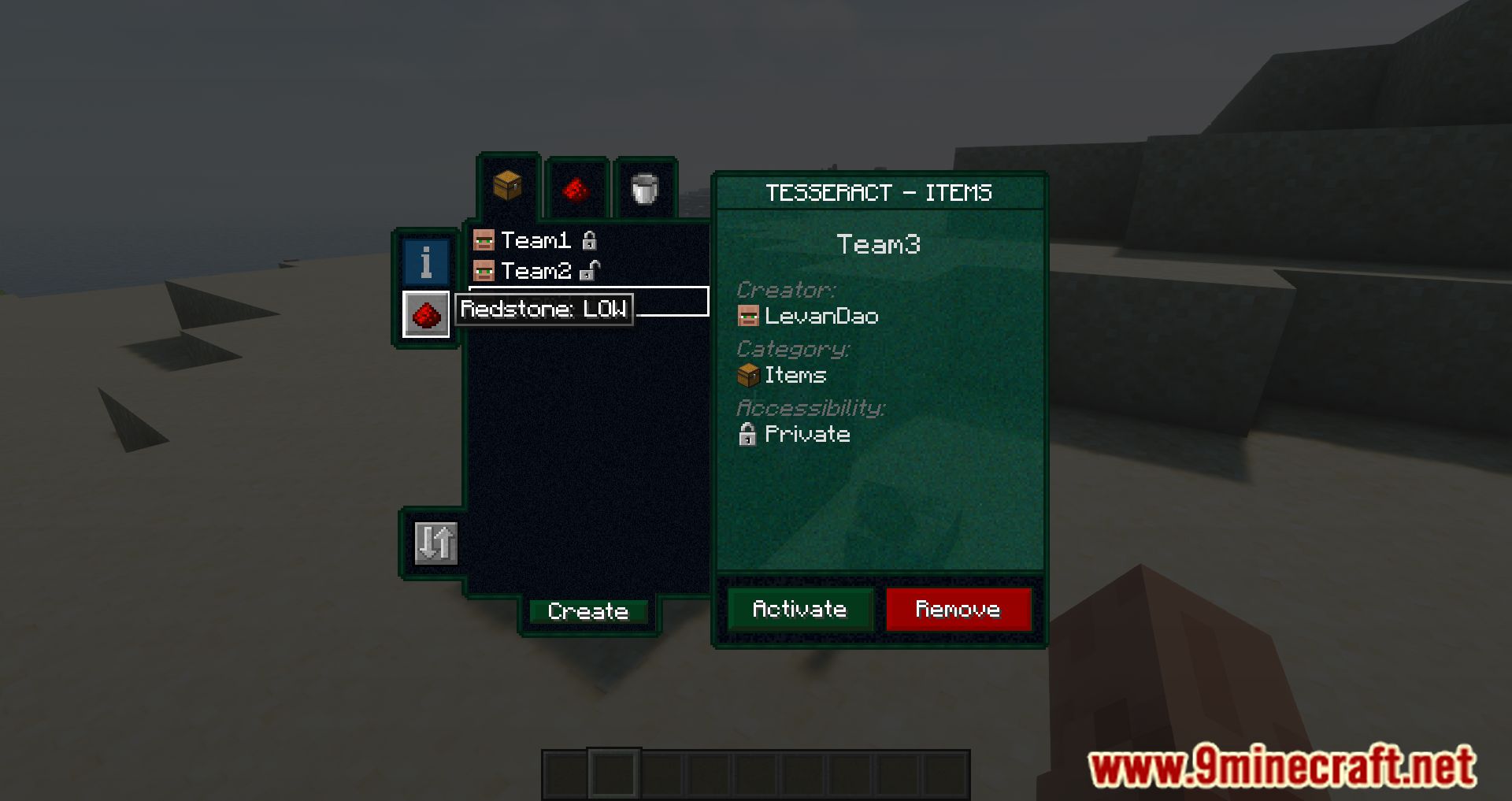
- Control Tesseract connections using redstone signals.
- Compatible with most mods using Forge Energy.
How to use:
- Right-click a Tesseract to open its GUI.
- All transfers occur between Tesseracts that share the same channel.
Key Concepts
- Channel: A named connection used to link multiple Tesseracts.
- Category Tabs: Separate channels for
Items,Fluids, andEnergy. - Private / Public:
- Locked: Private channel (only you can use it).
- Unlocked: Public channel (others can use it).
Creating a Channel
- Open the Tesseract GUI.
- Select the desired category tab (
Items,Fluids, orEnergy). - Click Create.
- Enter a channel name.
- Set the lock state (private or public).
- Click Create again to confirm.
Activating a Channel
- Open the Tesseract GUI.
- Select the correct category tab.
- Choose a channel from the list.
- Click Activate.
Removing a Channel
- Open the Tesseract GUI.
- Select the category tab of the channel.
- Click the channel name.
- Click Remove.
Note: Only Tesseracts set to the same channel and same category can transfer data between each other.
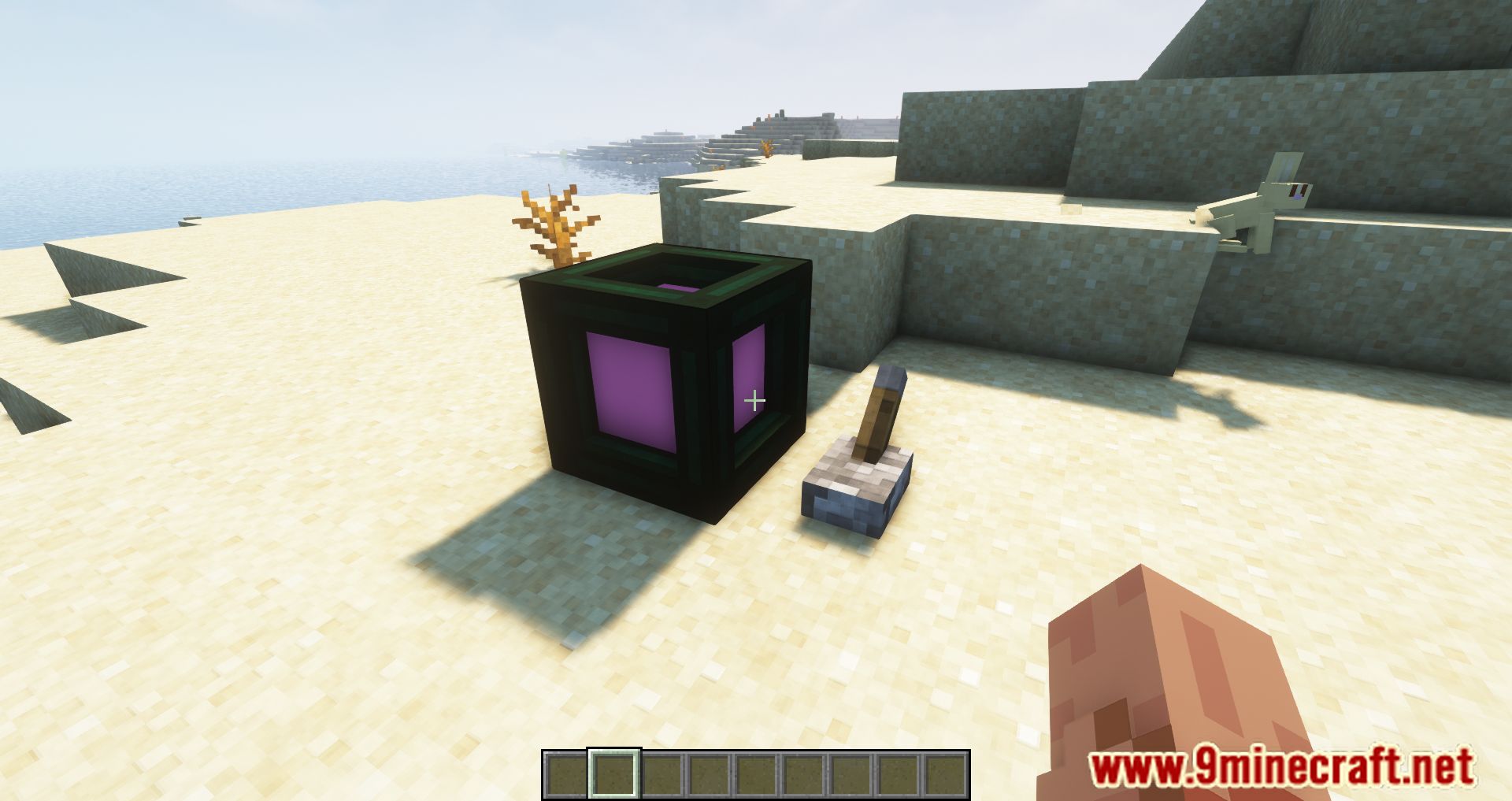
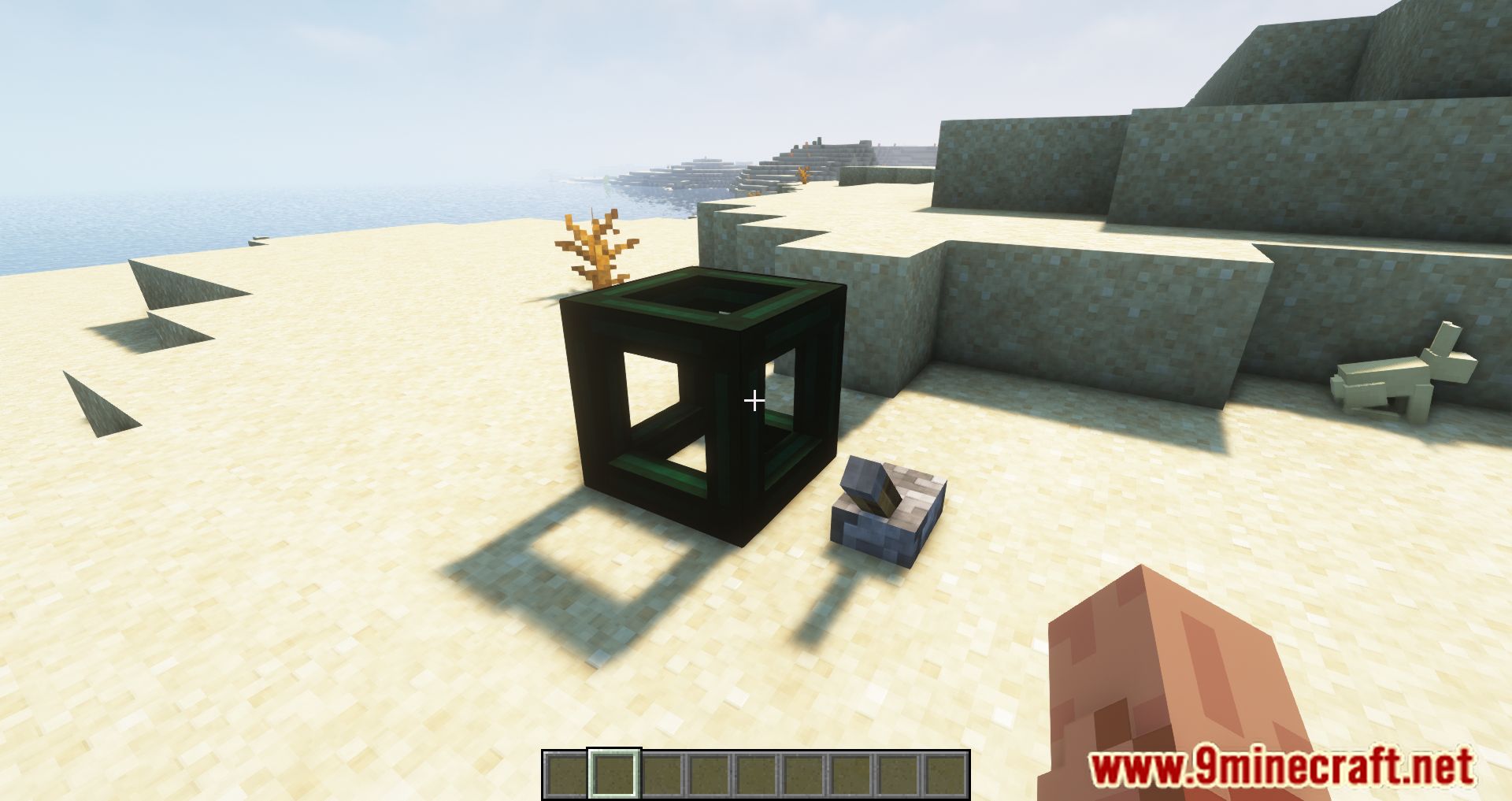
Screenshots:
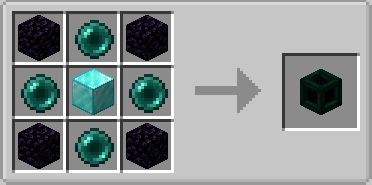
Crafting Recipes:
Recommend that you should install Just Enough Items (for mods using Forge) or Roughly Enough Items (for mods using Fabric) to view the full recipes included in this mod.
Requires:
Minecraft Forge or Fabric API or Quilt Loader or NeoForge Installer
How to install:
Click the following link to view details: How to Install Mods for Minecraft Java Edition on PC: A Beginner Guide
Tesseract Mod Download Links
Other Versions:
For Minecraft 1.12.2
Forge Version: Download from Server 1
For Minecraft 1.16.5
Forge Version: Download from Server 1
For Minecraft 1.18.2
Forge Version: Download from Server 1
Fabric Version: Download from Server 1
For Minecraft 1.19.2
Forge Version: Download from Server 1
Fabric Version: Download from Server 1
For Minecraft 1.19.3
Forge Version: Download from Server 1 – Download from Server 2
For Minecraft 1.19.4
Forge Version: Download from Server 1 – Download from Server 2
Fabric Version: Download from Server 1 – Download from Server 2
For Minecraft 1.20.1, 1.20
Forge Version: Download from Server 1 – Download from Server 2
Fabric Version: Download from Server 1 – Download from Server 2
For Minecraft 1.20.2
Forge Version: Download from Server 1 – Download from Server 2
Fabric Version: Download from Server 1 – Download from Server 2
For Minecraft 1.20.4
Forge Version: Download from Server 1 – Download from Server 2
NeoForge Version: Download from Server 1 – Download from Server 2
For Minecraft 1.20.6
Forge Version: Download from Server 1 – Download from Server 2
NeoForge Version: Download from Server 1 – Download from Server 2
Fabric Version: Download from Server 1 – Download from Server 2
For Minecraft 1.21.1, 1.21
Forge Version: Download from Server 1 – Download from Server 2
NeoForge Version: Download from Server 1 – Download from Server 2
Fabric Version: Download from Server 1 – Download from Server 2
For Minecraft 1.21.3
Forge Version: Download from Server 1 – Download from Server 2
NeoForge Version: Download from Server 1 – Download from Server 2
Fabric/Quilt Version: Download from Server 1 – Download from Server 2
For Minecraft 1.21.4
Forge Version: Download from Server 1 – Download from Server 2
NeoForge Version: Download from Server 1 – Download from Server 2
Fabric/Quilt Version: Download from Server 1 – Download from Server 2
For Minecraft 1.21.5
Forge Version: Download from Server 1 – Download from Server 2
NeoForge Version: Download from Server 1 – Download from Server 2
Fabric/Quilt Version: Download from Server 1 – Download from Server 2
For Minecraft 1.21.8, 1.21.7, 1.21.6
Forge Version: Download from Server 1 – Download from Server 2
NeoForge Version: Download from Server 1 – Download from Server 2
Fabric/Quilt Version: Download from Server 1 – Download from Server 2
For Minecraft 1.21.10, 1.21.9
Forge Version: Download from Server 1 – Download from Server 2
NeoForge Version: Download from Server 1 – Download from Server 2
Fabric/Quilt Version: Download from Server 1 – Download from Server 2
For Minecraft 1.21.11
Forge Version: Download from Server 1 – Download from Server 2
NeoForge Version: Download from Server 1 – Download from Server 2
Fabric/Quilt Version: Download from Server 1 – Download from Server 2
You May Also Like