
TNT Cannon V1 Schematic (1.21.x) – Powerful Redstone Machine for Massive Explosions

 0


TNT Cannon V1 Schematic lets you launch many TNT blocks at once with a simple button press. This redstone build fires multiple explosives to clear paths or attack distant targets in your world. It works in vanilla Minecraft and does not need any extra mods to function. You just need to click the button at the back of the machine to start the firing sequence. It is important to move away from the cannon after starting it if you are playing in survival mode to avoid getting hurt.
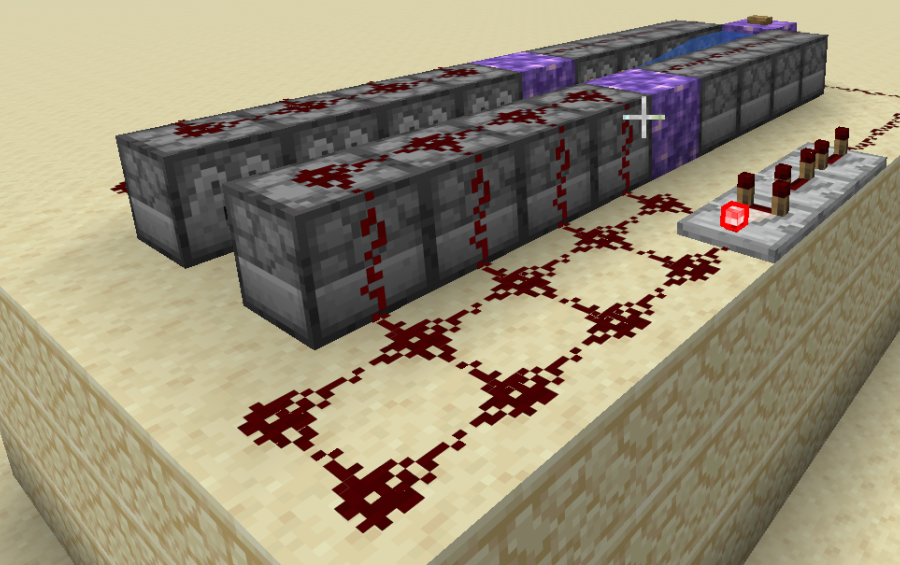
3D Preview & Editor:
How to place this schematic
.litematic This is a Litematica schematic. You place it with the Litematica mod, which shows the build as a ghost overlay you fill in.
| 1 | Install Litematica (plus MaLiLib) for your Minecraft version. |
| 2 | Put the .litematic file in .minecraft/schematics. |
| 3 | In game press M → Load Schematics, pick the file, then Load. |
| 4 | Position the ghost preview, then build it by hand — or turn on Easy Place to place blocks straight from your hotbar. |
About this build
| 1 | Load the schematic into your Minecraft world using a tool like Litematica. |
| 2 | Build the cannon exactly as shown, making sure all redstone and water are in the right spots. |
| 3 | Fill the dispensers with plenty of TNT blocks. |
| 4 | Press the button located at the back end of the cannon. |
| 5 | Run away from the machine immediately to stay safe from the blast while in survival mode. |
Features:
- Rapid Fire: Launches several TNT blocks at the same time for maximum power.
- Simple Controls: Uses a single button at the end of the cannon to activate the whole system.
- Small build size of 7x5x11 blocks makes it easy to fit into any base or battlefield.
- Uses standard vanilla redstone components that work in any 1.21.x world.
- Provides a great way to clear large areas of land or test redstone physics.
- Works as a Litematic file for easy placement and building.
Schematic Specs:
 Minecraft1.21.x
 Dimensions7×5×11
 Total Blocks306
 Top Blocks Used
Sandstone 231Redstone Wire 44Dispenser 16Repeater 4Water 4
Screenshots:
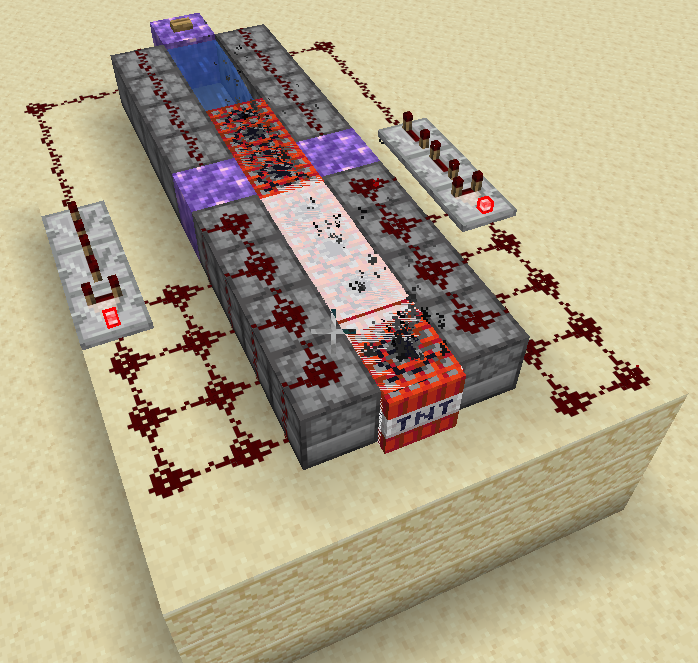
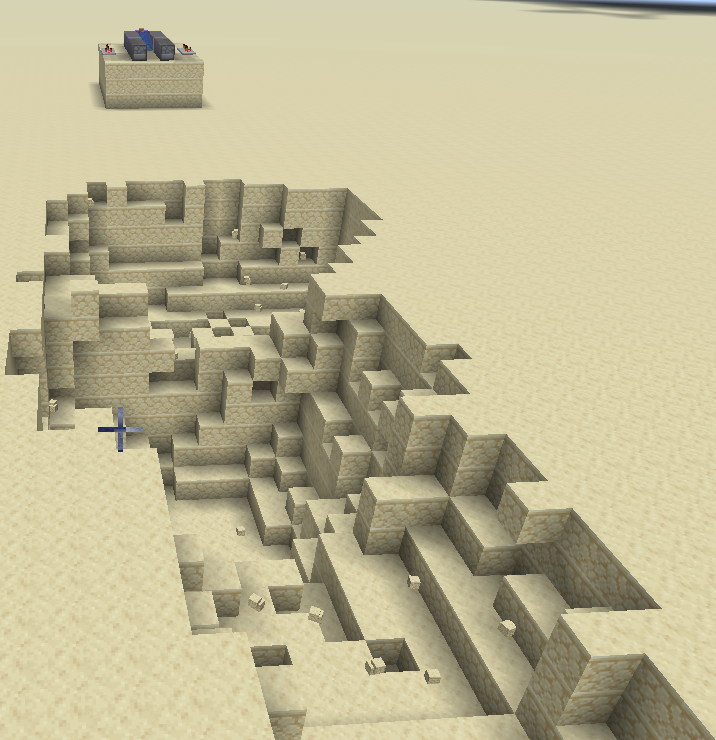
TNT Cannon V1 Schematic Download Links
For Minecraft 1.21.x
Click to rate this post!
[Total: 0 Average: 0]
You May Also Like
Picked for this page
 Iron Farm Expandable Version Schematic (1.21.x) – Automatic Three Story Iron Farm Build
 Multi Level Sugarcane Farm Schematic (1.20.x) – Simple Survival Friendly Crop Farm Build
 Twenture Emerald Spawner Farm Schematic (1.21.x) – Double Vindicator Spawner Emerald Farm Layout
 Sword Nether Portal Schematic – Giant Sword Portal For Your World
 Knoster Charcoal V1 by Konst4638 Schematic (1.21.x) – Compact Redstone Charcoal Farm Build
 Giant House Schematic (1.21.x) – Massive Vanilla Mansion Build For Your World
 Creaking Resin Bloc Farm Schematic (1.21.x) – Compact Survival Farm For Gathering Resin
 Mattbatwings Cca ALU Schematic (1.21.x) – Advanced Redstone Arithmetic Logic Build
 Chicken Statue Schematic (1.20.x) – Giant Vanilla Chicken Statue Build
 Fenrys Pixel Art Schematic (1.21.x) – Anime Character Pixel Art Build
 Knoster Spawner Base Small by Konst4638 Schematic (1.21.x) – Compact AFK Area For Mob Spawners
 TagMap3 Schematic (1.20.x) – A Large Vanilla Build For Your World
Most viewed in Schematics over the last 7 days
 Gold Farm Schematic (1.21.x) – Automatic Nether Roof Gold Farm
 64 Module Cobblestone Farm Schematic (1.21.x) – Massive Automated Stone Gathering Build
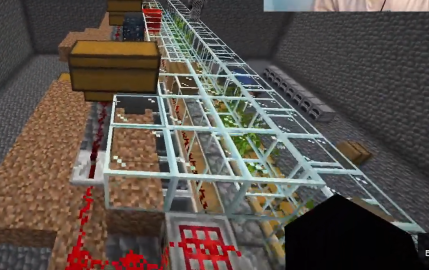 Bamboo Farm Schematic (1.21.x) – Small Automated Redstone Bamboo Farm
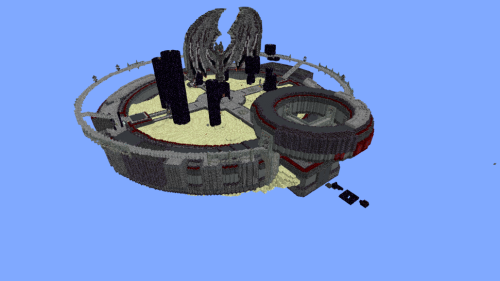 Minutes End Base Before Spoke Null End Video Schematic (1.21.x) – Giant Unstable SMP End Base Schema
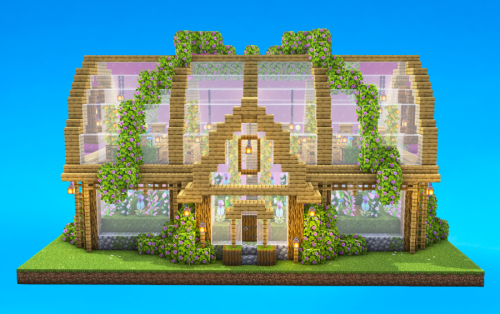 Greenhouse Schematic (1.21.x) – Beautiful Two Story Botanical Glass House
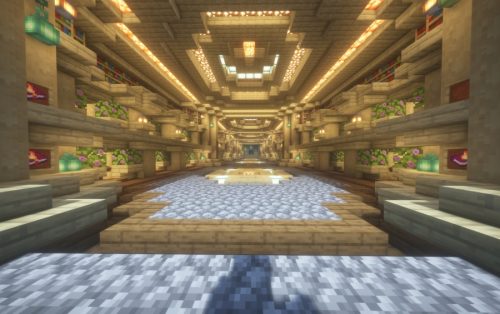 Villager Trading Hall Schematic (1.21.x) – Modern Shop Build For 48 Villagers
 Kelp Farm 2.0 Schematic (1.21.x) – Efficient Automatic Kelp Farming System For Survival
 Fastest Bonemeal Farm Donut Smp Schematic (1.21.x) – Fast Redstone Bonemeal Farm Build
 4k Bonemeal Farm Made by Basicredstone Schematic (1.21.x) – Compact Redstone Bonemeal Farm Build
 Hilversum Broadcasting Tower 1 1.5 Scale Replica Schematic (1.21.x) – Realistic Modern Dutch Radio T
 Rail Gun Wind Chagre Schematic (1.21.x) – Compact Rail Gun Wind Charge Build
 Unstable SMP S Bomer Schematic (1.21.x) – Large Bomber Machine Build For Worlds
More from Schematics
 Easy Donut SMP Kelp Farm No Lever Schematic (1.21.x) – Five-Chamber Observer Kelp Farm for Survival
 Beach House Schematic (1.21.x) – Modern Beach House With Finished Interior
 Easy Bamboo Farm No Lever Schematic (1.21.x) – Self-Running Bamboo Farm With Observers
 Billy the TNT Player Launcher Schematic (1.21.x) – Launch Yourself 950 Blocks High With TNT
 Arkham Asylum Lego Set Schematic (1.21.x) – Iconic LEGO Asylum Build For Minecraft
 Sulfur Elevator Fixed Schematic (1.21.x) – Small Futuristic Sulfur Elevator Build
 Easy Sugar Cane Farm Schematic (1.21.x) – Observer Powered Sugar Cane Harvesting Build
 Storage Room by BnTost Schematic (1.21.x) – Rustic Medieval Warehouse Build for Castles
 Minecraft Snow House Big Undecorated Inside Schematic (1.21.x) – Large Spruce Medieval House For Sno
 Easy Super Smelter Schematic (1.21.x) – Large Redstone Smelter With 40 Smokers
 Automatic Oven with Infinite Fuel by ShiremX Schematic (1.21.x) – Self-Fueling Bamboo Furnace Redsto
 House Japanese Schematic (1.21.x) – Traditional Asian Style Home for Vanilla Minecraft

This post has no comments yet. Be the first — your comment will appear here.