
Sword Nether Portal Schematic – Giant Sword Portal For Your World
 31
 0


Sword Nether Portal Schematic adds a giant decorative sword built right in front of a Nether portal. It stands tall like a guardian protecting your base from the dangerous underworld. The build mixes dark obsidian blocks with smooth blade details and glowing purple portal energy. It turns a standard travel gate into an eye-catching fantasy landmark in your Minecraft world.
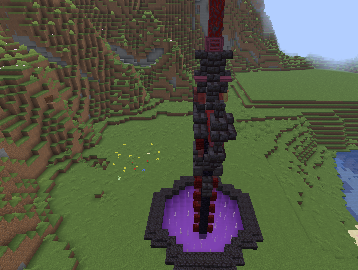
3D Preview & Editor:
Materials
34 types · 5,048 blocks
| Stone | 1,892 | Purple Stained Glass | 857 | Purple Concrete | 545 | |||
| Dirt | 415 | Andesite | 175 | Granite | 130 | |||
| Diorite | 118 | Glowstone | 111 | Purple Carpet | 108 | |||
| End Rod | 107 | Grass Block | 83 | Polished Blackstone Brick Stairs | 56 | |||
| Blackstone Stairs | 54 | Gravel | 48 | Nether Portal | 45 | |||
| Coal Ore | 38 | Obsidian | 38 | Red Stained Glass Pane | 36 | |||
| Blackstone | 34 | Polished Blackstone Brick Wall | 25 | Red Nether Brick Wall | 24 | |||
| Crimson Stem | 21 | Copper Ore | 17 | Crimson Trapdoor | 12 | |||
| Iron Ore | 10 | Polished Blackstone Brick Slab | 9 | Chiseled Polished Blackstone | 8 | |||
| Polished Blackstone Bricks | 7 | Nether Brick Fence | 6 | Polished Basalt | 6 | |||
| Polished Blackstone Button | 6 | Lapis Ore | 4 | Red Stained Glass | 2 | |||
| Short Grass | 1 | |||||||
How to place this schematic
.schem This is a WorldEdit schematic. It pastes instantly on a server or single-player world that has WorldEdit (or FastAsyncWorldEdit).
| 1 | Install WorldEdit — as a plugin on the server, or as a mod for single player. |
| 2 | Drop the .schem file into plugins/WorldEdit/schematics (server) or config/worldedit/schematics (client). |
| 3 | Run //schem load <file name>. |
| 4 | Stand where you want it and run //paste. Add -a to skip air blocks. |
Features:
- Displays a massive sword design planted straight into the ground.
- Combines a working Nether portal with a fantasy warrior theme.
- Uses dark obsidian frames and clean blade blocks for a sharp look.
- Fits naturally into medieval kingdoms, fortress yards, or custom portal hubs.
- Works as a medium-sized vanilla build without needing extra mods.
Sword Nether Portal Schematic Download Links
Click to rate this post!
[Total: 0 Average: 0]
You May Also Like
Picked for this page
 Fastest Kelp Farm Donut Smp Schematic (1.21.x) – Compact Redstone Kelp Farm Design
 Cactus Farm Schematic (1.21.x) – Compact Vertical Automatic Cactus Farm
 A Single Module of Cobble Farm Schematic (1.21.x) – Compact Vanilla Cobblestone Generator
 Bone Farm Schematic (1.21.x) – Quick And Easy Redstone Bone Farm
 Dome Schematic (1.20.x) – Giant Glass Sphere With Floating Biome Islands
 Large Tower on a Floating Island Schematic (1.21.x) – Giant Medieval Base With Five Useful Floors
 Cobblestone Generator Farm Schematic (1.21.x) – Small Vanilla Redstone Farm Build
 Watchtower Schematic (1.21.x) – Small Vanilla Tower Build For Your World
 Zombie Statue Schematic (1.20.x) – Giant Vanilla Zombie Build Blueprint
 Sheepbox Paper Modern Version Schematic (1.21.x) – Compact Automatic Wool Farm For Servers
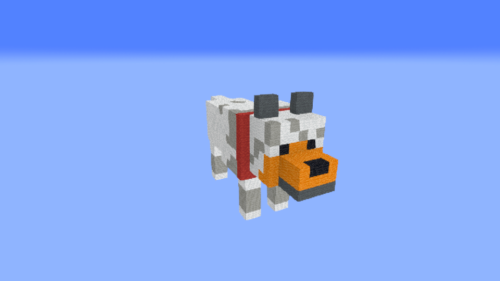 Tamed Wolf Schematic (1.20.x) – Cute Tamed Wolf Statue Build
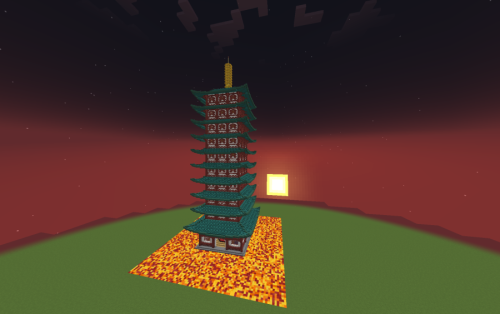 Bell Tower Johto Schematic (1.21.x) – Giant Ecruteak City Pagoda Build
Most viewed in Schematics over the last 7 days
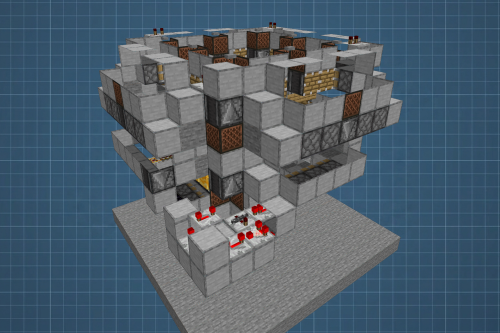 Fastest Bonemeal Farm Donut Smp Schematic (1.21.x) – Fast Redstone Bonemeal Farm Build
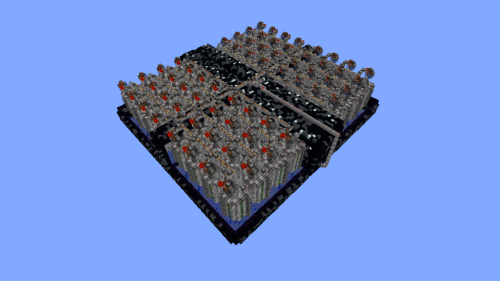 64 Module Cobblestone Farm Schematic (1.21.x) – Massive Automated Stone Gathering Build
 KelpFarmV9.9 Schematic (1.21.x) – Compact And Simple Seaweed Farm Build
 Villager Trading Hall Schematic (1.21.x) – Modern Shop Build For 48 Villagers
 Gold Farm Schematic (1.21.x) – Automatic Nether Roof Gold Farm
 Bamboo Farm Schematic (1.21.x) – Small Automated Redstone Bamboo Farm
 Best Railgun Tp Trap on Donutsmp Schematic (1.21.x) – Unescapable Multiplayer Redstone Trap Build
 Bamboss V2 800k Bamboo per Hour Schematic (1.21.x) – High Speed Automated Bamboo Farm Schematic
 Minutes End Base Before Spoke Null End Video Schematic (1.21.x) – Giant Unstable SMP End Base Schema
 36 Module Cobble Farm 18m per Hour Donut SMP Schematic (1.21.x) – Massive Automated Stone Generator
 Donut Smp Stash and Regear Schematic (1.21.x) – Large Storage And Regear Room Build
 Unstable SMP S Bomer Schematic (1.21.x) – Large Bomber Machine Build For Worlds
More from Schematics
 Survival Home Schematic (1.21.x) – Spacious Empty House For Survival Players
 SpicyT 1 Year Cake Schematic (1.21.x) – A Giant Spicy Birthday Cake Statue
 Free Neomarinus TheVividSeaDragon Schematic (1.19.x) – Massive Blue and Pink Sea Dragon Build
 Free Noctiseraph the Fallen Twin Winged Dragon Schematic (1.19.x) – Massive Dark Fantasy Dragon Stat
 Medieval House Free Schematic (1.21.x) – Classic Medieval Survival Home Building Plan
 Ultra Compact Full Adder V1.2 Schematic (1.21.x) – Tiny Redstone Logic Gate Schematic
 Minecraft Shenron Dragon Statue Free Schem Schematic (1.19.x) – Massive Dragon Ball Statue Build Sch
 Pale White Mansion Schematic (1.21.x) – Victorian Gothic Manor For Your World
 Copper Mud Tower Schematic (1.21.x) – A Medieval Tower With Oxidized Copper Roof
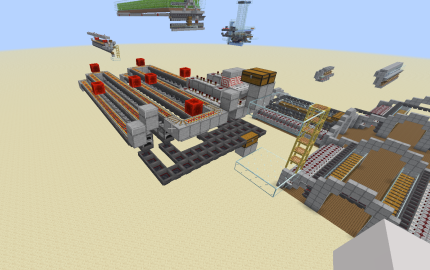 Super Smelter 64 Furnaces V2 Schematic (1.21.x) – Fast And Compact Redstone Smelting System
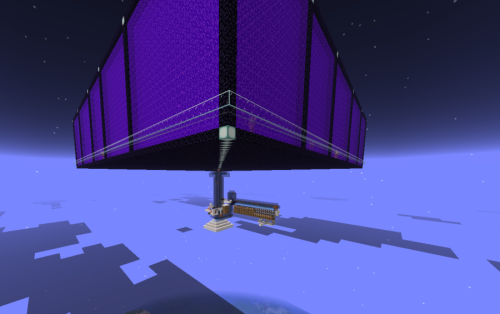 Gold Farm Overworld Only Schematic (1.21.x) – Efficient Overworld Gold Farming System
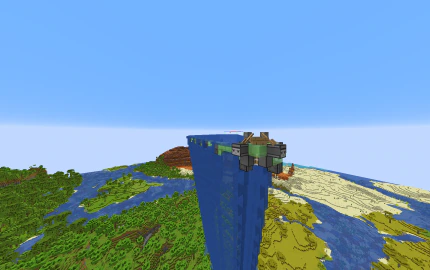 DonutSMP Flooder Machine Size Fixed Giant Schematic (1.21.x) – Giant Flooding Machine for Minecraft

This post has no comments yet. Be the first — your comment will appear here.