
Mattbatwings Cca ALU Schematic (1.21.x) – Advanced Redstone Arithmetic Logic Build
 11
 0


Mattbatwings Cca ALU Schematic adds a large redstone logic unit to your Minecraft world. It packs a full arithmetic logic unit built entirely out of vanilla redstone blocks. You can paste this structure into your own maps to study how redstone computers work.

3D Preview & Editor:
Materials
14 types · 1,741 blocks
| Redstone Wire | 537 | Magenta Wool | 395 | Orange Wool | 332 | |||
| Repeater | 121 | Comparator | 97 | Magenta Stained Glass | 92 | |||
| Orange Stained Glass | 61 | Redstone Lamp | 24 | Redstone Wall Torch | 24 | |||
| Light Gray Wool | 16 | Gray Wool | 16 | Lever | 16 | |||
| Oak Sign | 6 | Redstone Torch | 4 | |||||
How to place this schematic
.litematic This is a Litematica schematic. You place it with the Litematica mod, which shows the build as a ghost overlay you fill in.
| 1 | Install Litematica (plus MaLiLib) for your Minecraft version. |
| 2 | Put the .litematic file in .minecraft/schematics. |
| 3 | In game press M → Load Schematics, pick the file, then Load. |
| 4 | Position the ghost preview, then build it by hand — or turn on Easy Place to place blocks straight from your hotbar. |
Features:
- Contains a working arithmetic logic unit for processing redstone signals.
- Fits neatly into an 11 by 21 by 22 block area.
- Uses exactly 1,741 blocks to build the entire machine.
- Relies entirely on standard vanilla redstone items and blocks.
- Helps you learn about logic gates and redstone math.
- Loads directly as a Litematic file for quick pasting into any world.
Schematic Specs:
 Minecraft1.21.x
 Dimensions11×21×22
 Total Blocks1,741
 Top Blocks Used
Redstone Wire 537Magenta Wool 395Orange Wool 332Repeater 121Comparator 97
Mattbatwings Cca ALU Schematic Download Links
For Minecraft 1.21.x
Click to rate this post!
[Total: 0 Average: 0]
You May Also Like
Picked for this page
 Mega Mob XP Farm Schematic (1.21.x) – Massive Monster Farm Build With Zero Redstone
 Simple Villager Breeder Schematic (1.21.x) – Compact Vanilla Villager Farm Build
 Iron Farm Expandable Version Schematic (1.21.x) – Automatic Three Story Iron Farm Build
 Base En 3d Schematic (1.21.x) – Massive 3D Base Schematic Build
 My Pearl Stealler Schematic (1.21.x) – Long Distance Pearl Cannon Build
 Icarus Space Station but Cheap Schematic (1.21.x) – Affordable Space Station Build For Survival Serv
 Blue Eyes White Dragon Schematic (1.19.x) – Giant Yu-Gi-Oh Dragon Build For Vanilla
 Netherless Mushroom Farm Schematic (1.21.x) – Compact Automatic Mushroom Farm Build
 South Town Arena Schematic (1.21.x) – Cheap Survival Friendly Combat Arena
 Max Gear Schematic (1.21.x) – Fully Enchanted Netherite Armor And Weapons Chest
 Ytfortgamer9634 Schematic (1.21.x) – Compact Vanilla Build For Donut SMP
 Matt’s Binary Counter Schematic (1.21.x) – Compact Redstone Binary Counter Build
Most viewed in Schematics over the last 7 days
 Fastest Bonemeal Farm Donut Smp Schematic (1.21.x) – Fast Redstone Bonemeal Farm Build
 KelpFarmV9.9 Schematic (1.21.x) – Compact And Simple Seaweed Farm Build
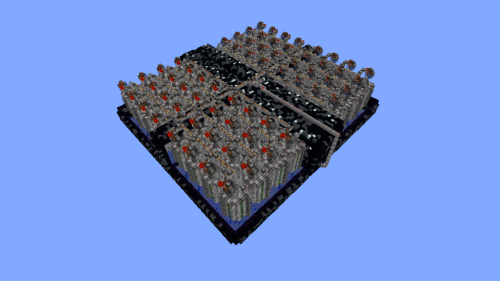 64 Module Cobblestone Farm Schematic (1.21.x) – Massive Automated Stone Gathering Build
 Gold Farm Schematic (1.21.x) – Automatic Nether Roof Gold Farm
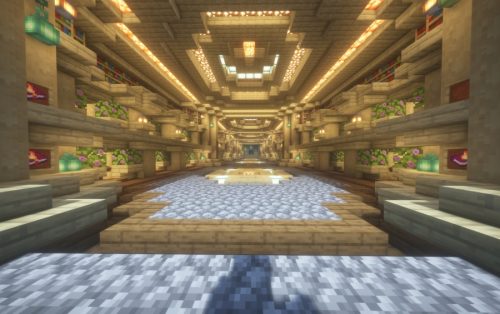 Villager Trading Hall Schematic (1.21.x) – Modern Shop Build For 48 Villagers
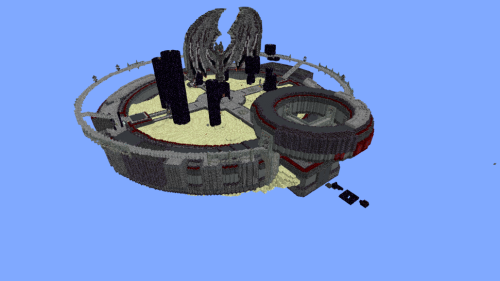 Minutes End Base Before Spoke Null End Video Schematic (1.21.x) – Giant Unstable SMP End Base Schema
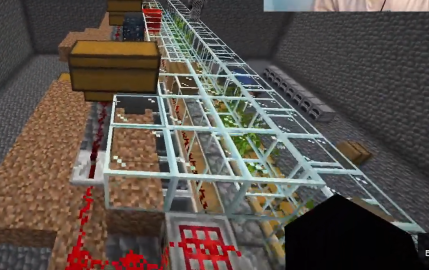 Bamboo Farm Schematic (1.21.x) – Small Automated Redstone Bamboo Farm
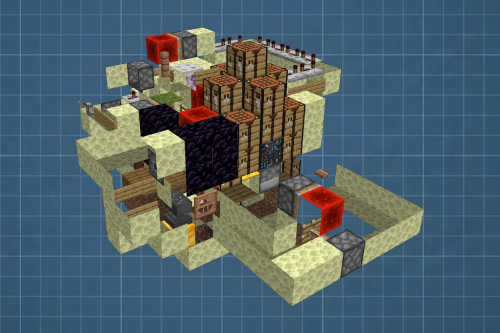 Best Railgun Tp Trap on Donutsmp Schematic (1.21.x) – Unescapable Multiplayer Redstone Trap Build
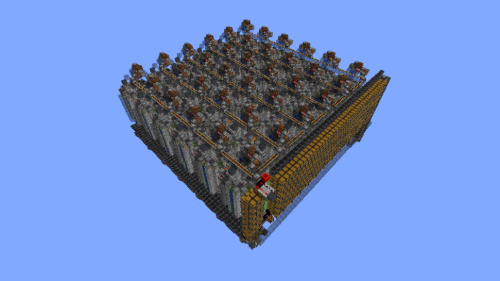 36 Module Cobble Farm 18m per Hour Donut SMP Schematic (1.21.x) – Massive Automated Stone Generator
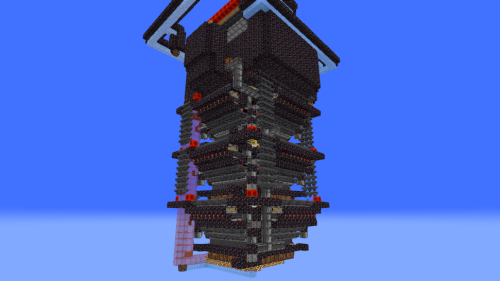 Bamboss V2 800k Bamboo per Hour Schematic (1.21.x) – High Speed Automated Bamboo Farm Schematic
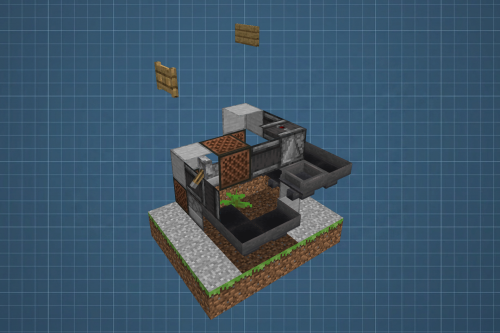 Fastest Kelp Farm Donut Smp Schematic (1.21.x) – Compact Redstone Kelp Farm Design
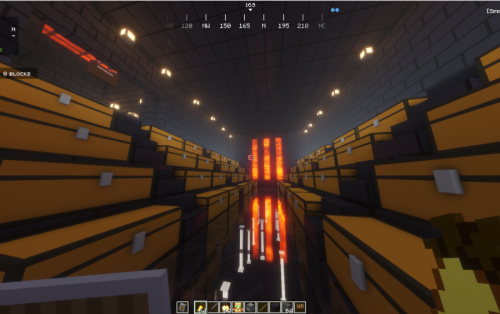 Donut Smp Stash and Regear Schematic (1.21.x) – Large Storage And Regear Room Build
More from Schematics
 Medieval Portal Keep Schematic (1.21.x) – Strong Medieval Castle With Nether Portal
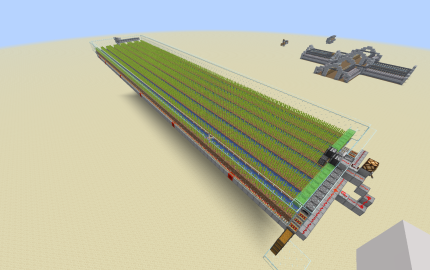 Sugar Cane Farm V1 Schematic (1.21.x) – Large Scale Automatic Sugar Cane Farm
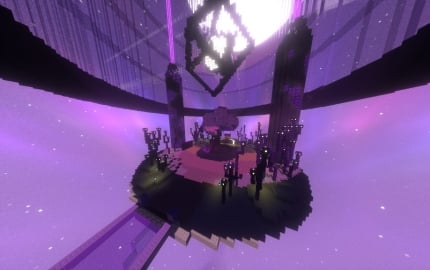 End Spawn Schematic (1.21.x) – Clean Minimalist End Themed Server Spawn Hub
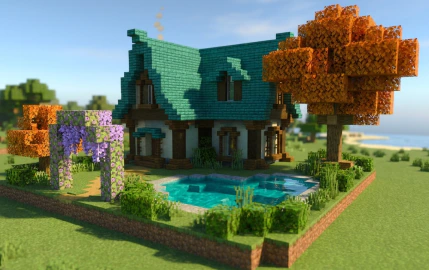 Medieval Courtyard Cottage Schematic (1.21.x) – Beautiful Medieval Home with Private Courtyard
 Book Inquiry 3d Schematic (1.19.x) – Epic 3D Fantasy Book Build for RPG Worlds
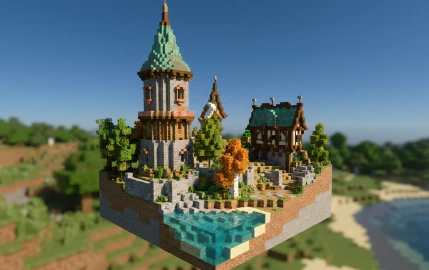 Medieval Twin Towers Estate Schematic (1.21.x) – Grand Medieval Estate With Tall Teal Towers
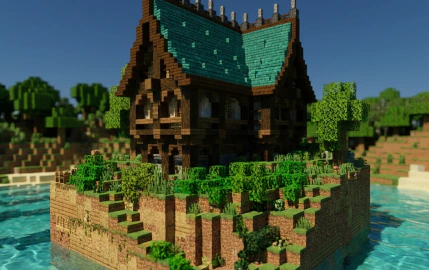 Medieval Hillside Manor Schematic (1.21.x) – Detailed Dark Timber Medieval Manor Schematic
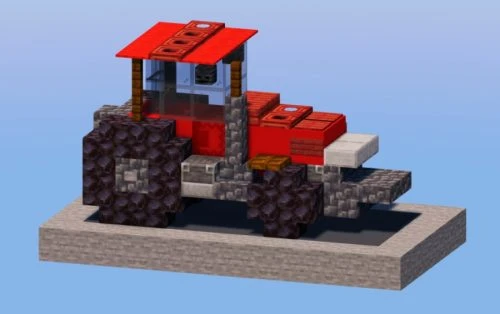 Red Tractor Schematic (1.21.x) – Detailed Farming Vehicle for Modern Cities
 Policecar Schematic (1.21.x) – Modern Police Vehicle For City Roads
 Fire Truck Schematic (1.21.x) – Build A Realistic Modern Fire Truck
 Big Warehouse Schematic (1.21.x) – Massive Medieval Storage Building for Survival
 Suncrest Spire Schematic (1.21.x) – Massive Ancient Desert Survival Base Build

This post has no comments yet. Be the first — your comment will appear here.