


Vivid Interface Motion Mod (26.2, 1.20.1) – Smooth Motion for Every Menu
 3
3
 0
0

🌐 Read this article in your language! Choose your preferred language below.
Or pick the one you like:
Vivid Interface Motion Mod brings fluid visual movement to menus, hotbars, and chat windows. It makes opening storage chests, moving items, and checking messages feel smooth and lively. The mod also includes built-in settings and debug options so you can tweak the motion effects to fit your playstyle.
Features:
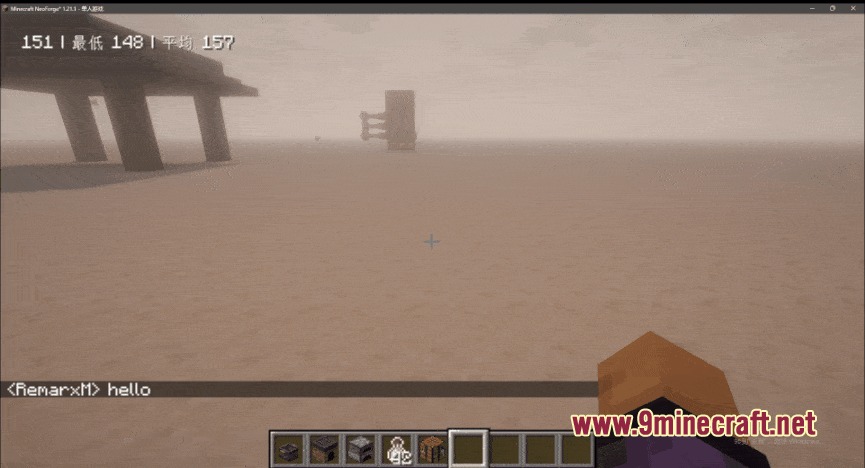
- Smooth chat animations that play whenever text messages appear on screen.
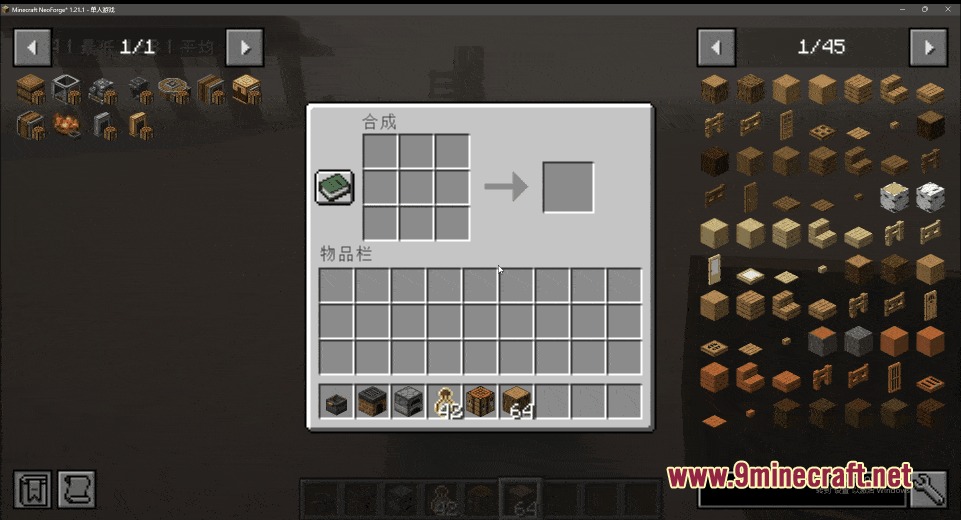
- Visual motion effects that trigger when opening containers and inventory screens.
- Animated item movement inside menu slots and storage interfaces.
- Hotbar animations that respond when switching or selecting active items.
- Custom item motion effects that appear whenever you use or consume items.
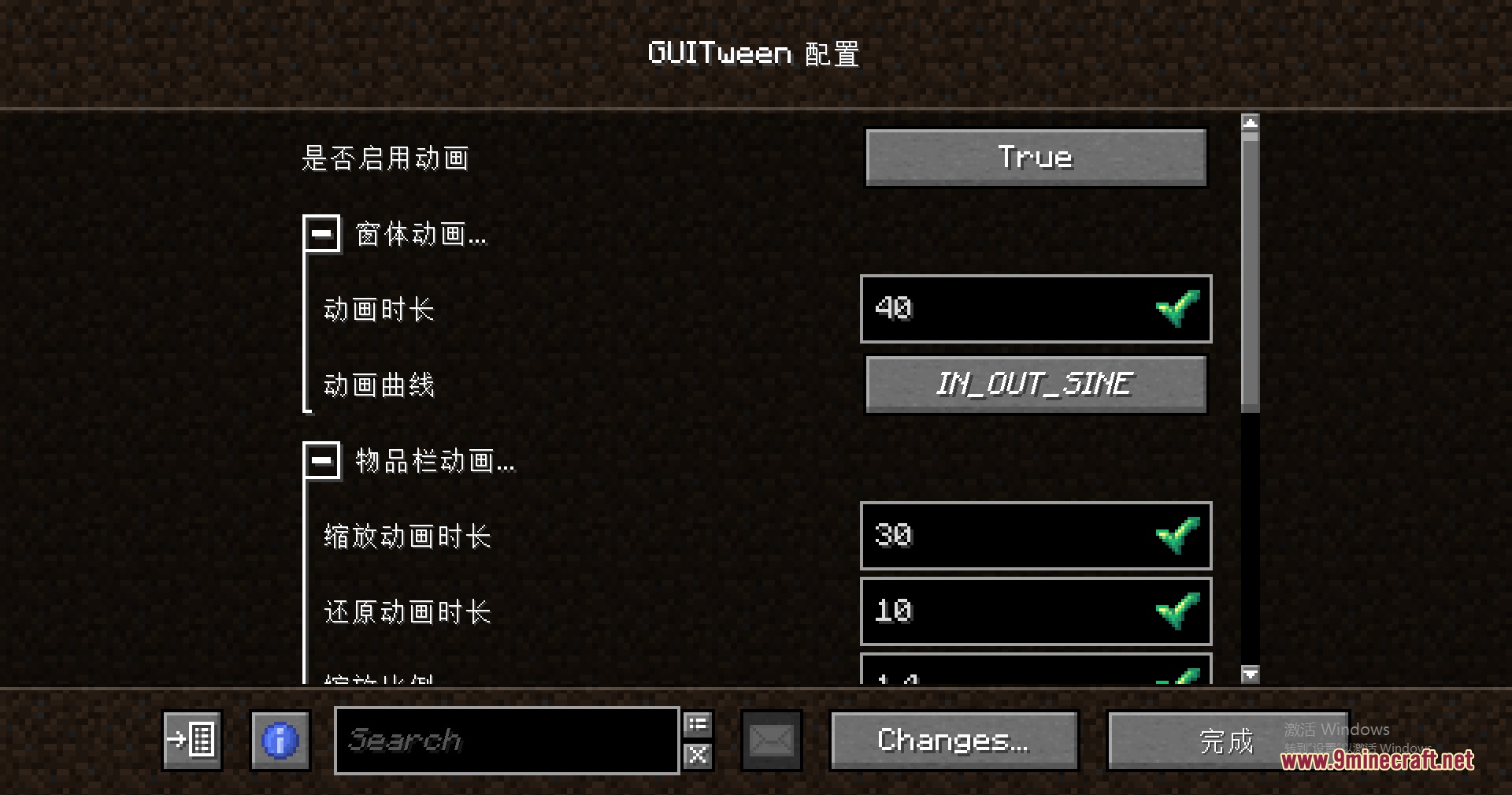
- A dedicated settings menu to turn specific motion effects on or off.
- A debug mode that shows screen class names and slot numbers for creating custom animation datapacks.
How to Use:
- Open the mod settings screen to turn individual animation options on or off.
- Turn on the debug window option if you want to inspect screen details.
- Open any container screen in the game to check class names and slot numbers.
- Add custom slot animations by placing a JSON file inside
data/<mod_id>/window_slots/<name>.jsonin your datapack.
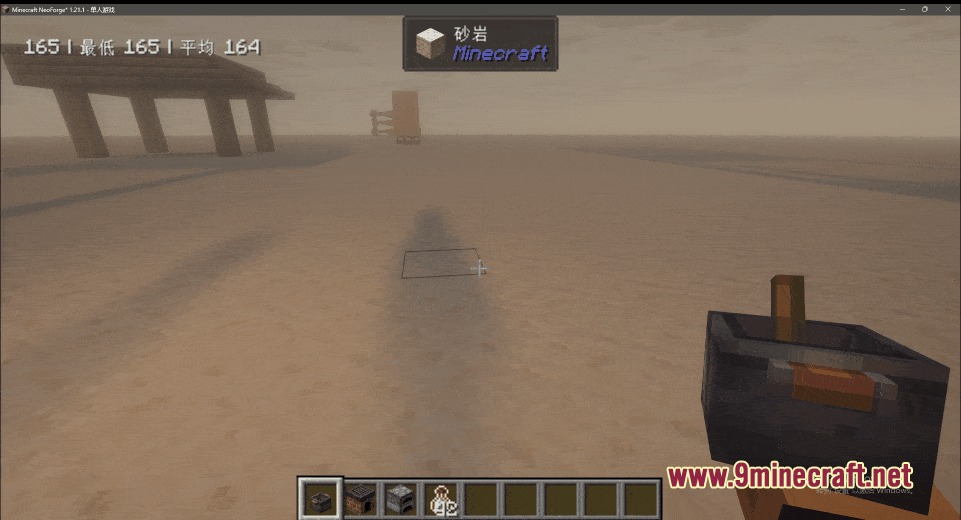
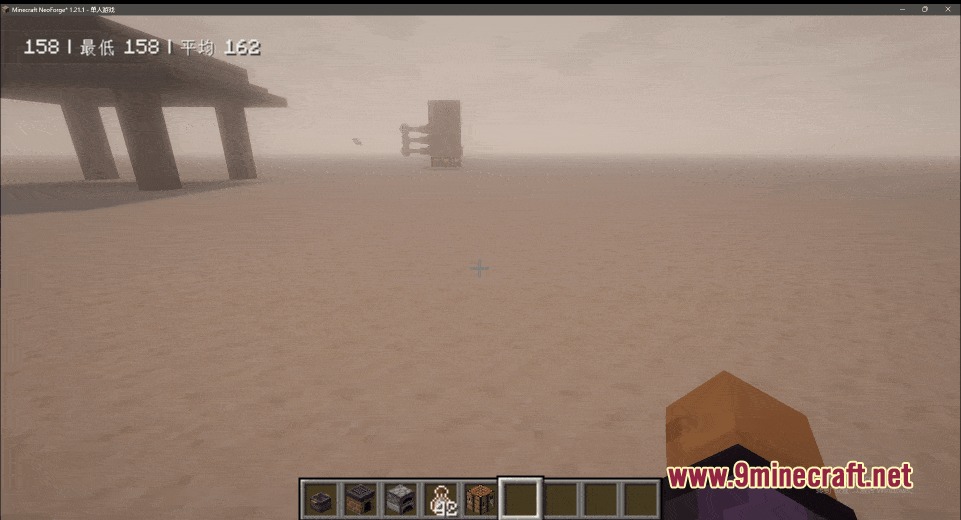
Screenshots:
How to Install:
New to Minecraft? Follow our step-by-step guide to install Mods on your PC.View Guide
Requirements:




Vivid Interface Motion Mod Download Links
For Minecraft 26.2
For Minecraft 26.1.2, 26.1.1, 26.1
For Minecraft 1.21.11
For Minecraft 1.21.1, 1.21
For Minecraft 1.20.1, 1.20
Click to rate this post!
[Total: 0 Average: 0]
You May Also Like









This post has no comments yet. Be the first — your comment will appear here.