
Wireless Redstone Mod (1.20.4, 1.20.1) – Control Base Contraptions From Anywhere

 0


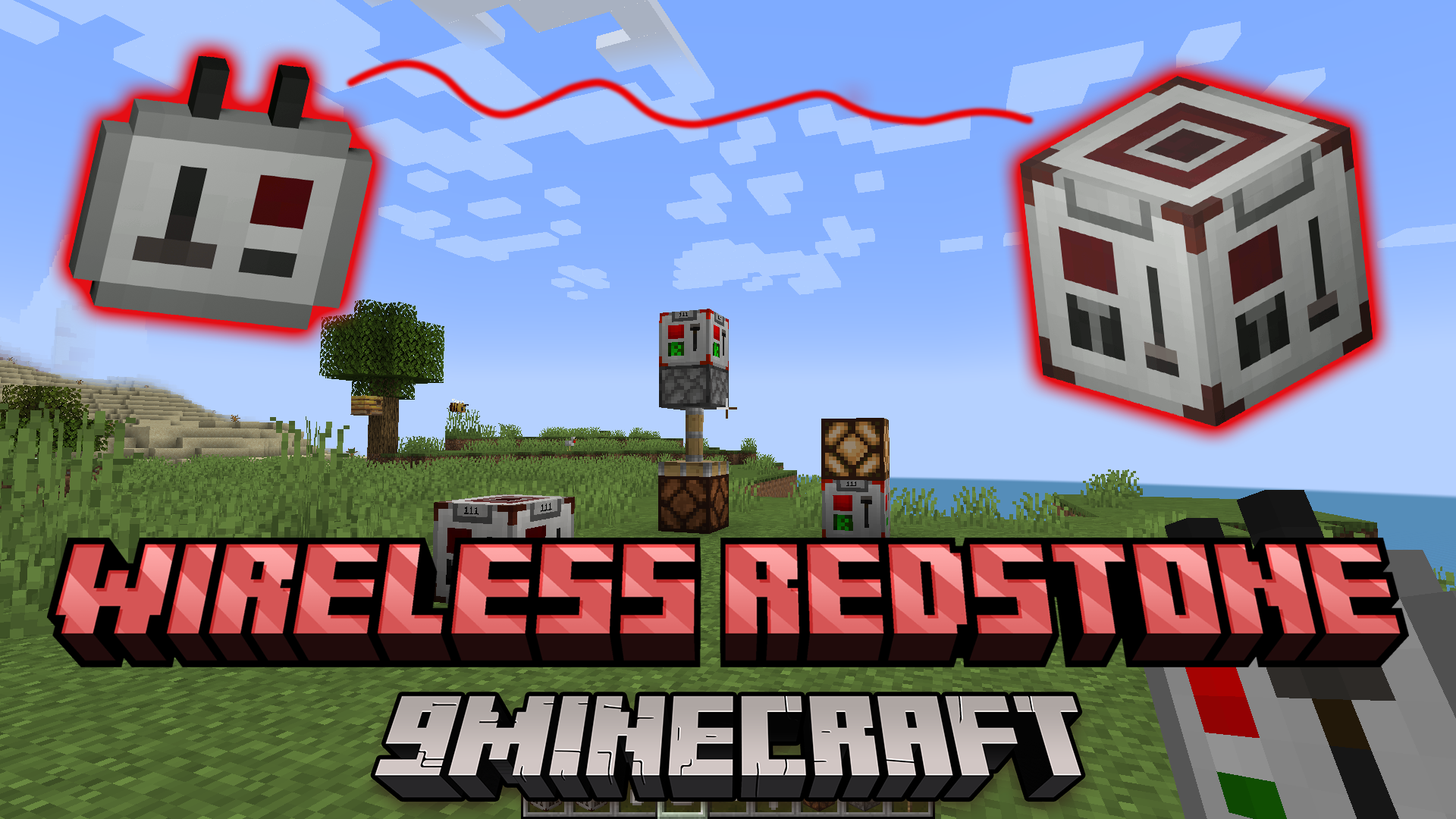
Wireless Redstone Mod adds remote redstone blocks and items to Minecraft so you can control contraptions from a distance. It includes frequency-based Redstone Transmitters and Receivers, direct P2P pairs, and handy tools like the Remote, Frequency Tool, Frequency Sniffer, and Linker. You can trigger circuits anywhere in the same dimension without laying long trails of redstone dust, or set up private one-to-one links that never clash with other players. Blocks also wait until their chunks reload before updating, so they do not force unloaded chunks to stay active.
Features:
- Same-Dimension Signal Transfer: Lets you power redstone builds from far away within the same dimension without running long dust trails.
- Lazy Chunk Updates: Avoids forcing unloaded chunks to load when signals change; receivers automatically update to match their transmitter as soon as their chunk loads again.
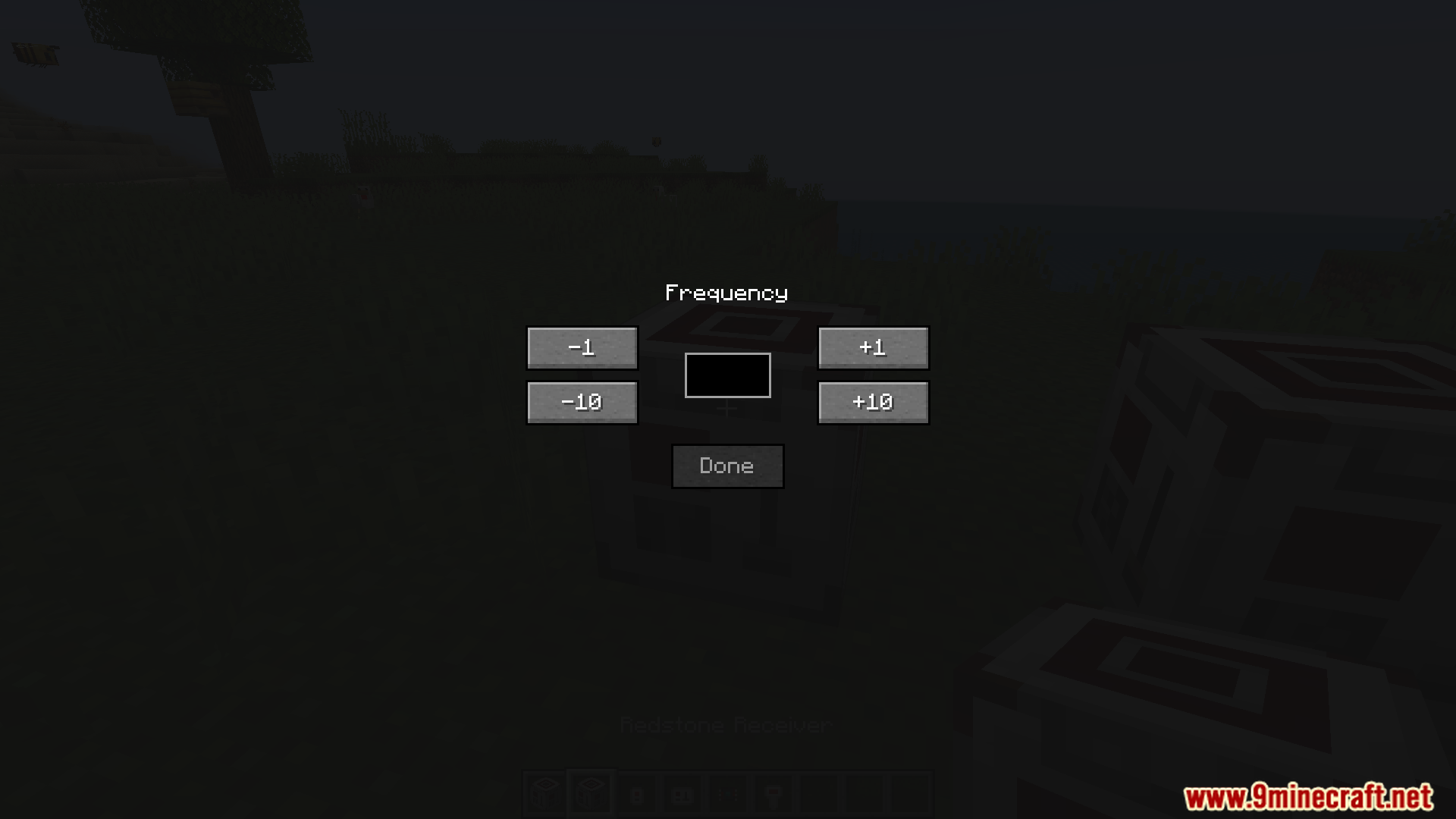
- Quick Frequency Menu: Lets you type a frequency number directly or hold Shift to change values by 100 and 1000.
- Lets you change the frequency display color on transmitters and receivers, as well as the highlight colors for the Frequency Sniffer and Linker, in the config.
- Keeps your saved redstone setups working when switching a world between Forge and Fabric.
Redstone Blocks:
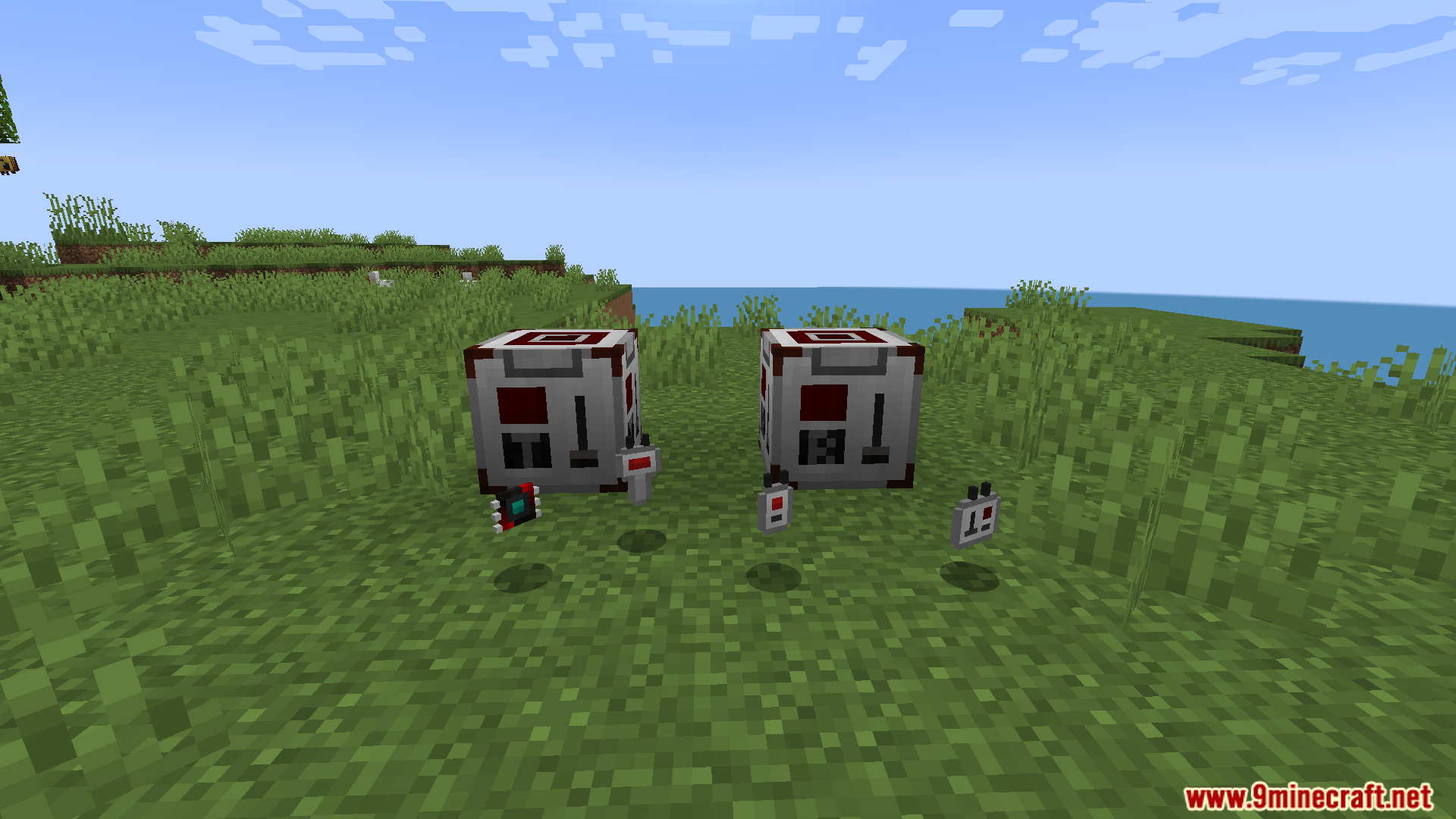
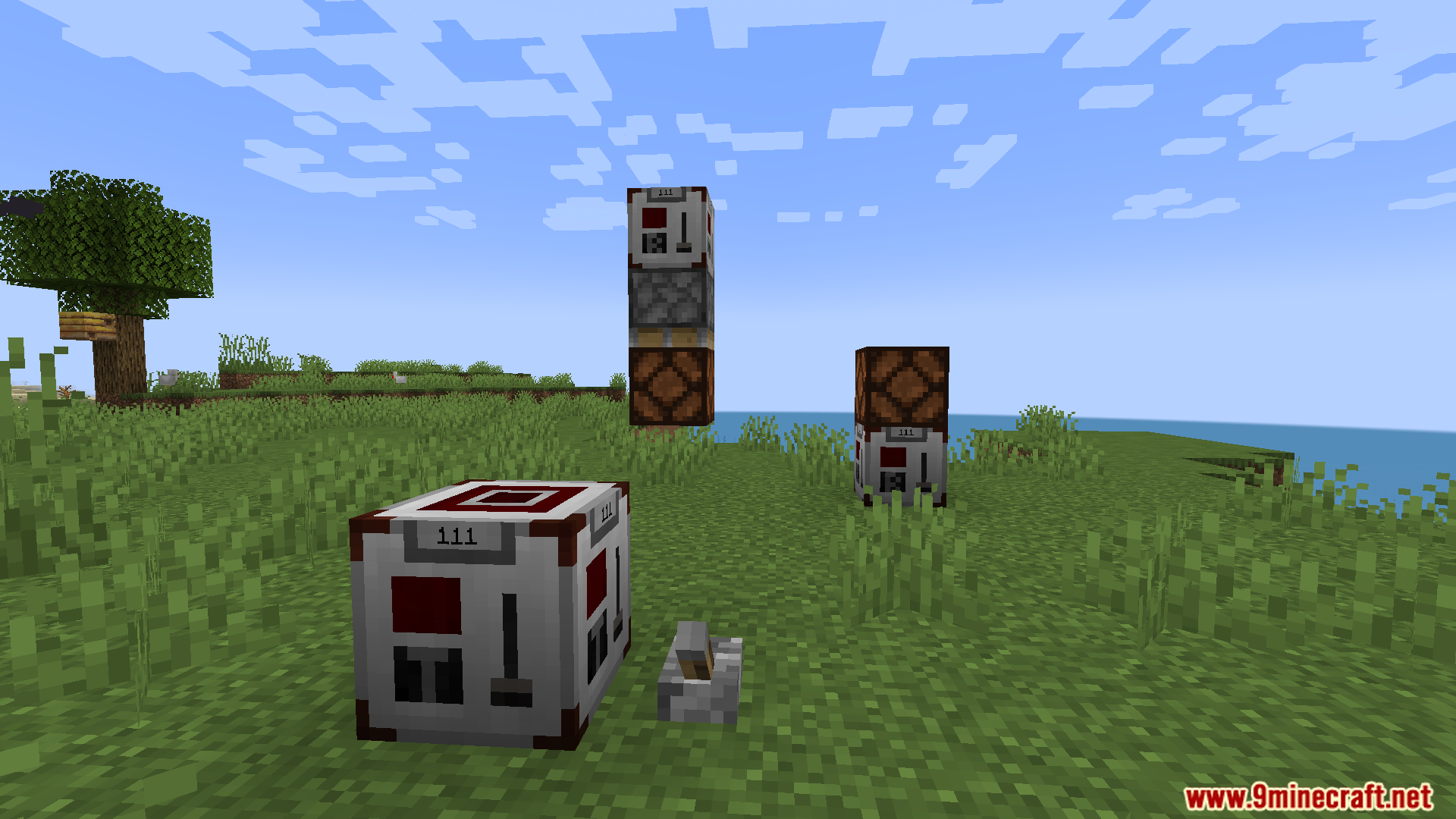
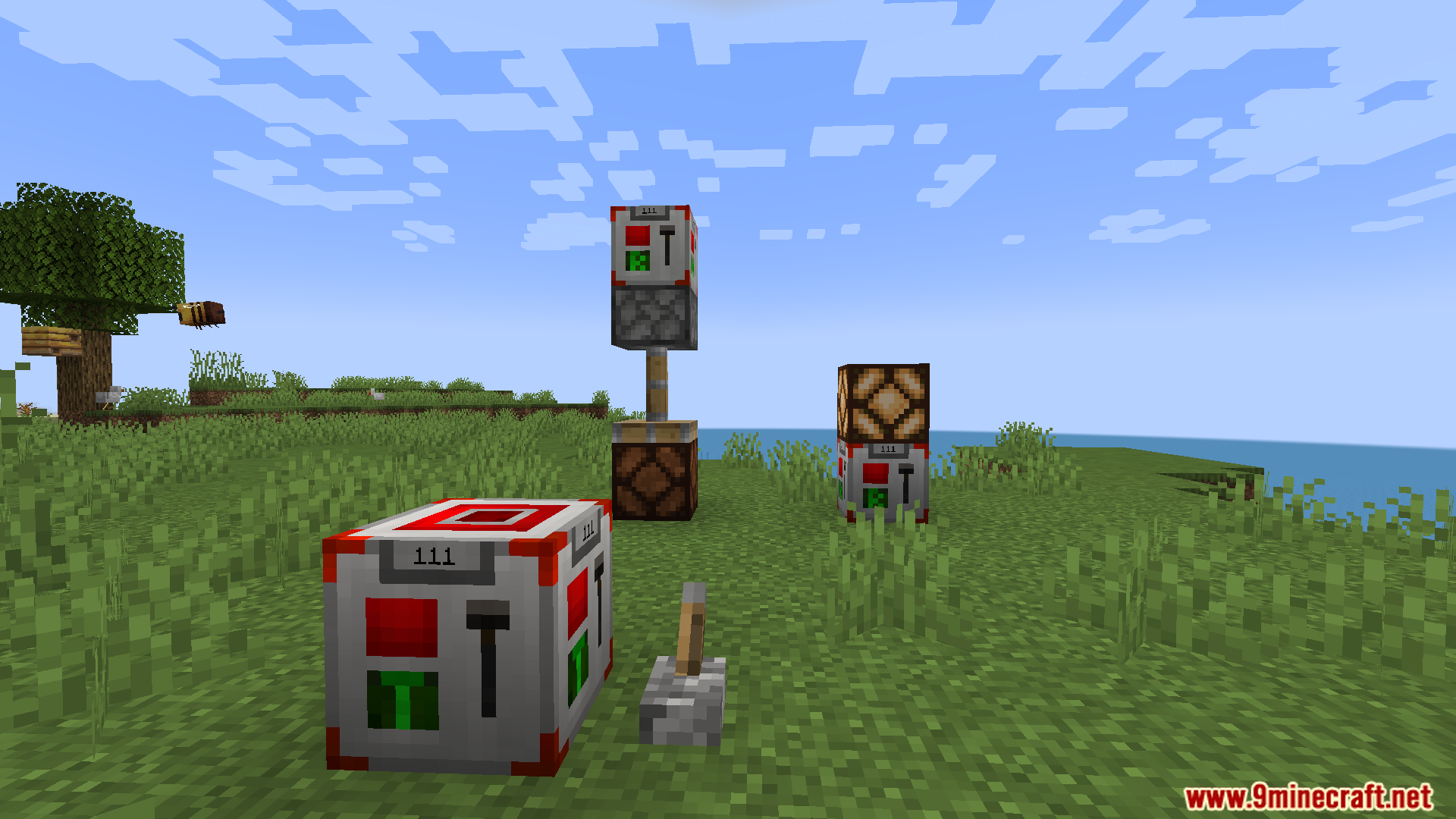
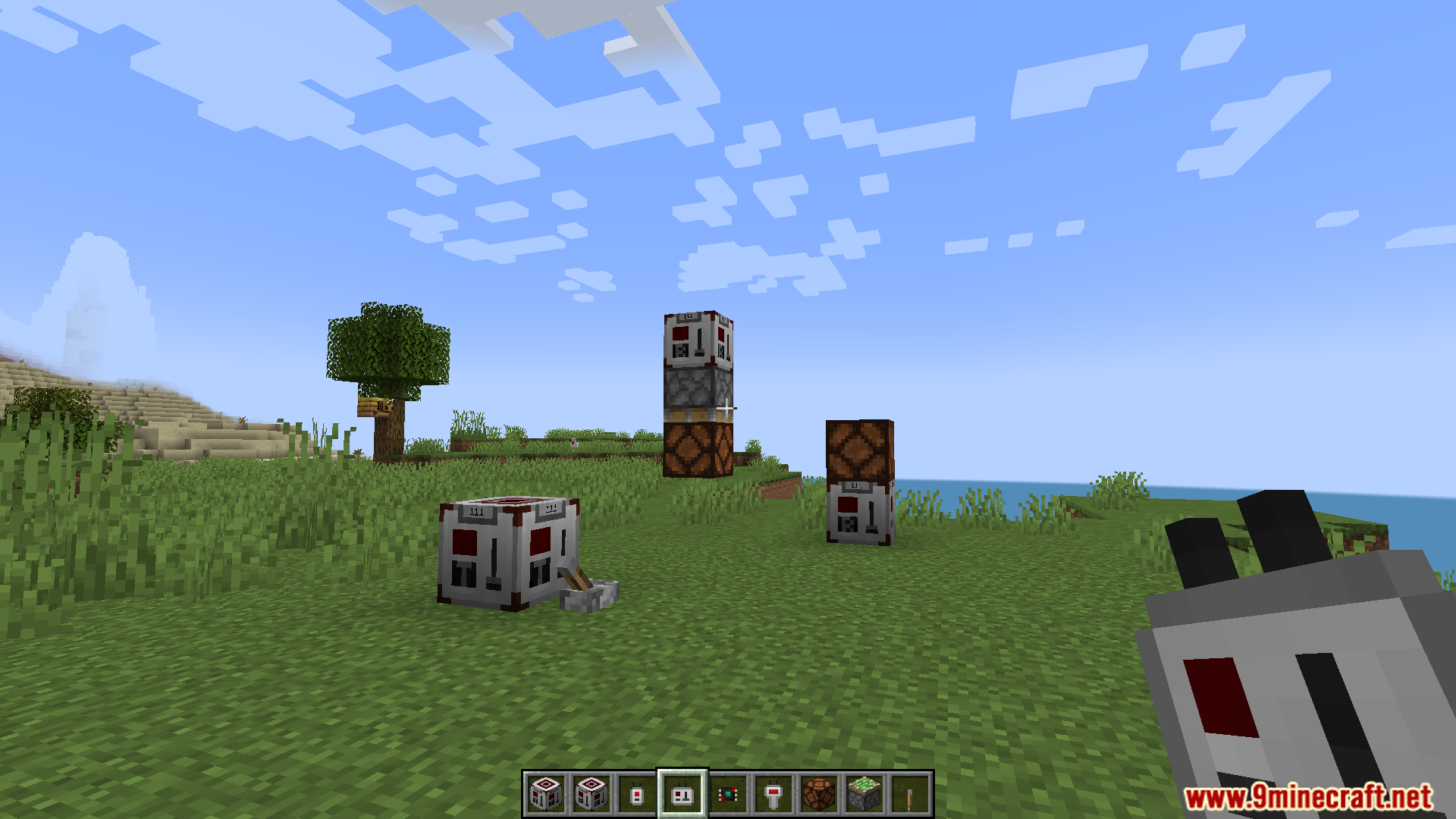
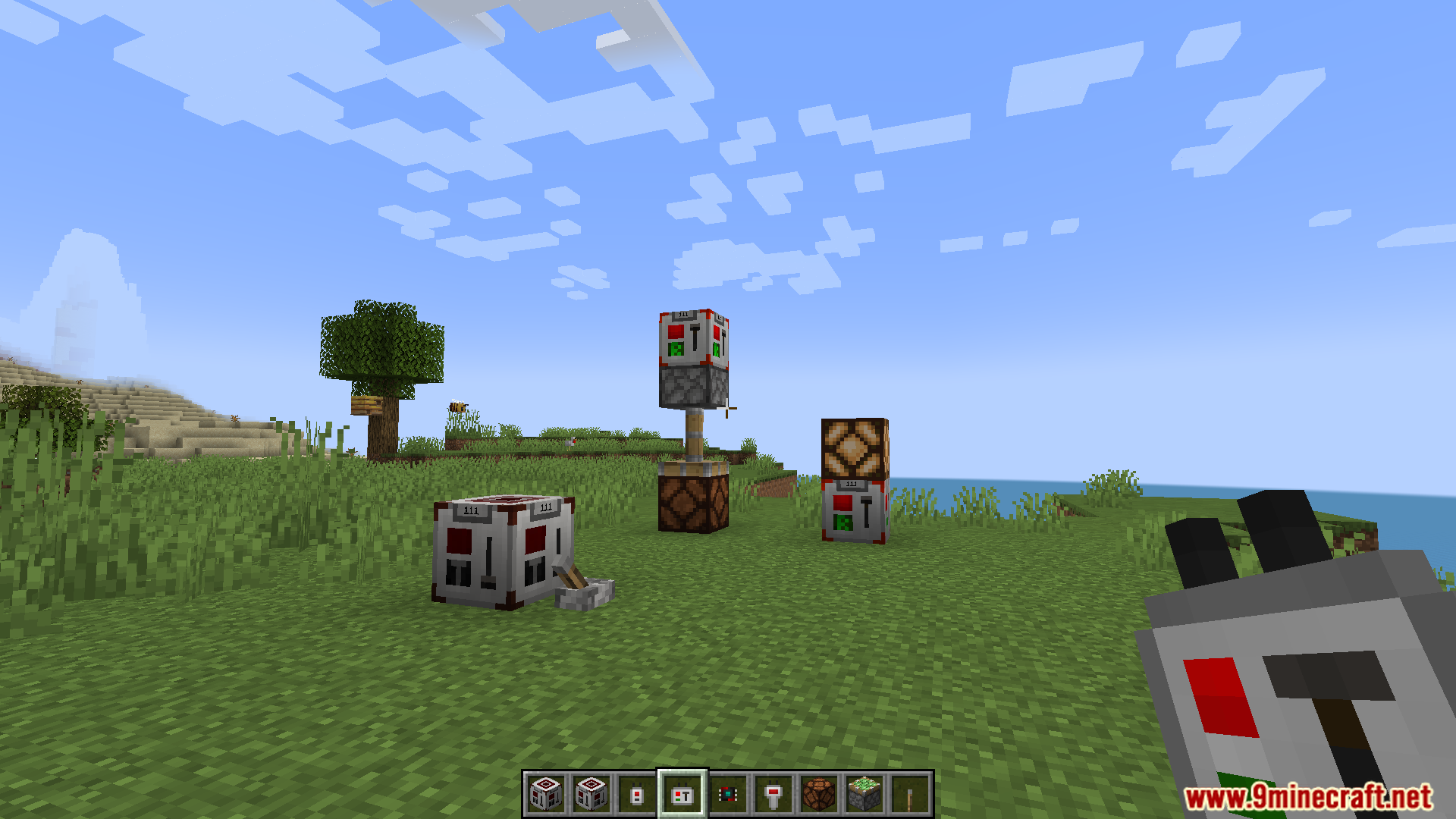
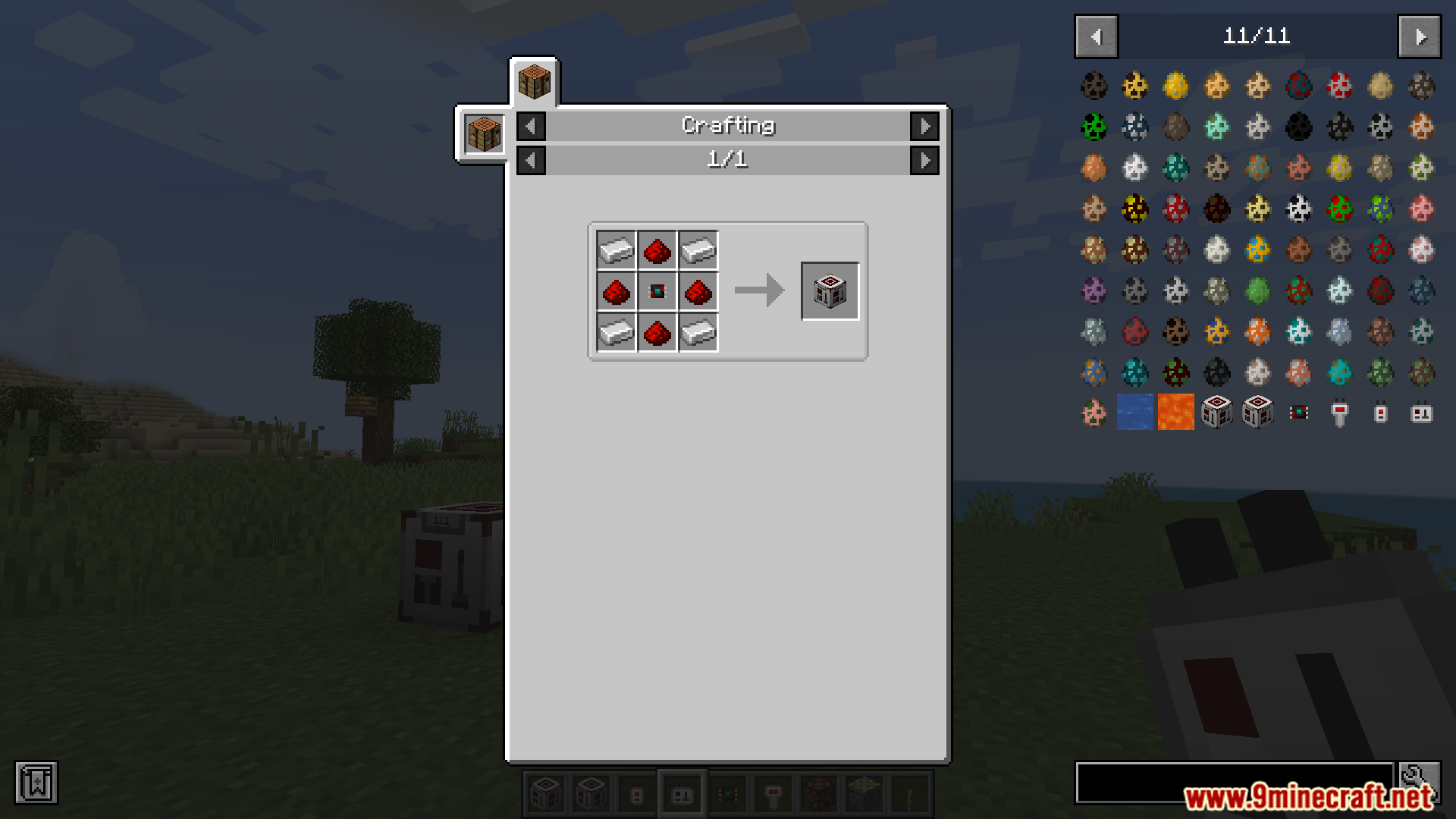
- Redstone Transmitter: Sends a signal to the network when powered, turning on every receiver on the same frequency. If multiple transmitters share a frequency, receivers stay active as long as at least one transmitter is on.
- Redstone Receiver: Outputs a redstone signal of 15 whenever at least one active transmitter shares its frequency.
- P2P Transmitter and P2P Receiver: Connect one transmitter directly to one receiver using a Linker, preventing frequency clashes with other players. Destroying or relinking either block ends the link on its counterpart.
- P2P Block States: Track both
powered(power input or output) andlinked(connection status) states. A comparator reading thelinkedstate outputs a redstone signal of 15 when linked and 0 when unlinked. - P2P Chunk Detection: Visually unlinks a P2P block when its counterpart’s chunk unloads while keeping the redstone state and stored link until both chunks load again. If the other block was destroyed or relinked while unloaded, the link clears once both chunks reload, letting you detect loaded or unloaded chunks.
Items and Tools:
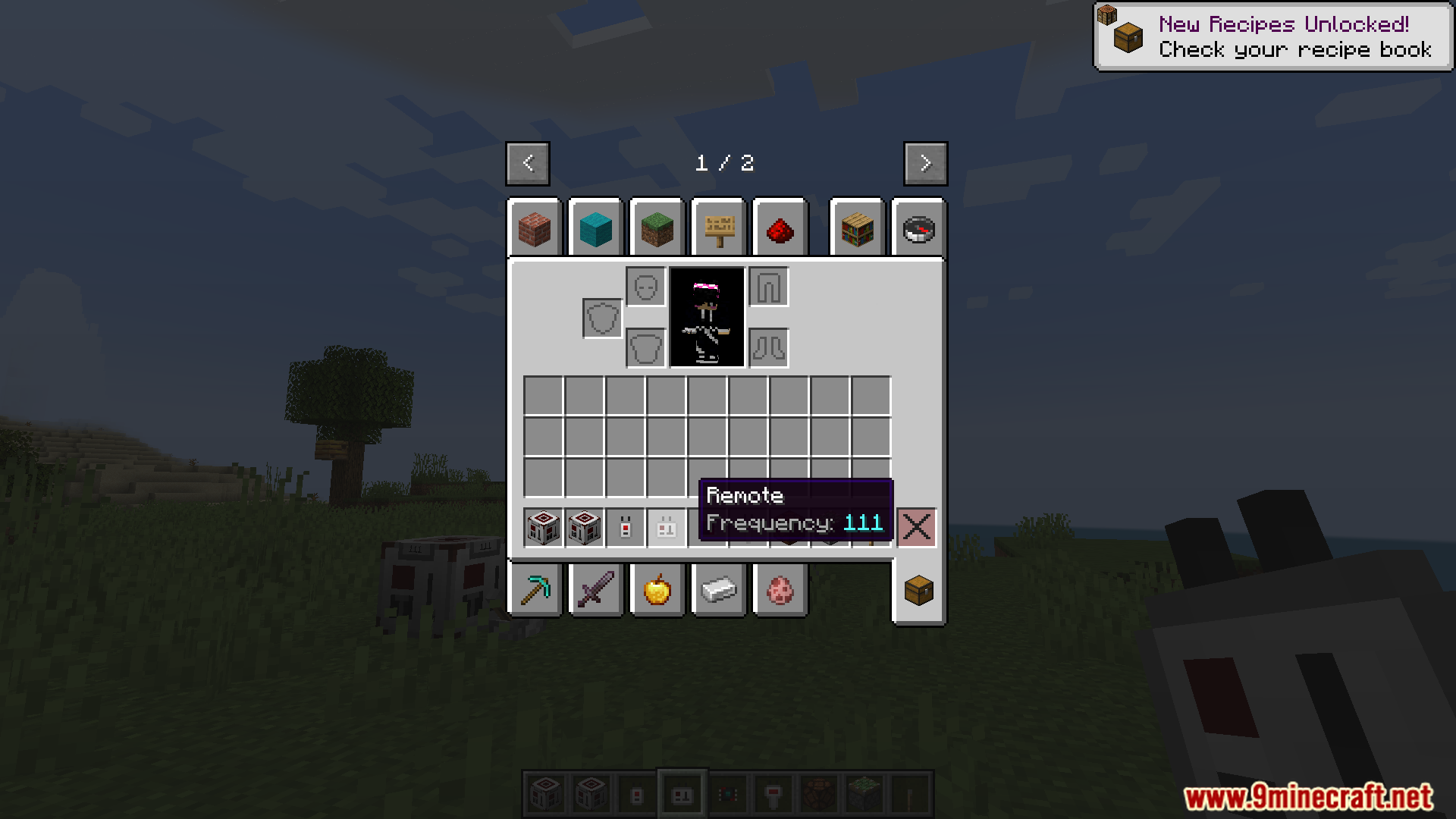
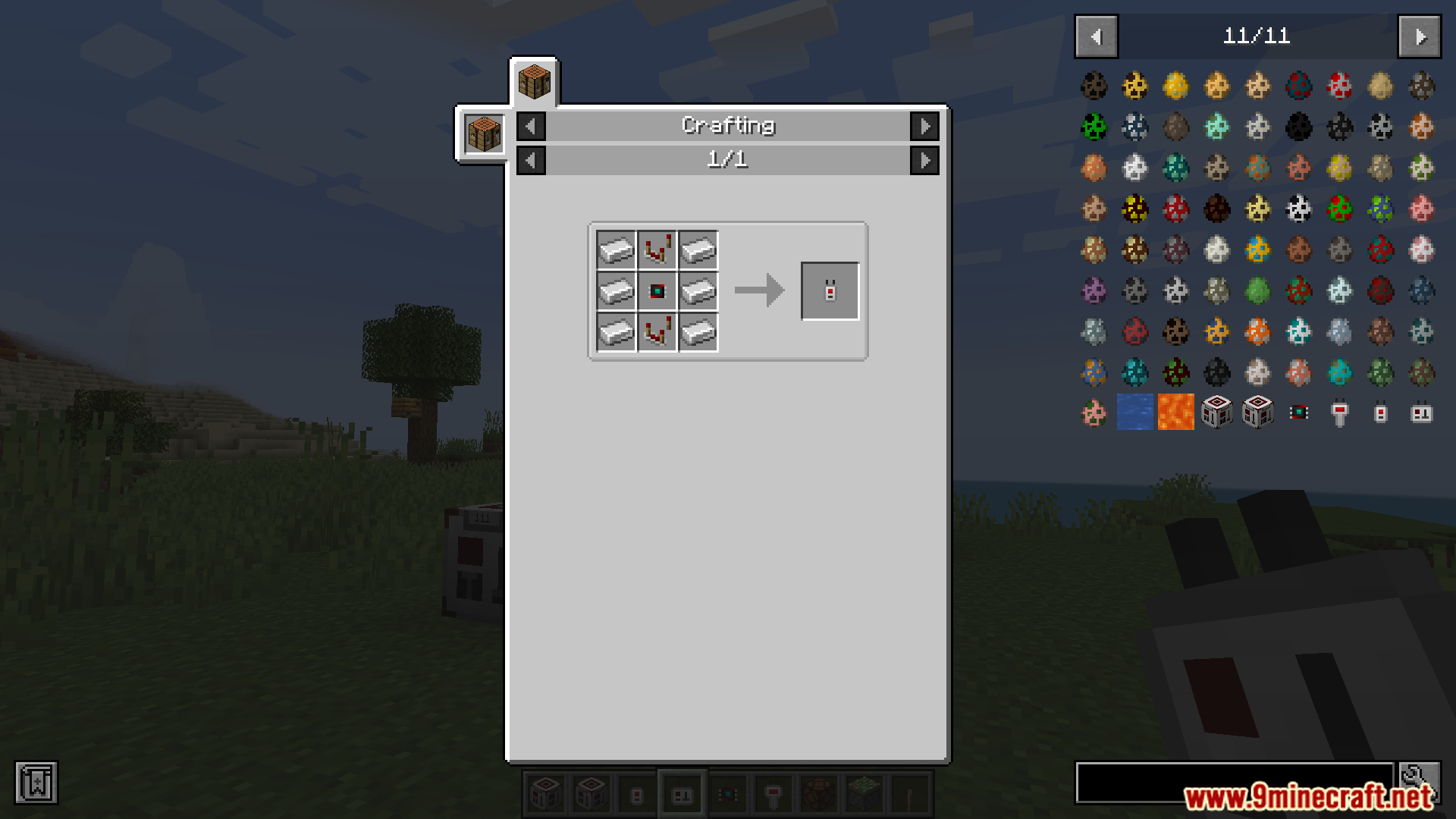
- Remote: Acts as a handheld transmitter that sends a high signal while you hold right-click, with support for copying frequencies or setting them in the GUI.
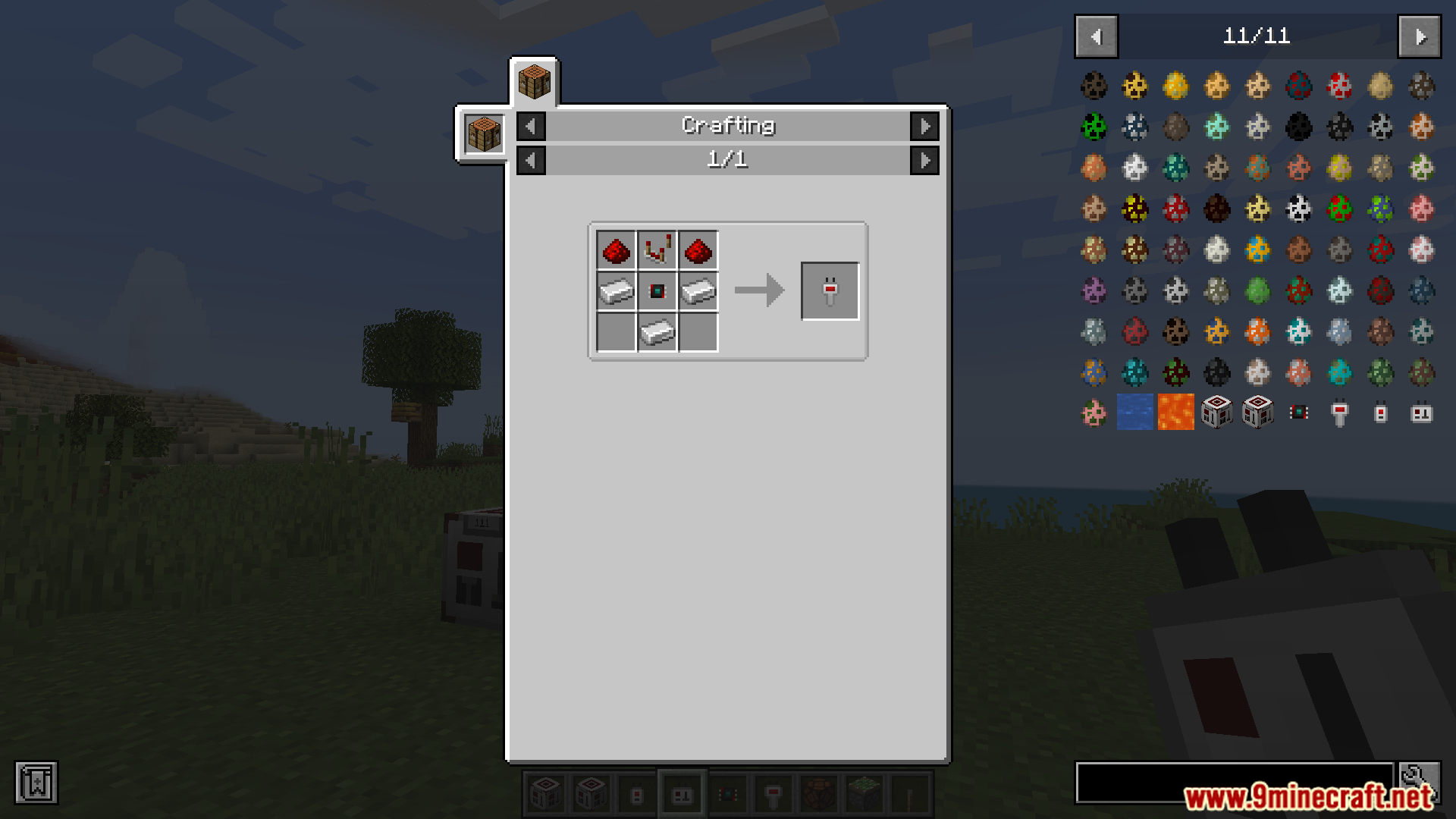
- Frequency Tool: Copies a frequency from a transmitter or receiver and applies it quickly to multiple blocks, or sets a frequency through the GUI.
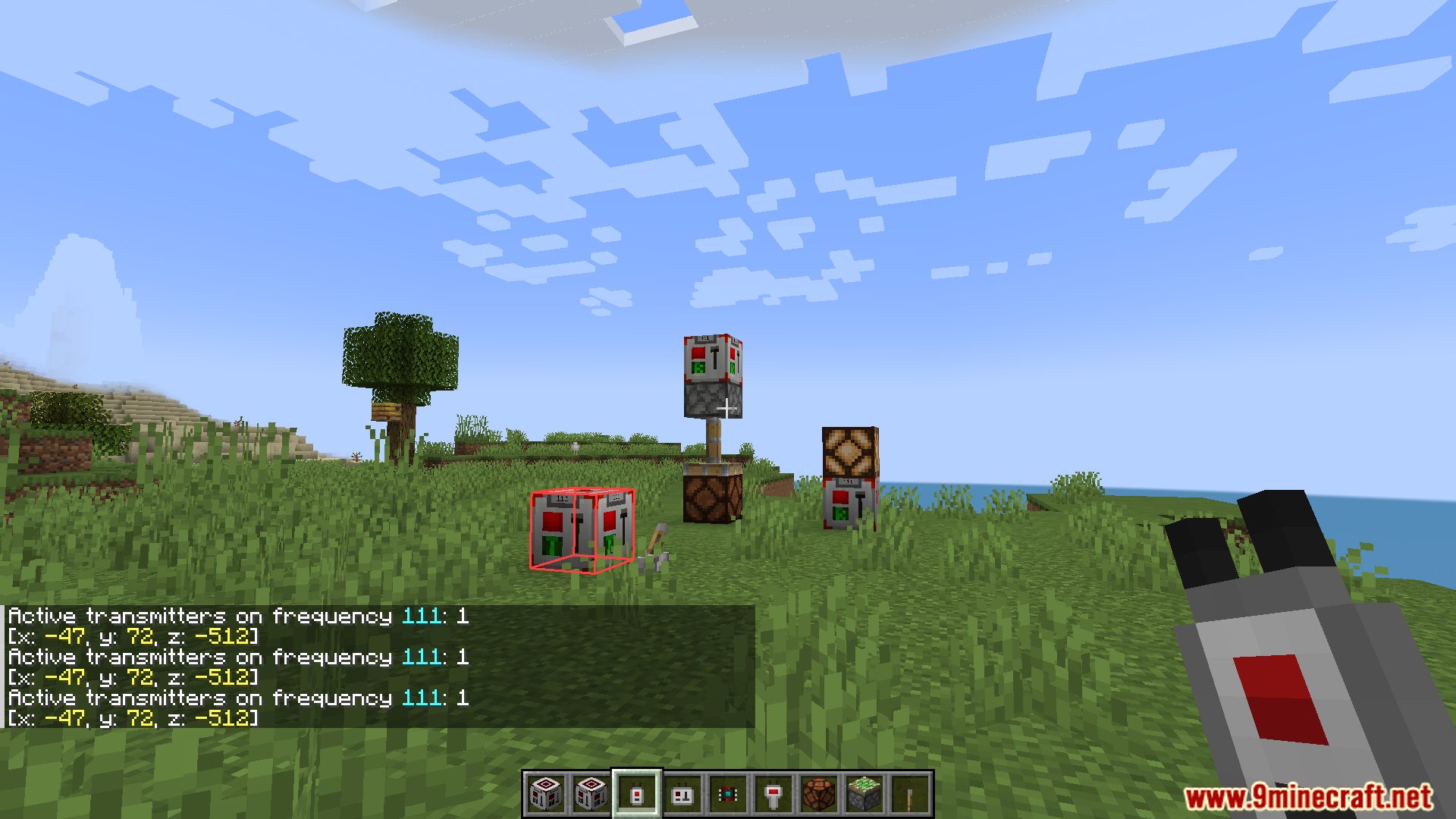
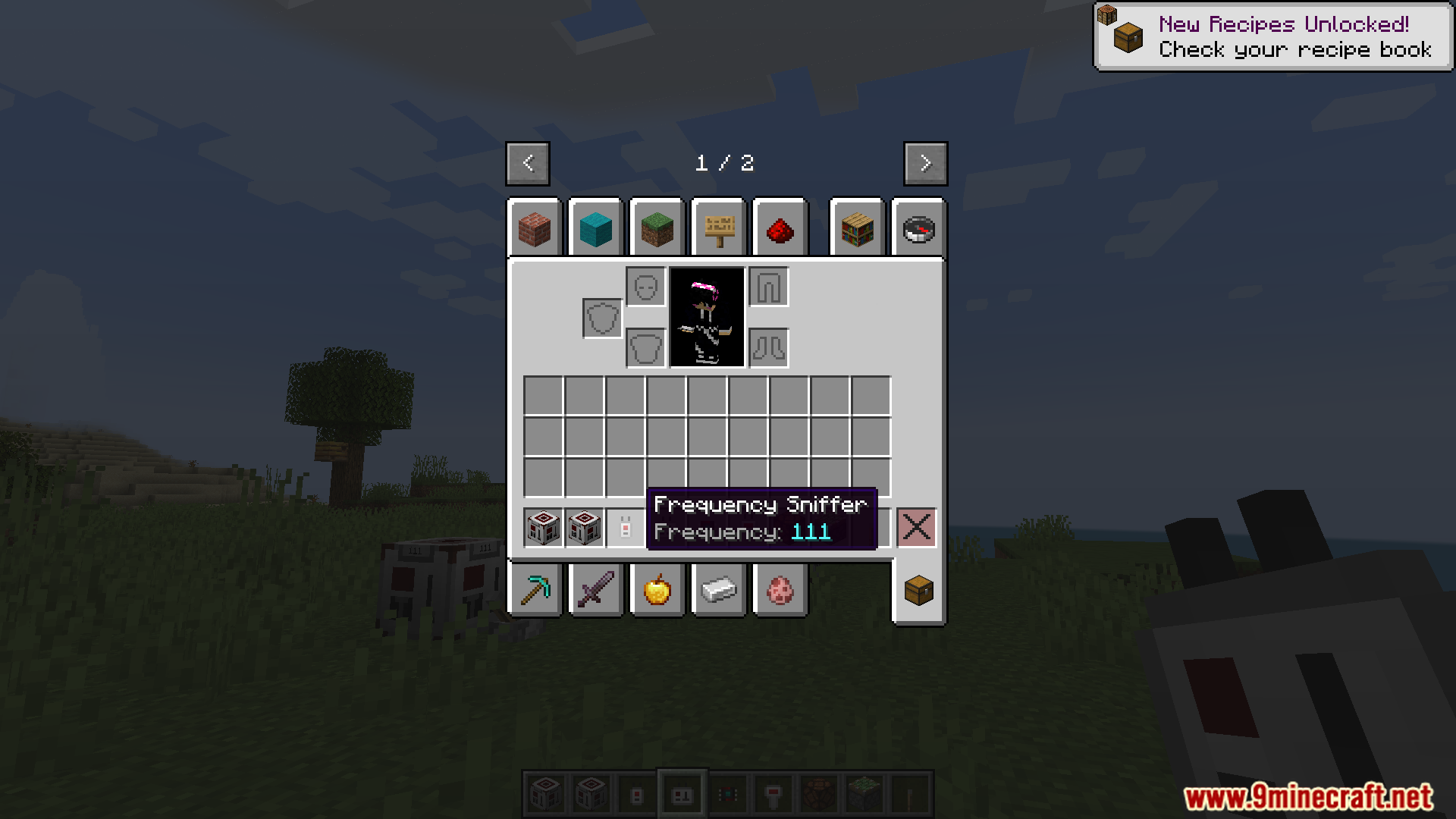
- Frequency Sniffer: Highlights all active transmitters on a set frequency within range using a wireframe and posts their block coordinates in chat. Admins and OPs can click a coordinate in chat to teleport directly to that block.
- Linker: Connects a P2P Transmitter and P2P Receiver together, highlighting the selected block through other blocks and showing its position in the item tooltip.
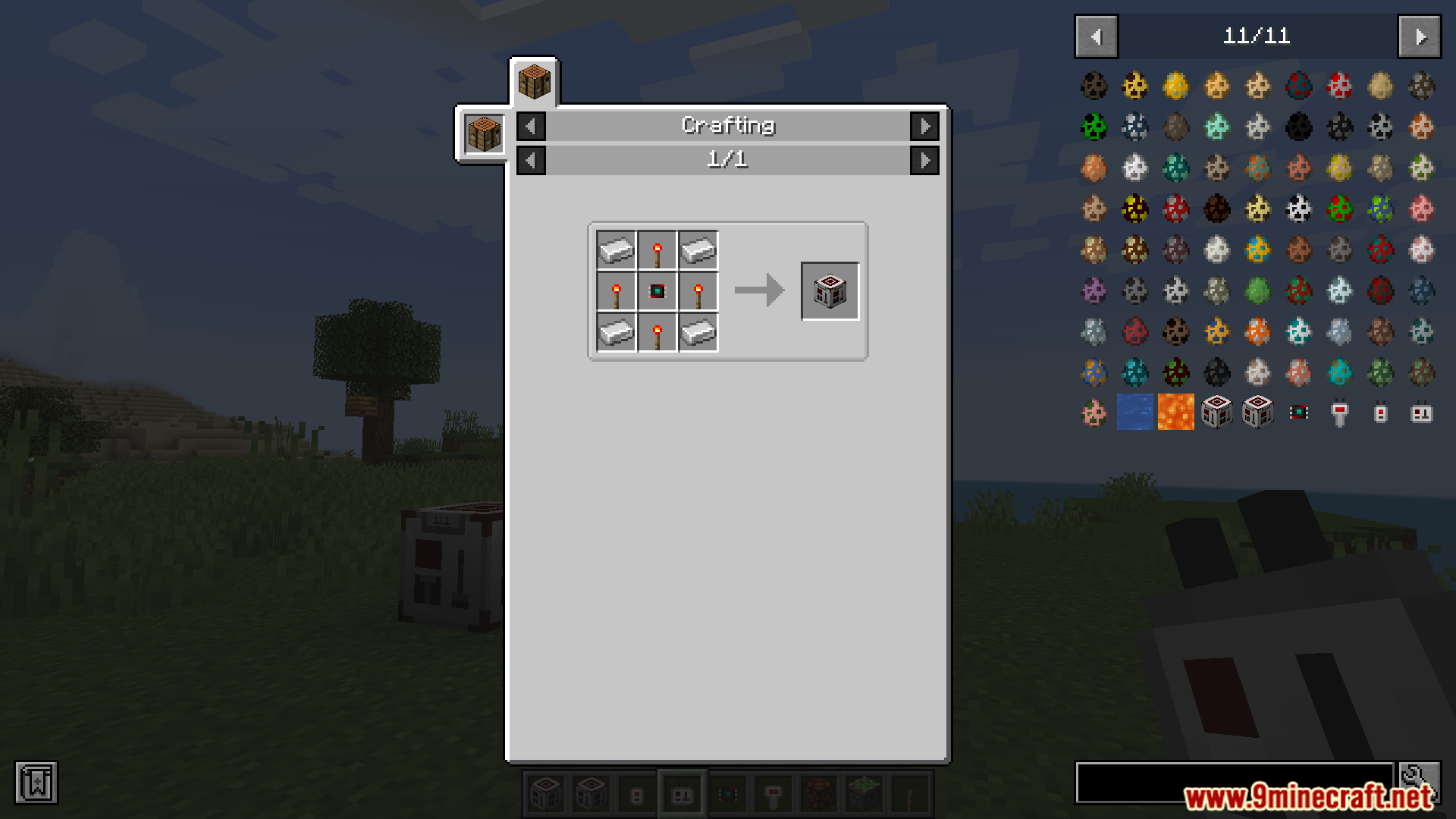
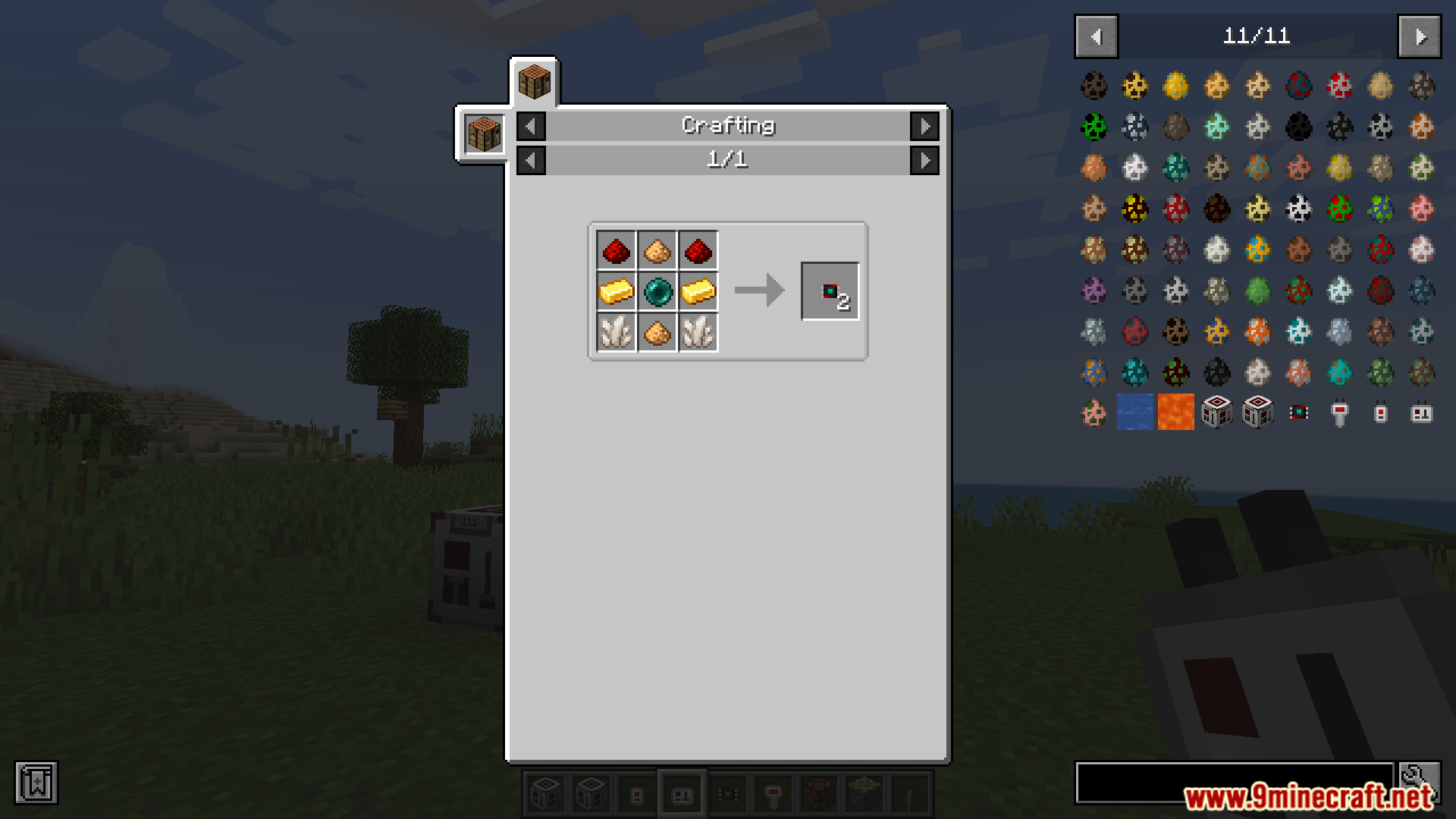
- Circuit: Used as a crafting material for this mod’s recipes.
How to Use:
Frequency Transmitters and Receivers
- Place a Redstone Transmitter and a Redstone Receiver in the same dimension.
- Right-click each block to open the Frequency GUI and set them to the same frequency. Type a number directly, or hold Shift to add or subtract by 100 and 1000.
- Send redstone power into the transmitter; all receivers on that frequency output a redstone signal of 15.
P2P Transmitters and Receivers
- Place a P2P Transmitter and a P2P Receiver where you want a direct one-to-one link.
- Hold a Linker and press Sneak + right-click one block to select it; the block highlights through other blocks and its coordinates appear in the Linker tooltip.
- Right-click the counterpart block with the Linker to complete the connection.
- Place a comparator against a P2P block to check its
linkedstate, outputting 15 when linked and 0 when unlinked.
Handheld Tools
- Remote: Press Sneak + right-click a transmitter or receiver to copy its frequency, or press Sneak + right-click away from those blocks to set it in the GUI. Hold right-click to send a redstone signal to matching receivers.
- Frequency Tool: Press Sneak + right-click a transmitter or receiver to copy its frequency, or press Sneak + right-click away from those blocks to set it in the GUI. Right-click any transmitter or receiver to apply the stored frequency.
- Frequency Sniffer: Copy a frequency from a transmitter or receiver or set it in the GUI, then right-click to highlight active transmitters in range with a wireframe and show their coordinates in chat. Admins and OPs can click a coordinate in chat to teleport there.
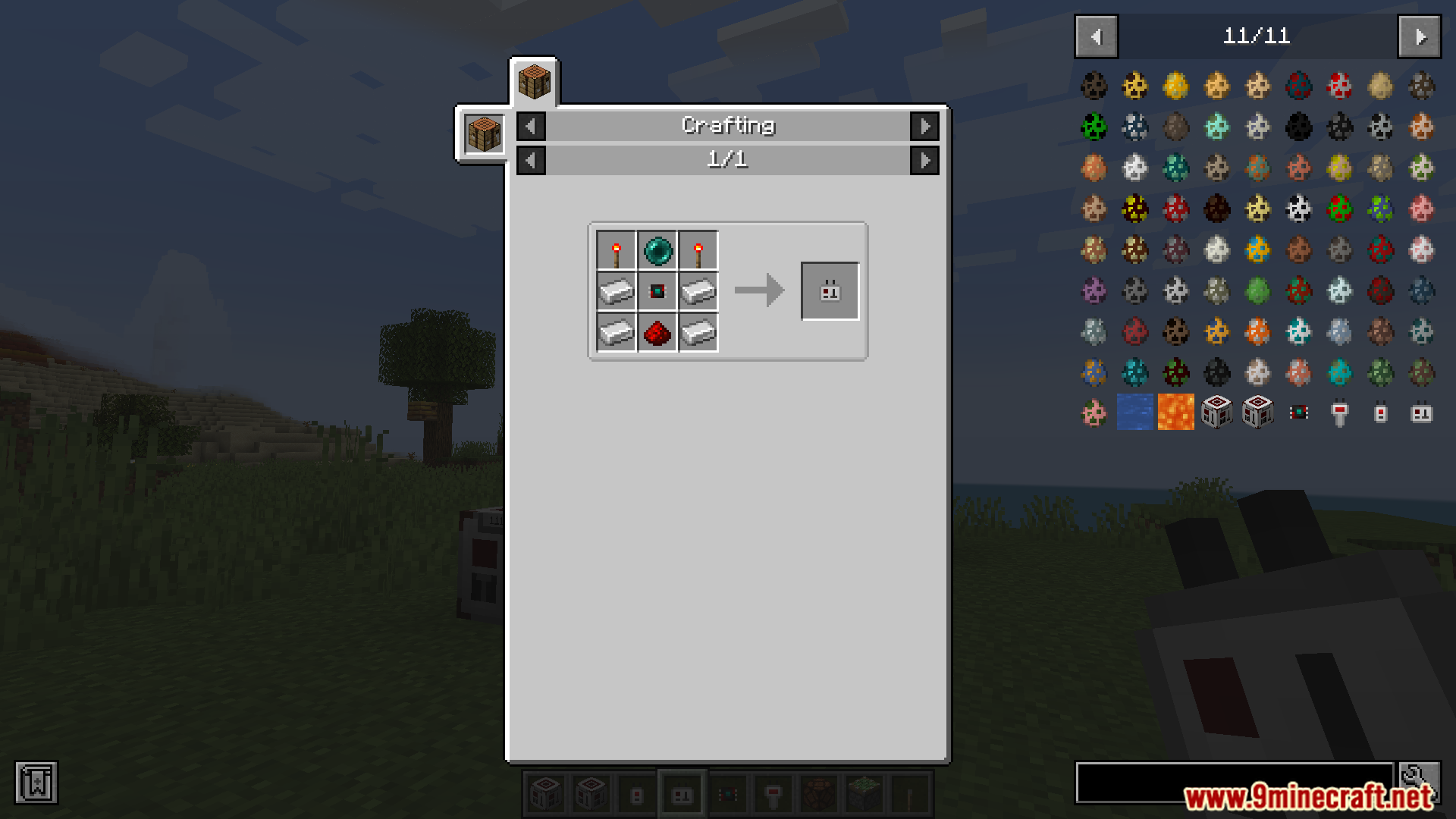
Screenshots:
How to Install:
New to Minecraft? Follow our step-by-step guide to install Mods on your PC.View Guide
Wireless Redstone Mod Download Links
For Minecraft 1.12.2
Forge version: Download from Server 1 – Download from Server 2
For Minecraft 1.15.2, 1.15
Forge version: Download from Server 1 – Download from Server 2
For Minecraft 1.16.5
Forge version: Download from Server 1 – Download from Server 2
For Minecraft 1.17.1
Forge version: Download from Server 1 – Download from Server 2
For Minecraft 1.18.2
Forge version: Download from Server 1 – Download from Server 2
Fabric version: Download from Server 1 – Download from Server 2
For Minecraft 1.19.2
Forge version: Download from Server 1 – Download from Server 2
Fabric version: Download from Server 1 – Download from Server 2
For Minecraft 1.19.3
Forge version: Download from Server 1 – Download from Server 2
Fabric version: Download from Server 1 – Download from Server 2
For Minecraft 1.19.4
Forge version: Download from Server 1 – Download from Server 2
Fabric version: Download from Server 1 – Download from Server 2
For Minecraft 1.20.1
Forge version: Download from Server 1 – Download from Server 2
Fabric version: Download from Server 1 – Download from Server 2
For Minecraft 1.20.4
Forge version: Download from Server 1 – Download from Server 2
Fabric version: Download from Server 1 – Download from Server 2
NeoForge version: Download from Server 1 – Download from Server 2
How often do you play pre-made modpacks instead of making your own?
43 responses · See the full results →
You May Also Like
Picked for this page
 Roguelike Dungeons Mod (26.3, 1.20.1) – Ultimate Dungeons
 Pipez Mod (26.3, 1.20.1) – Transporting Things Is Easier
 Gnomed Mod (26.1.2, 1.20.1) – You’ve been Gnomed
 Caupona Mod (26.1.2, 1.20.1) – A Revision of The Cooking
 End Portal Recipe Mod (26.3, 1.20.1) – Craftable End Portal
 Areas Mod (26.3, 1.20.1) – Specify Zones in The Game
 Animal Pens Mod (26.3, 1.20.1) – Organize Your Mobs
 Ore Detector Mod (26.3, 1.21.1) – Advanced Finders
 Iron Tanks Mod 1.12.2, 1.11.2 (Expanding Buildcraft Tanks) (26.2, 26.1.2)
 Differentiate Mod (1.21.1) – Library for Eltrutlikes’s Mods
 Fast Totem Mod (1.21.11, 1.20.1) – Never Die Fumbling For A Totem
 Additional Enchantments Mod (1.20.1, 1.19.2) – Combat, Utility, And Mobility Upgrades
Most viewed in Mods over the last 7 days
 Ala Industrial Mod (26.3) – Run Electric Power Grids and Automated Factories
 PleasureCraft Mod (26.3, 1.21.1) – Jenny Mod Remake for Fabric
 Jennycraft Mod (26.3, 1.20.1) – Virtual Girlfriend in Minecraft
 Fapcraft Mod (26.3, 1.12.2) – Comprehensive and Detailed Content
 Jenny Mod (Fapcraft) Official Complete Guide – How to use, Tutorial
 BangCraft Mod (1.20.1) – Jenny, Ellie and Elliot
 Fabric Loader (26.3, 1.20.1) – Fabric Installer for All Minecraft Versions
 The Shooting Star Demo Mod (26.3, 1.20.1) – Vaporize Terrain From Orbit
 Meteor Client Mod (26.3, 1.20.1) – Xray, HUD, Fly
 OptiFine HD (26.3, 1.20.1) – Run Faster, FPS Boost, Shaders Support
 Aristois Client Mod (1.21.4, 1.20.1) – World Class Minecraft Utility
 Prestige Client Mod (1.21.11, 1.21.4) – Powerful Ghost Features for Crystal & Sword PvP
More from Mods
 Offgrid Mod (26.3, 1.20.1) – Furnish Compact Interiors Without Strict Grid
 Tempest Almanac Iron’s Spells ‘n Spellbooks Mod (1.21.1, 1.20.1)
 Chat Guides Mod (26.3, 1.21.11) – Never Memorize Complex Server Commands Again
 TRMT Reimagined the Roads More Travelled Mod (26.3, 1.20.1)
 Morrowless Mod (1.21.1) – Defend Your Shelter From Nightmare Creatures
 THE SLOPSTROSITY Mod (1.21.1) – Battle a Ridiculous Slime Boss
 Decoween Mod (1.21.1, 1.20.1) – Transform Ordinary Survival Bases
 Simply Light 9minecraft Mod (26.3) – Decorate Builds Without Torches
 Alex’s Caves Continued Mod (26.3, 1.20.1) – Conquer Six Massive Underground
 Anvil Uses Mod (26.3, 1.20.1) – Track Item Anvil Usage
 Animal Info Mod (26.3, 1.21.11) – Quick Stats For Your Animals
 Timber Tales Dynamic Tree System Mod (26.3, 1.20.1) – Watch Entire Trees Topple

This post has no comments yet. Be the first — your comment will appear here.