


Lumi Client Mod (1.21.11) – Smooth Vector Menus and Live Spotify HUD
 3
3
 0
0

🌐 Read this article in your language! Choose your preferred language below.
Or pick the one you like:
Lumi Client Mod equips you with a clean utility setup on the loader. It brings a smooth vector-drawn ClickGUI alongside on-screen widgets like a live Spotify track display. You also get visual additions like motion blur and quick keybind shortcuts to control your tools on the fly.

Features:
- NanoVG Vector GUI: Renders all menus with crisp vector graphics directly in the game window.
- Spotify HUD Widget: Displays your current playing song title on the screen.
- Motion Blur Effect: Adds a smooth post-processing blur whenever you turn your view.
- Shows active utility toggles clearly through an on-screen ArrayList.
- Turns features on or off quickly using customizable keyboard binds.
- Saves all of your menu choices across game restarts.
- Runs with a light footprint to keep your game running smoothly.
Best Used For:
- Players looking for quality-of-life tools during fast PvP fights.
- Streamers who want an on-screen Spotify track display while playing.
- Long gameplay sessions on anarchy servers.
- Anyone wanting to study open-source client rendering and vector UI code.
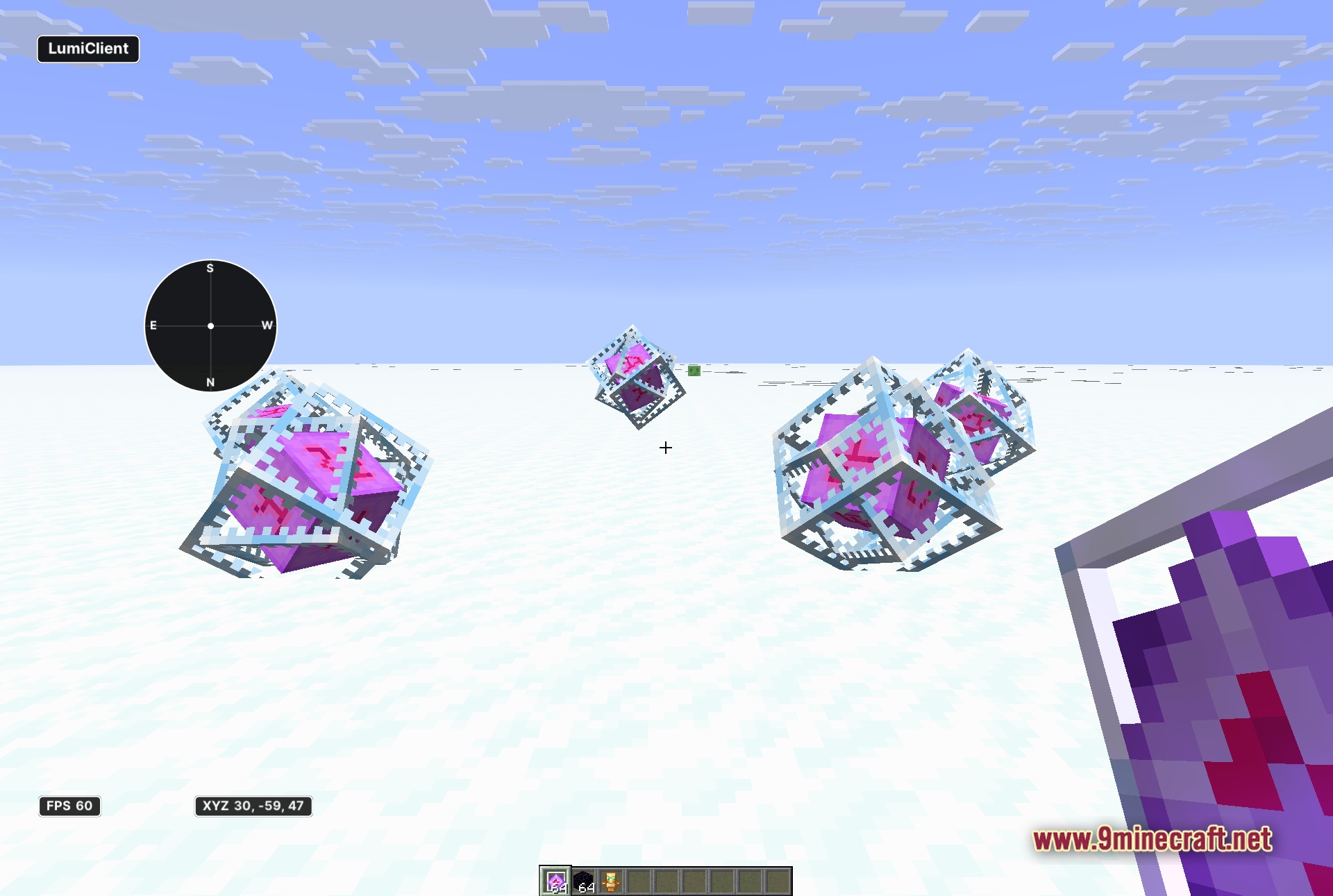
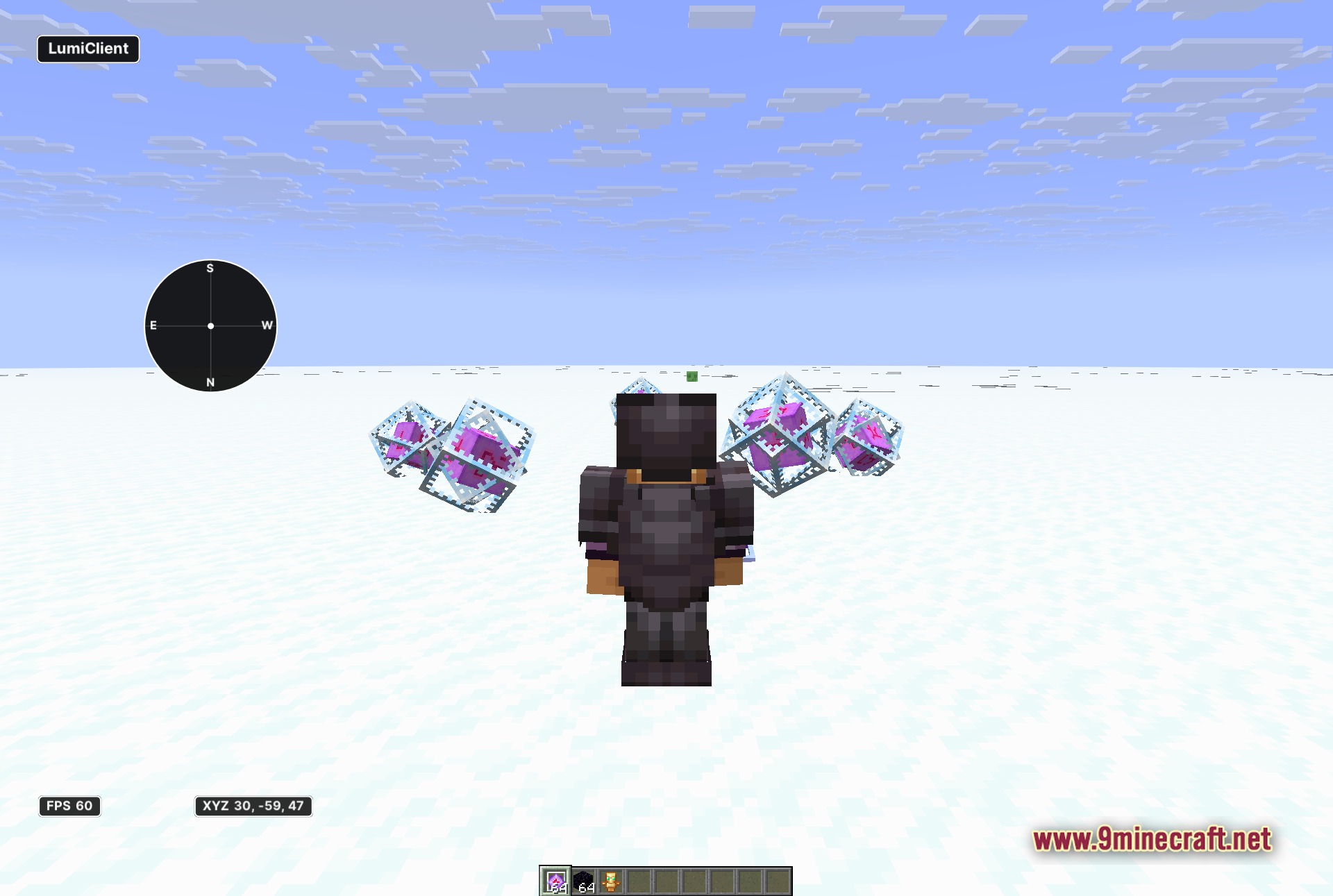
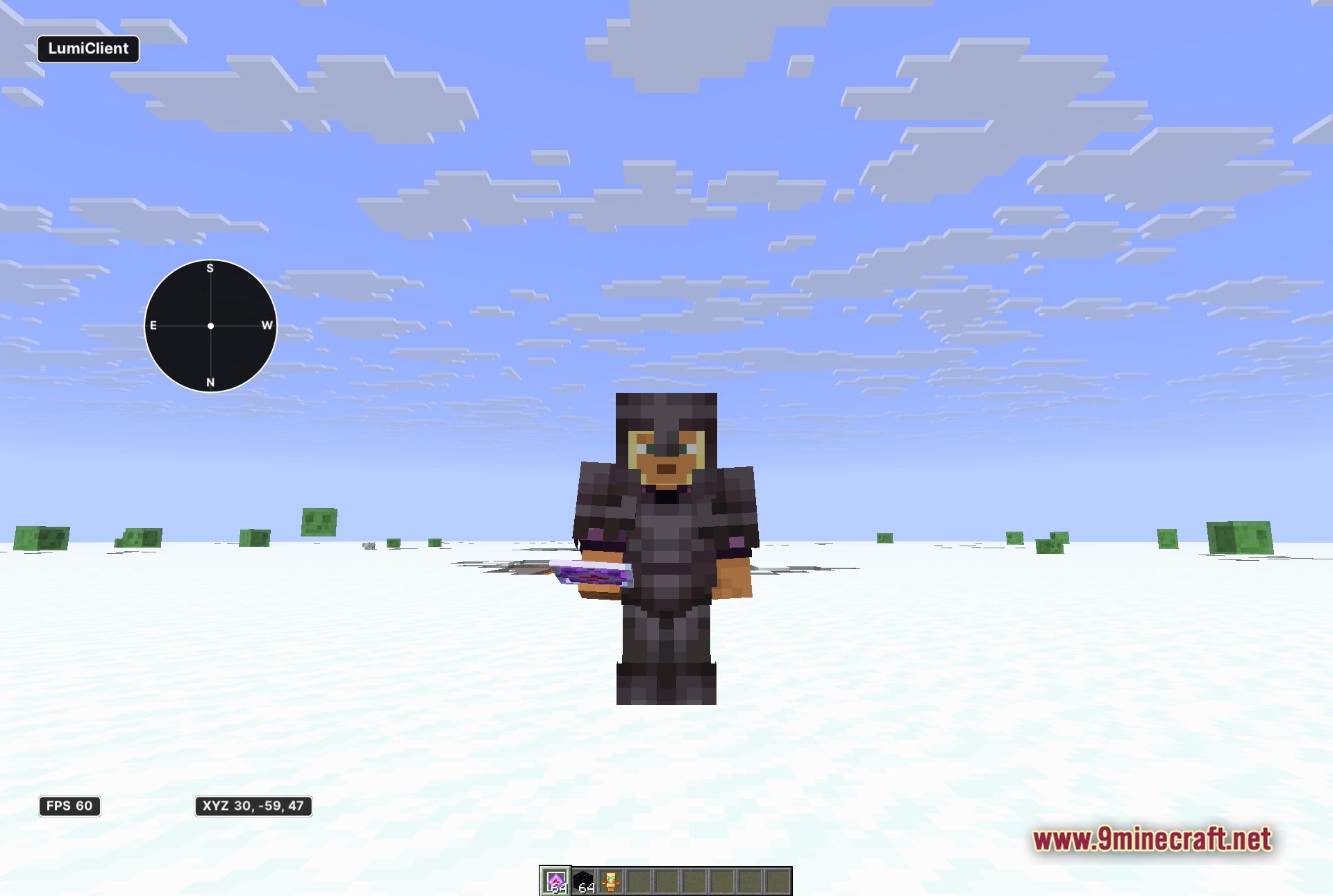
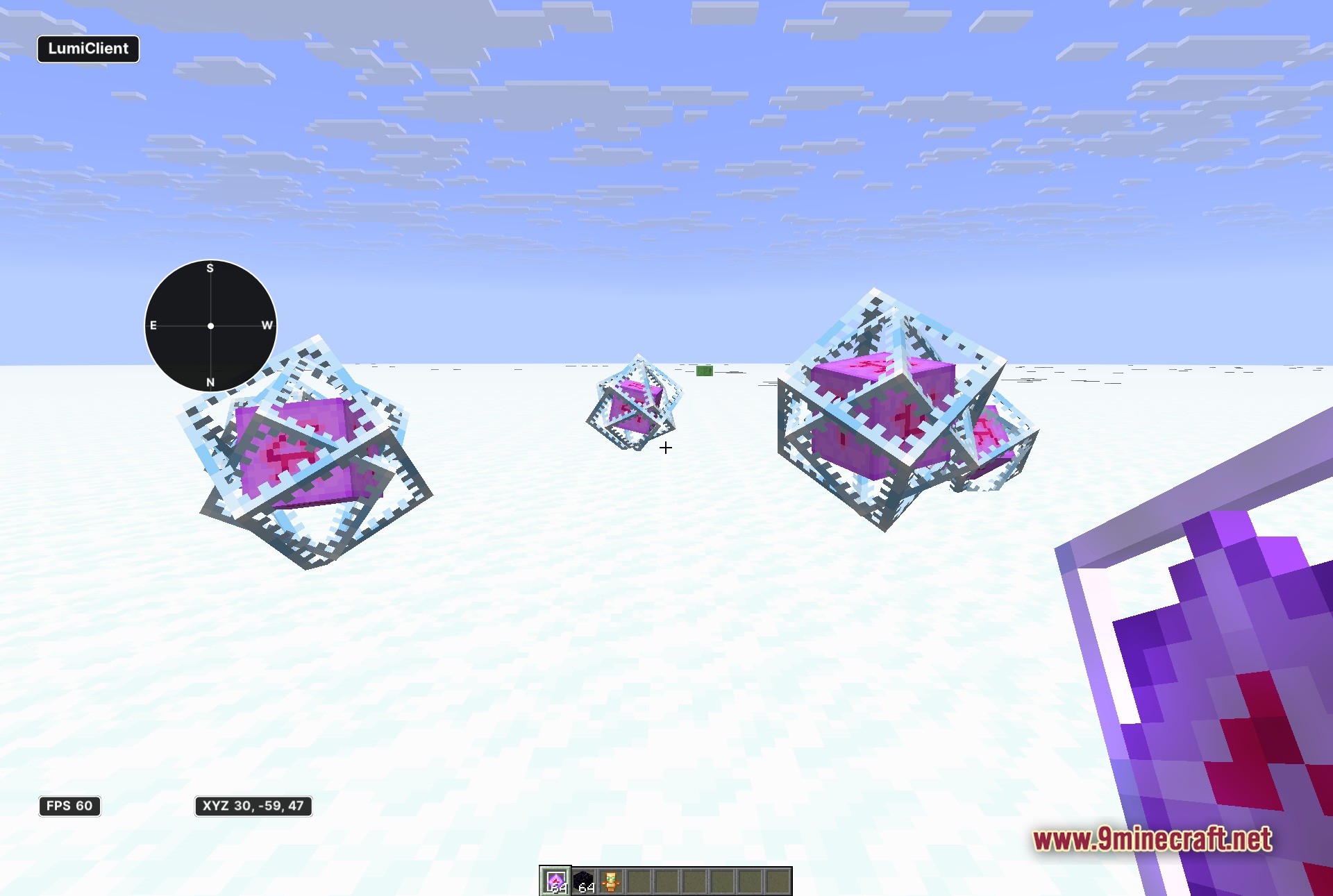
Screenshots:
How to Install:
New to Minecraft? Follow our step-by-step guide to install Mods on your PC.View Guide
Requirements:


Lumi Client Mod Download Links
For Minecraft 1.21.11
Click to rate this post!
[Total: 0 Average: 0]
You May Also Like






This post has no comments yet. Be the first — your comment will appear here.