


LARP Client Mod (1.21.11) – Dominate Crystal PvP on Anarchy Servers
 0
0
 0
0

🌐 Read this article in your language! Choose your preferred language below.
Or pick the one you like:
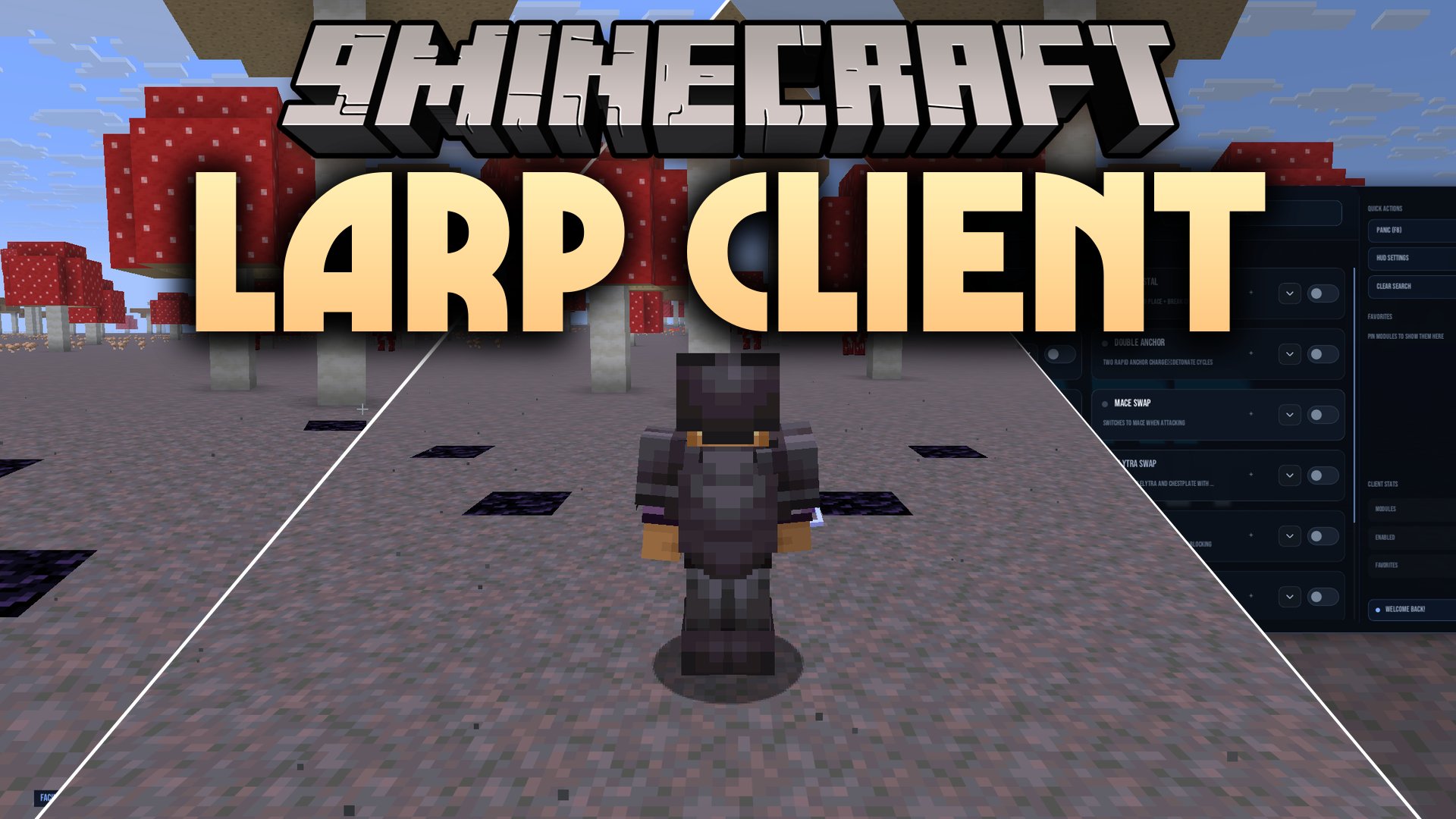
LARP Client Mod provides a smooth utility interface packed with combat and visual tools for multiplayer servers. This mod helps you manage tricky combat situations on anarchy worlds with automated helpers like totem hot-swapping and crystal placements. It also cleans up your screen with customizable HUD overlays, bright mob outlines, and extra rendering tweaks. You can switch different features on and off quickly during gameplay using simple menus and custom keybinds.
Features:
- NanoVG ClickGUI: Opens a dark-themed visual menu with searchable tabs across combat, movement, render, and world settings.
- Combat Suite: Automates vital fighting actions including Auto Totem, Auto Crystal, Anchor Macros, Mace Swapping, and Triggerbot.
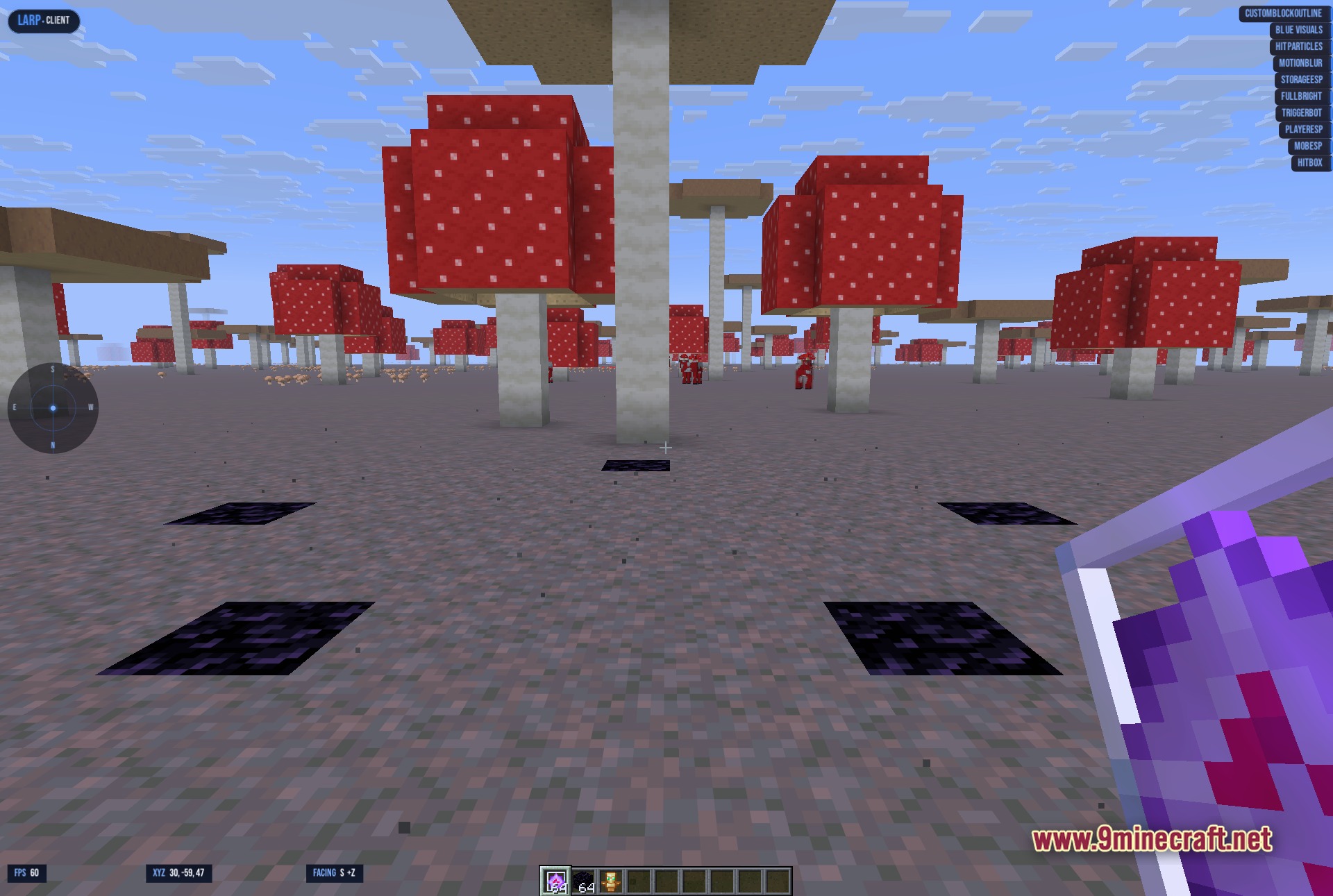
- Visual Overlays: Highlights chests, players, and mobs through terrain with Storage ESP and glowing entity boxes.
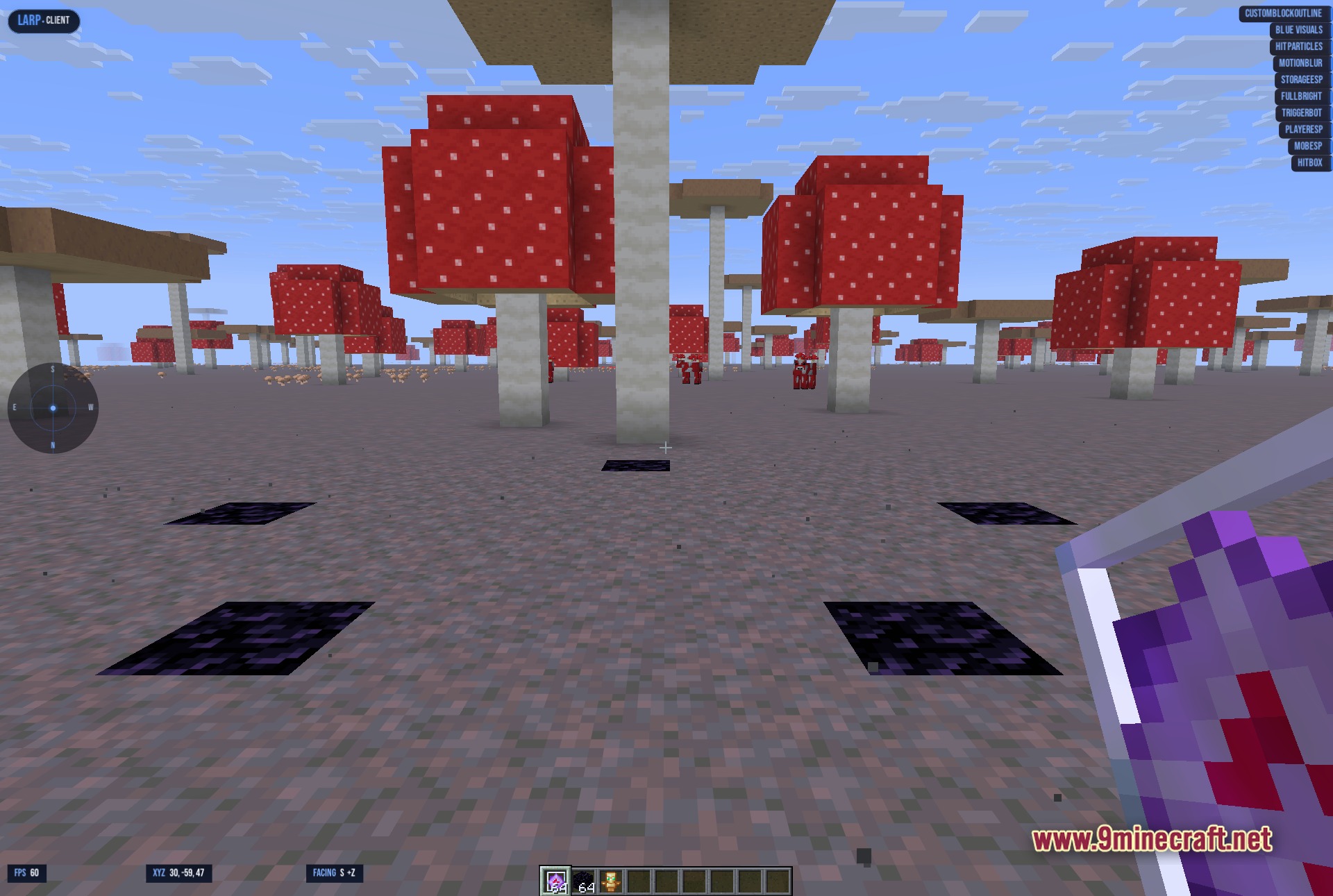
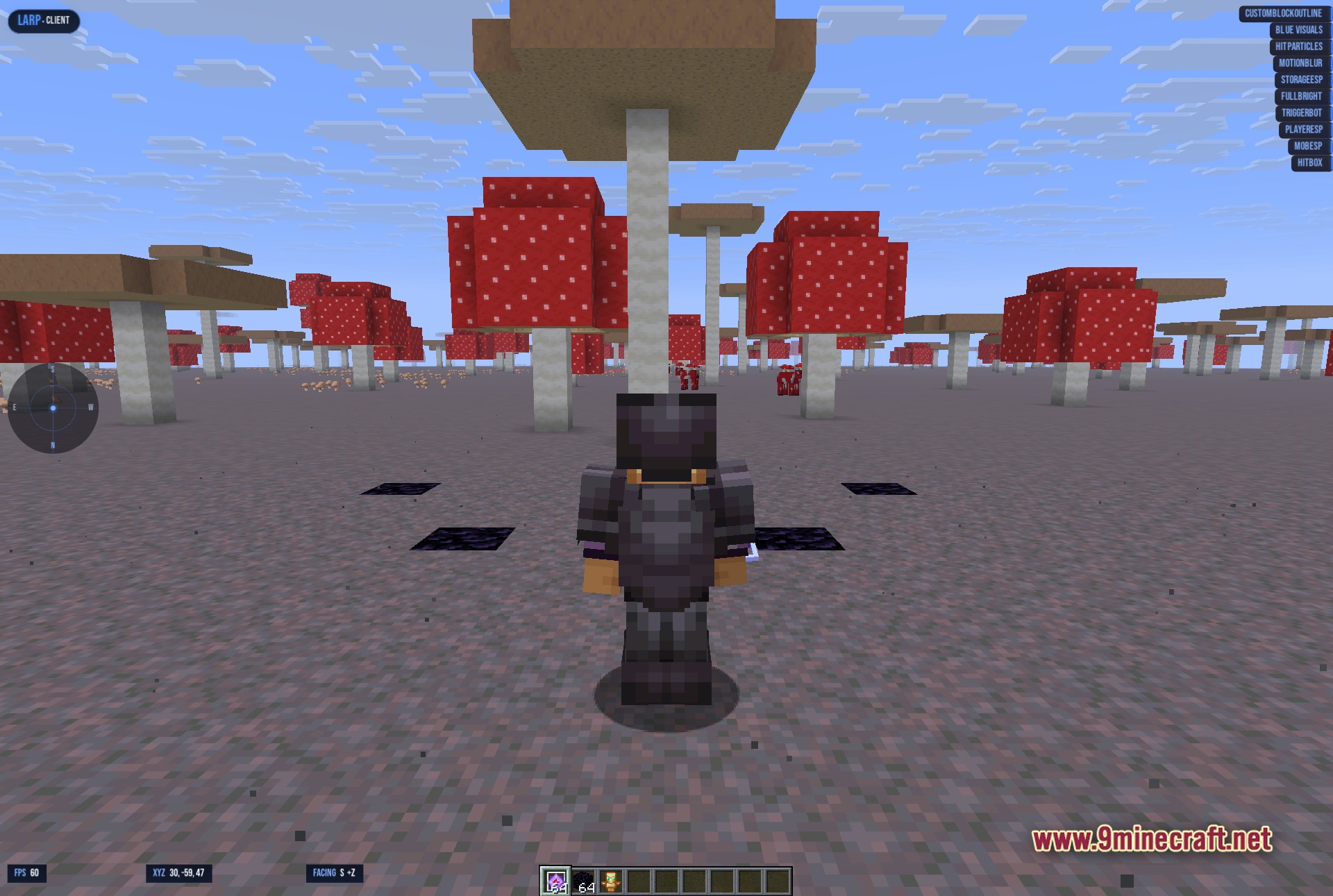
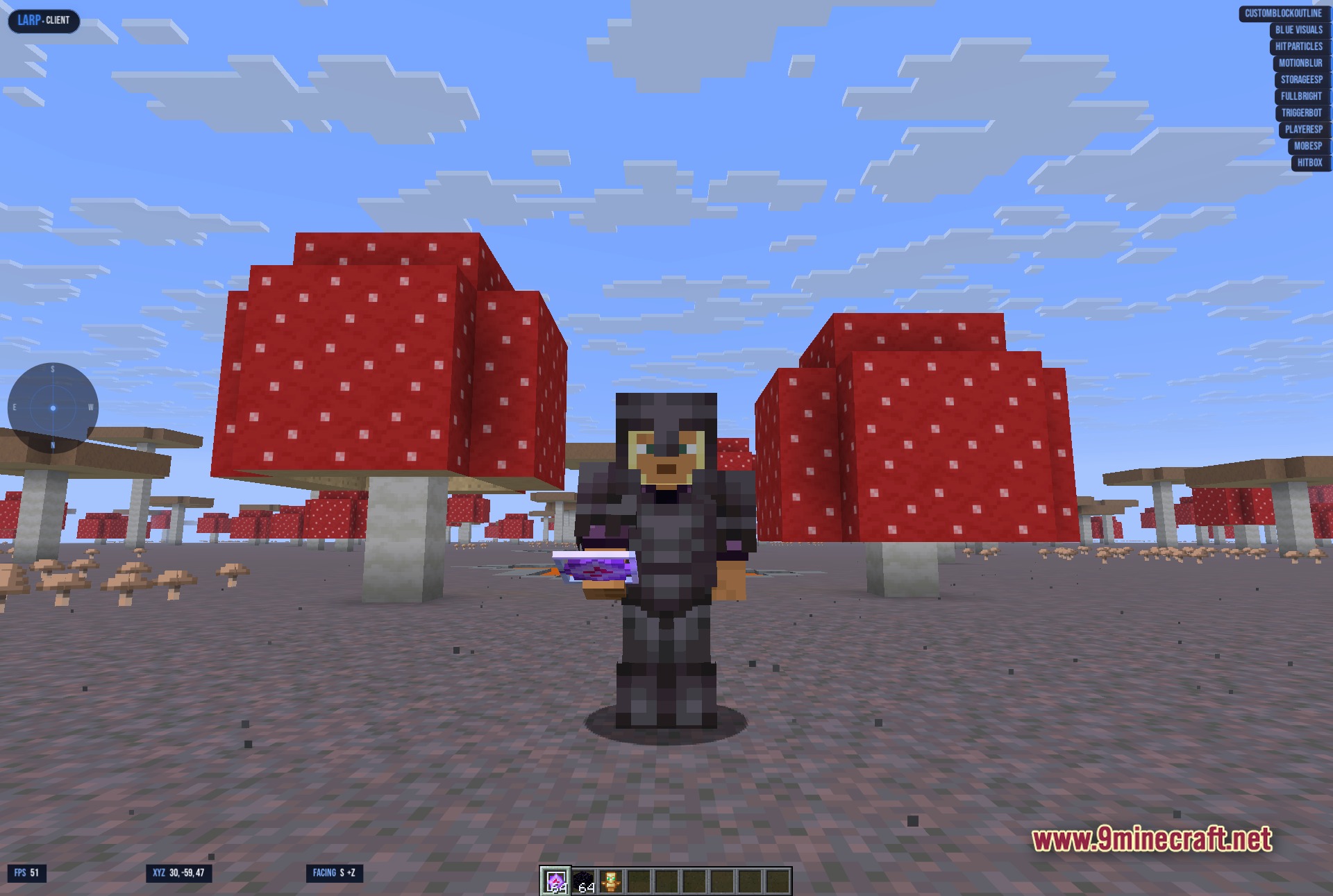
- Shows an active module list directly on your game HUD with quick counters for total and active settings.
- Adds motion blur and custom block outlines to adjust the look of your camera and environment.
- Includes a quick panic button on the F8 key to turn off all active tools immediately.
- Lets you pin favorite modules to a quick-action side panel for faster access in the middle of battle.
- Keeps your custom keybinds and module setups saved between game restarts while running light on system memory.
Best Used For:
- Staying alive during chaotic fights on anarchy servers.
- Improving reaction times and hotbar swaps during Crystal PvP matches.
- Keeping track of active utility tools on screen with a neat HUD list.
- Customizing keybinds to trigger specific combat actions instantly.
- Testing different render overlays against standard vanilla gameplay.
How to Use:
- Press the default menu key to open the main ClickGUI interface.
- Browse category tabs or type module names into the search bar.
- Click any module to toggle it or assign a custom keybind for fast activation.
- Pin your most used modules to the Favorites side panel.
- Press F8 at any time to activate the panic button and disable all modules.
Screenshots:
How to Install:
New to Minecraft? Follow our step-by-step guide to install Mods on your PC.View Guide
Requirements:


LARP Client Mod Download Links
For Minecraft 1.21.11
Click to rate this post!
[Total: 0 Average: 0]
You May Also Like






This post has no comments yet. Be the first — your comment will appear here.