


Sovereign Structure Bounds Mod (1.20.1) – Claim Chunks and Protect Your Base
 0
0
 0
0

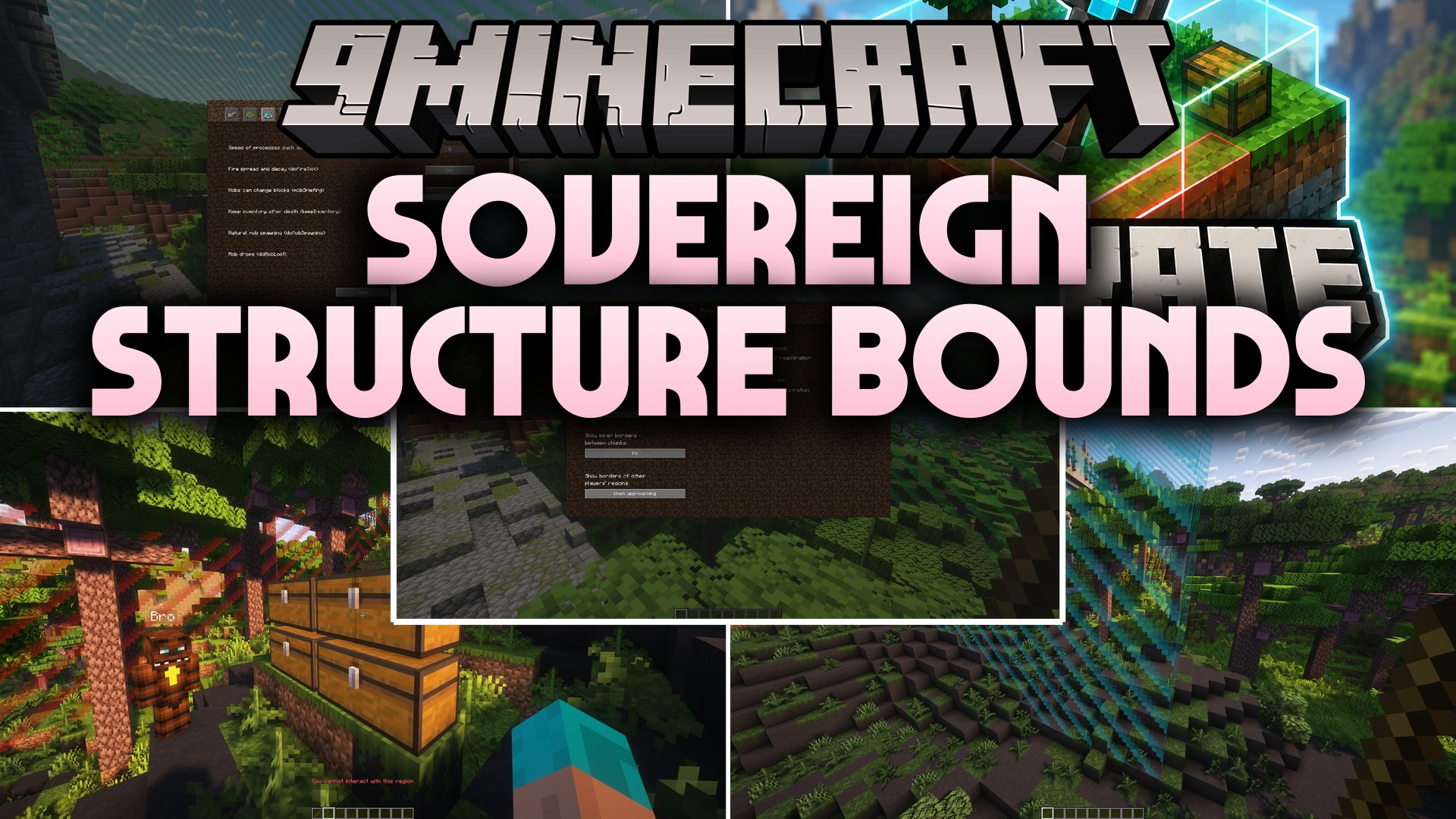
Sovereign Structure Bounds Mod brings simple land protection and territory management directly to modded Minecraft servers. It lets players and server owners create safe zones by selecting chunks with a special tool. The mod provides visual borders and an in-game screen to control who can build, break blocks, or open containers without needing external server plugins.
Features:
- Chunk Land Claims: Lets players claim and manage specific world chunks to protect their bases.
- Region Wand: Provides a dedicated crafting tool used to select land chunks in the world.
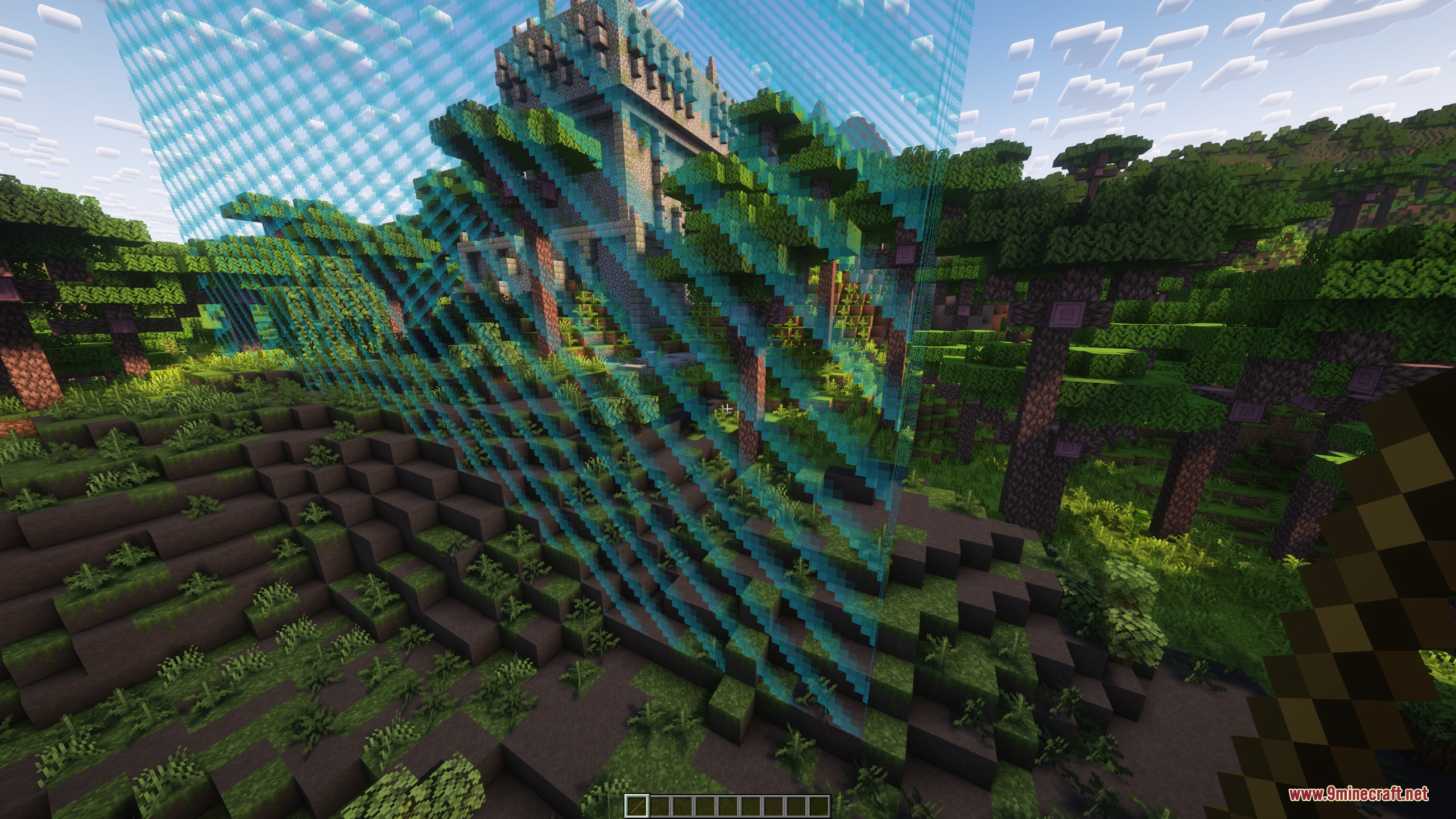
- Displays glowing borders around selected areas, owned plots, and foreign land.
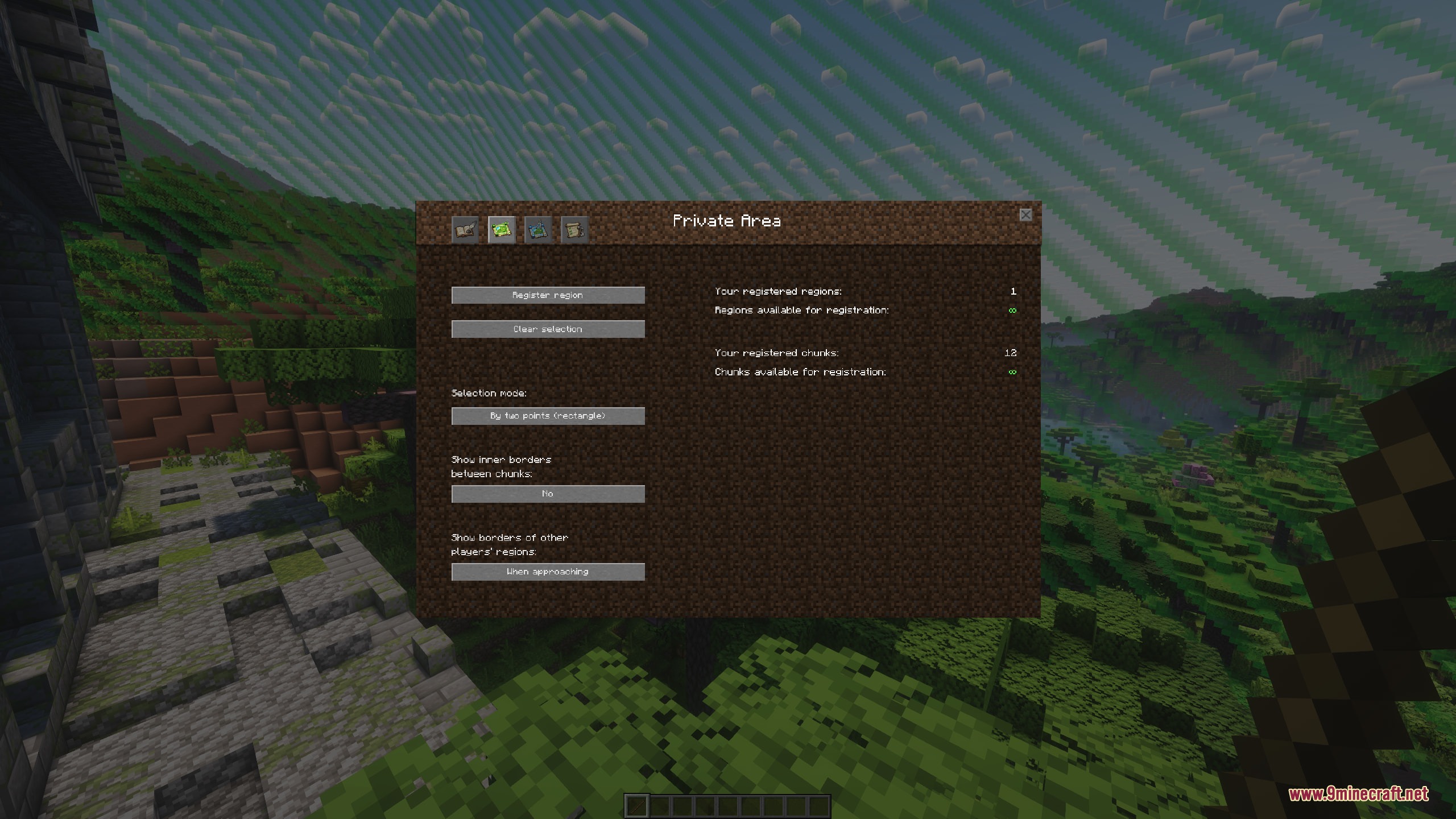
- Opens a clean graphic menu to register claims and adjust territory settings without chat commands.
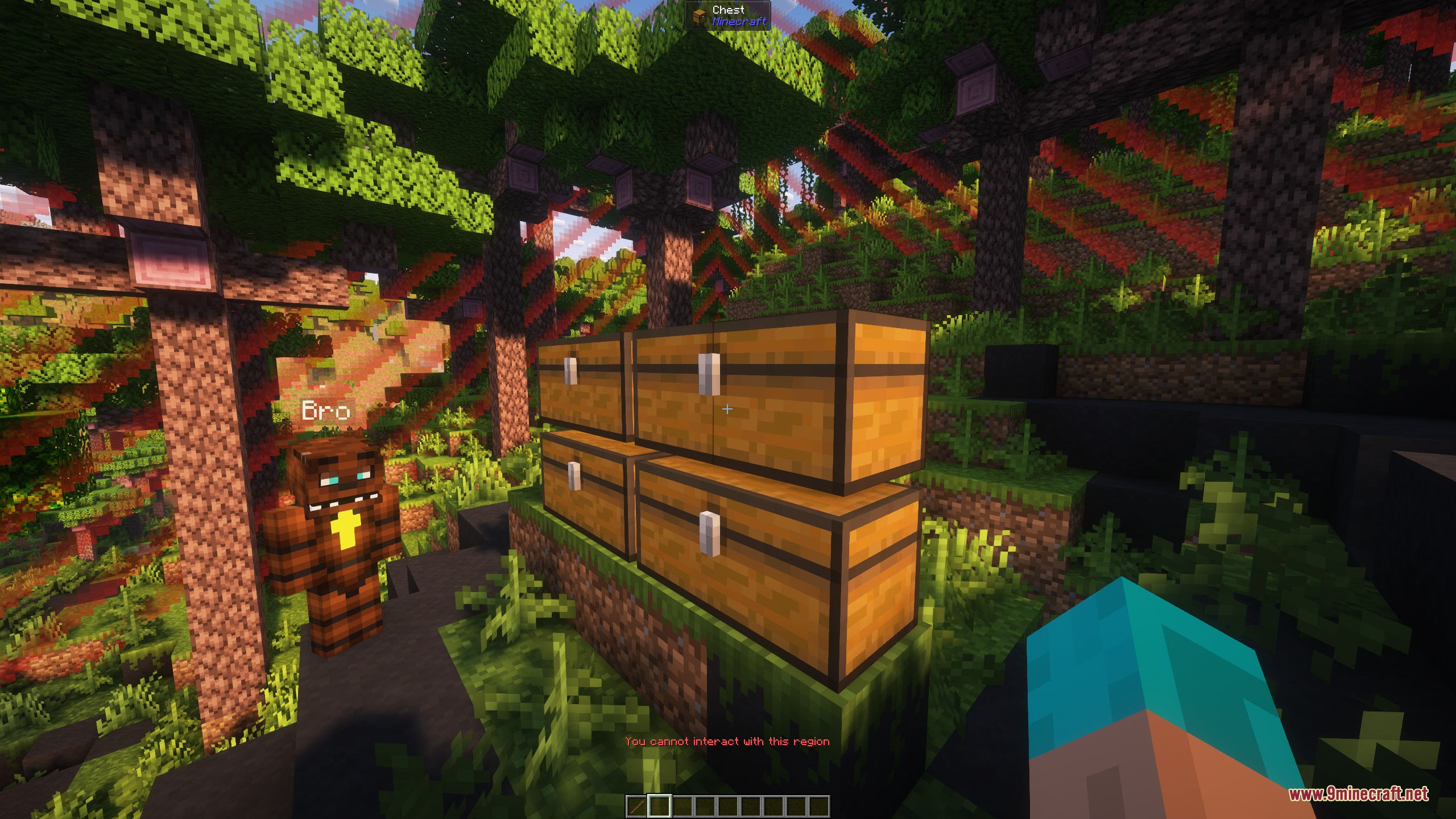
- Blocks unauthorized visitors from breaking blocks, placing blocks, and opening storage chests.
- Lets territory owners invite friends as members or co-owners to help manage the claim.
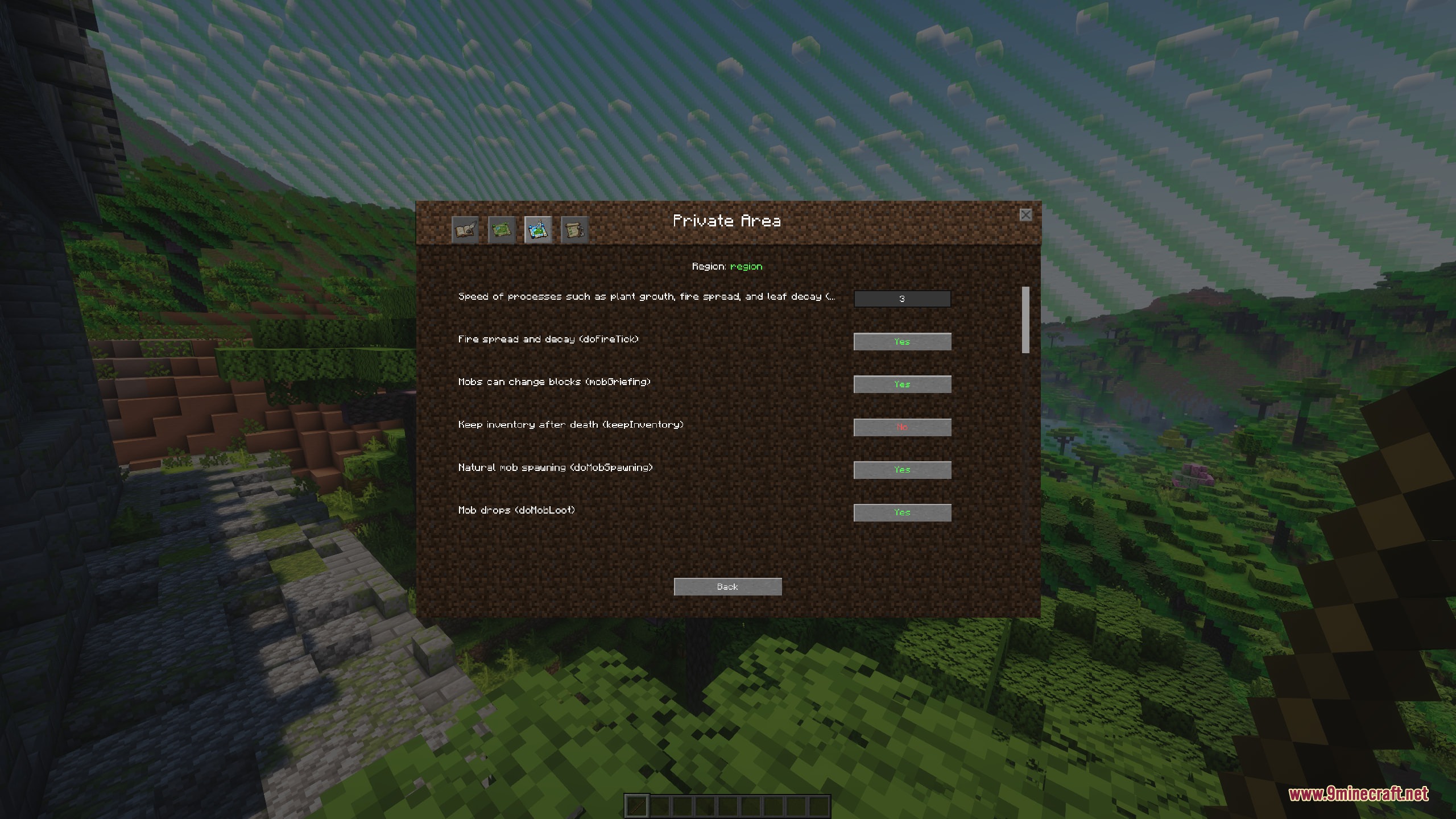
- Includes custom rule switches to toggle interactions, damage types, and local gamerule overrides.
- Allows owners to expand, shrink, or delete their protected territories at any time.
- Includes built-in tutorial pages inside the menu to guide new players through claiming land.
- Provides administrator controls to set claim limits for players across the server.
How to Use:
- Craft the Region Wand tool using the in-game recipe.
- Hold the Region Wand and select the chunks you want to protect.
- Open the claim menu interface to register your new territory.
- Add friends as members or co-owners from the player management screen.
- Adjust region rules to decide permissions for block placement, chest access, and interactions.
Screenshots:

How to Install:
New to Minecraft? Follow our step-by-step guide to install Mods on your PC.View Guide
Requirements:
 Minecraft Forge Required
 NeoForge Required
 Fabric Loader Required
 Fabric API Required
Quilt Loader Required
Sovereign Structure Bounds Mod Download Links
Click to rate this post!
[Total: 0 Average: 0]
You May Also Like

This post has no comments yet. Be the first — your comment will appear here.