


Visual Redstone Logic Mod (26.2, 1.21.1) – Automate Repetitive Daily Tasks
 4
4
 0
0

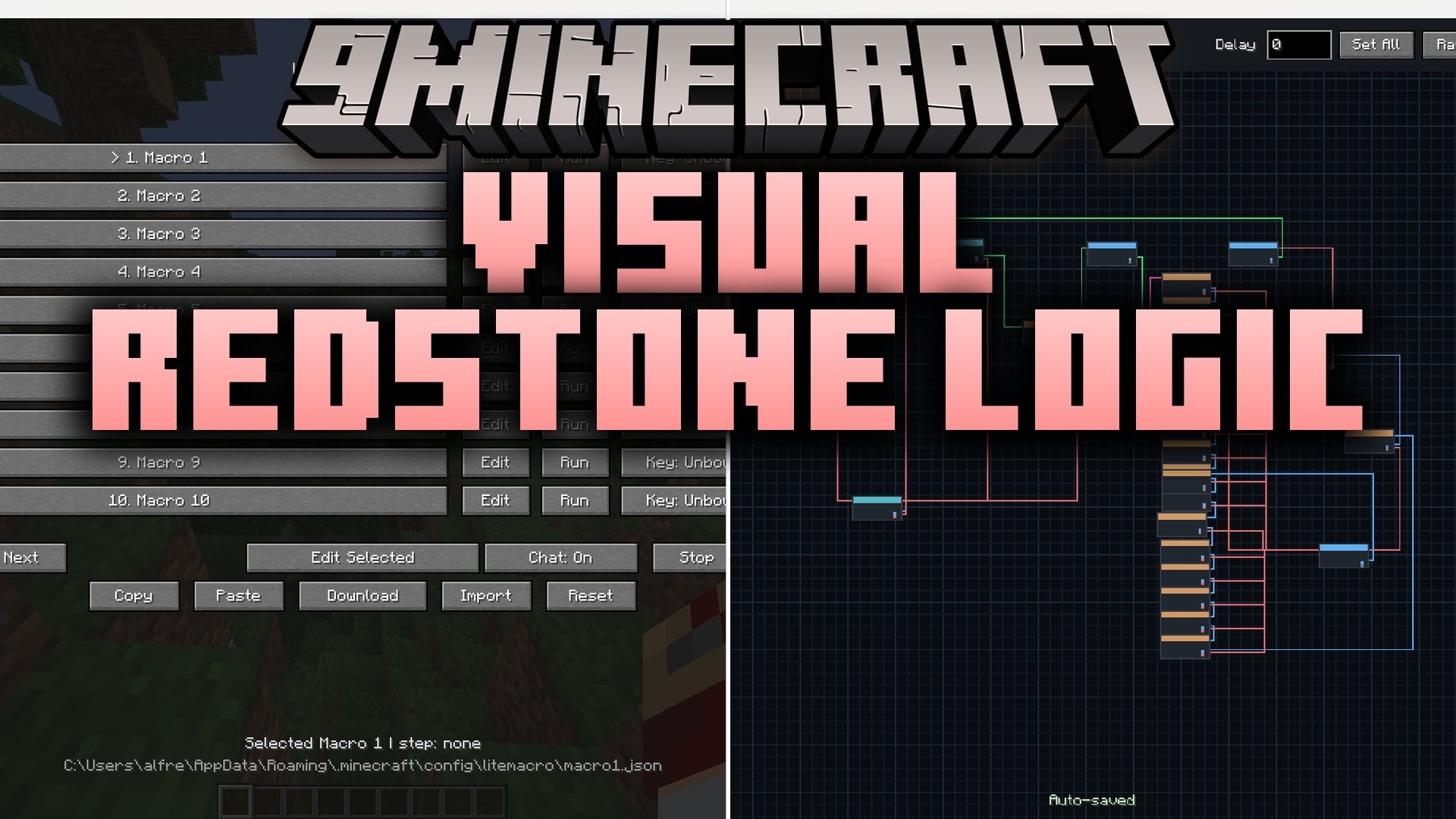
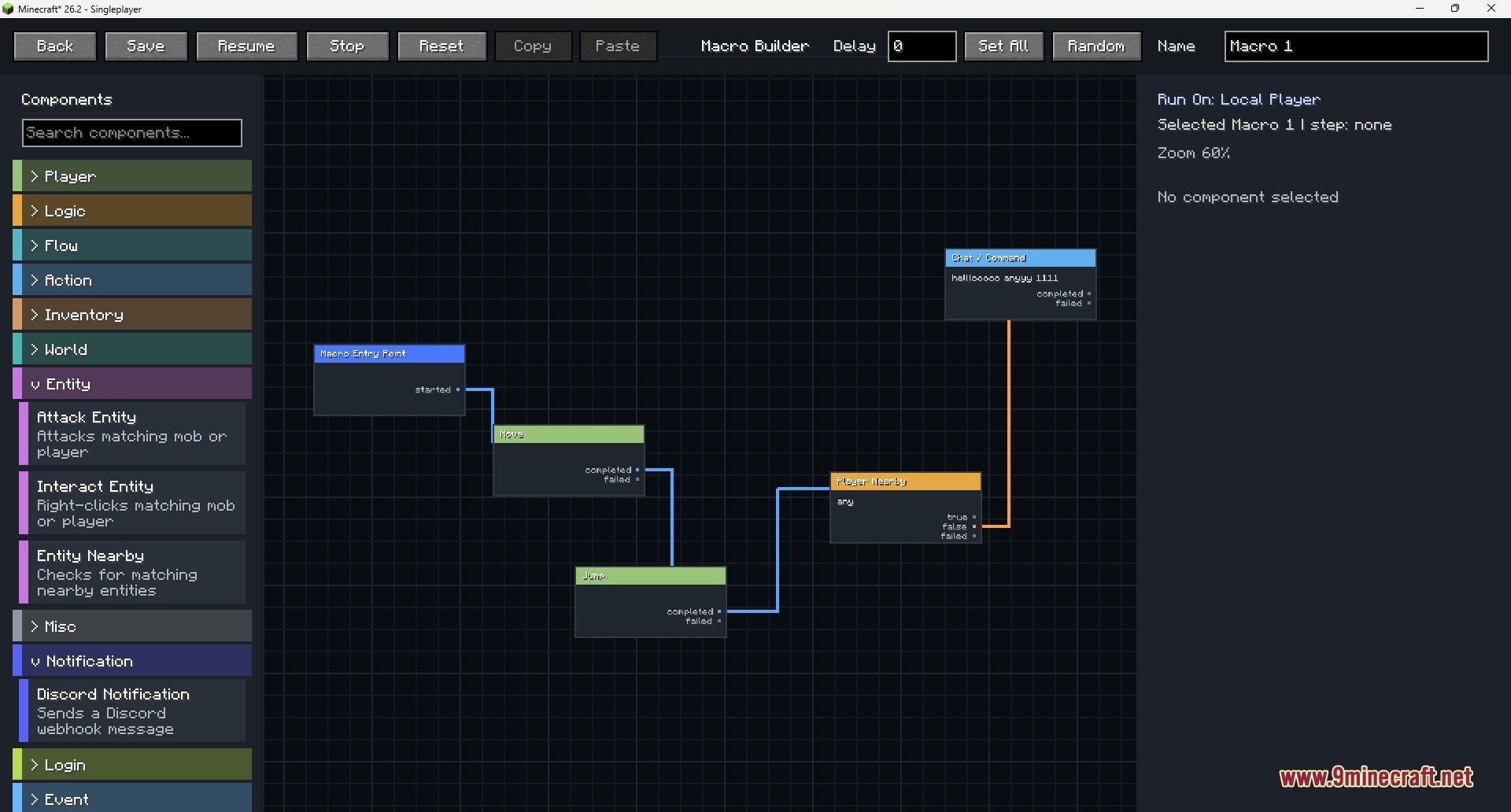
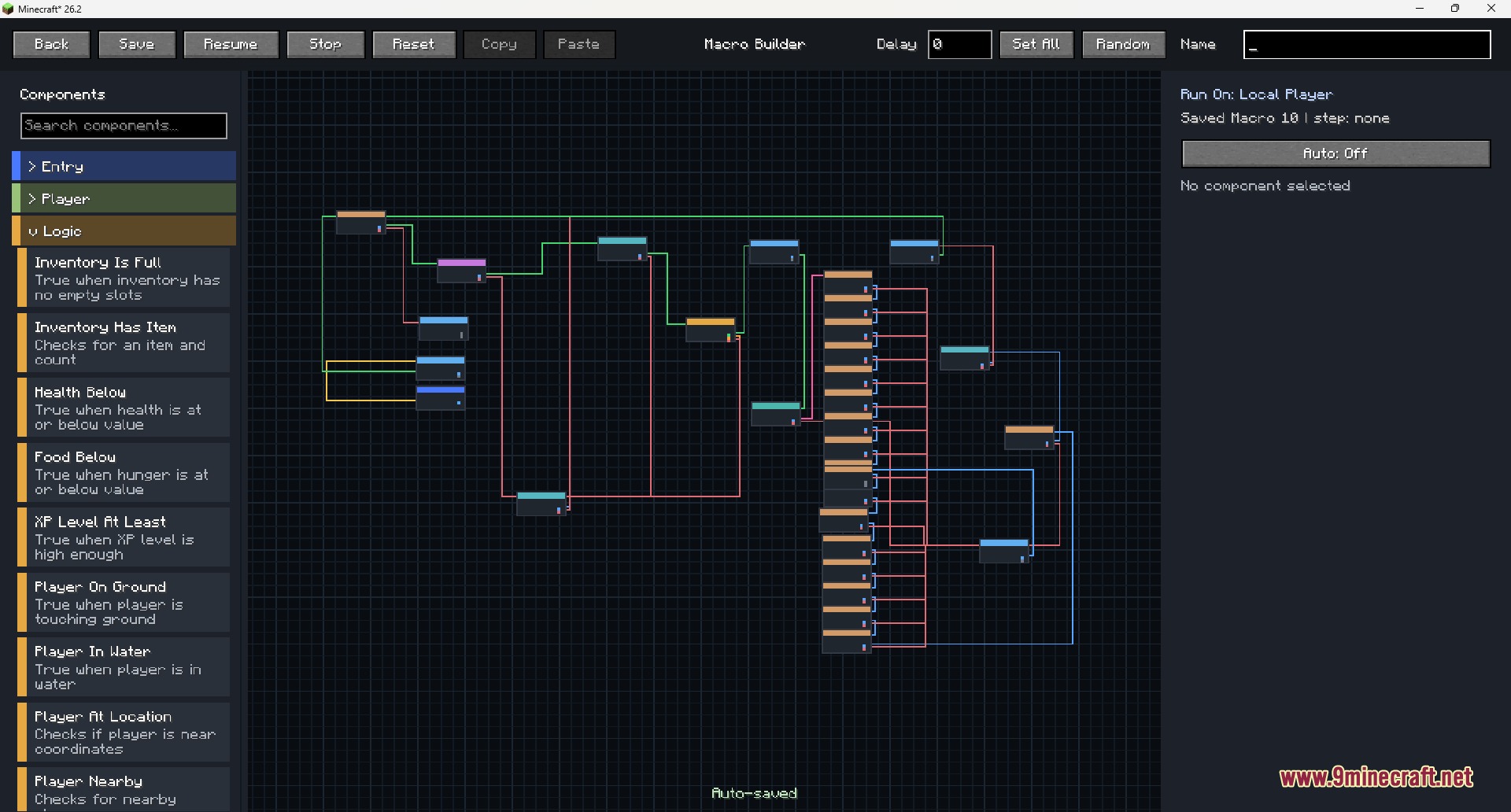
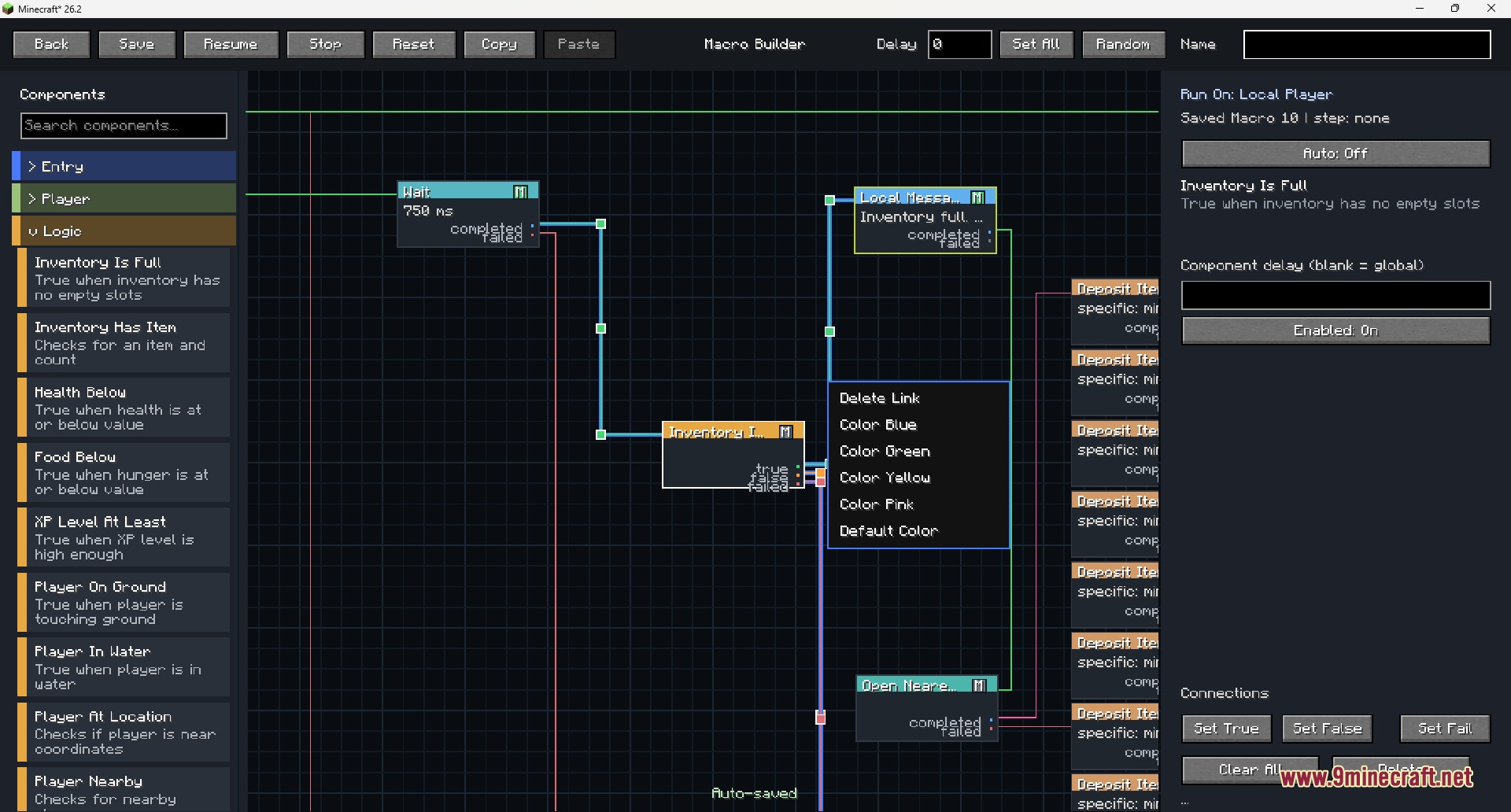
Visual Redstone Logic Mod equips you with an in-game visual node editor to create, save, edit, and run custom macros. You can drag components into a workspace, connect actions with true or false logic lines, add delays, and test conditions without writing code. This mod lets you automate common actions like sending commands, checking inventory status, clicking GUI items, and sending Discord notifications.
Features:
- Build custom action routines using drag-and-drop visual node blocks.
- Connect components with true, false, completed, and failed logic pathways.
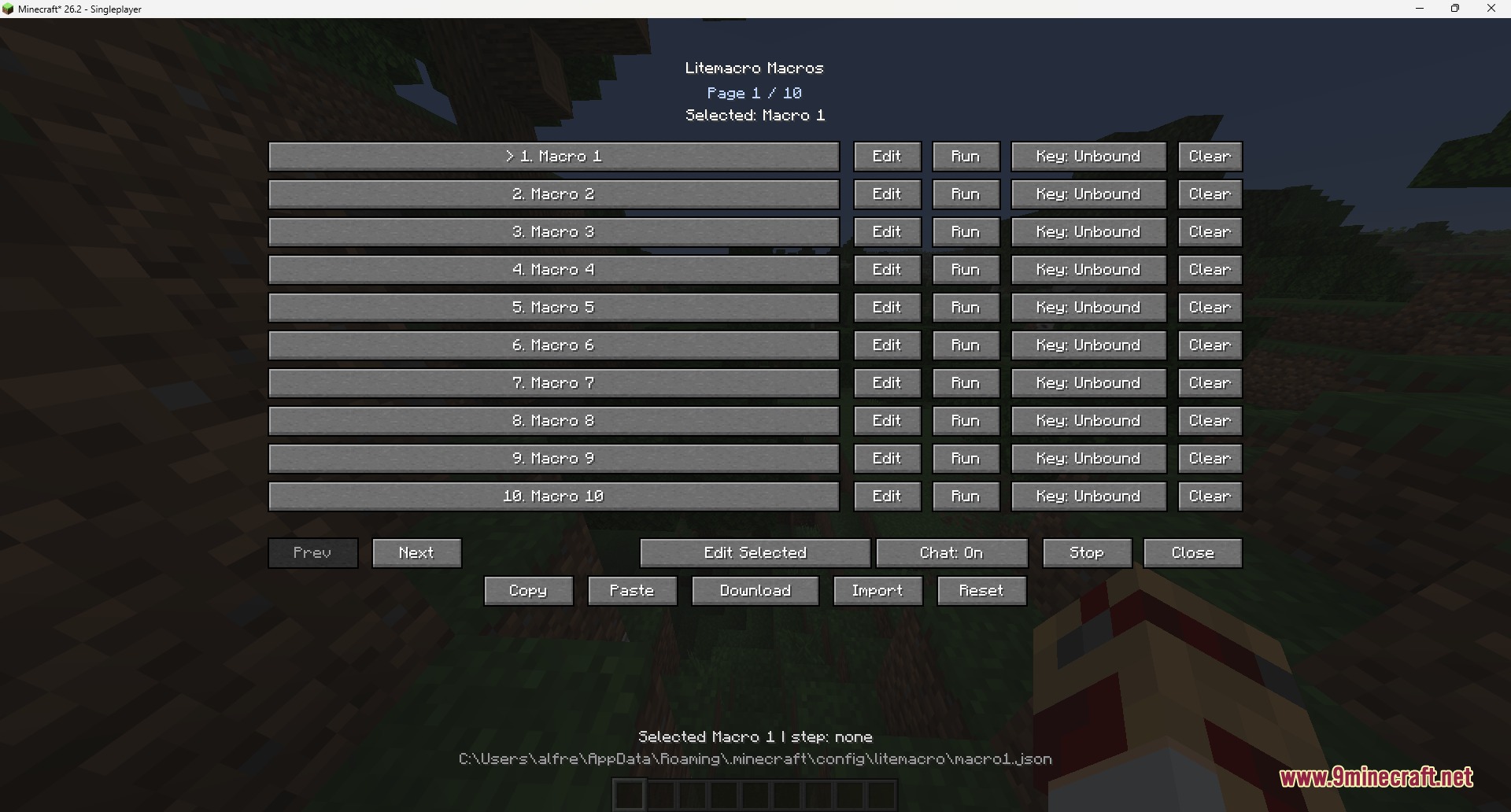
- Organize and store up to 100 individual saved macro setups in your profile.
- Automate repetitive tasks like sending chat commands, using items, and opening chests.
- Check player inventory and move target item stacks into storage blocks quickly.
- Auto-click or hold mouse buttons with custom click speed and intervals.
- Set up automatic reconnection actions when disconnected from a server.
- Send status alerts and notifications directly to Discord webhooks.
- Export and import saved macros to share configurations between setups.
How to Use:
- Press B or open the editor from the main menu.
- Select an open slot and click Edit.
- Drag components from the left menu into the workspace starting from the Macro Entry Point.
- Connect node output dots to link actions, delays, and logic branches.
- Click Save and press Run from the macro list to start the routine.
Screenshots:
How to Install:
New to Minecraft? Follow our step-by-step guide to install Mods on your PC.View Guide
Requirements:


Visual Redstone Logic Mod Download Links
For Minecraft 26.2
For Minecraft 1.21.11
For Minecraft 1.21.1, 1.21
Click to rate this post!
[Total: 1 Average: 1]
You May Also Like





This post has no comments yet. Be the first — your comment will appear here.