
Dead Chest 9minecraft Plugin (26.3) – Keep Your Items in a Chest When You Die
 40
 0

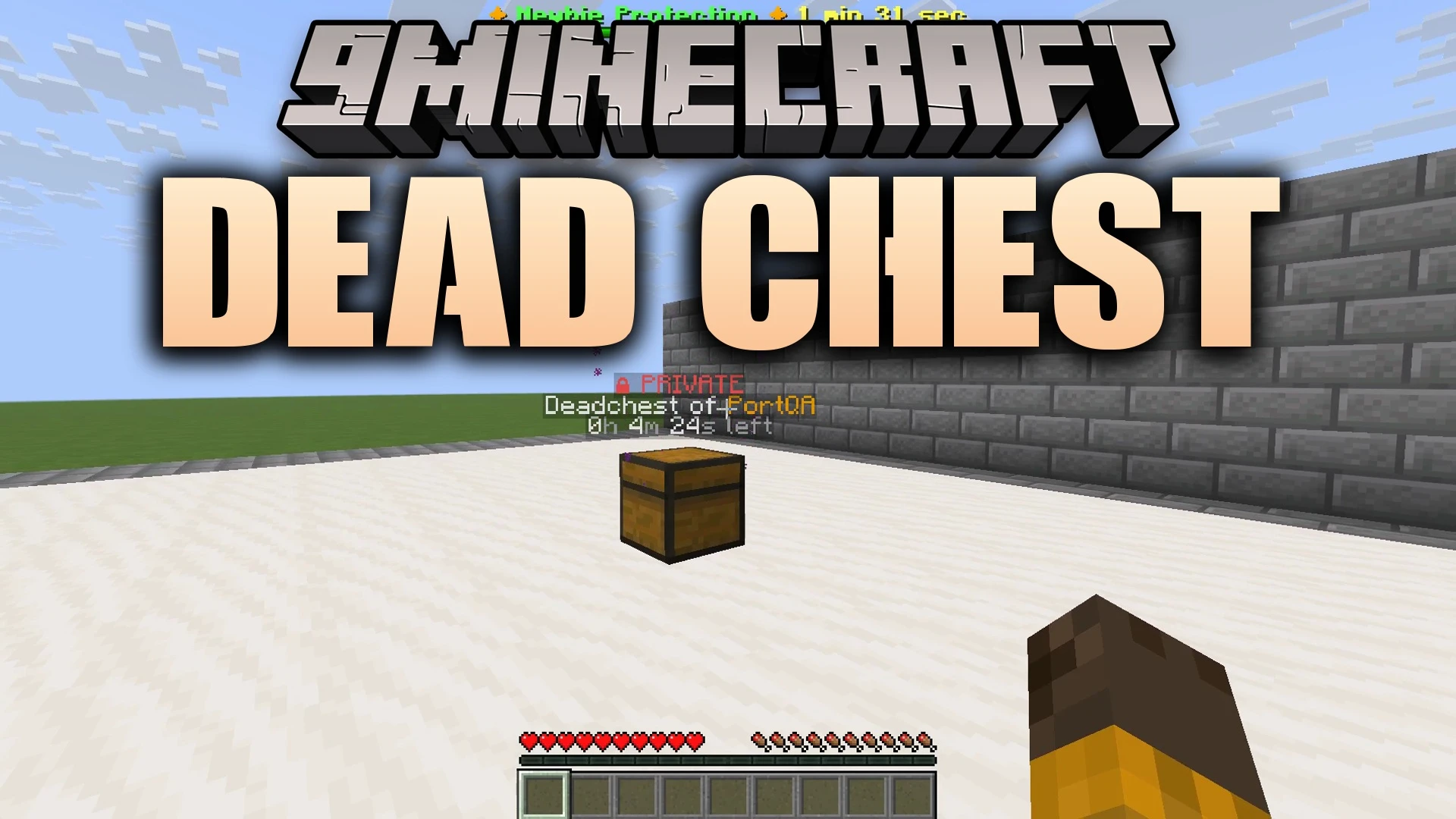
Dead Chest 9minecraft Plugin saves player inventories inside protective containers right at their death spot. It places a temporary chest or player head loaded with all dropped items, equipment, and optional experience points. A clear hologram hovers over the container to show the owner name and a countdown timer. Server operators can run this plugin to eliminate item despawn frustration and stop loot theft among community members.
Features:
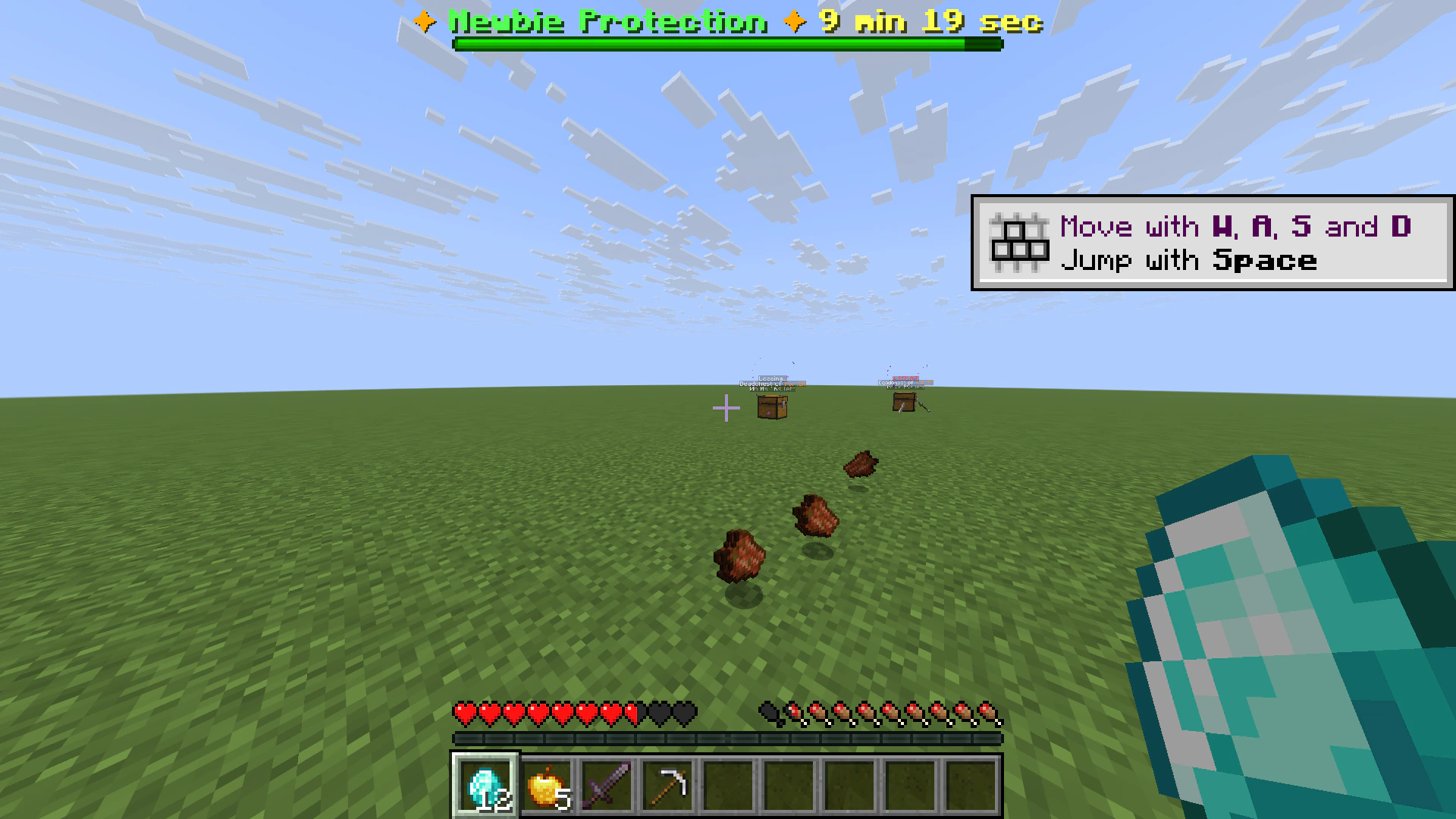
- Death Chest Creation: Automatically gathers full player inventories and armor sets into a secure chest at the exact death coordinates.
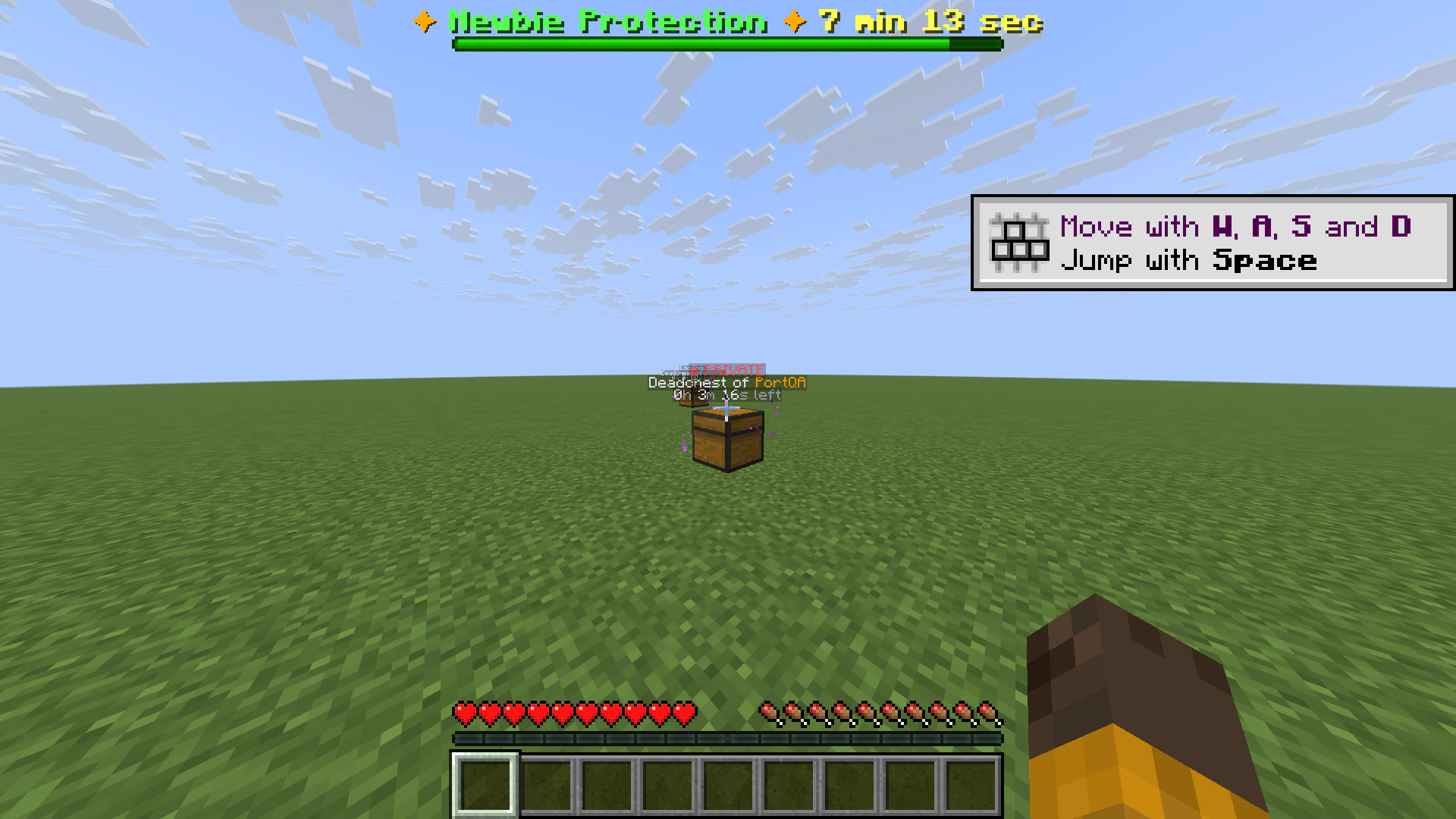
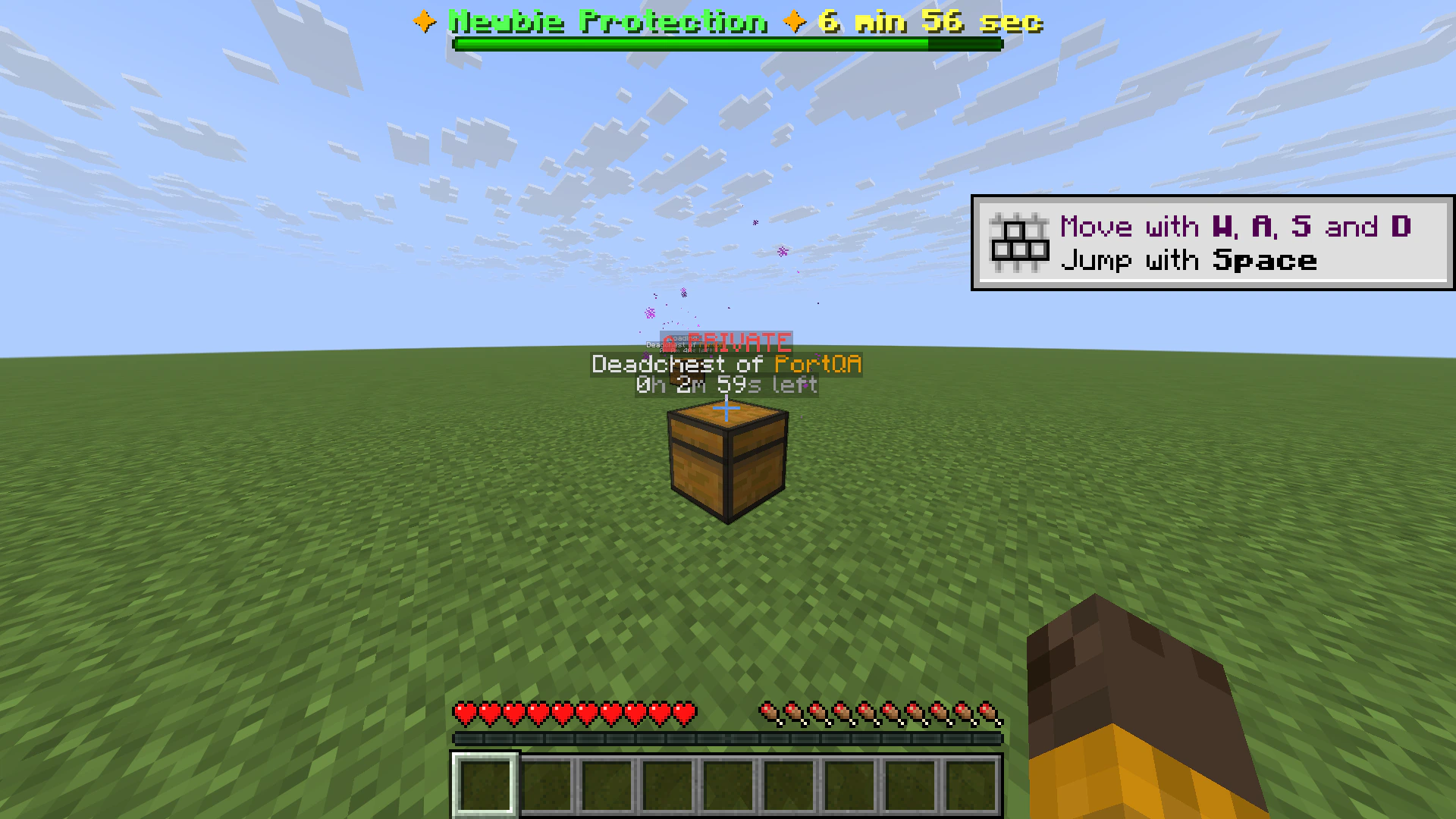
- Displays a floating hologram that shows the owner name along with the remaining despawn time.
- Supports both private owner-locked containers and open public chests.
- Offers optional storage for player experience points alongside regular inventory items.
- Prevents chest destruction from explosions and grief attempts.
- Lets server hosts choose between standard chests or custom player heads as the loot container.
- Provides custom timer durations, infinite chest options, and per-world rules.
- Includes item filtering to let specific items drop normally while storing the rest.
- Integrates cleanly with WorldGuard regions and Citizens 2 NPCs.
- Runs smoothly on standard server software as well as multithreaded Folia environments.
Dead Chest 9minecraft Plugin – Video Showcase
Commands:
/dc reload: Reloads all configuration files and settings./dc list: Shows a list of all active death chests belonging to you./dc list all: Displays every active death chest on the server./dc list: Lists all active death chests belonging to a specific player./dc remove: Clears all death chests owned by you./dc remove: Removes all death chests belonging to the target player./dc removeinfinite: Clears all infinite chests currently placed across worlds./dc removeall: Deletes every death chest active on the server./dc giveBack: Restores items from the oldest death chest directly to the player./dc ignore: Opens a container menu to manage ignored item types.
Configuration:
deadchest.generate: Allows a player to spawn a death chest upon dying.deadchest.chestPass: Lets staff bypass chest locks and open any player death container.deadchest.infinityChest: Grants a player unlimited duration on their death chests without expiration.deadchest.giveBack: Gives permission to return chest inventories to players via command.deadchest.admin: Grants full management access over all plugin commands and configurations.
How to Use:
- Play normally on the server without worrying about scattered item drops upon dying.
- Head back to your death location to spot the chest marked with your name and timer.
- Right-click the chest to recover your armor, tools, and stored items.
- Type
/dc listin chat if you need to review your active chest coordinates.
Screenshots:
How to Install:
New to Minecraft? Follow our step-by-step guide to install Plugins on your PC.View Guide
Dead Chest 9minecraft Plugin Download Links
For Minecraft 26.3
Click to rate this post!
[Total: 0 Average: 0]
You May Also Like
Picked for this page
 Ultimate Donut SMP Plugin (26.2, 1.21.11) – Everything Players Need to Trade
 Economy Shop999 Plugin (1.21.11, 1.21.1) – Visual Store Menus So Players Stop
 Cunning Instincts Plugin (26.2, 1.20.1) – Make Monsters Fight Smart
 Set Homes Two Plugin (26.2, 1.20.1) – Give Players a Safe Way Back
 Ultimate Duels Plugin (1.21.11, 1.21.1) – Let Players Settle Grudges
 Fancy Npcs Plugin (26.3, 1.21.11) – Fill Empty Lobbies with Characters Players
 World Guard Plugin (26.3, 1.20.1) – Protect Player Builds From Grief
 Bat Membranes Plugin (26.2, 1.21.1) – Fix Elytras Without Fighting Phantoms
 Temperature999 Plugin (1.21.11, 1.21.1) – Punish Players Who Ignore the Heat
 Nekorelay Plugin (26.2, 26.1.2) – Play with Friends Instantly Without Router
 Crafters Staff Plugin (1.21.11, 1.21.1) – Catch Rule Breakers Without Ruining
 R Authorization Plugin (26.2, 1.20.1) – Stop Account Thieves From Ruining
Most viewed in Plugins over the last 7 days
 Vulcan Anti Cheat Plugin (1.21.8, 1.20.1) – A Powerful Shield Against Cheating
 Citizens Plugin (1.21.10, 1.20.1) – The Best NPC Plugin
 Displaymotion Plugin (1.21.4) – Amaze Players with Custom Animations and No Client Mods
 Dynmap 9minecraft Plugin (26.3) – A Live Google-Maps-Style View of Your Whole Server
 Ultimate Donut SMP Plugin (26.3, 1.20.1) – Build Teams Trade Goods
 MMOItems Premium Plugin (1.21.8, 1.20.1) – Create Stunning Custom Items
 WorldEdit Plugin (1.21.11, 1.20.1) – Easy In-Game Minecraft Map Editor
 Citizens2 Plugin (1.21.8, 1.20.1) – Craft Unique NPCs
 Grim Anticheat Plugin (26.3, 1.20.1) – Realtime Cheat Detection Plugin
 MythicCrucible Plugin (1.21.8, 1.20.1) – Addon for MythicMobs
 MythicMobs Premium Plugin (1.21.9, 1.20.1) – Craft Epic Custom Mobs And Bosses
 Vehicles Plus Plugin (1.21.11, 1.20.1) – Realistic Vehicle Plugin
More from Plugins
 GunsAndGadgets Plugin (1.21.10) – Turn Survival Fights Into Tactical Firearm Shootouts
 Surgery Plugin (1.21.10) – Turn Player Injuries Into Intense Medical Roleplay
 MarketBlock Plugin (1.21.10) – A Fair Trade Market That Rewards Fresh Harvests
 TFMCCore Plugin (1.21.10) – Custom Item Lore and Animal Whistles for Roleplay Servers
 Economy SMP Plugin (26.2, 1.21.1) – Turn Survival Worlds Into Active Trading
 Audio Navigation Plugin (1.21.10) – Helping Blind Players Explore Every Server
 VFBuilders Plugin (1.21.10) – Give Players Real Workshops to Assemble Vehicles
 DenarEconomy Plugin (1.21.10) – Give Each Roleplay Character Their Own Coin Purse
 Thievery Plugin (1.21.10) – Turn Every Burglary Into a High-Stakes Roleplay Heist
 BarterShops Plugin (1.21.10) – Turn Empty Towns Into Bustling Player Markets
 BirdMessenger Plugin (1.21.10) – Carrier Birds Deliver Mail Across Roleplay Towns
 VehicleFramework Plugin (1.21.4) – Drive, Sail, and Fly Across the Map Together

This post has no comments yet. Be the first — your comment will appear here.