
Shopkeepers Plugin (1.21, 1.20.1) – Every Player Runs a Shop

 0


Shopkeepers Plugin lets you set up custom villager shops that sell the exact items you want at your chosen prices. You can build admin shops with infinite supplies or player shops that pull stock straight from a chest. Player shops include four modes for selling, buying, trading, and selling books, and you can display any shop as a supported mob, a sign, or a Citizens NPC. This plugin can also block trades with regular villagers and gives you a simple visual editor to change trades on vanilla villagers and wandering traders without tricky commands. It runs on CraftBukkit and Spigot servers to give multiplayer worlds an easy custom trading system.

Known potential issues
- A list of known potential issues of the latest version of Shopkeepers can be found in the wiki: This documents differences between Minecraft/Spigot versions, and existing Minecraft/Spigot issues related to Shopkeepers.
- If you run into an issue, check if this list already contains and maybe offers information on how to handle it.
But submitting a ticket is the best way to get help or report a problem with the plugin.
Before submitting a ticket:
- Check if your question is already answered in
- The documentation (wiki).
- The FAQ.
- The Known Issues.
- Check if there is already another ticket for your issue.
Before reporting an issue:
- Try to reproduce your issue when using:
- The latest versions of Spigot and Shopkeepers.
- No other plugins.
- No kinds of other server or client mods.
When reporting an issue:
- Provide the versions you are using of Minecraft, Spigot, and Shopkeepers.
- Provide a detailed description of your problem and add as much information as possible which could help reproduce the issue.
- If possible, include step-by-step instructions on how to reproduce the issue on a fresh Spigot server.
Features:
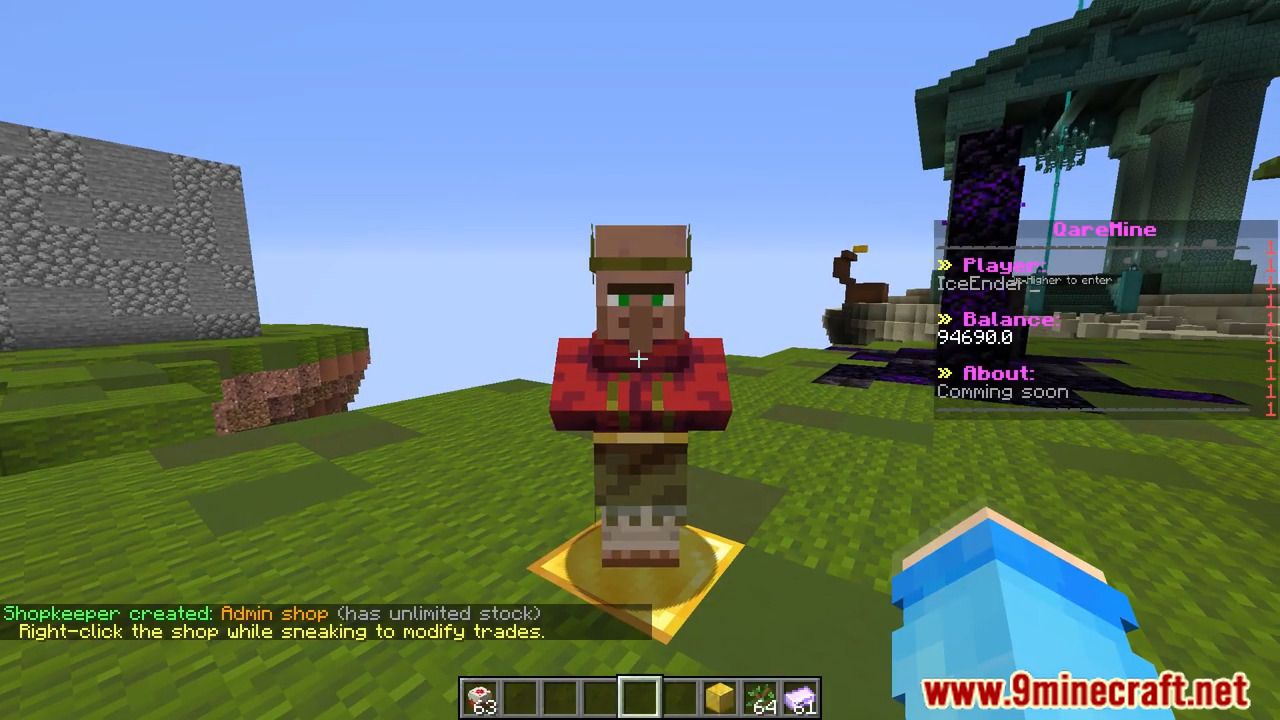
- Admin Shops: Create server shops with infinite supplies and set custom item trades through an in-game inventory menu.
- Player Shops: Let players run personal shops that pull items from a chest, with modes for selling, buying, trading, and selling books.
- Custom Shop Displays: Show shops using supported mob types, sign shops, or Citizens NPCs instead of only villagers.
- Villager & Wandering Trader Editor: Edit trades on regular vanilla villagers and wandering traders with a visual menu instead of complex commands.
- Blocks trades with regular non-shopkeeper villagers if you want all trading to go through custom shops.
- Includes many config options, such as chest protection, colored shop names, tax rates, strict item comparison, purchase logging, delayed saves, and removal of inactive shops.
- Supports compatibility options for WorldGuard, Towny, Citizens, Gringotts, and other Vault economy plugins.
- Offers translatable messages so servers can display shop text in different languages.
- Works with official and third-party addon plugins that add extra features.
- Runs on CraftBukkit and Spigot servers, while Tekkit, Forge, and Cauldron do not work, and CraftBukkit or Spigot forks are not officially supported.
- Shares open-source code on GitHub and includes optional anonymous bStats usage tracking that you can turn off in the config.
Configuration:
enable-metrics: Set this option tofalsein the plugin config file to turn off anonymous bStats tracking for this plugin only.plugins/bStats/config.yml: Edit this file to turn off bStats tracking for every plugin on your server.
How to Use:
- Run Shopkeepers Plugin on a CraftBukkit or Spigot server so you can create custom shops in your world.
- To set up an admin shop, open the in-game inventory menu and choose your items and prices; the trading menu then opens for players with infinite stock.
- To set up a player shop, fill the shop chest with your items first so your shop has supplies ready to trade.
- Open the in-game inventory menu to pick the trades and prices for your player shop; the trading menu then shows your custom offers to other players.
- Choose a supported mob type, a sign shop, or a Citizens NPC to represent your shop in the world.
- Open the built-in visual editor on regular villagers or wandering traders whenever you want to change their vanilla trades without using commands.
Screenshots:
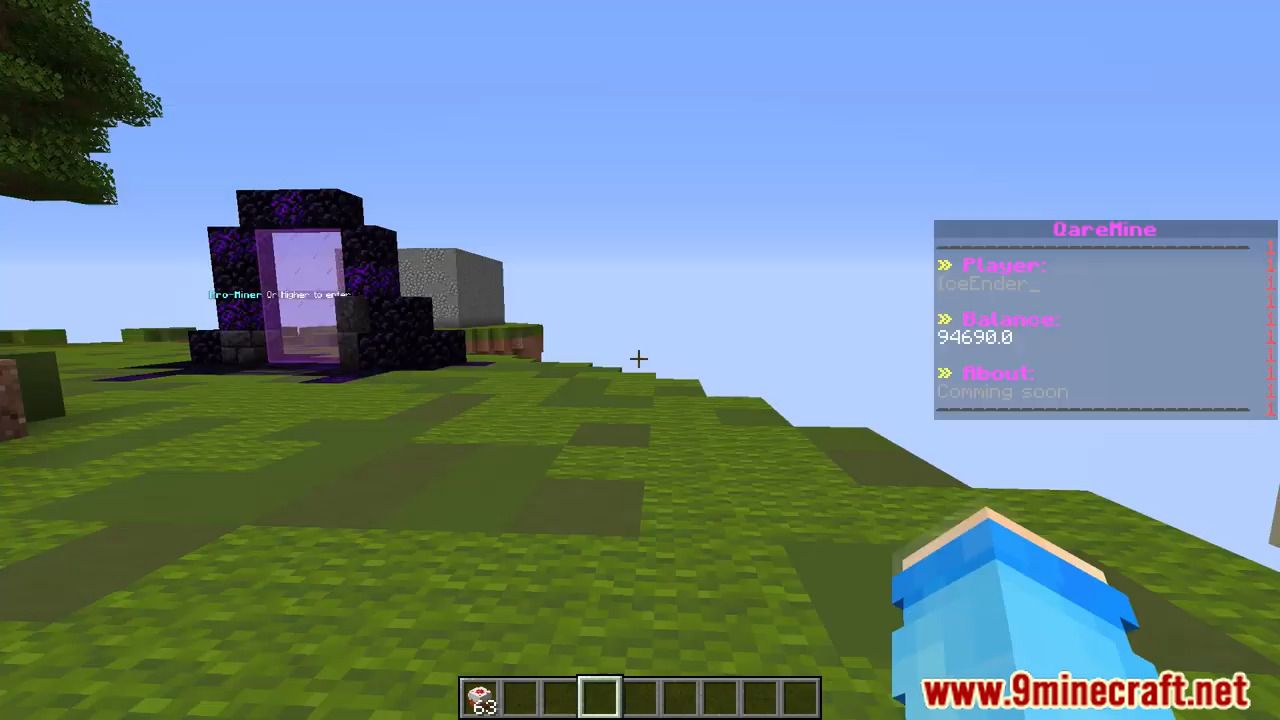
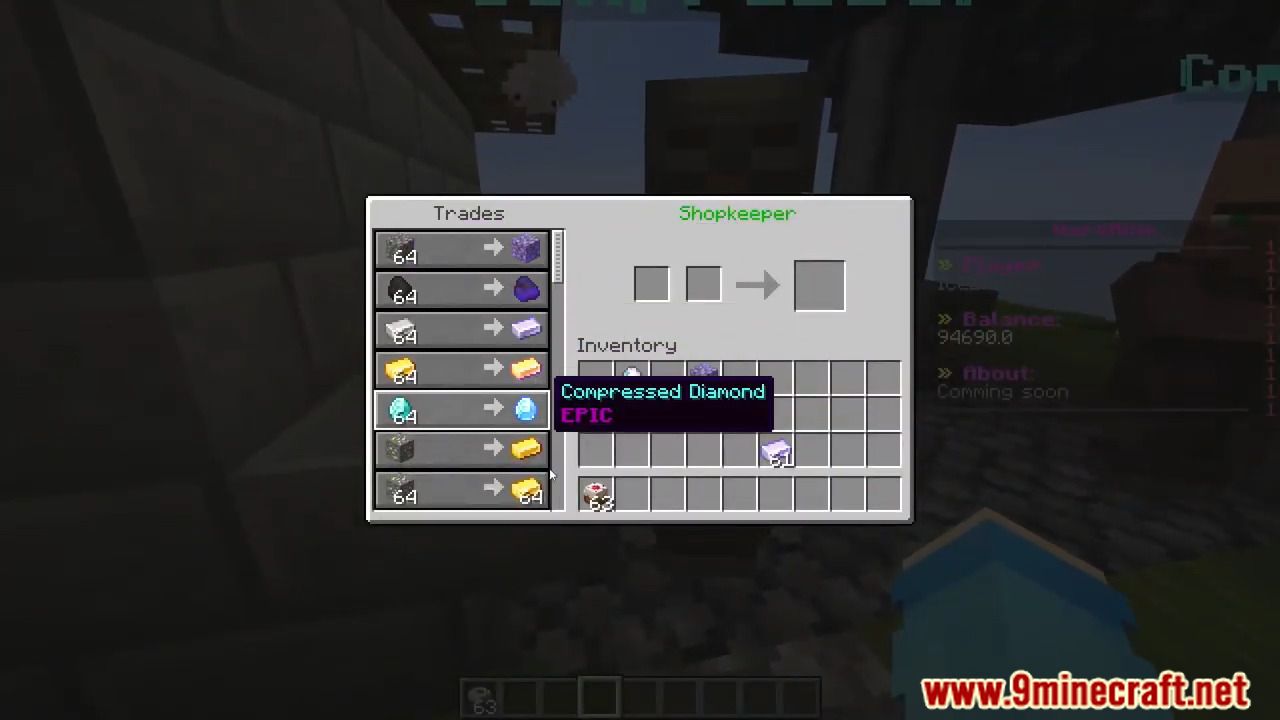
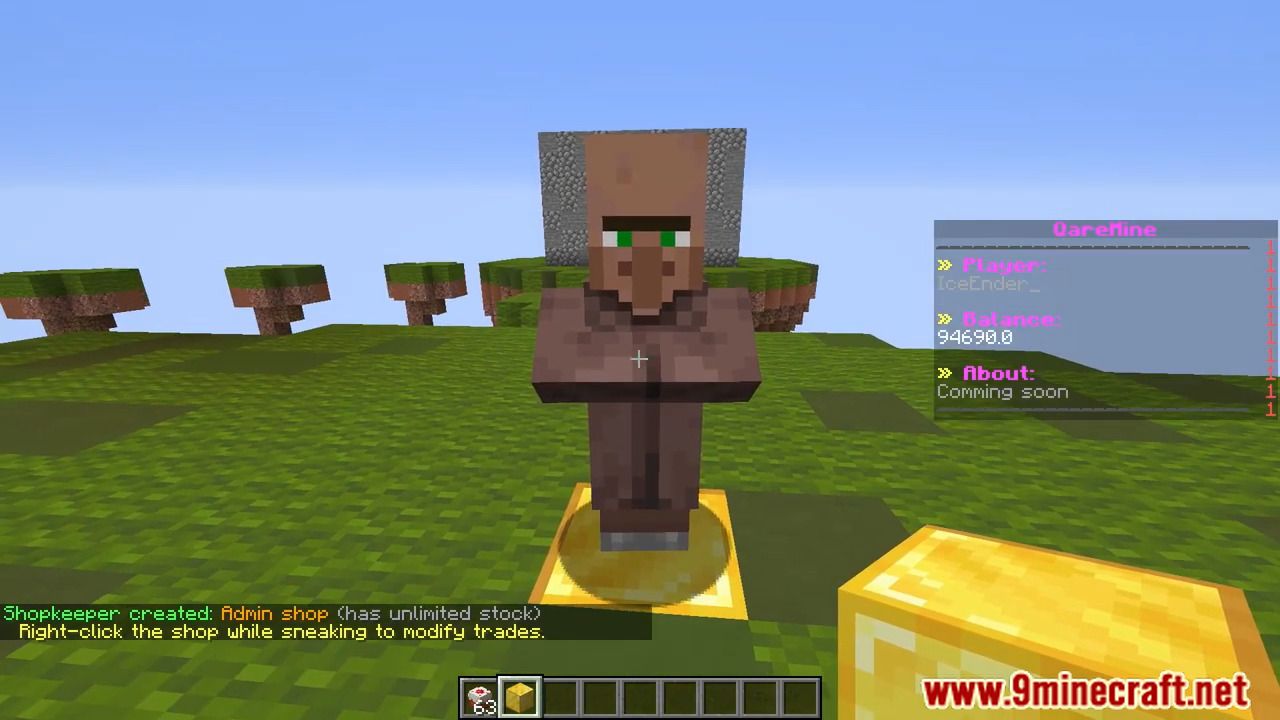
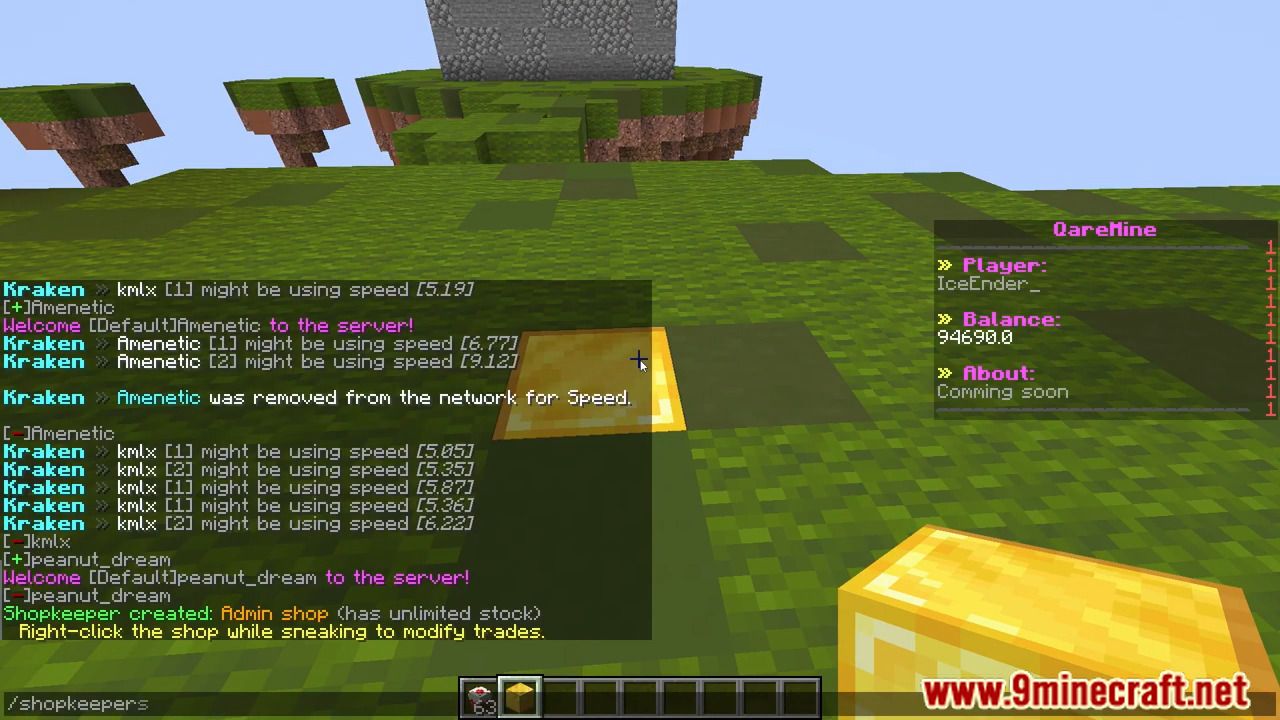
How to Install:
New to Minecraft? Follow our step-by-step guide to install Plugins on your PC.View Guide
Shopkeepers Plugin Download Links
For Minecraft Bukkit 1.21, 1.20.6
For Minecraft Bukkit 1.20.1
For Minecraft Bukkit from 1.19.4
For Minecraft Bukkit from 1.19.3, 1.19.2
For Minecraft Bukkit from 1.16 to 1.19.1
For Minecraft Bukkit 1.14, 1,15
For Minecraft Bukkit 1.13
For Minecraft Bukkit 1.12
You May Also Like
Picked for this page
 WorldGuard Plugin (26.1.2, 1.20.1) – Bukkit, Spigot, Paper
 Quests Plugin (26.1.2, 1.20.1) – Bukkit, Spigot, Paper
 MultiWorld Plugin (26.1.2, 1.20.1) – Spigot
 Orebfuscator Plugin (26.1.2, 1.20.1) – Bukkit, Spigot, Paper
 ValhallaMMO Plugin (26.1.2, 1.20.1) – Bukkit, Spigot, Paper
 Infinite Villager Trades Plugin (1.21.11, 1.20.1) – Spigot
 SuperVanish Plugin (26.2, 1.20.1) – Bukkit, Spigot, Paper
 UberEnchant Plugin (1.21.11, 1.20.1) – Bukkit, Spigot, Paper
 BuildPaste Plugin (26.3, 1.20.1) – Bukkit, Spigot, Paper
 BeastWithdraw Plugin (1.21.11, 1.20.1) – Bukkit, Spigot, Paper
 Aj Leaderboards Plugin (26.1.2, 1.20.1) – Spigot
 BentoBox Plugin (26.1.2, 1.20.1) – Spigot
Most viewed in Plugins over the last 7 days
 Dynmap 9minecraft Plugin (26.3) – A Live Google-Maps-Style View of Your Whole Server
 Vulcan Anti Cheat Plugin (1.21.8, 1.20.1) – A Powerful Shield Against Cheating
 Citizens Plugin (1.21.10, 1.20.1) – The Best NPC Plugin
 Displaymotion Plugin (1.21.4) – Amaze Players with Custom Animations and No Client Mods
 Citizens2 Plugin (1.21.8, 1.20.1) – Craft Unique NPCs
 MMOItems Premium Plugin (1.21.8, 1.20.1) – Create Stunning Custom Items
 Ultimate Donut SMP Plugin (26.3, 1.20.1) – Build Teams Trade Goods
 WorldEdit Plugin (1.21.11, 1.20.1) – Easy In-Game Minecraft Map Editor
 MythicCrucible Plugin (1.21.8, 1.20.1) – Addon for MythicMobs
 MythicMobs Premium Plugin (1.21.9, 1.20.1) – Craft Epic Custom Mobs And Bosses
 Vehicles Plus Plugin (1.21.11, 1.20.1) – Realistic Vehicle Plugin
 Fish Rework Fishing Plugin (26.3, 1.21.1) – Turn Simple Fishing
More from Plugins
 Crownfall Plugin (26.3, 1.21.1) – Fight for the Throne in High Stakes Chess
 AstralPractice Plugin (1.13) – Turn Idle Lobbies Into Non-Stop Duel Arenas
 Archaeo Plugin (1.21.10) – Unearth Fragile Relics and Build Server Museums Together
 ActivityTF Plugin (1.21.10) – Keep Your Community Active with Rewarding Daily Tasks
 Tk Chat Plugin (26.3, 1.21.1) – Keep Players Talking Together
 Donut Utils Plugin (26.1.2, 1.21.11) – Stop Toxic Trolls Before They Ruin
 Grim Anticheat Plugin (26.3, 1.20.1) – Realtime Cheat Detection Plugin
 ArmourShop Plugin (1.21.10) – Let Players Stand Out with Custom Armor Skins
 GeigerCounters Plugin (1.21.10) – Send Players Hunting Buried Caches Across the Map
 GemInfusion Plugin (1.21.10) – Turn Mining Loot Into Custom Gear for Every Player
 InteractibleFurniture Plugin (1.21.10) – Give Players Cozy Homes to Show Off Loot
 PermCleaner Plugin (1.21.10) – Fresh Seasonal Starts Without Losing Earned Ranks

This post has no comments yet. Be the first — your comment will appear here.