
Tk Chat Plugin (26.3, 1.21.1) – Keep Players Talking Together
 0
0
 0
0

Tk Chat Plugin brings connected chat channels to your proxy network so players never feel isolated. It links different game worlds together, letting users talk in local rooms or send messages across the entire server network. Players can also start private conversations and create custom chat groups with their friends. The plugin runs well across backend worlds while keeping spam under control.

Features:
- Global Chat: Sends messages across all connected servers instantly.
- Local Chat: Keeps conversations limited to your current server room.
- Private Messaging: Lets players send direct messages to friends on any server.
- Group Chats: Lets players create custom group channels across the network.
- Item Display: Shows held items in chat using simple tags like [item] or <item>.
- Player Ignore: Lets players block incoming messages from anyone they choose.
- Sends network-wide announcement broadcasts to reach every active player.
- Reads MiniMessage styling for colorful text and clean formatting.
- Connects with LibertyBans to stop muted players from speaking.
- Tk Chat Plugin works directly with Fabric and Paper backends without needing backend setup.
Screenshots:


How to Install:
New to Minecraft? Follow our step-by-step guide to install Plugins on your PC.View Guide
Requirements:
SignedVelocity Required
Proxy Compatible Forge Required
LibertyBans Required
FabricProxy-Lite Required

Tk Chat Plugin Download Links
For Minecraft
26.3,
26.2,
26.1.2
All Versions Covered
26.3
26.2
26.1.2
26.1.1
26.1
1.21.11
1.21.10
1.21.9
1.21.8
1.21.7
1.21.6
1.21.5
1.21.4
1.21.3
1.21.2
1.21.1
1.21
All Versions Covered
26.3
26.2
26.1.2
26.1.1
26.1
1.21.11
1.21.10
1.21.9
1.21.8
1.21.7
1.21.6
1.21.5
1.21.4
1.21.3
1.21.2
1.21.1
1.21
For Minecraft 26.2
For Minecraft 26.1.2, 26.1.1, 26.1
For Minecraft
1.21.11,
1.21.10,
1.21.9
All Versions Covered
1.21.11
1.21.10
1.21.9
1.21.8
1.21.7
1.21.6
1.21.5
1.21.4
1.21.3
1.21.2
1.21.1
1.21
All Versions Covered
1.21.11
1.21.10
1.21.9
1.21.8
1.21.7
1.21.6
1.21.5
1.21.4
1.21.3
1.21.2
1.21.1
1.21
Click to rate this post!
[Total: 0 Average: 0]
You May Also Like
Picked for this page
 Hydration Vitality Plugin (26.2, 1.21.1) – Make Players Search for Clean Water
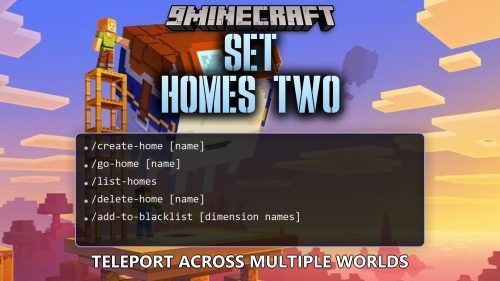 Set Homes Two Plugin (26.2, 1.20.1) – Give Players a Safe Way Back
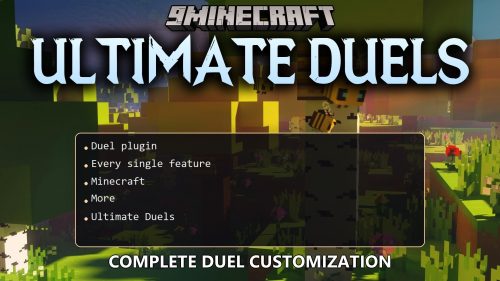 Ultimate Duels Plugin (1.21.11, 1.21.1) – Let Players Settle Grudges
 Inventory Stacks Plugin (26.2, 1.20.1) – Stack Potions and Weapons
 Donut Orders Plugin (26.2, 1.20.1) – Trade Items Safely Without Building Chest
 Fancy Npcs Plugin (26.3, 1.21.11) – Fill Empty Lobbies with Characters Players
 World Guard Plugin (26.3, 1.20.1) – Protect Player Builds From Grief
 Bat Membranes Plugin (26.2, 1.21.1) – Fix Elytras Without Fighting Phantoms
 Wormhole X Treme Plugin (26.2, 1.21.1) – Link Server Bases Instantly
 Gatekeeper Advanced VPN & PROXY Protection Lightweight and Highly Asynchronous Plugin (26.2, 1.20.1)
 Crafters Staff Plugin (1.21.11, 1.21.1) – Catch Rule Breakers Without Ruining
 R Authorization Plugin (26.2, 1.20.1) – Stop Account Thieves From Ruining
Most viewed in Plugins over the last 7 days
 WorldEdit Plugin (1.21.11, 1.20.1) – Easy In-Game Minecraft Map Editor
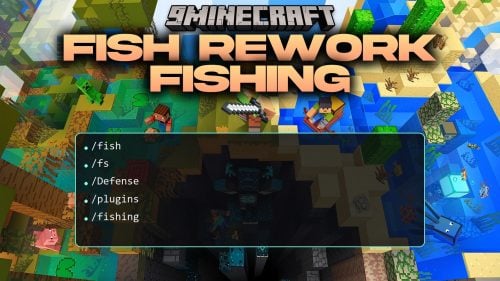 Fish Rework Fishing Plugin (26.3, 1.21.1) – Turn Simple Fishing
 Magic Cosmetics Plugin (1.21.11, 1.20.1) – Customizable Cosmetic System
 VFBuilders Plugin (1.21.10) – Give Players Real Workshops to Assemble Vehicles
 GemInfusion Plugin (1.21.10) – Turn Mining Loot Into Custom Gear for Every Player
 SeichiAssist Plugin (1.18) – Turn Giant Digging Projects Into Community Fun
 ActionHealth Plugin (1.13) – Show Enemy Health Bars Without Chat Clutter
 Mythic Weapons Ultimate Plugin (26.3, 1.21.1) – Turn Survival Fights
 MapGUI Plugin (26.1) – Give Players Clickable Menus Right in Their Hands
 Auto Item Reload Plugin (26.3, 1.20.1) – Keep Building and Mining
 Economy Gui Plugin (26.3, 1.20.1) – Keep Server Wealth Visible and Fair
 Mc Kordon Plugin – Keep Lobbies Safe and Free From Annoying Bot Raids
More from Plugins
 Token Smp Season2 Plugin (1.21.11, 1.21.1) – Collect Mob Tokens and Battle
 Smiley Player Trader Plugin (26.3, 1.20.1) – Trade Face to Face Without Clunky
 Stellaria Plugin (26.2) – Chart Custom Constellations Together Under One Sky
 Devoxy Practice Plugin (1.21.11, 1.21.1) – Instant Duels and Fair Arenas
 Anti Bundle Dupe Plugin (26.3, 1.21.11) – Keep Server Economies Fair
 Cozy Survival Essentials Plugin (26.3, 1.21.1) – Make Survival Stress-Free
 Item Customizer Plugin (1.20.1) – Unique Weapon Perks and Armor Dyes
 Chunk Pre Loader999 Plugin (1.21.11, 1.21.1) – Keep Journeys Smooth
 Wonder Events Plugin (26.3, 1.20.1) – Add Fresh Community Activities
 Simple Global Chat Plugin (26.3, 1.21.1) – Chat with Nearby Friends
 Origins999 Plugin (1.21.11, 1.21.1) – Let Players Pick Custom Powers
 HuskHomes Plugin (26.3, 1.20.1) – Advanced Teleportation System

This post has no comments yet. Be the first — your comment will appear here.