
DeadChest Plugin (26.1.2, 1.20.1) – Save Items on Death Without Rage

 0


DeadChest Plugin automatically saves a player’s full inventory and armor inside a secure chest whenever death happens. It places the chest right at the death location with a holographic display showing the owner’s name and a countdown timer. When the timer runs out, the chest and all items inside disappear completely. You can easily adjust chest durations, create infinite chests, or set access to private or public modes.

Features:
- Automatically stores the entire player inventory and armor when death happens.
- Spawns a chest at the exact death location across classic worlds, the Nether, and the End.
- Shows a holographic display above the chest with the owner name and remaining time.
- Allows you to set chests as private for the owner and admins only, or public for anyone.
- Protects chests against destruction and explosions with grief protection.
- Integrates smoothly with WorldGuard and Citizens 2.
- Supports unlimited players and unlimited chests with per-world configuration.
- Includes a detailed logging system for every deadchest event so players cannot lie.
- Offers high customizability for chest duration, hologram content, colors, and drop behavior.
Commands:
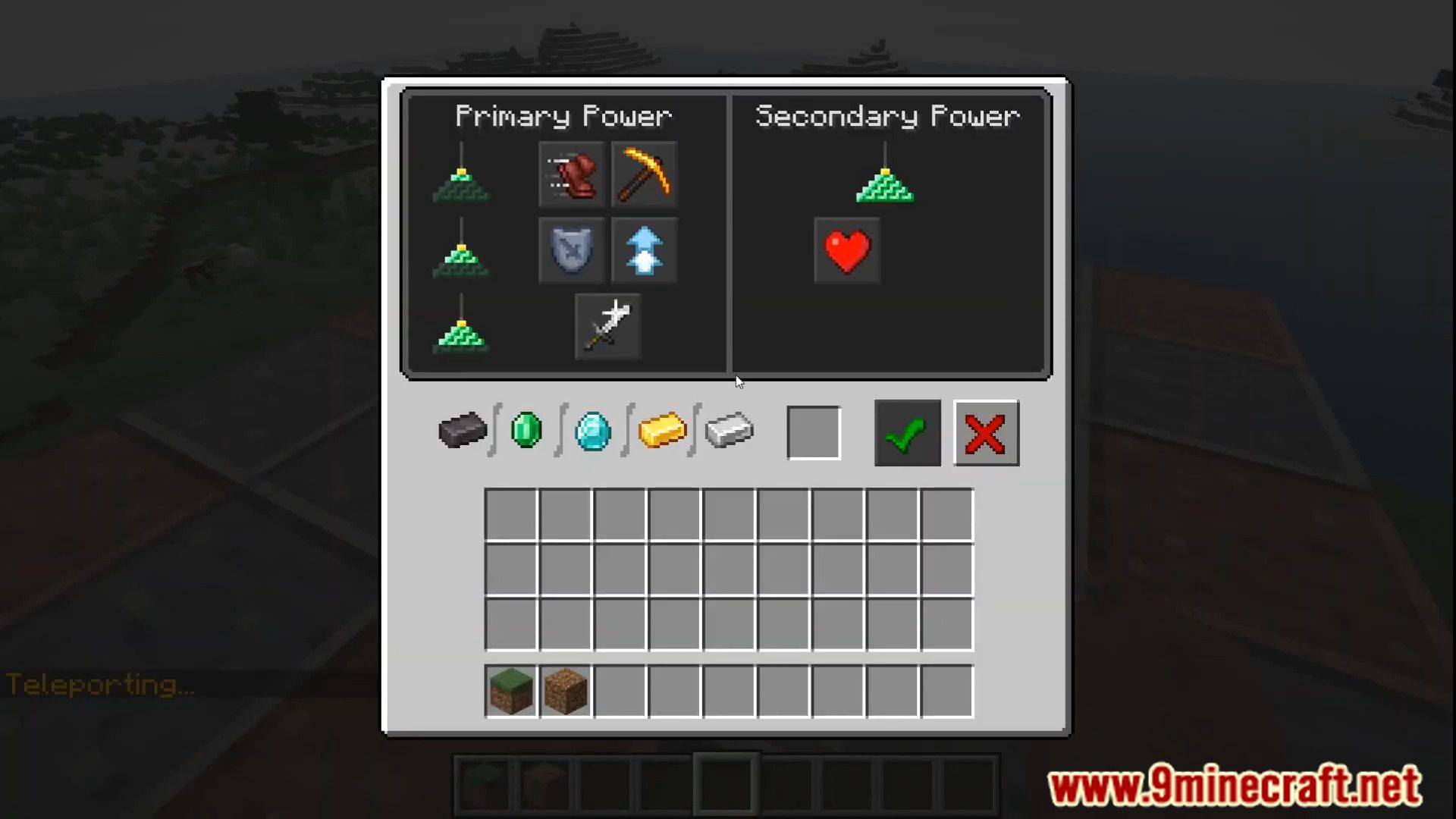
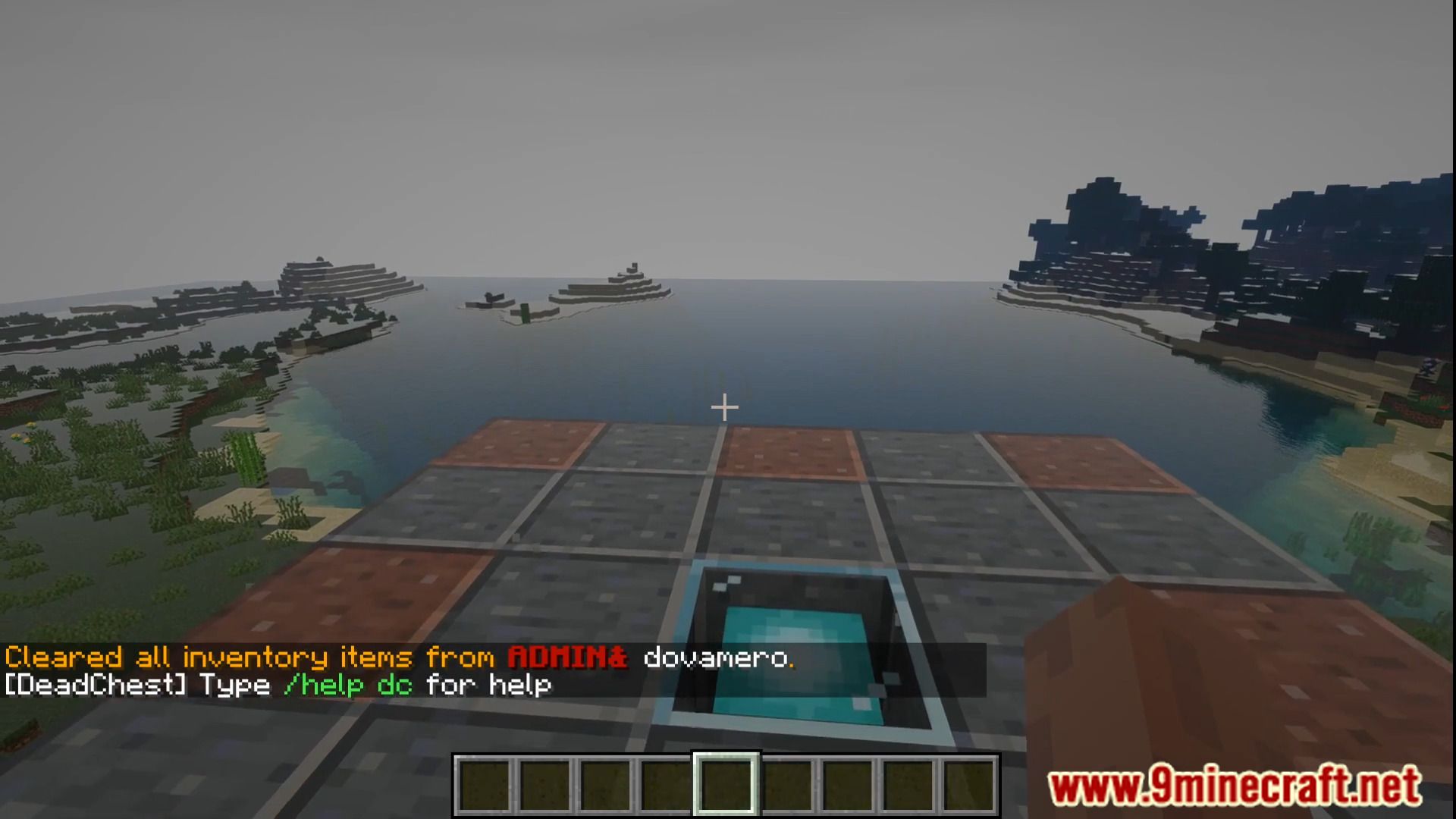
/dc reload: Reload the plugin./dc remove: Remove all deadchests of the current player./dc remove <PlayerName>: Remove all deadchests of a specific player./dc removeinfinite: Remove all infinity chests./dc removeall: Remove all deadchests./dc list: List all deadchests of the current player./dc list all: List all deadchests./dc list <PlayerName>: List all deadchests of a specific player./dc giveBack <PlayerName>: Return the oldest deadchest inventory of a player./dc ignore: Opens the ignore list inventory to add items the plugin should ignore.deadchest.generate: Allow a player to generate deadchests.deadchest.chestPass: Allow a player to get all deadchests.deadchest.infinityChest: Allow a player to have an infinity chest.
How to Use:
- Download the plugin file and place it into the server’s
/pluginsfolder. - Start or restart the server to generate the default configuration files.
- Die in the game to automatically spawn a deadchest containing your dropped items and armor.
- Return to your death location before the holographic timer ends to retrieve your items.
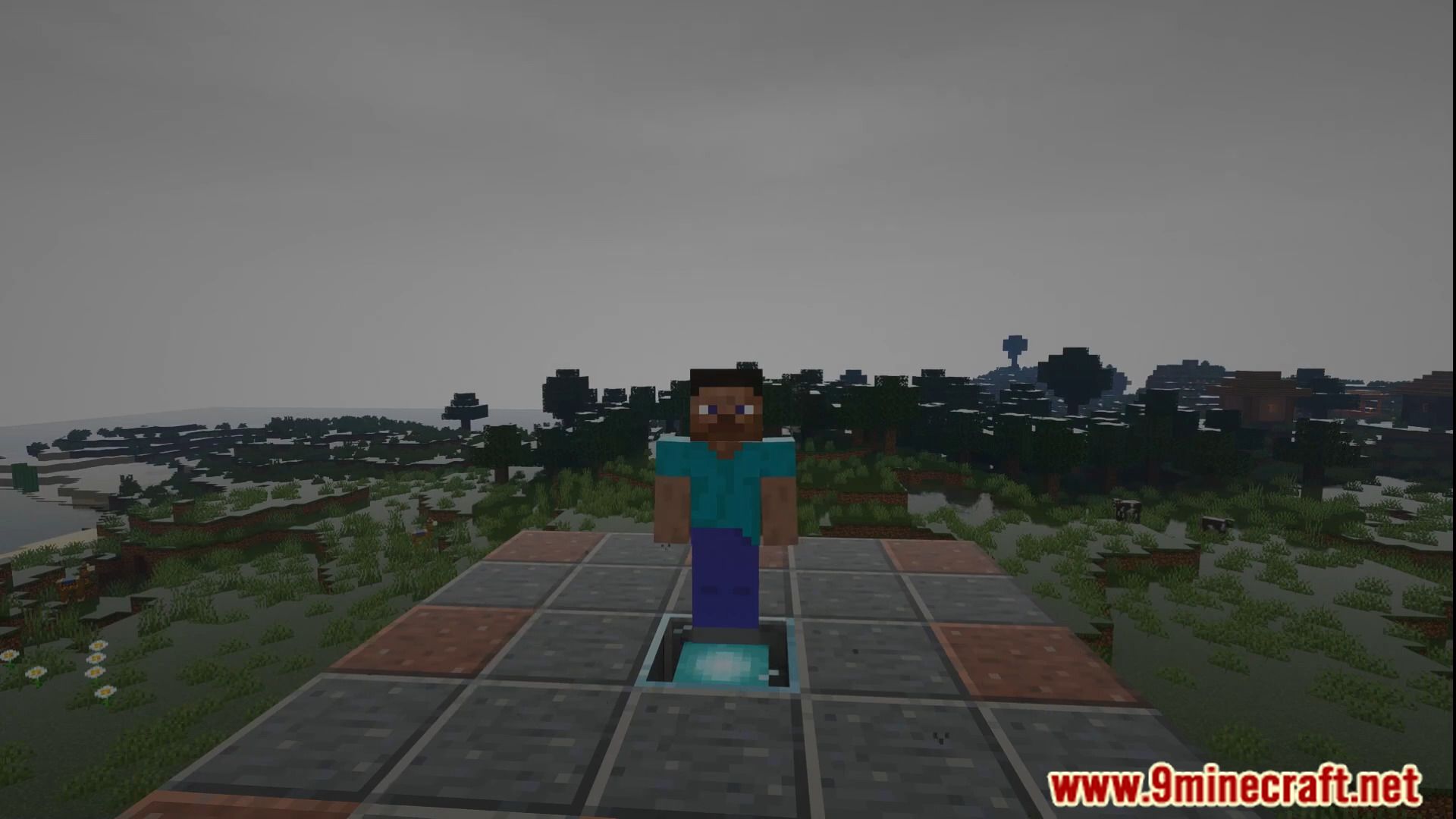
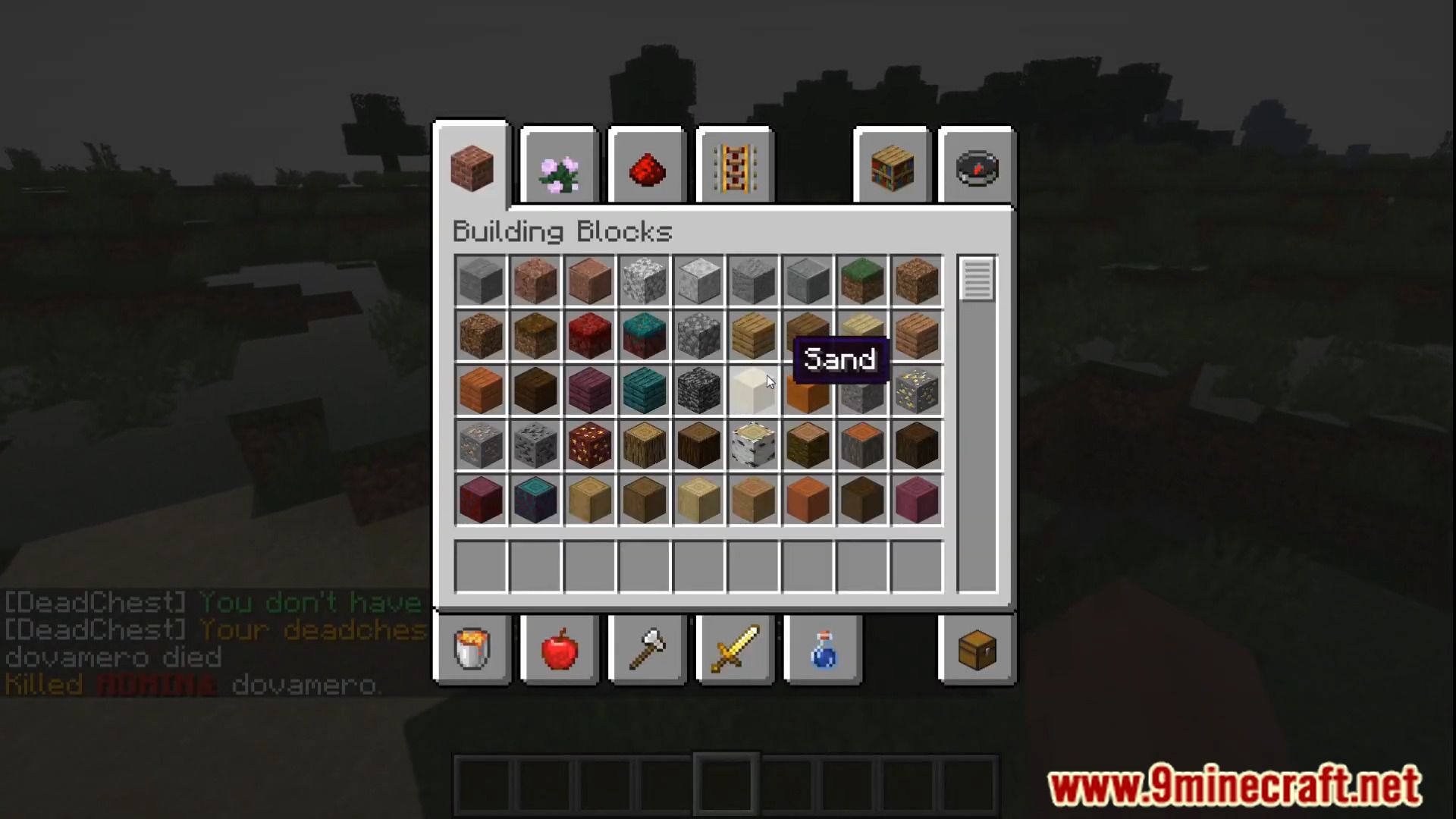
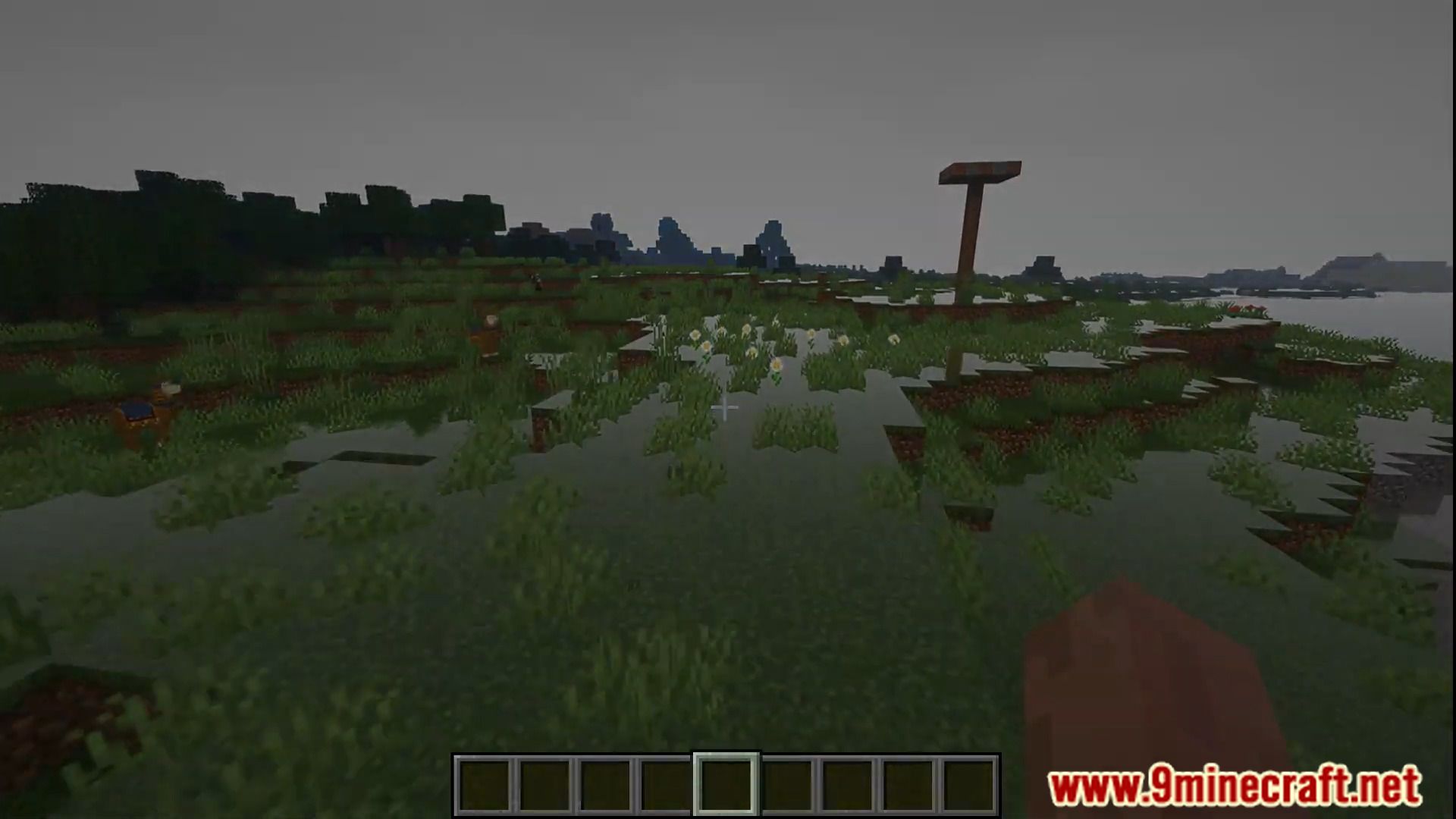
Screenshots:
How to Install:
New to Minecraft? Follow our step-by-step guide to install Plugins on your PC.View Guide
DeadChest Plugin Download Links
For the Latest Minecraft Versions
Dead Chest also runs on Minecraft 26.3. We tested version 4.31.0 on a real 26.3 server – it is the same plugin by the same author, with no changes made – and published a page for that version. Download it here: https://www.9minecraft.net/dead-chest-9minecraft-plugin/
For Minecraft
26.1.2,
26.1.1,
26.1
All Versions Covered
26.1.2
26.1.1
26.1
1.21.11
1.21.10
1.21.9
1.21.8
1.21.7
1.21.6
1.21.5
1.21.4
1.21.3
1.21.2
1.21.1
1.21
1.20.6
1.20.5
1.20.4
1.20.3
1.20.2
1.20.1
1.20
1.19.4
1.19.3
1.19.2
1.19.1
1.19
1.18.2
1.18.1
1.18
1.17
1.16
1.15
1.14
1.13
For Minecraft
1.21.11,
1.21.5,
1.21.4
All Versions Covered
1.21.11
1.21.5
1.21.4
1.20.6
1.20.5
1.20.4
1.20.3
1.20.2
1.20.1
1.20
1.19.4
1.19.3
1.19.2
1.19.1
1.19
1.18.2
1.18.1
1.18
1.17
1.16
1.15
1.14
1.13
For Minecraft
1.20.6,
1.20.5,
1.20.4
All Versions Covered
1.20.6
1.20.5
1.20.4
1.20.3
1.20.2
1.20.1
1.20
1.19.4
1.19.3
1.19.2
1.19.1
1.19
1.18.2
1.18.1
1.18
1.17
1.16
1.15
1.14
1.13
For Minecraft
1.19.3,
1.19.2,
1.19.1
All Versions Covered
1.19.3
1.19.2
1.19.1
1.19
1.18.2
1.18.1
1.18
1.17
1.16
1.15
1.14
1.13
For Minecraft All versions
You May Also Like
Picked for this page
 WorldGuard Plugin (26.1.2, 1.20.1) – Bukkit, Spigot, Paper
 Quests Plugin (26.1.2, 1.20.1) – Bukkit, Spigot, Paper
 MultiWorld Plugin (26.1.2, 1.20.1) – Spigot
 Spawn Plugin (26.1.2, 1.21.1) – Spigot
 Orebfuscator Plugin (26.1.2, 1.20.1) – Bukkit, Spigot, Paper
 TAB Plugin (26.3, 1.20.1) – Make an Awesome Animated Tablist
 ValhallaMMO Plugin (26.1.2, 1.20.1) – Bukkit, Spigot, Paper
 SuperVanish Plugin (26.2, 1.20.1) – Bukkit, Spigot, Paper
 Interaction Visualizer Plugin (26.1.2, 1.20.1) – Spigot
 BuildPaste Plugin (26.3, 1.20.1) – Bukkit, Spigot, Paper
 Aj Leaderboards Plugin (26.1.2, 1.20.1) – Spigot
 BentoBox Plugin (26.1.2, 1.20.1) – Spigot
Most viewed in Plugins over the last 7 days
 Citizens Plugin (1.21.10, 1.20.1) – The Best NPC Plugin
 Vulcan Anti Cheat Plugin (1.21.8, 1.20.1) – A Powerful Shield Against Cheating
 Displaymotion Plugin (1.21.4) – Amaze Players with Custom Animations and No Client Mods
 Citizens2 Plugin (1.21.8, 1.20.1) – Craft Unique NPCs
 WorldEdit Plugin (1.21.11, 1.20.1) – Easy In-Game Minecraft Map Editor
 Dynmap 9minecraft Plugin (26.3) – A Live Google-Maps-Style View of Your Whole Server
 Ultimate Donut SMP Plugin (26.3, 1.20.1) – Build Teams Trade Goods
 Grim Anticheat Plugin (26.3, 1.20.1) – Realtime Cheat Detection Plugin
 MMOItems Premium Plugin (1.21.8, 1.20.1) – Create Stunning Custom Items
 Oraxen Plugin (1.21.11, 1.20.1) – Transform Your Ideas into Custom Items And Blocks
 MythicCrucible Plugin (1.21.8, 1.20.1) – Addon for MythicMobs
 MythicMobs Premium Plugin (1.21.9, 1.20.1) – Craft Epic Custom Mobs And Bosses
More from Plugins
 Crownfall Plugin (26.3, 1.21.1) – Fight for the Throne in High Stakes Chess
 AstralPractice Plugin (1.13) – Turn Idle Lobbies Into Non-Stop Duel Arenas
 Archaeo Plugin (1.21.10) – Unearth Fragile Relics and Build Server Museums Together
 ActivityTF Plugin (1.21.10) – Keep Your Community Active with Rewarding Daily Tasks
 Tk Chat Plugin (26.3, 1.21.1) – Keep Players Talking Together
 Donut Utils Plugin (26.1.2, 1.21.11) – Stop Toxic Trolls Before They Ruin
 ArmourShop Plugin (1.21.10) – Let Players Stand Out with Custom Armor Skins
 GeigerCounters Plugin (1.21.10) – Send Players Hunting Buried Caches Across the Map
 GemInfusion Plugin (1.21.10) – Turn Mining Loot Into Custom Gear for Every Player
 InteractibleFurniture Plugin (1.21.10) – Give Players Cozy Homes to Show Off Loot
 PermCleaner Plugin (1.21.10) – Fresh Seasonal Starts Without Losing Earned Ranks
 GunsAndGadgets Plugin (1.21.10) – Turn Survival Fights Into Tactical Firearm Shootouts

This post has no comments yet. Be the first — your comment will appear here.