
Plenty Plates Mod (1.21.5, 1.20.1) – Trigger Secret Doors and Traps

 0


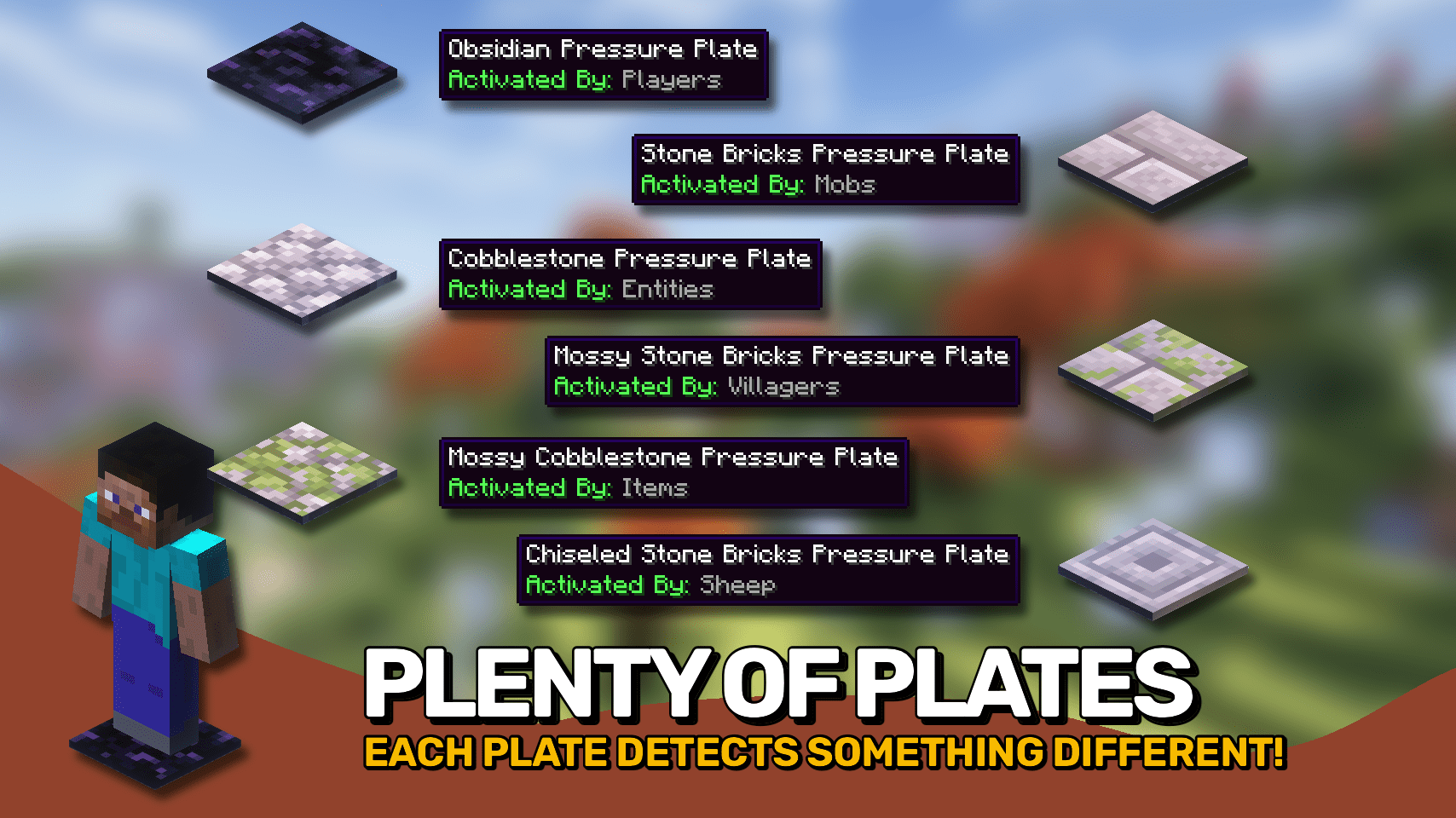
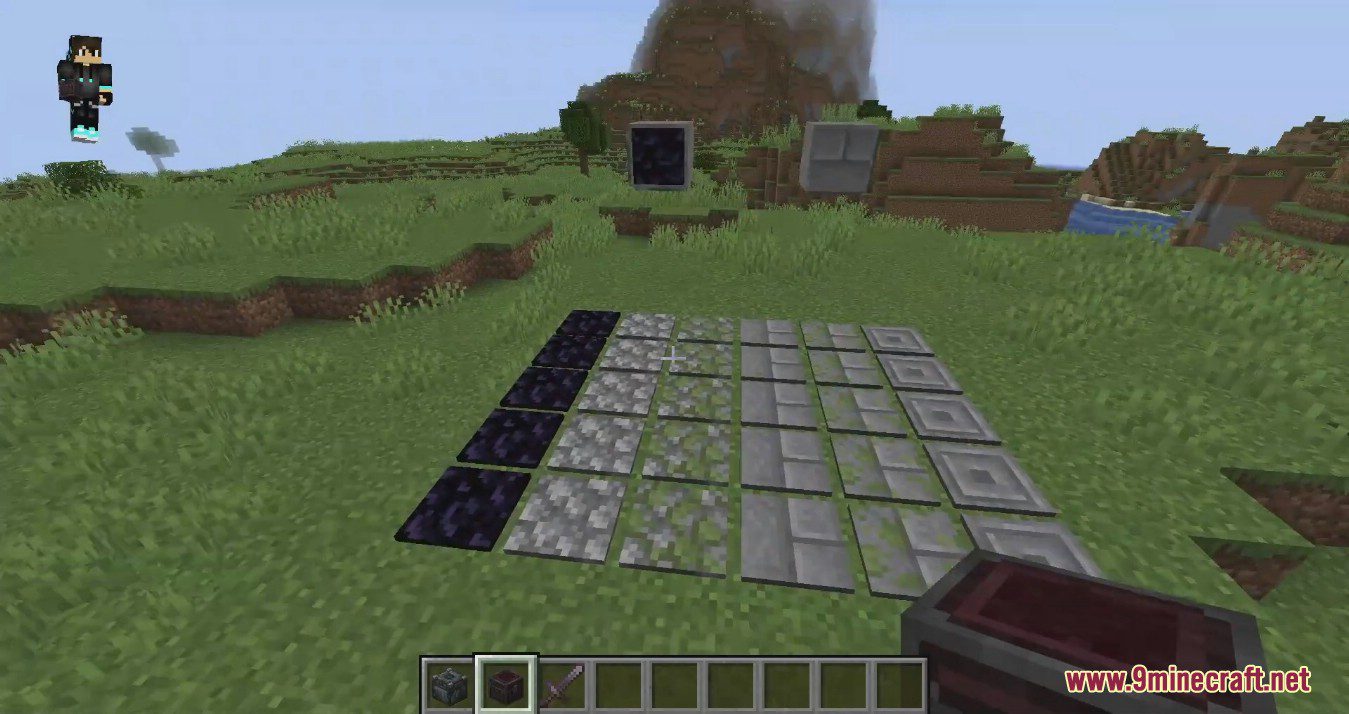
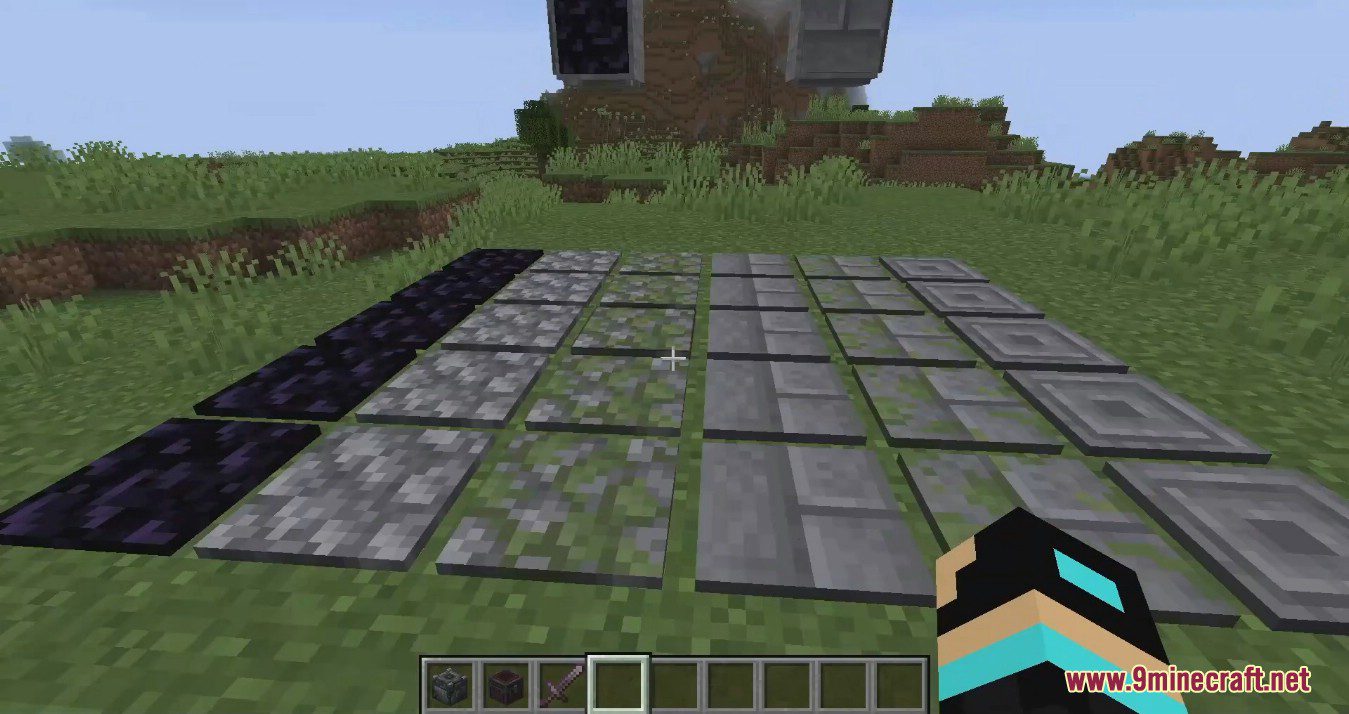
Plenty Plates Mod introduces a variety of new pressure plates designed to detect all sorts of entities in the game. This mod lets you place your new plates on all six sides of any block just like regular buttons. It also gives you deep configuration options for each plate so you can customize your redstone contraptions easily.

Features:
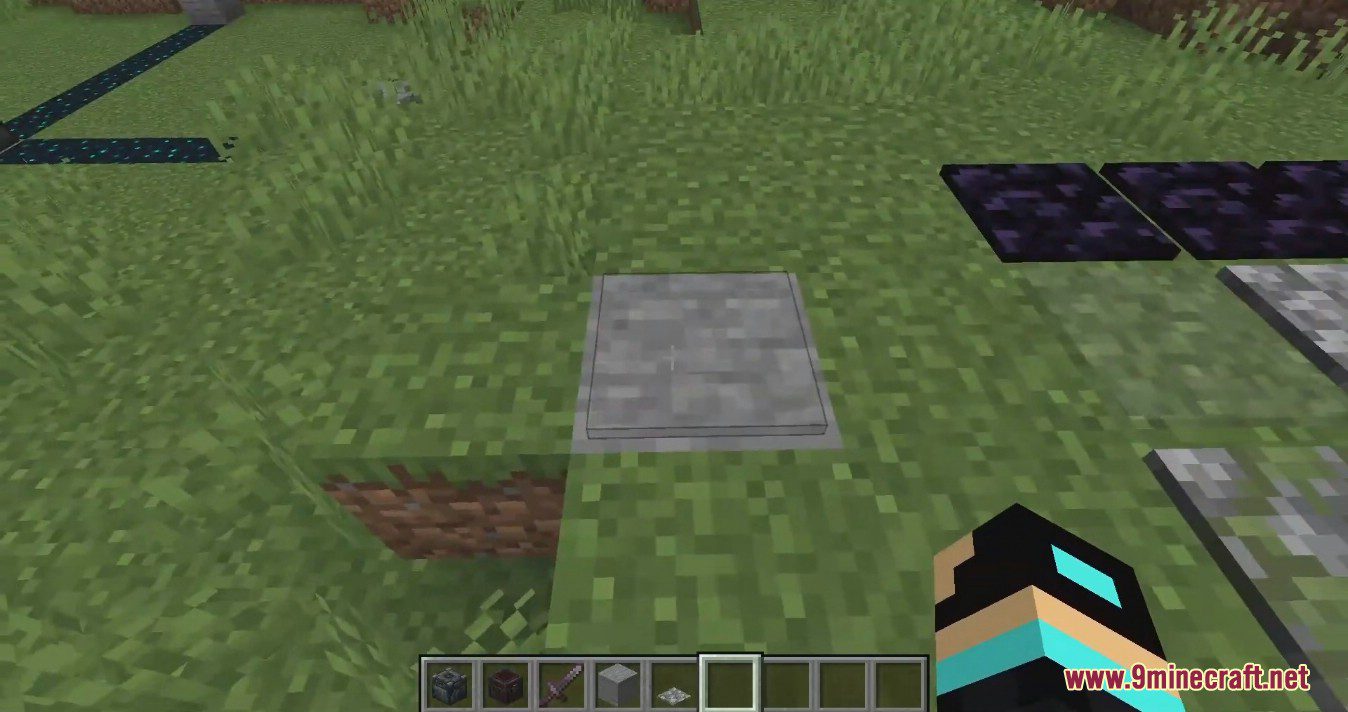
- Allows all new pressure plates to be placed on all six sides of a block, just like regular buttons.
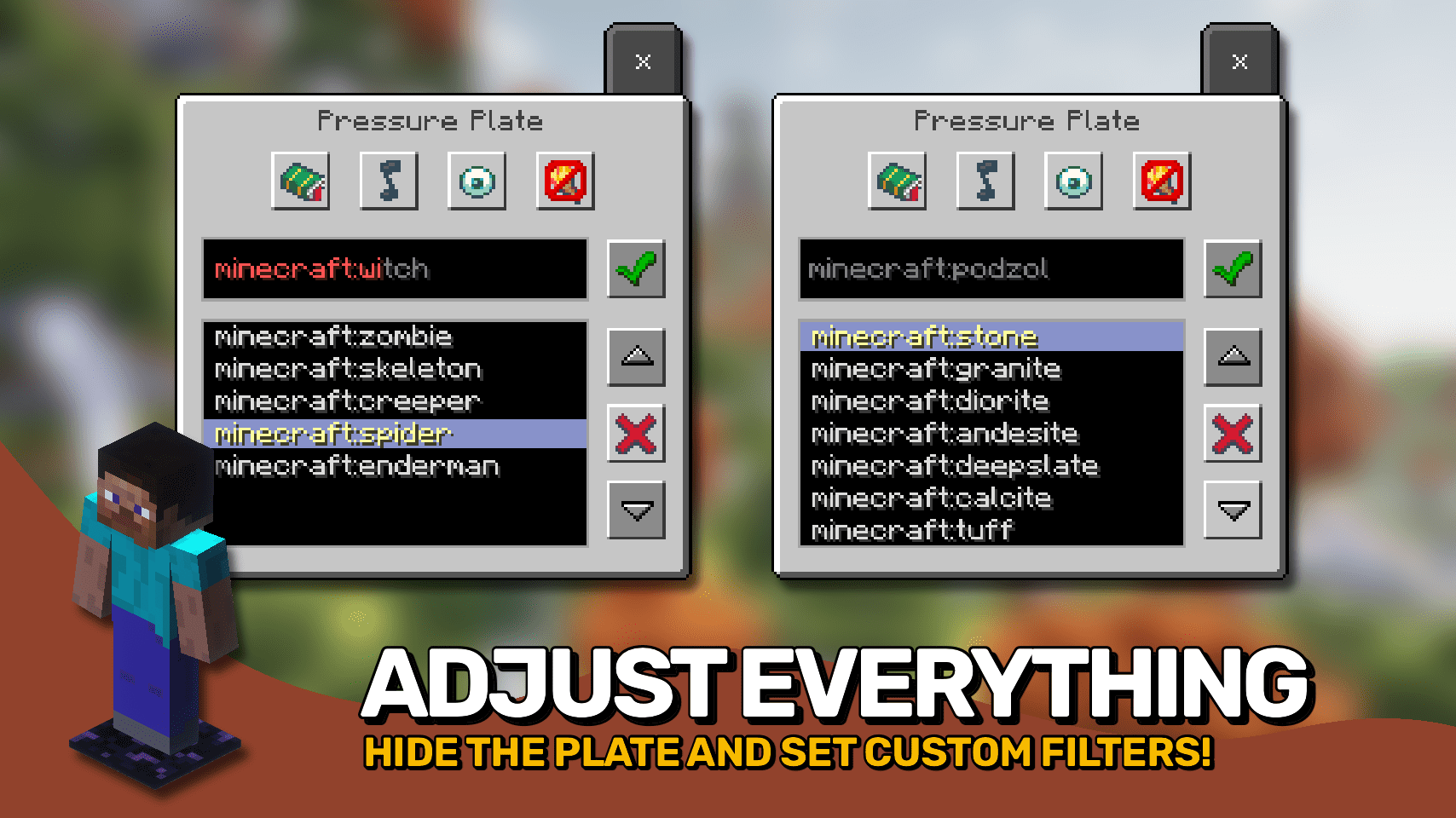
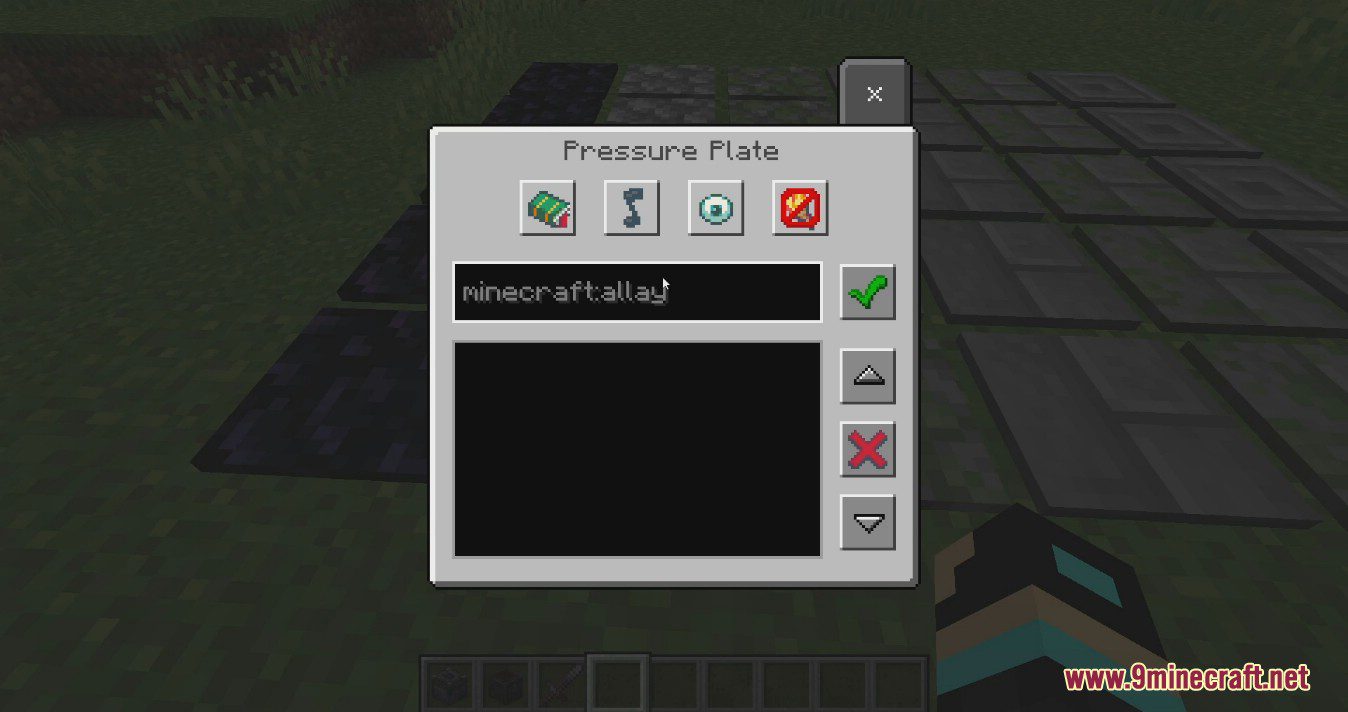
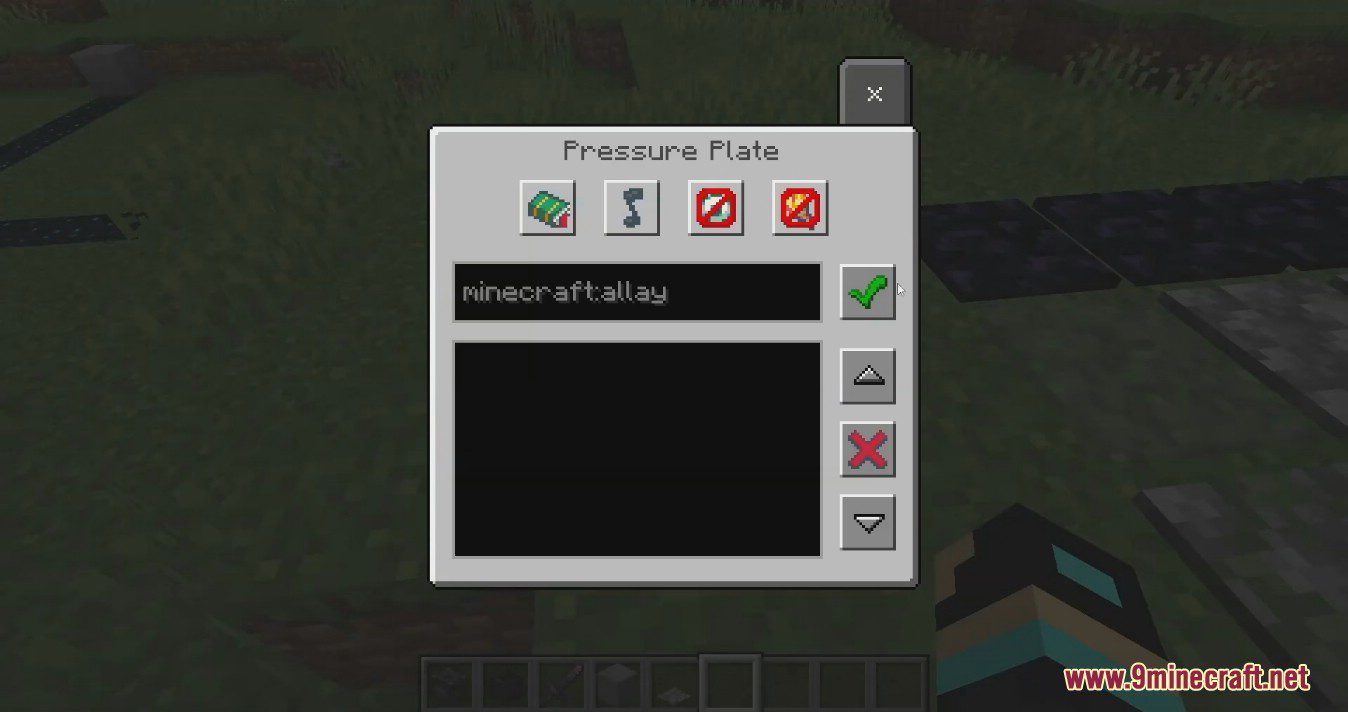
- Provides an in-game menu accessible by shift plus right-clicking to set whitelist or blacklist filters, make plates silent or shrouded, and emit light.
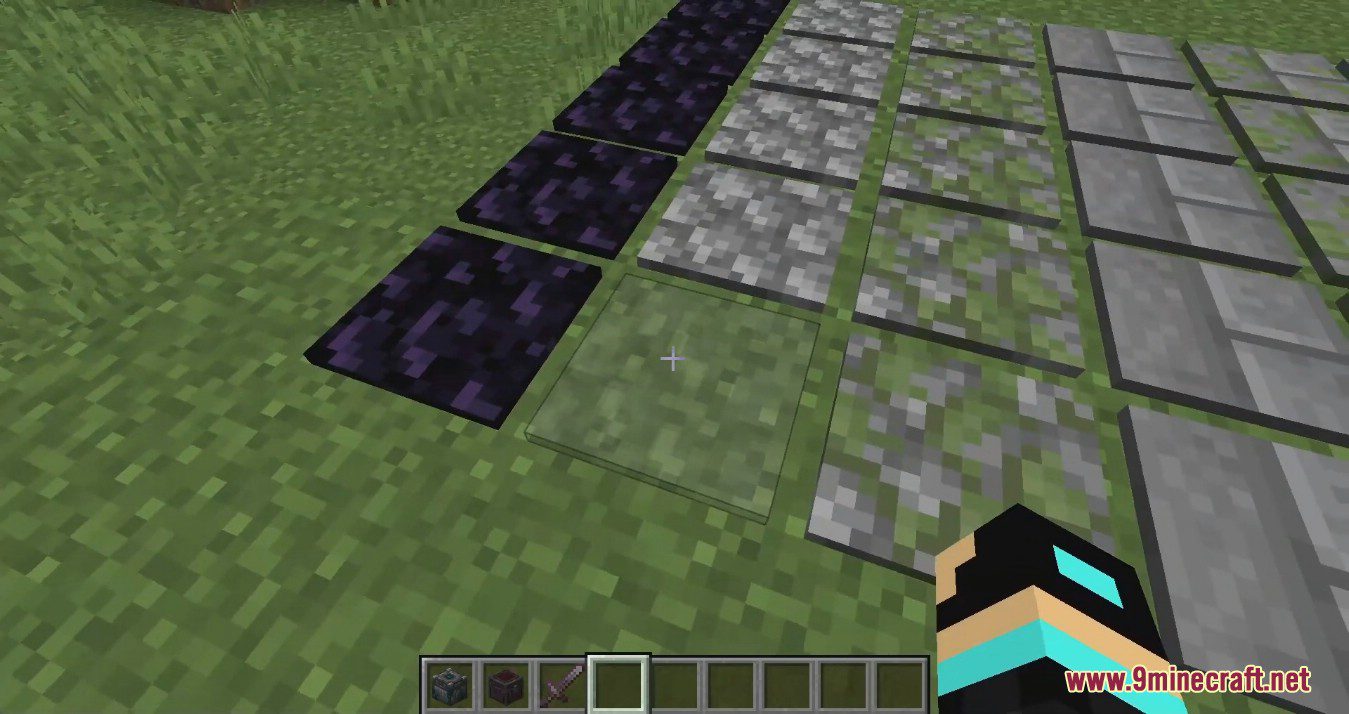
- Adds obsidian plates for detecting players with specific player name filtering.
- Adds cobblestone plates for detecting all mobs with specific mob filtering.
- Adds mossy cobblestone plates for detecting items with specific item filtering options.
- Adds stone bricks plates that detect mobs and differentiate between adults and babies.
- Adds mossy stone bricks plates that detect villagers with profession-based filtering.
- Adds chiseled stone bricks plates that trigger only for sheep and respond to specific wool colors.
How to Use:
- Place any new pressure plate from this mod on any of the six sides of a block.
- Hold shift and right-click on the pressure plate to open its configuration menu.
- Set up your desired whitelist or blacklist filters, or change settings like silent mode and light emission inside the menu.
Screenshots:
How to Install:
New to Minecraft? Follow our step-by-step guide to install Mods on your PC.View Guide
Requirements:


Plenty Plates Mod Download Links
For Minecraft 1.19.2
Forge version: Download from Server 1 – Download from Server 2
Fabric version: Download from Server 1 – Download from Server 2
For Minecraft 1.19.4
Forge version: Download from Server 1 – Download from Server 2
Fabric version: Download from Server 1 – Download from Server 2
For Minecraft 1.20.1
Forge version: Download from Server 1 – Download from Server 2
Fabric version: Download from Server 1 – Download from Server 2
For Minecraft 1.20.4
Forge version: Download from Server 1 – Download from Server 2
NeoForge version: Download from Server 1 – Download from Server 2
Fabric version: Download from Server 1 – Download from Server 2
For Minecraft 1.21.1, 1.21
NeoForge version: Download from Server 1 – Download from Server 2
Fabric version: Download from Server 1 – Download from Server 2
For Minecraft 1.21.3, 1.21.2
NeoForge version: Download from Server 1 – Download from Server 2
Fabric version: Download from Server 1 – Download from Server 2
For Minecraft 1.21.4
NeoForge version: Download from Server 1 – Download from Server 2
Fabric version: Download from Server 1 – Download from Server 2
For Minecraft 1.21.5
NeoForge version: Download from Server 1 – Download from Server 2
Fabric version: Download from Server 1 – Download from Server 2
What type of storage system do you look for first in a modded world?
24 responses · See the full results →
You May Also Like
Picked for this page
 Veinminer Mod (26.2, 1.20.1) – Quick Mining
 Just Mob Heads Mod (26.3, 1.20.1) – Mobs Drop Their Head on Death
 Macaw’s Furniture Mod (26.3, 1.20.1) – Decorate Your World
 Silk Mod (26.3, 1.20.1) – Kotlin Minecraft API
 Factions Mod (26.3, 1.20.1) – Highly Customizable, Fully Featured
 Bigger Sponge Absorption Radius Mod (26.3, 1.20.1) – Expanded Absorption Radius
 Diagonal Windows Mod (26.3, 1.20.1) – Place Glass Panes Diagonally with Ease
 Atmosfera Mod (26.3, 1.20.1) – Atmospheric Sounds
 Totem Tweaks Mod (26.2, 1.20.1) – Small Totem Pop and Extensive Customizability
 Big Pony Mod (26.2, 1.20.1) – Customizable Camera Position, Distance, and Body Size
 Dye All The Things Mod (26.3, 1.20.1) – Ultimate Armor Dyeing Mod
 More Beautiful Fences and Gates Mod (1.21.11, 1.20.1) – Over 240 New Fences and 240 New Gates
Most viewed in Mods over the last 7 days
 Ala Industrial Mod (26.3) – Run Electric Power Grids and Automated Factories
 PleasureCraft Mod (26.3, 1.21.1) – Jenny Mod Remake for Fabric
 Jennycraft Mod (26.3, 1.20.1) – Virtual Girlfriend in Minecraft
 Fapcraft Mod (26.3, 1.12.2) – Comprehensive and Detailed Content
 Jenny Mod (Fapcraft) Official Complete Guide – How to use, Tutorial
 BangCraft Mod (1.20.1) – Jenny, Ellie and Elliot
 Fabric Loader (26.3, 1.20.1) – Fabric Installer for All Minecraft Versions
 The Shooting Star Demo Mod (26.3, 1.20.1) – Vaporize Terrain From Orbit
 Meteor Client Mod (26.3, 1.20.1) – Xray, HUD, Fly
 OptiFine HD (26.3, 1.20.1) – Run Faster, FPS Boost, Shaders Support
 Aristois Client Mod (1.21.4, 1.20.1) – World Class Minecraft Utility
 Prestige Client Mod (1.21.11, 1.21.4) – Powerful Ghost Features for Crystal & Sword PvP
More from Mods
 Tre’s Tack Library Mod (1.20.1) – Outfit Your Horses with Fully Detailed Tack
 YDM’s coreX Library Mod (1.20.1) – Loot RPG Gear with Random Names
 Gunpowder Recipe Mod (26.3, 1.20.1) – Gunpowder is Craftable
 Villager Timetable Mod (26.3, 1.20.1) – Master Villager Schedules
 Artemis Laboratory Blocks Mod (26.3, 1.20.1) – Lab Blocks And Dynamic Decorations
 Fabric ORM Jimmer Mod (26.3, 1.20.1) – Prevent Sudden Server Crashes
 Cafe Core Mod (26.2, 1.21.1) – Bypass Anvil Limits and Tame Pets in Seconds
 GTNH’s Forgelin Mod (1.7.10) – Play Kotlin-Powered Mods on Minecraft 1.7.10
 Nodeflow Mod (26.1.2, 1.21.1) – Wire Custom Redstone Logic on Visual Graph
 Winter Client Mod (1.21.11) – Survive Ruthless PvP on Anarchy Servers
 LARP Client Mod (1.21.11) – Dominate Crystal PvP on Anarchy Servers
 Berlin Client Mod (1.21.11) – Hunt Stashes and Win Crystal Fights

This post has no comments yet. Be the first — your comment will appear here.