


Skin Restorer Mod (26.2, 1.20.1) – Managing and Restoring Player Skins
 16,883
 0
0


Skin Restorer Mod is a server-side mod for managing and restoring player skins.

Features:
- Set skins from Mojang Account: Fetch and apply skins using a valid Minecraft username.
- Set skins from Ely.by: Fetch and apply skins using a valid Ely.by username.
- Set skins from URL: Fetch and apply skins from any image URL, supporting both classic (Steve) and slim (Alex) skin models.
- Automatic skin fetching: Automatically fetch skin from Mojang/Ely.by when a player joins the server running in offline/insecure mode (configurable).
- Singleplayer support: Apply skins individually for each world.
- Permissions API support
- SkinShuffle support: Allow players with SkinShuffle Mod installed to apply skins using GUI.
Commands:
Note: The following commands assume the default configuration. Behavior may vary if the configuration has been customized.
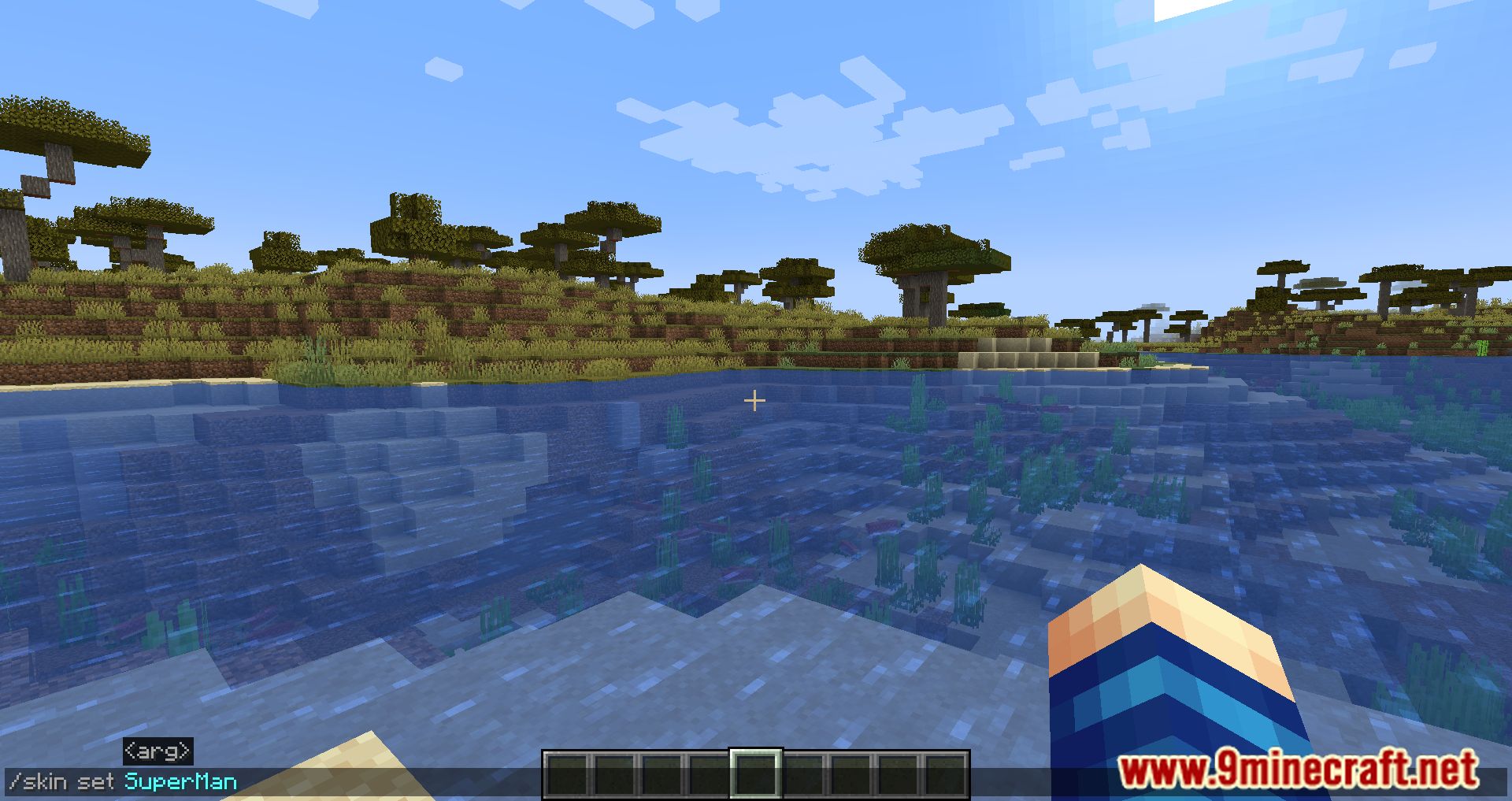
/skin set mojang <username> [<targets>]- Fetches and applies a skin from a valid Minecraft (Mojang) username.
- Parameters:
<username>: Minecraft username to fetch the skin from.[<targets>]: Optional. Apply the skin to specific players (operators only).
/skin set ely.by <username> [<targets>]- Fetches and applies a skin from a valid Ely.by username.
- Parameters:
<username>: Ely.by username.[<targets>]: Optional. Apply to specific players (operators only).
/skin set web (classic|slim) "<url>" [<targets>]- Applies a skin from an image URL using the Mineskin API.
- Supports both Steve (
classic) and Alex (slim) models. - Parameters:
(classic|slim): Skin model type."<url>": Direct URL to the skin image (quotes required).[<targets>]: Optional. Apply to specific players (operators only).
/skin refresh [<targets>]- Refetches and reapplies the currently used skin.
[<targets>]: Optional. Refresh skins for specific players.
/skin clear [<targets>]- Removes the currently applied custom skin.
[<targets>]: Optional. Clear skins for specific players.
/skin reset [<targets>]- Resets the player to the default skin.
- If automatic fetching is enabled, a new skin will be applied on rejoin.
[<targets>]: Optional. Reset skins for specific players.
/skin config reload- Operator-only command.
- Reloads the configuration and refreshes internal skin caches.
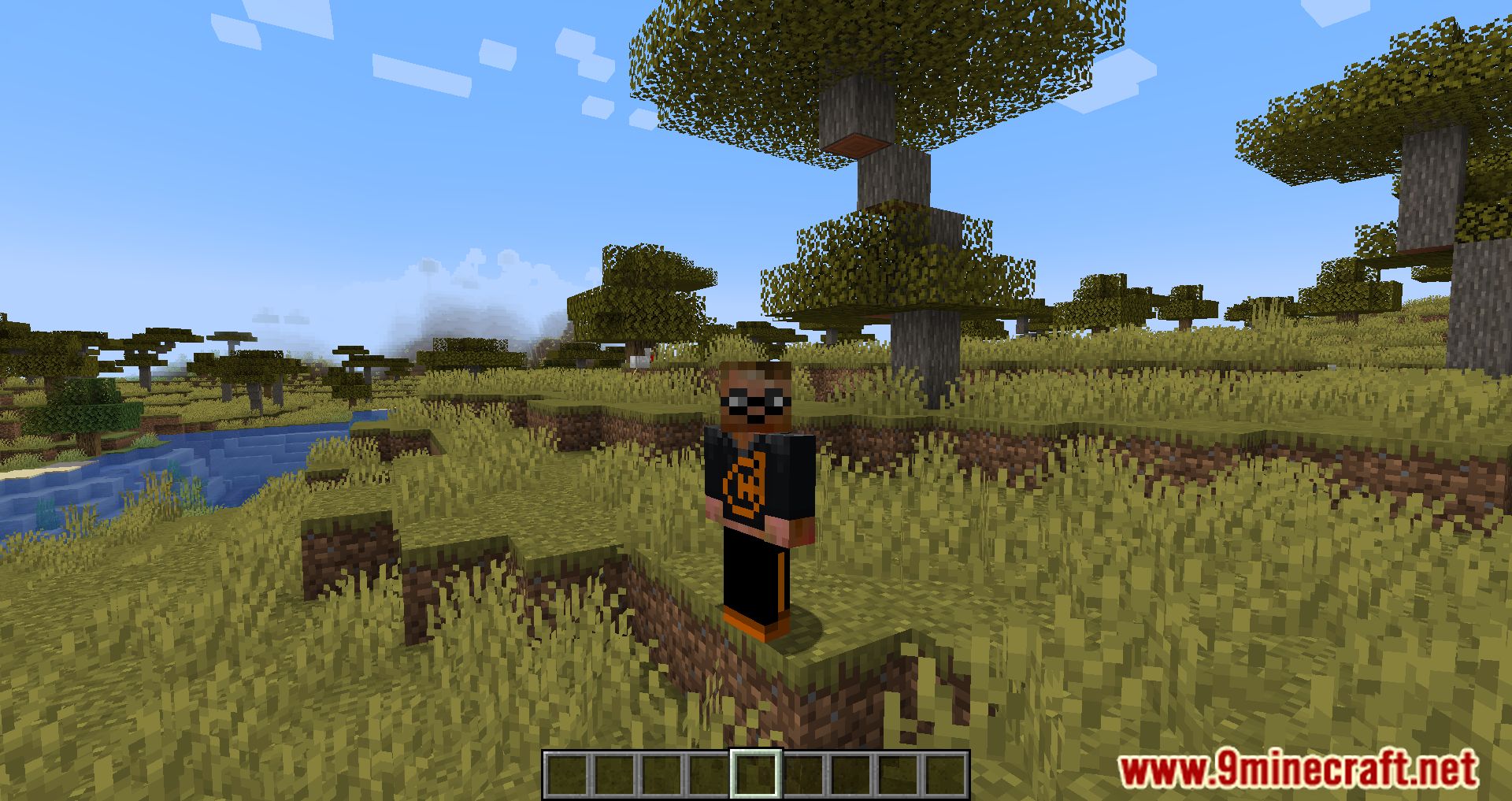
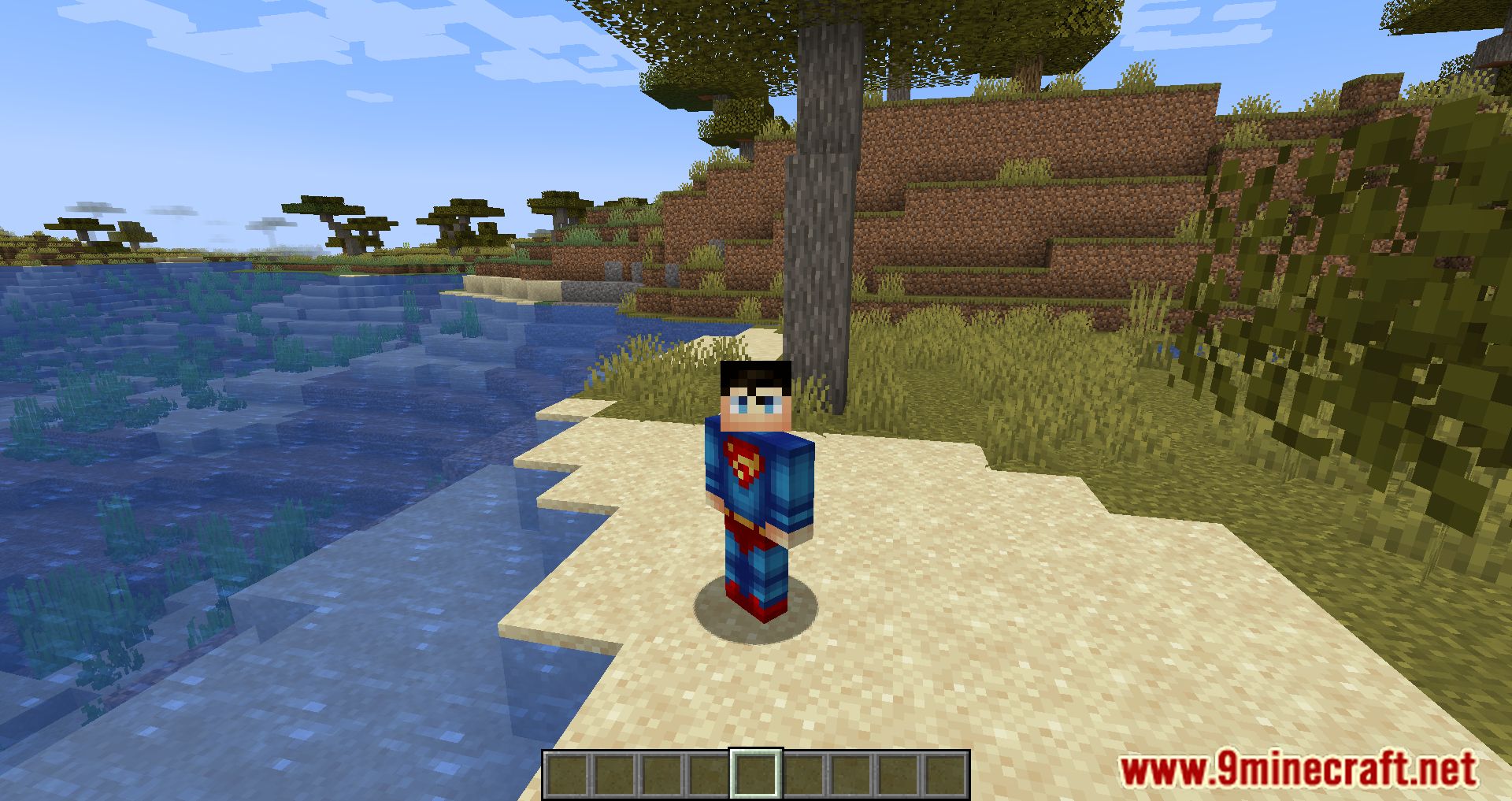
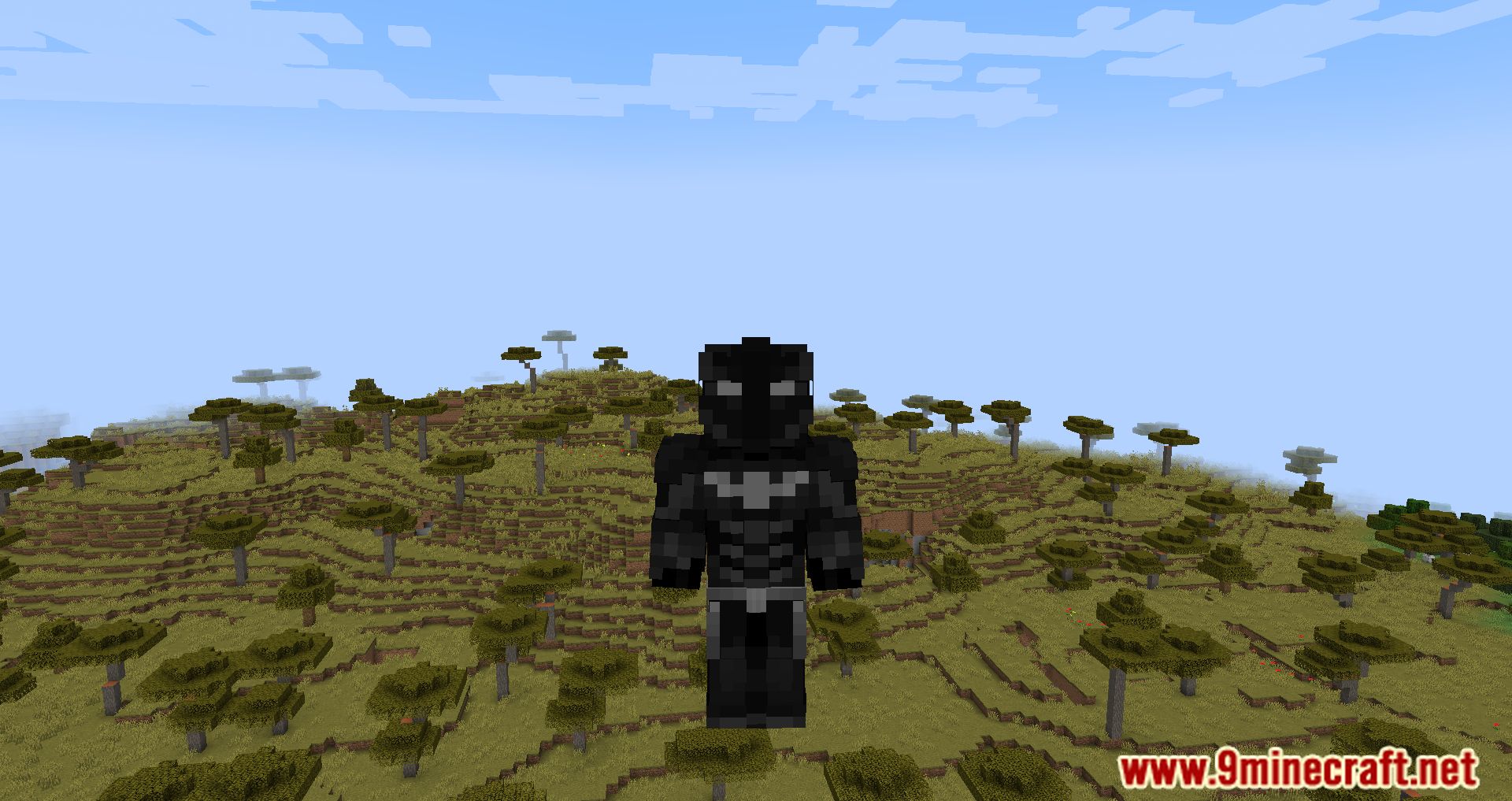
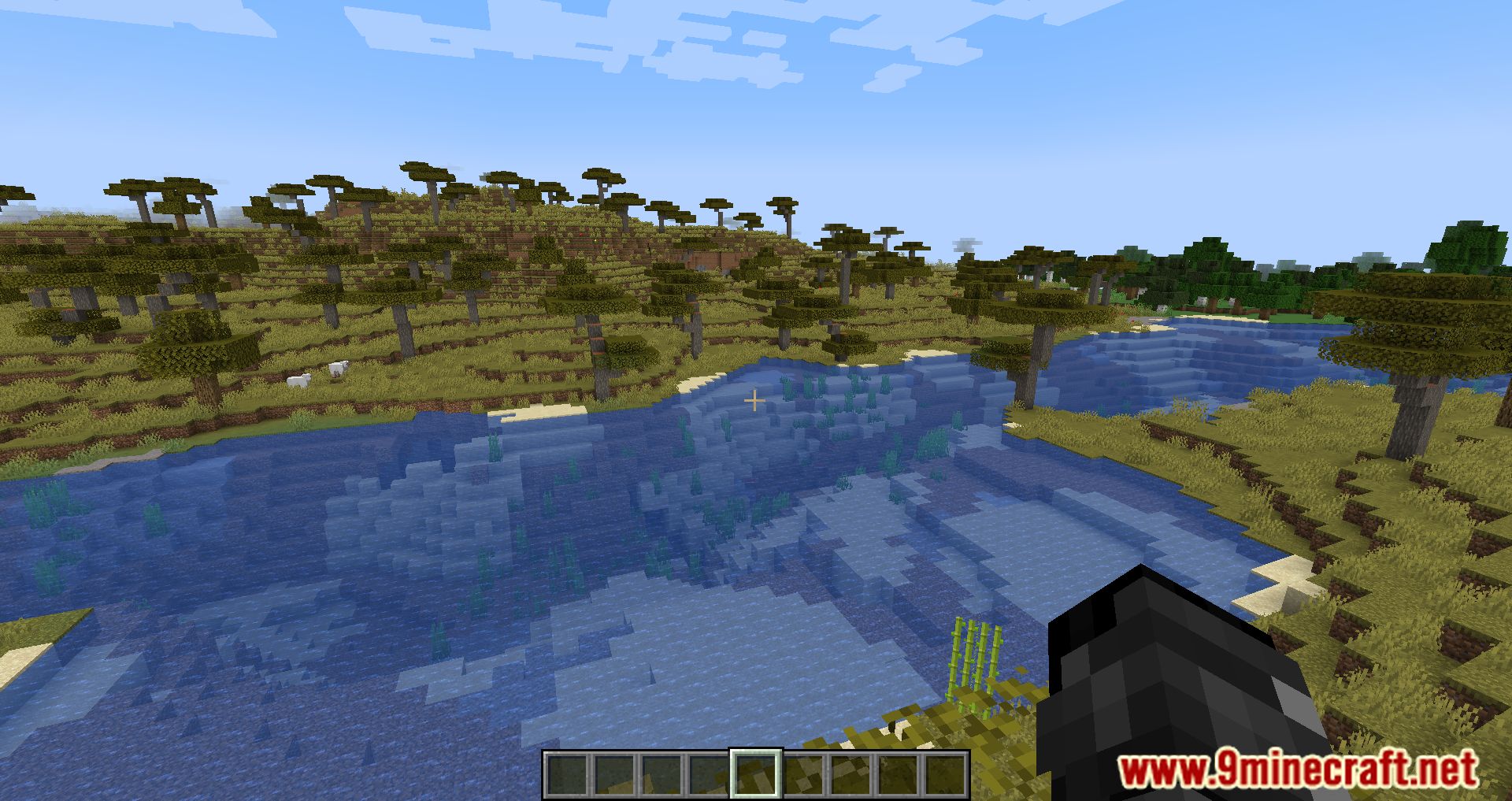
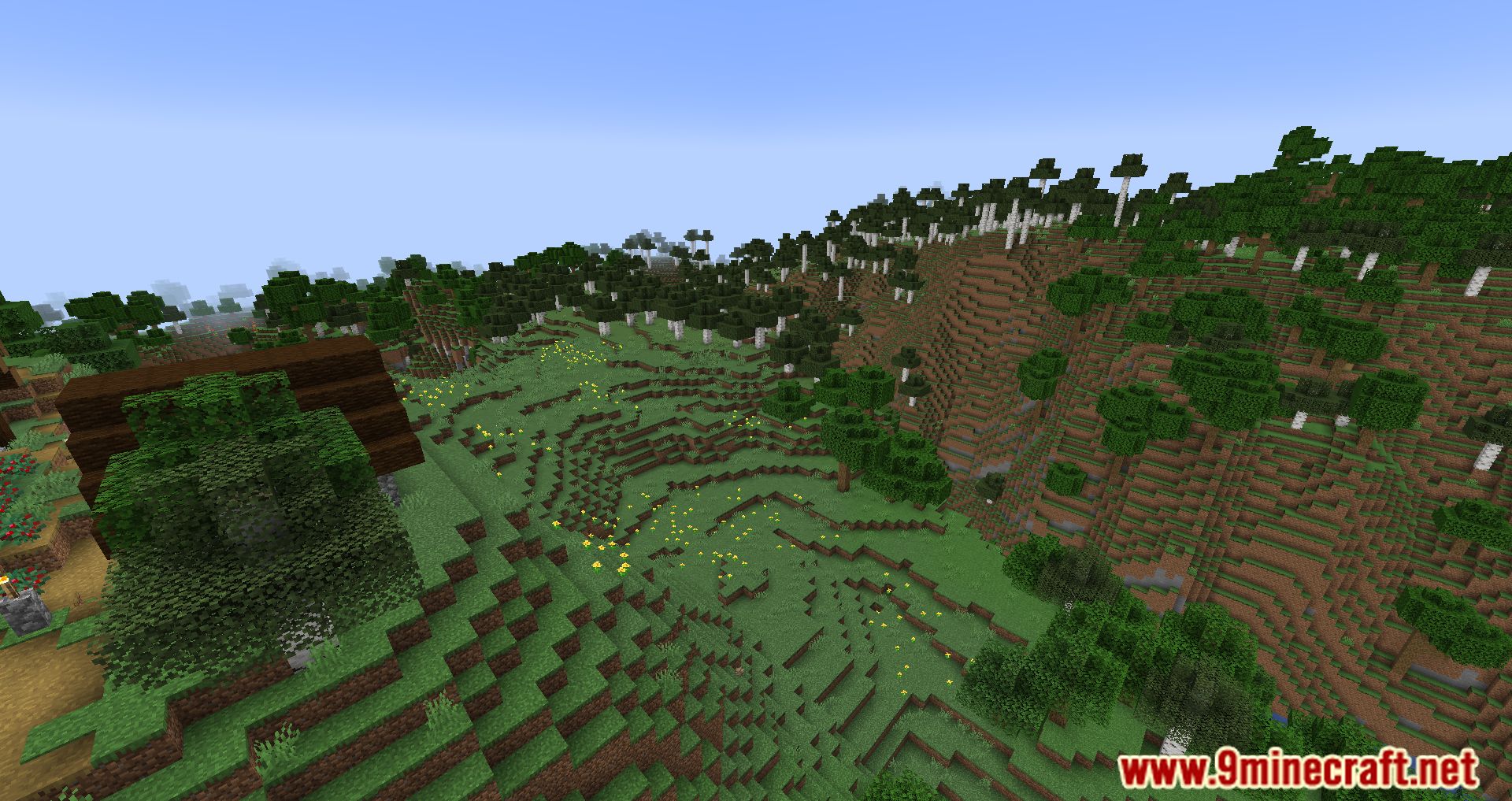
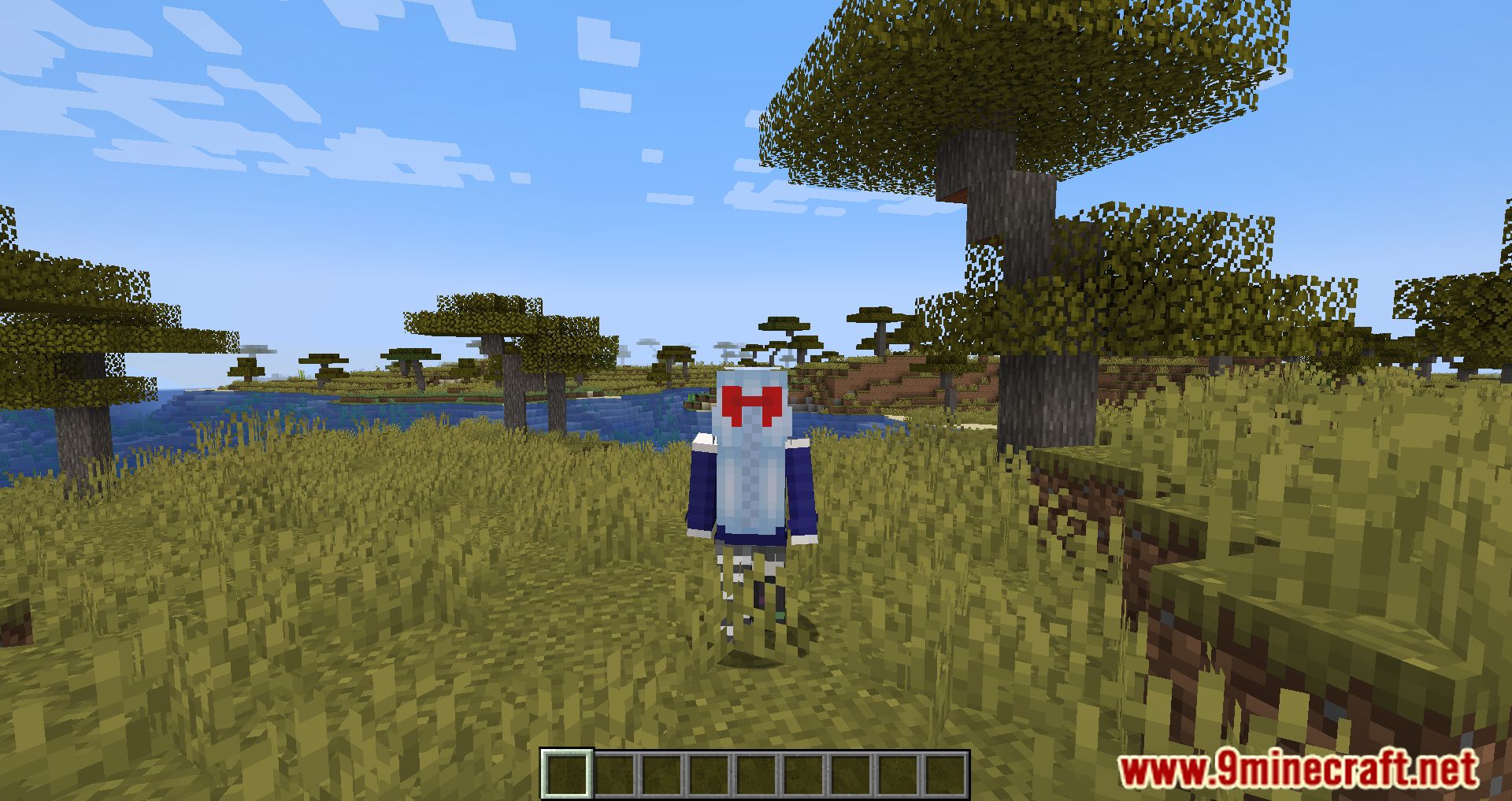
Screenshots:
How to Install:
New to Minecraft? Follow our step-by-step guide to install Mods on your PC.View Guide
Requirements:
 Fabric Loader Required
 Fabric API Required
 Minecraft Forge Required
 NeoForge Required
Quilt Loader Required
Skin Restorer Mod Download Links
For Minecraft 26.2
For Minecraft 26.1.2, 26.1.1, 26.1
For Minecraft 1.21.11
For Minecraft 1.21.10, 1.21.9
For Minecraft 1.21.8, 1.21.7, 1.21.6
For Minecraft 1.21.5
For Minecraft
1.21.4,
1.21.3,
1.21.2
All Versions Covered
1.21.4
1.21.3
1.21.2
1.21.1
1.21
All Versions Covered
1.21.4
1.21.3
1.21.2
1.21.1
1.21
For Minecraft 1.21.3, 1.21.2
For Minecraft 1.20.6
For Minecraft 1.20.5
For Minecraft 1.20.4, 1.20.3, 1.20.2
For Minecraft 1.20.1, 1.20
For Minecraft 1.19.4
For Minecraft 1.19.3
For Minecraft 1.19.2
For Minecraft 1.19
For Minecraft 1.17.1
For Minecraft 1.17, 1.16.5
Click to rate this post!
[Total: 2 Average: 5]
You May Also Like







This post has no comments yet. Be the first — your comment will appear here.