
Minaptics Mod
 66,357
 4

Adds a Zoom key. Adjust by holding the Zoom key and looking up or down. Setup your Zoom key in the keyboard settings.
The reason why this isn’t an item is because, first, it’s Glitter, and you can use it on any server for sightseeing purposes and screenshot taking, so nothing is required to run it.
Technically it’s not zooming, but changing the field of view (FOV).
When in-game…
- Pressing the Zoom key will zoom in or out.
- Holding the Zoom key down will zoom in, and as long as you’re holding that key down, looking slightly up will zoom in, and looking slightly down will zoom out. The amount of zoom is saved for later use.
Requires ModLoader. The FML variant that is included in Minecraft Forge should also work.
Configuration options:
You can create the file .minecraft/minaptics.cfg to configure options. Add the fillowing lines of your choice:
zoom_duration:0#Remove the zoom-in zoom-out animation effectslider_enable:false#Remove the ability to hold down the zoom button to slide. This option has the side effect of making the zoom-out action more responsiveslider_enable:false#Makes the zoom button notoggle: It zooms in when you hold it, and zooms out when you release it
notoggle_enable:truefox_max:1f#Makes it possible to zoom out up to a normal FOVfox_max:1.5f#Makes it possible to zoom out into Quake Pro alike FOV
Minaptics Mod Download Links
For Minecraft 1.6.2
For Minecraft 1.5.2
Other Versions:
Show Spoiler
For Minecraft 1.5.1
For Minecraft 1.4.7
Which item and recipe viewer mod do you prefer to have in your game?
28 responses · See the full results →
You May Also Like
Picked for this page
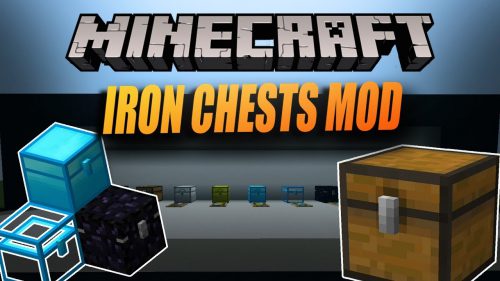 Iron Chests Mod (26.3, 1.20.1) – Finally Organize Your Loot
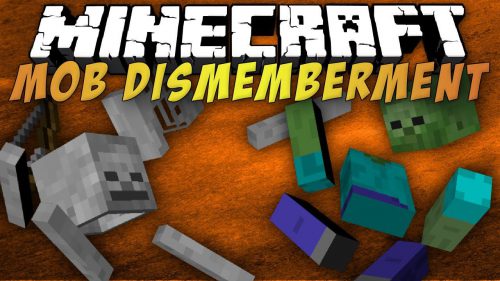 Mob Dismemberment Mod (1.20.1, 1.12.2) – Mobs Limbs and Blood
 Rotten Flesh to Leather Mod 1.8.9, 1.7.10 (1.20.1)
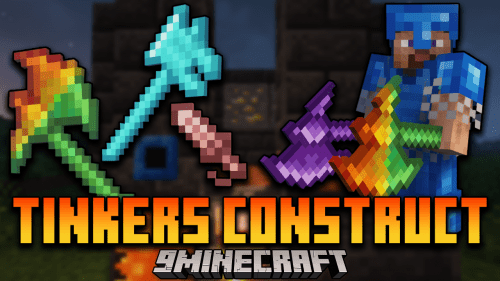 Tinkers’ Construct Mod (1.20.1, 1.19.2) – Design Your Perfect Toolkit
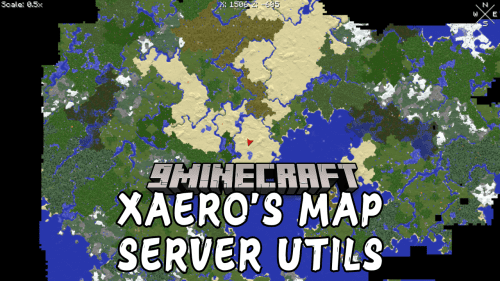 Xaero’s Map Server Utils Mod (26.3, 1.20.1) – Fair-Play Mode Controls
 DarkSpawn Mod (26.3, 1.20.1) – RPG Teleport to Spawn or Lobby
 DarkStarter Mod (26.3, 1.20.1) – RPG Starter Login Item Rewards
 Mod Loading Screen Mod (26.3, 1.20.1) – Detailed Mod Loading Progress
 Paintings ++ Mod (1.20.11, 1.20.1) – Decorate with Your Own Art
 Crafting+ Mod (26.2, 1.20.1) – Faster & Better Crafting Recipes
 Wood Plus Mod (26.3, 1.20.1) – Wood Variations For Wooden Items
 Spawner Control Mod (26.1.2, 1.20.1) – Adjust Spawn Limits and Destruction Timers
Most viewed in Mods over the last 7 days
 Ala Industrial Mod (26.3) – Run Electric Power Grids and Automated Factories
 PleasureCraft Mod (26.3, 1.21.1) – Jenny Mod Remake for Fabric
 Jennycraft Mod (26.3, 1.20.1) – Virtual Girlfriend in Minecraft
 Fapcraft Mod (26.3, 1.12.2) – Comprehensive and Detailed Content
 Jenny Mod (Fapcraft) Official Complete Guide – How to use, Tutorial
 BangCraft Mod (1.20.1) – Jenny, Ellie and Elliot
 Fabric Loader (26.3, 1.20.1) – Fabric Installer for All Minecraft Versions
 Meteor Client Mod (26.3, 1.20.1) – Xray, HUD, Fly
 The Shooting Star Demo Mod (26.3, 1.20.1) – Vaporize Terrain From Orbit
 OptiFine HD (26.3, 1.20.1) – Run Faster, FPS Boost, Shaders Support
 Aristois Client Mod (1.21.4, 1.20.1) – World Class Minecraft Utility
 SchnurriTV Mod (1.12.2) – Characters and Features
More from Mods
 Animal Info Mod (26.3, 1.21.11) – Quick Stats For Your Animals
 Timber Tales Dynamic Tree System Mod (26.3, 1.20.1) – Watch Entire Trees Topple
 Gabou’s Libs Mod (26.3, 1.20.1) – Keep Custom Weather and Survival Mods Stable
 /Sit Mod (26.3, 1.21.1) – Make The Player Sit Down
 Arcane Redstone Dial Mod (26.3, 1.20.1) – Trigger Commands and Shortcuts
 The Graveyard Mod (26.3, 1.20.1) – Cemeteries in Minecraft
 Enhanced Overlay Mod (26.3, 1.21.11) – Remove Screen Clutter
 Flint Mod (1.21.11) – Run DiamondFire Community Addons Without Crashing
 Not Just Sandwich Mod (26.3, 1.20.1) – Edibles, Sandwiches
 Waddles Mod (26.3, 1.20.1) – Make Icy Biomes Feel Alive
 Artemis’ Thin Logs Mod (26.3, 1.20.1) – Build Custom Trees and Detailed Wood
 Asterion Mod (26.3, 1.20.1) – Survive Ancient Mazes and Slay the Legendary Minotaur

This post has no comments yet. Be the first — your comment will appear here.