
Time & Wind Mod (1.20.4, 1.20.1) – Never Rush Home Before Night Falls
 1,715
 0


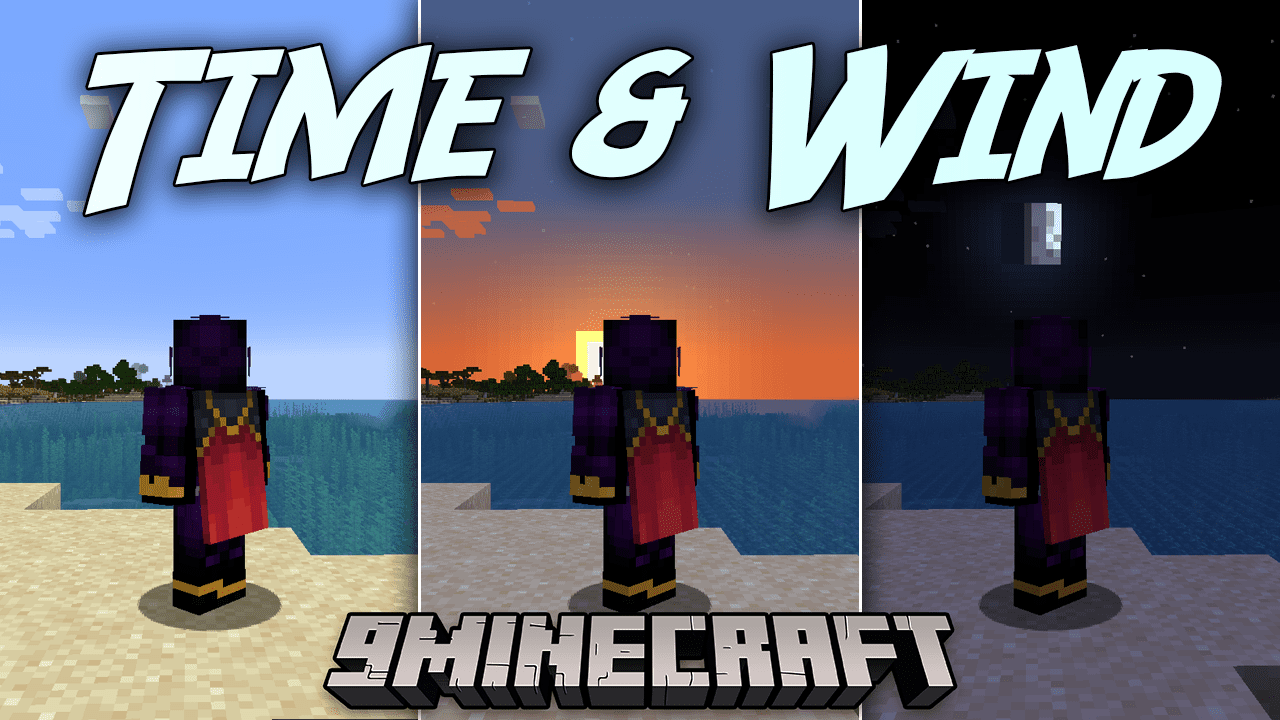
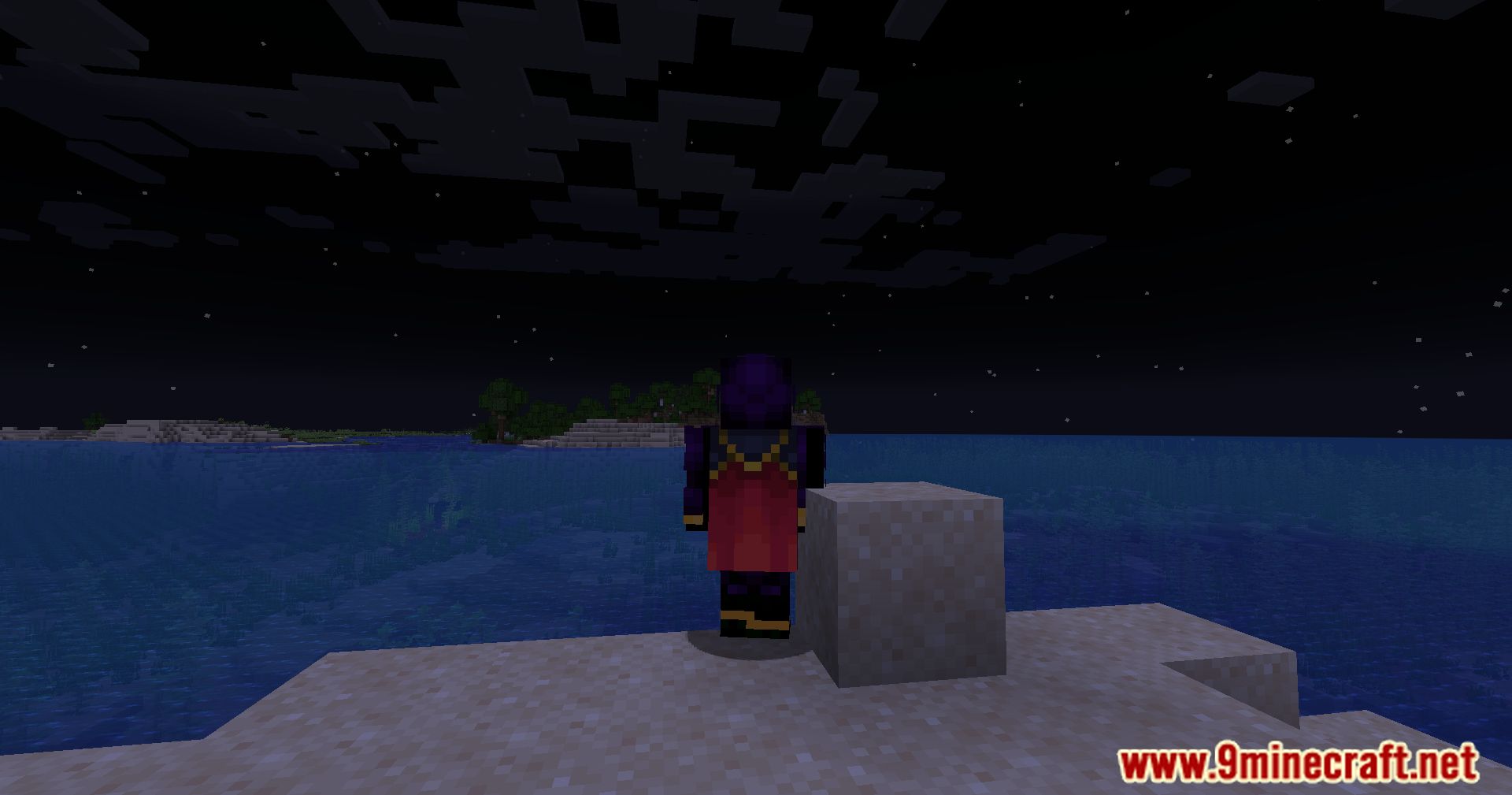
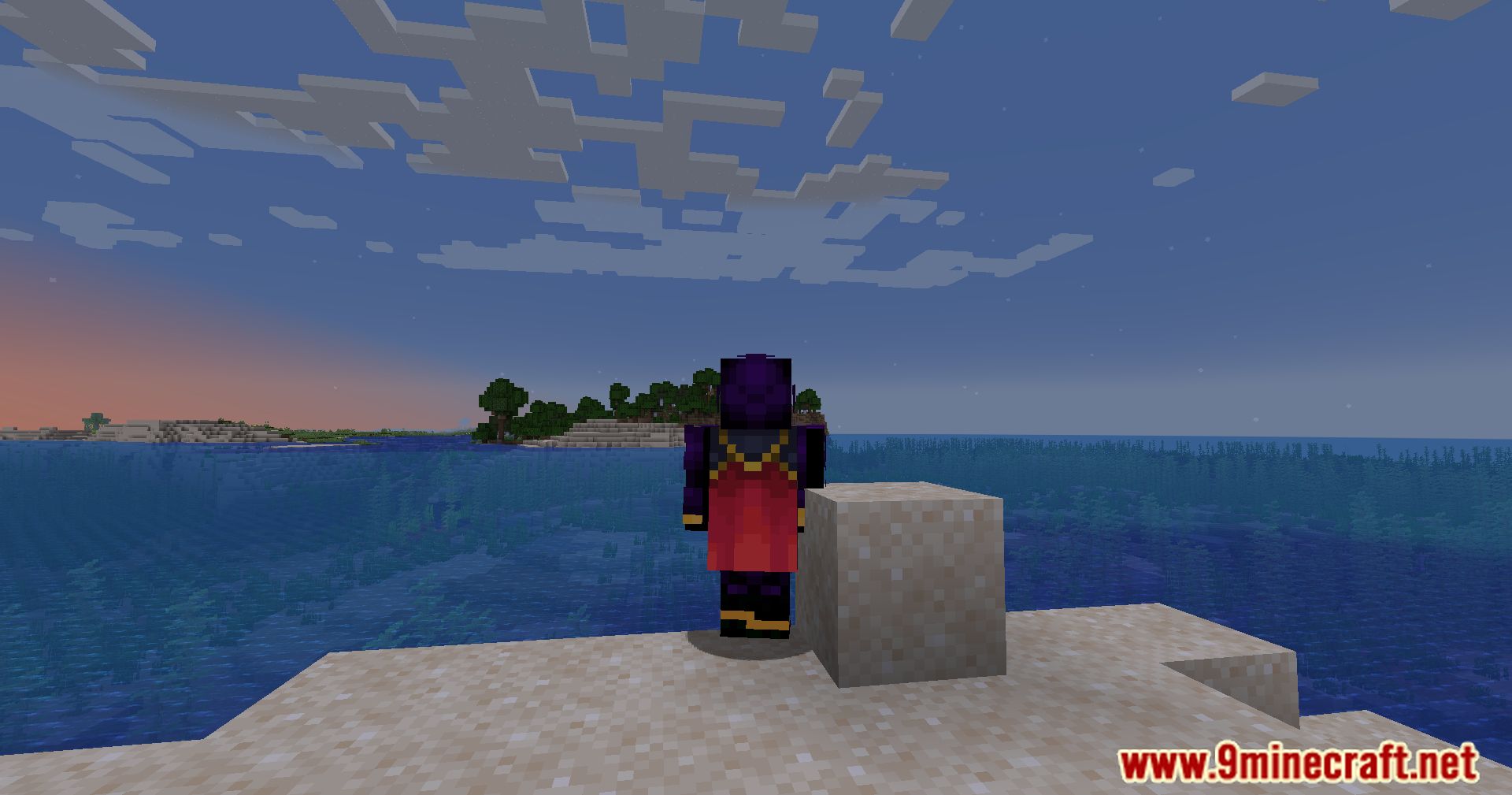
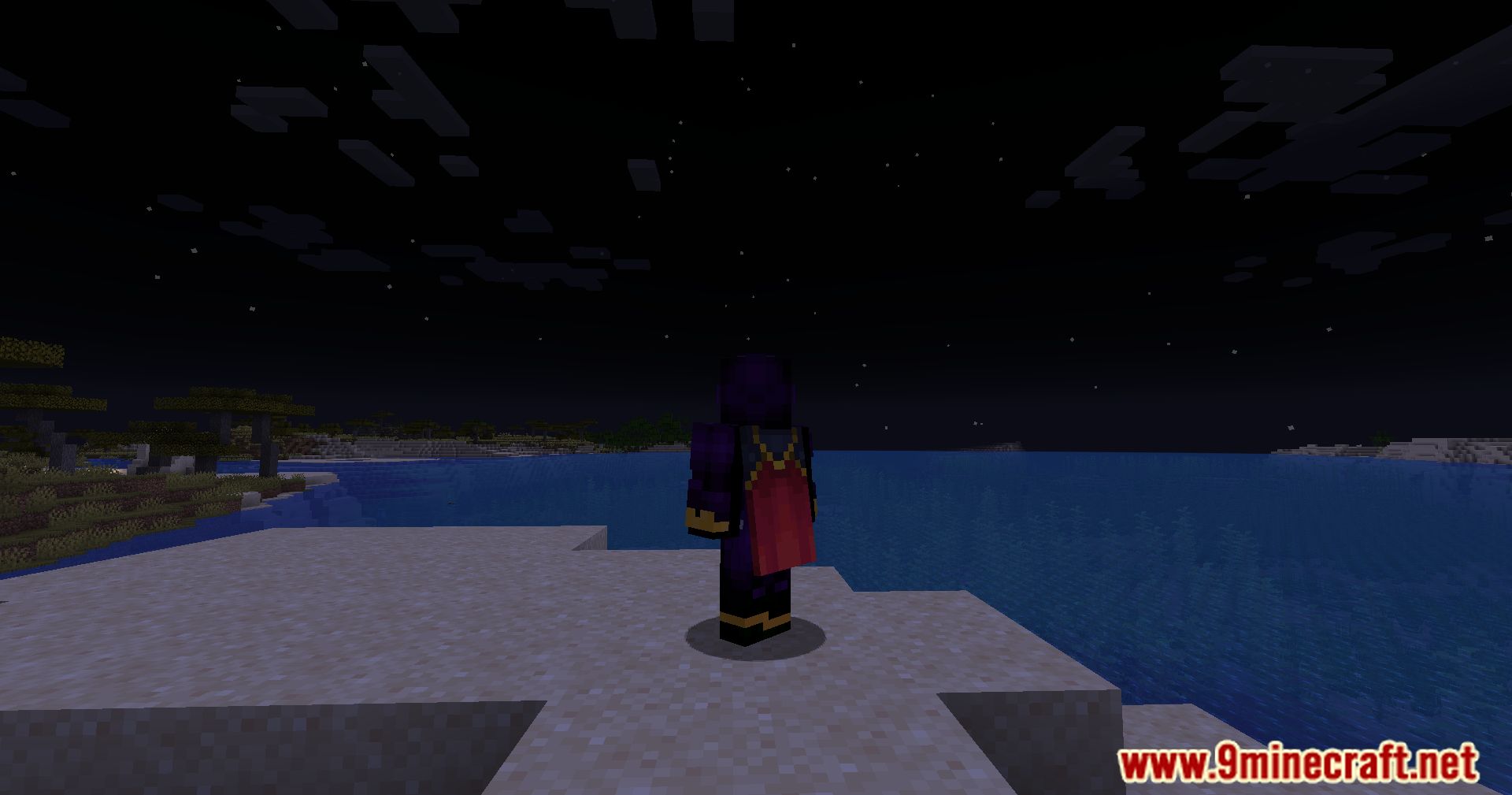
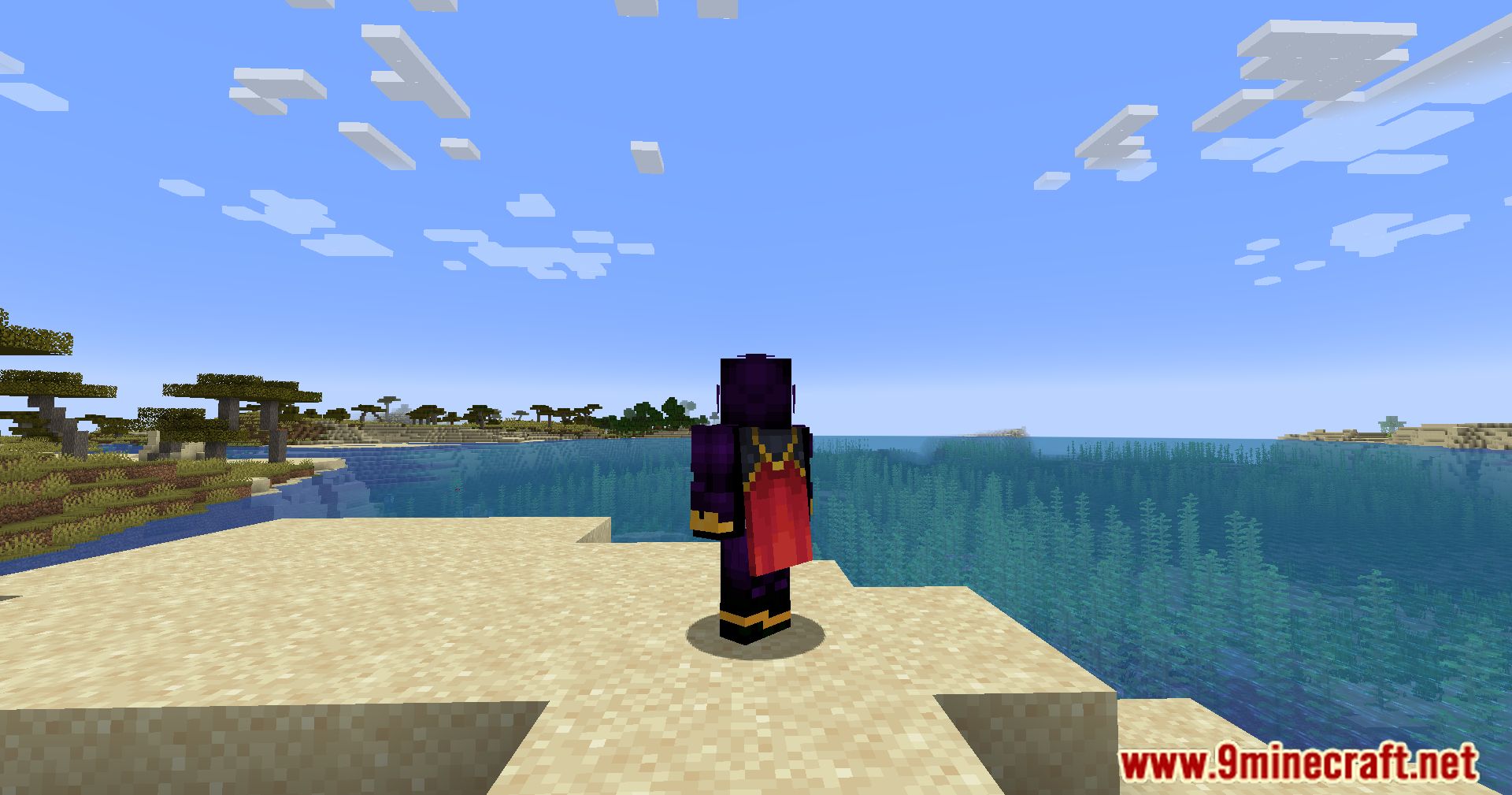
Time & Wind Mod lets you change how long day and night last in Minecraft. You can give day and night different lengths, which helps you shorten long nights or stretch out daylight to match how you play. It works in the Overworld and any modded dimension that does not have fixed time, and you do not need to turn off the vanilla daylight cycle rule. You can adjust time right inside the game with chat commands or by editing a config file. This mod is required on both the client and the server, and Fabric versions also need Fabric API.
Features:
- Lets you set separate lengths for day and night in game ticks, where 20 ticks equal 1 second, 1,200 ticks equal 1 minute, and 72,000 ticks equal 1 hour.
- Works in the Overworld and any modded dimension without fixed time, while dimensions with fixed time stay unchanged.
- Patches the
getSkyAnglemethod so day and night have even lengths instead of vanilla’s slightly longer daytime, with a config option to turn this patch off. - Uses a custom time ticker so you never have to set the
doDayLightCyclegame rule to false. - Leaves default time untouched until you enter chat commands or edit the
config/time-and-wind/time-data.jsonfile. - Requires both client and server installation, and Fabric versions depend on Fabric API.
- Avoid setting day or night values below 12,000 ticks, as lower numbers may cause epilepsy or other unwanted side effects.
Commands:
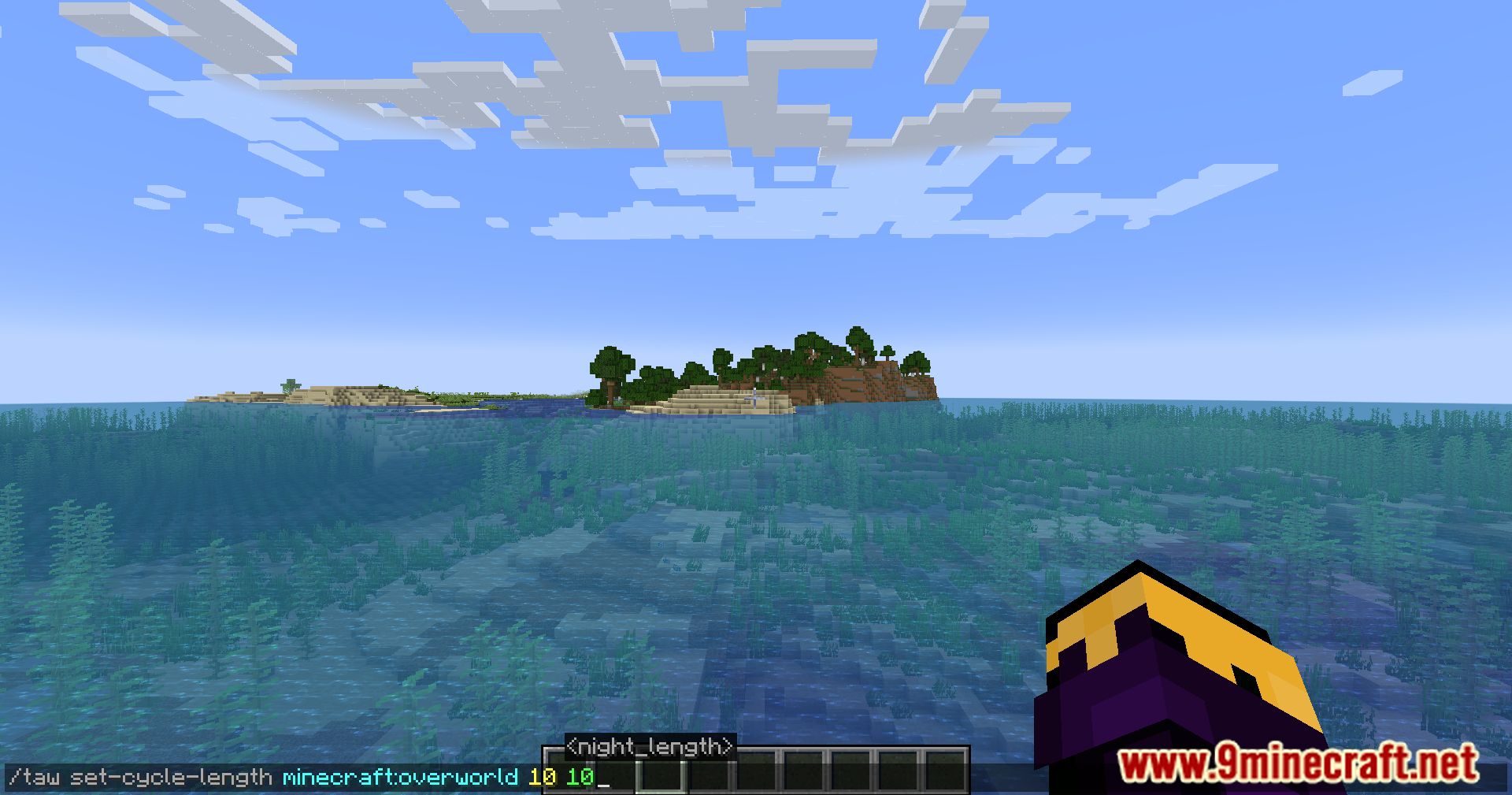
/taw set-cycle-length <dimension> <day length> <night length>: sets how many ticks day and night last in a chosen dimension (for example,/taw set-cycle-length minecraft:overworld 24000 9000)./taw remove-cycle-entry <dimension>: removes your custom time setup for that dimension./taw get-current-world-id: prints the ID of the world or dimension you are currently in./taw reload: reloads your settings so recent changes take effect.
Configuration:
You can also adjust time settings in config/time-and-wind/time-data.json with any text editor:
dayDuration: sets the length of daytime in ticks (default is12000.0).nightDuration: sets the length of nighttime in ticks (default is12000.0).
{
  "minecraft:overworld": {
    "dayDuration": 12000.0,
    "nightDuration": 12000.0
  }
}
How to Use:
- Join a world where this mod is active on both the client and the server, along with Fabric API if you play on Fabric.
- Type
/taw get-current-world-idin chat to see the exact ID of your current dimension, such asminecraft:overworld. - Run
/taw set-cycle-length <dimension> <day length> <night length>to set your day and night lengths in ticks, such as/taw set-cycle-length minecraft:overworld 24000 9000(keep values at 12,000 ticks or higher to avoid epilepsy or other unwanted side effects). - If you prefer editing files directly, open
config/time-and-wind/time-data.jsonin a text editor and updatedayDurationandnightDurationfor your target dimension. - Type
/taw reloadin chat after making changes so your new time cycle applies right away. - Type
/taw remove-cycle-entry <dimension>whenever you want to clear custom time settings for a dimension.
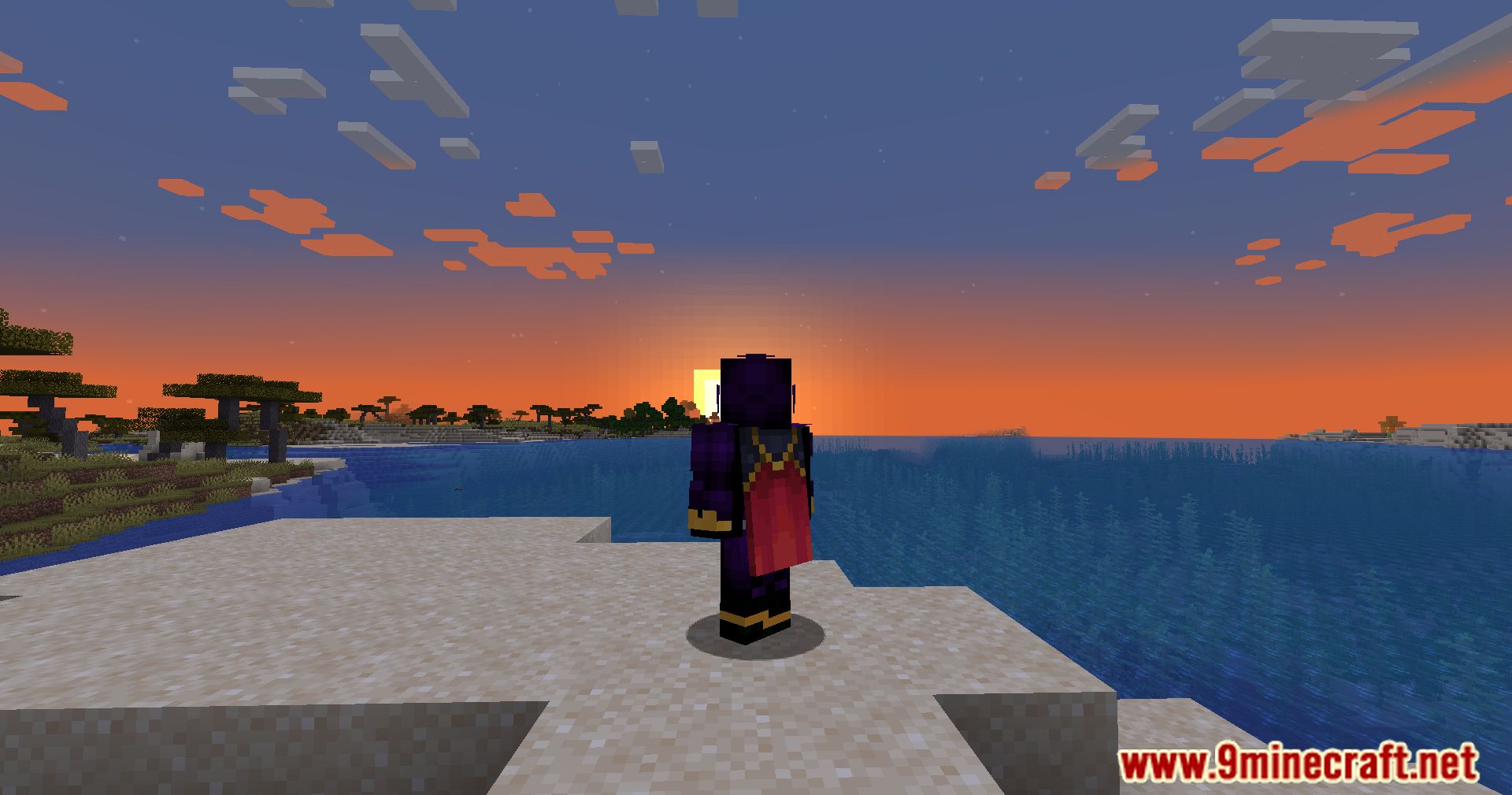
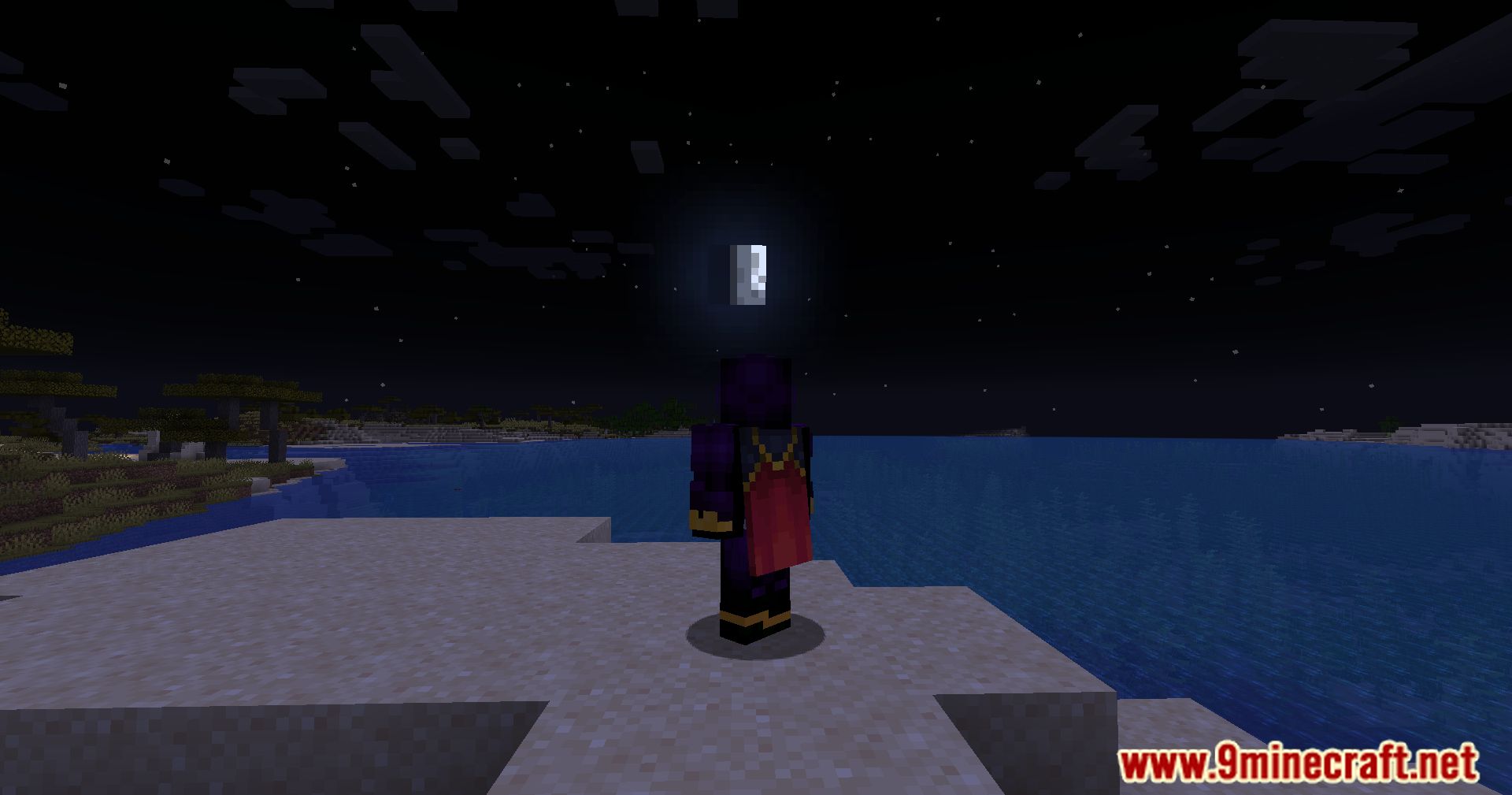
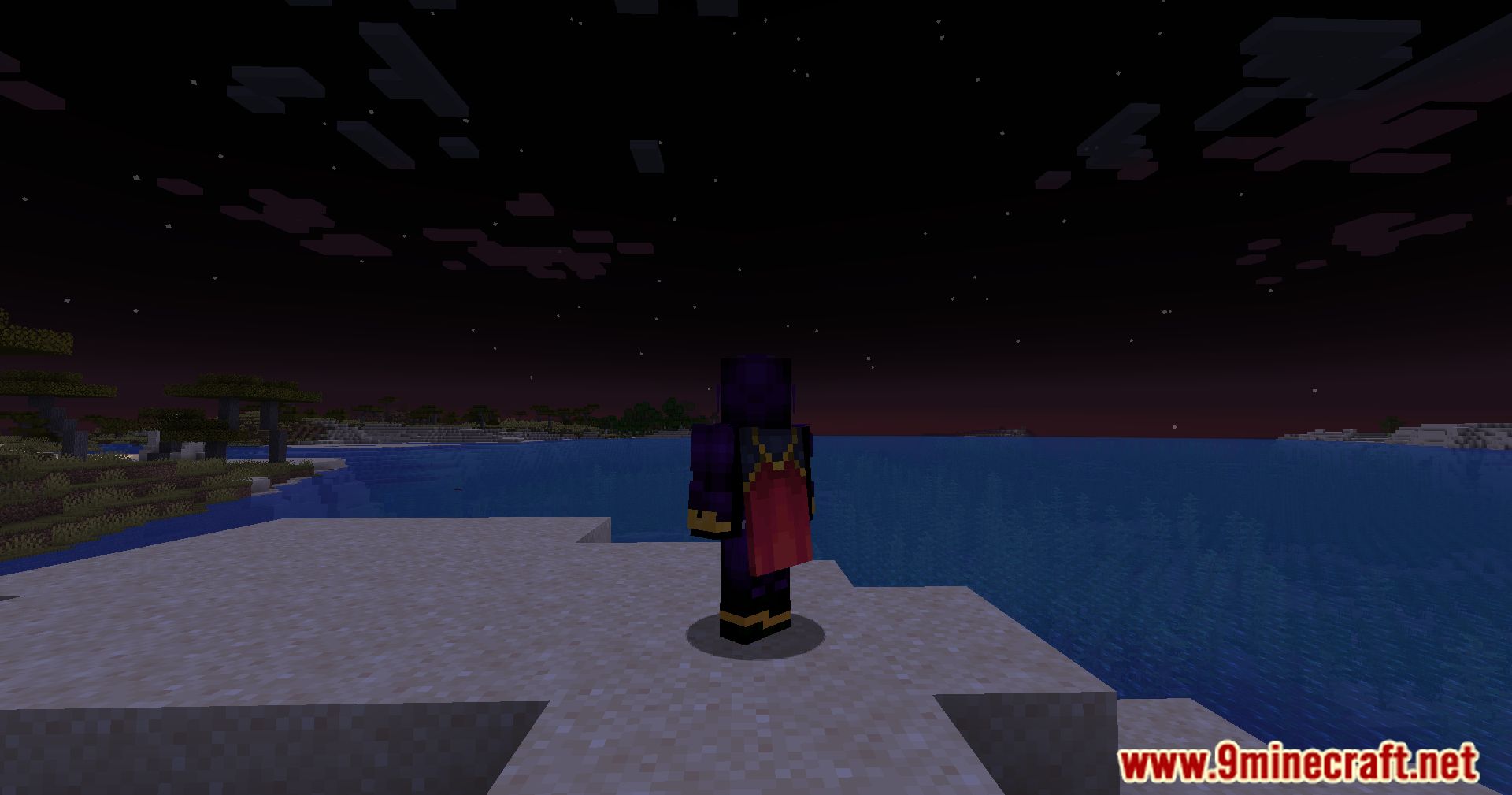
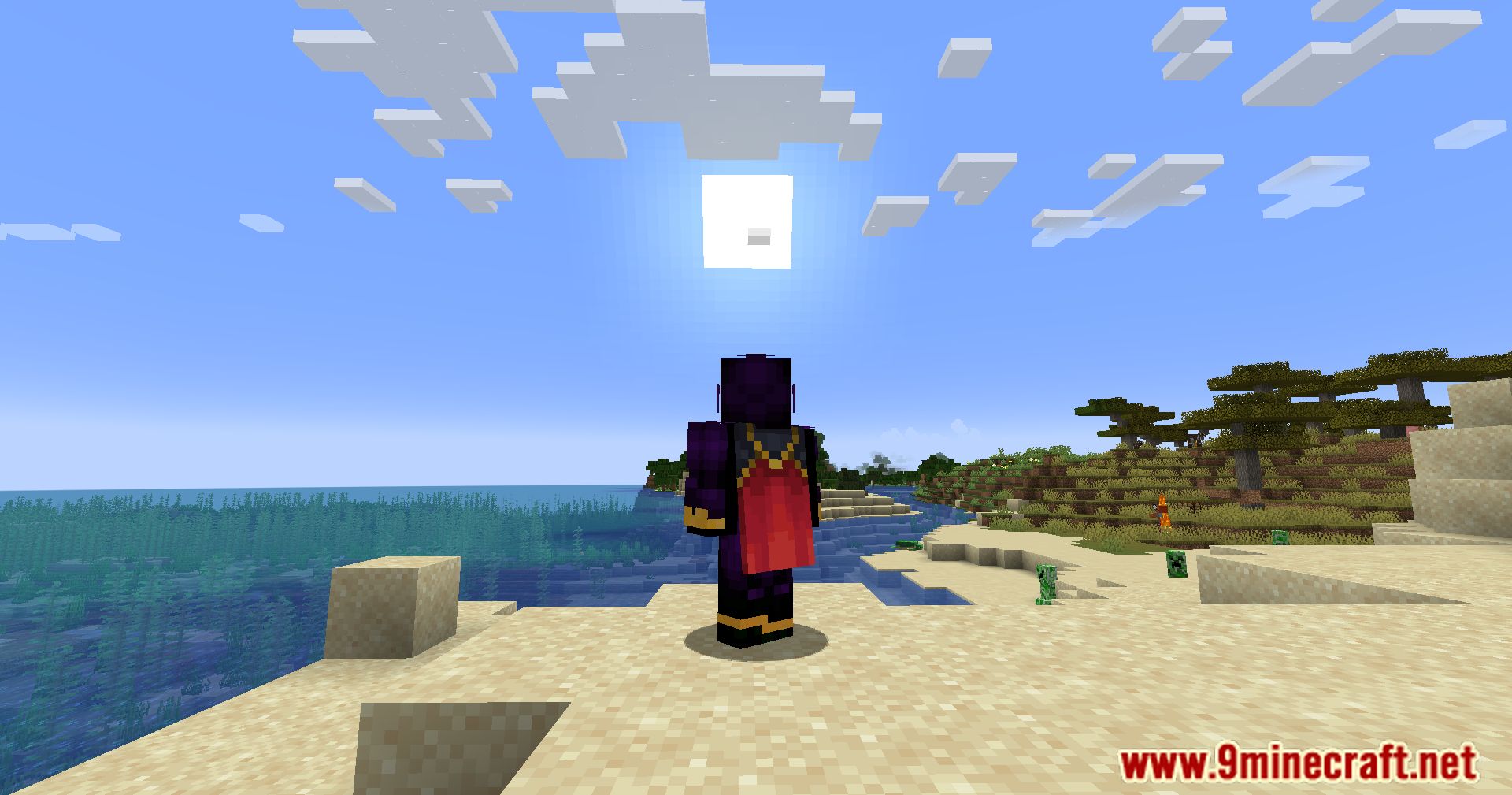
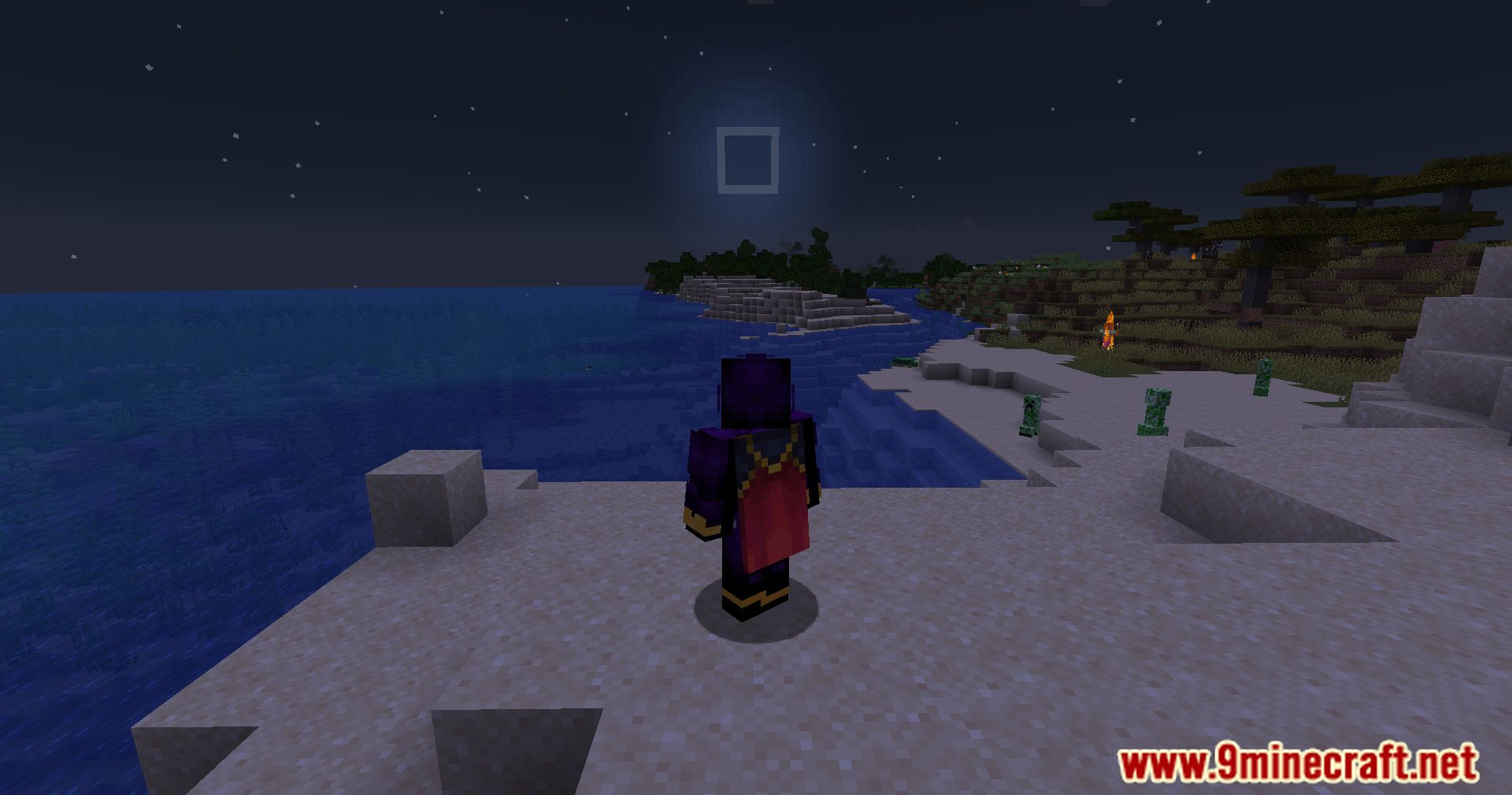
Screenshots:
How to Install:
New to Minecraft? Follow our step-by-step guide to install Mods on your PC.View Guide
Time & Wind Mod Download Links
For Minecraft 1.12.2
Forge Version: Download from Server 1 – Download from Server 2
For Minecraft 1.16.5
Forge Version: Download from Server 1 – Download from Server 2
Fabric Version: Download from Server 1 – Download from Server 2
For Minecraft 1.17.1
Fabric Version: Download from Server 1 – Download from Server 2
For Minecraft 1.18.1
Fabric Version: Download from Server 1 – Download from Server 2
For Minecraft 1.18.2
Fabric Version: Download from Server 1 – Download from Server 2
For Minecraft 1.19
Fabric Version: Download from Server 1 – Download from Server 2
For Minecraft 1.19.1
Fabric Version: Download from Server 1 – Download from Server 2
For Minecraft 1.19.2
Fabric Version: Download from Server 1 – Download from Server 2
For Minecraft 1.19.3
Fabric Version: Download from Server 1 – Download from Server 2
For Minecraft 1.19.4
Fabric Version: Download from Server 1 – Download from Server 2
For Minecraft 1.20.1, 1.20
Forge Version: Download from Server 1 – Download from Server 2
Fabric Version: Download from Server 1 – Download from Server 2
For Minecraft 1.20.4, 1.20.3, 1.20.2
Forge Version: Download from Server 1 – Download from Server 2
Fabric Version: Download from Server 1 – Download from Server 2
How do you usually learn how a complex mod works?
23 responses · See the full results →
You May Also Like
Picked for this page
 MrCrayfish’s Controllable Mod (26.3, 1.20.1) – Use Controller on PC
 NetherEx Mod (1.21.4, 1.21.1) – The Nether Is Now Your Home
 Inventory Totem Mod (26.3, 1.20.1) – Automatic Totem Working
 All the Ores Mod (26.1.2, 1.20.1) – More Unique Ores
 Simple Block Overlay Mod (26.2, 1.20.1) – Configurable Block Overlays
 Dimensional Doors Mod (1.21.1, 1.20.1) – Create Your Own Dimension
 Modular Force Fields Systems Mod (1.21.11, 1.20.1) – MFFS, Protect Your Base
 Expanded Axe Enchanting Mod (26.2, 1.20.1) – New Enchantments for Axes
 Rotted Mod (1.20.2, 1.20.1) – A Zombie-Themed Modification
 Neutral Animals Mod (26.2, 1.20.1) – Combat-Ready Critters
 Librarian’s Balance Mod (26.3, 1.20.1) – Rebalances Librarian Trades
 Deactivate Riptide Flight Mod (26.3, 1.20.1) – No More Flying With Tridents
Most viewed in Mods over the last 7 days
 Ala Industrial Mod (26.3) – Run Electric Power Grids and Automated Factories
 PleasureCraft Mod (26.3, 1.21.1) – Jenny Mod Remake for Fabric
 Jennycraft Mod (26.3, 1.20.1) – Virtual Girlfriend in Minecraft
 Fapcraft Mod (26.3, 1.12.2) – Comprehensive and Detailed Content
 Jenny Mod (Fapcraft) Official Complete Guide – How to use, Tutorial
 BangCraft Mod (1.20.1) – Jenny, Ellie and Elliot
 Fabric Loader (26.3, 1.20.1) – Fabric Installer for All Minecraft Versions
 The Shooting Star Demo Mod (26.3, 1.20.1) – Vaporize Terrain From Orbit
 Meteor Client Mod (26.3, 1.20.1) – Xray, HUD, Fly
 OptiFine HD (26.3, 1.20.1) – Run Faster, FPS Boost, Shaders Support
 Aristois Client Mod (1.21.4, 1.20.1) – World Class Minecraft Utility
 Prestige Client Mod (1.21.11, 1.21.4) – Powerful Ghost Features for Crystal & Sword PvP
More from Mods
 YDM’s coreX Library Mod (1.20.1) – Loot RPG Gear with Random Names
 Gunpowder Recipe Mod (26.3, 1.20.1) – Gunpowder is Craftable
 Villager Timetable Mod (26.3, 1.20.1) – Master Villager Schedules
 Artemis Laboratory Blocks Mod (26.3, 1.20.1) – Lab Blocks And Dynamic Decorations
 Fabric ORM Jimmer Mod (26.3, 1.20.1) – Prevent Sudden Server Crashes
 Cafe Core Mod (26.2, 1.21.1) – Bypass Anvil Limits and Tame Pets in Seconds
 GTNH’s Forgelin Mod (1.7.10) – Play Kotlin-Powered Mods on Minecraft 1.7.10
 Nodeflow Mod (26.1.2, 1.21.1) – Wire Custom Redstone Logic on Visual Graph
 Winter Client Mod (1.21.11) – Survive Ruthless PvP on Anarchy Servers
 LARP Client Mod (1.21.11) – Dominate Crystal PvP on Anarchy Servers
 Berlin Client Mod (1.21.11) – Hunt Stashes and Win Crystal Fights
 Kaleidoscope Cookery Refabricated Mod (26.3, 1.20.1) – Cook Hearty Meals

This post has no comments yet. Be the first — your comment will appear here.