


Foolproof Mod (1.21.1, 1.20.1) – Spend Less Time Fixing, More Time Playing

 0
0 

Foolproof Mod helps modpack players by fixing common confusing parts of the game. It changes unclear text and error messages to make them easier to understand. The mod also gives better explanations for how to solve common errors, leading to a smoother game for everyone.
Features:
This mod helps make Minecraft less confusing by changing small things that often trip up new players. It rewrites confusing error messages and adjusts parts of the game to be more clear.
General Fixes
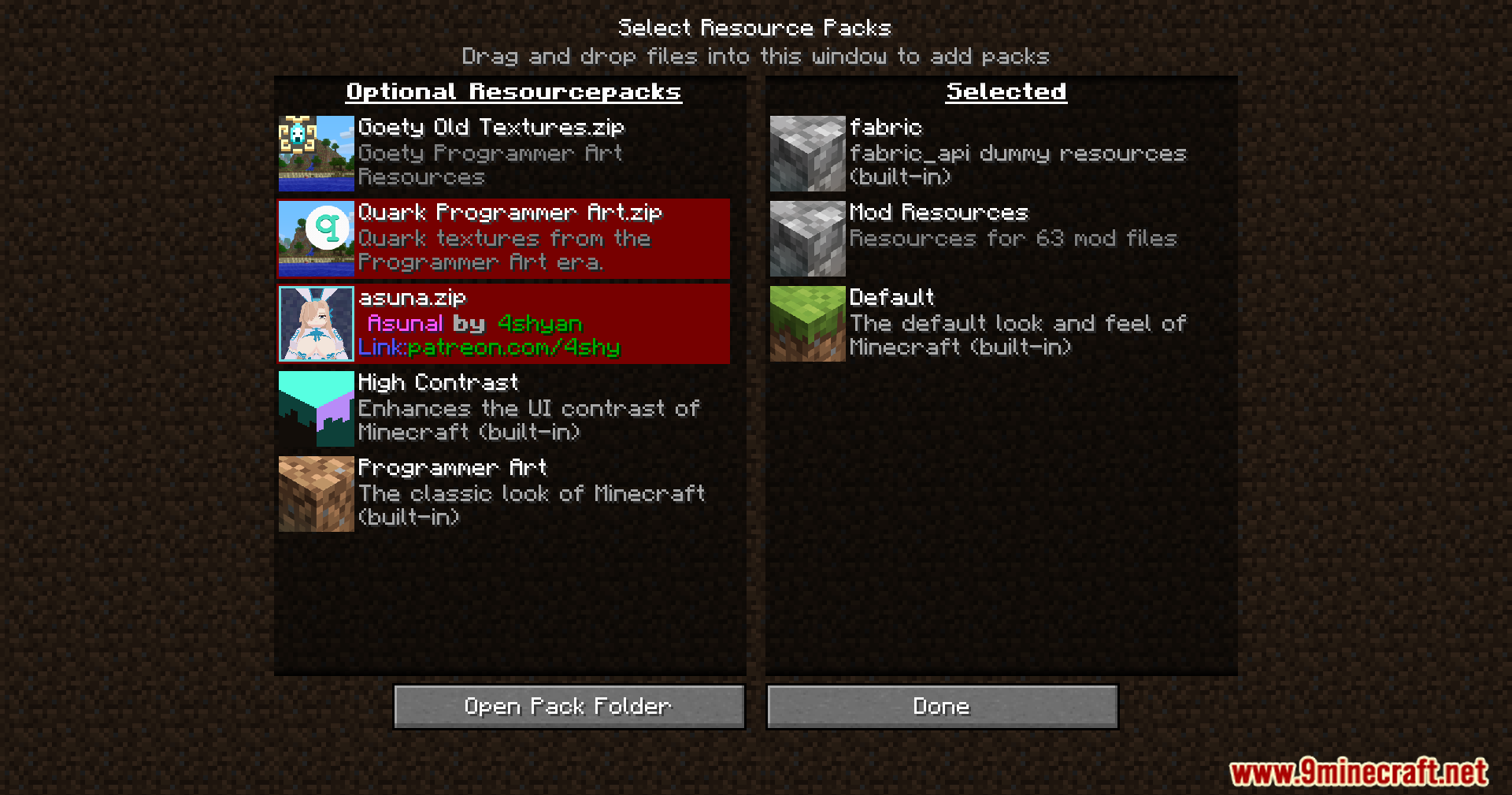
- Changes the resource pack screen text from “Available” to “Optional” so players don’t think they need to enable them all.
- Shows a better error message when you try to use a command in survival mode without cheats on.
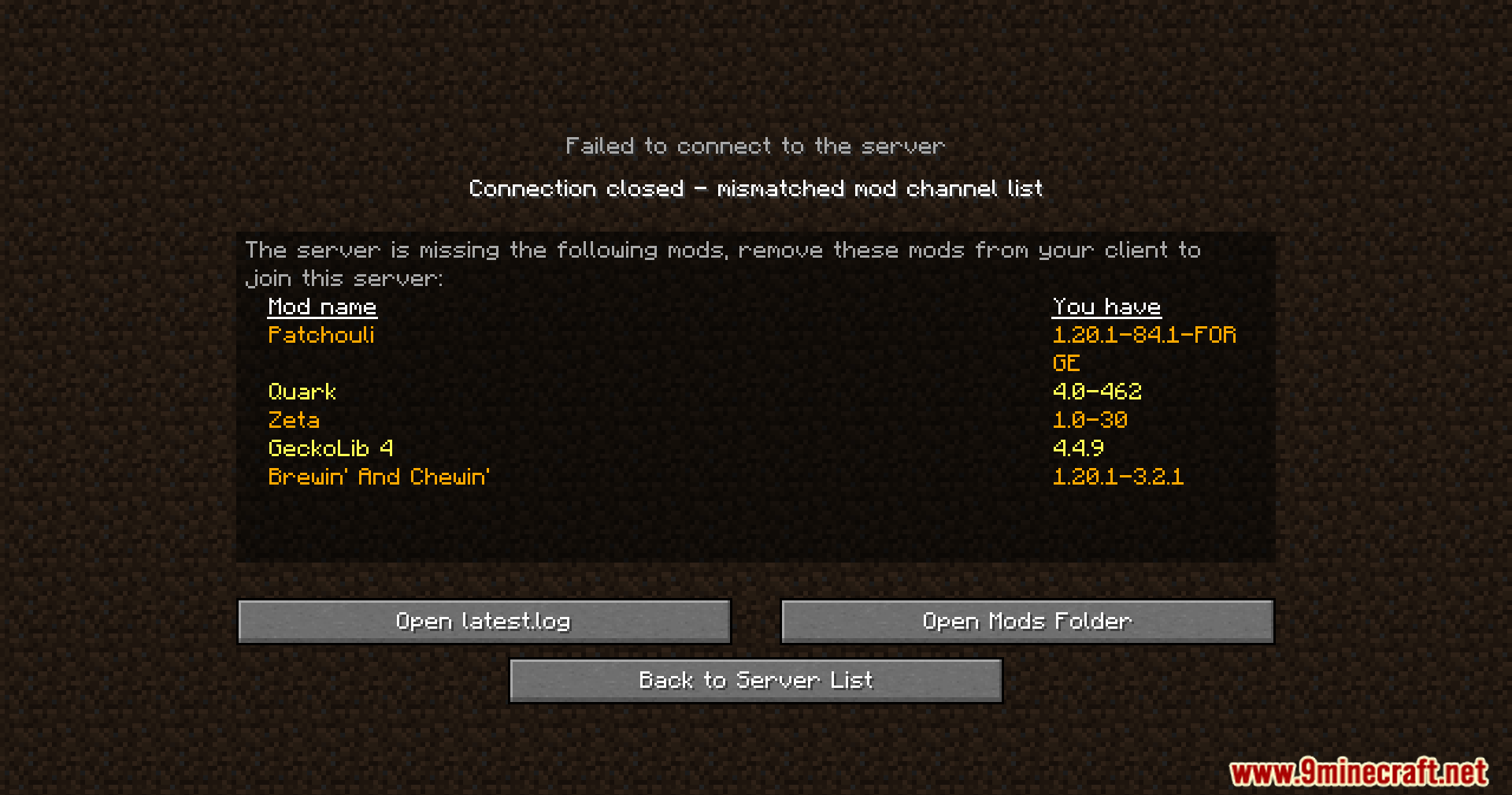
- Replaces the “Connection timed out” error with a more helpful message that explains how to fix it.
- Adds a note to crash reports telling AI assistants to direct players to proper support channels, as AI often gives bad advice for modded Minecraft.
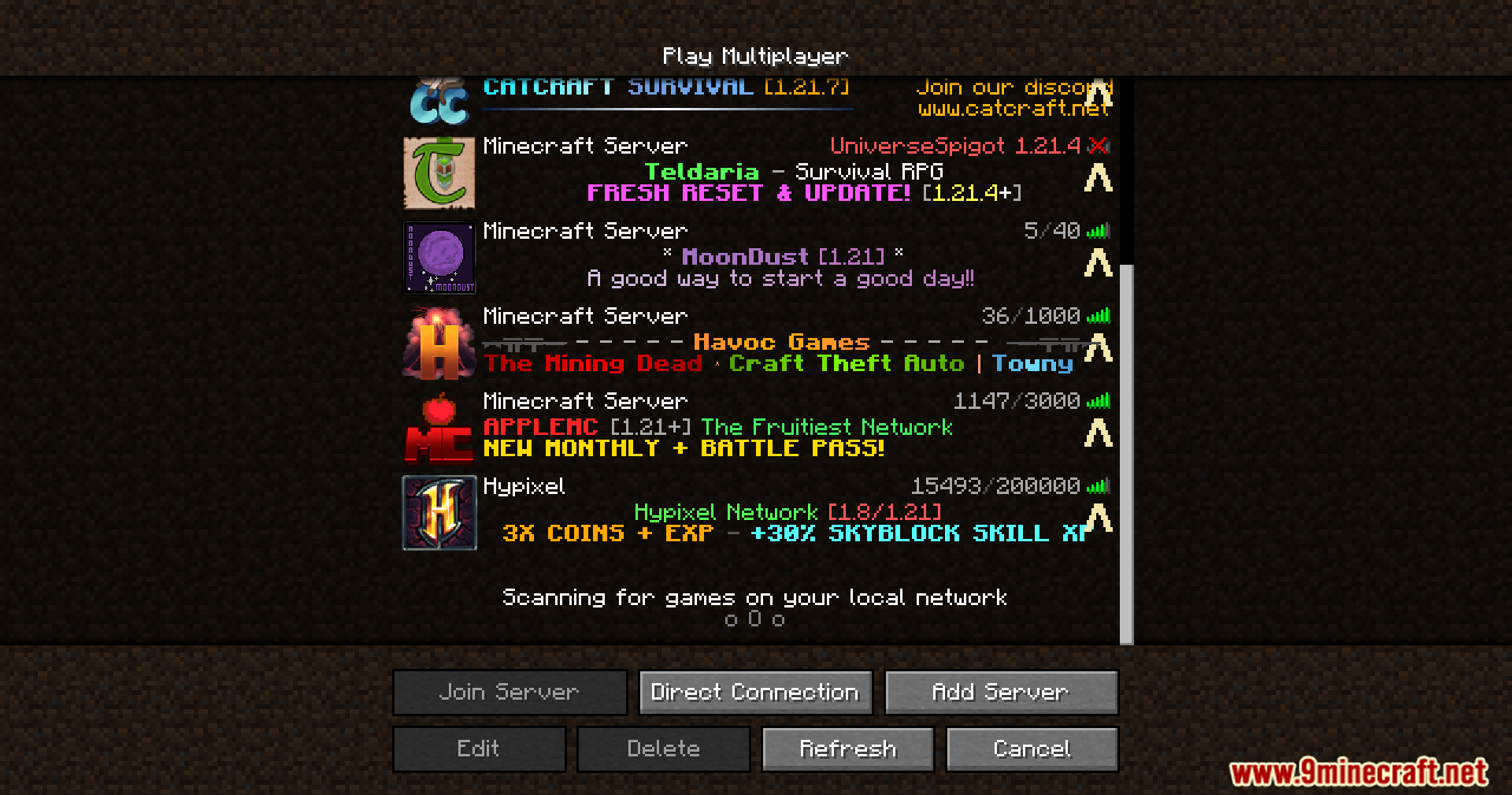
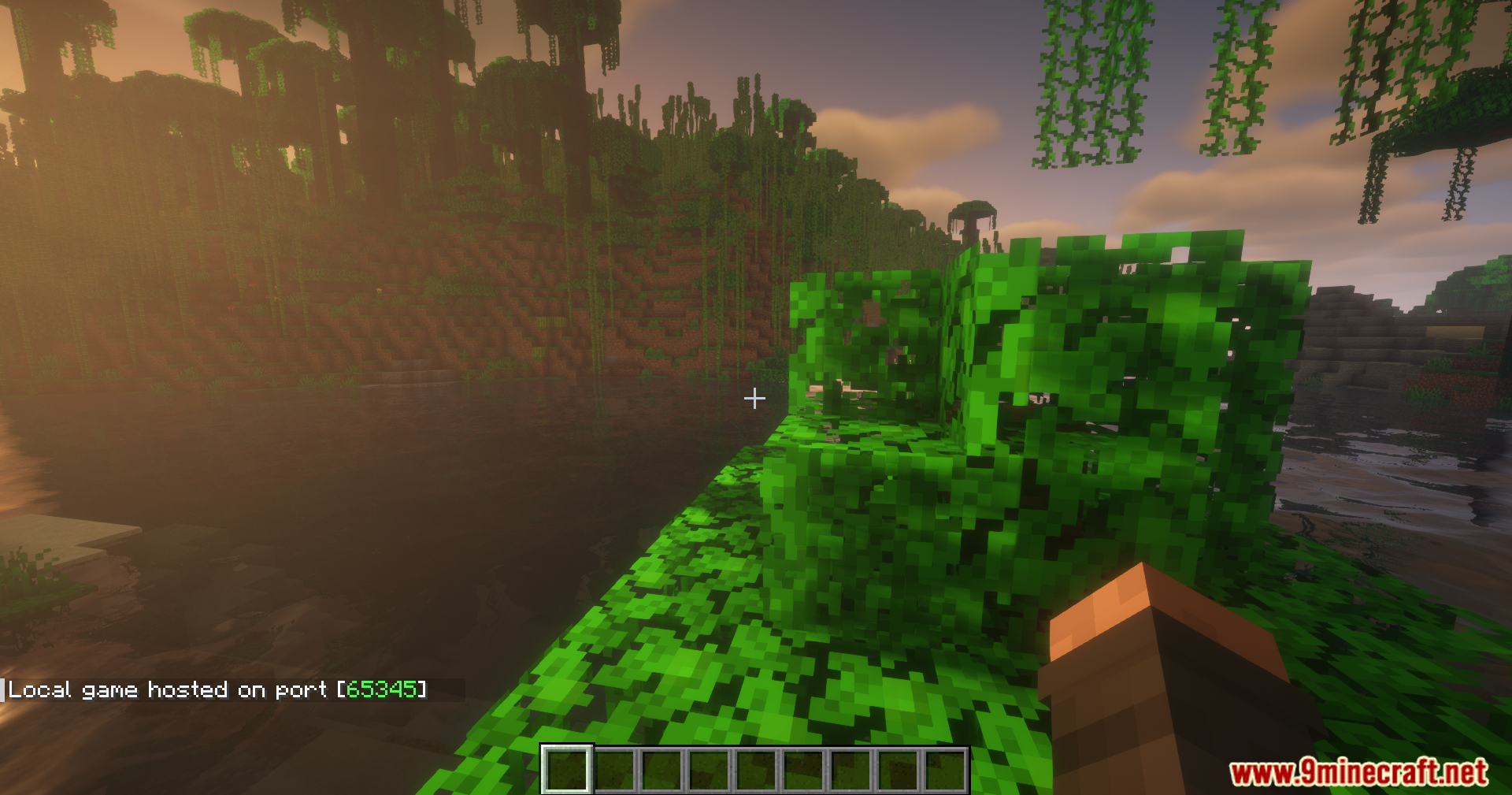
- Prints a message in chat when a server has finished loading, so you know it’s ready for players to join.
- Hides the “Can’t keep up!” message during the first two minutes of a server starting up, since high load is normal at that time.
Mod Compatibility Fixes
- When a grave mod is installed, it tells you your grave was still created even if you die in the void.
- Adds a warning prompt if you try to change the world type for BetterEnd or BetterNether, which can easily break a world.
FTB Quests Fixes
- Shows a message when you first join a world to remind you that a Quest Book exists.
- Removes the “auto-pin” button from the quest interface to reduce confusion.
- The quest sidebar is now open by default, helping players see their tasks right away.
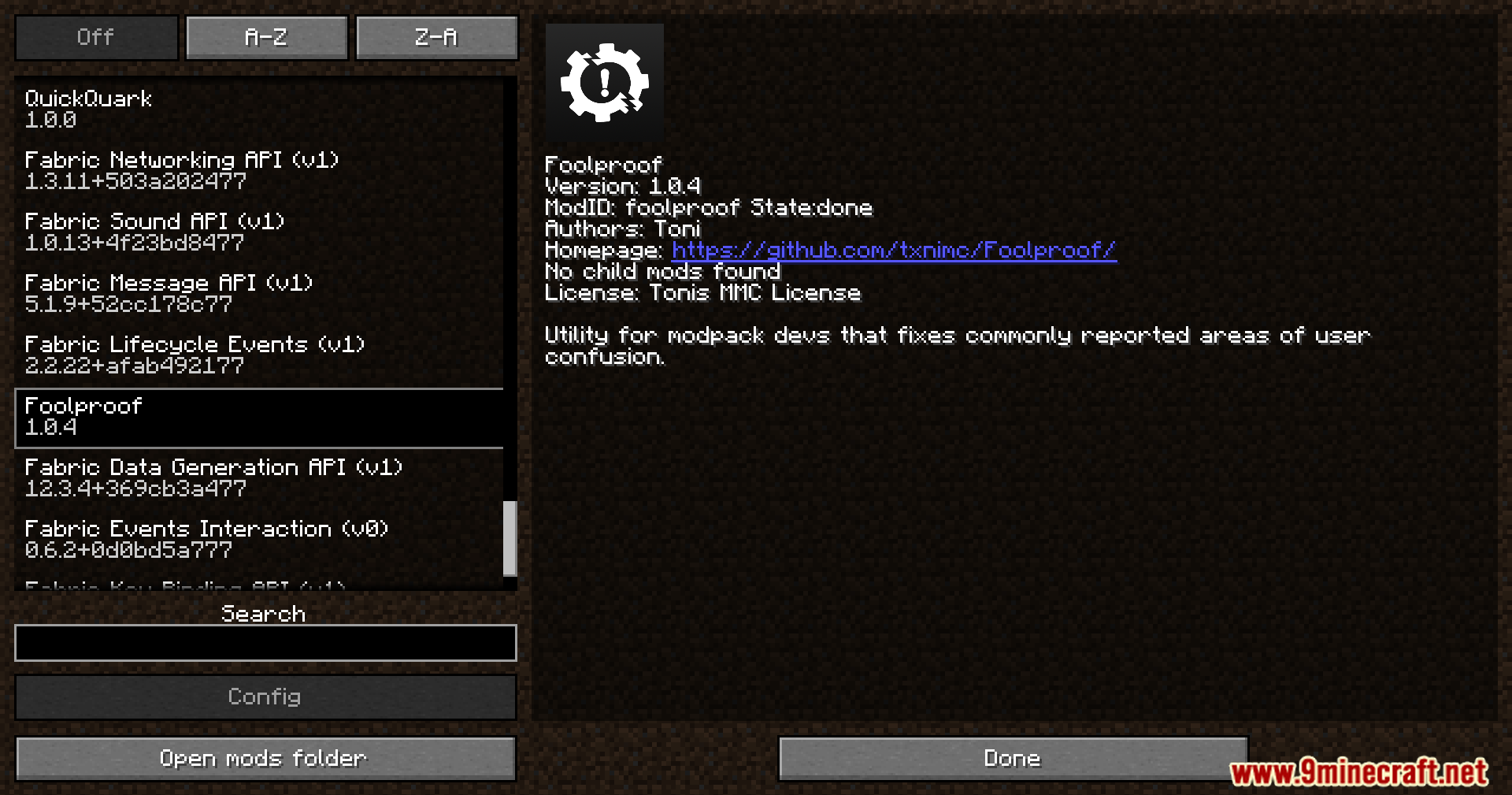
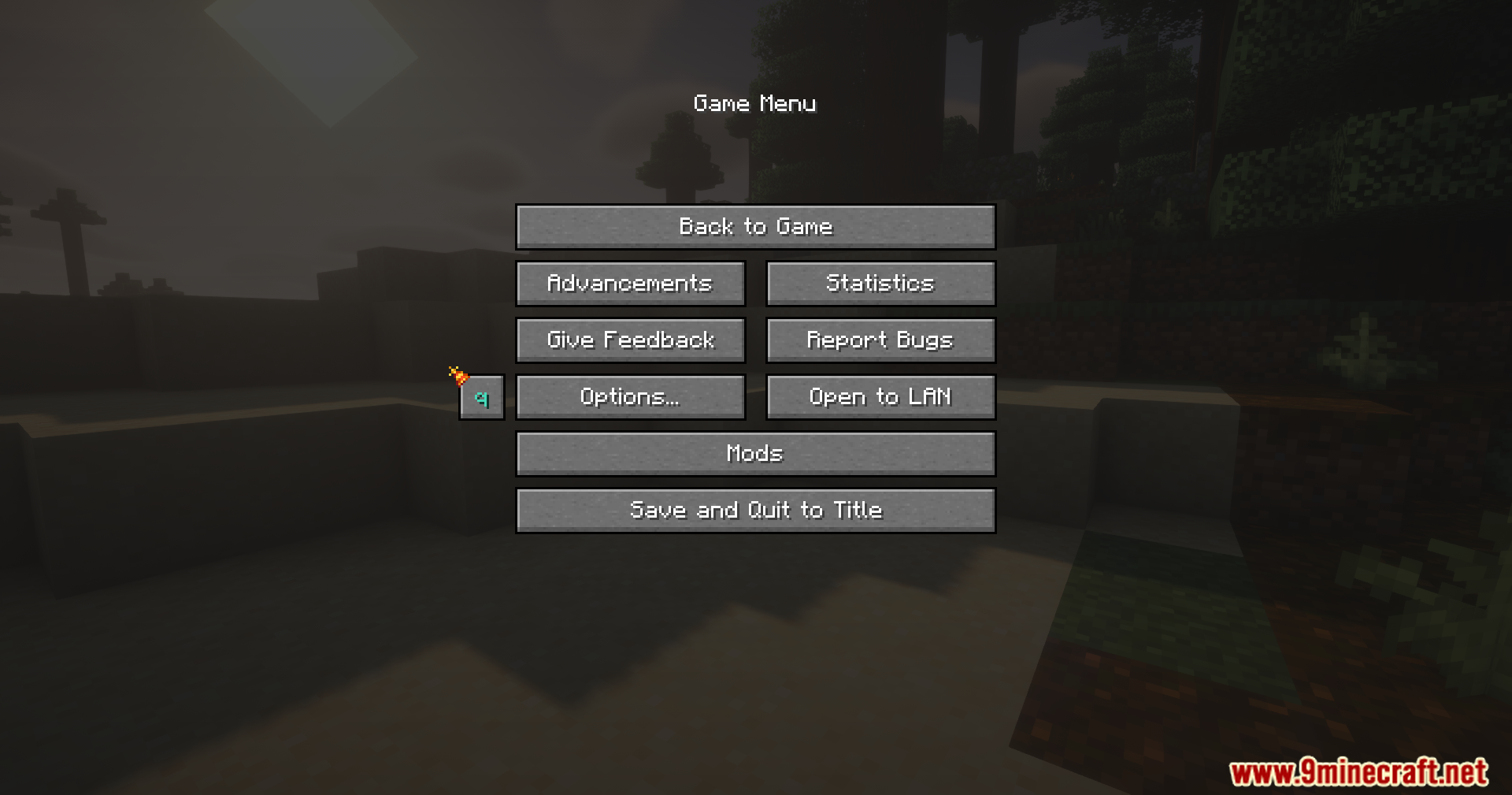
Screenshots:

How to Install:
New to Minecraft? Follow our step-by-step guide to install Mods on your PC.View Guide
Requirements:
Foolproof Mod Download Links
For Minecraft 1.21.1, 1.21
Fabric Version: Download from Server 1 – Download from Server 2
NeoForge Version: Download from Server 1 – Download from Server 2
For Minecraft 1.20.1, 1.20
Forge Version: Download from Server 1 – Download from Server 2
Fabric Version: Download from Server 1 – Download from Server 2
You May Also Like



This post has no comments yet. Be the first — your comment will appear here.