
Asteroid Mod (26.3, 1.21.1) – Streamline Tasks with Custom Tools

 0


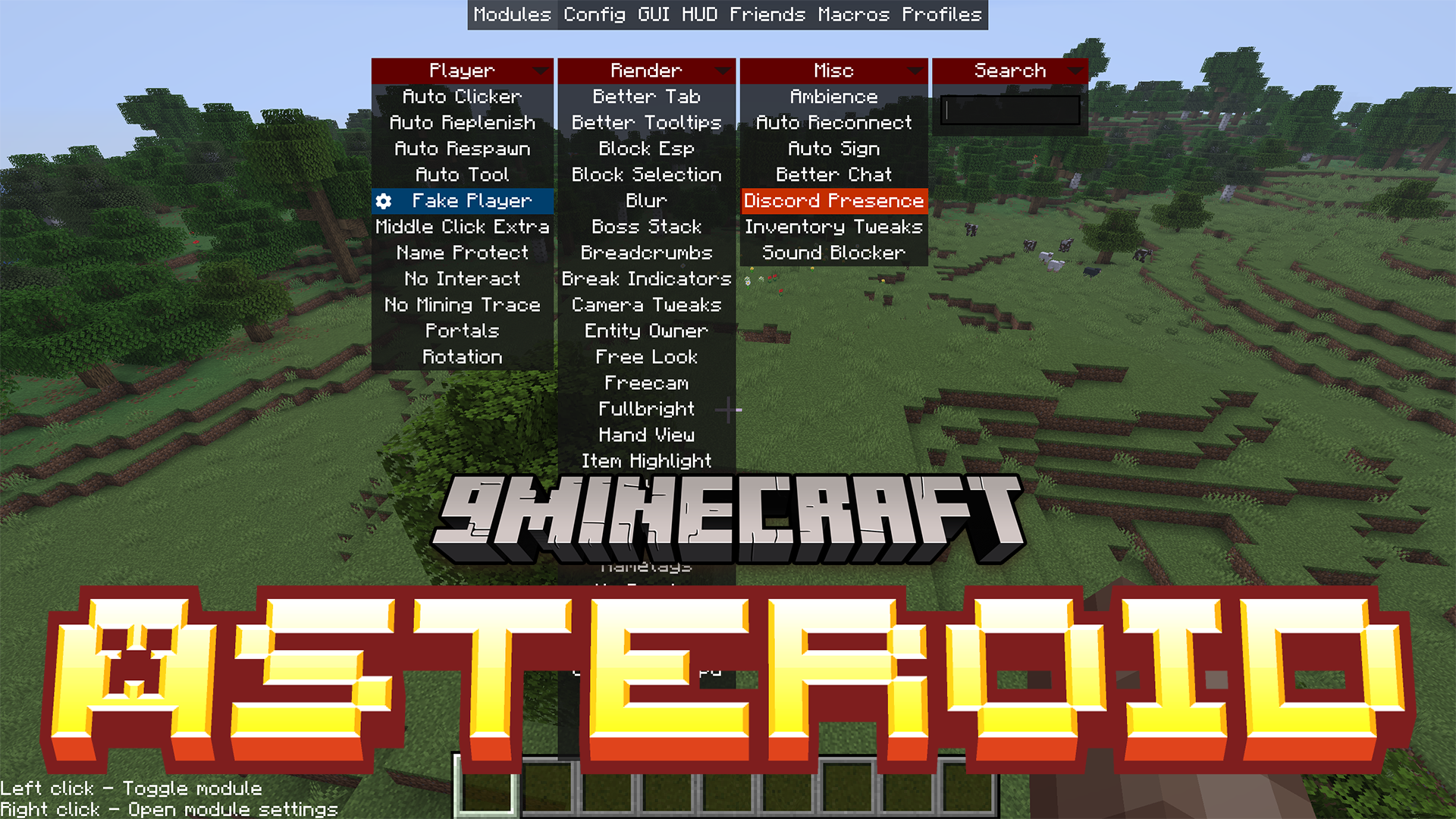
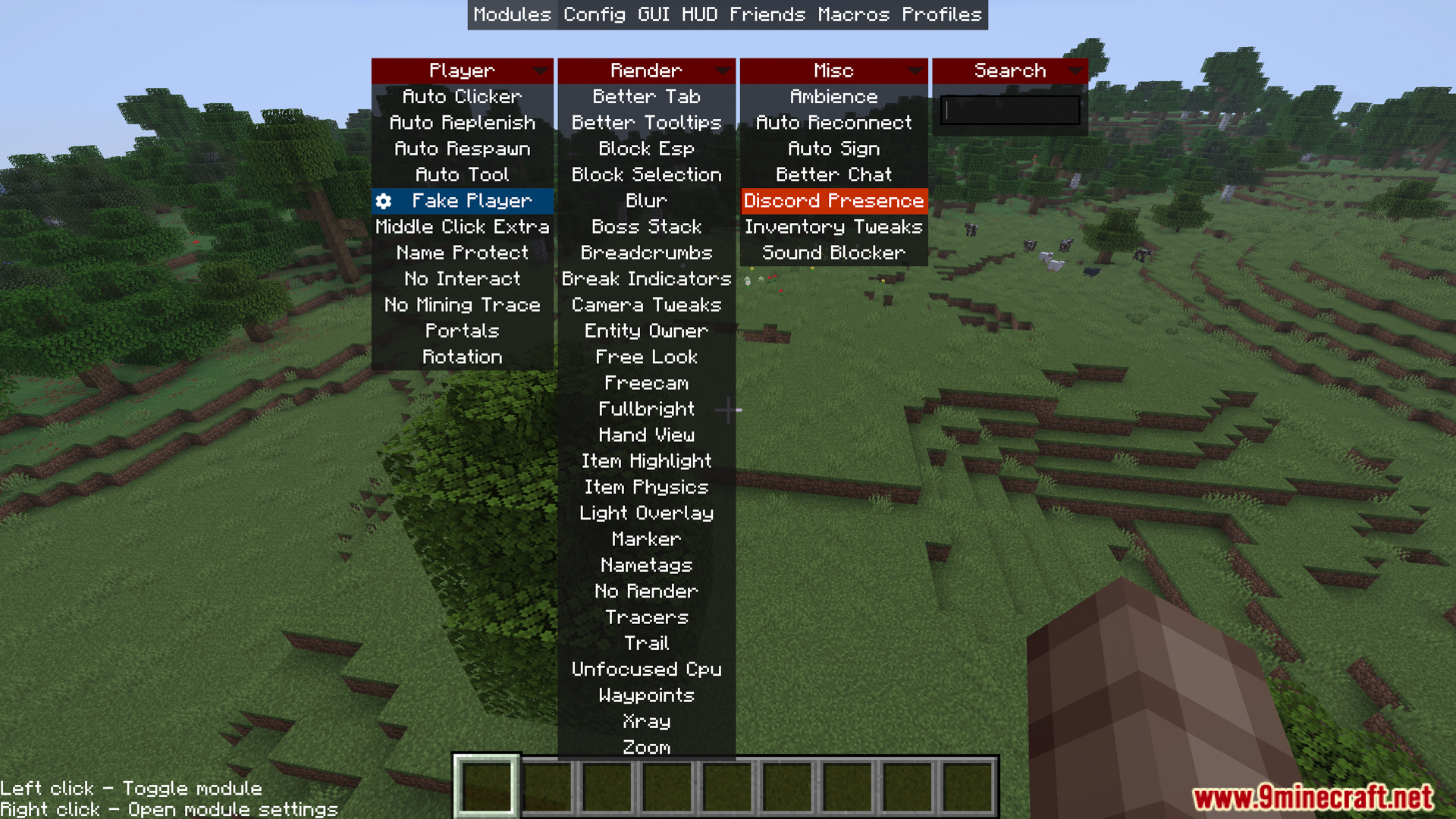
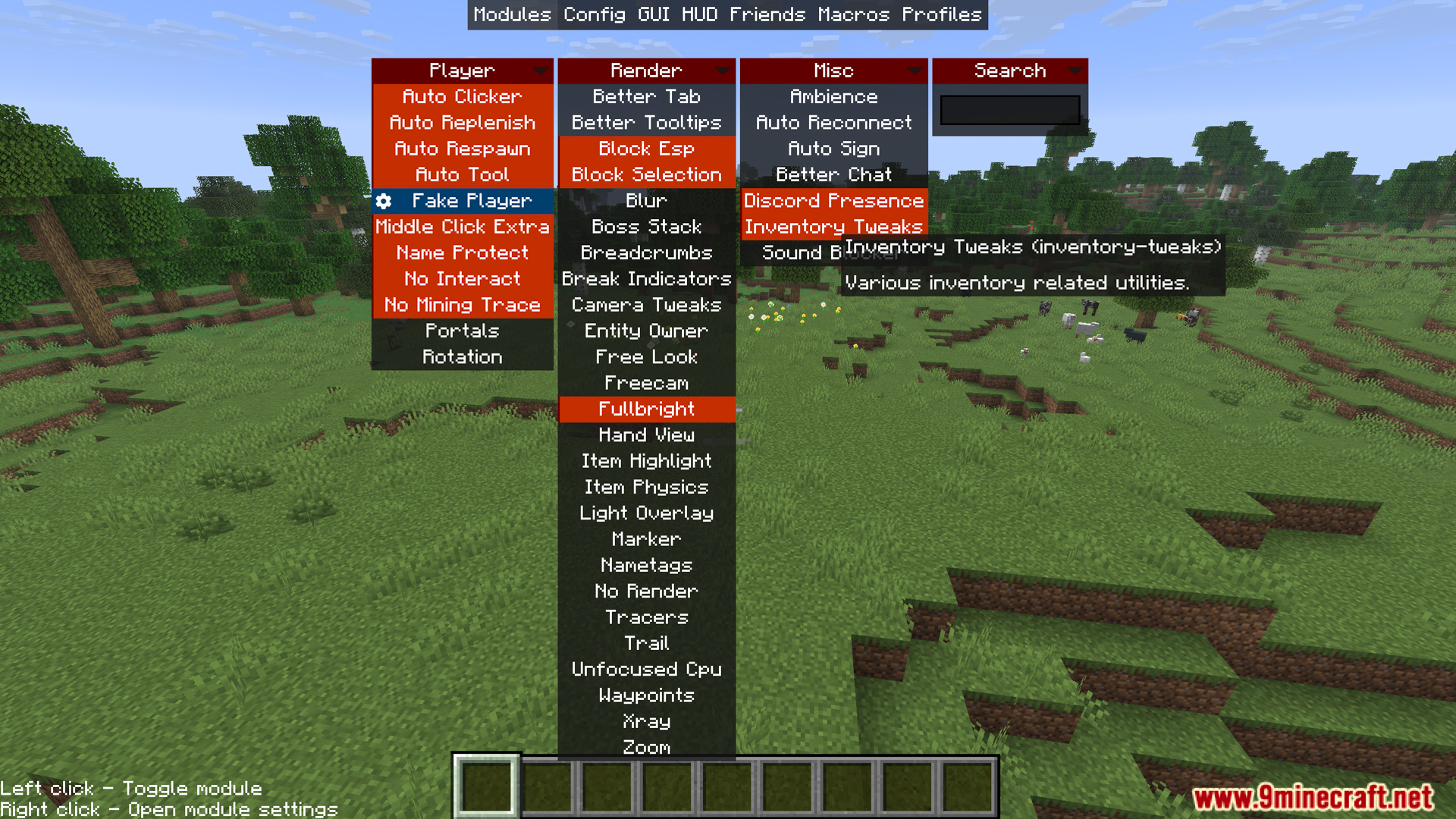
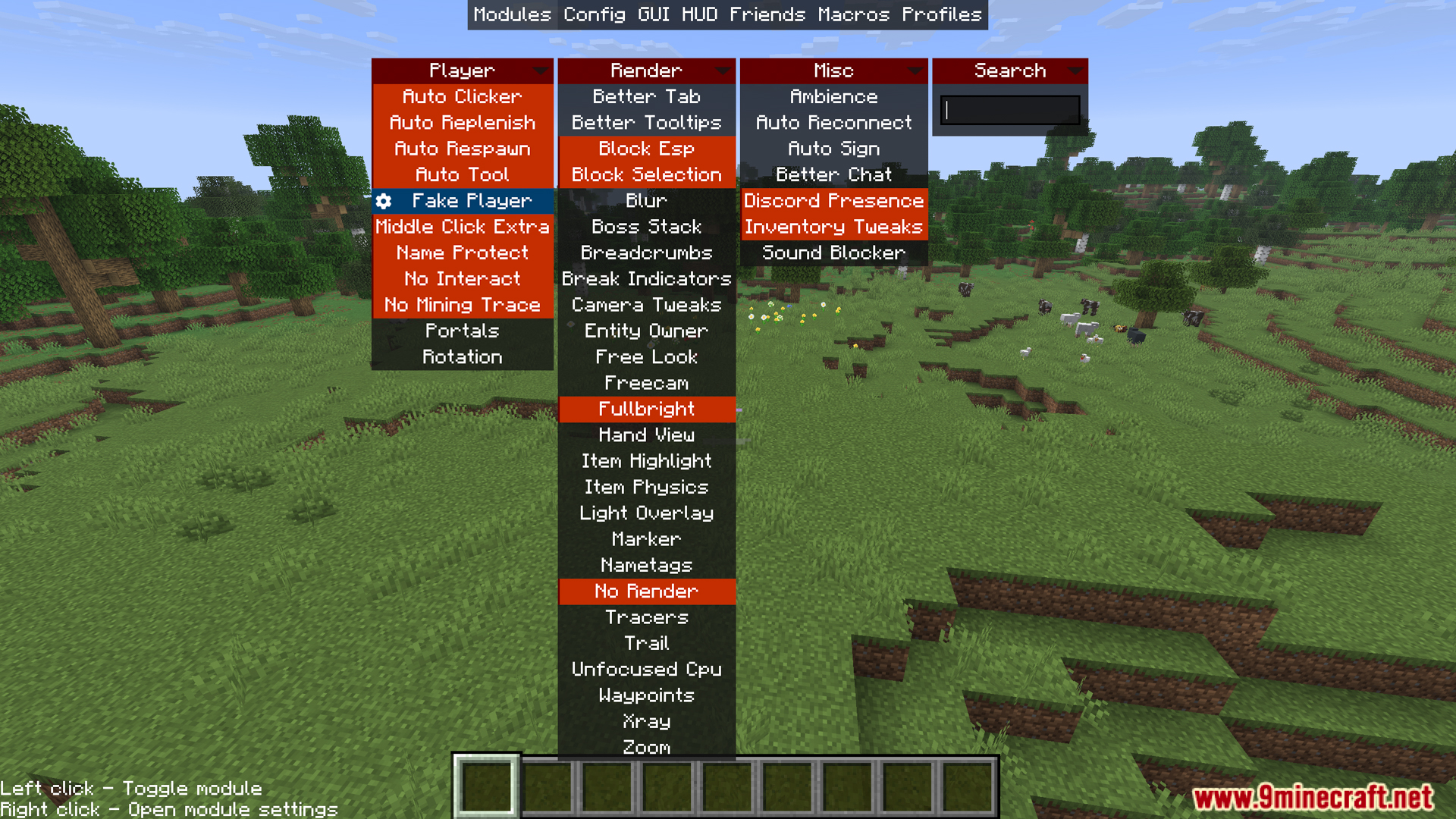
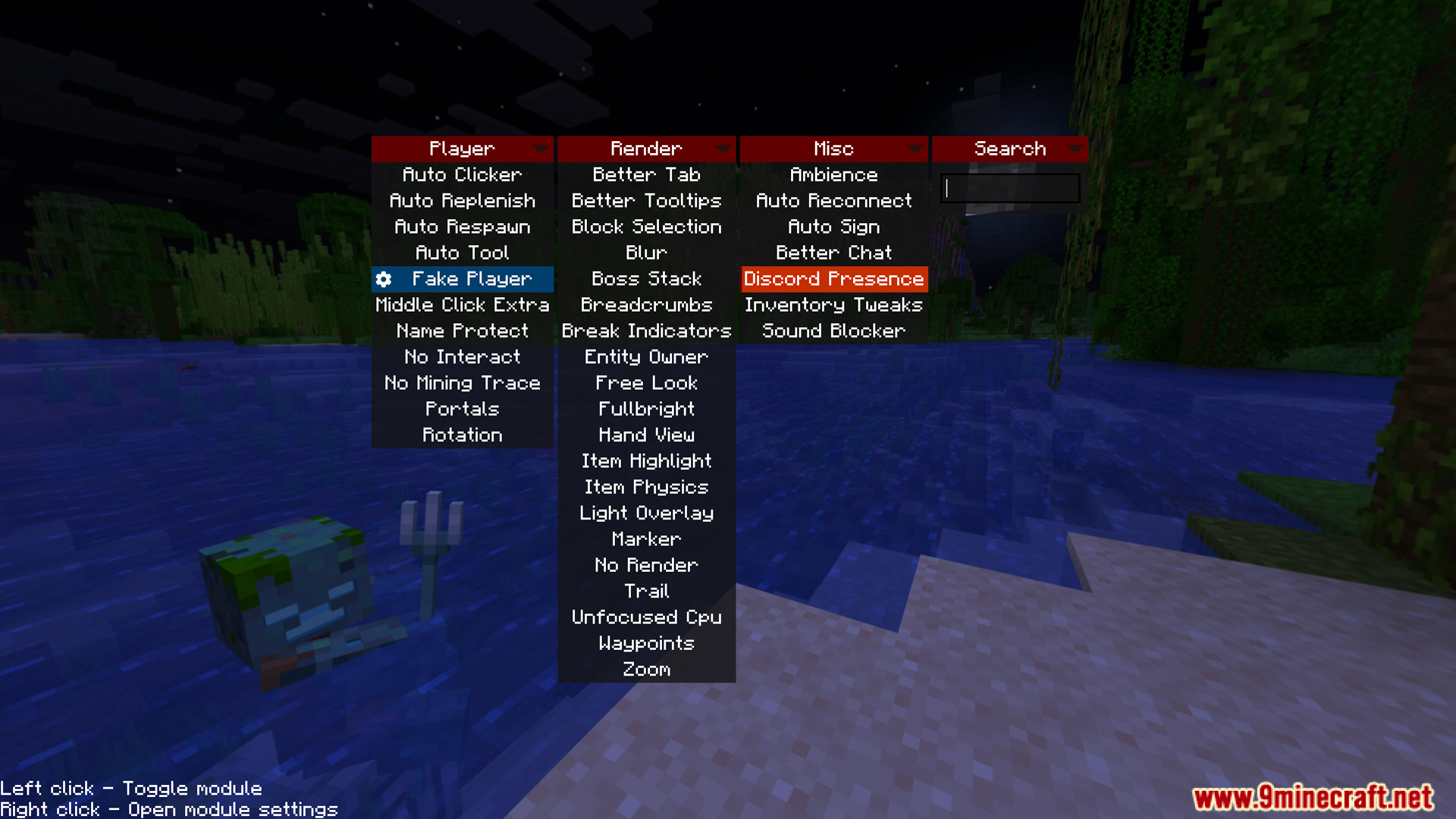
Asteroid Mod brings a clean utility client experience to the game by focusing entirely on helpful modular tools. It removes anarchy-style combat modules to keep things smooth and simple for singleplayer worlds and custom modpacks. Press the Right Shift key to open the in-game menu and explore features like auto-farming, inventory support, and camera tweaks.
Features:
- Press the Right-Shift key to open the main in-game utility menu.
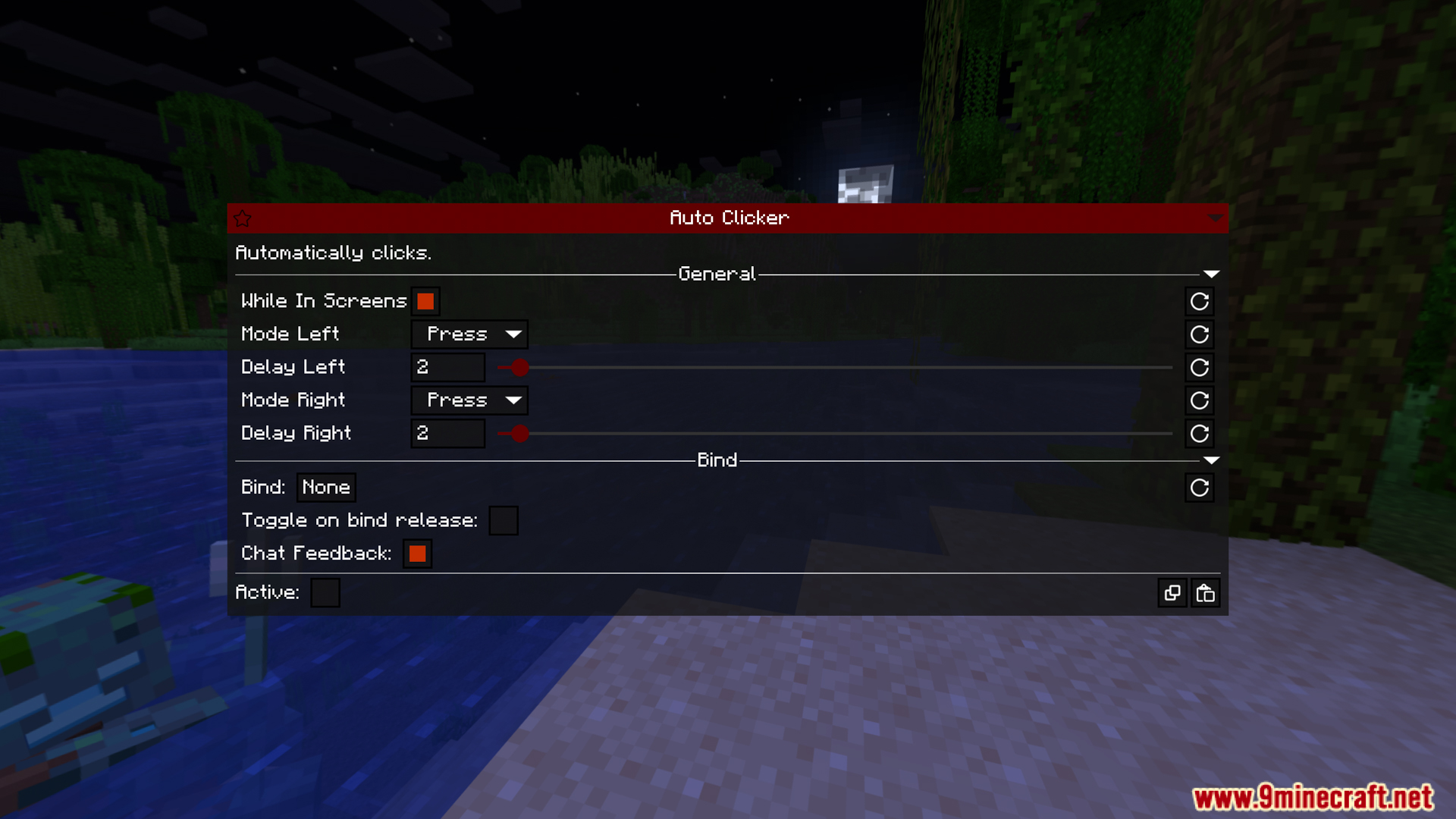
- Auto Clicker performs automatic clicking at a set speed to help with mob grinding.
- Auto Replenish replaces depleted hotbar items and food directly from your inventory.
- Auto Respawn instantly bypasses the death screen without pressing any buttons.
- Auto Tool automatically switches to the proper tool when you start mining a block.
- Better Farming automatically replants harvested crops and prevents you from breaking unripe plants or trampling farmland.
- Fake Player spawns a client-side clone for testing mechanics or taking clean screenshots.
- No Interact lets you blacklist specific blocks to prevent accidental breaking or interaction.
- No Mining Trace allows you to break blocks even when a mob or player stands directly in your line of sight.
- Portals let you open your inventory and manage items while standing inside a Nether portal.
- Rotation locks your view angles to keep your camera fixed as needed.
- Better Tab improves the player list interface with custom options.
- Better Tooltips shows detailed previews for shulker boxes and Ender chests.
- Block ESP highlights targeted blocks with visible outlines for easy searching.
- Blur adds a clean blur effect to background menus.
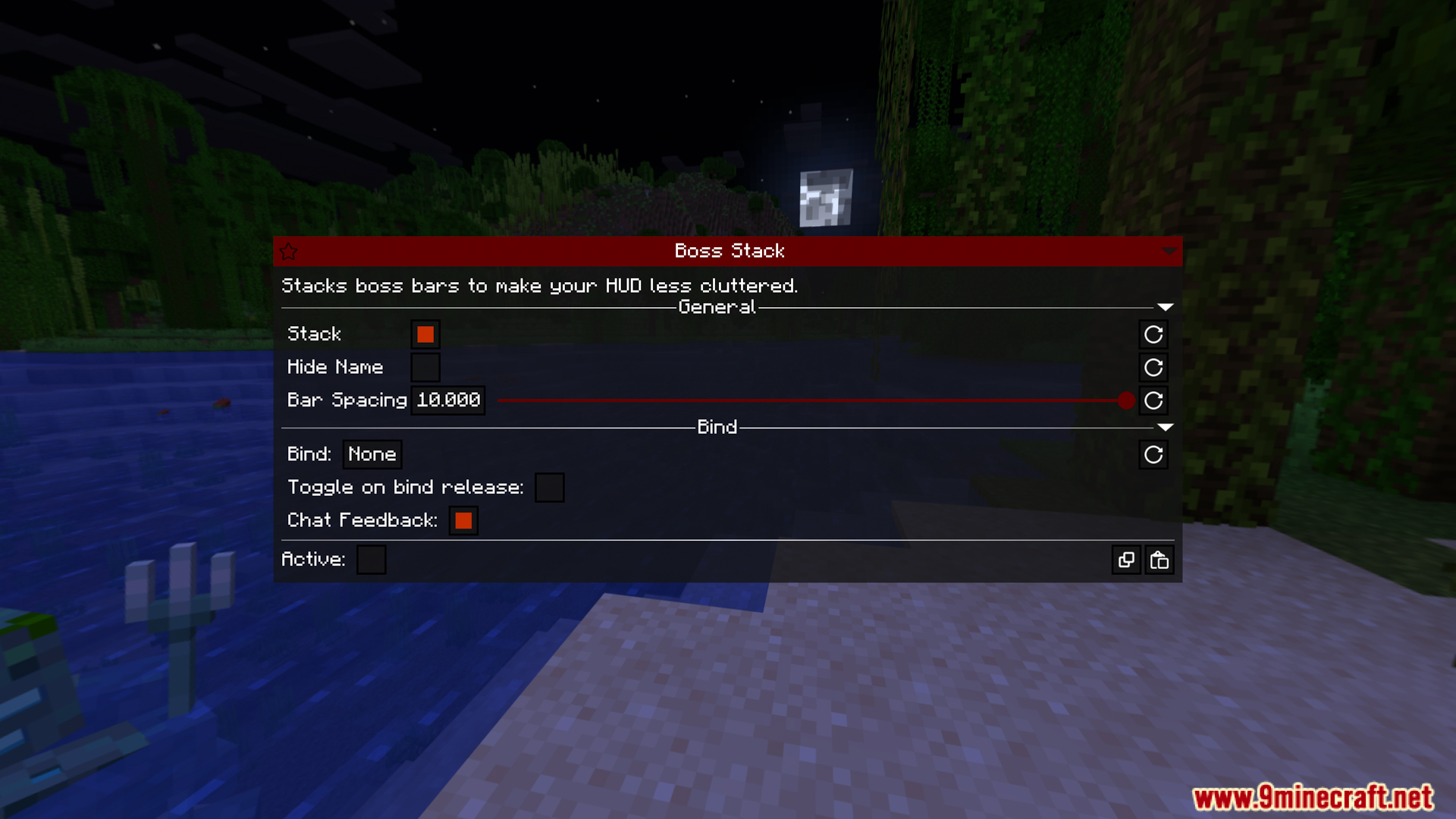
- Boss Stack organizes boss health bars to keep the game hud clean and tidy.
- Breadcrumbs draws a trail of lines behind you so you never lose your way back.
- Break Indicators display visual progress bars while you mine blocks.
- Camera Tweaks customizes the third-person camera and lets the view clip into blocks.
- Free Look moves the third-person camera freely without changing where your character faces.
- Freecam detaches your camera from your body so you can fly around like spectator mode.
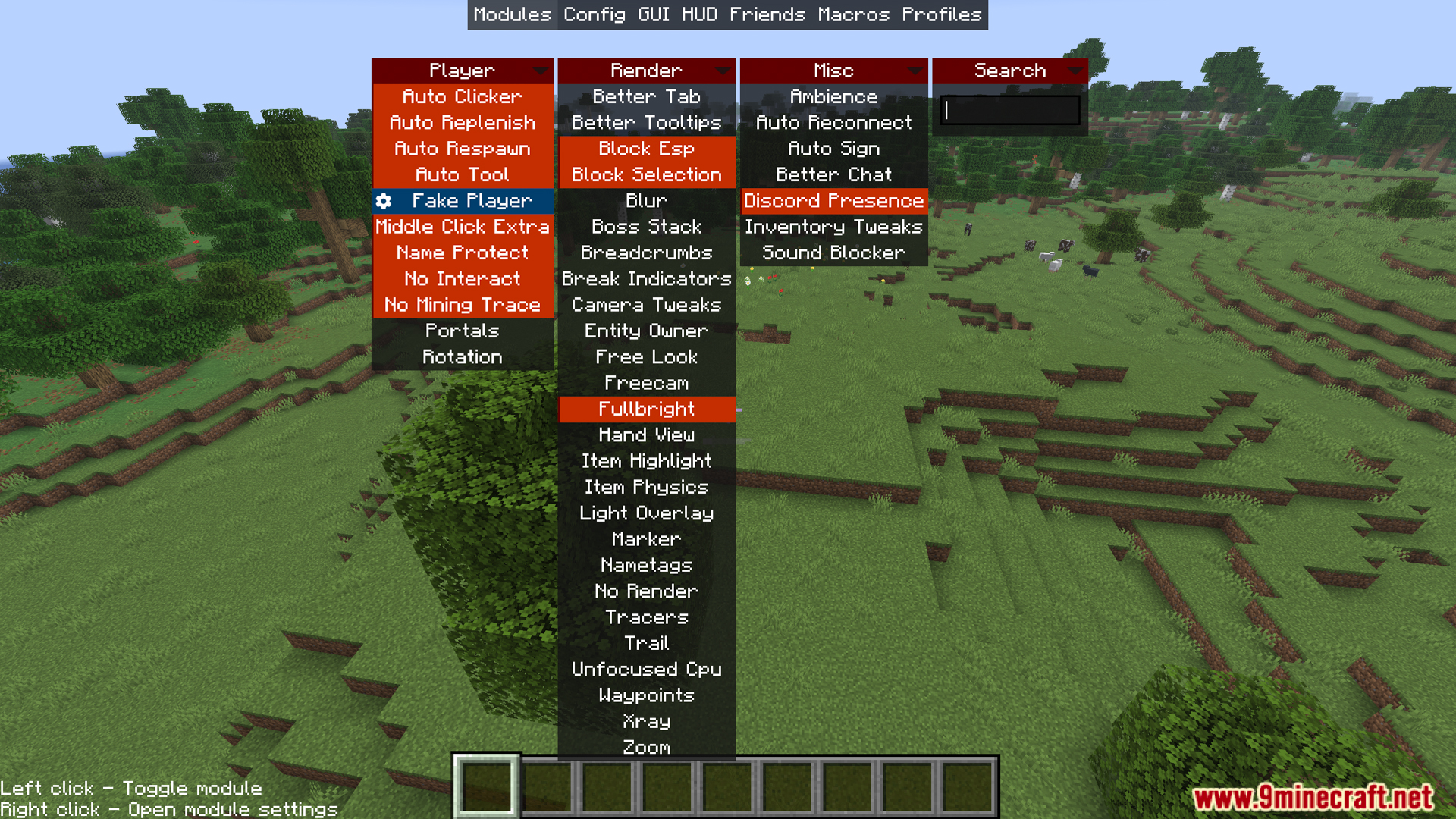
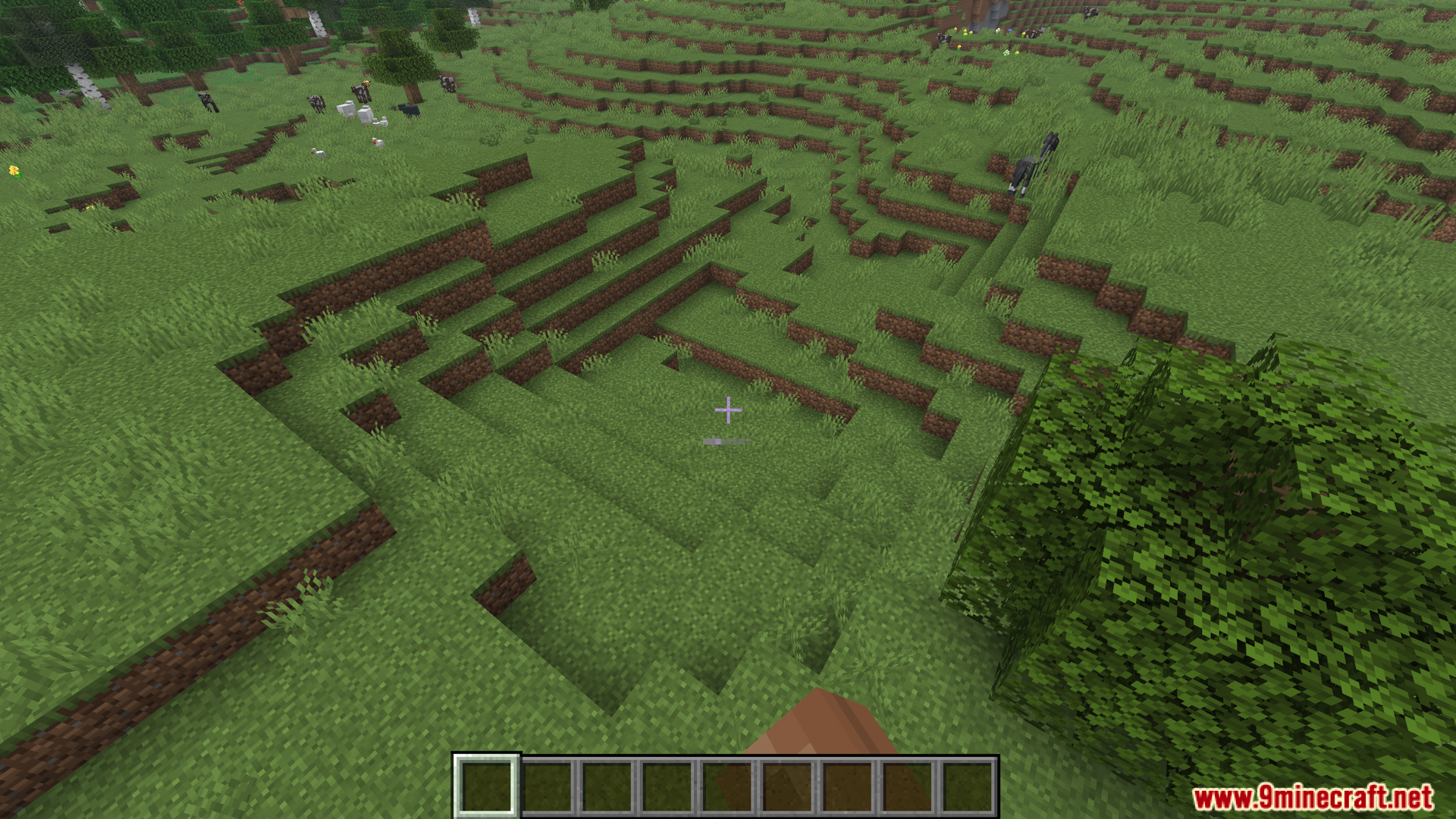
- Fullbright removes world shadows and brightens dark areas entirely.
- Hand View customizes how items render inside your hands.
- Item Highlight highlights specific items in menus so you can find them instantly.
- Light Overlay shows light levels directly on ground blocks to track where hostile mobs can spawn.
- Marker renders client-side hologram shapes to help plan out building projects.
- No Render disables heavy particles, fog, or unwanted entities to improve visual clarity.
- Trails leaves a fun particle trail behind your character as you walk.
- Unfocused CPU limits frame rates when the game window is not active to save computer resources.
- Waypoints lets you create and save location markers across the world for simple navigation.
- Zoom magnifies your view similar to a spyglass.
- Ambience customizes sky colors and environment visuals.
- Annoyances disables annoying warning screens and experimental world prompts.
- Auto Reconnect automatically joins servers again if your connection drops during AFK sessions.
- Auto Sign writes placed signs automatically using text from the first sign you typed.
- Better Chat improves chat filtering and message formatting.
- Discord Presence displays your current Minecraft server status on Discord.
- Inventory Tweaks adds quick item transfer, sorting, and shift-drag inventory organization.
- Sound Blocker blocks specific game sounds through a custom list.
Commands:
Note: This mod uses . instead of / as its command prefix. Type every command below in chat starting with ..
.dismount: Removes you from your current vehicle..disconnect: Leaves the current server immediately..drop: Drops items directly from your inventory..enchant: Enchants the item in your hand (Creative mode only)..fake-player: Manages client-side fake players..friend: Manages your in-game friend list..help: Displays the list of available commands..nbt: Edits item NBT data (Creative mode only)..peek: Displays contents of a held shulker box or container..ec: Opens your Ender chest inventory..profiles: Manages mod configuration profiles..reload: Reloads the mod without restarting the game..reset: Resets specific mod configurations back to default..say: Sends chat messages supporting StarScript variables..server: Displays information about your connected server..toggle: Turns specific modules on or off..settings: Opens the settings menu for a module..sm: Saves your held map item as an image file..macro: Runs a saved macro action..modules: Lists all available modules..binds: Displays your currently assigned keybinds..give: Gives you a Creative-only item..bind: Binds a module to the next pressed key..fov: Adjusts your field of view angle..rotation: Changes or locks your character’s view direction..wp: Creates and manages your navigation waypoints..input: Simulates a specific player input..item: Manages item-related utility modules.
How to Use:
- Press the Right Shift key in-game to open the main utility menu and configure your settings.
- Use the .bind command or settings menu to assign helpful modules to quick keyboard shortcuts.
- Type commands starting with the . prefix in the chat window to manage waypoints, fake players, and utility features.
- Access singleplayer worlds or server OP privileges to use advanced features like Xray, Block ESP, and Tracers.
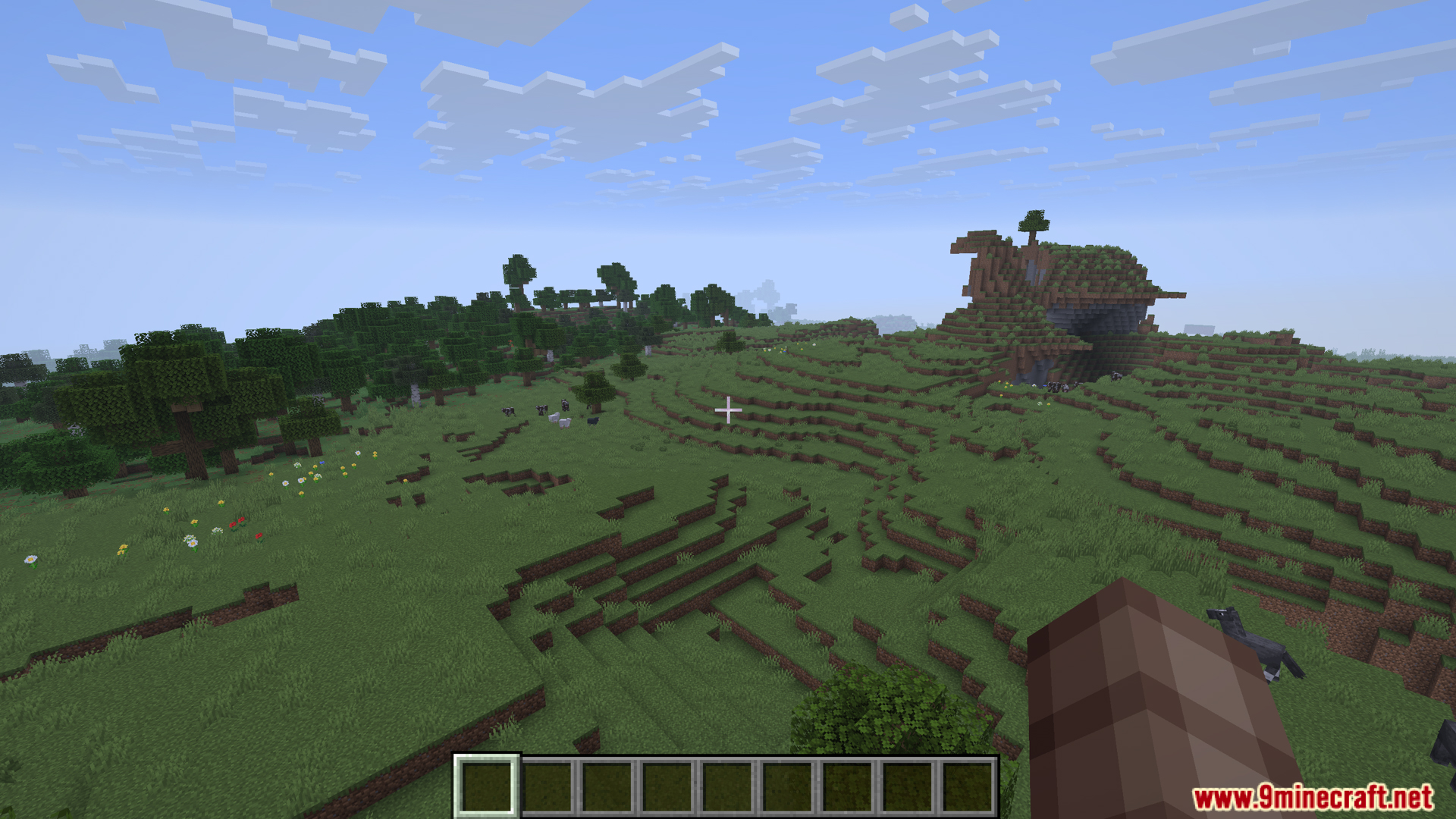
Screenshots:
How to Install:
New to Minecraft? Follow our step-by-step guide to install Mods on your PC.View Guide
Requirements:

Asteroid Mod Download Links
For Minecraft 26.3
For Minecraft 26.2
For Minecraft 26.1.2, 26.1.1, 26.1
For Minecraft 1.21.11
For Minecraft 1.21.10, 1.21.9
For Minecraft 1.21.8, 1.21.7, 1.21.6
For Minecraft 1.21.5
For Minecraft 1.21.4
For Minecraft 1.21.3, 1.21.2
For Minecraft 1.21.1, 1.21
For Minecraft 1.20.6
Click to rate this post!
[Total: 1 Average: 5]
QUICK MINECRAFT SURVEY · ONE TAP
Mods & Modpacks
Which item and recipe viewer mod do you prefer to have in your game?
1 responses · See the full results →
You May Also Like
Picked for this page
 Better Than Mending Mod (26.3, 1.20.1) – Repair Item by Experience
 Right-Click Harvest Mod (26.3, 1.20.1) – Harvest Crops Quickly and Easily
 Camera Overhaul Mod (26.3, 1.20.1) – Camera Improvements
 Pat Pat Mod (26.3, 1.20.1) – Allows You Pat Mobs
 Modular Routers Mod (26.2, 1.20.1) – Item Routers with Pluggable Modules
 World Border Mod (26.3, 1.20.1) – Invisible Border and Teleportation
 Advancement Screenshot Mod (26.3, 1.20.1) – Take Screenshot Every Time
 Yeetus Experimentus Mod (26.3, 1.20.1) – Shutup Experimental Settings
 Entity Information Mod (26.3, 1.20.1) – Information Stick Tool
 DarkSpins Mod (26.3, 1.20.1) – XP Roulette, Rare Prizes
 DarkHeads Mod (26.3, 1.20.1) – Collecting Player Heads Upon Death
 Mount Opacity Mod (26.3, 1.20.1) – Adjust The Opacity Of Rideable Mobs
Most viewed in Mods over the last 7 days
 Ala Industrial Mod (26.3) – Run Electric Power Grids and Automated Factories
 PleasureCraft Mod (26.3, 1.21.1) – Jenny Mod Remake for Fabric
 Jennycraft Mod (26.3, 1.20.1) – Virtual Girlfriend in Minecraft
 Fapcraft Mod (26.3, 1.12.2) – Comprehensive and Detailed Content
 Jenny Mod (Fapcraft) Official Complete Guide – How to use, Tutorial
 BangCraft Mod (1.20.1) – Jenny, Ellie and Elliot
 Fabric Loader (26.3, 1.20.1) – Fabric Installer for All Minecraft Versions
 The Shooting Star Demo Mod (26.3, 1.20.1) – Vaporize Terrain From Orbit
 Meteor Client Mod (26.3, 1.20.1) – Xray, HUD, Fly
 OptiFine HD (26.3, 1.20.1) – Run Faster, FPS Boost, Shaders Support
 Aristois Client Mod (1.21.4, 1.20.1) – World Class Minecraft Utility
 Prestige Client Mod (1.21.11, 1.21.4) – Powerful Ghost Features for Crystal & Sword PvP
More from Mods
 Tre’s Tack Library Mod (1.20.1) – Outfit Your Horses with Fully Detailed Tack
 YDM’s coreX Library Mod (1.20.1) – Loot RPG Gear with Random Names
 Gunpowder Recipe Mod (26.3, 1.20.1) – Gunpowder is Craftable
 Villager Timetable Mod (26.3, 1.20.1) – Master Villager Schedules
 Artemis Laboratory Blocks Mod (26.3, 1.20.1) – Lab Blocks And Dynamic Decorations
 Fabric ORM Jimmer Mod (26.3, 1.20.1) – Prevent Sudden Server Crashes
 Cafe Core Mod (26.2, 1.21.1) – Bypass Anvil Limits and Tame Pets in Seconds
 GTNH’s Forgelin Mod (1.7.10) – Play Kotlin-Powered Mods on Minecraft 1.7.10
 Nodeflow Mod (26.1.2, 1.21.1) – Wire Custom Redstone Logic on Visual Graph
 Winter Client Mod (1.21.11) – Survive Ruthless PvP on Anarchy Servers
 LARP Client Mod (1.21.11) – Dominate Crystal PvP on Anarchy Servers
 Berlin Client Mod (1.21.11) – Hunt Stashes and Win Crystal Fights

This post has no comments yet. Be the first — your comment will appear here.