


UI-Utils Advanced Mod (1.21.11, 1.21.1) – Take Full Control of Multiplayer Server Menus

 0
0 

🌐 Good news — we've translated this article into other languages!
Or pick the one you like:
UI-Utils Advanced Mod gives you powerful tools to test and check how server menus work. It opens a special menu on your screen where you can control the data sent to the server. You can delay your clicks, save menu screens, or even change your username for a short time. This tool helps players find bugs or see exactly what happens behind the scenes when playing on a multiplayer server.
Features:
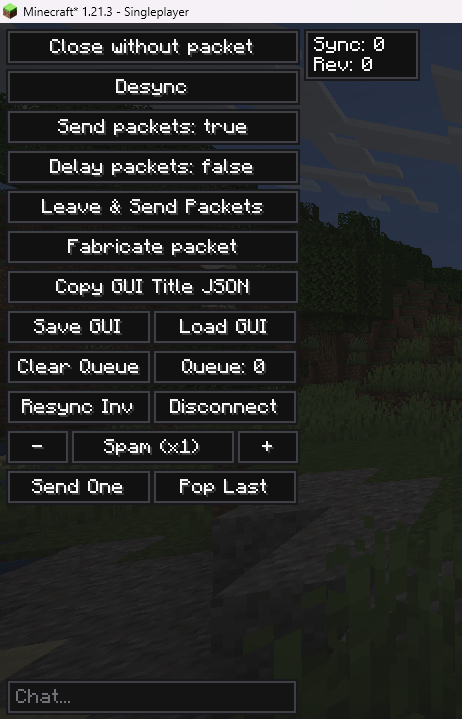
- Inventory Overlay: Adds a new panel to the left side of your screen whenever you open a chest or menu.
- Packet Control: Lets you delay, spam, or stop sending your click actions to the server completely.
- Shows important hidden details like the sync ID and revision numbers for the current menu you have open.
- Allows you to close a menu on your screen while the server still thinks you have it open.
- Includes a small chat box inside every menu so you can type messages or commands without closing it.
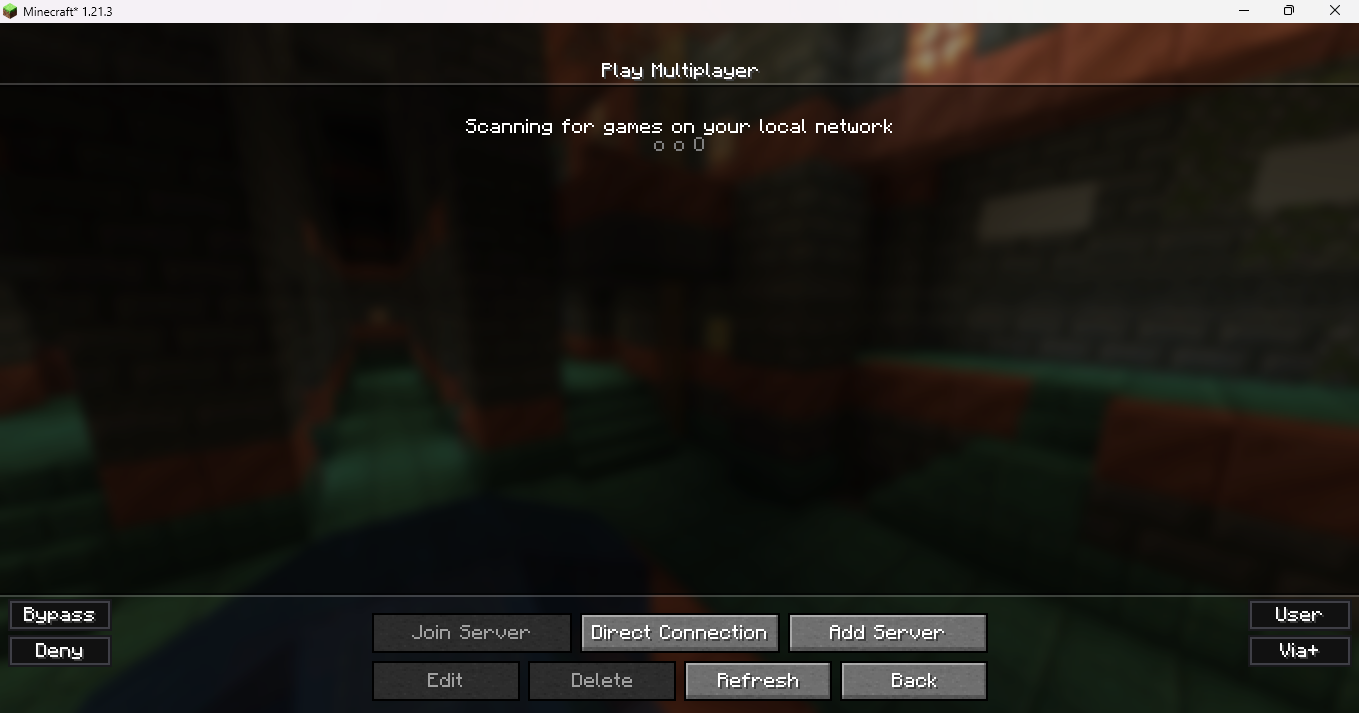
- Adds buttons to the multiplayer server list to skip or block server resource packs.
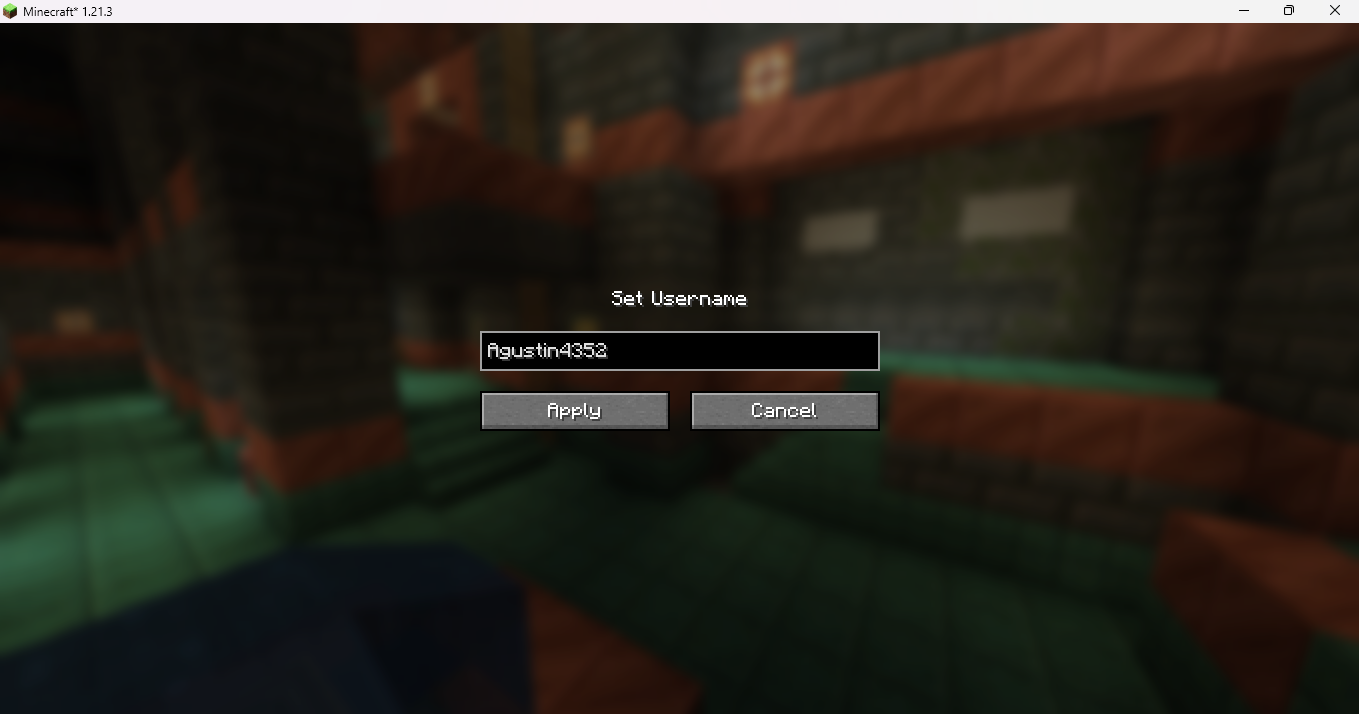
- Lets you change your username or UUID temporarily until you close the game.
- Opens an external window to build custom click actions, though this part does not work on Mac computers.
Commands:
,help– Shows a list of all available commands.,toggleuiutils– Turns the overlay panel on or off.,math [expression]– Solves math problems directly in the chat box.,plugins– Scans the server to find hidden plugins and anti-cheats.,vclip [number]– Teleports you up or down by a specific number of blocks.,hclip [number]– Teleports you forward in the direction you are looking.
How to Use:
- Open your normal inventory to see the new control panel on the left side of the screen.
- Look at the top right of the panel to see the current menu’s sync details.
- Click the toggle buttons to choose if your clicks are sent right away or stored in a delay queue.
- Use the chat box at the bottom left of the menu to type messages starting with a comma to run special commands.
- Press V to quickly load a menu screen you saved earlier into memory.
Screenshots:
How to Install:
New to Minecraft? Follow our step-by-step guide to install Mods on your PC.View Guide
Requirements:


UI-Utils Advanced Mod Download Links
For Minecraft 1.21.11
For Minecraft 1.21.8, 1.21.7, 1.21.6
For Minecraft 1.21.5
For Minecraft 1.21.4
For Minecraft 1.21.3, 1.21.2
For Minecraft 1.21.1, 1.21
Click to rate this post!
[Total: 8 Average: 2.8]
You May Also Like



This post has no comments yet. Be the first — your comment will appear here.