


Swight Client Mod (1.21.11) – Automate Combat and See Through Walls
 315
315
 0
0

🌐 Good news — we've translated this article into other languages!
Or pick the one you like:
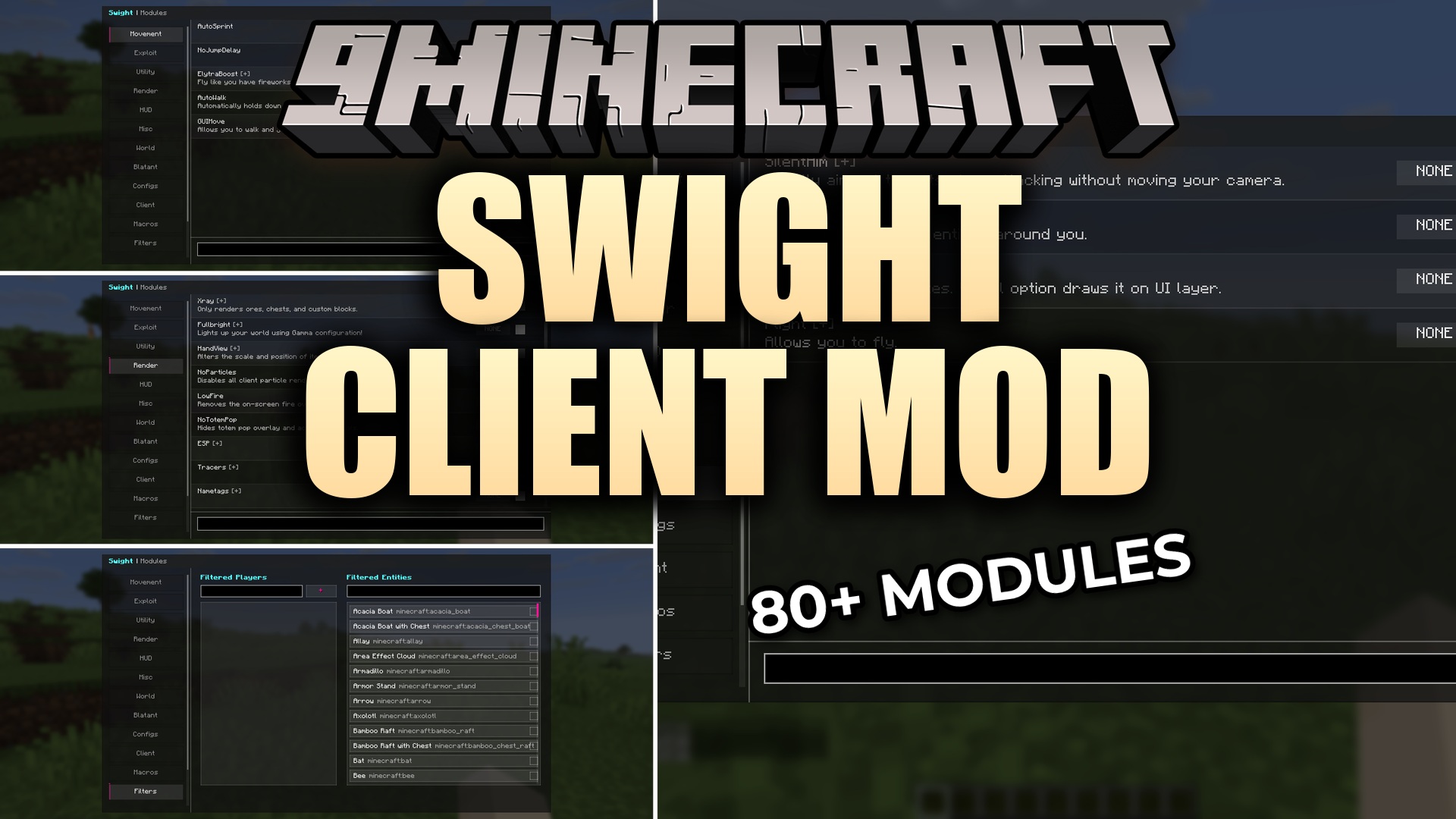
Swight Client Mod adds an easy-to-use menu with over 80 different utility features for your game. It gives you a full control panel right on your screen to turn different tools and visual changes on or off. You can set up custom profiles, bind keys to specific actions, and filter who gets affected by your tools. The mod keeps everything organized into neat categories so you can quickly find exactly what you need during a fight or while building.
Features:
- ClickGUI Menu: Opens a clean interface where you can search for modules and change their settings.
- Custom Profiles: Saves your favorite module setups in the Configs tab so you can switch loadouts instantly.
- Macro System: Lets you set up custom key combinations to do actions quickly.
- Filters players and mobs so your tools only target exactly who you want.
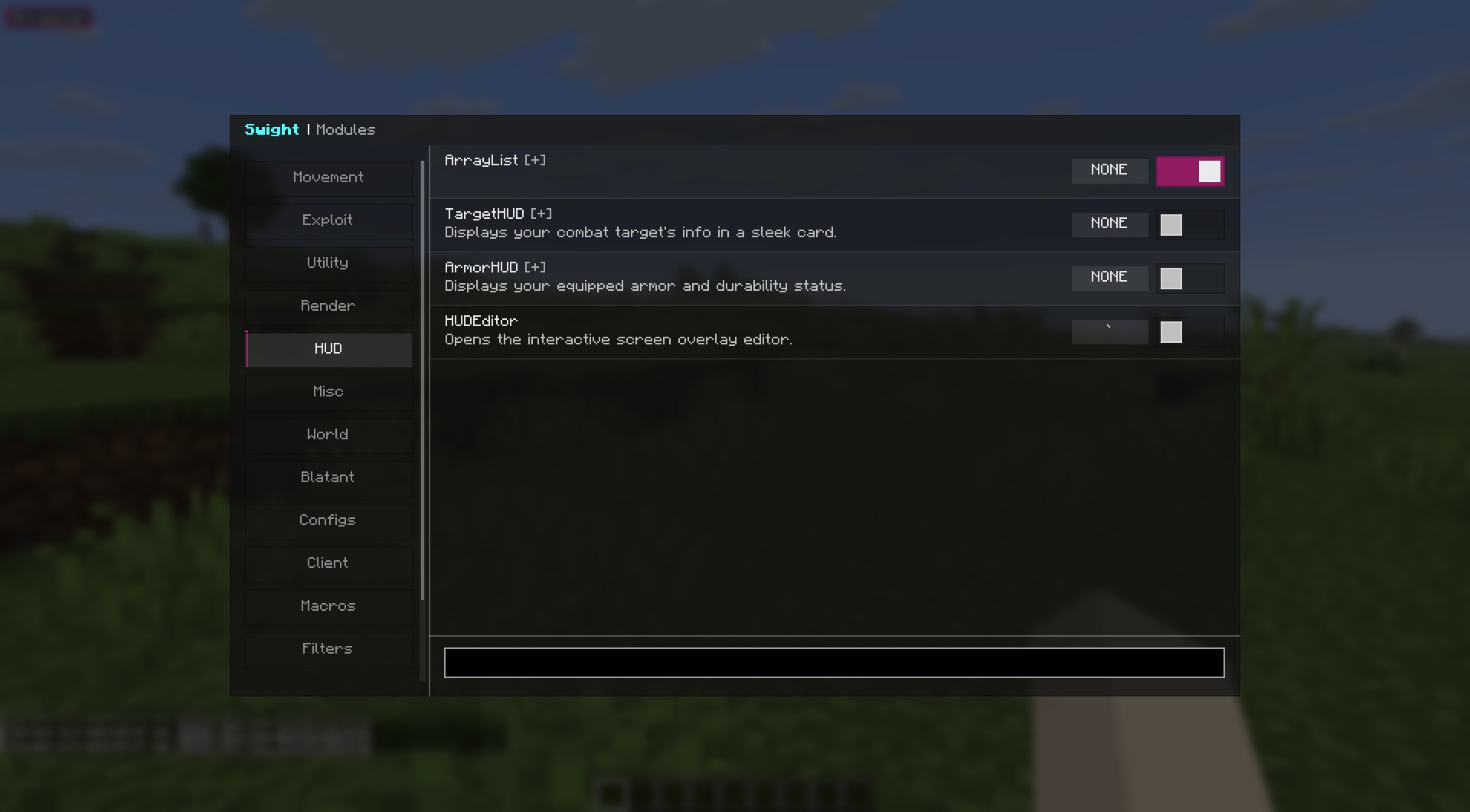
- Includes an interactive HUD editor so you can drag information panels around your screen.
Combat Modules:
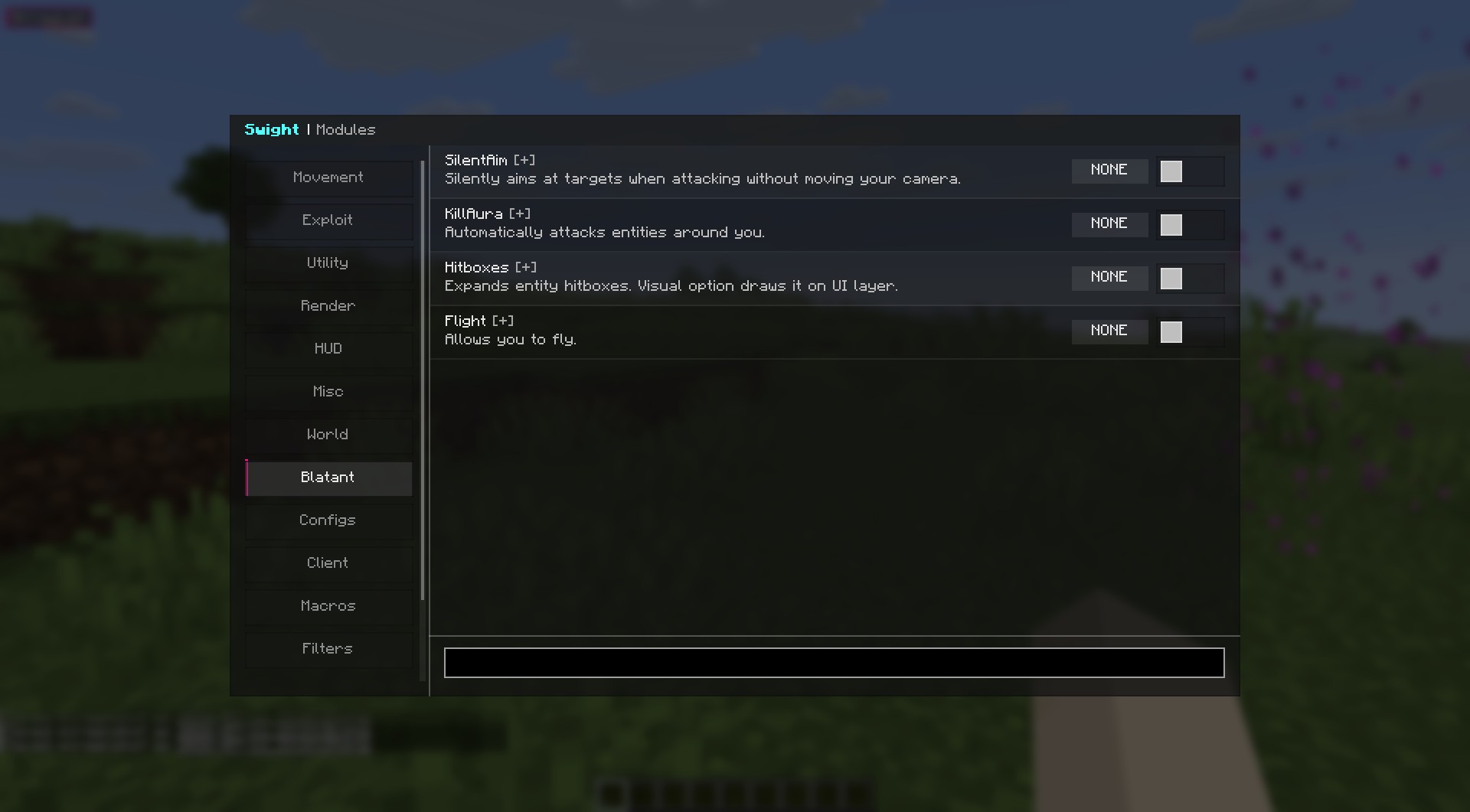
- Automatically swings your weapon with KillAura and lands critical hits.
- Places and breaks crystals quickly using AutoCrystal.
- Keeps you alive by automatically putting totems in your hand.
- Helps you aim better with AimAssist, SilentAim, and custom Hitboxes.
Movement Modules:
- Makes you run and walk automatically without holding keys.
- Lets you fly through the air or boost your elytra speed.
- Builds bridges under your feet automatically with the Scaffold tool.
- Stops you from taking knockback when enemies hit you using Velocity.
Render & Visuals:
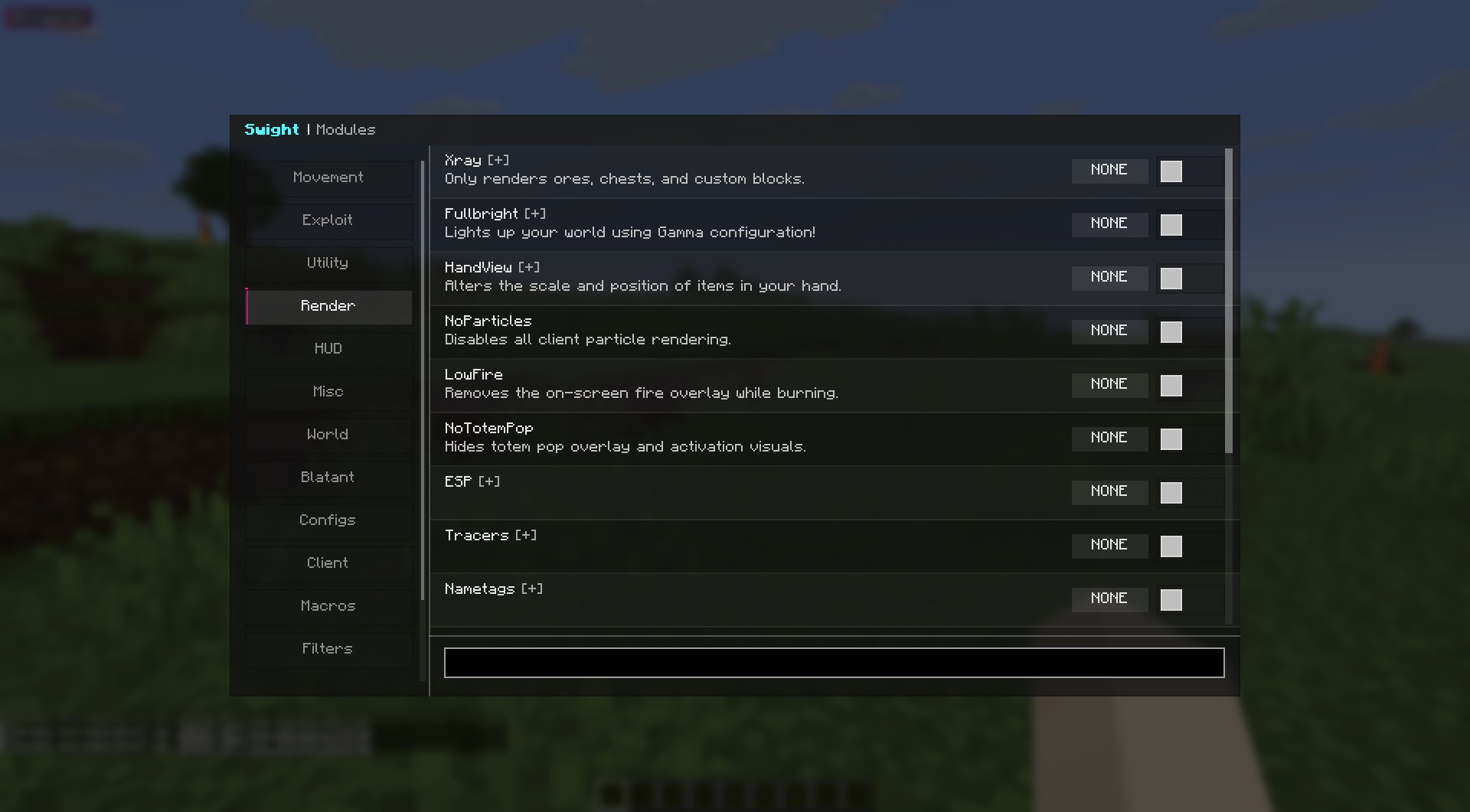
- Highlights players, storage blocks, and hidden ores through walls with ESP and Xray.
- Lights up dark caves perfectly using Fullbright.
- Removes annoying particles and lowers fire height on your screen.
- Lets you move your camera away from your body using Freecam.
Utility & HUD:
- Shows your armor health, targets, and active modules on the screen.
- Refills your health potions and manages your inventory automatically.
- Catches ender pearls or grapples you toward them.
- Protects your friends from your attacks and hides your real name.
How to Use:
- Launch the game and load into your world or a server.
- Press the Right Shift key to open the main ClickGUI menu.
- Use the search bar or click through categories to find tools.
- Click on a module to turn it on, or open its dropdown to change its settings.
- Drag the HUD elements around your screen using the HUDEditor to match your style.
Screenshots:
How to Install:
New to Minecraft? Follow our step-by-step guide to install Mods on your PC.View Guide
Requirements:


Swight Client Mod Download Links
For Minecraft 1.21.11
Click to rate this post!
[Total: 1 Average: 5]
You May Also Like
















This post has no comments yet. Be the first — your comment will appear here.