


Simple Swap Mod (26.2, 1.20.1) – Instantly Replace Your Building Blocks
 43
43
 0
0


🌐 Read this article in your language! Choose your preferred language below.
Or pick the one you like:
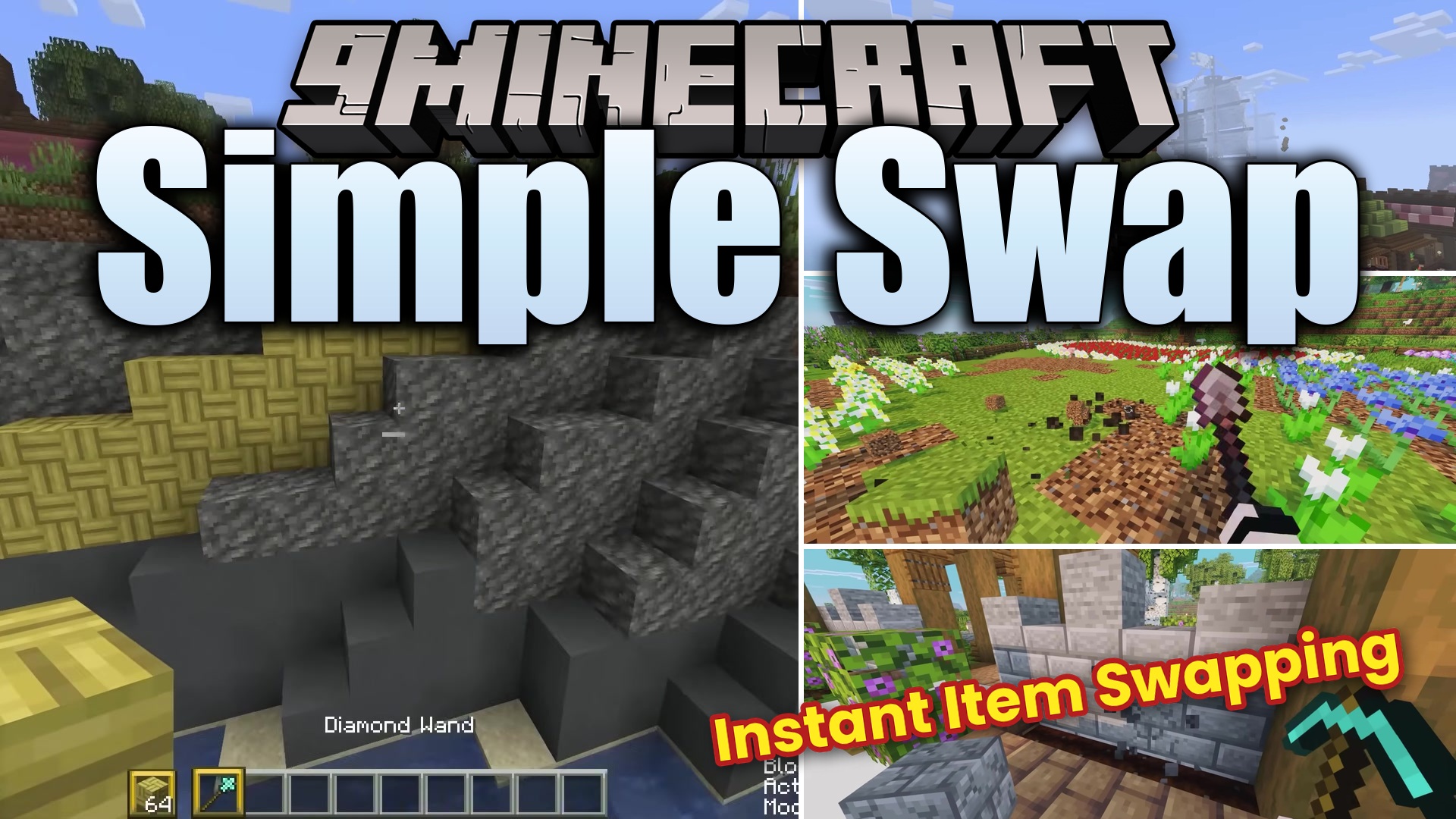
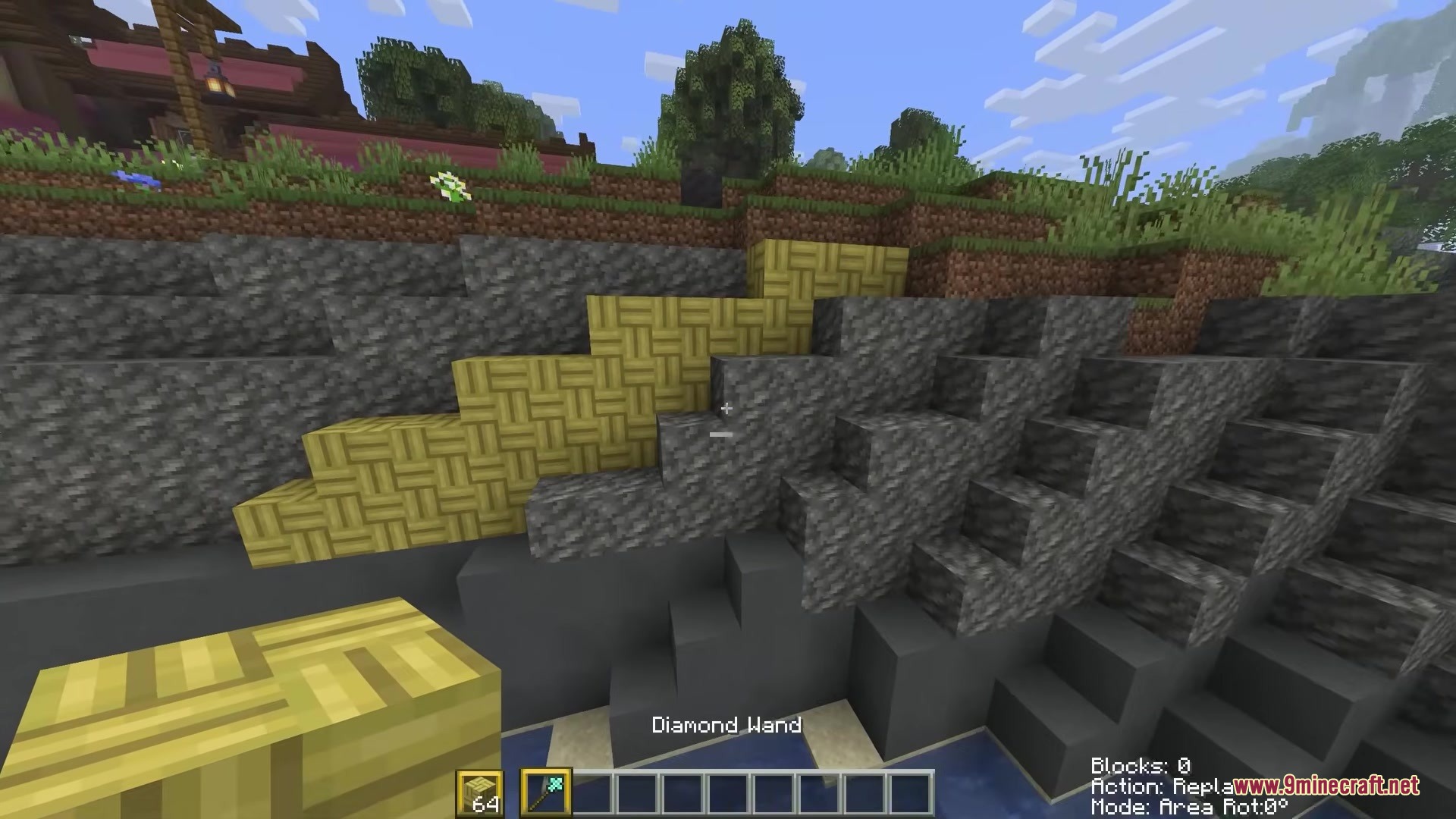
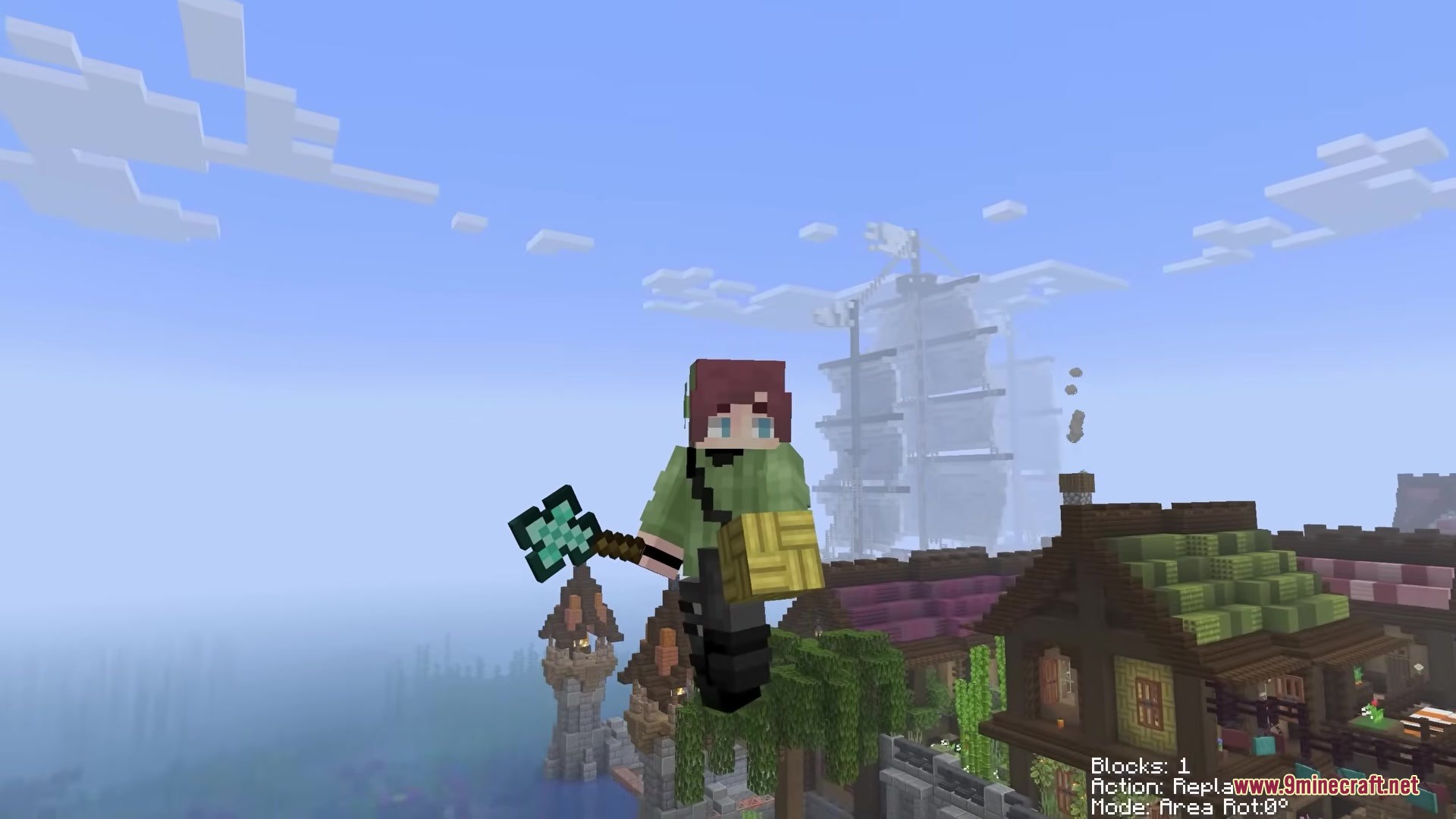
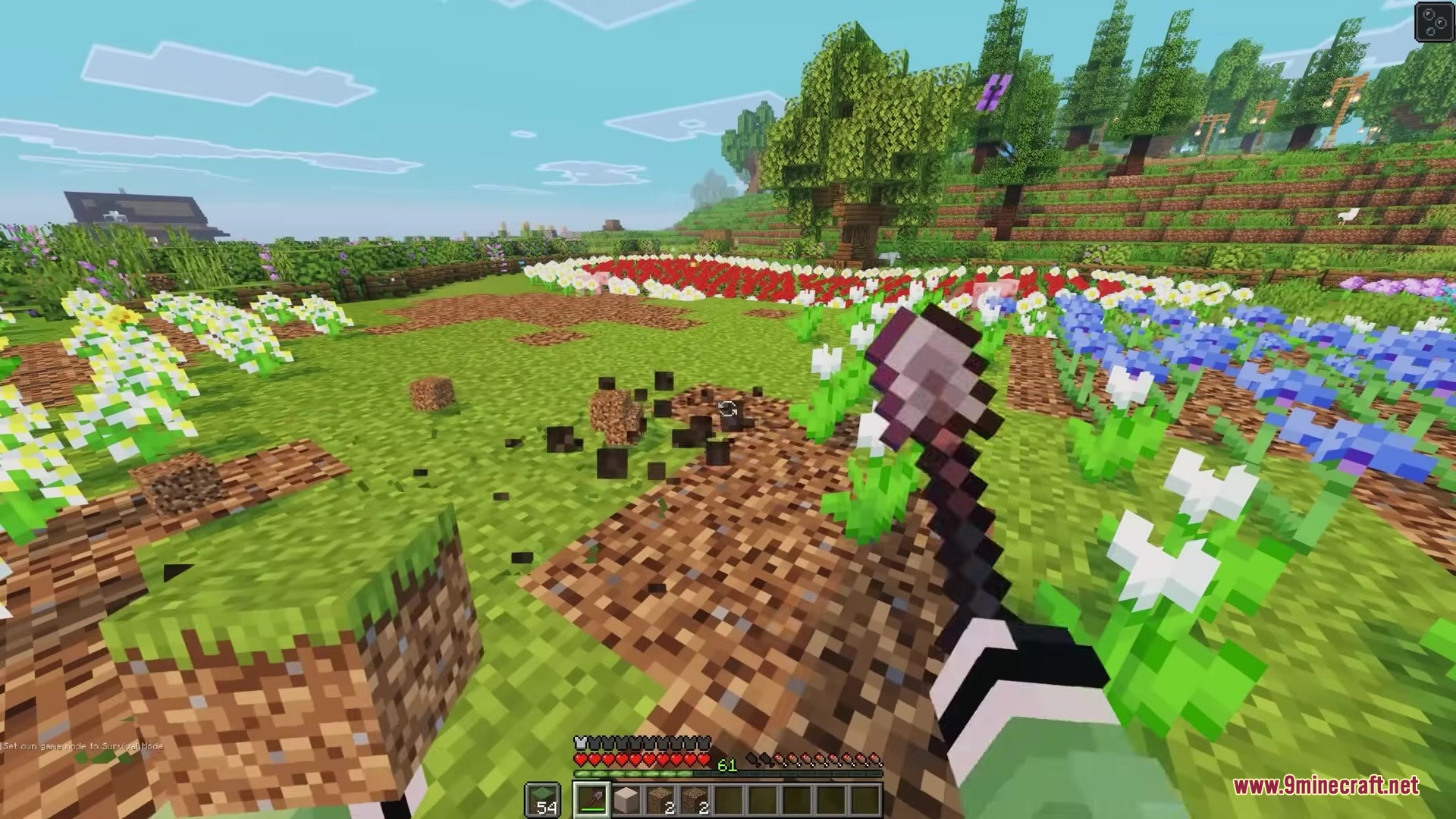
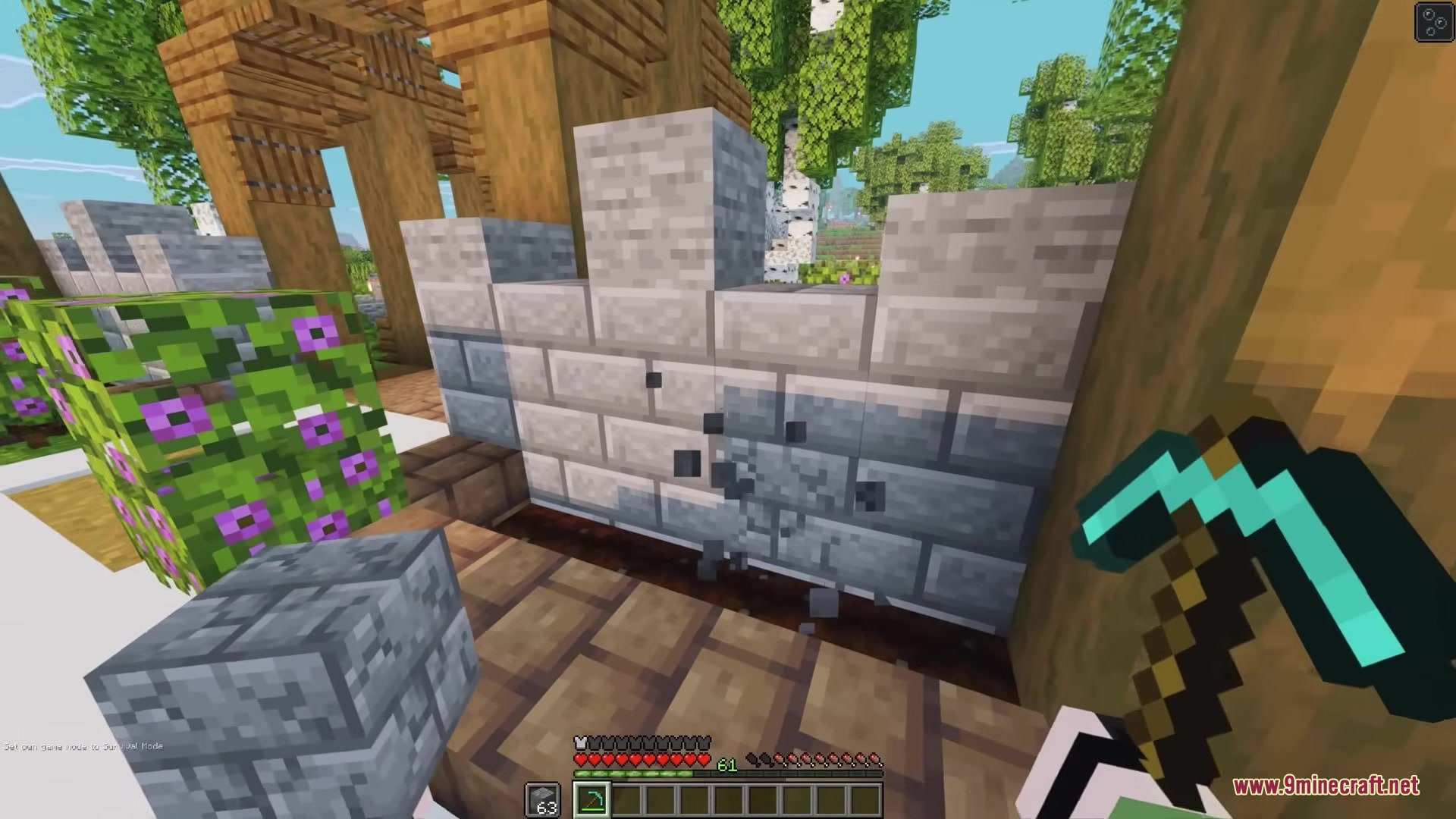
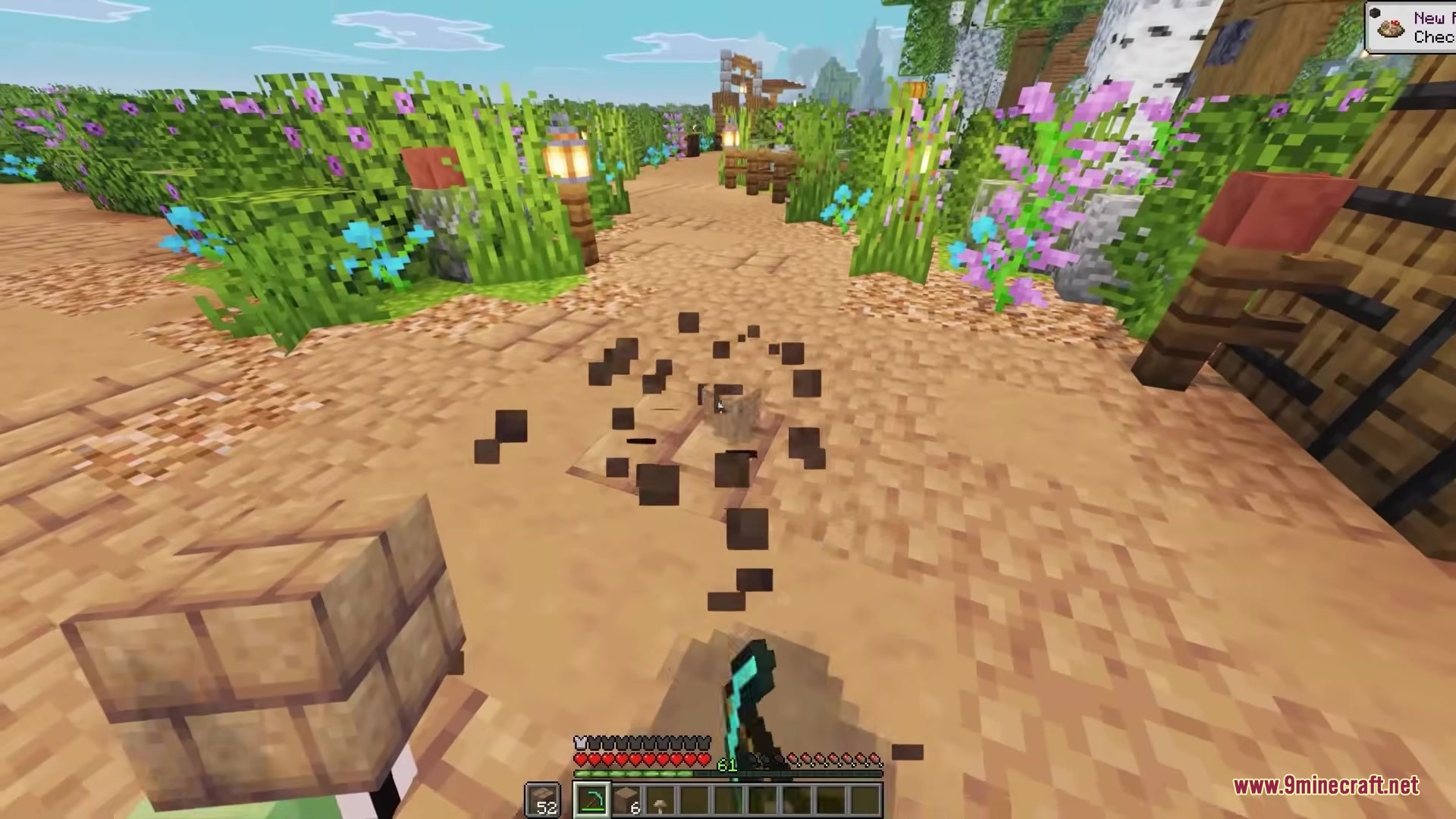
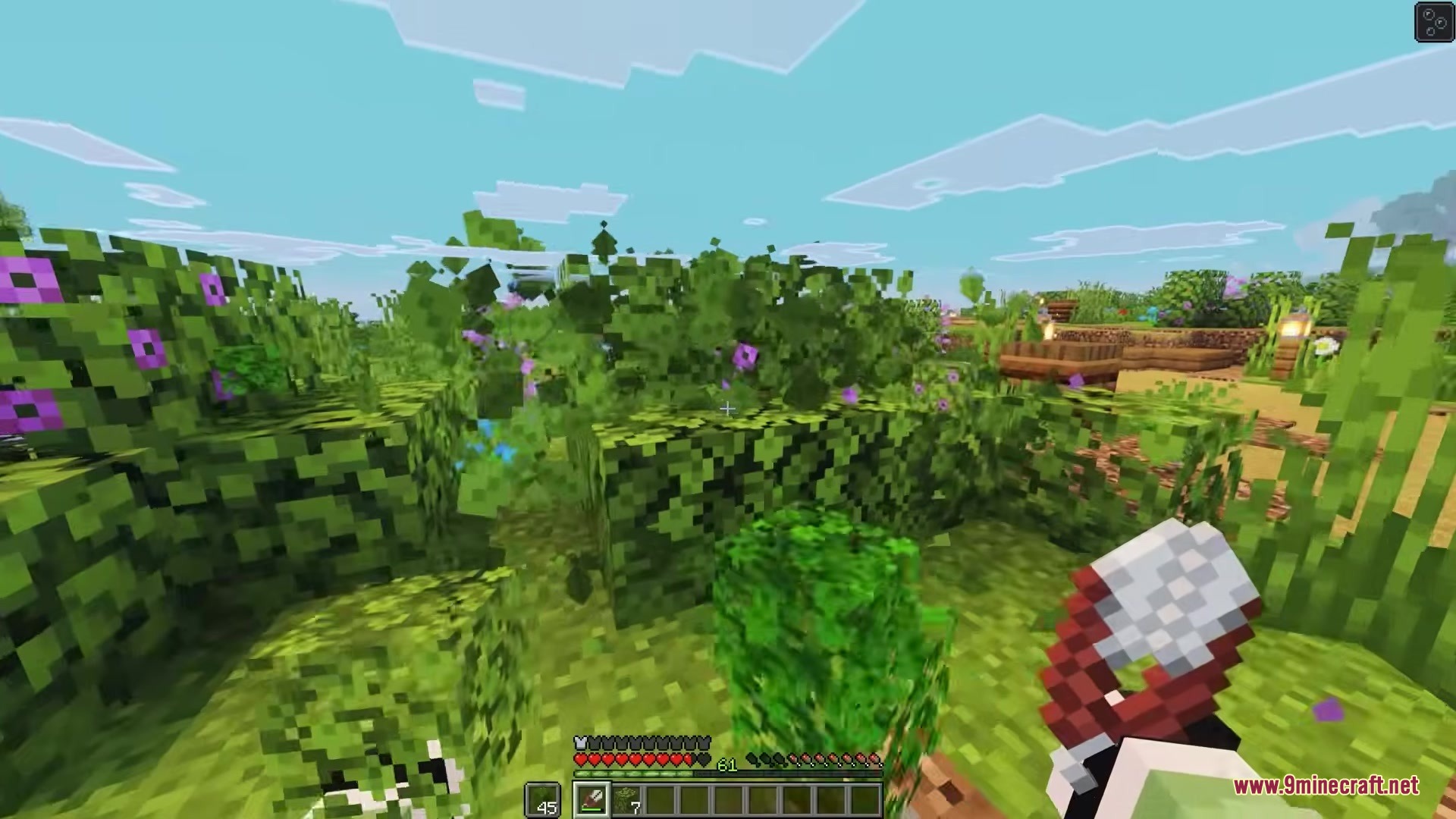
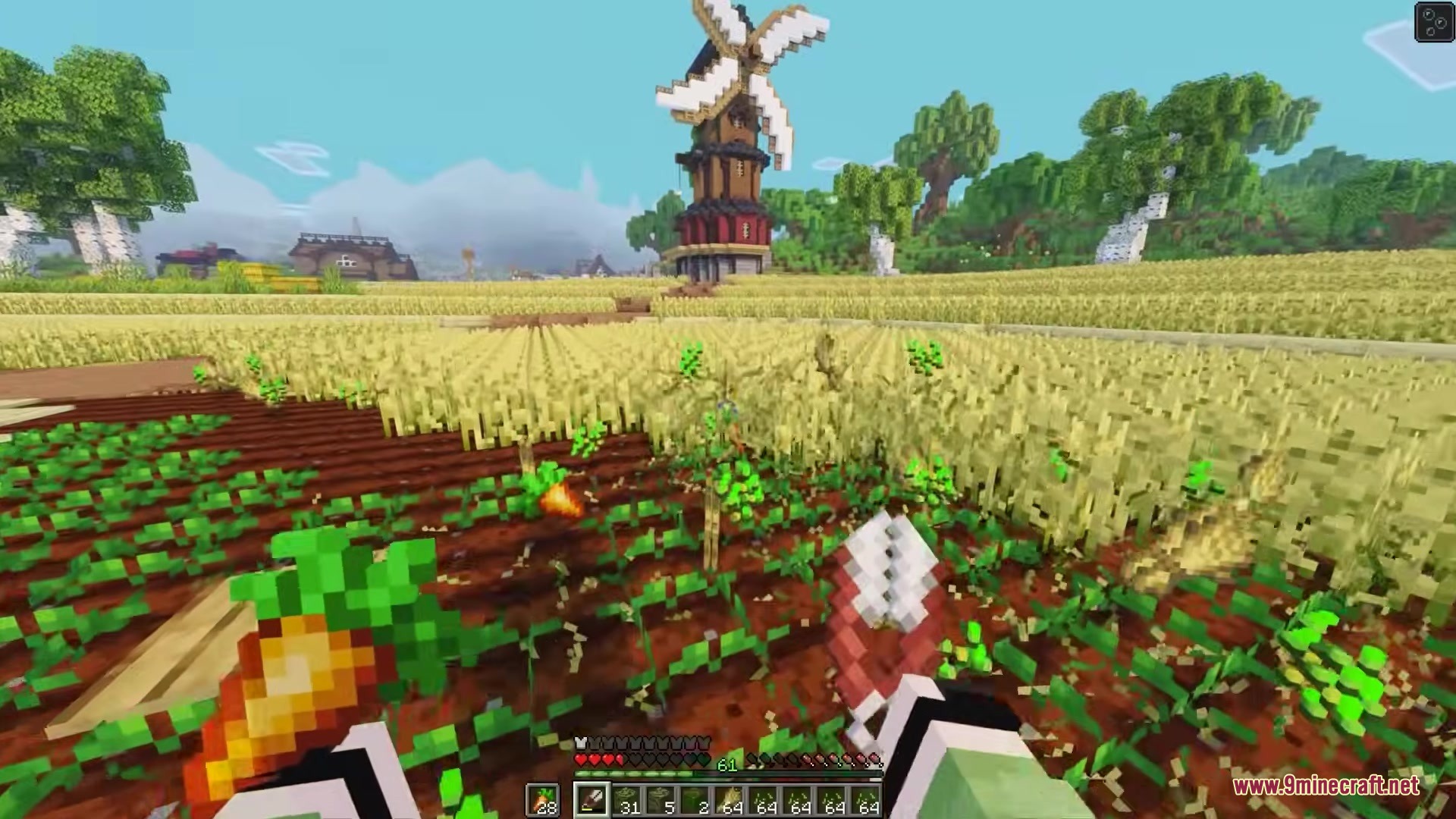
Simple Swap Mod lets you change blocks in your world quickly. When you break a block, this mod puts a new one in its place right away. You do not need to break a block, switch your item, and place the new one manually. It saves time when you want to fix mistakes or change the walls of your house.
Features:
- Fast Swapping: Puts the block from your hand into the empty space right after you break a block.
- Works with the item you hold in your main hand or your offhand.
- Helps you build faster because you skip the extra clicks.
- Server Warning: Some server owners might think this is cheating, so ask before you use it online.
How to Use:
- Hold down the Simple Swap key (the default key is Left Alt).
- Break a block in the world.
- The block you hold in your hand places itself exactly where the old block was.
Screenshots:
How to Install:
New to Minecraft? Follow our step-by-step guide to install Mods on your PC.View Guide
Requirements:


Simple Swap Mod Download Links
For Minecraft 26.2
For Minecraft 26.1.2, 26.1.1, 26.1
For Minecraft 1.21.11
For Minecraft 1.21.10, 1.21.9
For Minecraft 1.21.4
For Minecraft 1.21.1, 1.21
For Minecraft 1.20.1, 1.20
Click to rate this post!
[Total: 0 Average: 0]
You May Also Like


This post has no comments yet. Be the first — your comment will appear here.