


Zelith Client Mod (1.21.11) – Dominate PvP and Find Hidden Server Bases
 441
441
 0
0

🌐 Read this article in your language! Choose your preferred language below.
Or pick the one you like:
Zelith Client Mod gives you a massive menu filled with helpful tools for your Minecraft world. It packs in hundreds of different settings to help you fight better, see through walls, and automate boring tasks. You can quickly open the menu while playing to turn features on or off. The mod also lets you change how your screen looks and saves your favorite setups for later.

Features:
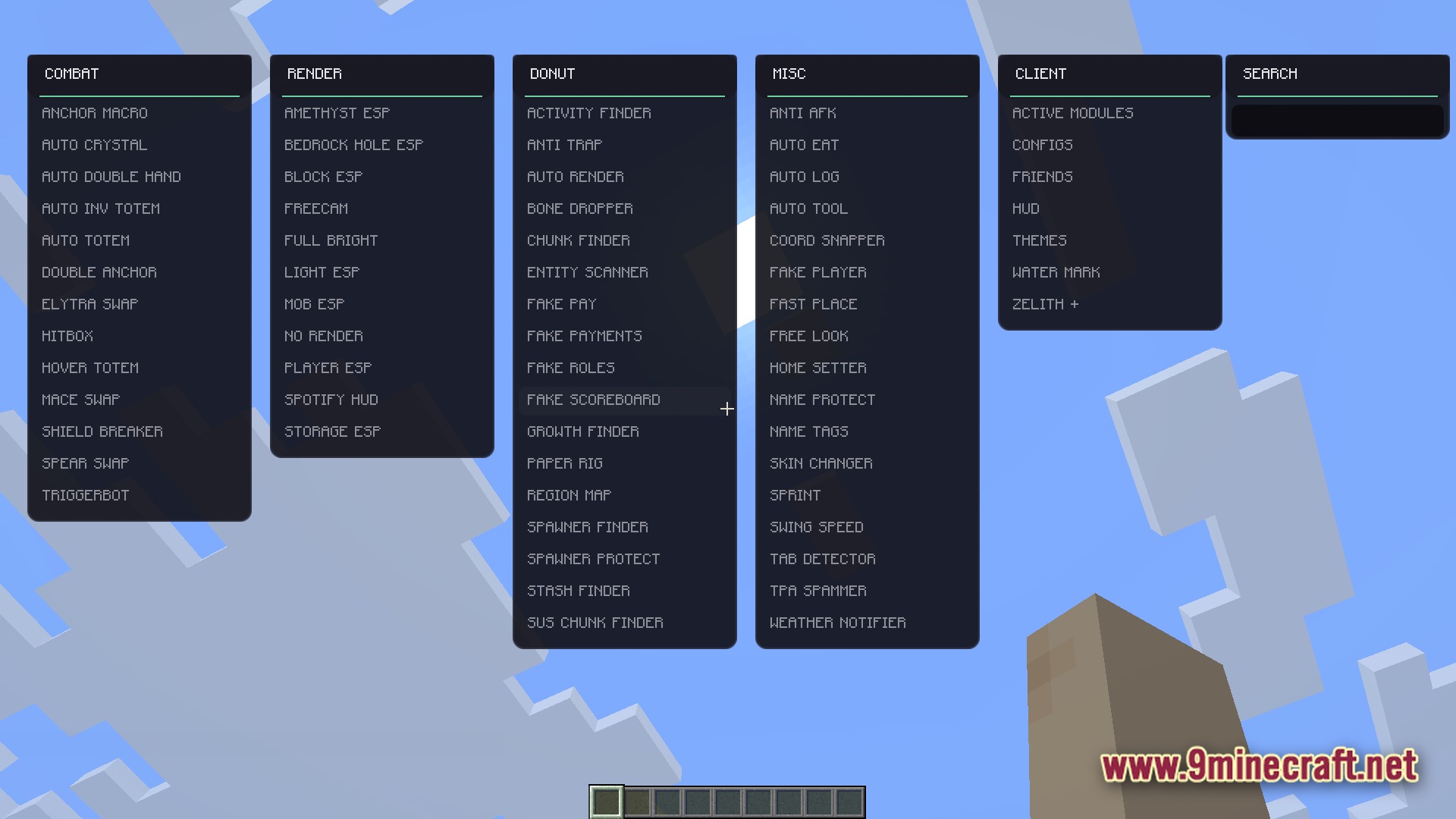
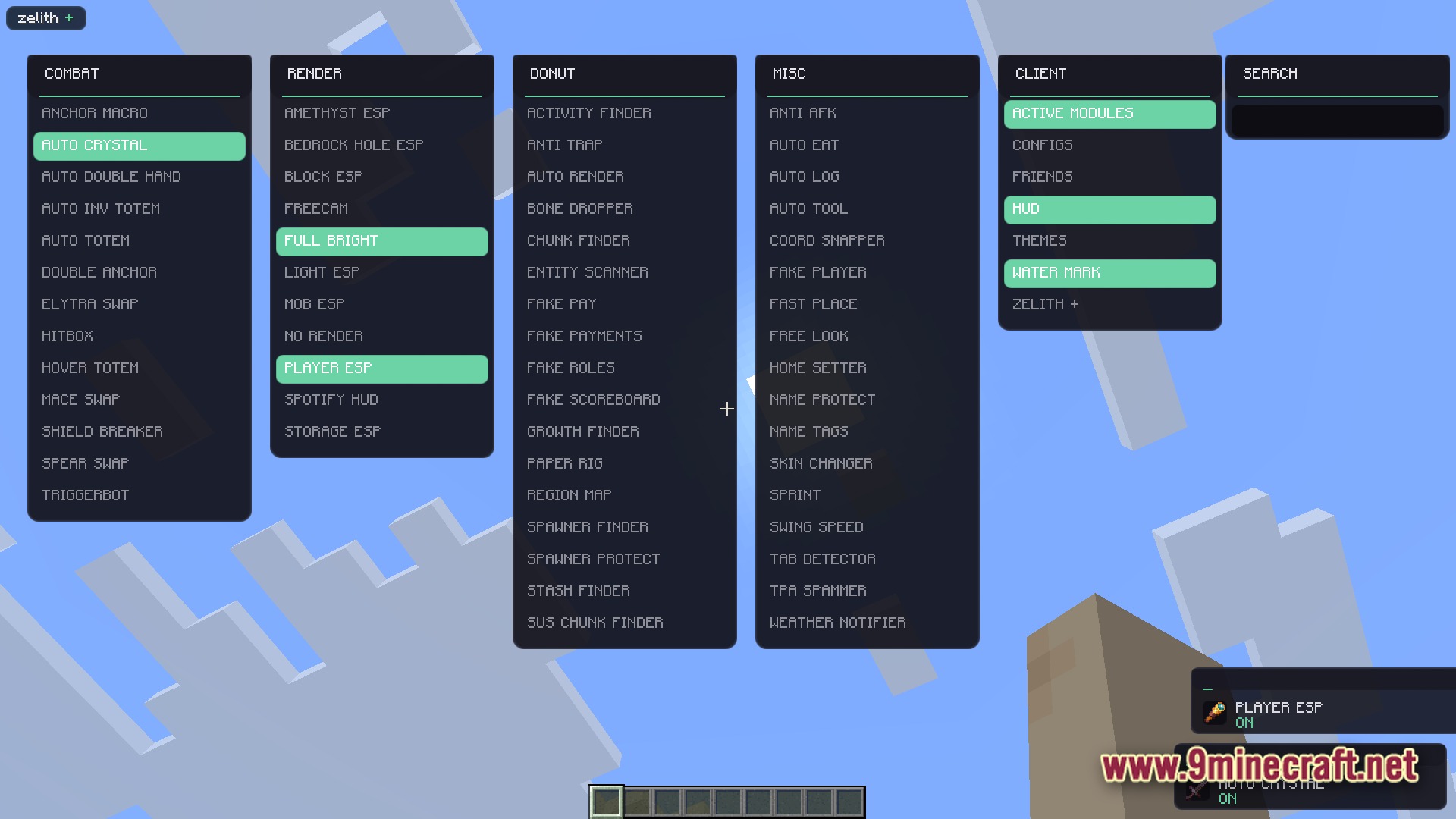
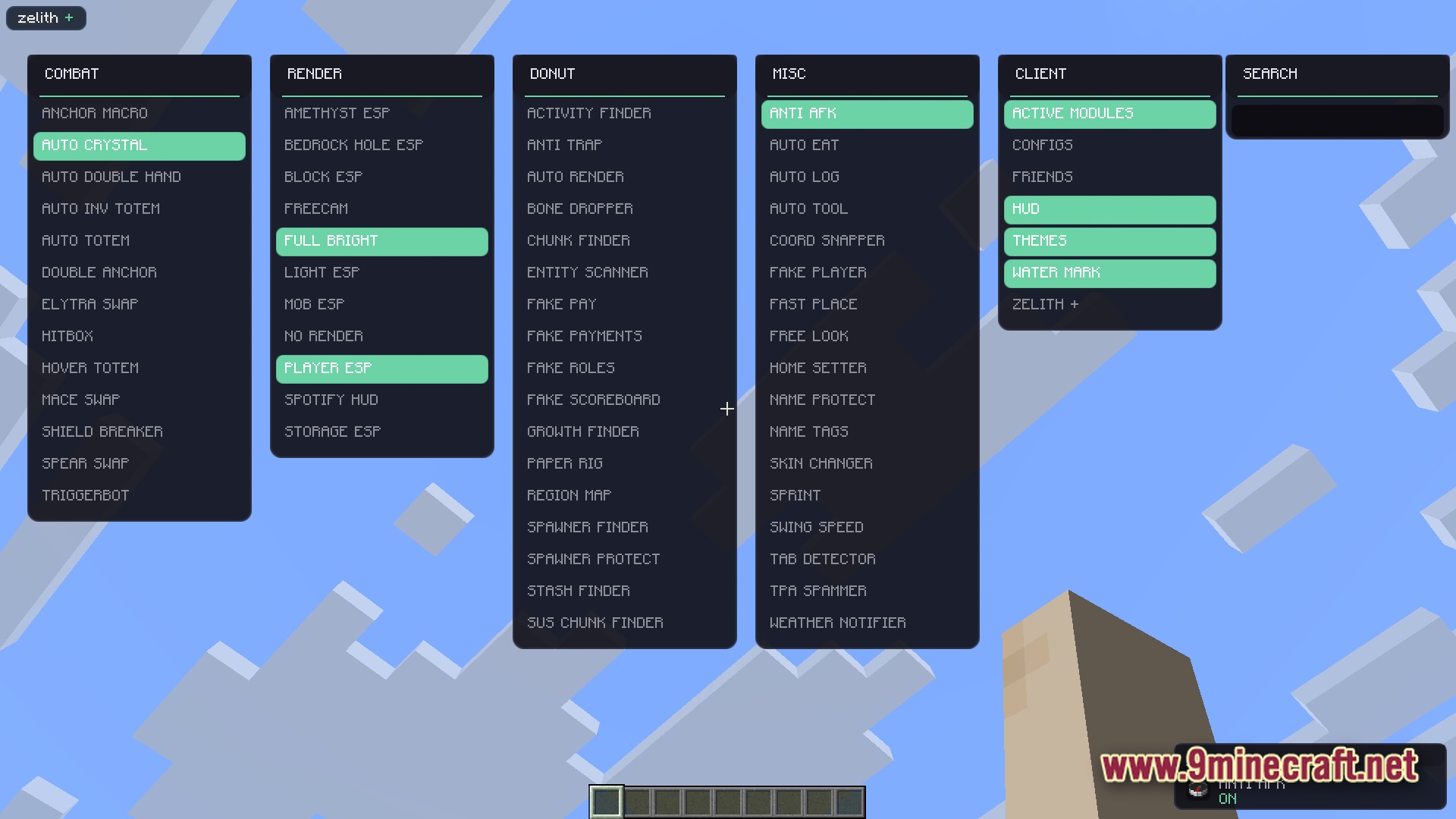
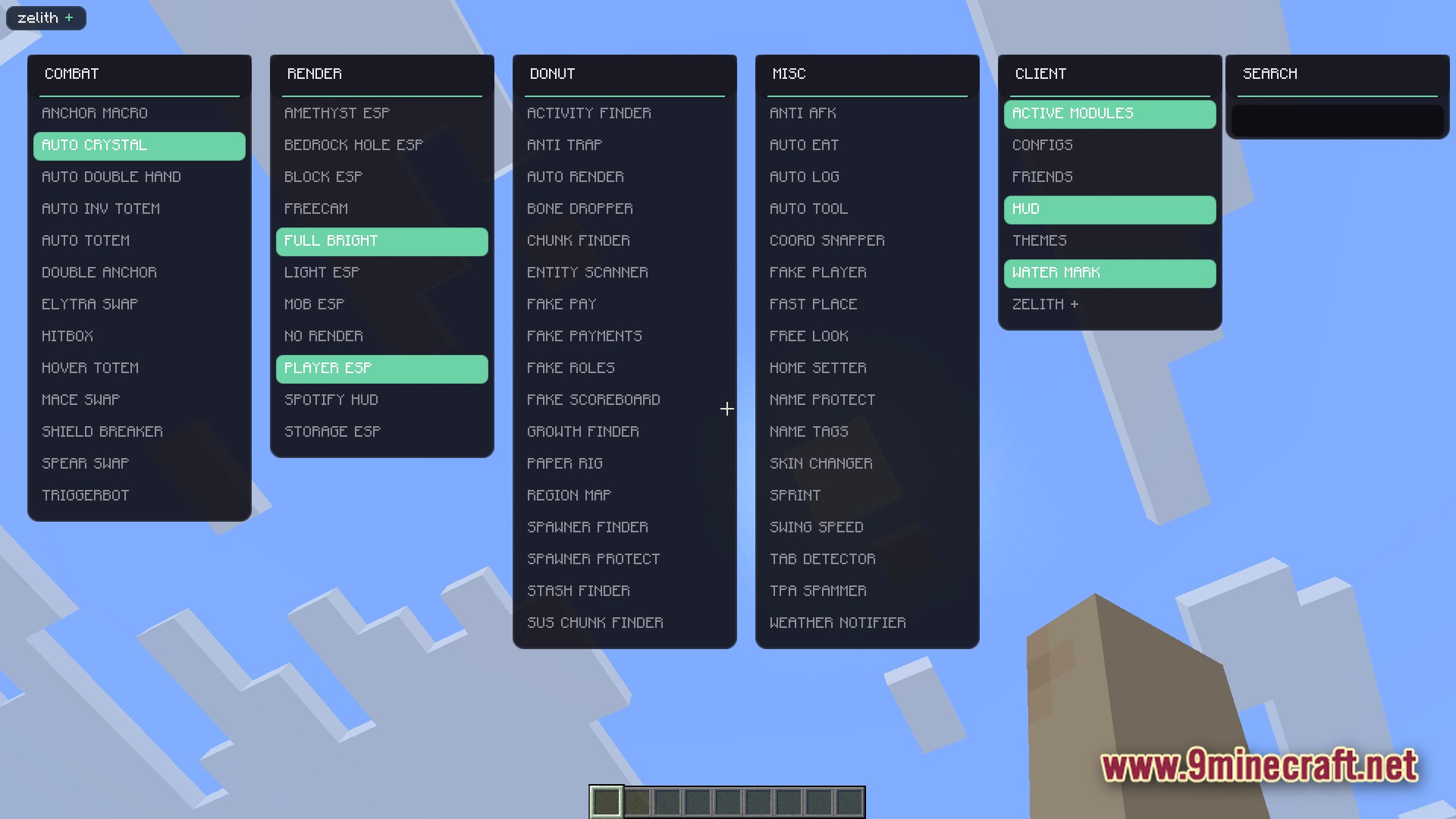
- ClickGUI Menu: Press a single key to open a clean menu where you can control everything.
- Custom Themes: Change the colors and look of the menu to match your style.
- Shows a helpful message on your screen whenever you turn a tool on or off.
- Lets you save your favorite settings so you do not have to set them up again.
- Adds a custom display on your screen to show which tools are currently active.
Combat Tools:
- Automatically places or breaks crystals during fights.
- Swaps totems into your hand right before you take fatal damage.
- Makes it easier to hit enemies by showing their hitboxes clearly.
- Quickly switches between weapons like maces, spears, and elytras.
Render Tools:
- Highlights players, mobs, and blocks so you can see them through walls.
- Lights up dark caves without needing torches using full bright mode.
- Lets you move your camera away from your body to look around freely.
- Displays what you are listening to on Spotify right on your game screen.
Server and Misc Tools:
- Finds hidden bases, spawners, and chests on big servers.
- Eats food for you automatically when you get hungry.
- Switches to the right tool when you mine different blocks.
- Keeps you from getting kicked for standing still with an anti-AFK tool.
How to Use:
- Launch the game and load into your world or server.
- Press Right Shift on your keyboard to open the main menu.
- Click on any category like Combat or Render to see the tools.
- Click a specific tool to turn it on or off.
- Close the menu and play with your new tools active.
Screenshots:
How to Install:
New to Minecraft? Follow our step-by-step guide to install Mods on your PC.View Guide
Requirements:


Zelith Client Mod Download Links
For Minecraft 1.21.11
Click to rate this post!
[Total: 2 Average: 4.5]
You May Also Like







This post has no comments yet. Be the first — your comment will appear here.