


Water Client Mod (1.21.11) – See Through Walls and Dominate PvP Fights
 397
397
 0
0

🌐 Read this article in your language! Choose your preferred language below.
Or pick the one you like:
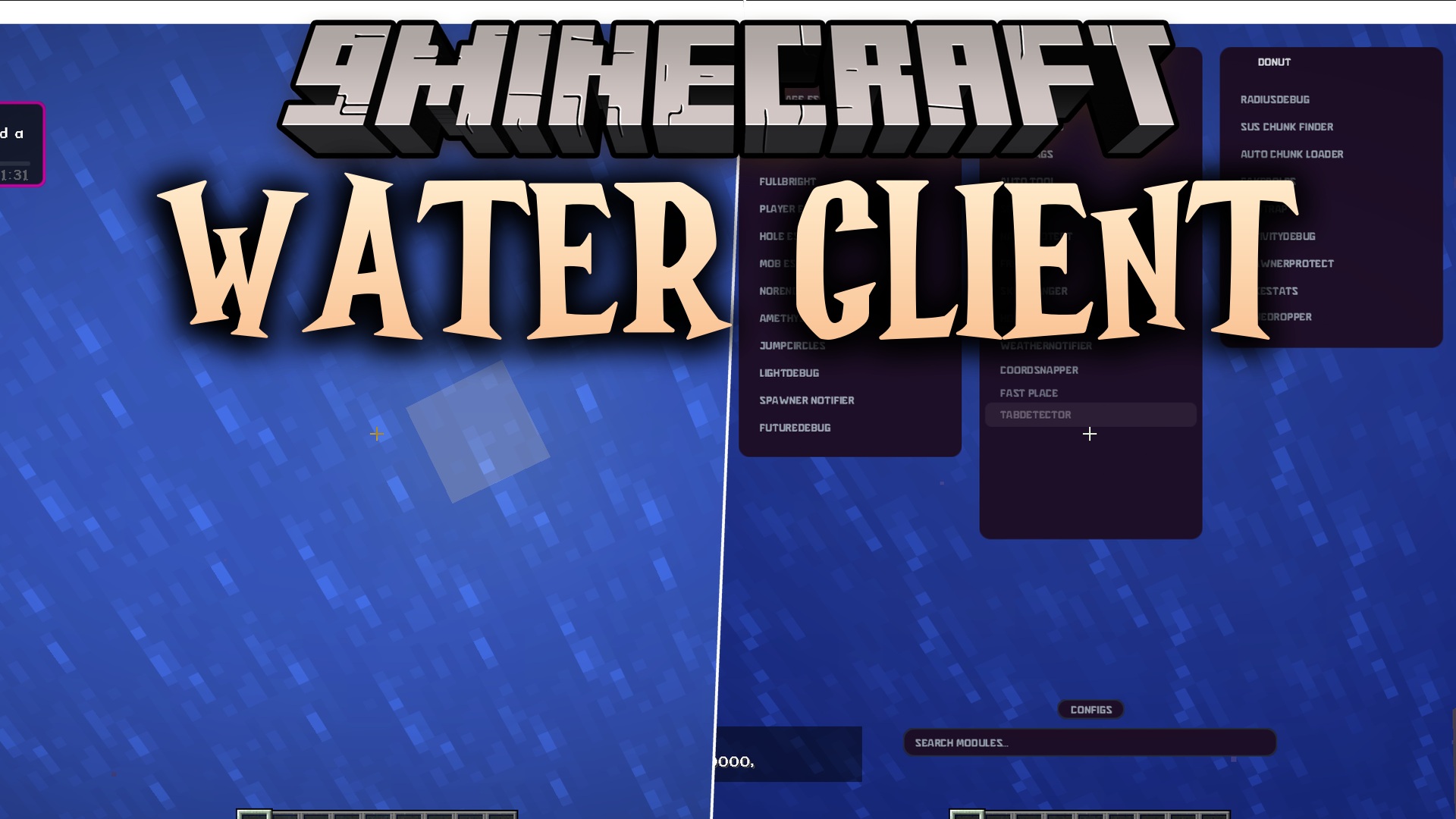
Water Client Mod gives you a huge menu of helpful tools for your game. It packs in special utilities grouped into five main categories so you can fight better, see items through walls, and manage your screen easily.
Features:
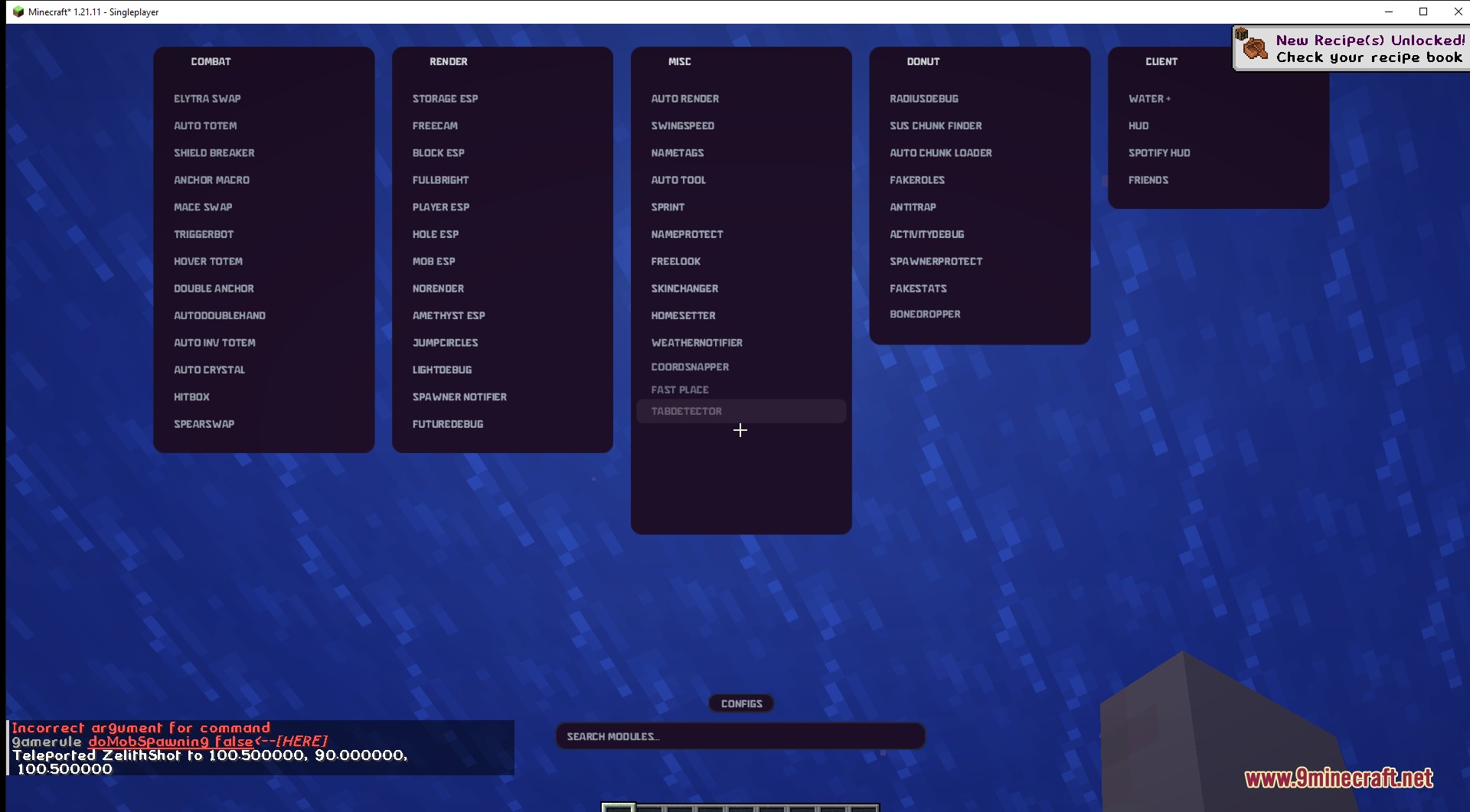
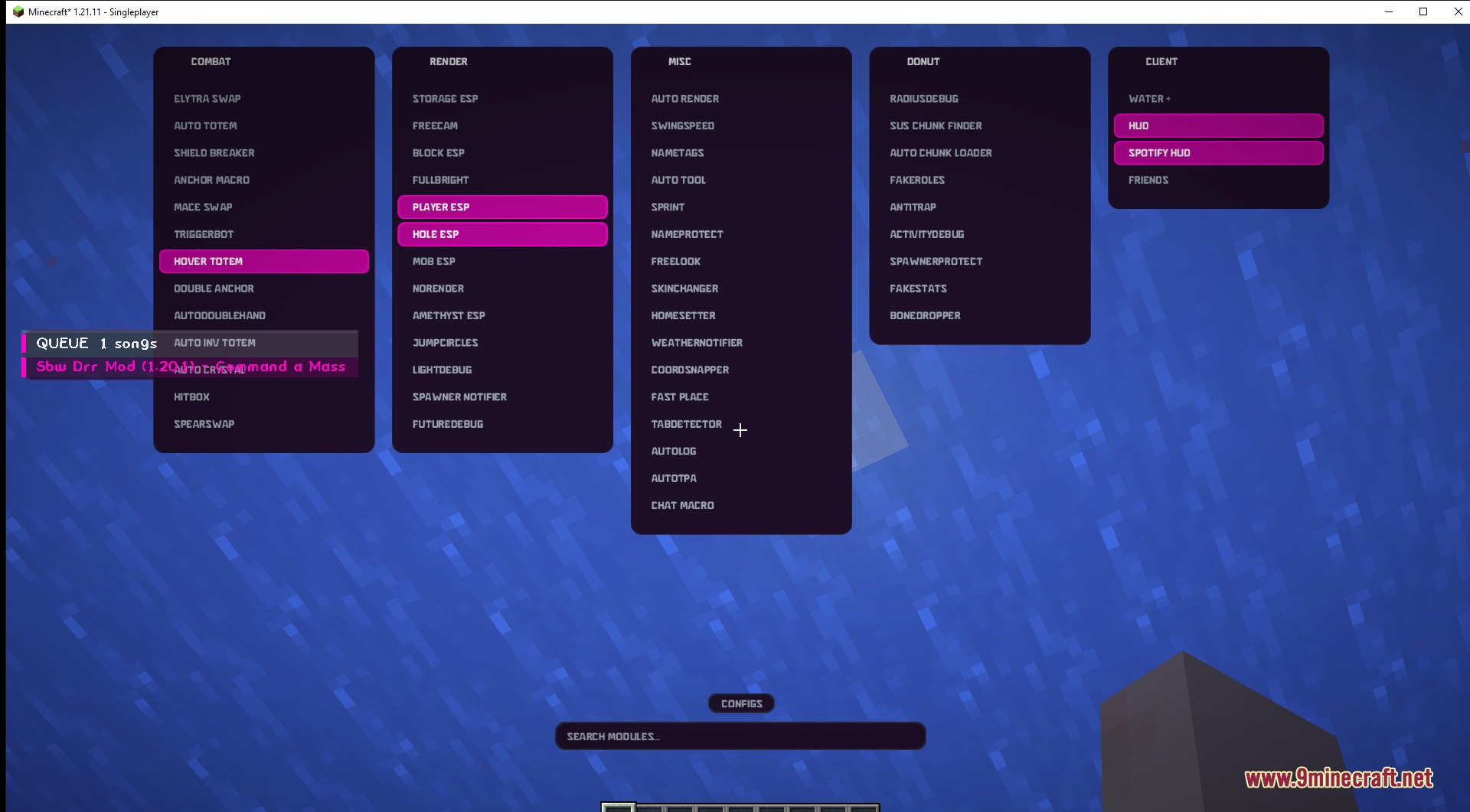
- ClickGUI Menu: Open a special menu on your screen to search and turn on different tools.
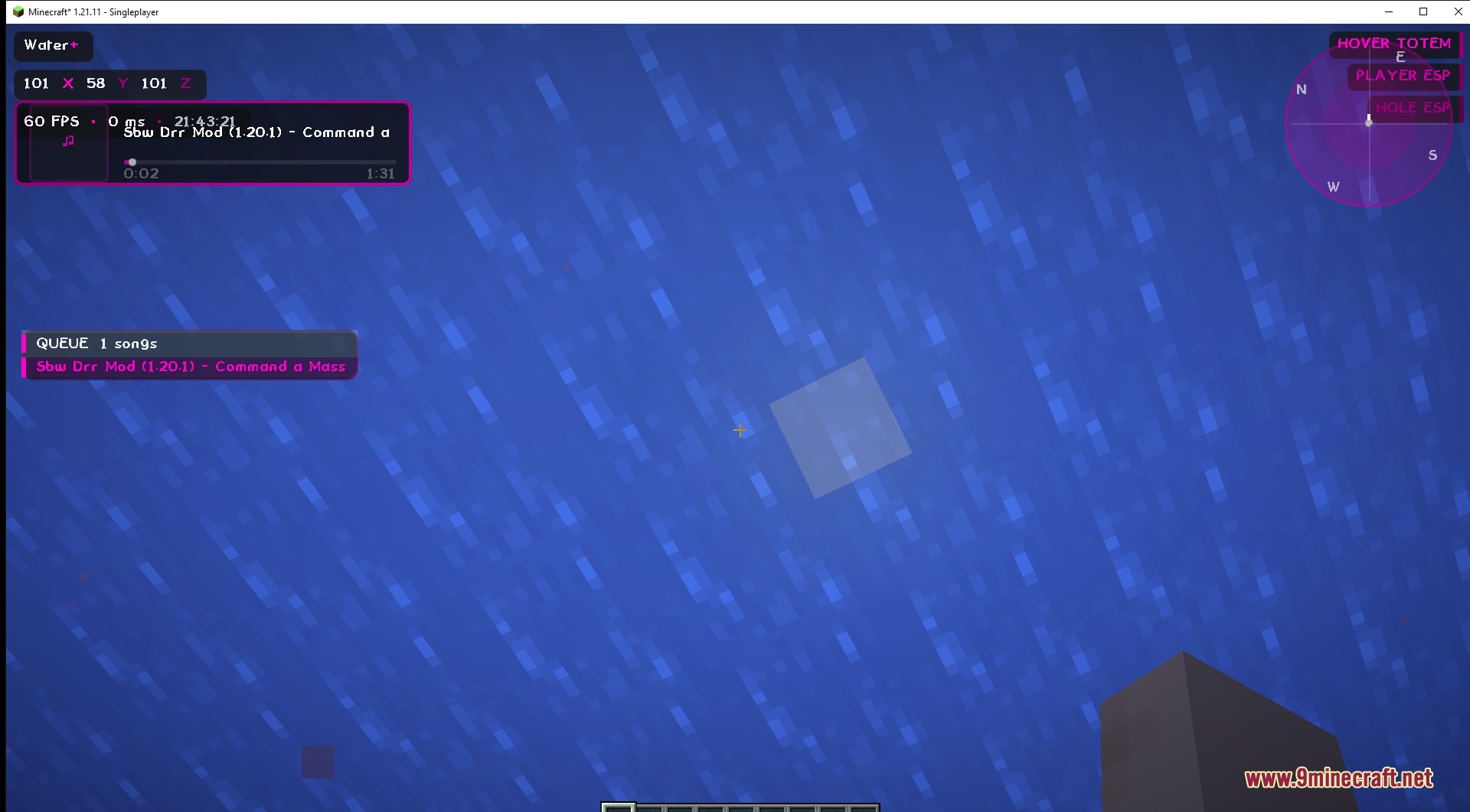
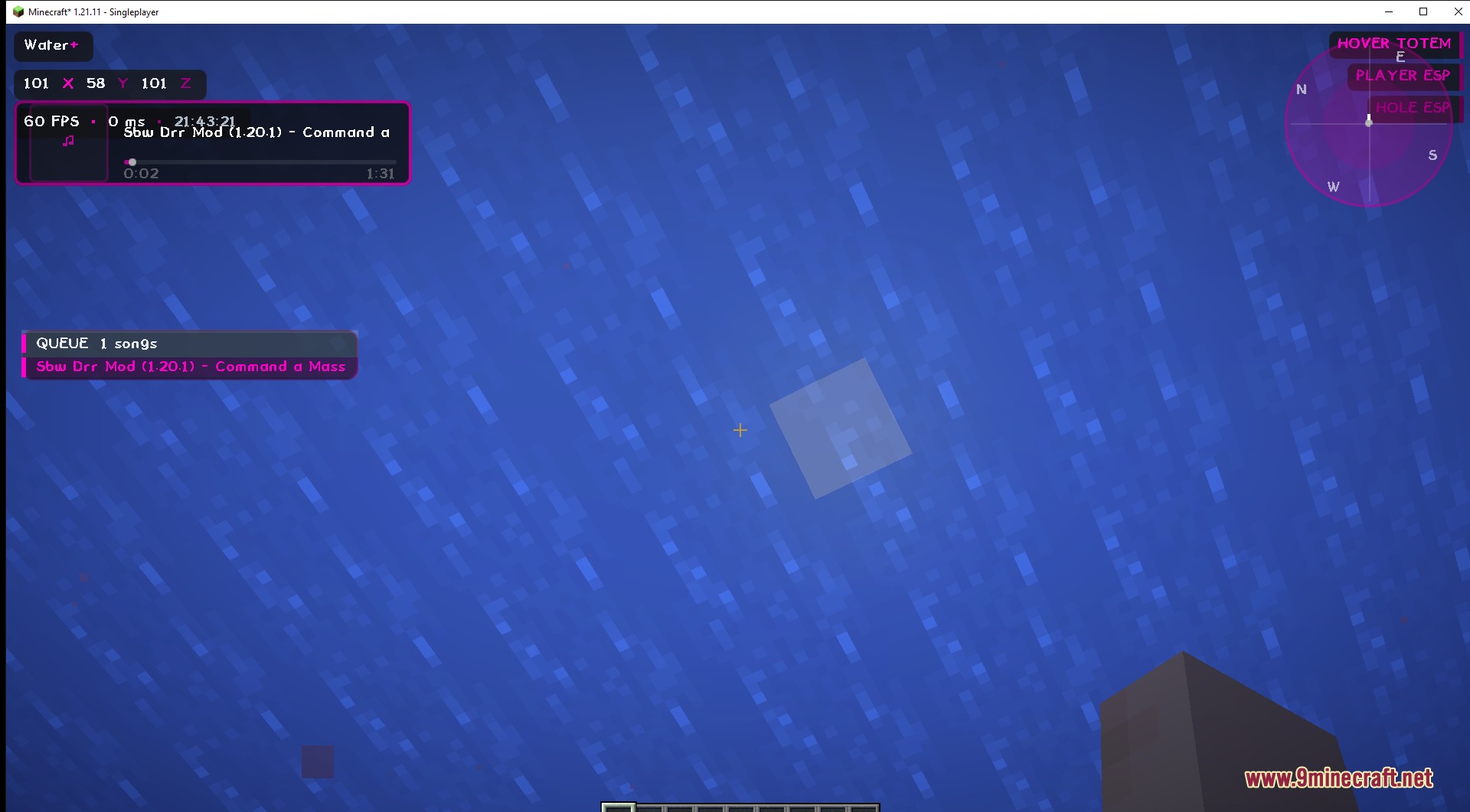
- Customize your screen with widgets that show your FPS, coordinates, and what plays on Spotify.
- Save your favorite tool settings so you do not have to set them up again.
- Look at your screen to see a list of all your active tools.
Combat Tools:
- Swap items like Elytra, Maces, and Spears automatically during a fight.
- Break shields and place crystals fast to win battles.
- Keep your character safe with automatic totem tools.
Render Options:
- Spot players, mobs, and storage chests easily with ESP tools.
- Turn up the brightness to see clearly in dark caves without torches.
- Use the freecam to look around without moving your character.
Misc and Donut Tools:
- Change your skin, sprint faster, and place blocks quickly.
- Protect your name and find chunks or spawners on servers.
- Log out automatically or teleport away when you run into danger.
How to Use:
- Press Right Shift on your keyboard to open the main menu.
- Search for the tool you want in the module list.
- Click on a module to turn it on or off.
Screenshots:
How to Install:
New to Minecraft? Follow our step-by-step guide to install Mods on your PC.View Guide
Requirements:


Water Client Mod Download Links
For Minecraft 1.21.11
Click to rate this post!
[Total: 3 Average: 4.3]
You May Also Like









This post has no comments yet. Be the first — your comment will appear here.