


Donut Orders Plugin (26.2, 1.20.1) – Trade Items Safely Without Building Chest

 0
0 

Donut Orders Plugin gives your server a simple marketplace where players buy and sell items without building physical chest shops. You can post a request for items you need, set a price, and wait for others to deliver them. The money is taken from your account right away so nobody gets cheated during the trade. Sellers can look at the public market, drop the requested items into a menu, and get paid instantly. It makes trading safe, fast, and easy to understand for everyone on the server.
Features:
- Virtual Stash: Bought items wait safely in a digital storage space until you are ready to collect them, even if your inventory is full.
- Partial Fills: Sellers can deliver just a few items instead of the whole order and still get paid for exactly what they give.
- Players pay upfront when making an order, which guarantees the seller always receives their money upon delivery.
- The system automatically returns any extra items to your inventory if you try to deliver more than the buyer asked for.
- Orders expire after a set number of days if nobody fills them, and the buyer gets their unspent money refunded automatically.
- A smart menu stops players from putting the wrong blocks or items into a delivery box.
- Server owners can choose exactly which materials are allowed on the market to keep the economy balanced.
Commands:
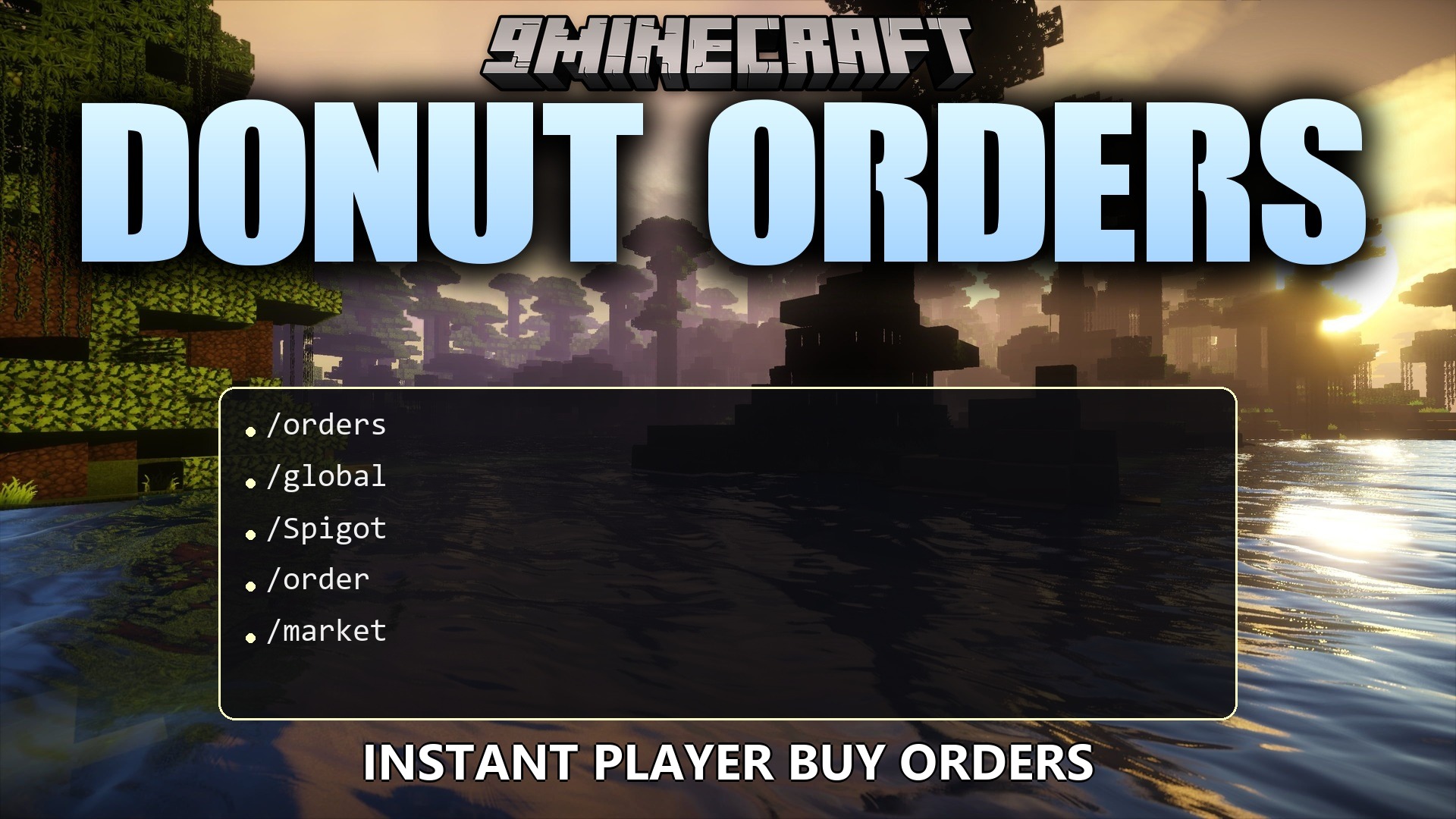
/orders: Opens the main market menu to buy items, sell items, or check your stash./orders admin reload: Updates the plugin settings and messages without restarting the server.
Configuration:
max-per-player: Limits how many active orders one player can have at the same time.default-expiry-days: Sets how long an order stays on the market before it expires.tax-percent: Takes a small cut from the seller’s money to help balance the server economy.
orders:
  max-per-player: 10
  default-expiry-days: 7
  tax-percent: 0.0

database:
  filename: donutorders.db

allowed-materials:
  - DIAMOND
  - EMERALD
  - GOLD_INGOT
  - IRON_INGOT
How to Use:
- Type /orders in the chat to open the main market menu.
- Click New Order and follow the chat prompts to ask for items, or click Browse Market to see what other players want to buy.
- To sell, pick an active order from the market list and drop your items into the delivery menu to instantly receive your money.
- If you posted a buy order, wait for someone to deliver the items.
- Open the menu again and click Collect Stash to move your newly bought items into your inventory.
How to Install:
New to Minecraft? Follow our step-by-step guide to install Plugins on your PC.View Guide
Requirements:

Donut Orders Plugin Download Links
For Minecraft
26.2,
26.1.2,
26.1.1
All Versions Covered
26.2
26.1.2
26.1.1
26.1
1.21.11
1.21.10
1.21.9
1.21.8
1.21.7
1.21.6
1.21.5
1.21.4
1.21.3
1.21.2
1.21.1
1.21
1.20.6
1.20.5
1.20.4
1.20.3
1.20.2
1.20.1
1.20
All Versions Covered
26.2
26.1.2
26.1.1
26.1
1.21.11
1.21.10
1.21.9
1.21.8
1.21.7
1.21.6
1.21.5
1.21.4
1.21.3
1.21.2
1.21.1
1.21
1.20.6
1.20.5
1.20.4
1.20.3
1.20.2
1.20.1
1.20
Click to rate this post!
[Total: 0 Average: 0]
You May Also Like









This post has no comments yet. Be the first — your comment will appear here.