


Log Pass Plugin (26.2, 1.20.1) – Protect Player Accounts and Inventories

 0
0 

Log Pass Plugin protects your server by adding a local account and password system for players. Players can join from any computer and access their saved character data once they log into their unique account. The plugin keeps untrusted guests at a designated spawn area until they enter the correct credentials. It also keeps your community data safe locally on the server without relying on outside web services.
Features:
- Lets players log into a personal server account from any Minecraft username.
- Saves and restores inventory, health, food, XP levels, and armor for each account.
- Teleports unauthenticated visitors to a safe holding spawn point until they log in.
- Shows the account name next to the player tag in the chat window.
- Protects passwords using secure hashing and random salts stored locally in server files.
- Hides entered passwords inside server command logs to keep login details private.
- Records chat history, executed commands, and player stats in dedicated log files.
- Sets a timer that kicks unauthenticated players if they take too long to log in.
Commands:
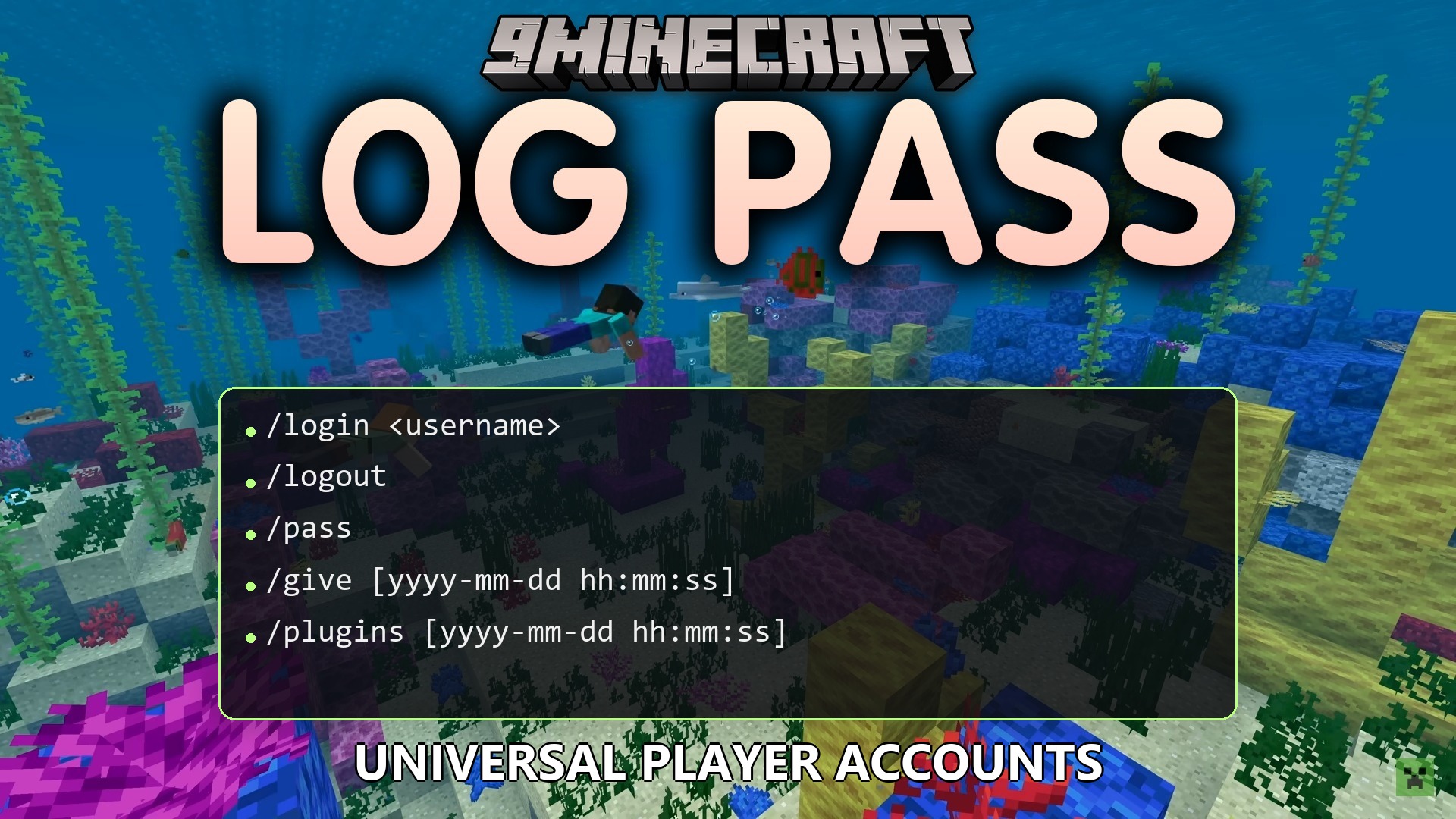
/login <username> <password>: logs into a registered server account./logout: logs out of the active account./pass change <oldPassword> <newPassword>: updates the password for the current account./pass delete <password>: deletes the current account./pass create <username> <password>: creates a new account from the console or admin rank./pass reset <username> <newPassword>: changes the password for an existing account./pass delete <username>: removes a specific player account./pass setspawn: sets the waiting spawn point for unauthenticated players.
Configuration:
login-timeout-seconds: sets how many seconds a player has to log in before timing out.min-password-length: sets the minimum character count required for passwords.
How to Use:
- Stand in your desired lobby area and type
/pass setspawnto set the spawn point. - Create an account using
/pass create <username> <password>. - Type
/login <username> <password>after joining the server to unlock your items and position. - Use
/logoutbefore disconnecting if you share a device with other players.
How to Install:
New to Minecraft? Follow our step-by-step guide to install Plugins on your PC.View Guide
Log Pass Plugin Download Links
For Minecraft 26.2
For Minecraft 26.1.2, 26.1.1, 26.1
For Minecraft 1.21.11
For Minecraft 1.21.10, 1.21.9
For Minecraft 1.21.8, 1.21.7, 1.21.6
For Minecraft 1.21.5
For Minecraft 1.21.4
For Minecraft 1.21.1, 1.21
For Minecraft 1.20.1, 1.20
Click to rate this post!
[Total: 0 Average: 0]
You May Also Like
















This post has no comments yet. Be the first — your comment will appear here.