
Alternative Custom Player Animations Model – Brings Fresh Player Movements

 0

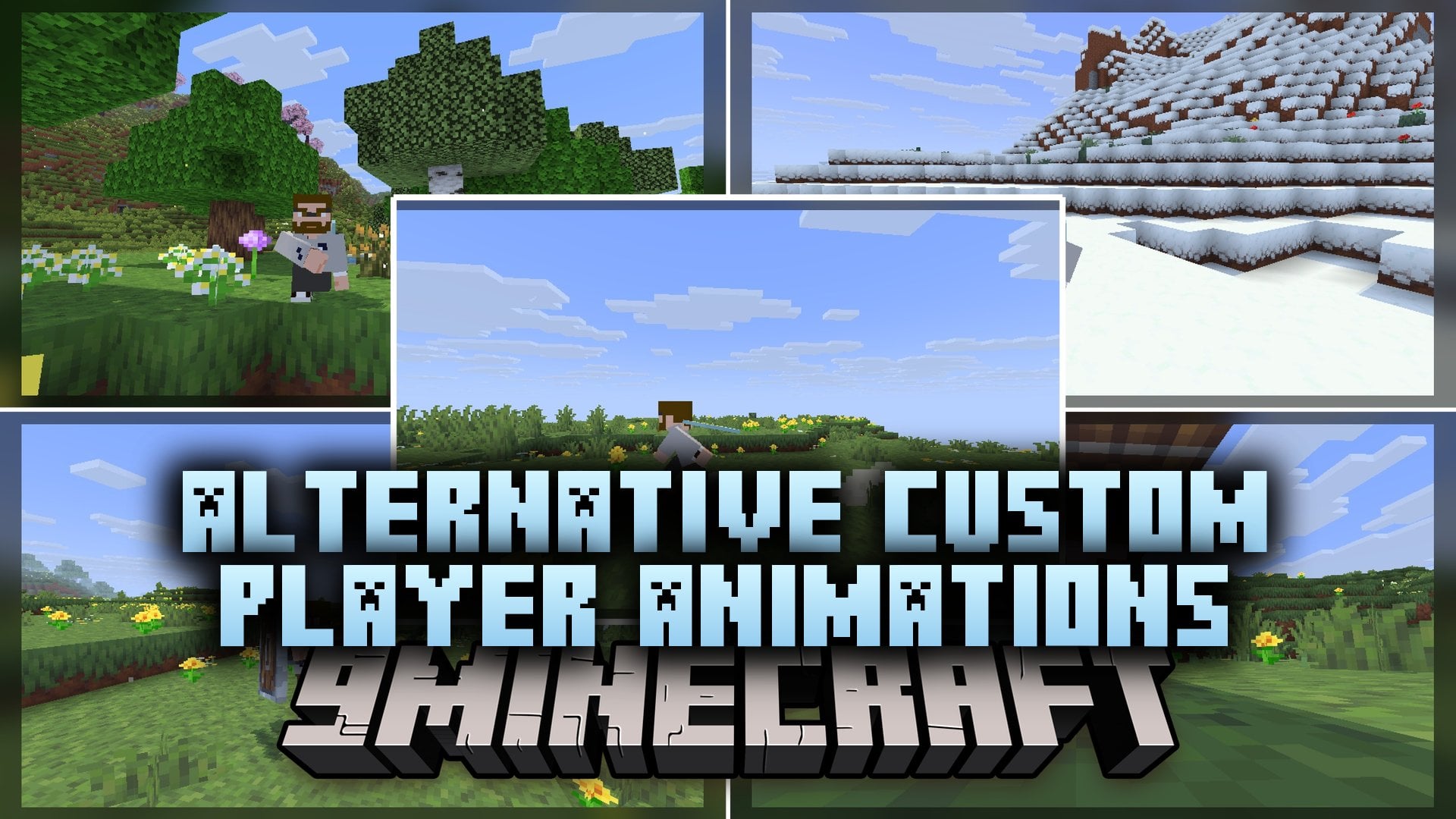
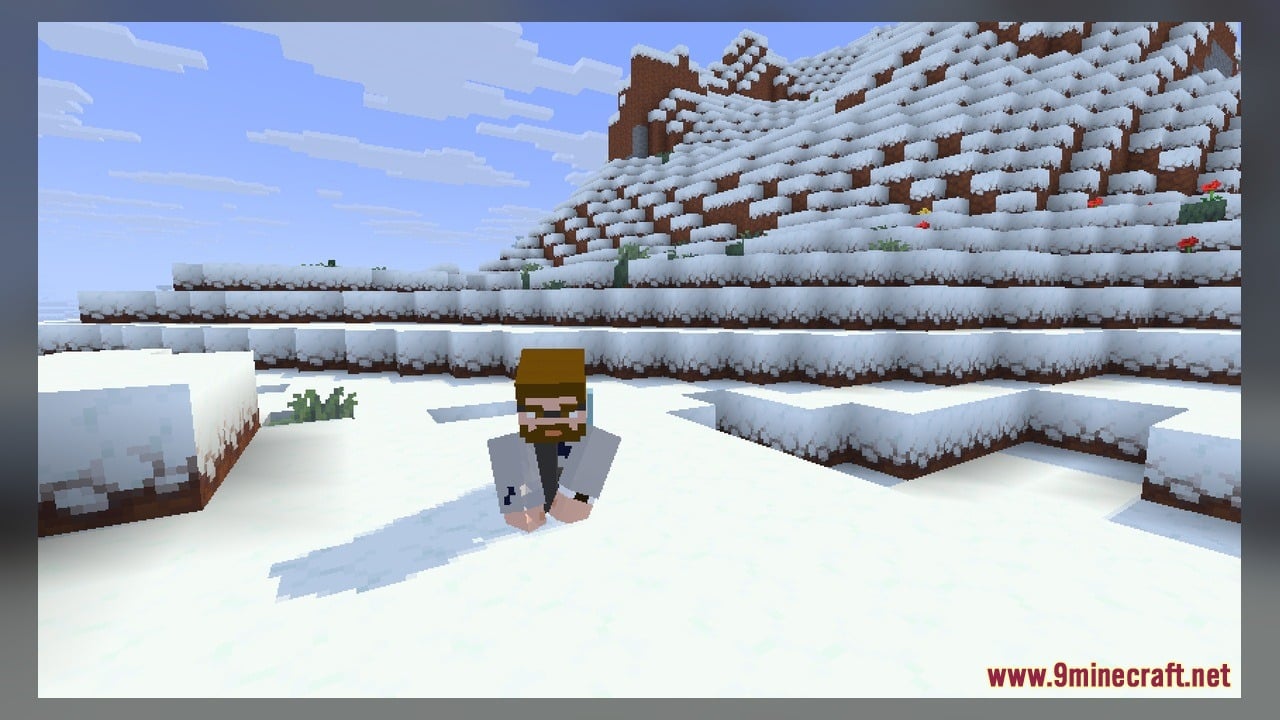
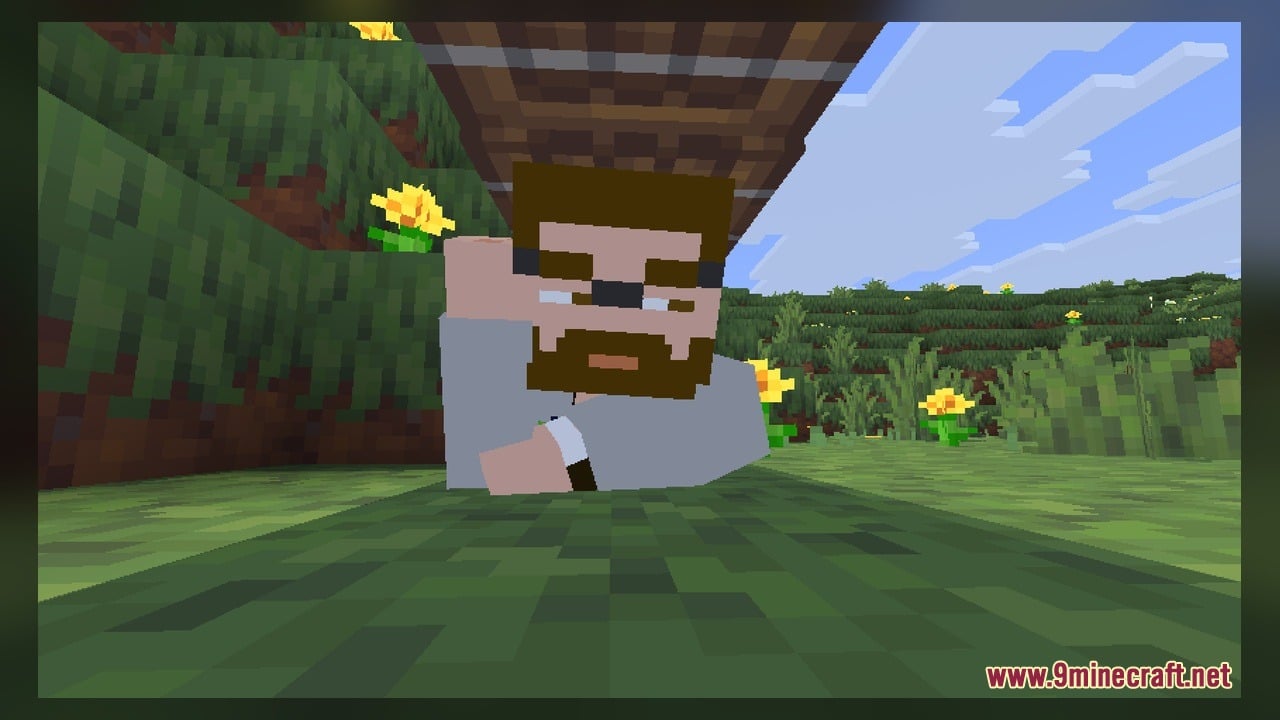
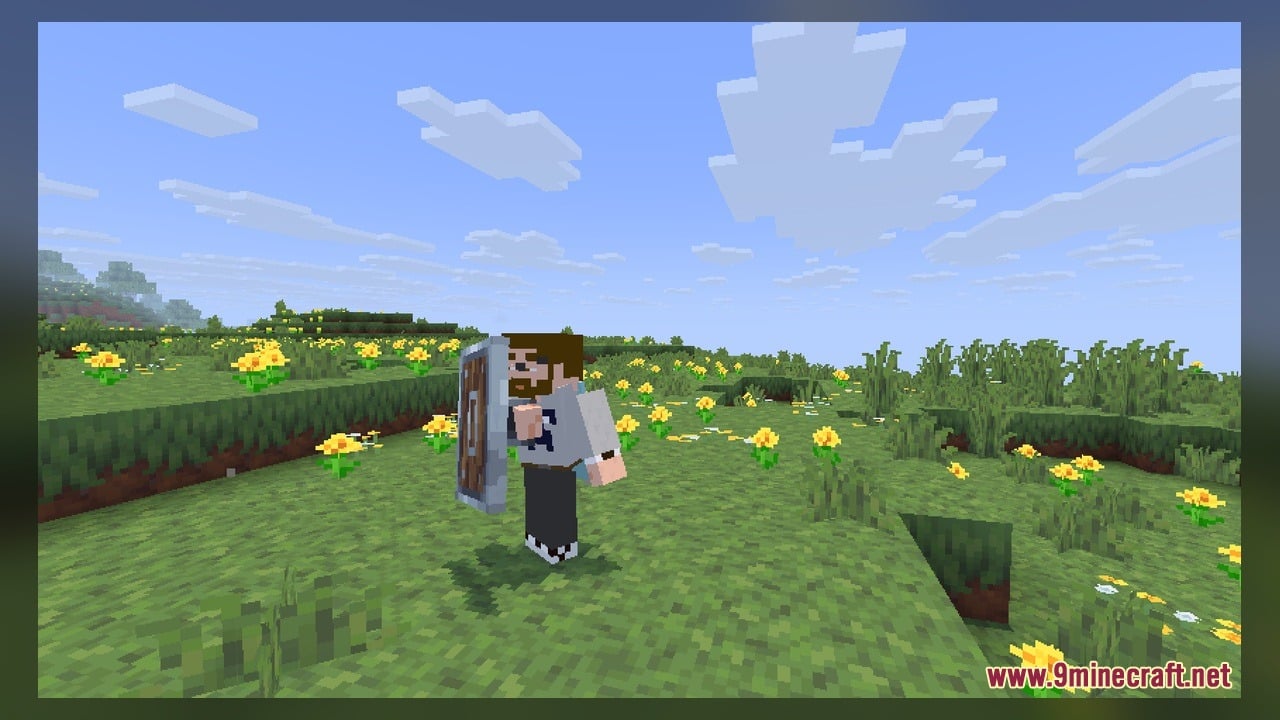
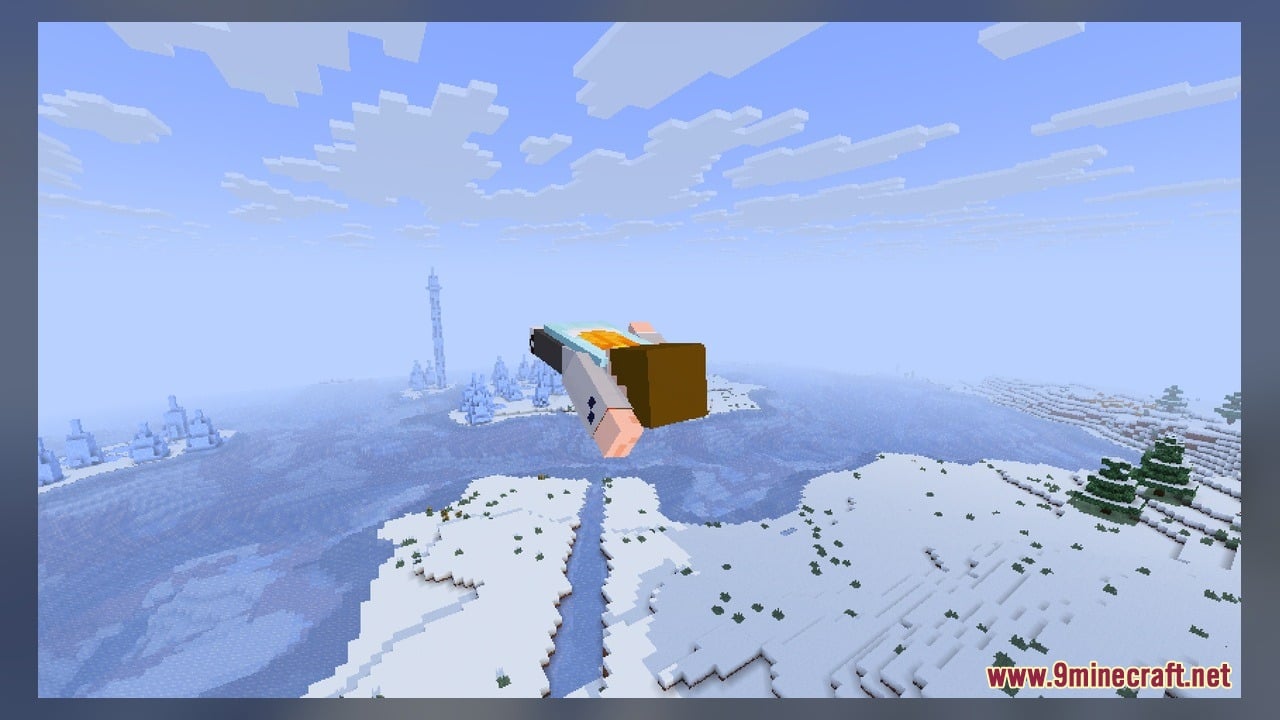
Alternative Custom Player Animations Model adds alternative player animations for the Custom Player Animations mod. It refreshes how your character moves by bringing two Blockbench source models and two texture files into your game. You can use these models right away to change your player movements or open the files in Blockbench to make your own edits.
Features:
- Alternative Player Animations: Adds different movement styles made to work with the Custom Player Animations mod.
- Editable Source Files: Includes 2 Blockbench source models so you can open and edit the animations yourself.
- Provides 2 custom texture files that match the included player models.
How to Use:
- Make sure you have the Custom Player Animations mod installed in your game.
- Place this pack into your Minecraft resource packs folder and activate it in the settings menu.
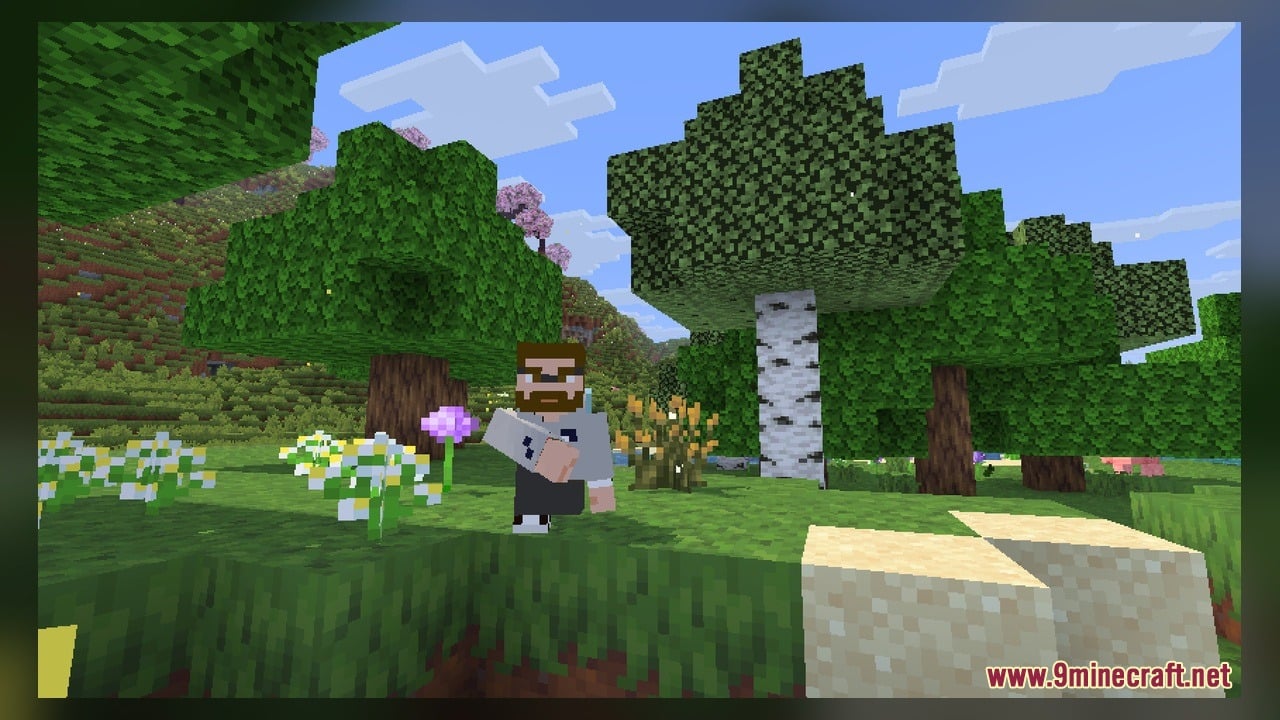
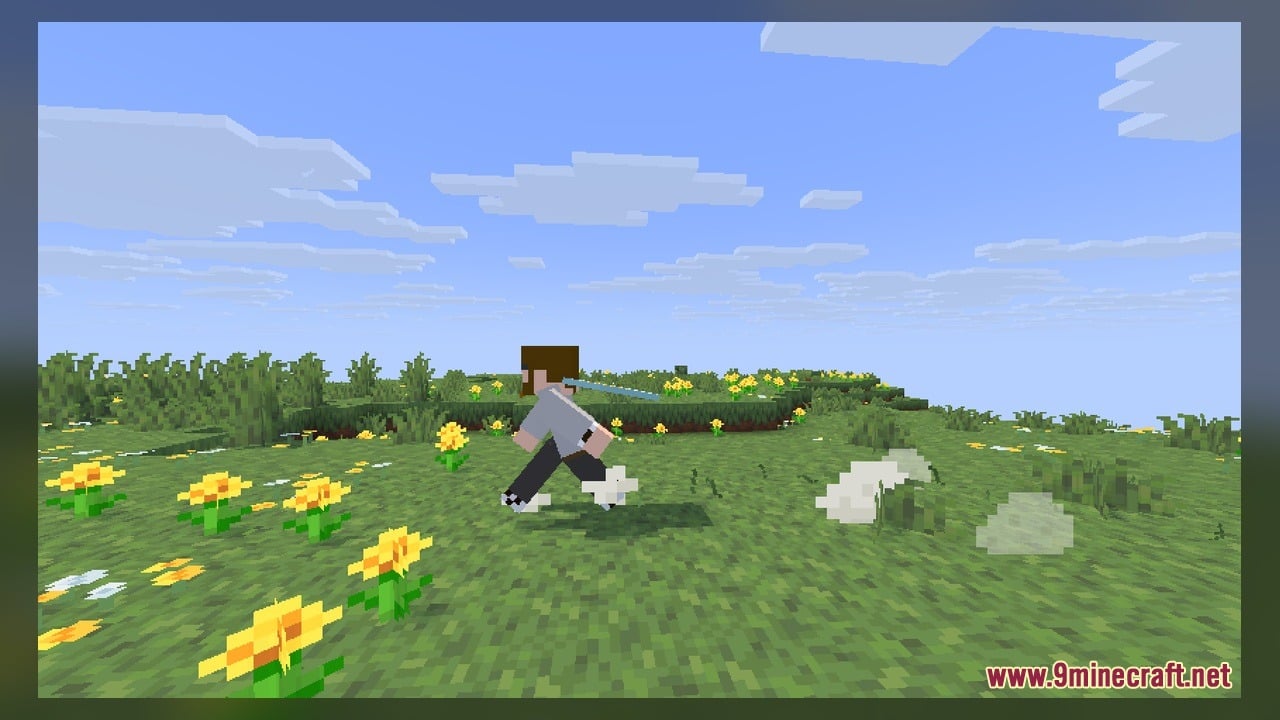
- Load into a world and switch to third-person view by pressing F5 to see your character.
- Move your player around to watch the new alternative animations play on your character model.
- Open the 2 included source models in Blockbench if you want to inspect or edit how the animations and 2 textures look.
Requirements:
- Blockbench, only if you want to edit the included source models
Screenshots:
Alternative Custom Player Animations Model Download Links
Click to rate this post!
[Total: 0 Average: 0]
You May Also Like
Picked for this page
 Butcher Vanity Character Jenny Mod Model
 Northern Wonderer Model – Adds 660 Custom 3D Models to Doors and Rails
 Misc Crysalon Model – Unleashes an Ancient Ocean Guardian Boss Fight
 Bare Bones X Model – Brings Simple 3D Foliage and Modded Block Visuals
 Bushy’s Wild Expanded Model
 Fish Bucket Variants Model – Adds Unique 3D Visuals to Aquatic Mob Buckets
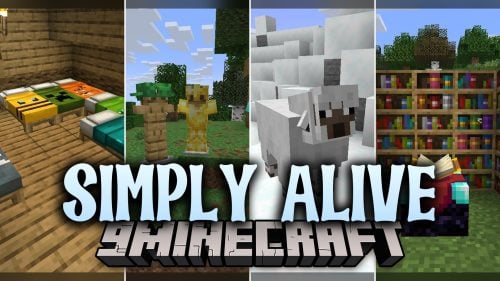 Simply Alive Model – Brings Animated 3D Blocks and Capybara Totems
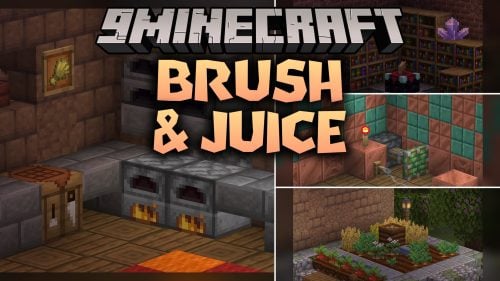 Brush & Juice Model – Brings Animated 3D Redstone and Mechanical Blocks
 Fresh Ores And Ingots VR Model – Transforms Flat Minerals Into 3D Gems
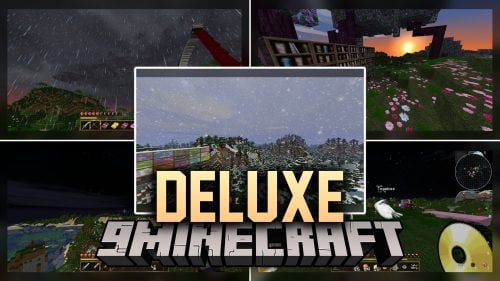 Deluxe Model – Transforms Flat Blocks Into Animated 3D Shapes with Fullbright
 The Original Work Programmer Art Model – Brings Classic Retro Visuals and Models
 Computer Craft ReCreated Model – Transforms Computers Into Brass Machines
Most viewed in Models over the last 7 days
 Jenny Mod Skin Pack Mega Collection – 310+ Characters
 The Most Complete Collection of Jenny Mod Resources – Models, Animations, Structures,…
 Albedo Rework Jenny Mod Model
 Galath Rework Model – Custom Girl for PleasureCraft Mod
 Power Model – Custom Girl for PleasureCraft Mod
 Pomni Jenny Mod Model
 750 Models Addon for Yes Steve Model Mod
 Ram Model – Custom Girl for PleasureCraft Mod
 Femboy Ellie Rework Jenny Mod Model
 Ellie Rework Jenny Mod Model
 100+ Custom Animations For Jenny Mod
 Steve (Jenny & Zoey) Pack Jenny Mod Model
More from Models
 BnC Coaster Compat Model – Adds Hand-Made 3D Food Models to Coasters
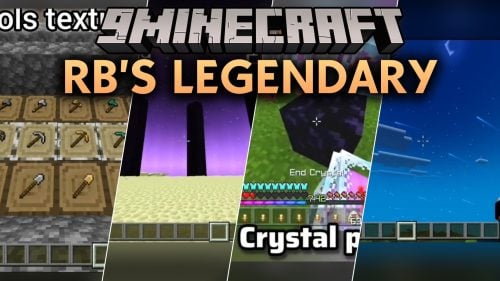 Rb’s Legendary Model – Adds 286 Custom 3D Models to Blocks and Items
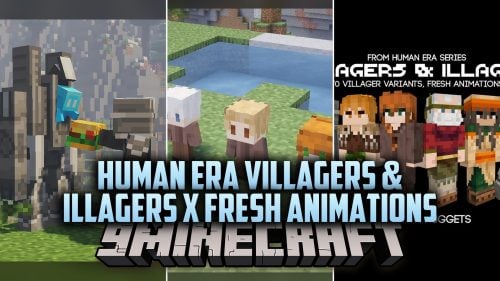 Human Era Villagers & Illagers X Fresh Animations Model
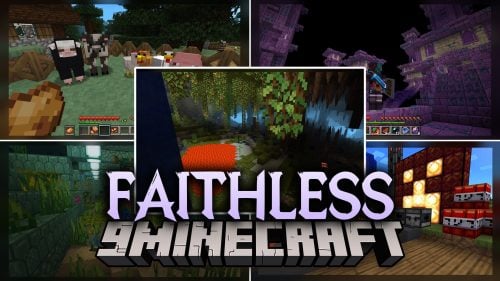 Faithless Model – Adds 698 Custom 3D Models While Keeping the Vanilla Look
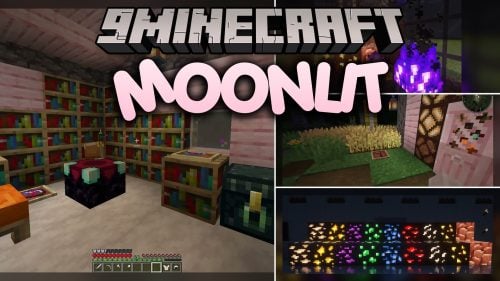 Moonlit Model – Adds Soft Glowing Gear and Custom 3D Copper Lanterns
 New Default Model – Adds Thousands of 3D Block Models with Animated Fire
 S.O.M Model – Adds 118 Custom 3D Models for Leaves, Redstone and Nether Plants
 Excalibur Model – Adds Medieval 3D Models to Spawn Eggs and Steel Bars
 Ultimate Redstone Model – Brings Animated 3D Parts to Redstone Machines
 Spinky’s Christmas Chests Leaves Model – Brings Layered Leaves and Presents
 Comprogrammer Model – Transforms Modded Worlds with Retro Blocky Models
 Fyoncle’s 3D Trims Model – Transforms Smithing Templates Into Carved Tablets

This post has no comments yet. Be the first — your comment will appear here.