


Anti Aliasing TAA FXAA Shaders (26.2, 1.20.1) – Fast Vanilla Edge Smoothing
 8
8
 0
0

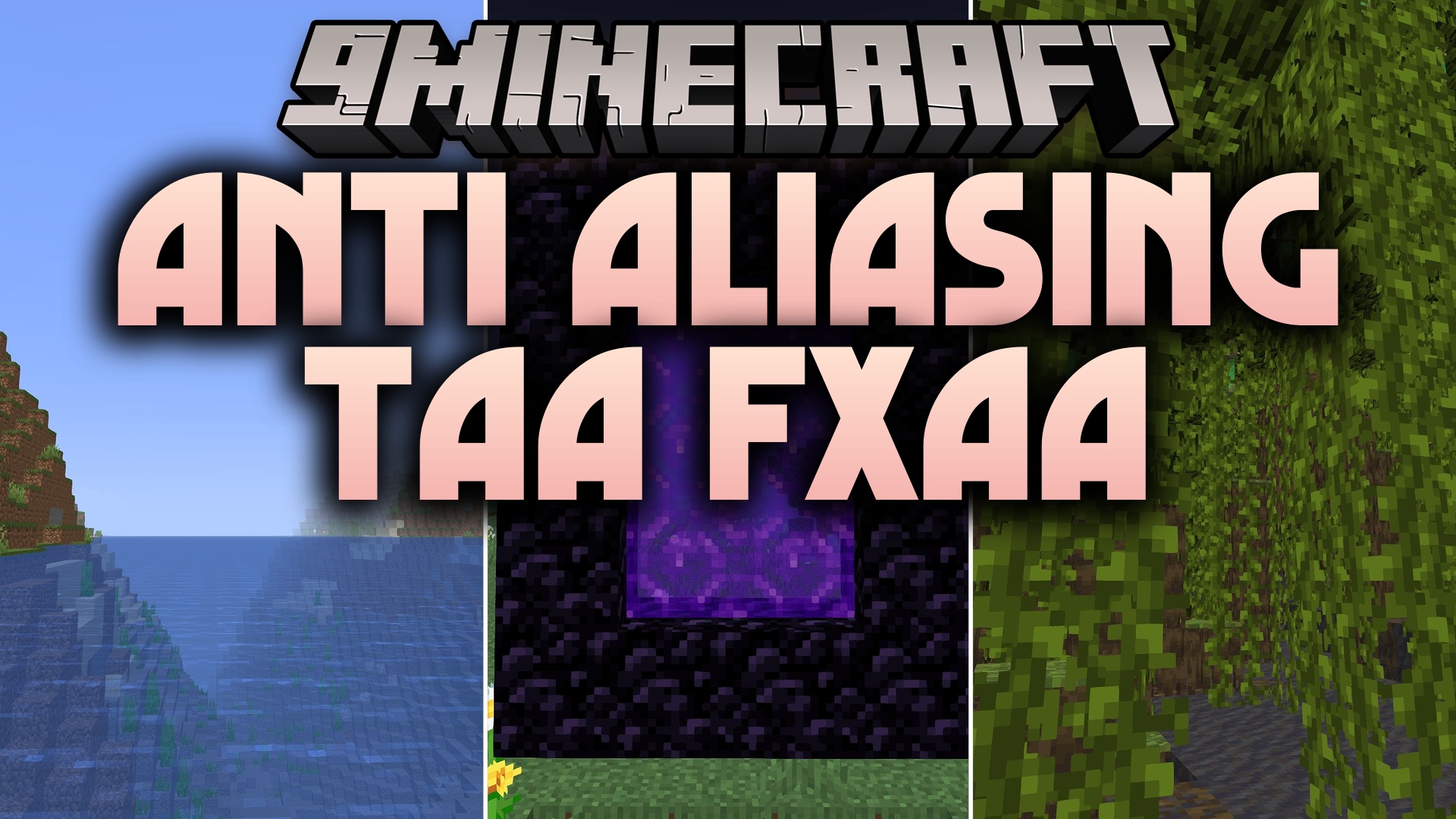
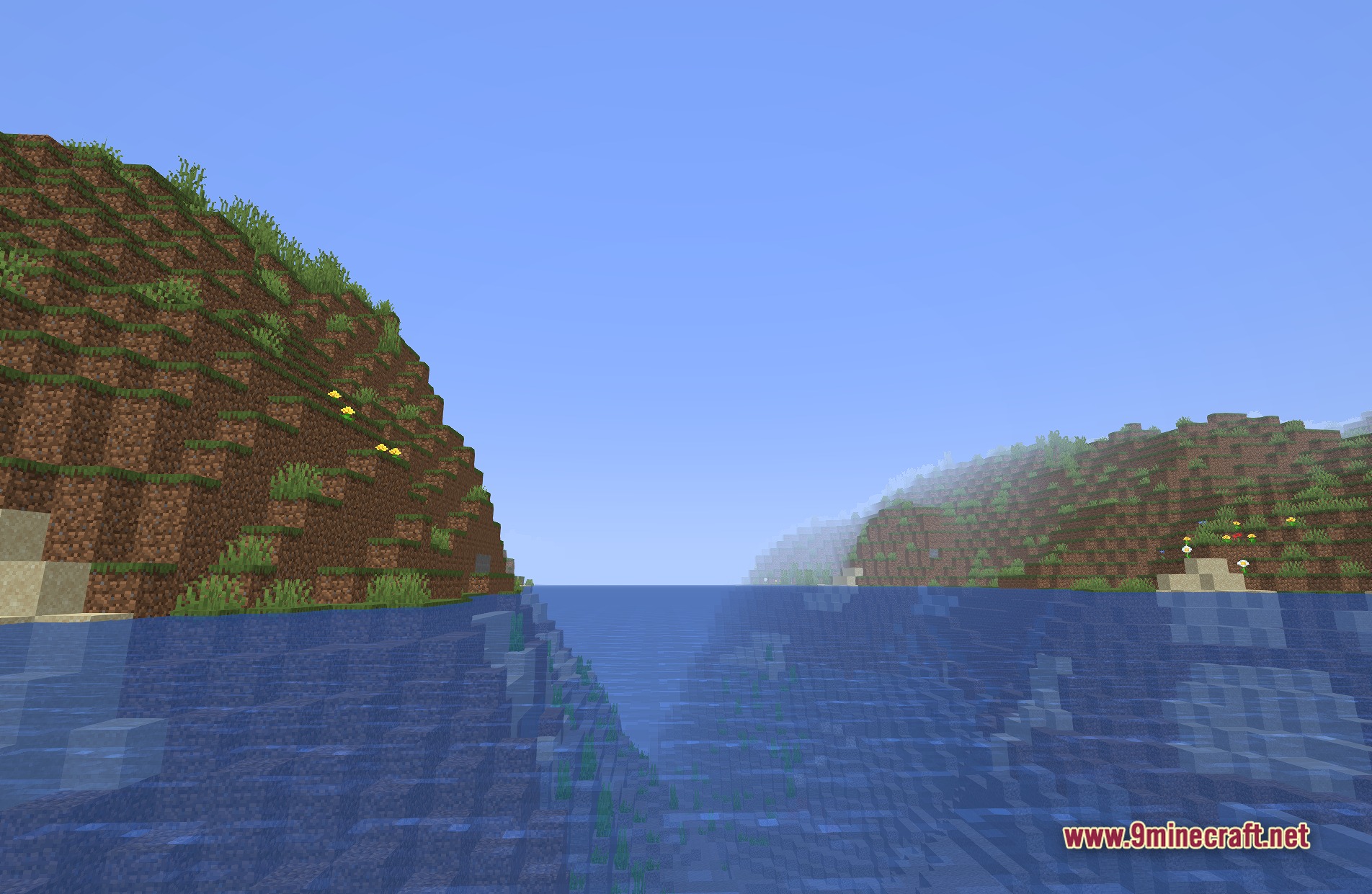
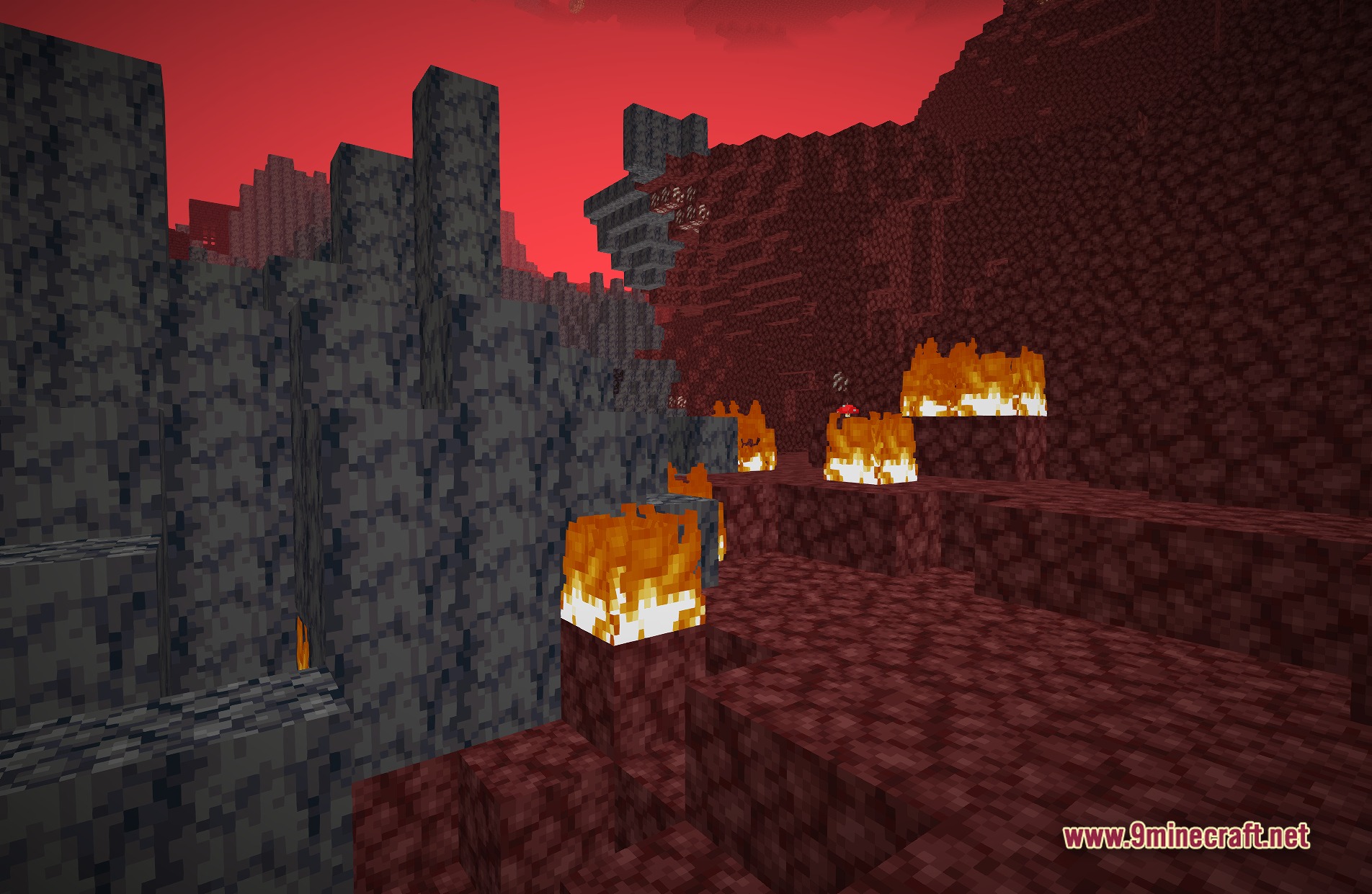
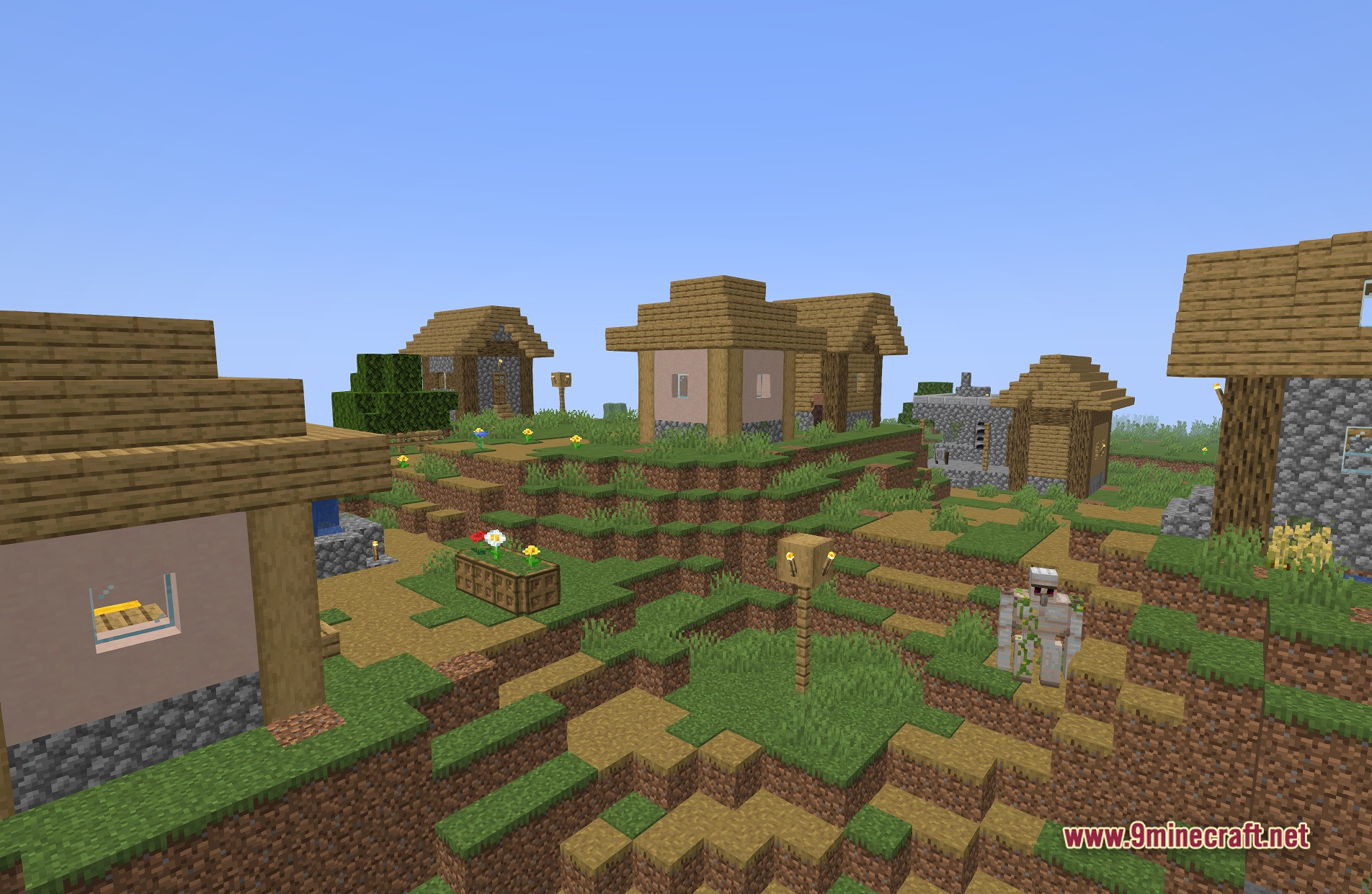
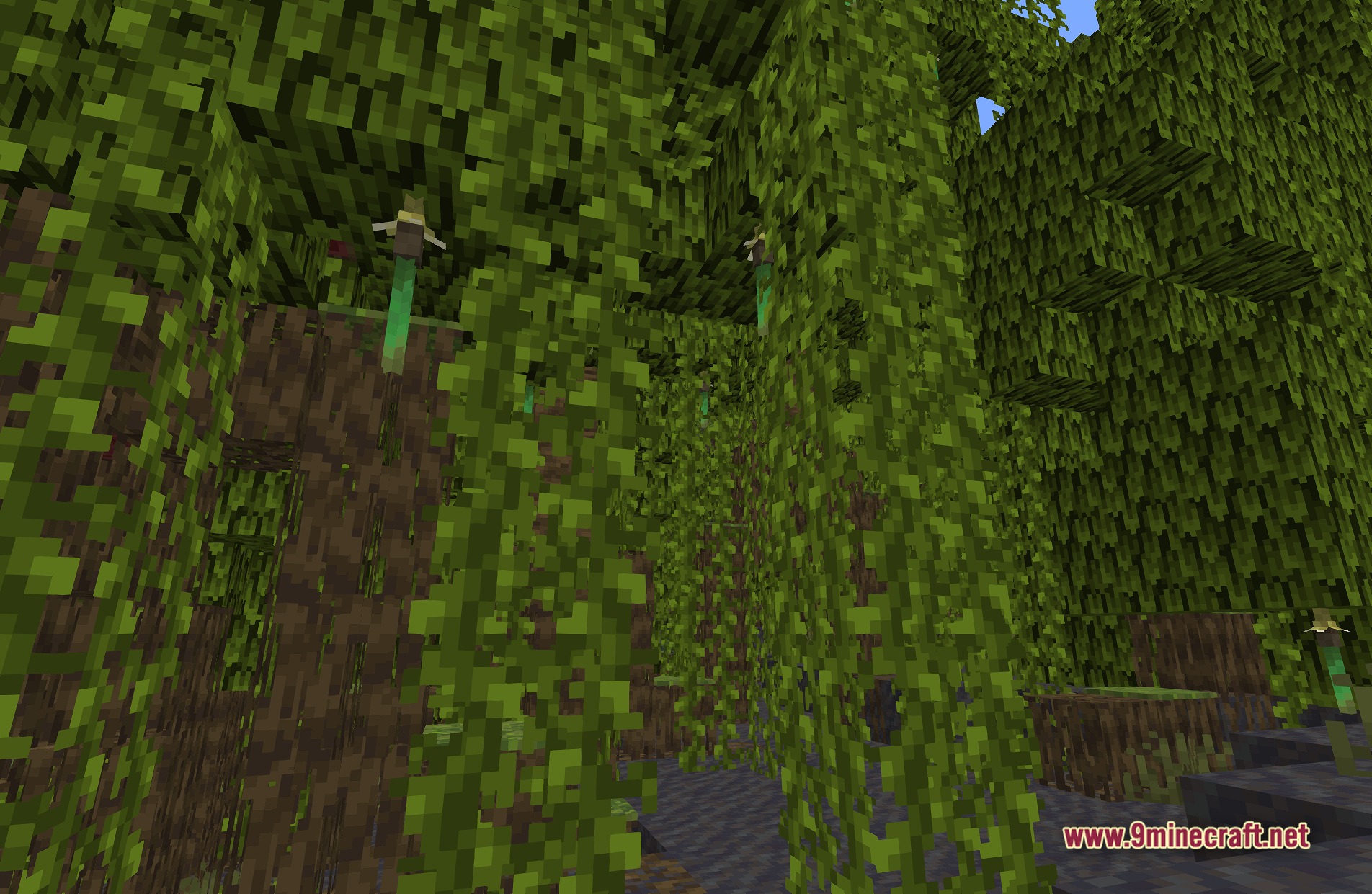
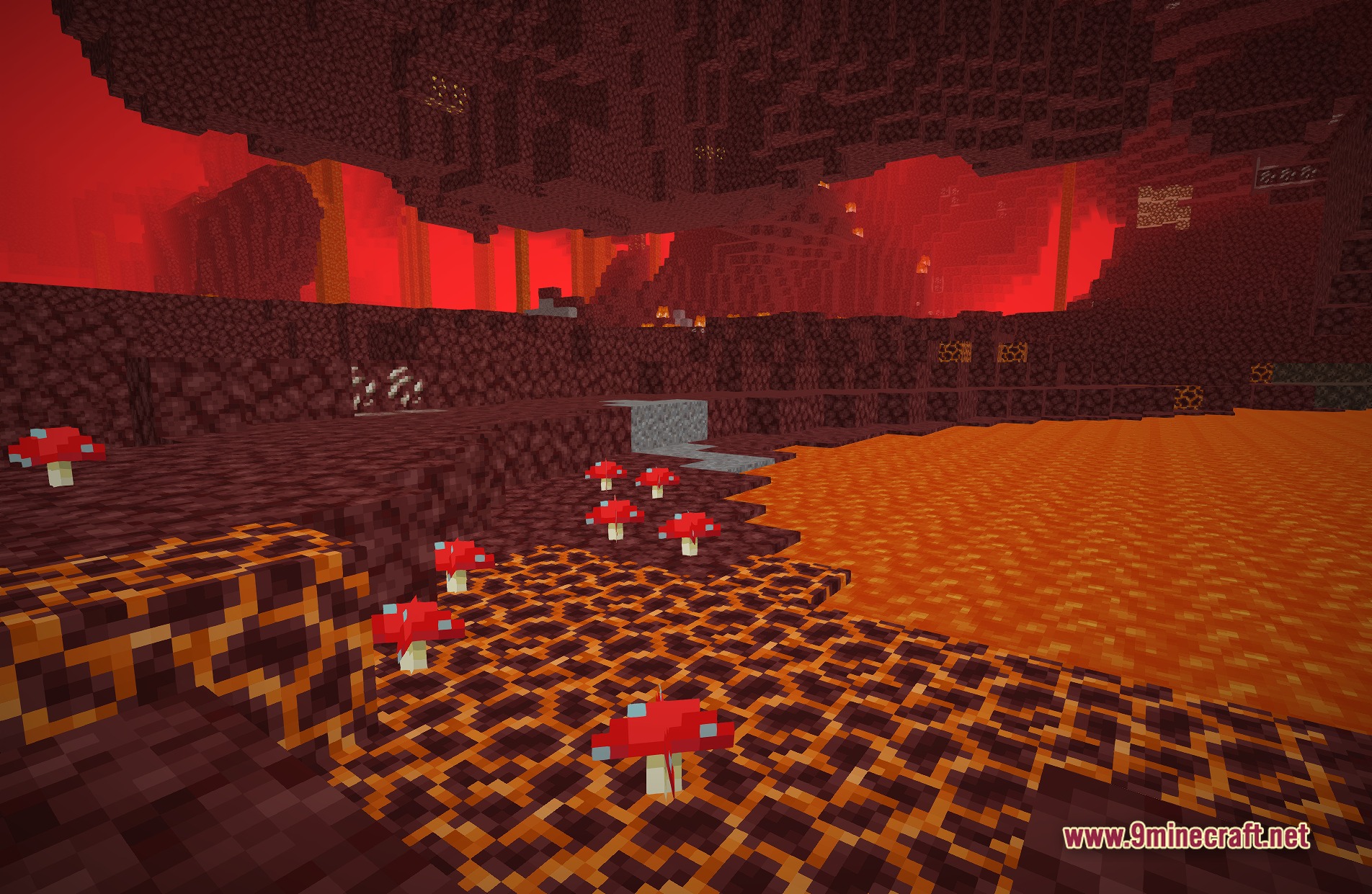
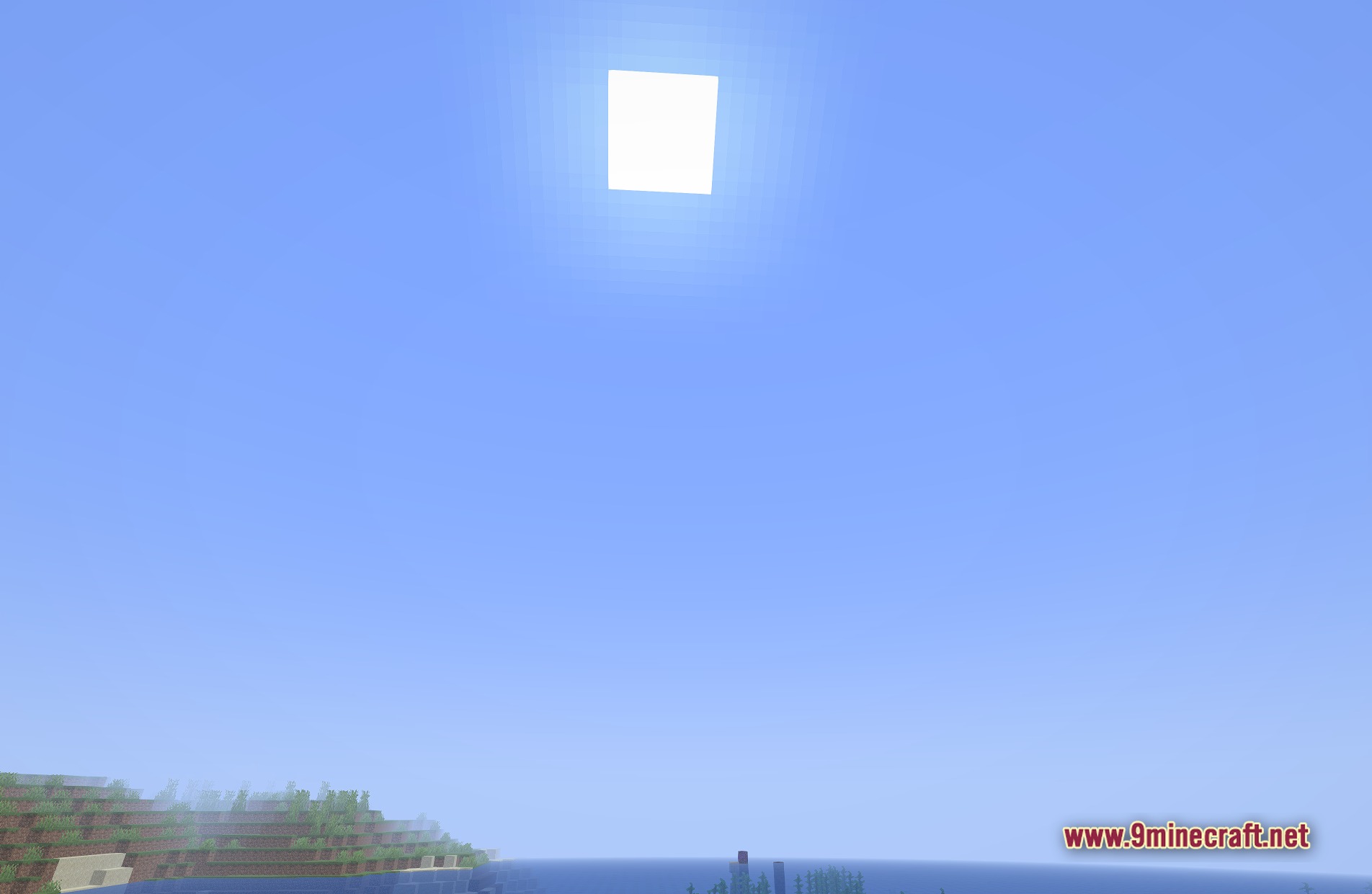
Anti Aliasing TAA FXAA Shaders cleans up the jagged edges on blocks and items in your game. It adds special smoothing techniques called TAA and FXAA directly to vanilla Minecraft. This pack makes your world look much cleaner without changing the classic blocky style you love.
Features:
- Fixes the harsh, jagged lines that appear on block edges when you look into the distance.
- Adds TAA (Temporal Anti-Aliasing) to blend frames and reduce flickering on thin objects like fences and leaves.
- Uses FXAA (Fast Approximate Anti-Aliasing) to quickly smooth out pixels without slowing down your computer.
- Keeps the original vanilla look of the game while making the graphics softer on the eyes.
- Players using Anti Aliasing TAA FXAA Shaders get a cleaner picture without needing heavy lighting effects.
🎛️ Compare 40+ Minecraft Shaders Side by Side →
Drag the slider across 16 real in-game scenes — find YOUR perfect shader.
Screenshots:
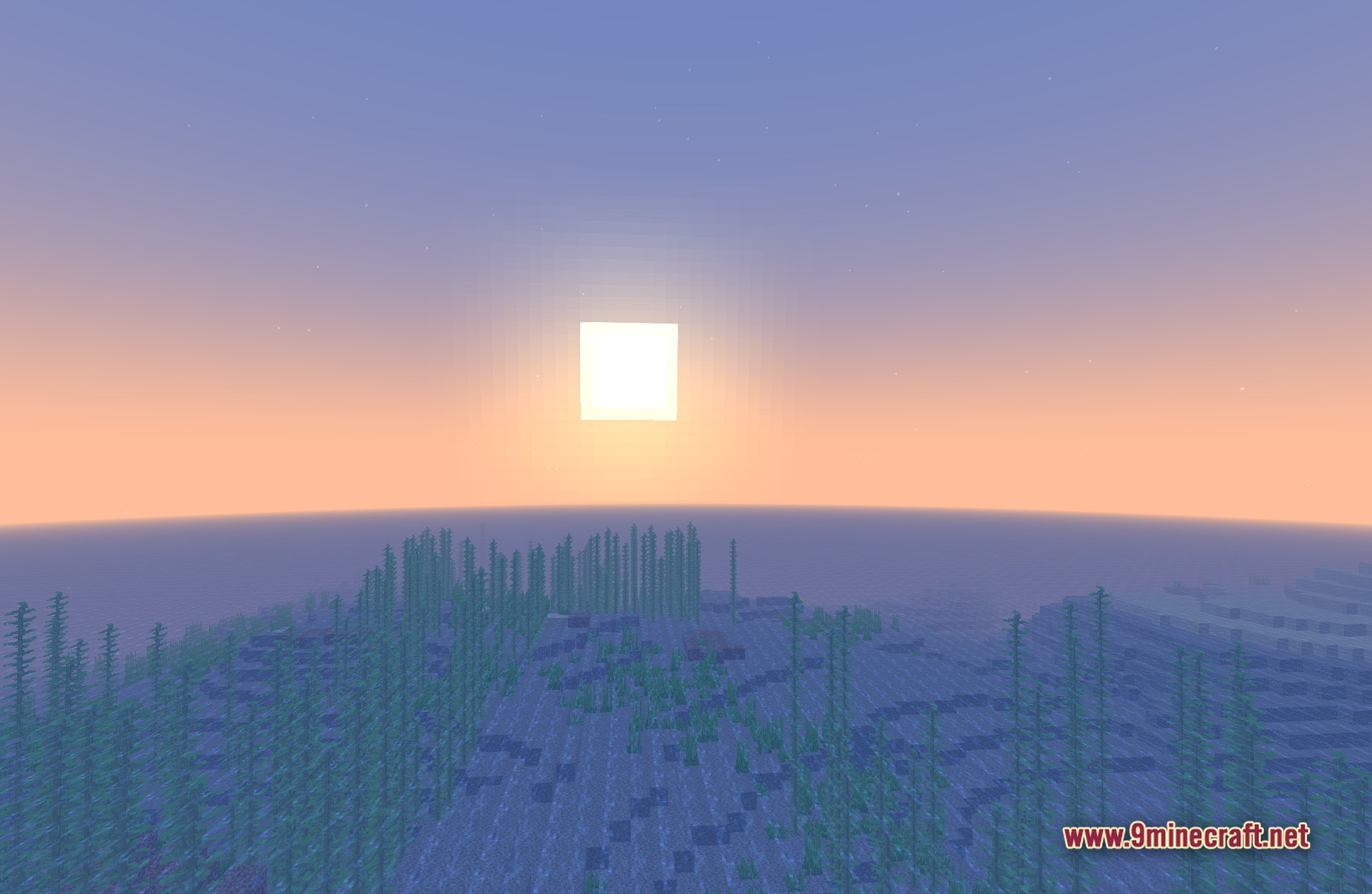
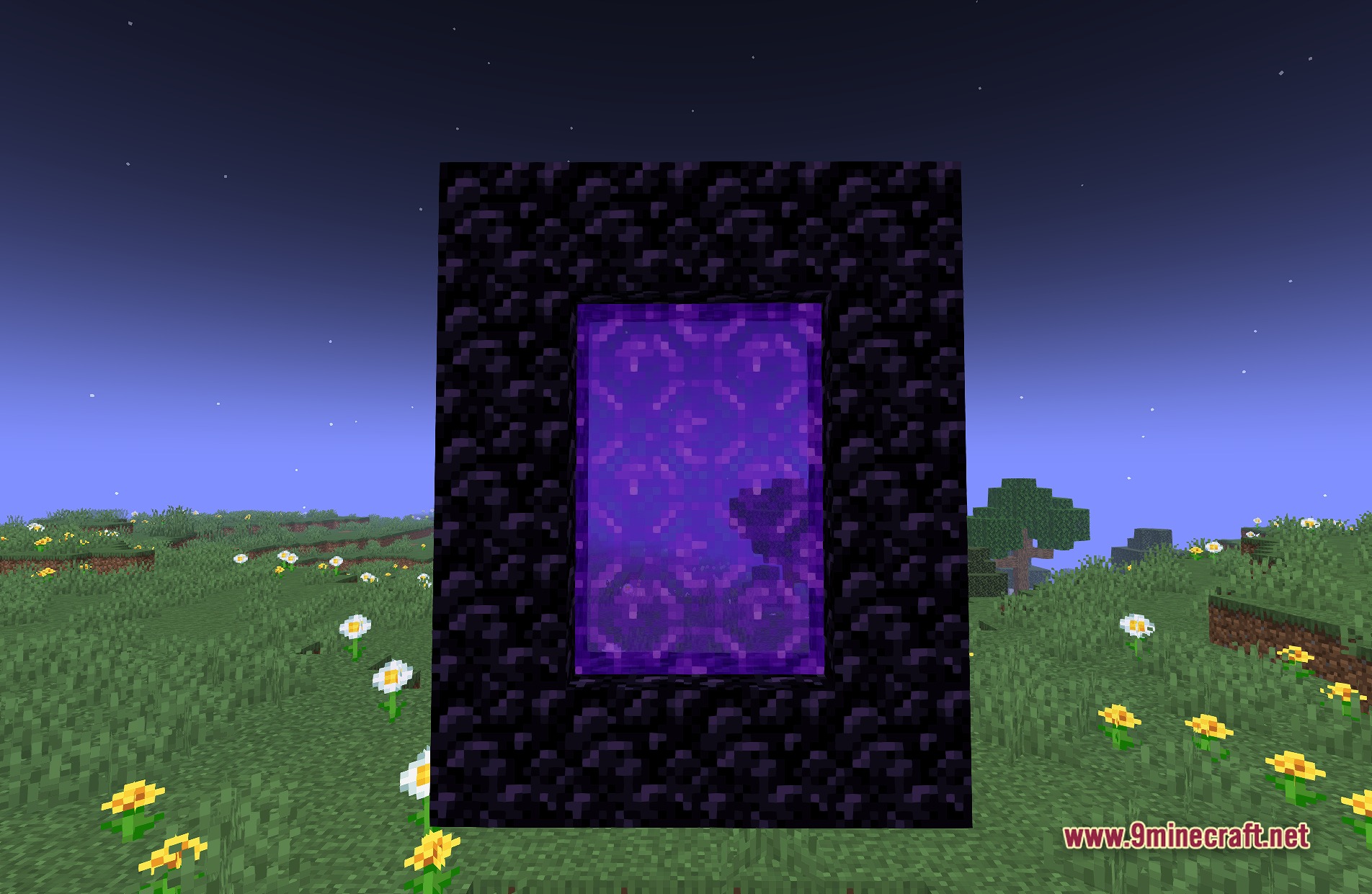
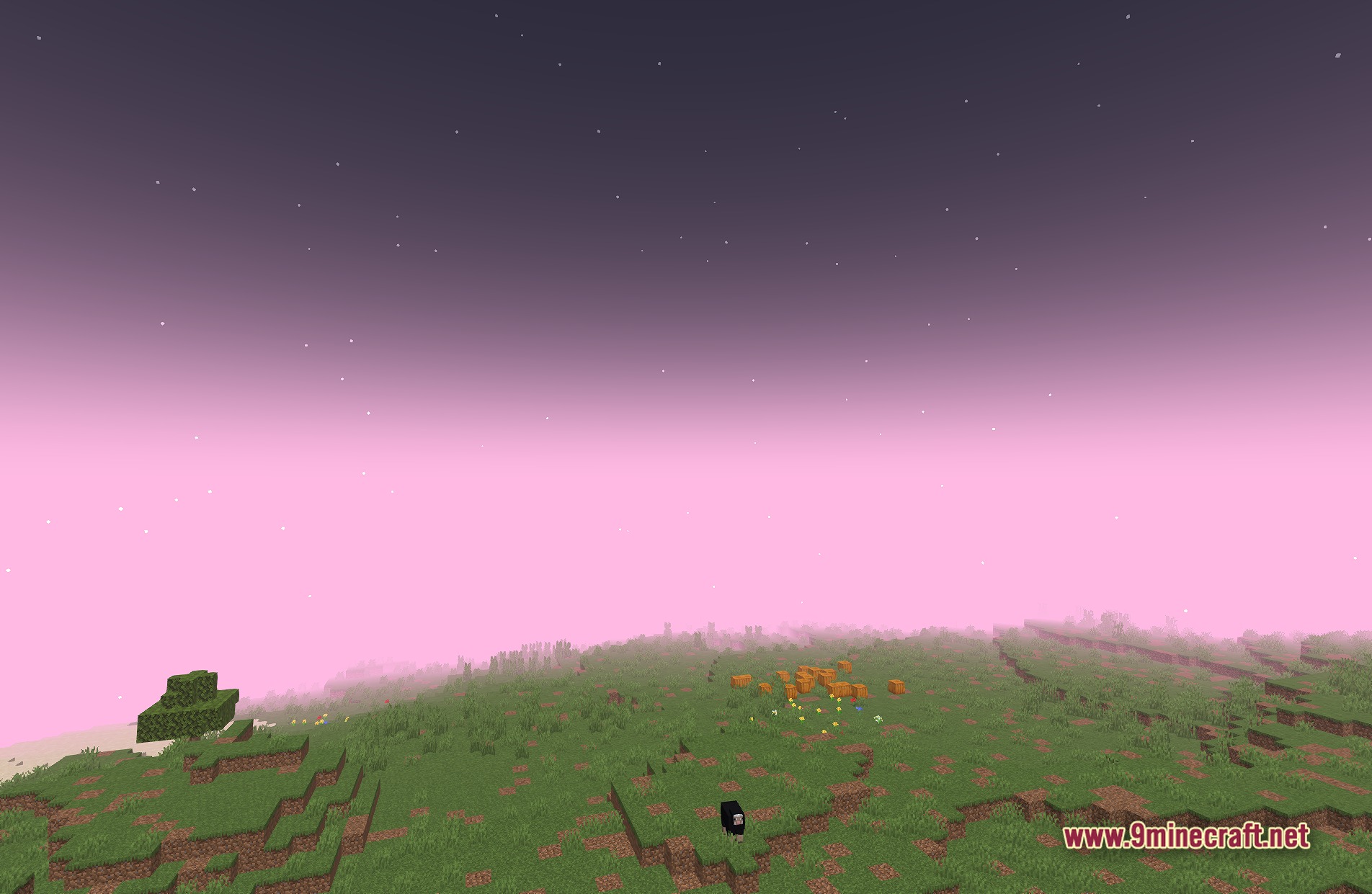
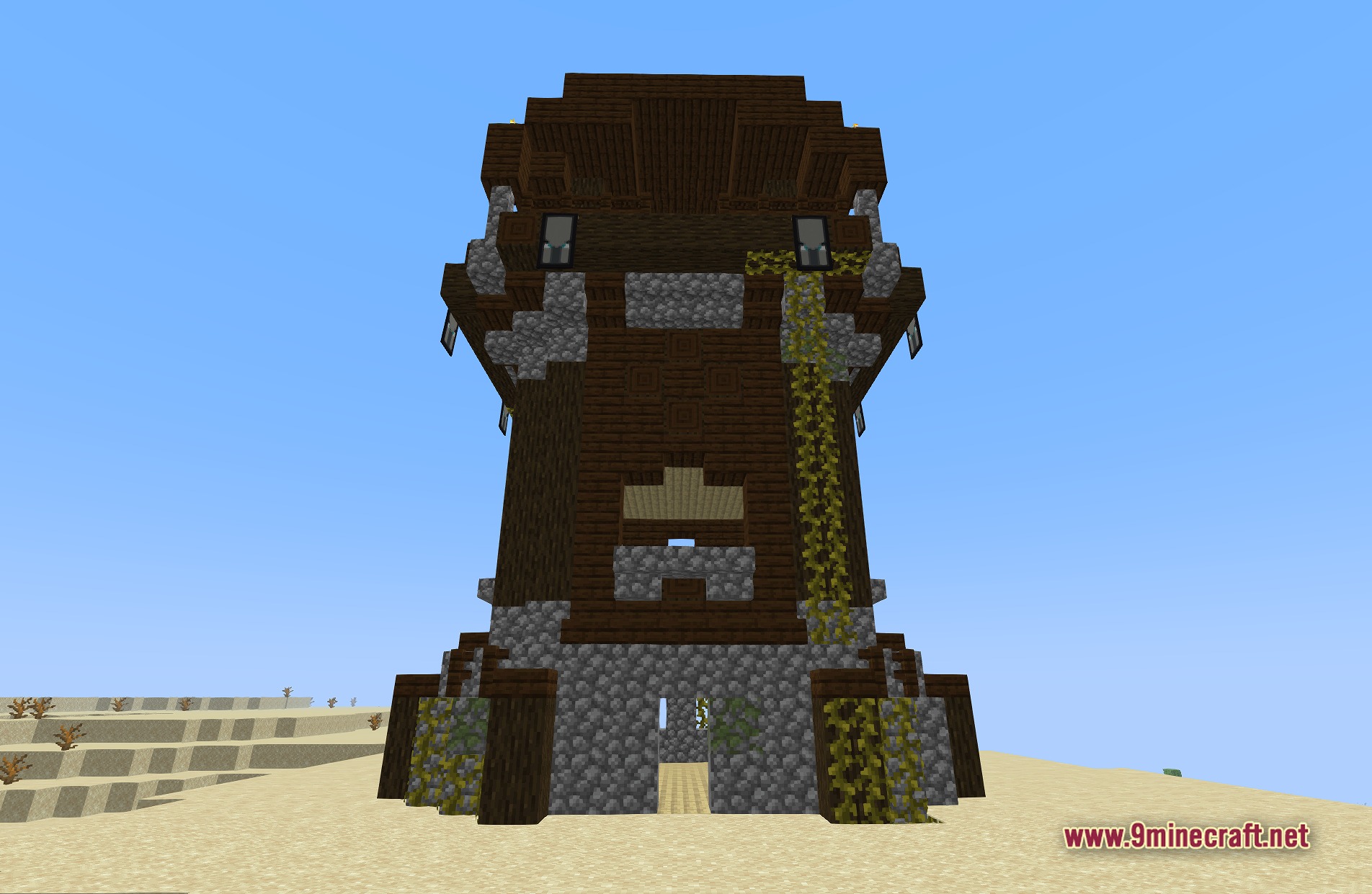
How to Install:
New to Minecraft? Follow our step-by-step guide to install Shaders on your PC.View Guide
Anti Aliasing Taa Fxaa Shaders Download Links
Click to rate this post!
[Total: 0 Average: 0]
You May Also Like


This post has no comments yet. Be the first — your comment will appear here.