
Apc from Half Life 2 Schematic (1.21.x) – Compact Armored Personnel Carrier Build for Create Mod
 0
 0


Apc from Half Life 2 Schematic brings an armored personnel carrier vehicle build to Create. This schematic measures 12 by 5 by 7 blocks and uses a total of 174 blocks. You need Create along with the Simulated, Offroad, Create Big Cannons, and Copycats mods to place and use this vehicle in your world.

3D Preview & Editor:
How to place this schematic
.nbt This is a vanilla structure file. It loads through structure blocks with no mod at all, within the 48×48×48 size limit.
| 1 | Put the .nbt file in <your world>/generated/minecraft/structures. |
| 2 | Give yourself a structure block: /give @s structure_block. |
| 3 | Place it, open it and switch the mode to LOAD. |
| 4 | Type the file name without .nbt, press LOAD, then PLACE. |
Features:
- Half-Life 2 Vehicle Build: Replicates the APC vehicle from Half-Life 2 as a ready-to-place schematic.
- Compact Size: Measures 12 blocks long, 5 blocks tall, and 7 blocks wide, using 174 blocks in total.
- Requires Create (version 6.0.10) along with Simulated, Offroad, Create Big Cannons, and Copycats to load all vehicle parts properly.
Schematic Specs:


 Top Blocks Used
Polished Cut Deepslate 66Copycat Stacked Half Layer 43Polished Deepslate 39Cut Deepslate 29Copycat Slice 27
Requirements:

Apc from Half Life 2 Schematic Download Links
For Minecraft 1.21.x
Click to rate this post!
[Total: 0 Average: 0]
QUICK MINECRAFT SURVEY · ONE TAP
Mods & Modpacks
How do you usually learn how a complex mod works?
4 responses · See the full results →
You May Also Like
Picked for this page
 Airbus A380 800 Schematic (1.21.x) – Fly the Largest Commercial Airplane
 Military Fight Heli Schematic (1.21.x) – Compact War Helicopter Build for Create
 American Missile Cruiser Schematic (1.21.x) – Powerful Naval Destroyer for Create Mod
 Big Bertha’s Power Plant Schematic (1.21.x) – Compact and Efficient Industrial Energy Generator
 The Flying Hopper V2 Schematic (1.21.x) – Light and Fast Hovercraft for Your World
 Star Engine Prototype Schematic (1.21.x) – Powerful Engine Core for Create Airships
 9x5x10 Gunpowder Zinc Farm V1.0 Schematic (1.21.x) – Compact Create Gunpowder and Zinc Farm Build
 Ch 53e Super Stallion Survival Friendly Schematic (1.21.x) – Heavy Military Helicopter
 Endgame Iron Farm 8k per Hour Schematic (1.21.x) – Compact One Chunk Create Mod Iron Factory
 Heavy Cargo Car Build for Create Schematic (1.21.x) – Tough Offroad Cargo Truck
 Fly and Transport Cargo Across Your World Schematic (1.21.x)
 Trx 1t Engine Model Proof of Concept Schematic (1.21.x) – Compact Engine Design for Create Mod
Most viewed in Create Mod Schematics over the last 7 days
 Working SpaceX Starship and Mechazilla Tower with Chopsticks Based off the 13th Flight Test (1.21.x)
 Arasaka Tower Schematic (1.21.x) – Massive Black Industrial Skyscraper Build
 Project StarGaze Schematic (1.21.x) – Build and Drive Your Own Military Vehicle
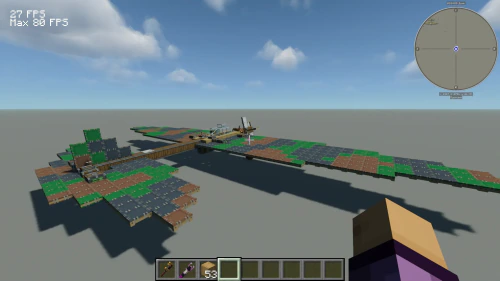 Il 2 Schematic (1.21.x) – Vintage Flying Machine for Create Mod
 Rail Gun Schematic (1.21.x)
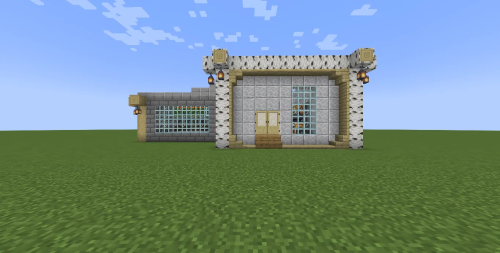 Farm Quarts and Golden Nuggets Schematic (1.21.x) – Compact Early Game Quartz and Gold Farm
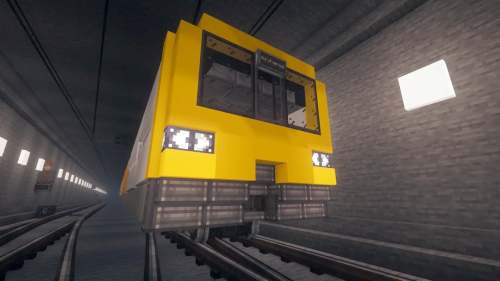 British Rail’s Class 143 Efmf Version Schematic (1.20.x) – Small Diesel Pacer Train for Create Mod
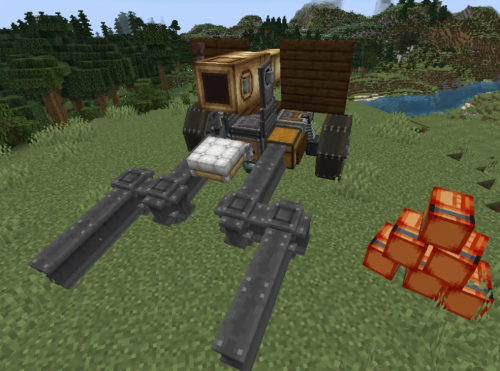 Pillager Defensive Cannon Schematic (1.21.x) – Compact Pillager Style Cannon for Create
 ChickenSandwich Farm Schematic (1.21.x) – Automatic Farm Build Using Create Packages
 Hnelon’s Medieval House Schematic (1.21.x) – Medieval House Build for Your World
 A Simple Mob Trap Schematic (1.21.x) – Build a Massive Automatic Mob Farm Structure
 Mole Mk1 Schematic (1.21.x) – Creative Motor Vehicle Build for Create
More from Create Mod Schematics
 Factory Storage Container Design Schematic (1.21.x) – Neat Industrial Cargo Bay
 Dbv 2 Schematic (1.21.x) – Compact Belt Driven Vehicle Blueprint
 Artilery System the Rumbling Schematic (1.21.x) – Massive Long Distance Cannon Battery Setup
 Chopper 1.0 Schematic (1.21.x) – Compact Helicopter for Mid Game Travel
 Factory T Schematic (1.21.x) – Tuff Industrial Base for Create Mod
 Ea 18 Growler Updated Schematic (1.21.x) – Flyable Military Jet for Create Mod
 Nice Big House Schematic (1.21.x) – Massive Automated Estate Build
 Su 37 Schematic (1.21.x) – Assemble a Working Jet Fighter Aircraft
 High Voltage Power Line Schematic (1.21.x) – Sturdy Electric Towers for Modded Factories
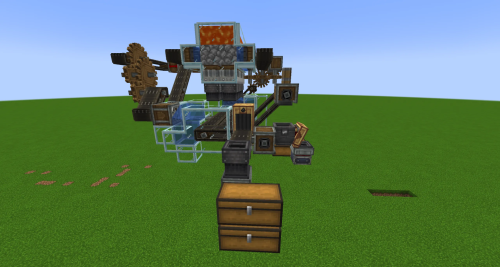 Iron Farm Early Game Schematic (1.21.x) – Compact Automatic Iron Farm for Create Mod
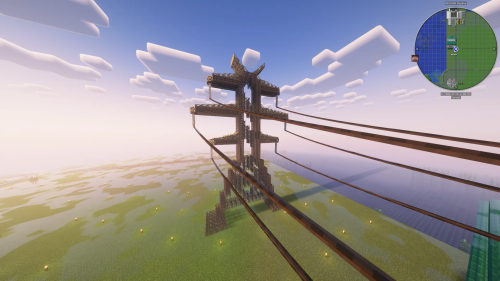 Real Life Scale Electric Pole Schematic (1.21.x) – Large Six-Connection Power Pole
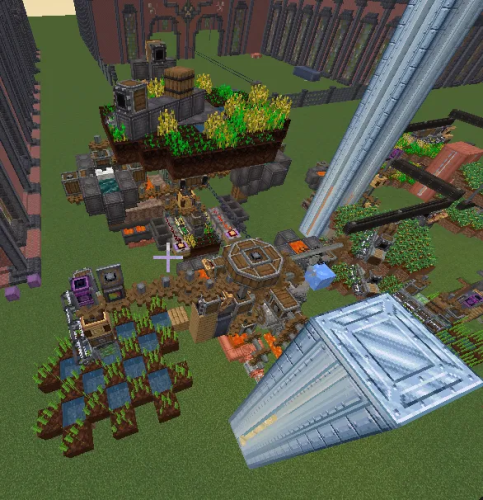 Biofuel Farm Schematic (1.21.x) – Compact Automated Biofuel Factory Blueprint

This post has no comments yet. Be the first — your comment will appear here.