


Arcadia Guard Mod (1.21.11, 1.21.1) – Protect Your Base From Griefers

 0
0 

🌐 Read this article in your language! Choose your preferred language below.
Or pick the one you like:
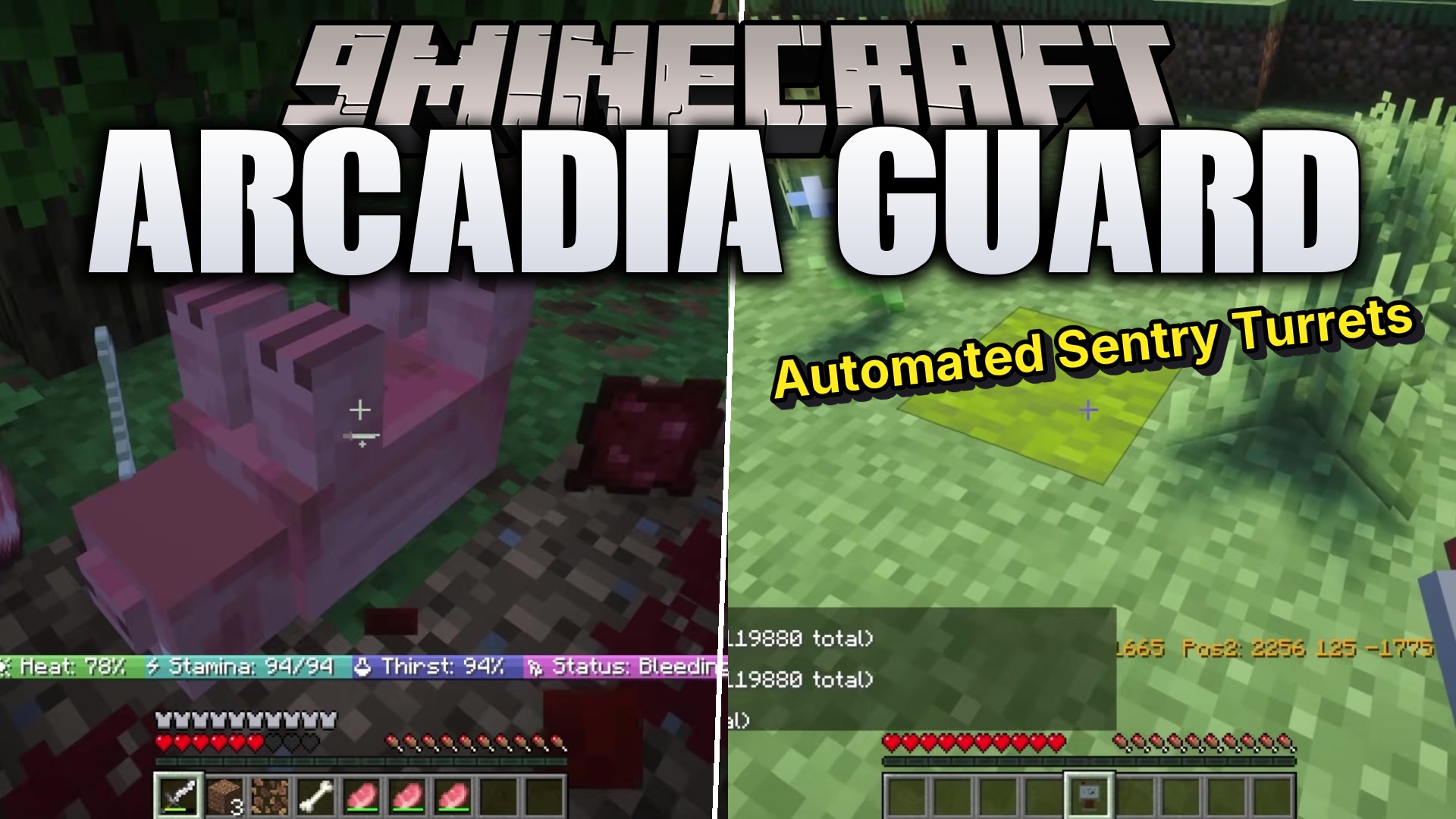
Arcadia Guard Mod gives you a simple way to protect your land from griefers and monsters. It adds a special wand tool and an easy menu to set up safe zones anywhere in your world. You can stop other players from breaking blocks, fighting, or using magic spells inside your base. The mod handles all the complicated settings through a visual menu, so you do not need to memorize long text commands. It is a great tool for keeping your houses and towns safe on multiplayer servers.
Features:
- Full Menu System: Use a menu to control everything about your safe zones instead of typing commands.
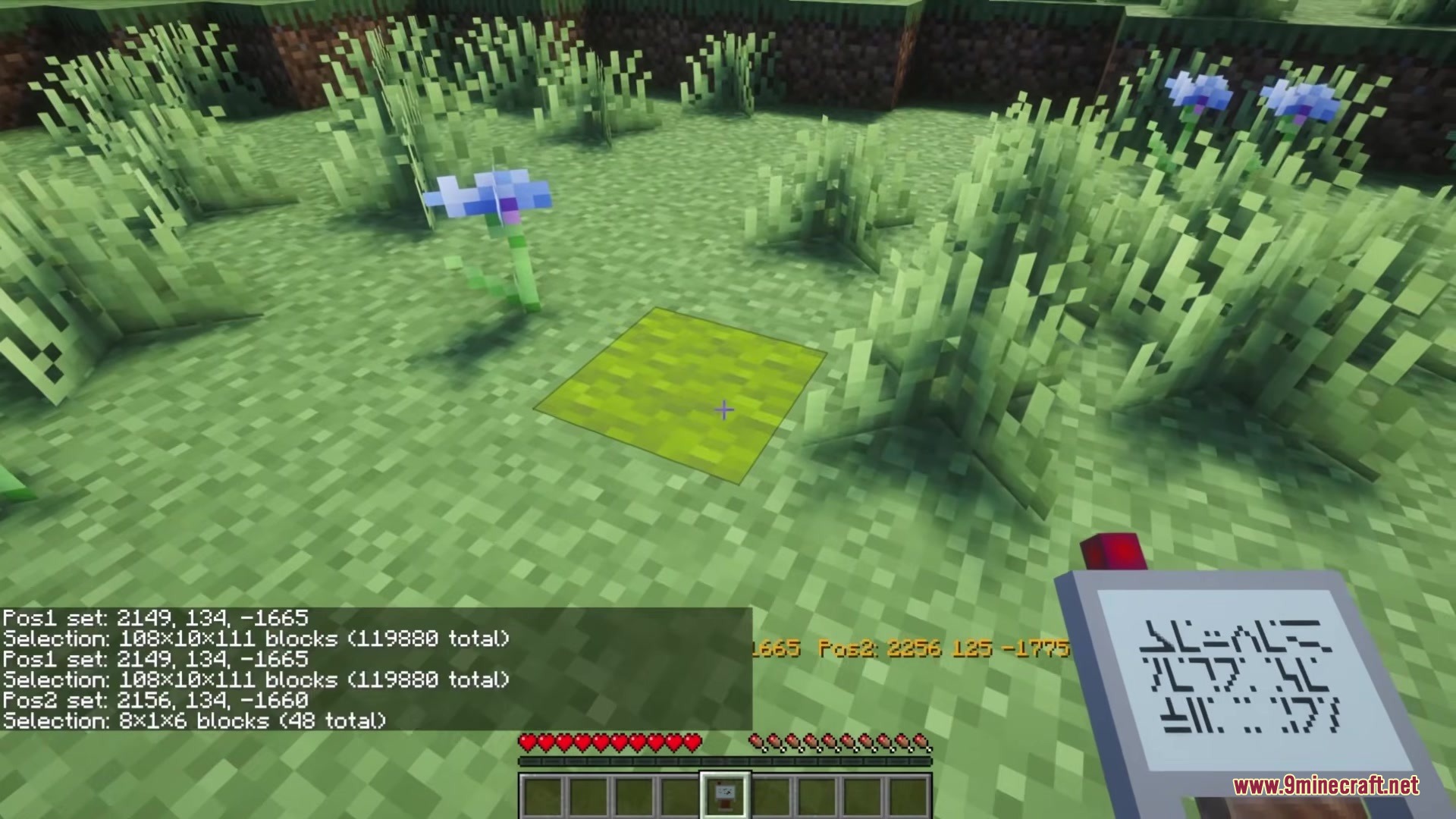
- Wand Selection Tool: Grab a special wand, left-click one corner, and right-click another corner to mark your land.
- Shows a 3D glowing box around your selected area so you know exactly what you are protecting.
- Lets you choose over 60 different rules for your zone, like stopping players from placing blocks or opening chests.
- Stops monsters from spawning and prevents players from taking damage inside the safe area.
- Allows you to block specific items, like spawn eggs or TNT, from being used in your zone.
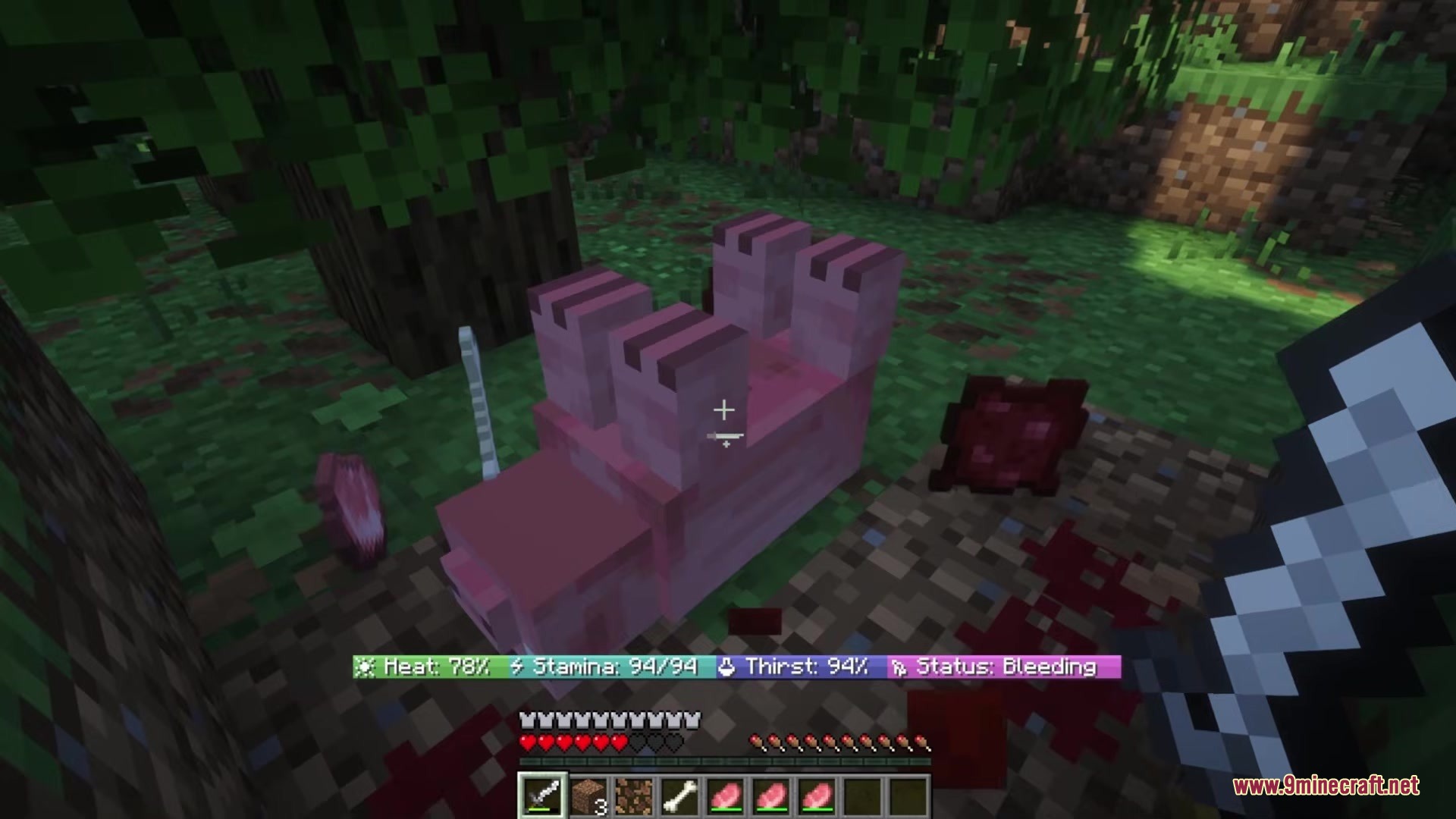
- Keeps a record of everyone who tries to break the rules, showing their name and what they tried to do.
- Lets you create smaller safe zones inside bigger ones, like a private room inside a public castle.
Blocks Magic and Abilities From Other Mods:
- Iron’s Spells ‘n Spellbooks: Stops players from casting spells.
- Ars Nouveau: Blocks spells, magic portals, and warp scrolls.
- Simply Swords: Prevents players from using special weapon attacks.
- Occultism: Stops rituals and magic.
- Supplementaries: Prevents players from throwing items.
Commands:
/arcadiaguard gui: Opens the main menu./arcadiaguard zone add <name> <x1> <y1> <z1> <x2> <y2> <z2>: Creates a new safe zone./arcadiaguard zone remove <name>: Deletes a safe zone./arcadiaguard flag set <zone> <flag> <value>: Changes a specific rule for a zone./arcadiaguard flag list: Shows all the rules you can change./arcadiaguard item block <item>: Stops an item from working in safe zones.
How to Use:
- Type
/give @s arcadiaguard:zone_editorin the chat to get the selection wand. - Hold the wand and left-click a block to set your first corner.
- Right-click a different block to set your second corner.
- Open the mod menu to save your new zone and change its rules.
Screenshots:
How to Install:
New to Minecraft? Follow our step-by-step guide to install Mods on your PC.View Guide
Requirements:

Arcadia Guard Mod Download Links
For Minecraft
1.21.11,
1.21.10,
1.21.9
All Versions Covered
1.21.11
1.21.10
1.21.9
1.21.8
1.21.7
1.21.6
1.21.5
1.21.4
1.21.3
1.21.2
1.21.1
1.21
All Versions Covered
1.21.11
1.21.10
1.21.9
1.21.8
1.21.7
1.21.6
1.21.5
1.21.4
1.21.3
1.21.2
1.21.1
1.21
For Minecraft 1.21.1, 1.21
Click to rate this post!
[Total: 0 Average: 0]
You May Also Like







This post has no comments yet. Be the first — your comment will appear here.