Asteroid Mod (1.21.11, 1.21.1) – Client Utilities

 0
0  December 29, 2025
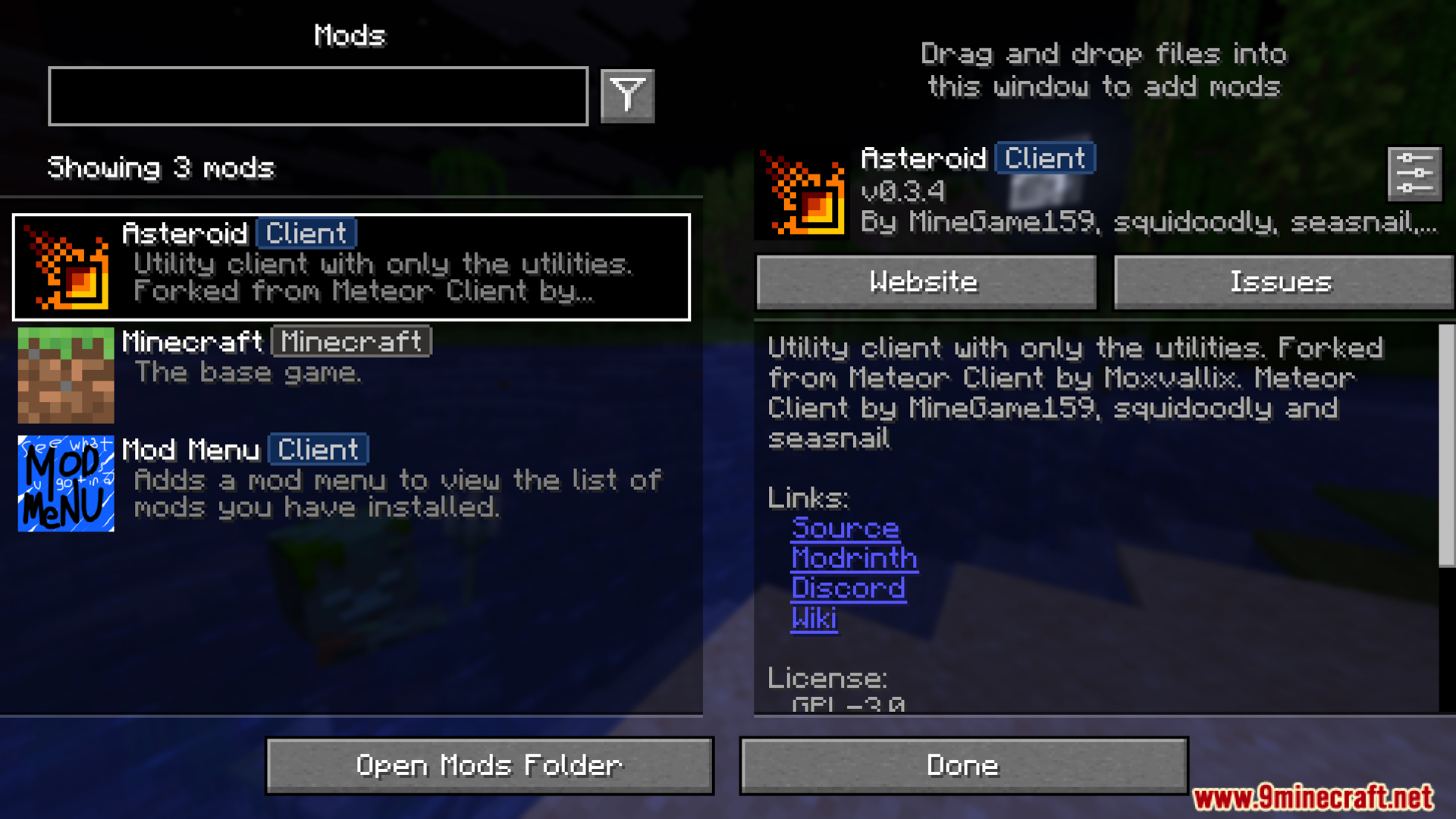
Asteroid Mod is a feature-rich utility client mod that focuses on modular utilities and player experience: from inventory support, camera, rendering, waypoints, quick actions, QoL tools, and utility commands, helping you work faster in the Minecraft world.
Features:
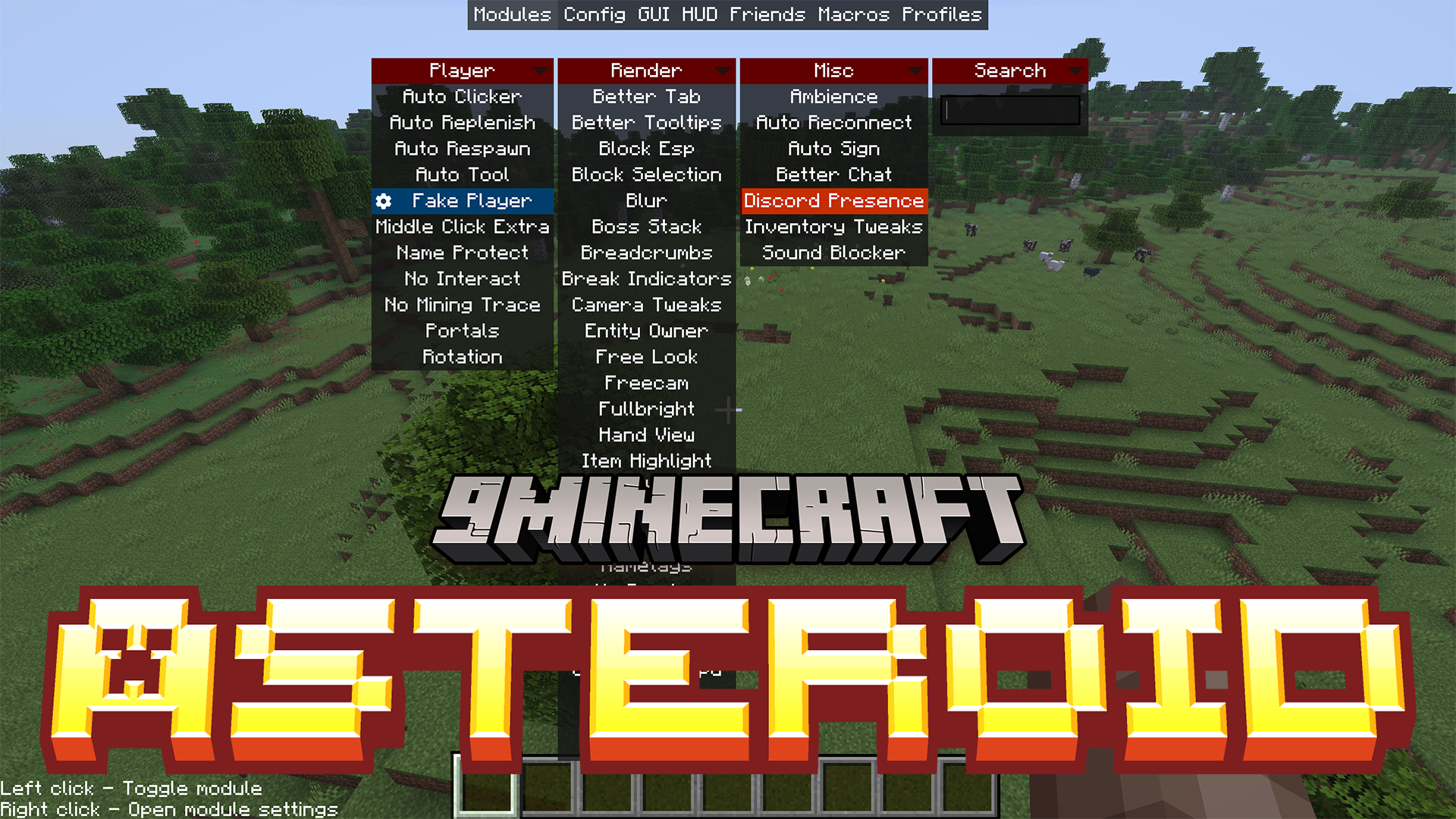
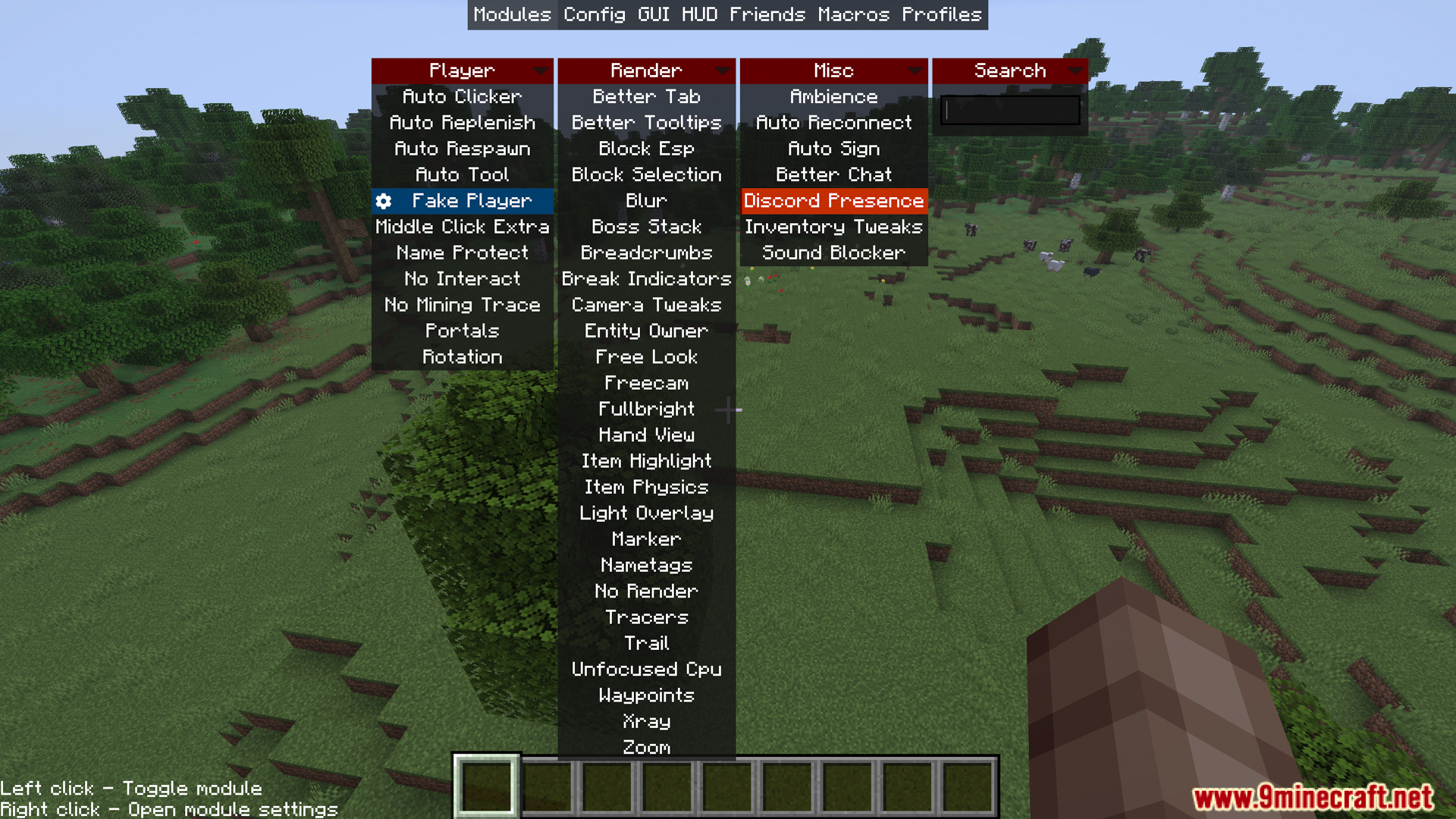
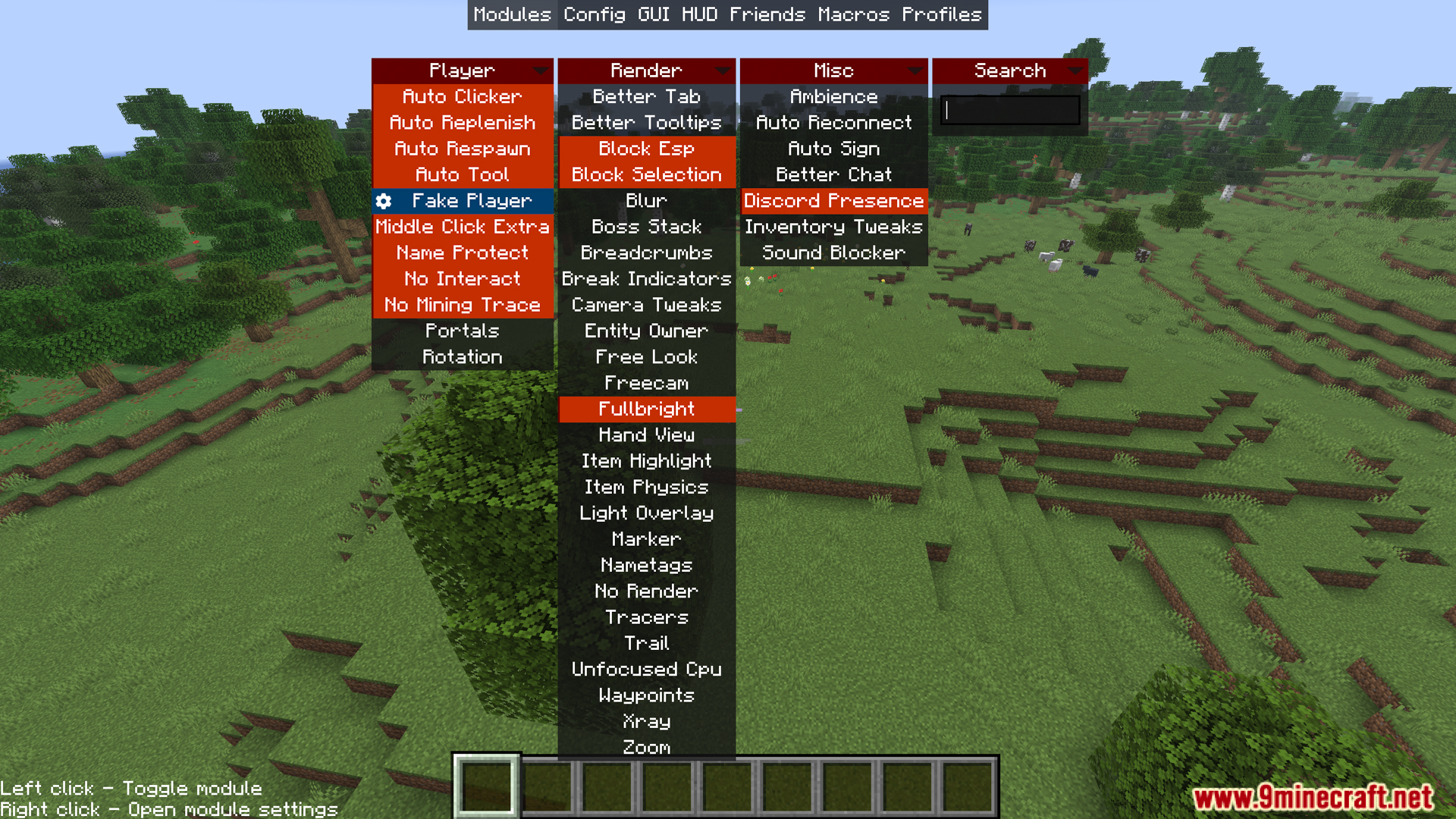
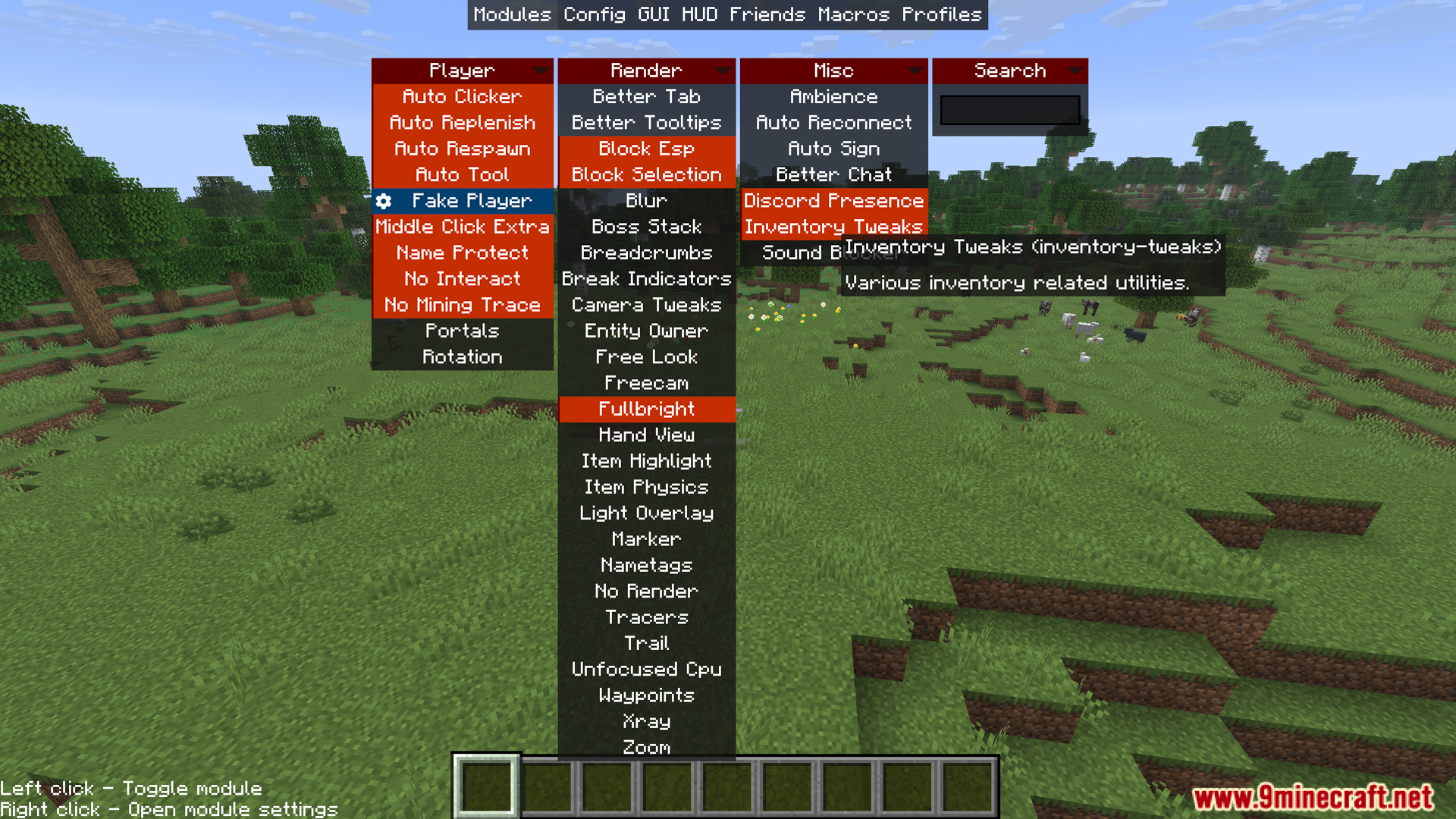
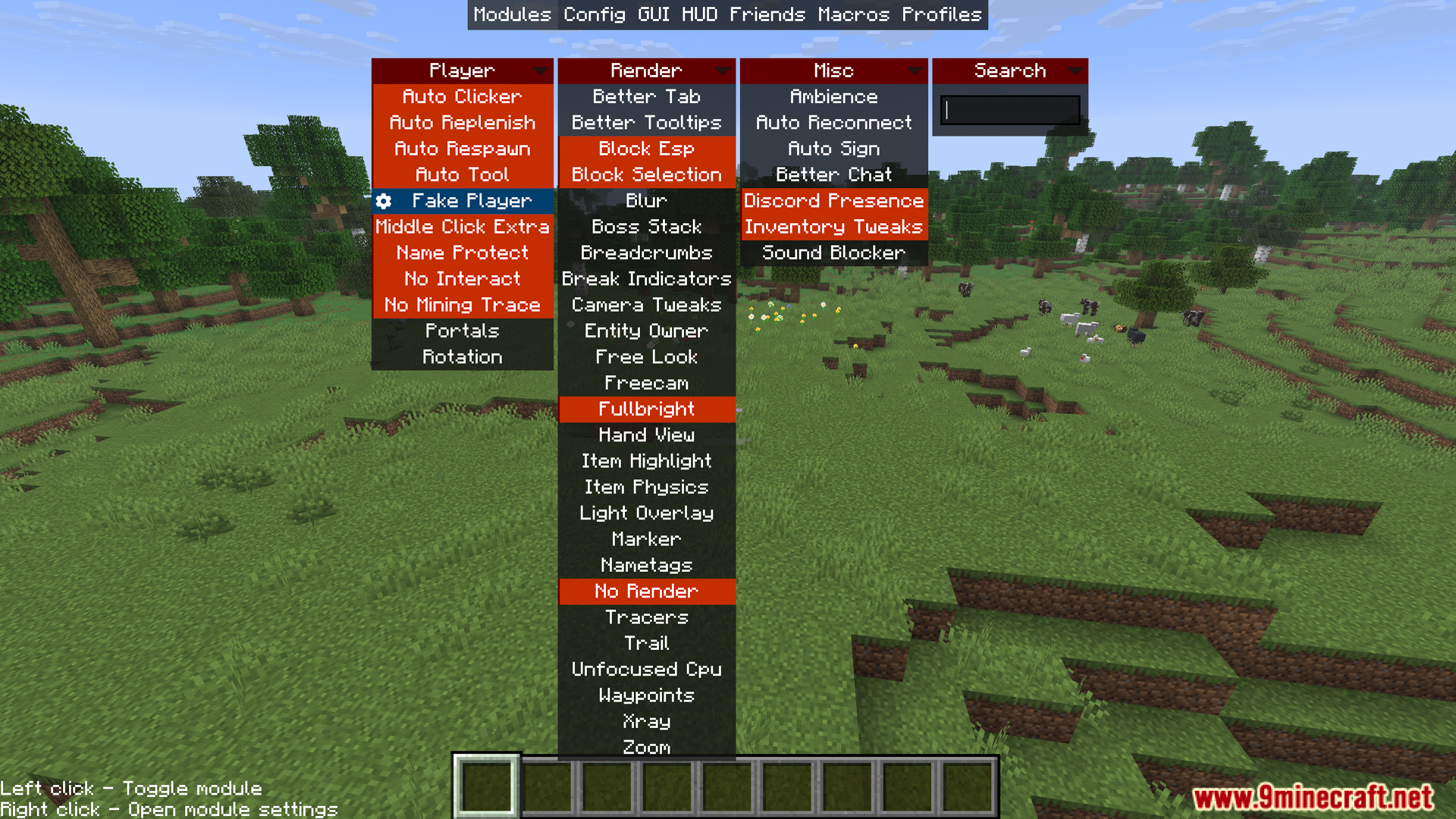
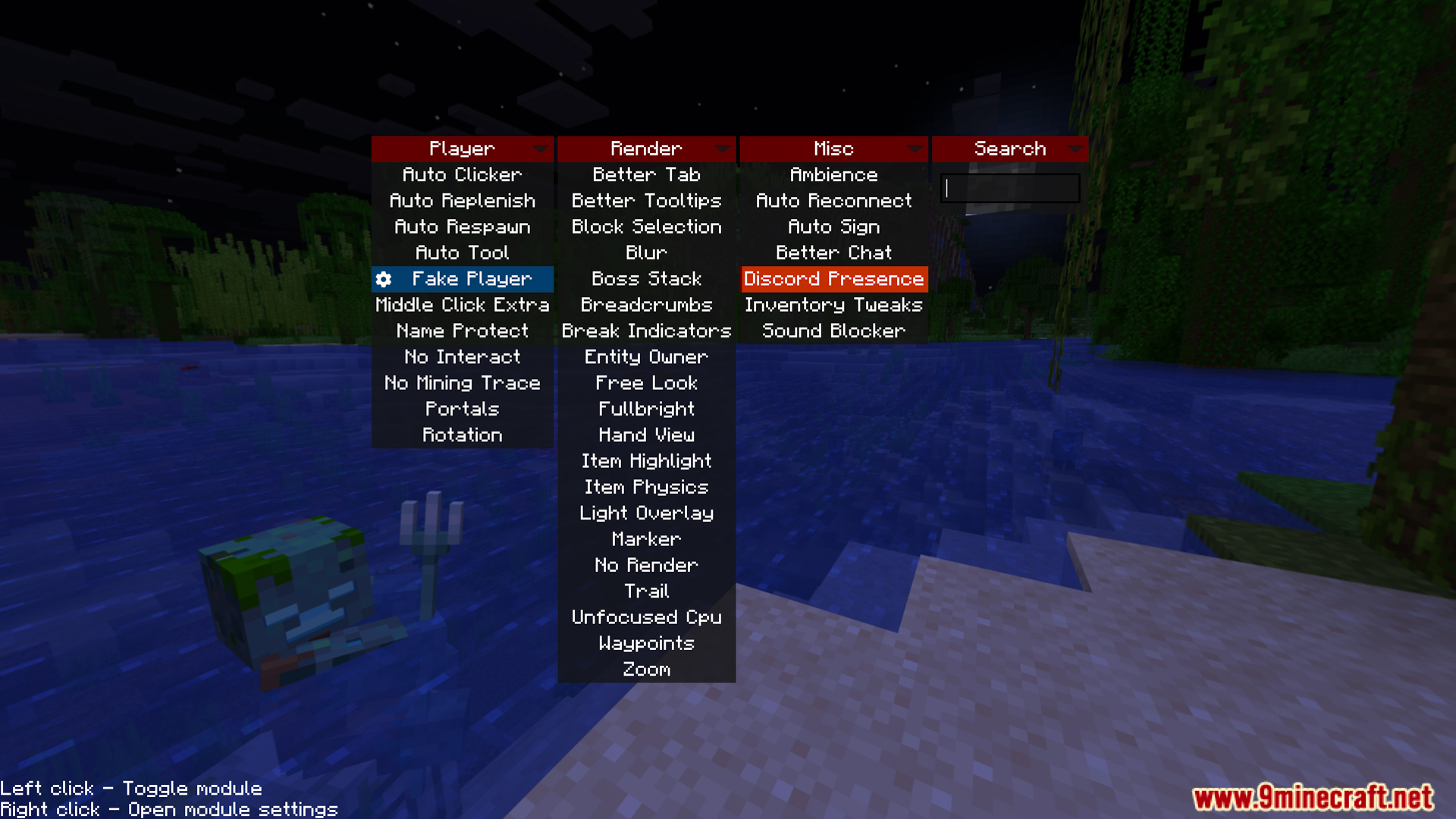
- Press Right-Shift to open the in-game menu.
- Player Support Features:
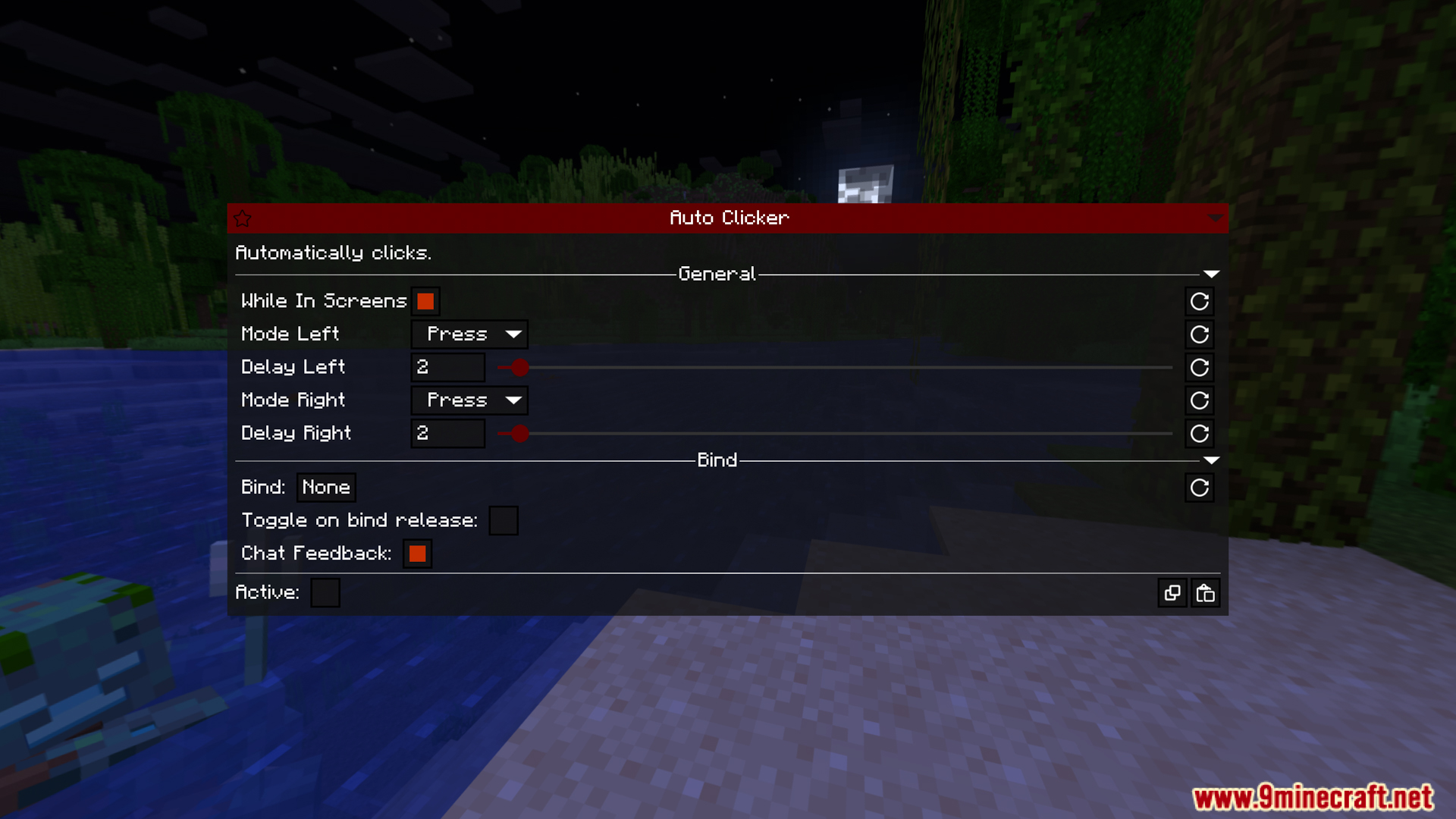
- Auto Clicker allows automatic clicking at a preset speed, useful when farming mobs or performing actions requiring continuous clicking.
- Auto Replenish automatically retrieves items of the same type from your inventory when your stack runs out, preventing interruptions during mining or building.
- Auto Respawn automatically revives you after death without needing to press a button.
- Auto Tool automatically switches to the most suitable tool when you start mining a block, saving time and increasing mining speed.
- Fake Player creates a fake player on the client side for purposes such as taking screenshots, testing, or checking certain mechanics.
- No Interact allows blocking interaction or destroying designated blocks, preventing the accidental destruction of important blocks.
- No Mining Trace allows mining blocks even when an entity is blocking the block.
- Portals allow opening inventory while standing in a teleportation portal.
- Rotation allows locking or adjusting the player’s viewing direction as needed.
- Display and Visual Features:
- Better Tab improves the player list interface when the tab key is pressed.
- Better Tooltips displays enhanced information when hovering over items, including the contents of shulker boxes or ender chests.
- Block ESP highlights designated blocks with a visible border for easier searching.
- Block Selection changes the highlight style of the selected block.
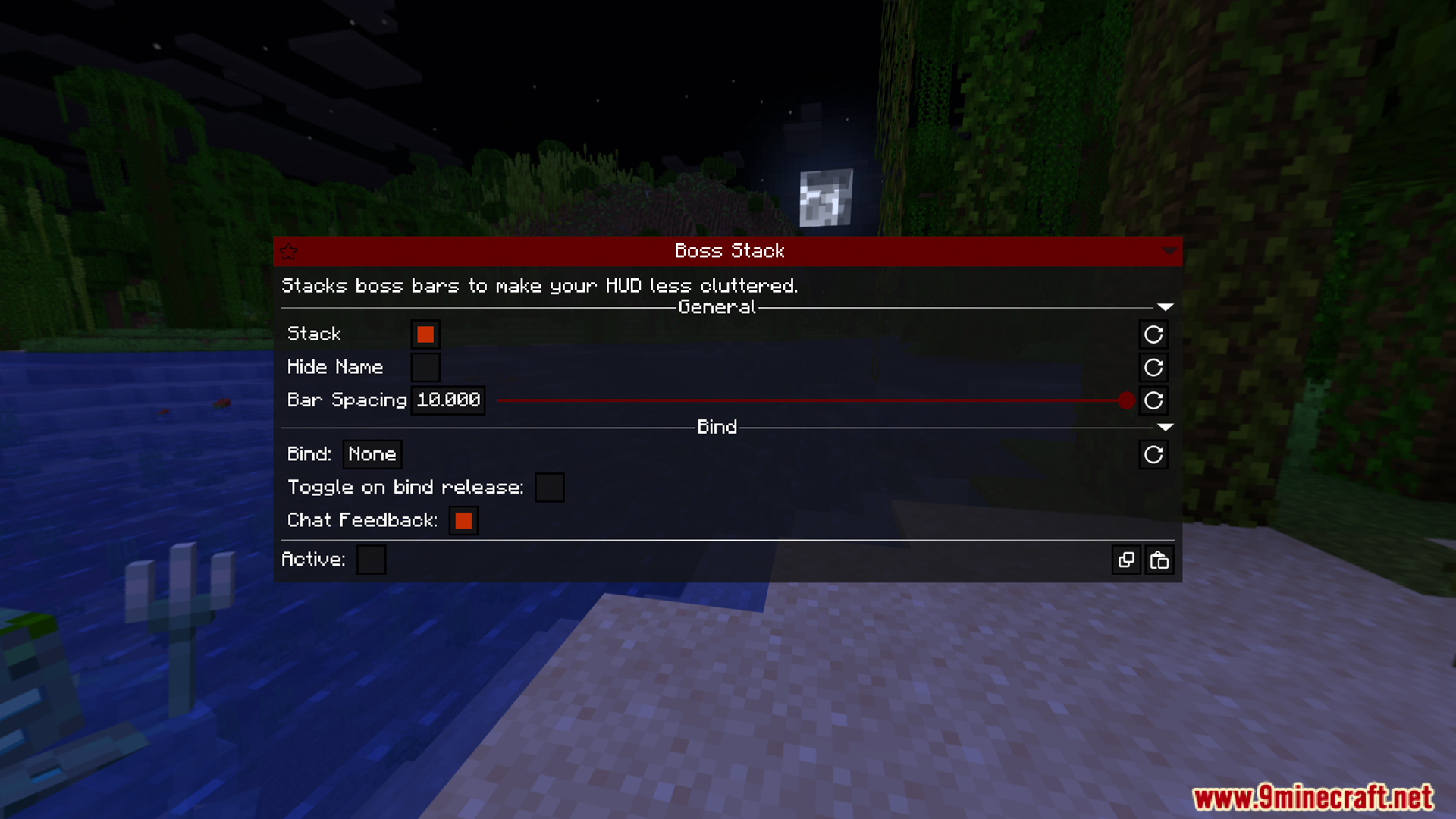
- Blur blurs the interface background for improved aesthetics.
- Breadcrumbs draw the player’s path for easier return to the previous position.
- Break Indicators display block mining progress more visually.
- Camera Tweaks allows for third-person camera adjustment and allows the camera to penetrate blocks.
- Free Look allows for free camera rotation without affecting movement direction.
- Freecam separates the camera from the character to observe the surroundings like spectator mode.
- Fullbright removes shadows and brightens the entire world.
- Hand View allows customization of how items in hand are displayed. Item Highlights highlight specific items in inventory or containers.
- Light Overlay displays the light level on a block to help identify areas where mobs can spawn.
- Markers allow you to draw directional shapes or building frames in the world.
- No Render disables the display of certain effects such as unnecessary particles, fog, or entities.
- Trails create trail effects that follow the player’s movement.
- Unfocused CPU reduces resource usage when Minecraft is not focused.
- Waypoints allow you to create, save, and display waypoints in the world.
- Xray hides certain blocks to highlight the ore or target block.
- Zoom magnifies the view, similar to spyglass.
- Other useful features:
- Ambience allows customization of environments such as sky and space effects.
- Auto Reconnect automatically reconnects to the server when the connection is lost.
- Better Chat improves chat with better content filtering, formatting, and message processing.
- Discord Presence displays your Minecraft gameplay status on Discord.
- Inventory Tweaks helps organize inventory, move items quickly, and handle chests more conveniently.
- Sound Blocker allows you to block annoying sounds from a pre-selected list.
- Asteroid Commands: These are all prefixed with a “.”:
.dismountForce the player to dismount from their vehicle.disconnectDisconnect from the current server.dropDrop an item from inventory.enchantAdd an enchantment to the held item (Creative only).fake-playerManage client-side fake players.friendManage client’s friend list.helpDisplay Asteroid command list.nbtEdit item NBT data (Creative only).peekView contents of shulker box or item containing the held item.ecOpen Ender Chest.profilesManage mod configuration profiles.reloadReload Asteroid without exiting the game.resetReset some configurations to default Define.saySend a chat message that supports StarScript variables.serverDisplays information about the connected server.toggleTurns a module on or off.settingsOpens the module settings page.smSaves the current map as an image file.macroRuns the created macro.modulesDisplays a list of all modules.bindsDisplays assigned keys.giveGives the player a Creative-only item.bindAssigns a key to the next selected module.fovAdjusts the camera angle.rotationAdjusts or locks the character’s viewing direction.wpCreates and manages waypoints.inputSimulates player input
Screenshots:
Crafting Recipes:
Recommend that you should install Just Enough Items (for mods using Forge) or Roughly Enough Items (for mods using Fabric) to view the full recipes included in this mod.
Requires:
How to install:
Click the following link to view details: How to Install Mods for Minecraft Java Edition on PC: A Beginner Guide
Asteroid Mod Download Links
For Minecraft 1.20.6
Fabric version: Download from Server 1 – Download from Server 2
For Minecraft 1.21.1, 1.21
Fabric version: Download from Server 1 – Download from Server 2
For Minecraft 1.21.3
Fabric version: Download from Server 1 – Download from Server 2
For Minecraft 1.21.4
Fabric version: Download from Server 1 – Download from Server 2
For Minecraft 1.21.5
Fabric version: Download from Server 1 – Download from Server 2
For Minecraft 1.21.8, 1.21.7, 1.21.6
Fabric version: Download from Server 1 – Download from Server 2
For Minecraft 1.21.10
Fabric version: Download from Server 1 – Download from Server 2
For Minecraft 1.21.11
Fabric version: Download from Server 1 – Download from Server 2
You May Also Like