Audio Player Mod (1.21.11, 1.20.1) – Put Your Own Audio Files on Music Discs

 0
0  December 9, 2025
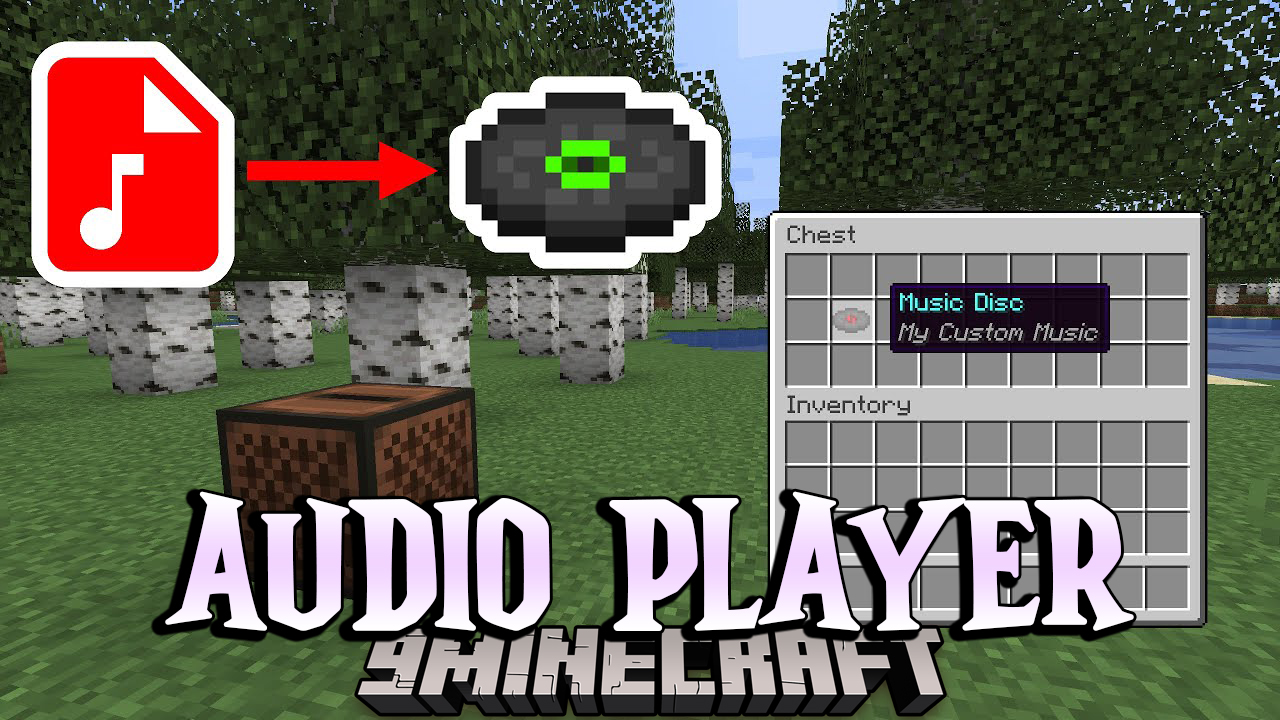
Audio Player Mod is a server-side mod that allows you to upload custom audio for music discs, goat horns, and note blocks with heads.
Features:
- Upload audio on the fly without restarting the server
- Supports mp3 and wav files
- Upload via:
- URL
- Directly to the server
- Filebin
- Website
- Server-side only, no client changes required
- No resource pack needed
- Configurable upload limit, command permissions, and audio range
- Per-item custom audio range
- Bulk apply audio to all items in containers (shulker boxes, bundles, etc.)
- Configurable goat horn cooldown
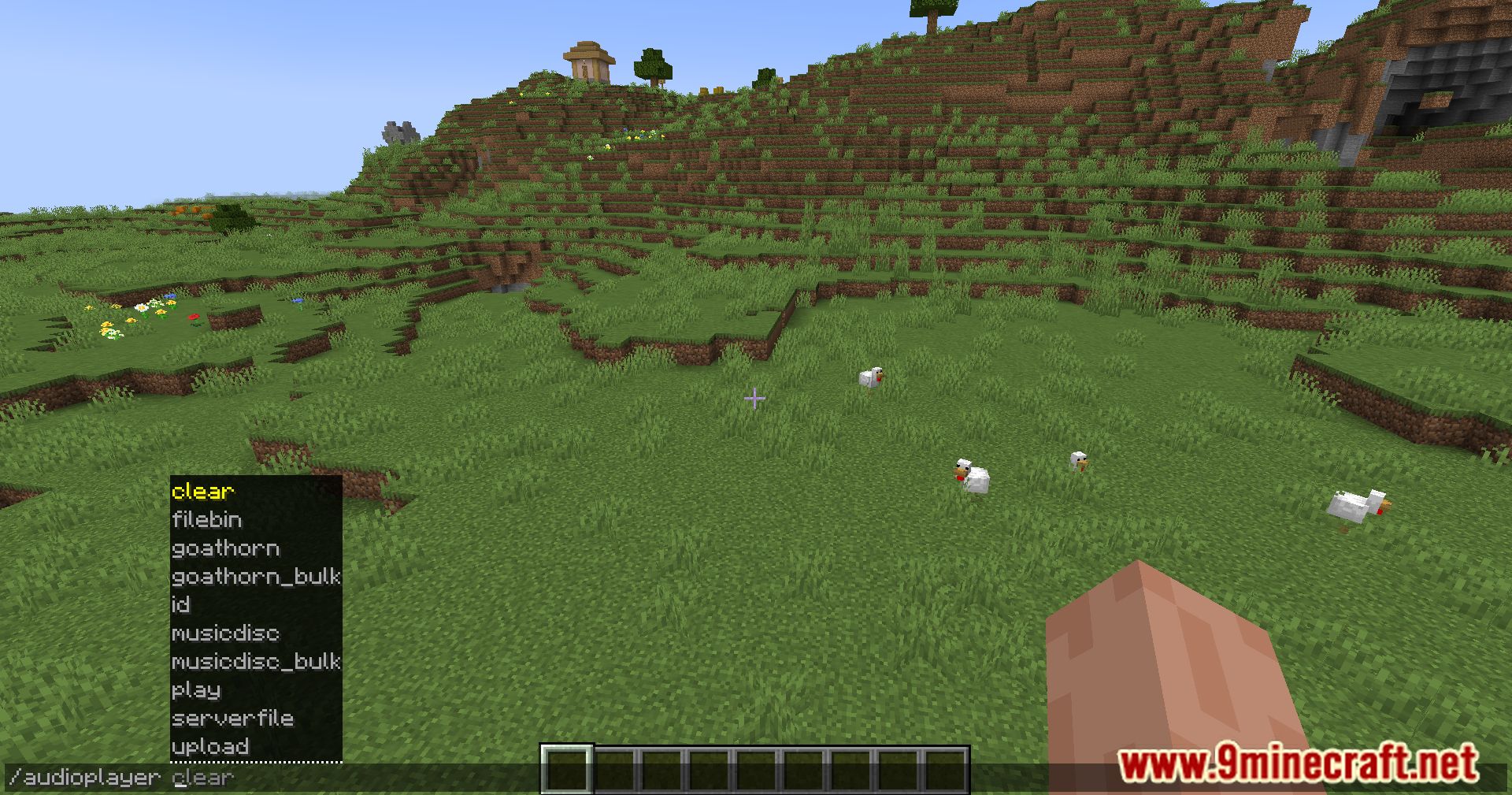
Commands:
/audioplayer– Shows general information about uploading files- Upload via URL:
/audioplayer url "https://example.com/myaudio.mp3"- Replace the link with your own .mp3 or .wav file
- Upload directly to the server:
- Copy your file to
audioplayer_uploadsfolder on the server /audioplayer serverfile "yourfile.mp3"– Replace with your file name
- Copy your file to
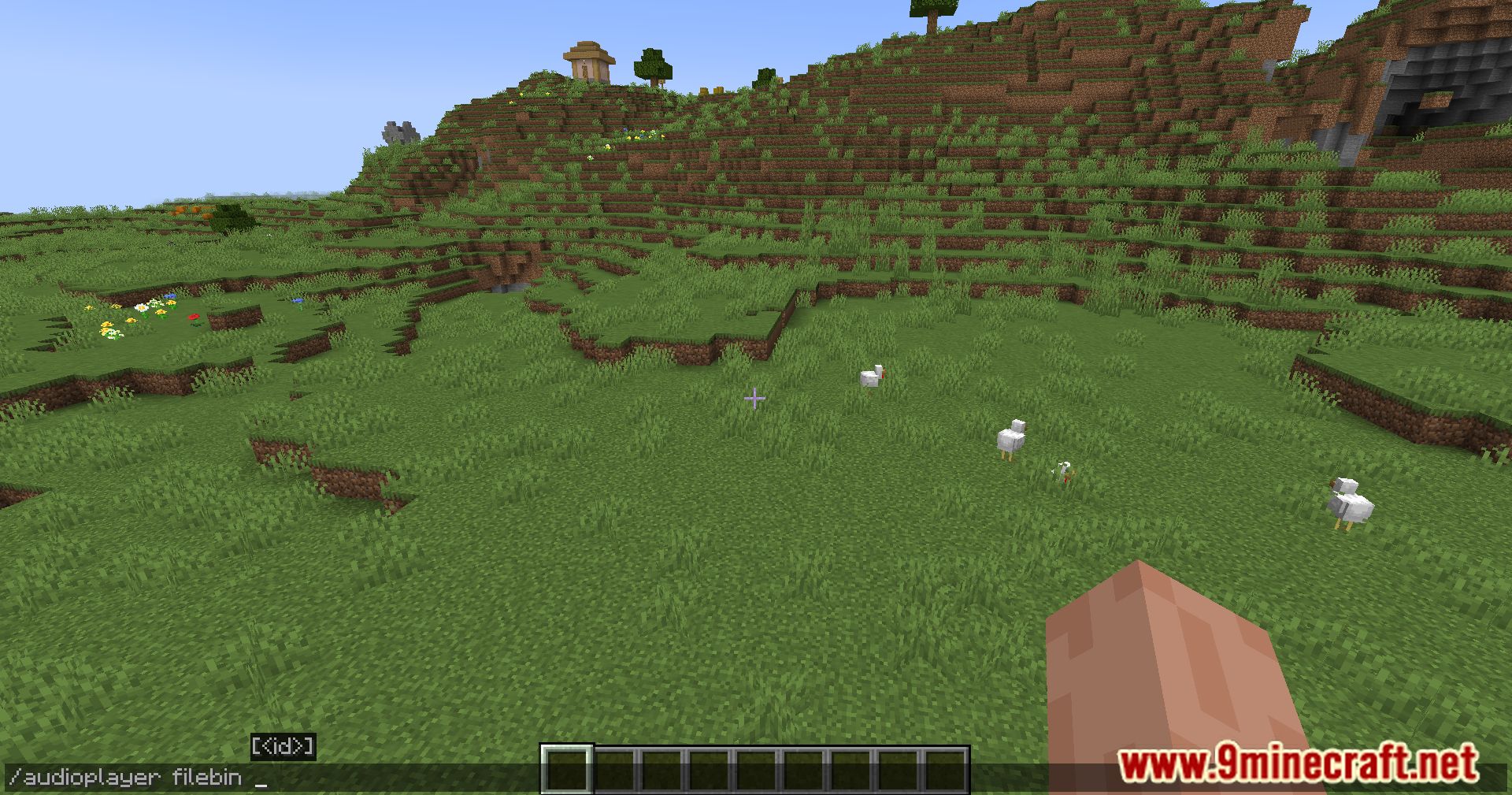
- Upload via Filebin:
/audioplayer filebin– Follow the instructions
- Apply audio to an item:
- Hold a music disc, goat horn, or head in your main hand
/audioplayer apply <ID>- Or apply by file name:
/audioplayer apply "<FILE_NAME>"(with or without extension) - Bulk apply: hold a container item (shulker box, bundle, etc.) and run the command
- Adjust audio range:
- Hold the item or container with items
/audioplayer range <RANGE>
- Get audio info:
- Hold an item with custom audio
/audioplayer info
- Search audio files:
/audioplayer search <SEARCH_TEXT>– Finds files containing the text
Screenshots:
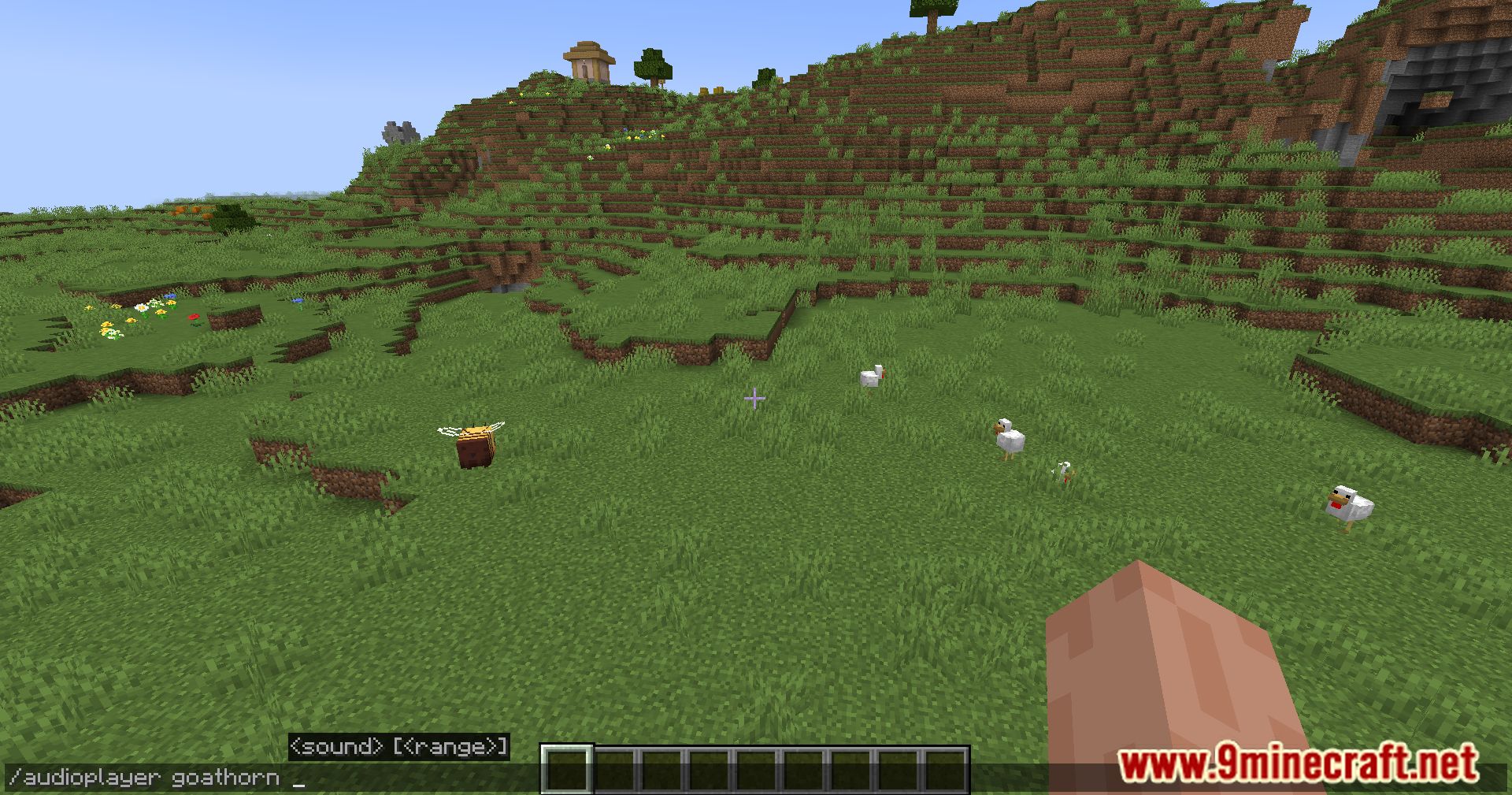
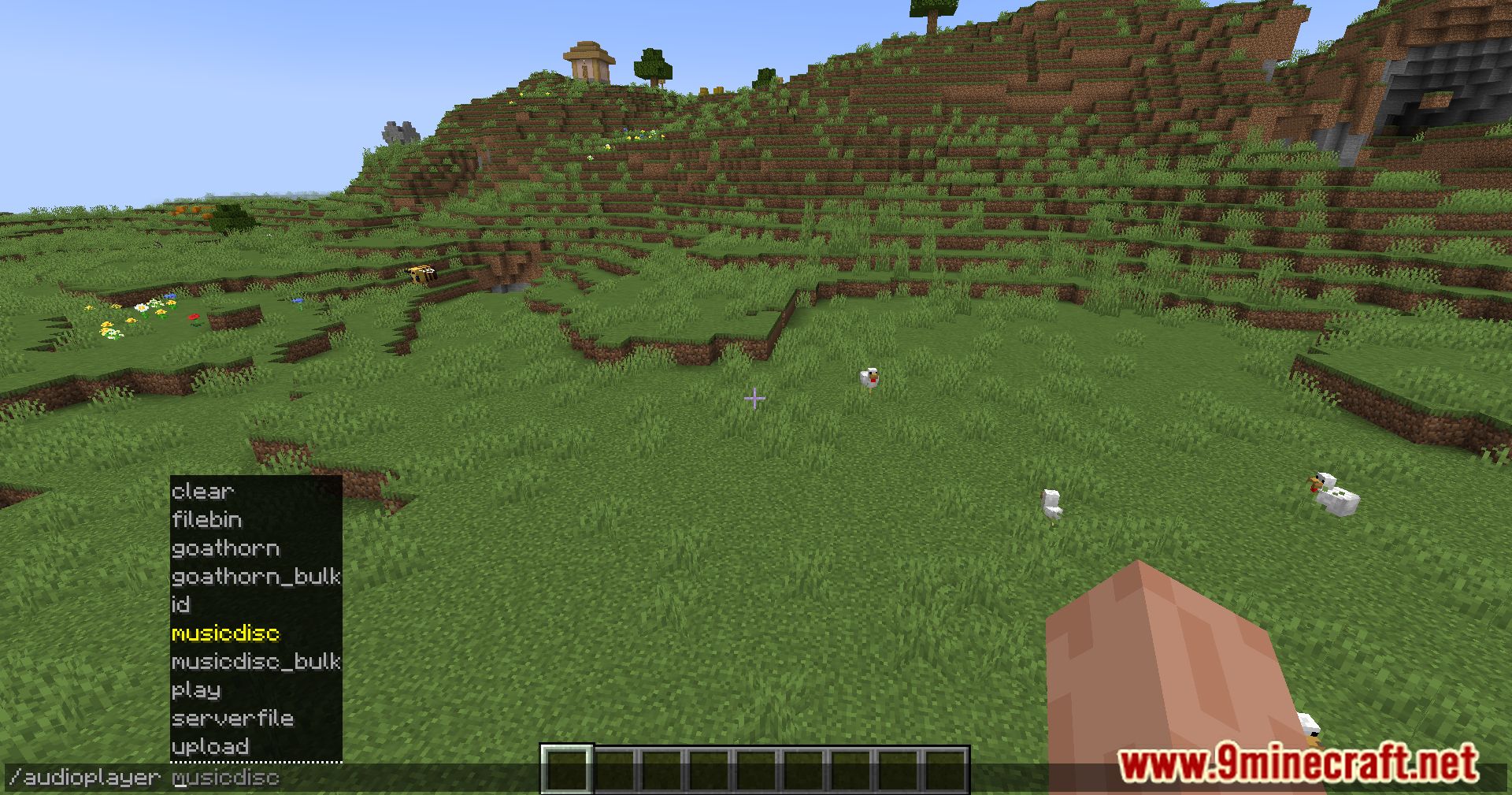
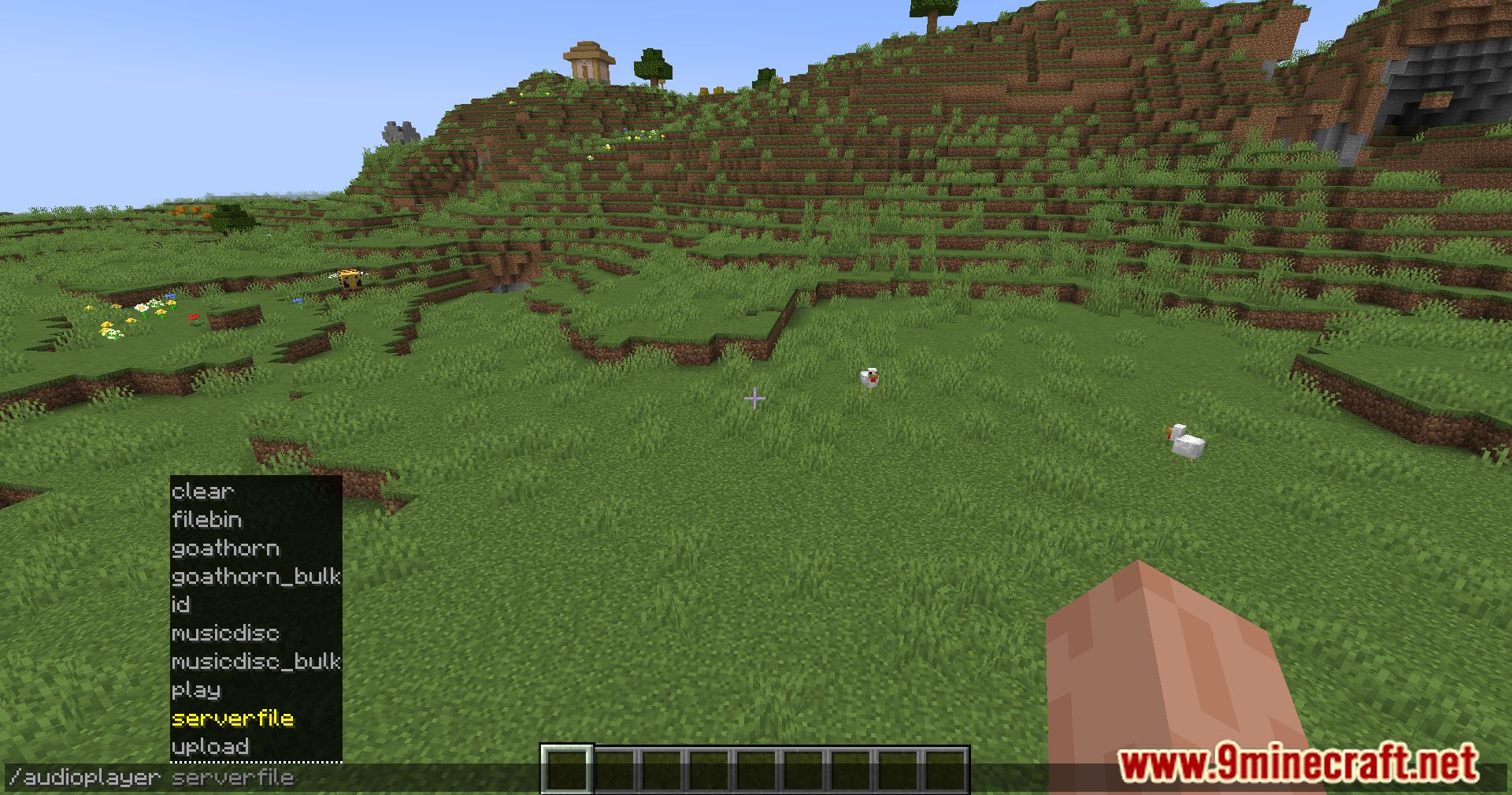
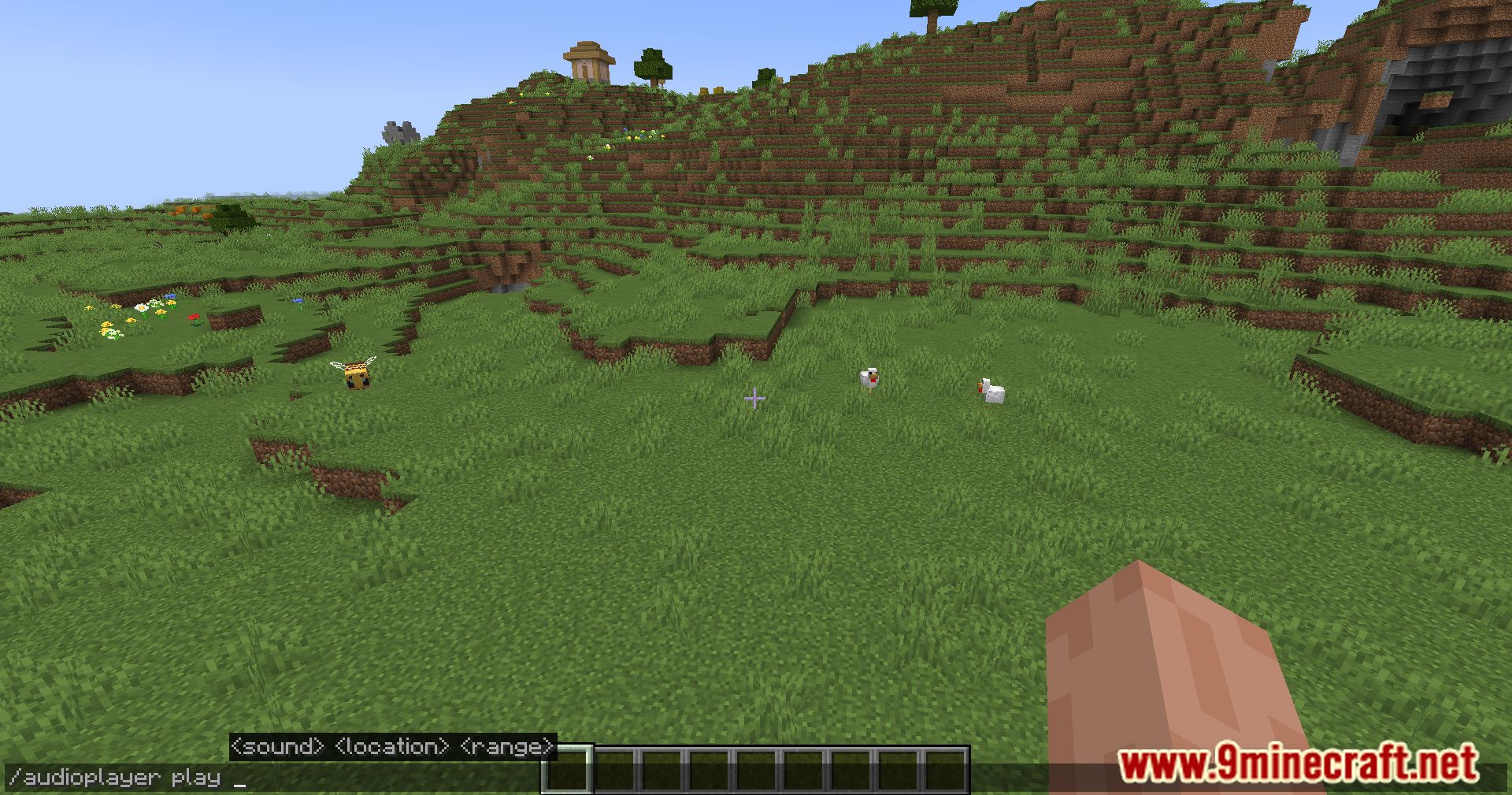
Crafting Recipes:
Recommend that you should install Just Enough Items (for mods using Forge) or Roughly Enough Items (for mods using Fabric) to view the full recipes included in this mod.
Requires:
How to install:
Click the following link to view details: How to Install Mods for Minecraft Java Edition on PC: A Beginner Guide
Audio Player Mod Download Links
Other Versions:
For Minecraft 1.17.1
Fabric version: Download from Server 1 – Download from Server 2
For Minecraft 1.18.1
Fabric version: Download from Server 1 – Download from Server 2
For Minecraft 1.18.2
Fabric version: Download from Server 1 – Download from Server 2
For Minecraft 1.19
Fabric version: Download from Server 1 – Download from Server 2
For Minecraft 1.19.1
Fabric version: Download from Server 1 – Download from Server 2
For Minecraft 1.19.2
Fabric version: Download from Server 1 – Download from Server 2
For Minecraft 1.19.3
Fabric version: Download from Server 1 – Download from Server 2
For Minecraft 1.19.4
Fabric version: Download from Server 1 – Download from Server 2
For Minecraft 1.20.1
Fabric version: Download from Server 1 – Download from Server 2
For Minecraft 1.20.2
Fabric version: Download from Server 1 – Download from Server 2
For Minecraft 1.20.3
Fabric version: Download from Server 1 – Download from Server 2
For Minecraft 1.20.4
Fabric version: Download from Server 1 – Download from Server 2
For Minecraft 1.20.6
Fabric version: Download from Server 1 – Download from Server 2
For Minecraft 1.21
Fabric version: Download from Server 1 – Download from Server 2
For Minecraft 1.21.1
Fabric/Quilt version: Download from Server 1 – Download from Server 2
For Minecraft 1.21.2
Fabric/Quilt version: Download from Server 1 – Download from Server 2
For Minecraft 1.21.3
Fabric/Quilt version: Download from Server 1 – Download from Server 2
For Minecraft 1.21.4
Fabric/Quilt version: Download from Server 1 – Download from Server 2
For Minecraft 1.21.5
Fabric/Quilt version: Download from Server 1 – Download from Server 2
For Minecraft 1.21.6
Fabric/Quilt version: Download from Server 1 – Download from Server 2
For Minecraft 1.21.8, 1.21.7
Fabric/Quilt version: Download from Server 1 – Download from Server 2
For Minecraft 1.21.9
Fabric/Quilt version: Download from Server 1 – Download from Server 2
For Minecraft 1.21.10
Fabric/Quilt version: Download from Server 1 – Download from Server 2
For Minecraft 1.21.11
Fabric/Quilt version: Download from Server 1 – Download from Server 2
You May Also Like